


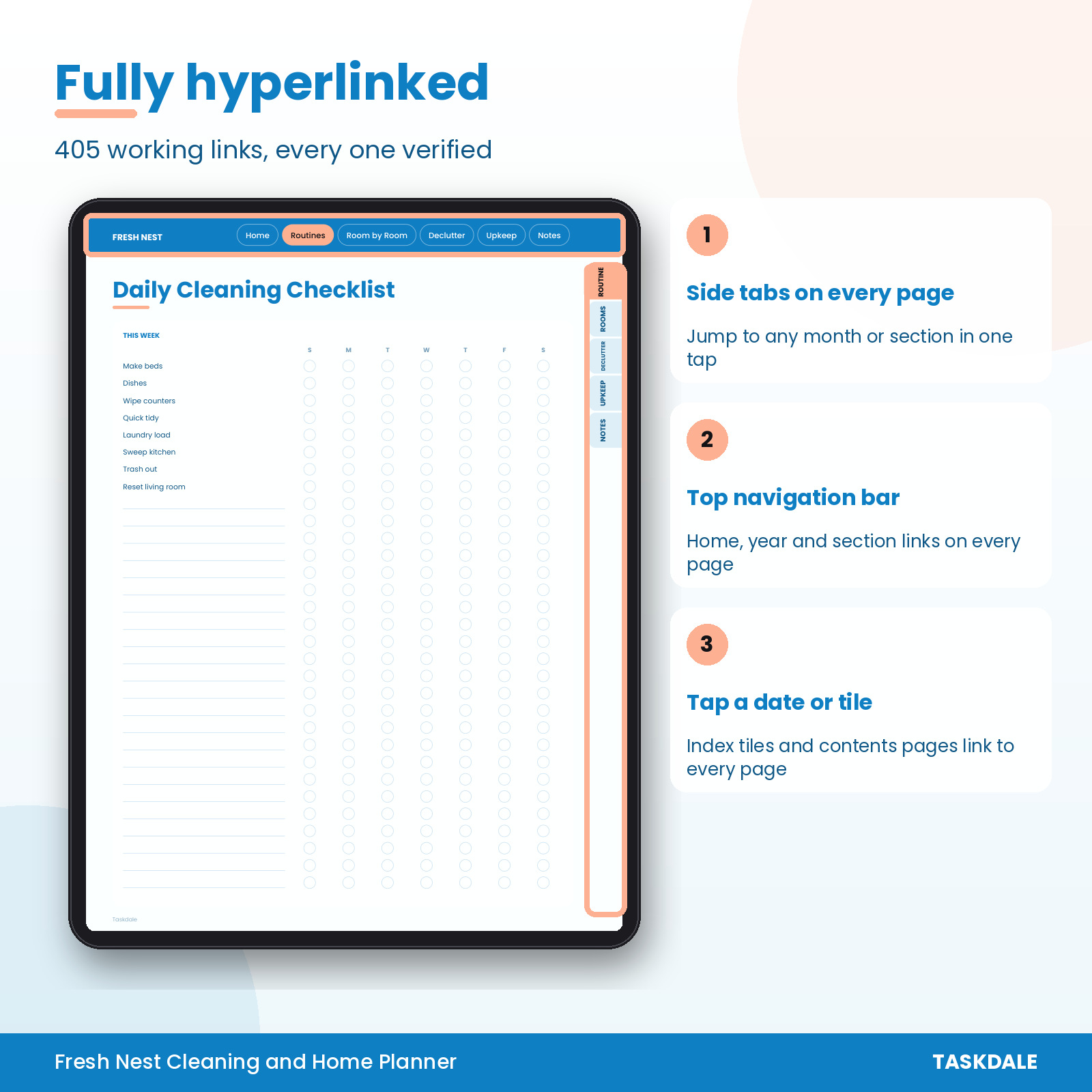

The Fresh Nest Cleaning and Home Planner is a hyperlinked cleaning planner for busy households who want a clean home without marathon cleaning days. It comes as one 35-page PDF with side tabs and a top navigation bar on every page, so you can move from the index to any section in a single tap. Import it into GoodNotes or another PDF annotation app, pick up your stylus and start planning today.
Instead of a cluttered template with dead links, you get a clean, premium layout built in the ocean blue and coral rose palette, with 405 internal links that were each checked to open the right page.
Why you will love this cleaning planner
- Everything is one tap away: side tabs, a top bar and a clickable index on every page.
- No dates, so you can start any time and use it at your own pace.
- Generous writing space with clear headings and soft guide lines that look great under handwriting.
- Light 0.15 MB file that opens quickly, with the Poppins font embedded.
- A step-by-step DOCX user guide is included.
What is included in the Fresh Nest Cleaning and Home Planner
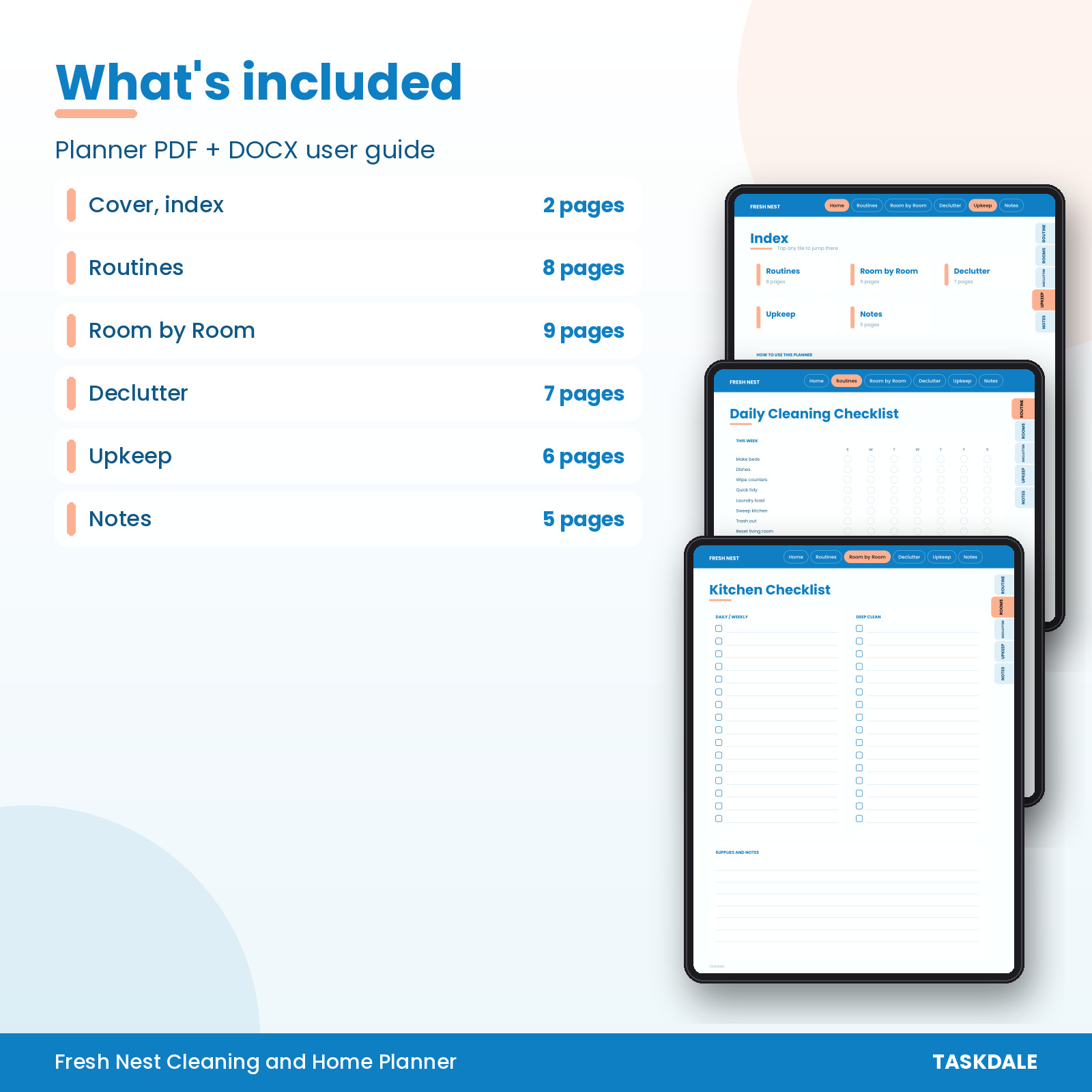
Your download contains the planner PDF and the user guide. Here is how the 35 pages are organized:
- Cover, index: 2 pages
- Routines: 8 pages
- Room by Room: 9 pages
- Declutter: 7 pages
- Upkeep: 6 pages
- Notes: 5 pages
- User guide (DOCX): import steps, navigation, tips, troubleshooting and FAQ
Key features
- Daily cleaning checklists and weekly zone schedule
- 8 room-by-room checklists
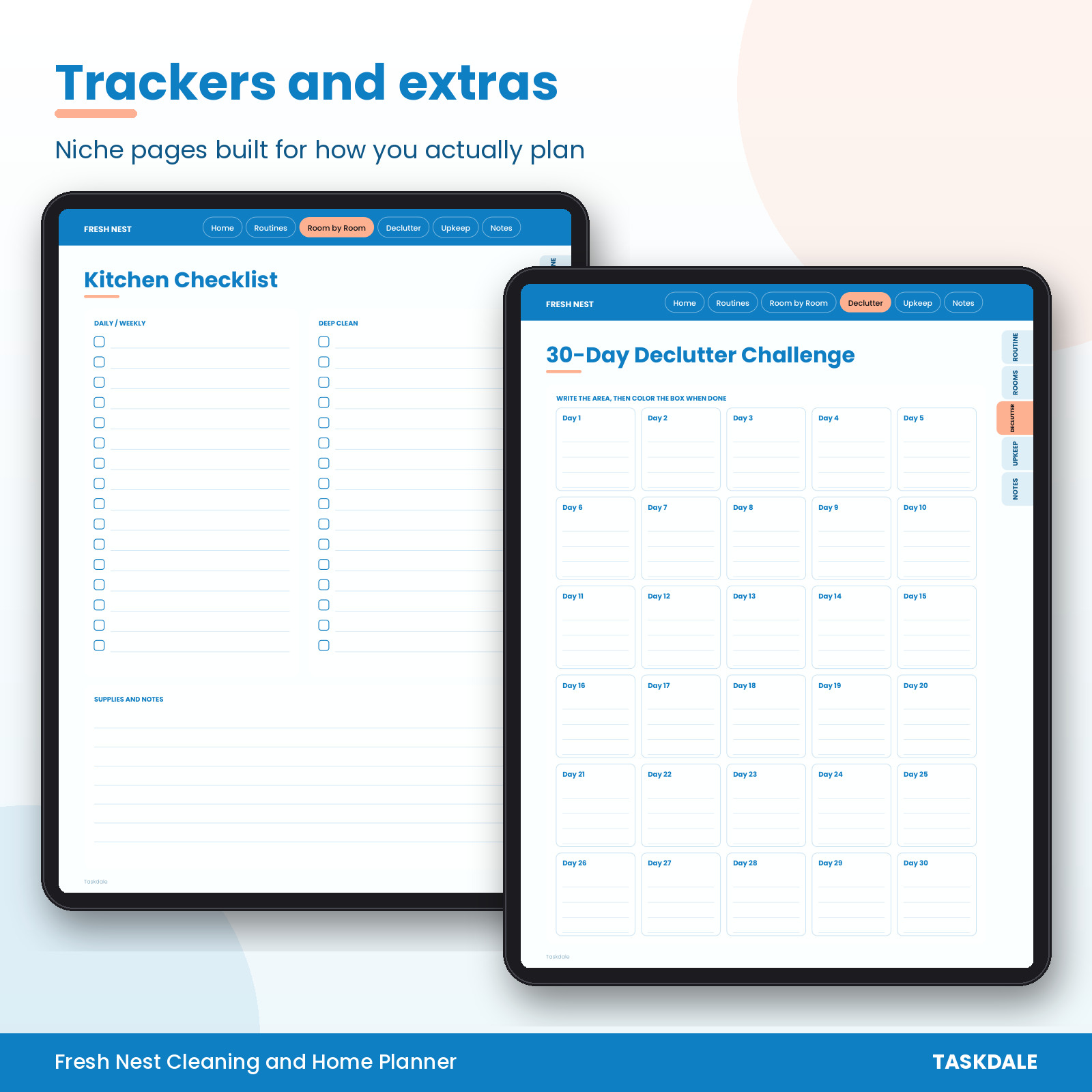
- 30-day declutter challenge
- 4 organizing project planners
- Home maintenance log and chore chart
- Laundry tracker and supplies inventory
Inside each section
Routines: Daily Cleaning Checklist, Weekly Cleaning Schedule, Monthly and Seasonal Tasks.
Room by Room: Kitchen Checklist, Living Room Checklist, Bathroom Checklist, Bedroom Checklist, Kids Room Checklist, Laundry Checklist, Entry and Closets Checklist, Outdoor and Garage Checklist.
Declutter: 30-Day Declutter Challenge, Organizing Project, Donate and Sell List.
Upkeep: Home Maintenance Log, Laundry Guide and Tracker, Cleaning Supplies Inventory, Chore Chart.
Who this cleaning planner is for
This planner was designed for busy households who want a clean home without marathon cleaning days. If you have tried paper planners that you abandoned by February, or digital templates where half the tabs do nothing, this one is built to be used every day: big tap targets, simple layouts and only the pages that earn their place.
Real-life ways to use it
- Follow a simple daily and weekly routine.
- Deep clean room by room.
- Declutter one area a day for 30 days.
- Track repairs and maintenance.
How it works
- Buy and download the files instantly from your Taskdale account.
- Import the PDF into your note-taking app (the guide shows the steps for GoodNotes, Notability, Noteshelf and Xodo).
- Tap Start Planning on the cover to open the index.
- Use the side tabs and top bar to jump anywhere.
- Write, highlight, add stickers and duplicate any page you need more of.
File format and requirements
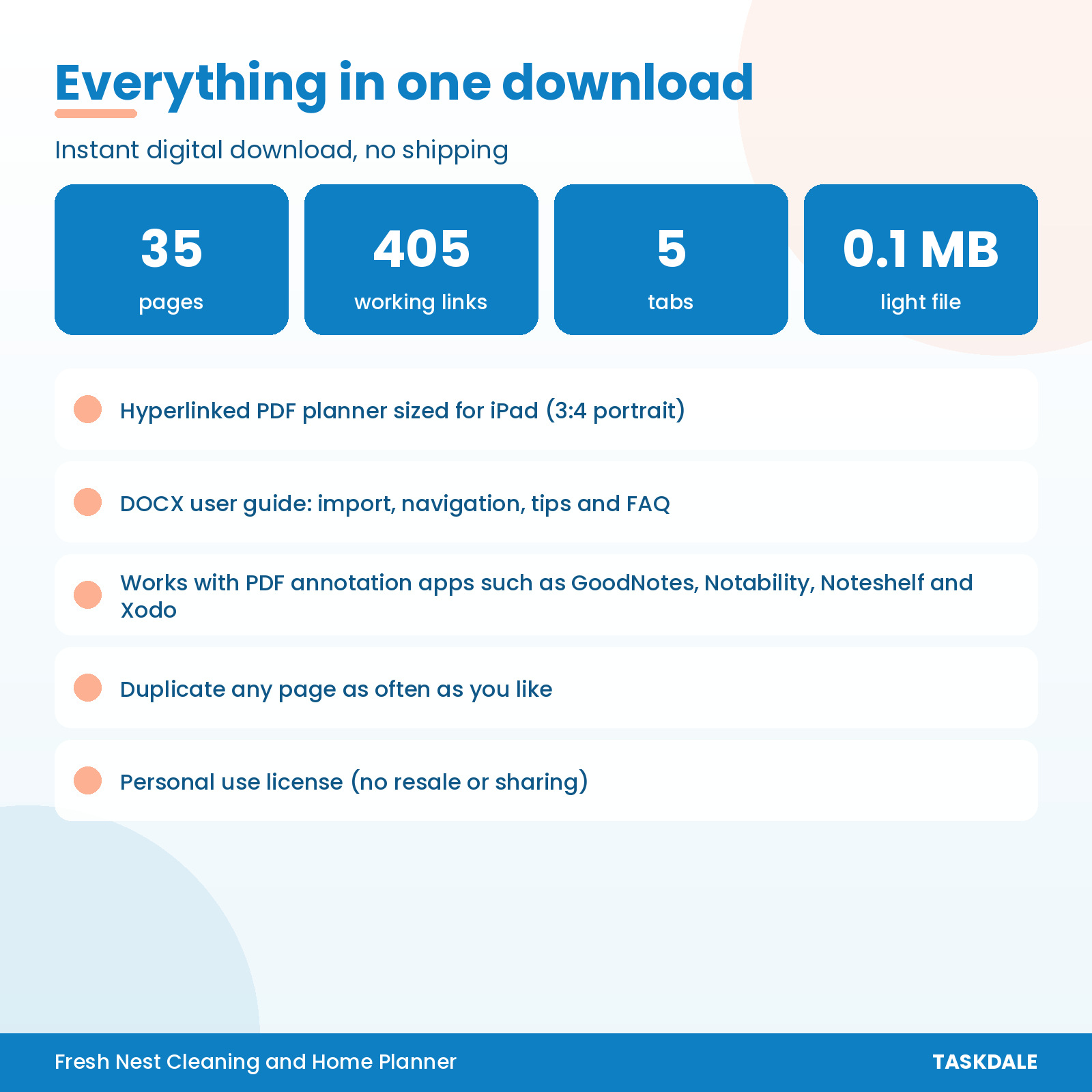
- Format: hyperlinked PDF (35 pages, about 0.15 MB) plus a DOCX user guide.
- Page layout: portrait (3:4), sized for iPad screens; it also displays on Android and Windows tablets.
- Works with PDF annotation apps such as GoodNotes, Notability, Noteshelf and Xodo. Link behavior depends on your app and its settings.
- You need a tablet and a note-taking app; a stylus is recommended for handwriting.
- Fonts are embedded, so the design looks the same in every app.
Customize your planner
Make it yours: duplicate pages such as Room by Room, Declutter as often as you like, add photos and digital stickers, color-code with highlighters, and save favorite pages as templates in your app. The notes section adds lined, dot grid, grid and blank pages for anything else.
Instant digital download
This is a digital product: no physical item will be shipped. After checkout you can download the PDF planner and DOCX guide right away. Colors may look slightly different on different screens.
Frequently asked questions
Does this cleaning planner work in GoodNotes?
It is a standard hyperlinked PDF and works with PDF annotation apps such as GoodNotes, Notability, Noteshelf and Xodo. Import it as a PDF document so the links are kept.
Is it dated or undated?
It has no dates, so you can start whenever you like.
Can I use it on an Android tablet or Windows?
Yes, with a PDF annotation app that supports links, such as Xodo.
Why do the links not work while I am writing?
Most apps follow links with a finger tap when no pen is selected, or in read-only/view mode. The user guide explains this step by step.
Can I add more pages?
Yes. Duplicate any page from your app’s page thumbnails; the tabs on the copy keep working.
Can I print it?
It is designed for tablets, but you can print single pages with “fit to page”.
Can I share or resell it?
No. The license is for personal use only; please do not share, resell or redistribute the files.
License
Personal use only. Copyright Taskdale. You may not resell, share, distribute or give away the files, in full or in part.
Reviews
There are no reviews yet.