SOPs & Operations
Write down how things get done once, and stop explaining it again. These SOP templates and operations toolkits give you ready-made sections for roles, steps, quality checks and approvals, so new people can follow the process without you in the room.Popular here: Small Business Operations Planner & Client Project and Standard Operating Procedure Template SOP Toolkit.Also worth a look: Small Business Templates, Dashboards & Financial Models.
Showing all 11 resultsSorted by popularity
- Small Business Templates
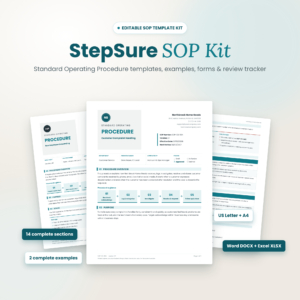
StepSure SOP Kit – Editable SOP Template with Examples, Forms & Review Tracker (DOCX, XLSX, US Letter & A4)
$4.00 Add to cart - Small Business Templates
Small Business Operations Planner & Client Project Tracker Pack
$7.99 Add to cart



How to choose the right SOP template
If you are the only person who knows how something gets done, every question lands on your desk. A written SOP takes that weight off. The trick is picking a template you will actually fill in, so here is how to narrow it down.
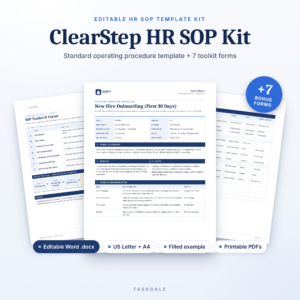
Start with the file type you already use. StepSure comes as editable Word and Excel files (DOCX and XLSX) in US Letter and A4. ClearStep is a Word template aimed at HR processes. SOP Template Pro is set up for A4 paper.
Then match the template to the job in front of you:
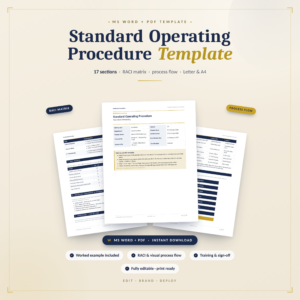
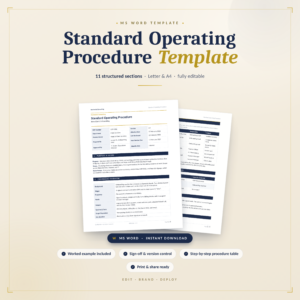
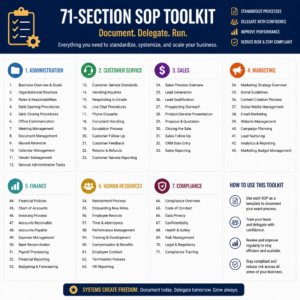
- One process at a time: the Standard Operating Procedure Template SOP Toolkit, or the version made for teams.
- The daily routine: the Daily Operations SOP for Small Businesses, for the jobs that happen every single day.
- Client work: the Small Business Operations Planner & Client Project Tracker Pack.
- HR and training: ClearStep, with an SOP register, a RACI chart and a training sign-off sheet.
What you get in an SOP kit
Fill-in templates come first. That is the page you copy for each new procedure. StepSure adds worked examples, so you can see a finished SOP before writing your own, plus forms and a review tracker for logging when each document was last checked.
ClearStep goes further on the people side. The SOP register lists every procedure in one place. The RACI chart spells out who does the task, who signs it off, who gets asked and who just needs to be told. The training sign-off records who has been shown each process.
Short on time? Write the first draft in plain bullet points, then paste it into the template. Nobody needs polished prose. They need the steps in the right order.
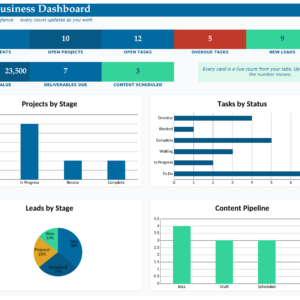
Once your processes are on paper, the numbers usually come next. Dashboards & Financial Models has files for seeing how the business is doing. And if you want help drafting procedures faster, look at AI Tools & Prompts.
SOP template questions
What does SOP stand for?
Standard operating procedure. It is a written, step-by-step record of how a task is done so anyone can repeat it the same way.
Can I edit the templates?
Yes. StepSure and ClearStep are editable Word files, and StepSure includes Excel files too. Each listing names its file types.
How many SOPs should a small business start with?
Start with the tasks you explain most often, or the ones that cause trouble when they go wrong. Three or four clear SOPs beat twenty that nobody reads.
Will I receive a printed binder?
No. You download the files right after checkout and nothing is shipped.