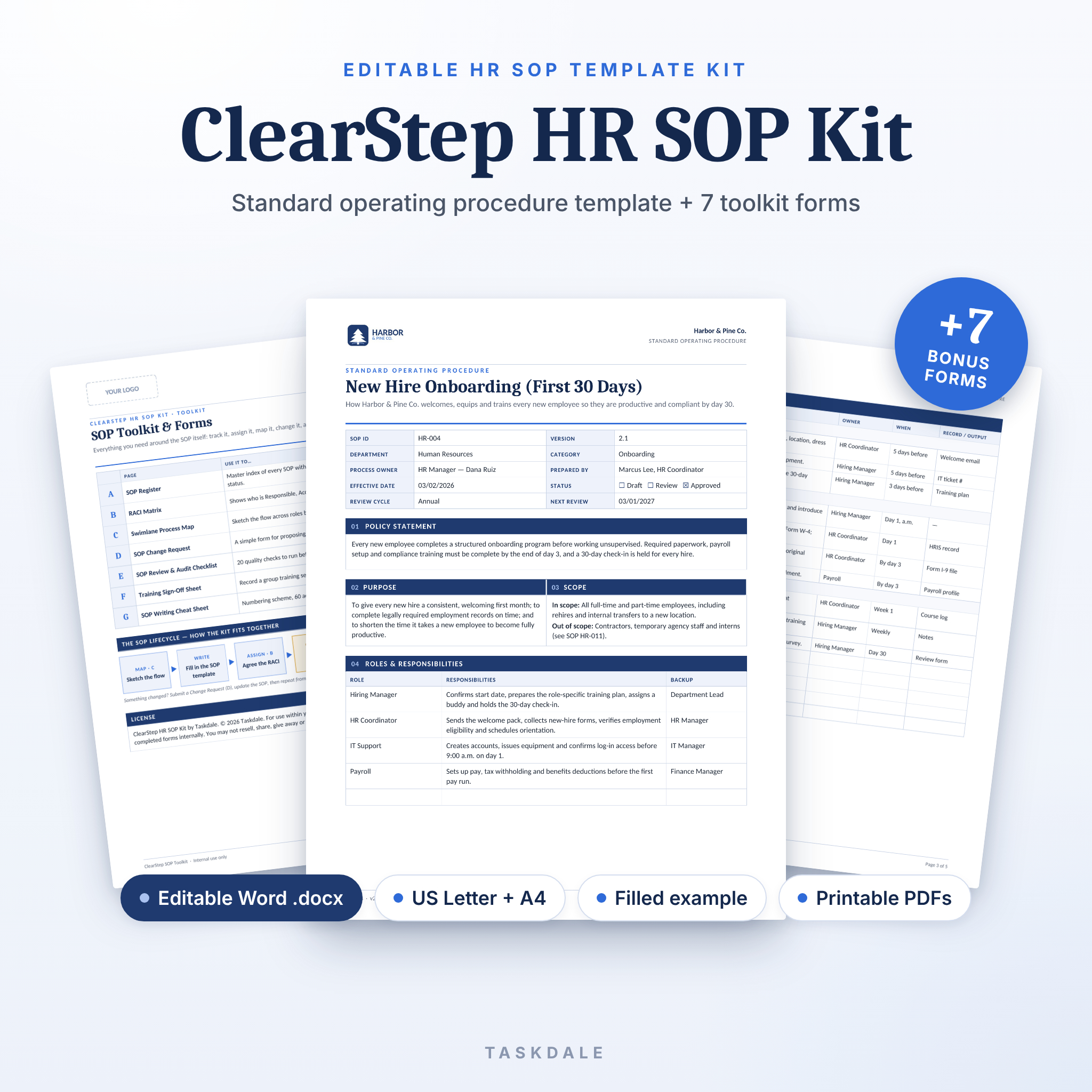
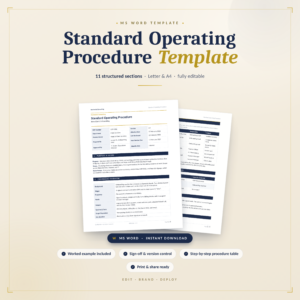
The ClearStep HR SOP Kit is an editable HR SOP template kit that helps you write standard operating procedures your team will actually follow. Instead of a bare two-page form, you get a complete, 15-section SOP template, a fully worked example, seven toolkit forms for managing your SOP library and a step-by-step user guide, all in US Letter and A4.
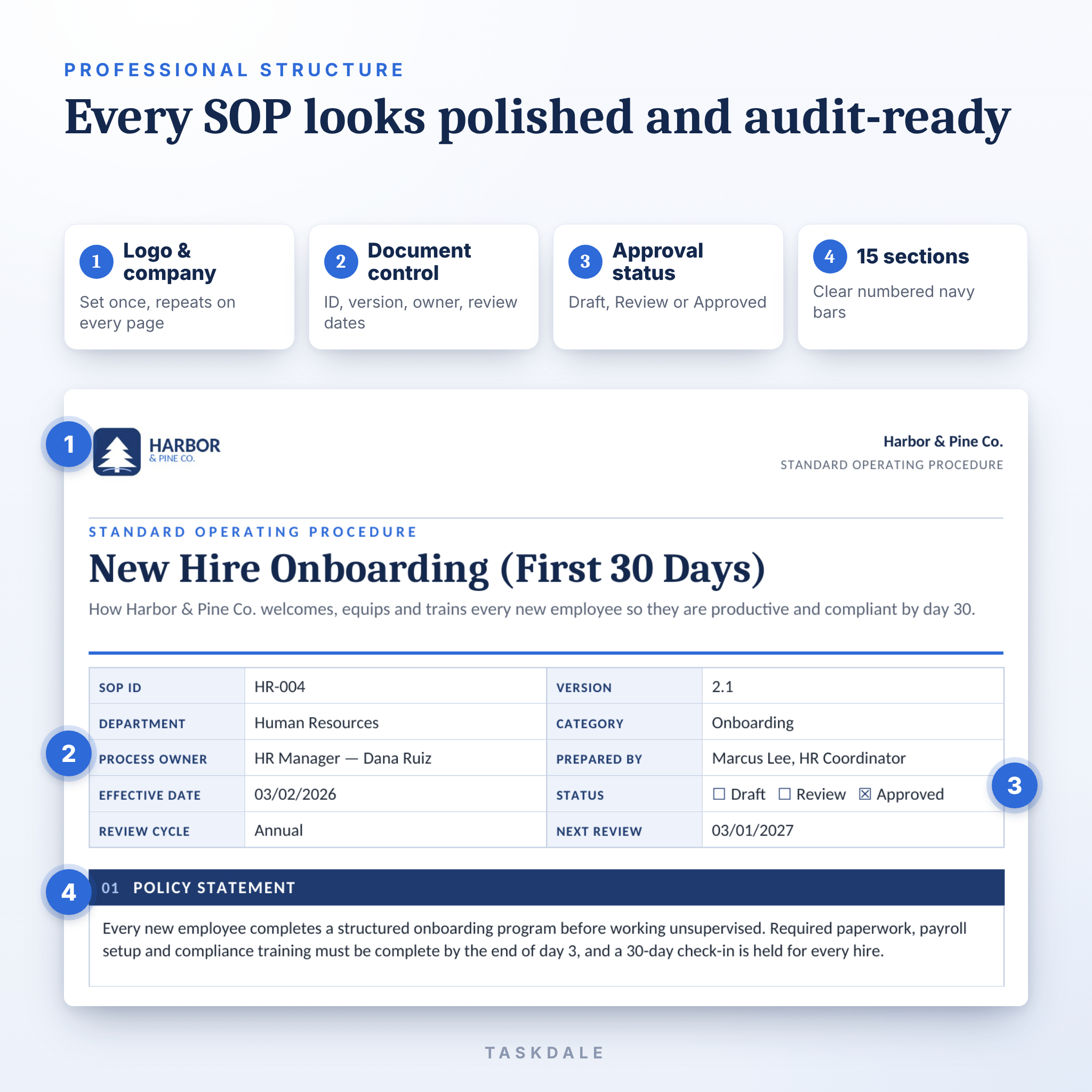
Every SOP you create gets the same polished, audit-ready layout: your logo in the header, a document control panel, clear navy section bars and tables that are quick to fill in and easy to read.
What this HR SOP template does
ClearStep turns the way your business already works into clear, consistent written procedures. Gray hint text inside every section tells you exactly what to write, so you never stare at a blank page. When you are done, you have a professional SOP with an owner, a version number, a review date, approvals and a record of who has been trained on it.
Who it is for
- HR managers, generalists and coordinators documenting people processes
- Small business owners and office managers who need consistent procedures without hiring a consultant
- Operations, quality and compliance leads preparing for audits or certifications
- Team leads and trainers who onboard new staff
The examples are HR-focused, but every section is generic, so the template also works for finance, operations, customer service, IT and safety procedures.
Main benefits
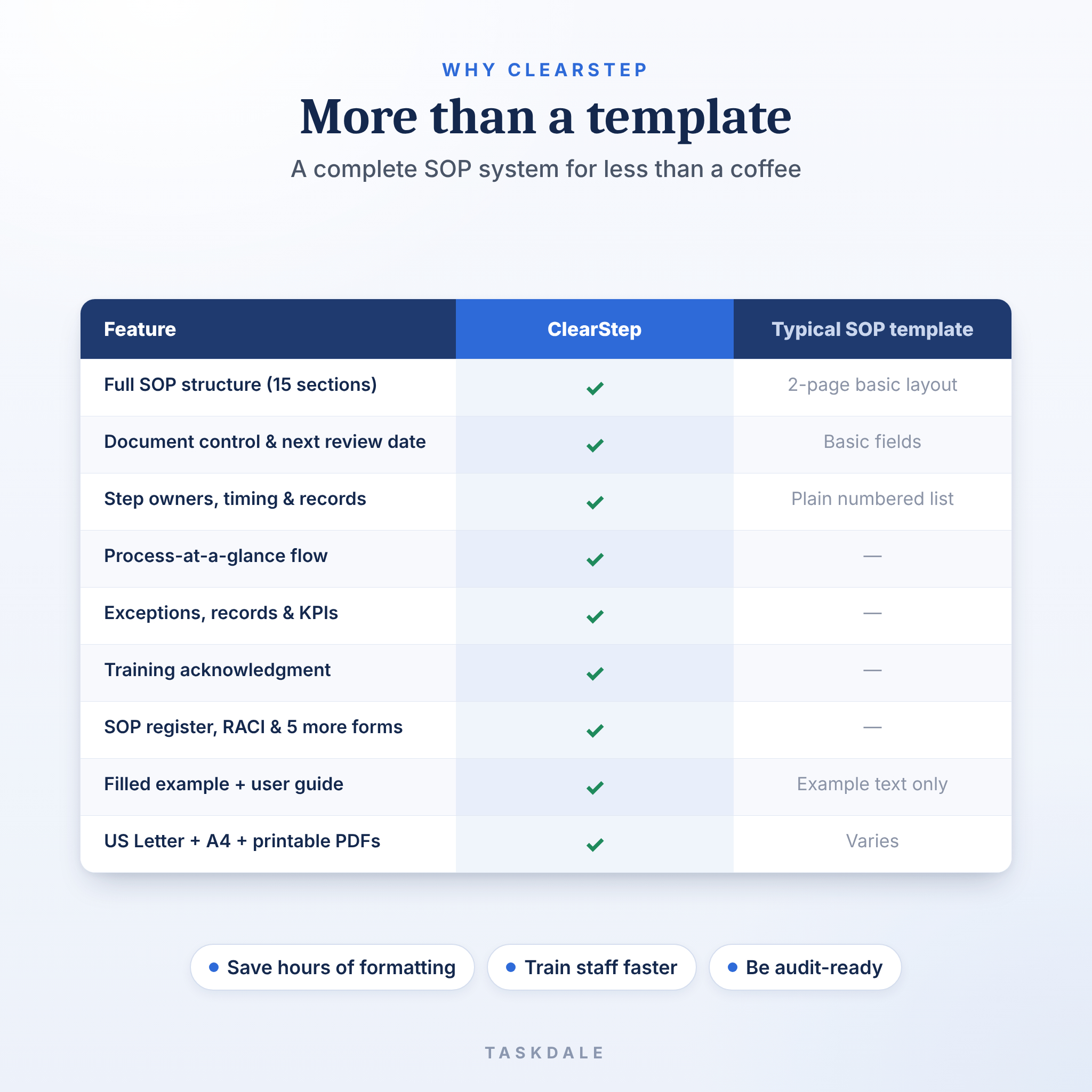
- Save hours of formatting: the structure, styling and tables are done for you.
- Train new hires faster: phased steps with owners and deadlines are easy to follow.
- Reduce mistakes and risk: exceptions, escalation contacts and quality checks are built in.
- Stay audit-ready: version control, approvals, revision history and training sign-offs are on every SOP.
- Look professional: a consistent, branded design across your whole SOP library.
Features of the SOP template
15 clear sections
- Policy Statement
- Purpose
- Scope (in scope and out of scope)
- Roles & Responsibilities, with backups
- Definitions
- Prerequisites & Resources
- Related Documents & References
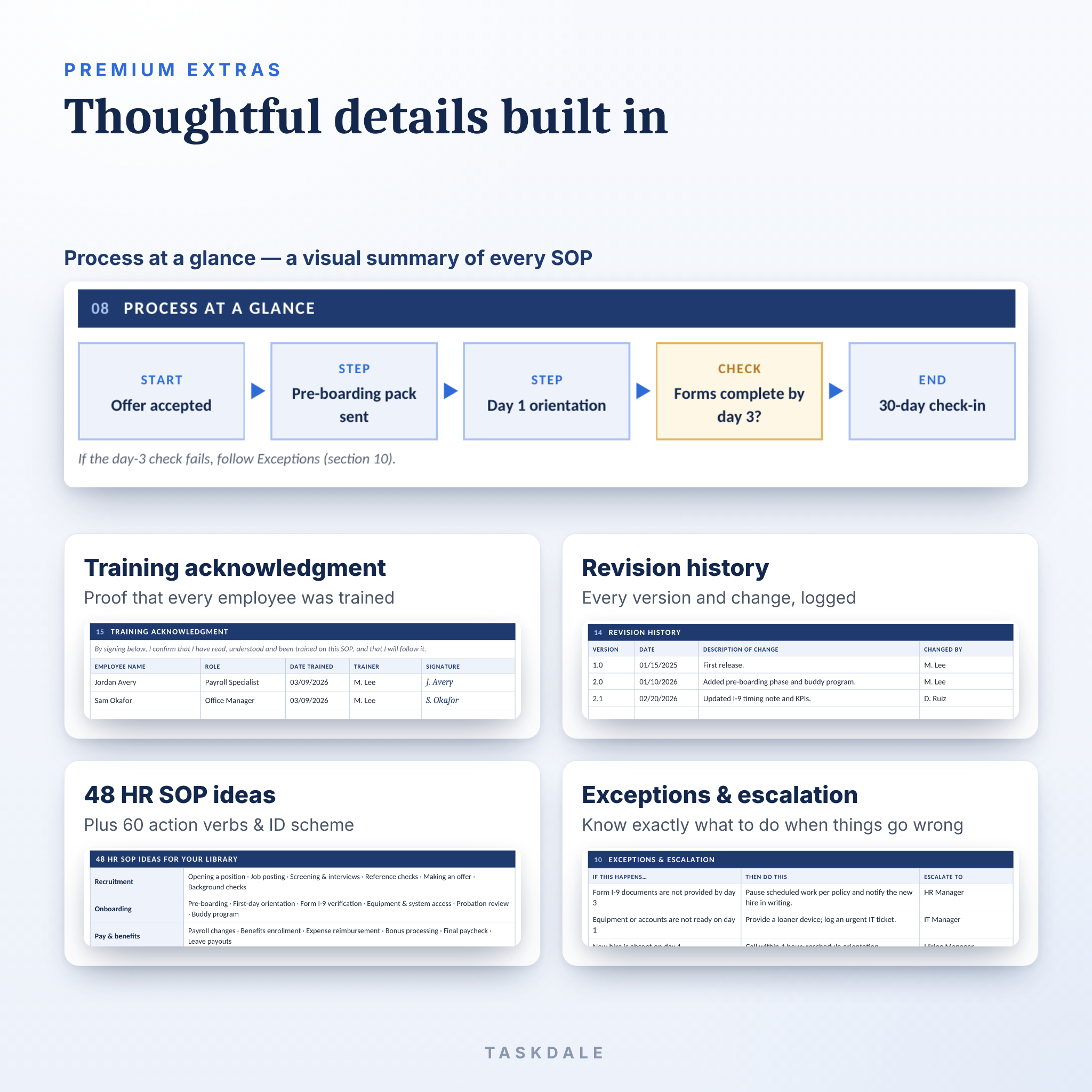
- Process at a Glance: a five-box visual flow
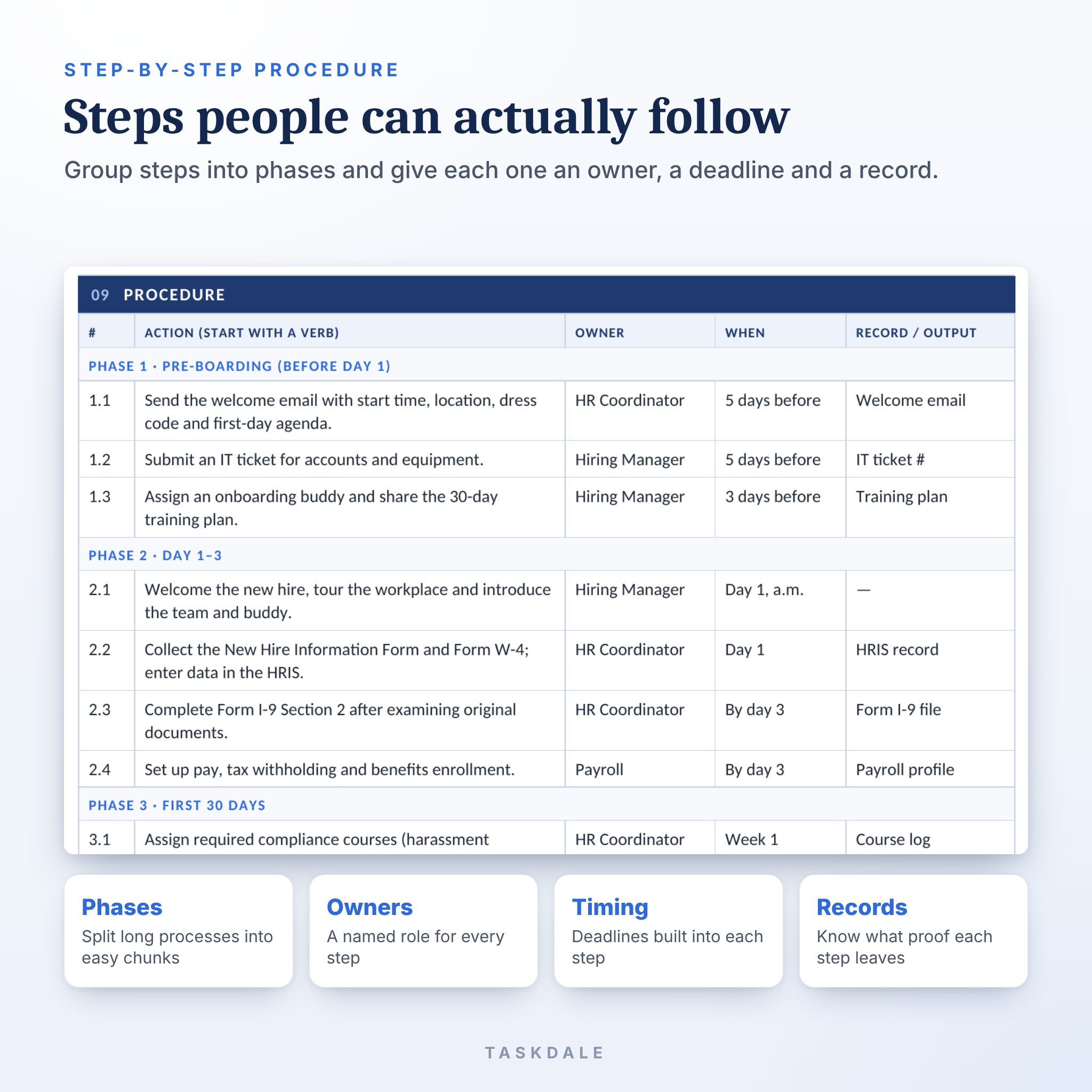
- Procedure: numbered steps grouped into phases, each with an owner, timing and record
- Exceptions & Escalation
- Records & Retention
- Controls, Compliance & KPIs
- Approvals: prepared, reviewed and approved
- Revision History
- Training Acknowledgment
Built-in details
- Document control panel: SOP ID, version, department, category, process owner, author, effective date, review cycle and next review date
- Draft, Review and Approved status checkboxes
- Logo placeholder and company name in the header of every page
- Page X of Y numbering and SOP ID in the footer
- Gray, bracketed writing prompts that are easy to spot and replace
- A removable “Start Here” page with setup steps and writing tips
- Table header rows that repeat when a long procedure runs onto the next page
- Real Word heading styles, so you can restyle every section bar in one place
What is included
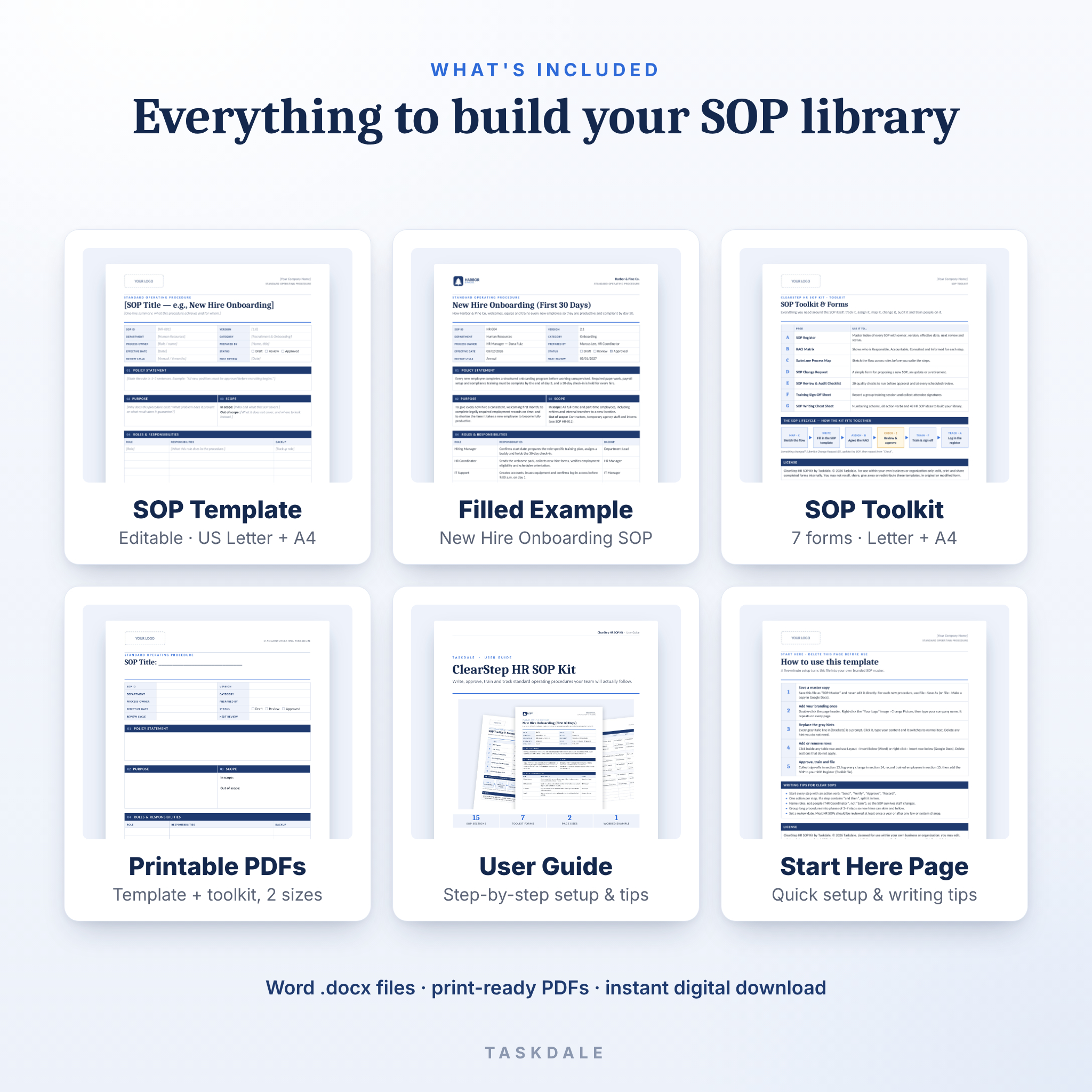
- SOP Template: editable Word .docx, US Letter and A4 (6 pages including the Start Here page)
- Filled example SOP: “New Hire Onboarding (First 30 Days)” for a fictional company, to learn from or adapt (5 pages)
- SOP Toolkit: editable Word .docx, US Letter and A4 (8 pages):
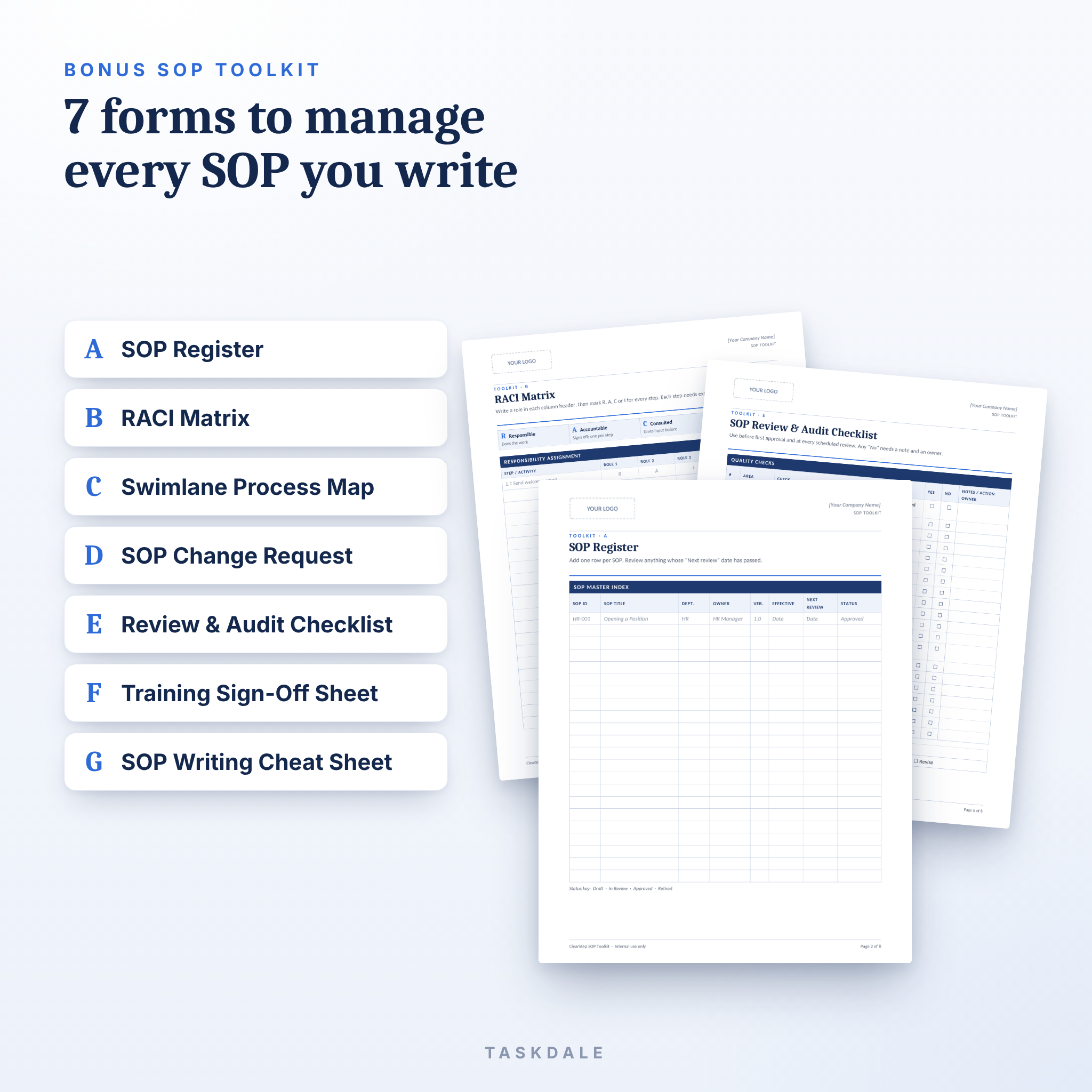
- A. SOP Register (master index with review dates and status)
- B. RACI Matrix
- C. Swimlane Process Map
- D. SOP Change Request form
- E. SOP Review & Audit Checklist (20 checks)
- F. Training Sign-Off Sheet
- G. SOP Writing Cheat Sheet with a numbering scheme, 60 action verbs and 48 HR SOP ideas
- Printable PDFs: blank template and toolkit for filling in by hand, US Letter and A4 (4 files)
- User Guide: a 9-page Word guide covering setup, every section, customization, printing, troubleshooting and FAQs
How it works
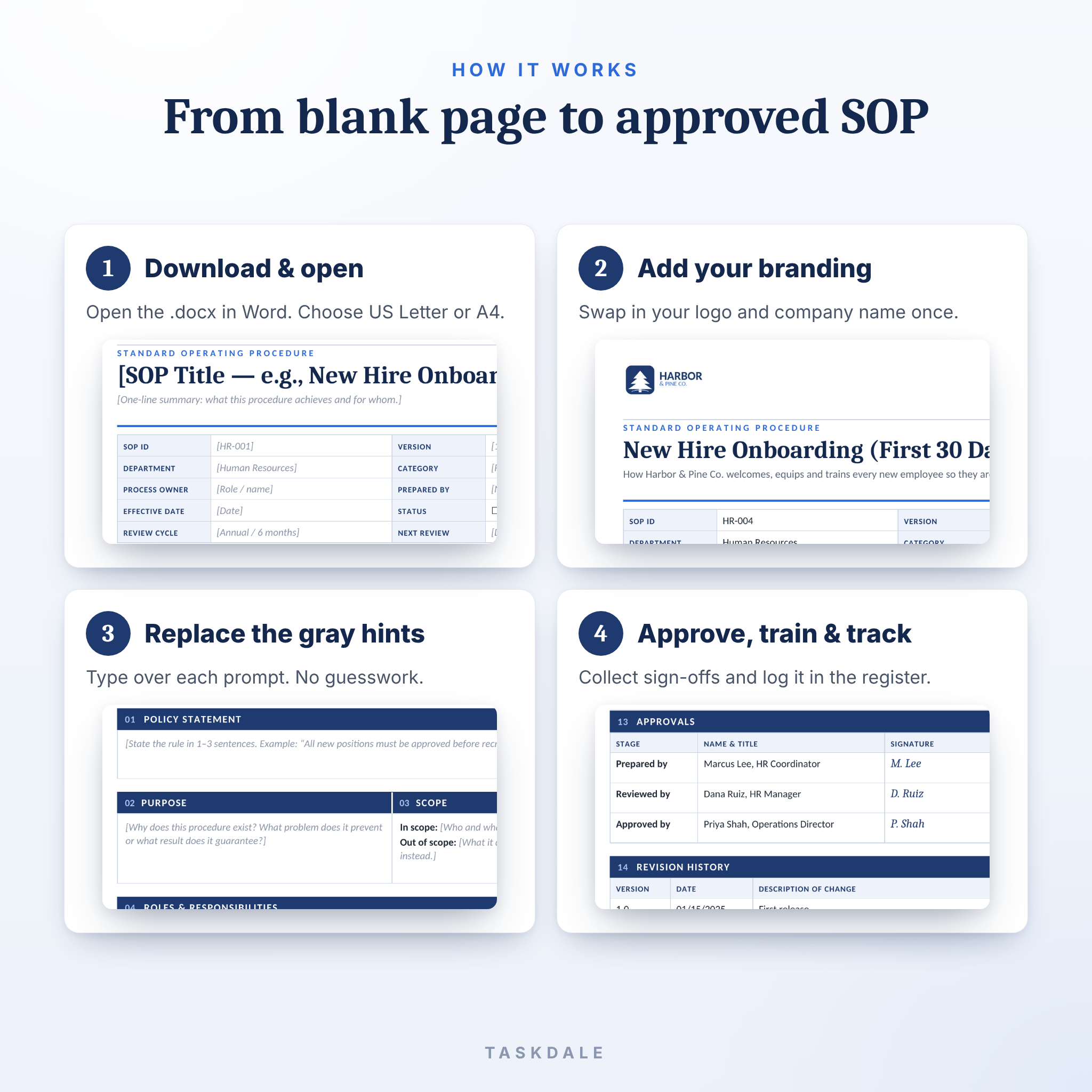
- Download and open: unzip the file and open the template that matches your paper size.
- Add your branding: replace the logo placeholder and type your company name once.
- Fill in the gray hints: type over each prompt and add or delete rows as needed.
- Approve, train and track: collect sign-offs, record training and log the SOP in the SOP Register.
File formats and software requirements
- Editable files: Microsoft Word .docx (Word for Windows or Mac recommended)
- The .docx files can also be uploaded to Google Docs or opened in LibreOffice Writer. Spacing may shift slightly outside Word.
- Printable files: PDF with embedded fonts, opens in any PDF reader
- Paper sizes: US Letter (8.5 × 11 in) and A4
- Delivered as one ZIP file plus a separate copy of the user guide
Customization
Everything is editable. Change the navy color using table shading, restyle headings through Word styles, swap the fonts, add or remove rows and delete any section you do not need. Section numbers are plain text, so renumbering is easy. Your logo and company name sit in the header, so you only set them once per master file.
Digital download information
This is a digital product. No physical item will be shipped. Your files are available to download right after purchase. Because it is an instant download, returns and exchanges are not accepted, but if anything does not open or work as described, contact us and we will help.
License: for use within your own business or organization. You may edit, print and share completed SOPs internally. Reselling, sharing or redistributing the templates is not permitted.
Use cases
- Documenting your onboarding, hiring, payroll change or time-off process
- Building an employee handbook companion library of HR procedures
- Preparing for an HR audit, ISO-style review or due diligence
- Handing over a role when a team member leaves or goes on leave
- Standardizing procedures across several locations or franchises
- Training new managers on how things are done in your business
FAQ
Can I use this SOP template for non-HR procedures?
Yes. All sections are generic, so it suits operations, finance, IT, safety and customer service procedures too.
Do I need Microsoft Word?
Word gives the best results. You can also upload the .docx files to Google Docs or open them in LibreOffice, where layout may shift slightly.
Can I add my own logo and colors?
Yes. Replace the header logo once and recolor the section bars with table shading. The user guide shows you how.
Is there an A4 version?
Yes. Every editable and printable file is included in both US Letter and A4.
How many SOPs can I create?
As many as your business needs. Save a copy of the master template for each new procedure.
Is the example text legal advice?
No. The example shows good structure and common practice. Have policies with legal impact reviewed by a qualified professional in your location.
Can I print it and fill it in by hand?
Yes. Blank printable PDFs of the template and all toolkit forms are included.
Reviews
There are no reviews yet.