Excel Templates
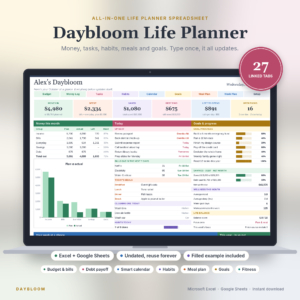
Spreadsheets with the formulas already built in, ready to open in Microsoft Excel. Budgets, planners, bookkeeping sheets, dashboards and trackers, so your time goes on the numbers and not the setup.Popular here: Monthly Scheduler Spreadsheet and Daybloom Life Planner Spreadsheet.Also worth a look: Spreadsheet Templates, Google Sheets Templates.
Showing 1–60 of 363 resultsSorted by popularity
- Excel Templates
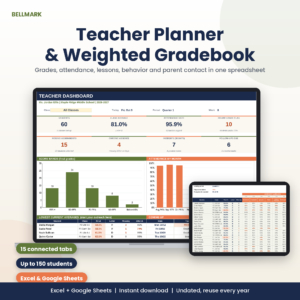
Teacher Planner Spreadsheet & Weighted Gradebook | Attendance Tracker, Lesson Plans, Excel & Google Sheets
Original price was: $15.00.$11.99Current price is: $11.99. Add to cart - Bookkeeping & Accounting
Claimbright Expense Report Template for Excel | Reimbursement Tracker with Mileage Log, Per Diem & Dashboard
$12.99 Add to cart - Excel Templates
Gantt Chart Excel Template & Project Management Tracker | Waypost Project Planner
$19.99 Add to cart - Excel Templates
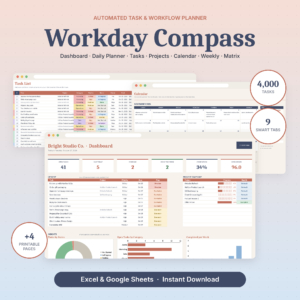
Task Tracker Spreadsheet for Excel & Google Sheets | Workday Compass Daily Planner, Project Tracker & To Do List Dashboard
Original price was: $7.49.$3.79Current price is: $3.79. Add to cart - Excel Templates
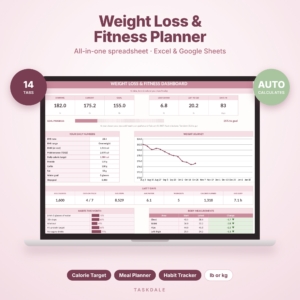
SlimBloom Weight Loss & Fitness Planner Spreadsheet | Calorie, Macro, Meal, Workout & Habit Tracker | Excel Template
Original price was: $2.99.$1.19Current price is: $1.19. Add to cart - Budget & Personal Finance
Aurora Finance OS — Complete Budget & Finance Dashboard (Google Sheets + Excel)
$29.00 Add to cart - Bookkeeping & Accounting
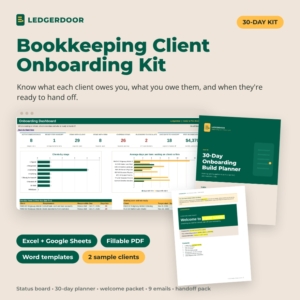
Bookkeeping Client Onboarding Kit | Ledgerdoor Status Tracker, Welcome Packet, Email Templates & 30-Day Planner
$29.00 Add to cart











How to choose the right Excel template
Start with the job, not the design. Think of the one thing you keep doing by hand: adding up bills, chasing rent, rebuilding the grocery list every Sunday. Then find a template whose name lists that exact job.
Next, check where you will open it. Most files on this page say “Excel & Google Sheets” right in the title, so you can work on a laptop at home and check the numbers from your phone later. A few are built for Excel only, such as the Freedom Date debt planner and the Gableworth landlord file. If you live in Google Sheets, read the listing name first.
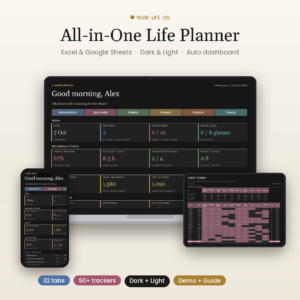
Last, decide how much you want on one screen. Some files do one thing well. Others pack a budget, a habit tracker and a task list into the same workbook. Big all-in-one files are great when you want everything in one place, and a bit much when all you need is a bill tracker.
What you get in these Excel spreadsheets
The range is wide, so here is how it breaks down:
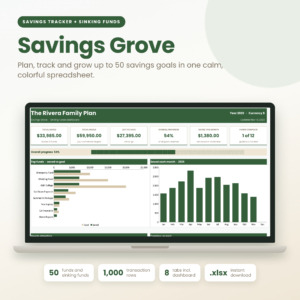
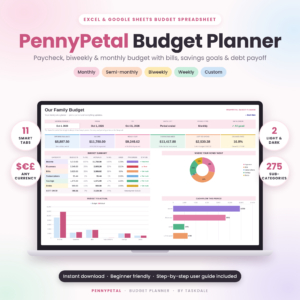
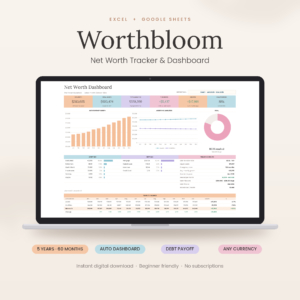
- Money at home: monthly and annual budgets, paycheck budgets for biweekly pay, 50/30/20 layouts, sinking funds, bill calendars and net worth dashboards covering 36 months to five years.
- Debt payoff: snowball and avalanche calculators with payment schedules and a debt-free date.
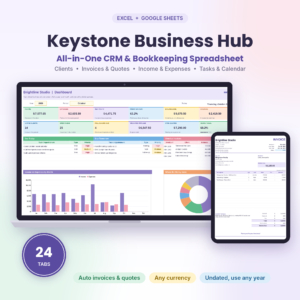
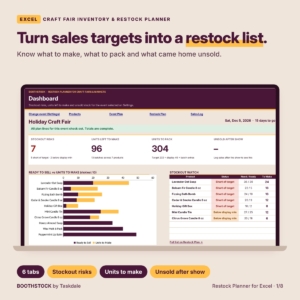
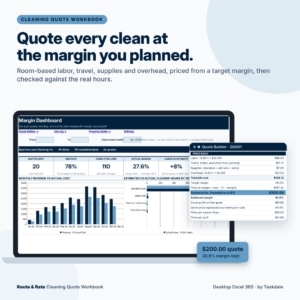
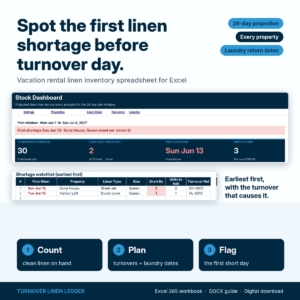
- Small business and side hustles: bookkeeping with profit and loss, sales tax and Schedule C tracking, invoice and client trackers, inventory and reorder sheets, and pricing calculators that work out margins and Etsy fees.
- Landlords and hosts: rent rolls, tenant ledgers and Schedule E summaries, plus an Airbnb ledger that imports your host reports.
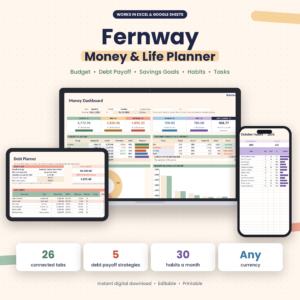
- Home and family: meal planners that build the grocery list for you, pantry and household inventories, Christmas gift budgets, renovation planners and even dog training logs.
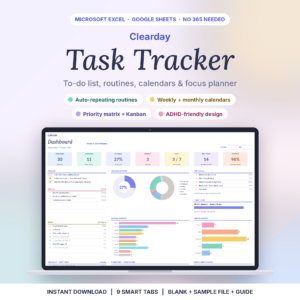
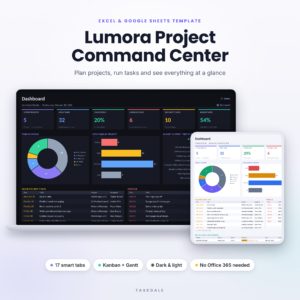
- Projects and tasks: Gantt charts, Kanban boards and daily task dashboards.
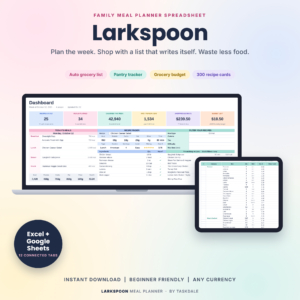
A few worth a closer look. Payoff Prism covers both the snowball and avalanche methods and works out your debt-free date. Keyturn Host Ledger splits Airbnb profit by unit. Prep & Plenty turns a week of dinners into a shopping list and keeps count of the pantry.
If the money files are why you came, the debt and savings trackers gather the payoff tools in one spot, and budget and personal finance has the rest.
Excel template questions
Do I need the paid version of Excel?
Each listing names the apps it works in. Many files here also open in Google Sheets, which is free with a Google account.
How do I get the file after I pay?
You get an instant download after checkout. Nothing is shipped, so you can open the spreadsheet the same minute.
Is there a monthly fee?
No. You pay once and there is no subscription.
Which one should I start with if I am new to budgeting?
Pick a single-purpose file, like a monthly budget planner with a bill calendar. Add a debt or net worth tracker later, once checking your numbers has become a habit.