Spreadsheet Templates
Ready-made spreadsheets with the formulas already built in. Choose budgets, planners, trackers, calendars and dashboards for Excel and Google Sheets, then change the labels and numbers to fit your life or your business.Popular here: Monthly Scheduler Spreadsheet and Daybloom Life Planner Spreadsheet.Also worth a look: Budget & Personal Finance, Small Business Templates.
Showing 1–60 of 186 resultsSorted by popularity
- Business Plans
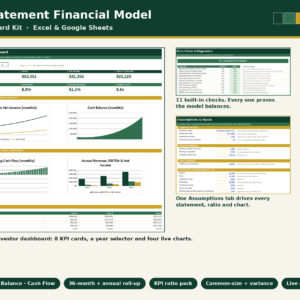
3-Statement Financial Model & Dashboard Kit for Excel and Google Sheets
$9.00 Add to cart - Budget & Personal Finance
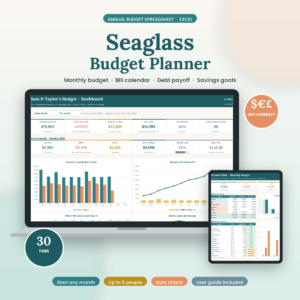
Annual Budget Spreadsheet for Excel | Seaglass Budget Planner | Monthly Budget, Bill Calendar, Debt Snowball, Sinking Funds & Paycheck Budget Template
Original price was: $19.99.$9.99Current price is: $9.99. Add to cart - Budget & Personal Finance
Aurora Finance OS — Complete Budget & Finance Dashboard (Google Sheets + Excel)
$29.00 Add to cart - Google Sheets Templates
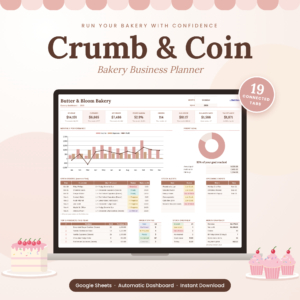
Bakery Business Spreadsheet for Google Sheets | Crumb & Coin Recipe Cost Calculator, Order Tracker & Pricing Planner
$29.00 Add to cart - Budget & Personal Finance
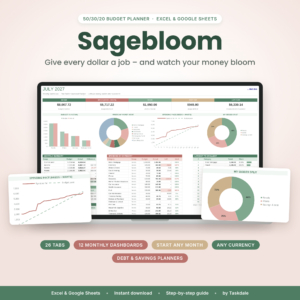
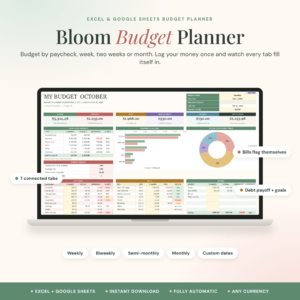
Bloom Budget Planner | Paycheck Budget Spreadsheet for Excel & Google Sheets | Weekly, Biweekly & Monthly Budget Template with Bill Tracker, Debt Payoff & Savings Goals
Original price was: $2.79.$1.89Current price is: $1.89. Add to cart - Digital Documents
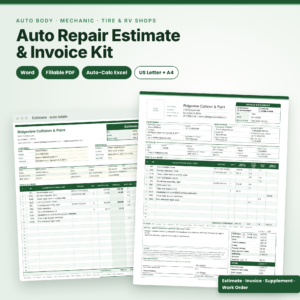
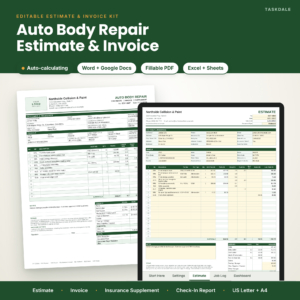
Bodyline Auto Repair Estimate Template | Body Shop Estimate & Invoice for Word, Fillable PDF & Excel with Auto Totals, Insurance Supplement & Damage Diagram, US Letter & A4
Original price was: $4.99.$2.99Current price is: $2.99. Add to cart - Excel Templates
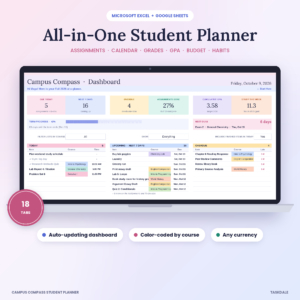
Campus Compass Student Planner Spreadsheet | Assignment Tracker, GPA Calculator, Class Schedule & Budget for Excel and Google Sheets
Original price was: $11.99.$5.99Current price is: $5.99. Add to cart - Christmas & Holiday Planners
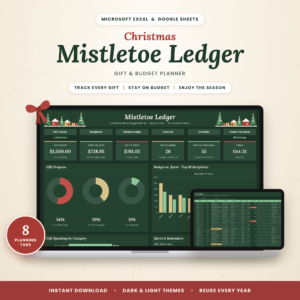
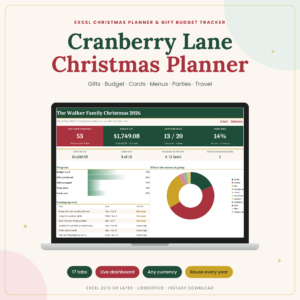
Christmas Gift Tracker Spreadsheet | Holiday Gift List & Budget Planner for Excel & Google Sheets | Mistletoe Ledger
$2.99 Add to cart - Spreadsheet Templates
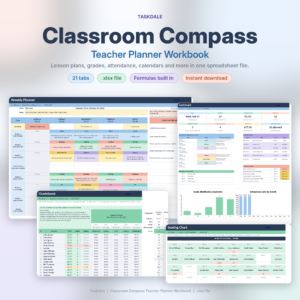
Classroom Compass Teacher Planner Workbook
Original price was: $11.99.$5.99Current price is: $5.99. Add to cart - Digital Documents
CollisionDesk Auto Body Repair Estimate Template | Body Shop Estimate & Invoice Kit for Word, Google Docs, Fillable PDF & Excel with Auto Totals, Insurance Supplement & Vehicle Check-In Form, US Letter & A4
Original price was: $4.99.$2.99Current price is: $2.99. Add to cart - Bookkeeping & Accounting
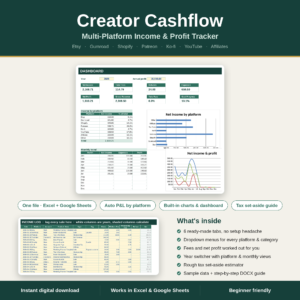
Creator Cashflow | Multi-Platform Income & Profit Tracker for Etsy, Gumroad, Shopify, Patreon, Ko-fi
$17.00 Add to cart - Budget & Personal Finance
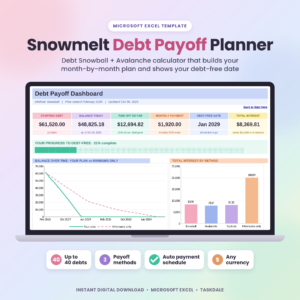
Debt Snowball Avalanche Calculator Spreadsheet | Snowmelt Debt Payoff Planner for Excel with Payment Schedule & Tracker
$9.99 Add to cart - Bookkeeping & Accounting
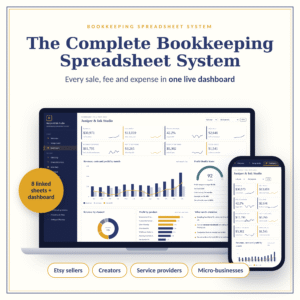
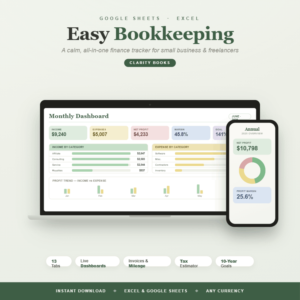
Easy Bookkeeping Spreadsheet for Small Business & Freelancers | Google Sheets & Excel Income, Expens
$3.00 Add to cart - Spreadsheet Templates
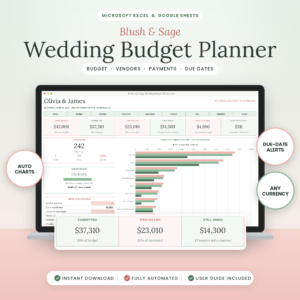
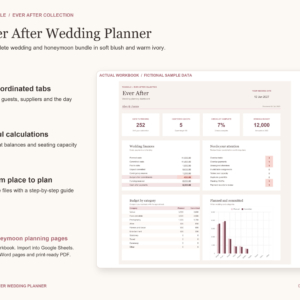
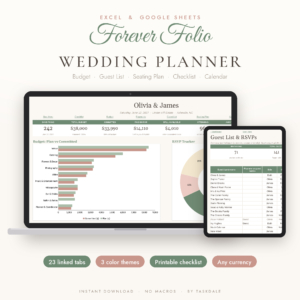
Ever After Wedding Planner Bundle – Budget, Guests, Seating & Honeymoon Templates
$5.00 Add to cart - Excel Templates
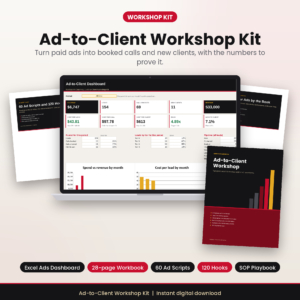
Facebook Ads Kit for Coaches: Ad Scripts, Lead Scoring and Excel Ads Dashboard
$4.99 Add to cart

How to choose the right spreadsheet template
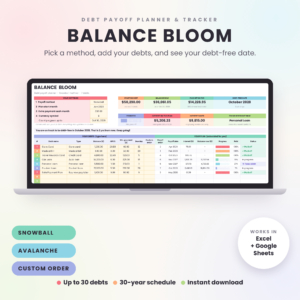
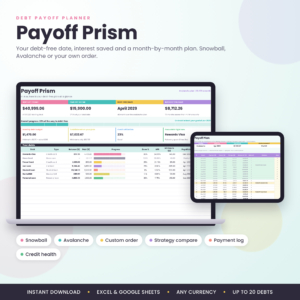
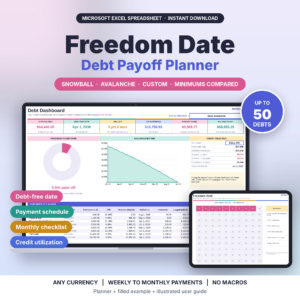
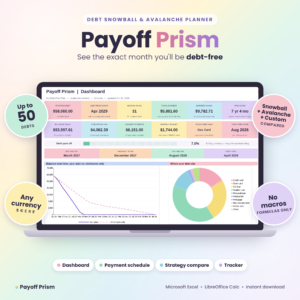
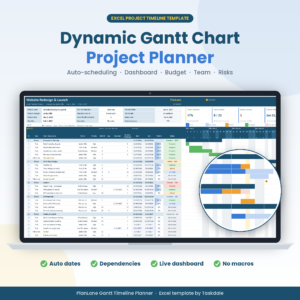
Start with the app you already open every day. Plenty of the files here work in both Excel and Google Sheets, but not all. The Gantt chart planner and several of the debt payoff planners are Excel files, while the bakery costing sheet, the therapist bookkeeping file and the multi project hub are made for Google Sheets. The listing title tells you which. If you already know your app, browse just the Excel templates or just the Google Sheets templates.
Next, be honest about the job. One problem, one file, usually works best. A credit card balance calls for a debt payoff planner. A busy household is better served by a life planner with budget, habits and meals in one place.
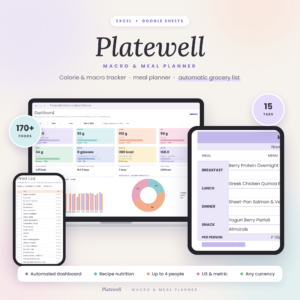
Then look at how much the file does on its own. Some sheets are simple logs. Others have dashboards, an auto grocery list or an automatic seating chart that fill in as you type. More automation means less typing later and a little more to learn on day one.
What you get in these spreadsheet templates
Every file arrives with the formulas already in place. You type your own numbers and the totals, charts and dates follow. Here is what turns up again and again across the range:
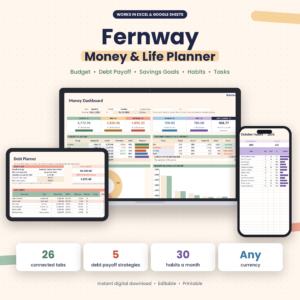
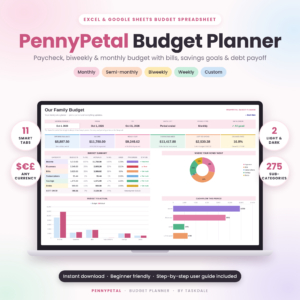
- Money: annual and monthly budgets, bill trackers, net worth dashboards, and debt planners with snowball and avalanche calculators and a payment schedule.
- Business: bookkeeping with profit and loss, sales tax and invoice tabs, inventory and reorder sheets, client trackers and pricing calculators.
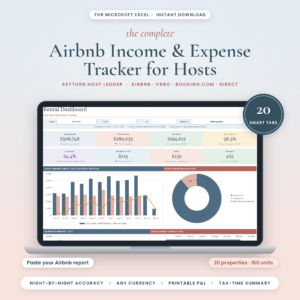
- Property: landlord files with a rent roll, tenant ledger and Schedule E tax summary, plus a host ledger for Airbnb income.
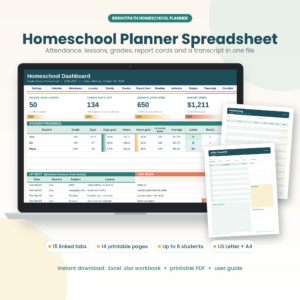
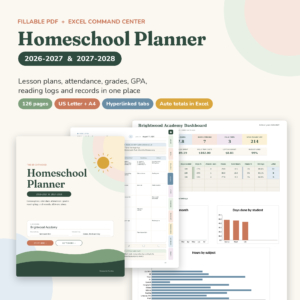
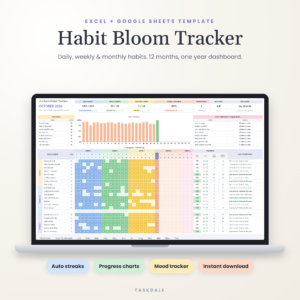
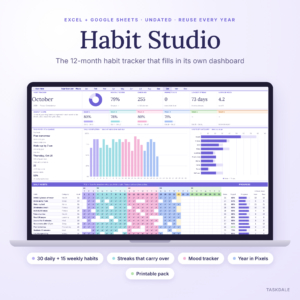
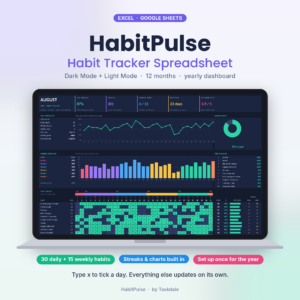
- Home and life: meal planners, habit trackers, workout logs, homeschool and teacher planners, and wedding planners with guest lists, RSVPs and seating charts.
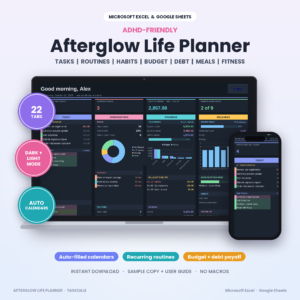
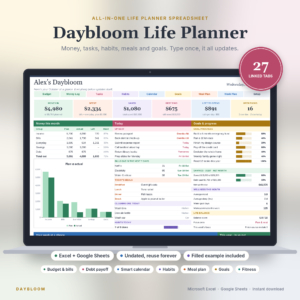
A few examples to give you a feel for it. The Hue & Margin pricing calculator works out profit margins and fees and builds a live price list. The Gableworth landlord spreadsheet keeps rent, tenants and tax figures side by side. Prep & Plenty writes your grocery list from the meals you pick for the week. And the Rosewater wedding planner comes with a 150-task checklist and a day-of timeline.
You pay once. No subscription, no monthly fee.
Spreadsheet template questions
Do I need Microsoft Excel to use these?
Only for the files listed as Excel only. Anything marked for Google Sheets runs in a free Google account in your browser, and many listings cover both.
How do I get my file after I pay?
The download is ready right after checkout. Nothing is shipped, so you can open the file and start typing the same day.
Can I rename categories and add my own rows?
Yes. These sheets are meant to be edited, so type over the sample entries, rename categories and add rows where you need them.
Will a spreadsheet work on my phone?
Google Sheets files open in the Google Sheets app on a phone or tablet. Bigger dashboards are easier to set up on a computer first.