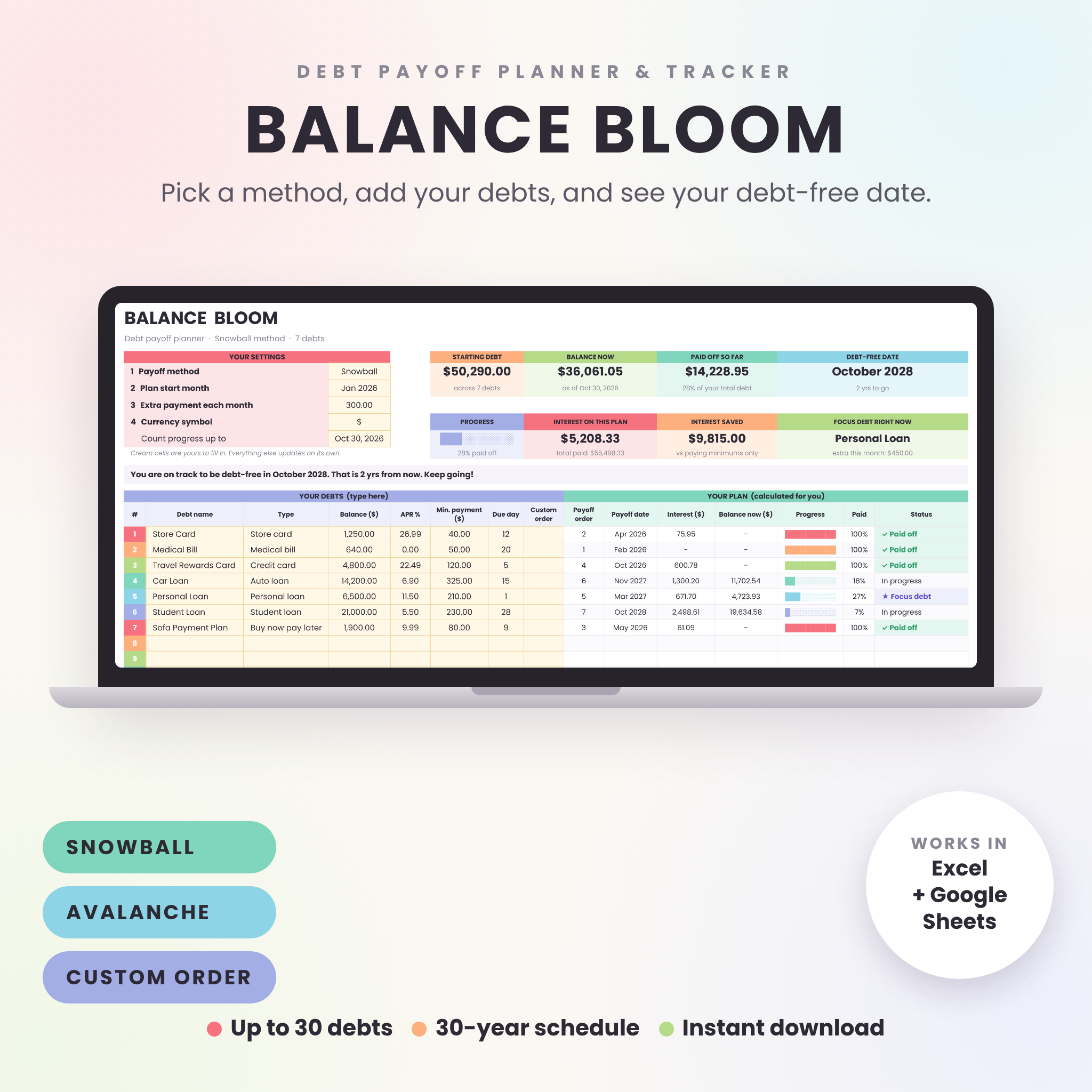



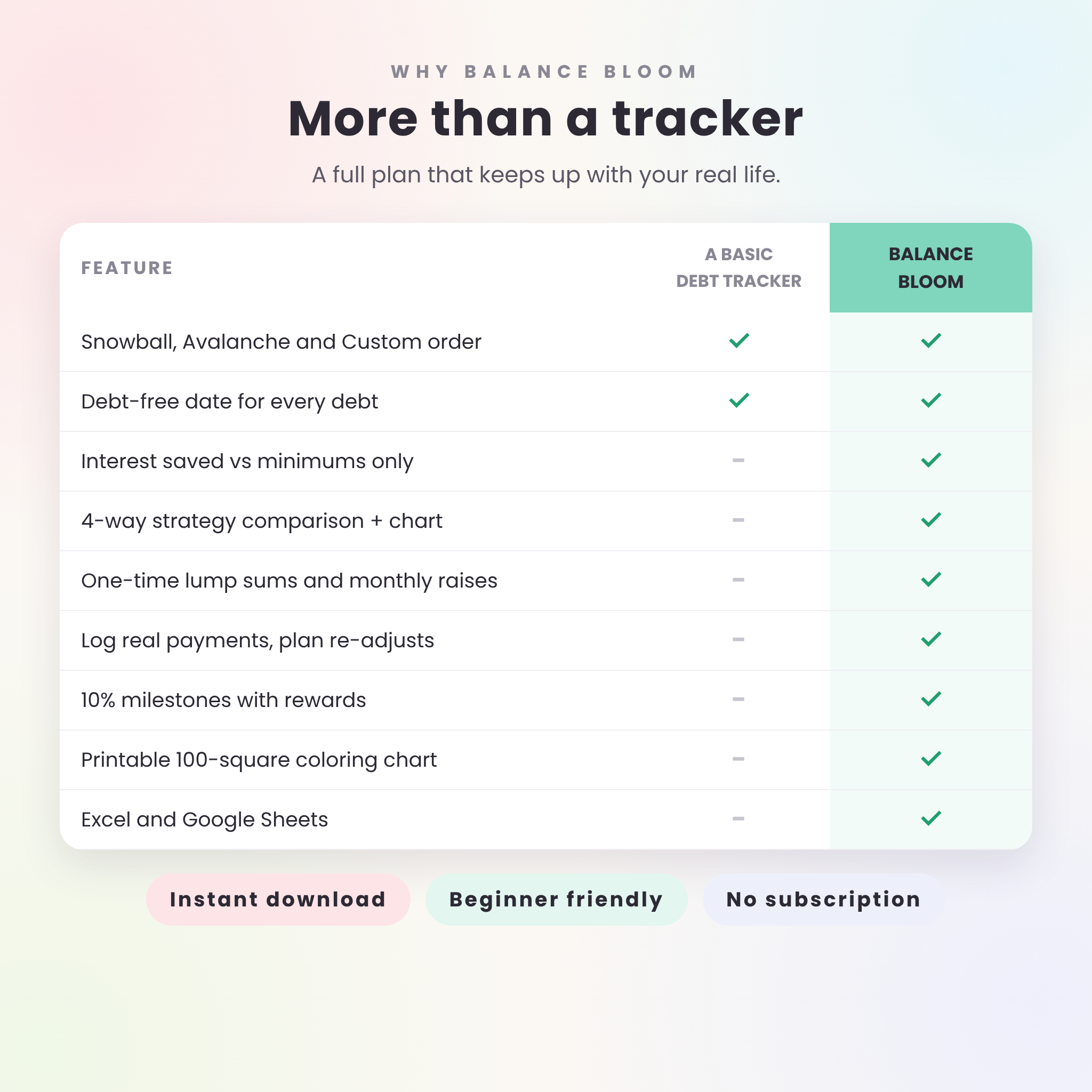
The Balance Bloom debt payoff planner spreadsheet turns a pile of balances into a plan with a real finish date. Type in what you owe, pick the debt snowball, the debt avalanche or your own order, and the planner shows the month you will be debt-free. It also shows what to pay on every debt, every month, and how much interest you skip by sticking with it. It works in Microsoft Excel and Google Sheets, holds up to 30 debts, and maps out up to 30 years.
What this debt payoff planner does
Most debt trackers stop at a list of balances. Balance Bloom goes further. It works out a full payoff schedule from your numbers, then keeps that schedule honest as life happens. Paid more than planned one month? Got a tax refund? Took a pay cut? Type it in and every date, total and chart updates on its own.
When a debt is paid off, its minimum payment doesn’t vanish. It rolls straight into the next debt in line. That rollover is what makes the snowball and the avalanche work, and the spreadsheet handles it for you.
Who it is for
- Anyone juggling credit cards, store cards, car loans, student loans, medical bills or payment plans
- Couples who want to see one shared plan on one screen
- Debt snowball fans, avalanche math fans, and people who want to set their own order
- Beginners. If you can type a number into a cell, you can use it
Features of the debt snowball and avalanche spreadsheet
Plan
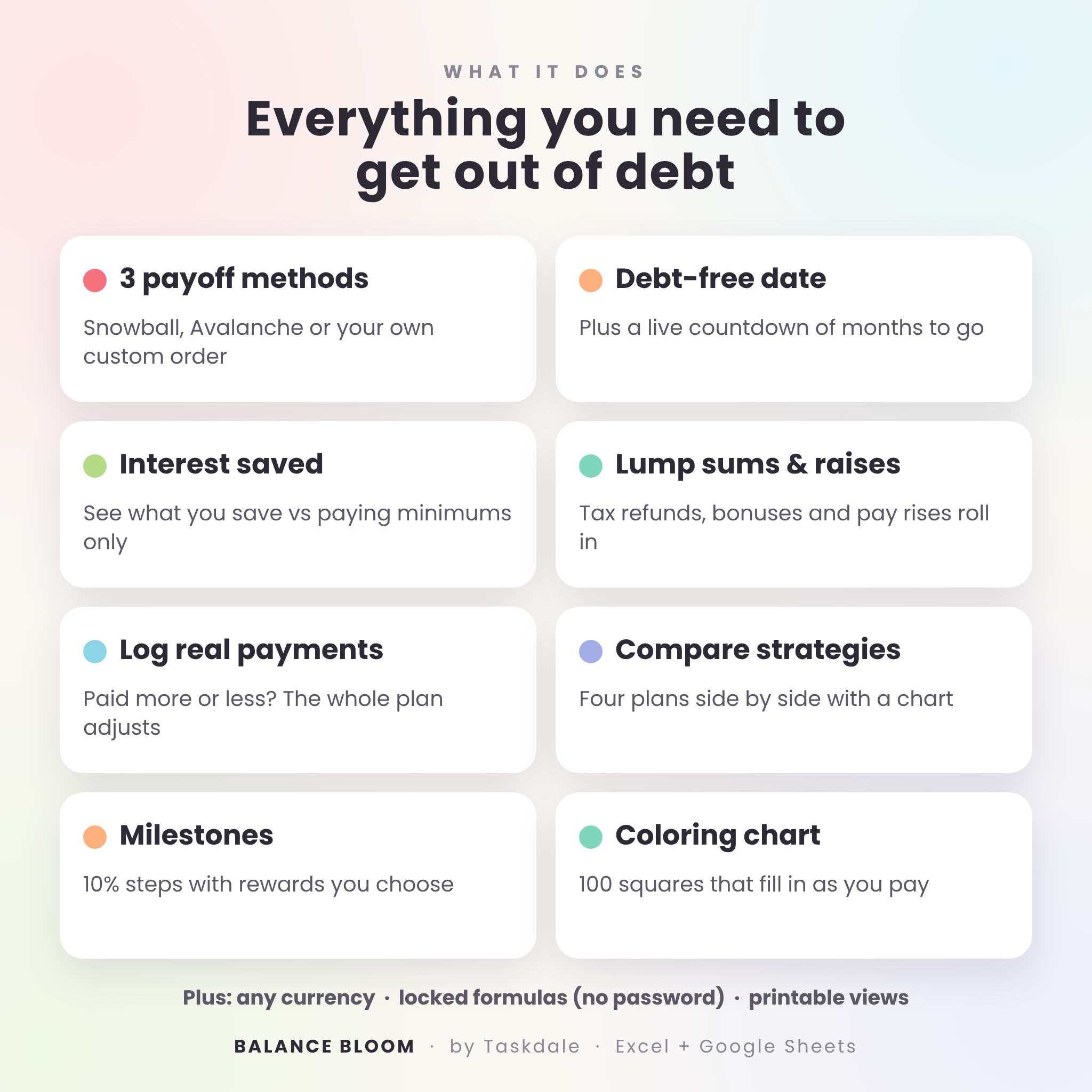
- Three payoff methods from one dropdown: Snowball (smallest balance first), Avalanche (highest APR first) or Custom order
- Debt-free date for your whole plan and for every single debt, plus a countdown of months to go
- Interest saved compared with paying minimums only
- Focus debt card that tells you where your extra money goes this month
- Warnings when a minimum payment doesn’t cover the monthly interest, or when a plan runs past 30 years
Track
- Payoff schedule for up to 360 months, with a payment and balance column for each debt and the current month highlighted
- Payment log where you type what you really paid. The plan adjusts from the new balance
- Extra payments tab for up to 50 lump sums (tax refunds, bonuses) and monthly changes (raises, side income)
- Progress bars, percent paid and a status for every debt: Paid off, Focus debt or In progress
Stay motivated
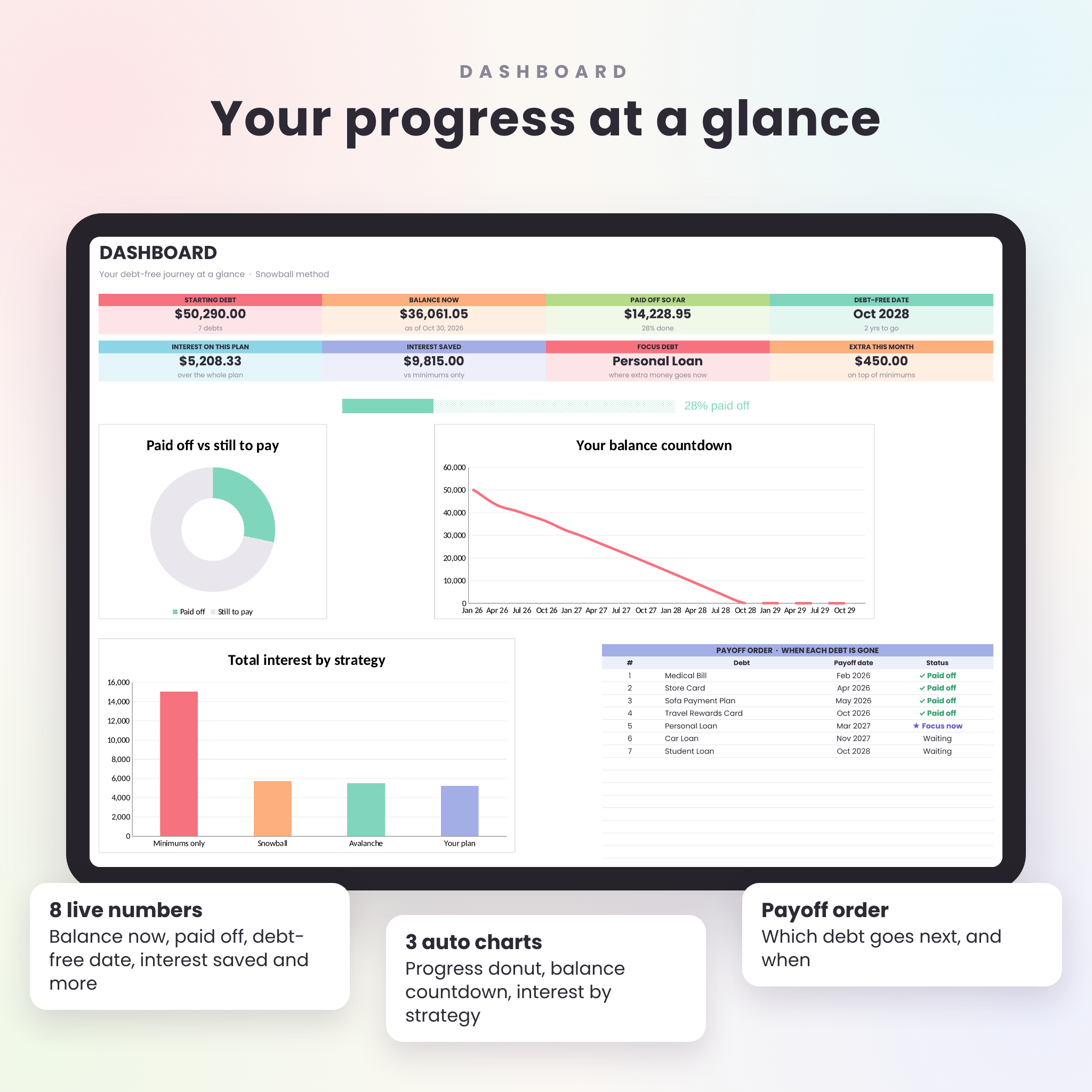
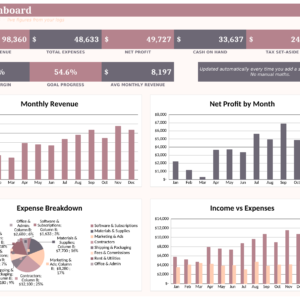
- Dashboard with 8 live numbers, a progress donut, a balance countdown chart and an interest-by-strategy chart
- Compare tab that puts Minimums only, Snowball, Avalanche and your plan side by side, with a chart and plain-English notes
- Milestones at every 10% paid, with a projected date and a reward you choose
- Debt coloring chart with 100 squares that fill in as you pay. Print it if you like coloring by hand
What is included
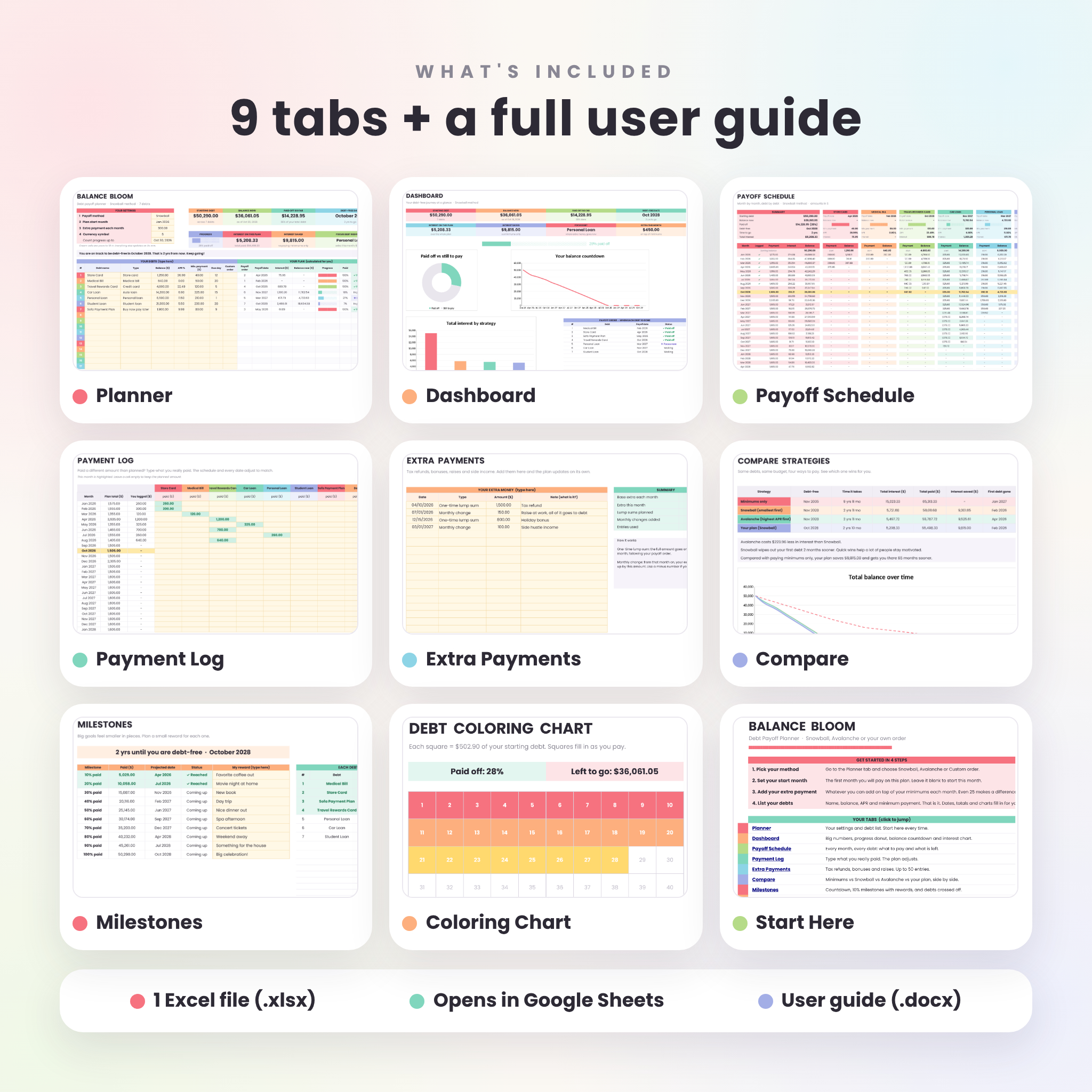
- Balance Bloom Debt Payoff Planner (.xlsx) with 9 tabs: Start Here, Planner, Dashboard, Payoff Schedule, Payment Log, Extra Payments, Compare, Milestones and Coloring Chart
- Balance Bloom User Guide (.docx), a 14-page illustrated guide with setup steps, tips, troubleshooting and FAQ
How it works
- Pick your payoff method on the Planner tab
- Set your plan start month (or leave it blank to start this month)
- Add the extra amount you can pay each month on top of your minimums
- List your debts: name, balance, APR and minimum payment
That’s all. The Dashboard, schedule, comparison, milestones and coloring chart fill in at once. Come back each month, log anything that changed, and watch the debt-free date move closer.
File format and software
- One Excel workbook (.xlsx) and one Word document (.docx)
- Works in Microsoft Excel 2010 or newer on Windows and Mac, Excel for the web, and Google Sheets (free Google account)
- No macros, add-ons or subscriptions
- Uses the free Poppins font. Google Sheets has it built in. Excel swaps in a similar font if Poppins isn’t installed, and the guide shows how to add it
- Not made for Apple Numbers
Customization
Set your currency symbol once and every money label follows it, with $ as the default. Name your debts anything you like, pick a type from the dropdown or type your own, and write your own milestone rewards. Formula cells are locked to protect your math, with no password, so you can unlock them if you want to tinker. Every tab is set up to print on US Letter, and the coloring chart prints on one page.
Instant digital download
This is a digital product. Nothing is shipped. After checkout you will get download links for the spreadsheet and the guide right away. Save them to your computer, then open the spreadsheet in Excel or upload it to Google Drive.
Real ways people use it
- Paying off four credit cards with the debt snowball and wanting to see the first card gone in a few months
- Choosing between snowball and avalanche by seeing the real interest difference for your own debts
- Planning where a tax refund or holiday bonus should go, and seeing how many months it shaves off
- Couples sitting down once a month to log payments and check the countdown together
- Coloring in squares on the fridge chart while the kids help
FAQ
Does this debt tracker work in Google Sheets?
Yes. Upload the .xlsx to Google Drive and open it with Google Sheets. Formulas, dropdowns, charts and highlights all work there.
How many debts can I track?
Up to 30 debts, with a month-by-month schedule that runs up to 30 years.
Can I use my own currency?
Yes. Type or pick your symbol once on the Planner and every money label uses it.
What is the difference between the debt snowball and the debt avalanche?
Snowball pays the smallest balance first for quick wins. Avalanche pays the highest interest rate first to save the most money. The Compare tab shows the exact difference for your debts.
What if I pay more or less than the plan says?
Type the real amount in the Payment Log. The planner works out every later month again from the new balance.
Can I add a tax refund or a raise?
Yes. Add one-time lump sums or monthly changes on the Extra Payments tab and the plan updates.
Is this financial advice?
No. It is a planning tool. Results depend on the numbers you enter and your lenders’ terms.
License
For personal use only. Please don’t resell, share or redistribute the files. © Taskdale.
Reviews
There are no reviews yet.