Digital Planners
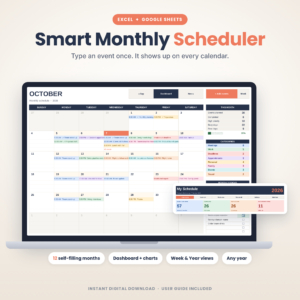
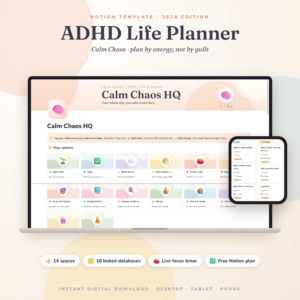
Plan your year on a tablet. These digital planners use hyperlinked tabs, so you tap between months, weeks and days instead of scrolling. Dated and undated versions work with GoodNotes, Notability and similar apps on iPad and Android. Download, import and start planning in minutes.Popular here: Monthly Scheduler Spreadsheet and ADHD Notion Template 2026.Also worth a look: Printable Planners, Planners.
Showing 1–60 of 137 resultsSorted by popularity
- GoodNotes & iPad Planners
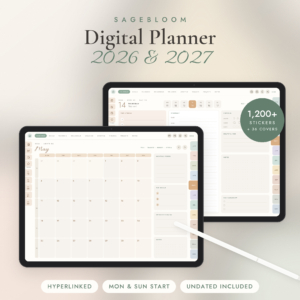
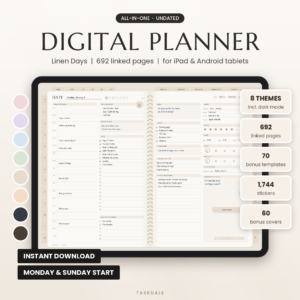
Linen Days Undated Digital Planner for GoodNotes & Notability, iPad & Android Daily Weekly Monthly Planner with Stickers
$1.99 Add to cart - Undated Planners
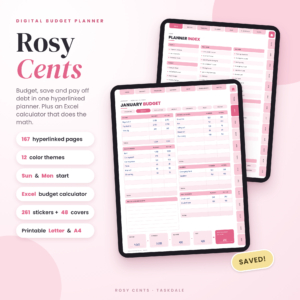
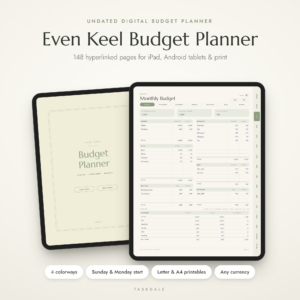
Rosy Cents Digital Budget Planner | Undated Hyperlinked Budget Planner for iPad & Tablets with Excel Budget Calculator | Paycheck, Bill, Savings & Debt Tracker | Printable Letter & A4
Original price was: $3.69.$0.99Current price is: $0.99. Add to cart - ADHD Planners
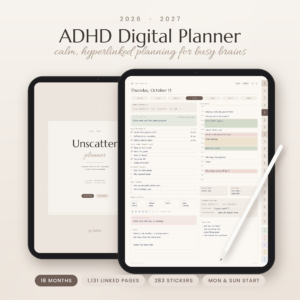
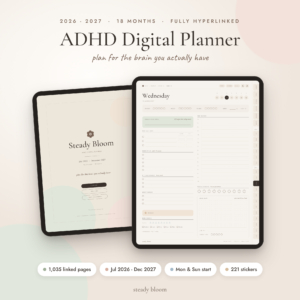
ADHD Digital Planner 2026-2027 | Unscatter 18-Month Hyperlinked GoodNotes & iPad Planner
Original price was: $8.99.$6.99Current price is: $6.99. Add to cart - GoodNotes & iPad Planners
Petal & Pause Digital Self-Care Planner | Undated & 2027 Hyperlinked Wellness Journal for GoodNotes
$4.75 Add to cart - Digital Planners
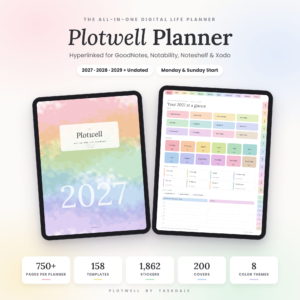
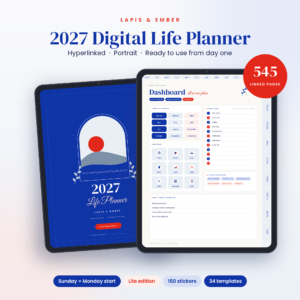
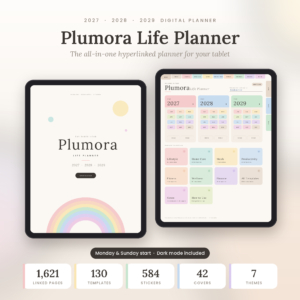
Plumora 2027 2028 2029 Digital Planner | Hyperlinked All-in-One Life Planner with Daily, Weekly & Monthly Pages, 130 Templates, Stickers & Dark Mode
Original price was: $3.29.$0.83Current price is: $0.83. Add to cart - Digital Planners
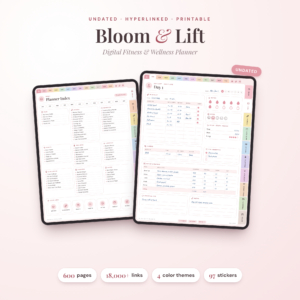
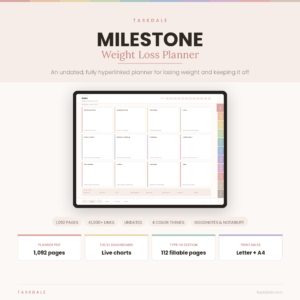
Milestone Digital Weight Loss Planner, Undated GoodNotes Planner & Weight Tracker
$4.49 Add to cart - Fitness & Weight Loss
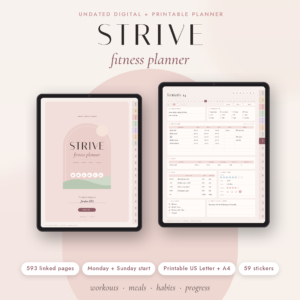
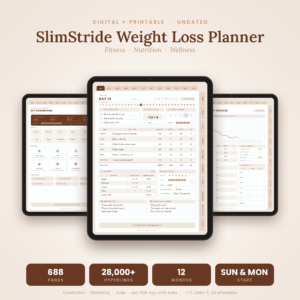
SlimStride Digital Weight Loss Planner: Undated GoodNotes Fitness, Meal & Habit Tracker + Printable
$4.99 Add to cart

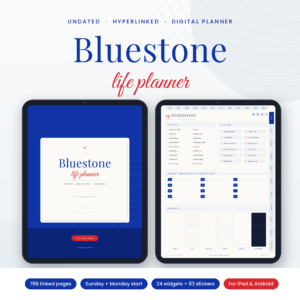
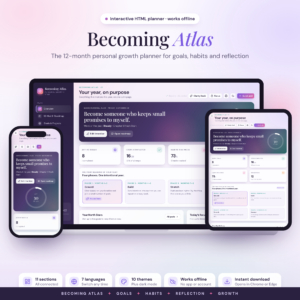
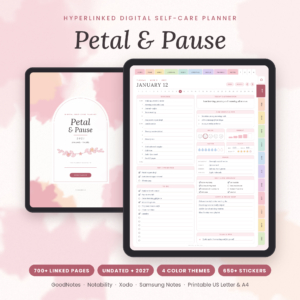
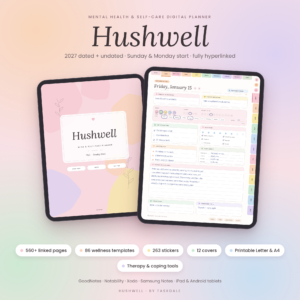








How to choose the right digital planner for your device
Pick the screen first, then the planner. That one step rules out most wrong buys.
- iPad or Android tablet: most of this range is a hyperlinked PDF you open in a note app and write on with a stylus. The GoodNotes and iPad planners section narrows the list down further.
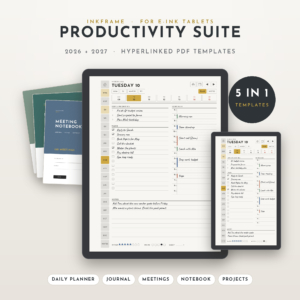
- E-ink tablets: look for listings that name the Paper Pro in the title. There is a productivity suite and a Christmas planner made for it.
- Kindle Scribe: one project planner here is built for the Scribe, Colorsoft included.
- No stylus at all: a few planners are offline HTML apps. You open them in a browser and type, no note app needed.
Then decide how you feel about dates. A 2027 planner has every day laid out and ready. A three-year file runs from 2027 to 2029, so you set it up once. Undated pages never go stale, which suits anyone who plans in bursts. Can’t decide? Several planners include dated and undated versions in one download.
Last, think about focus. An all-in-one life planner holds your days, budget and habits together. A niche planner goes deep on one thing instead: teaching, fitness, a wedding, money or prayer.
What you get inside these digital planners
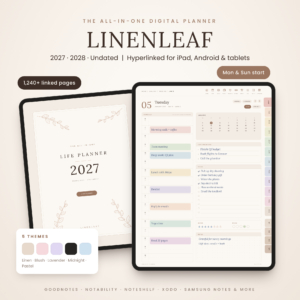
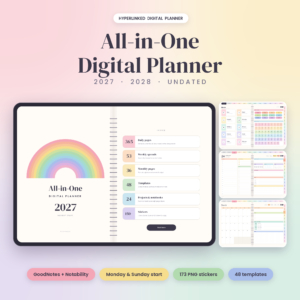
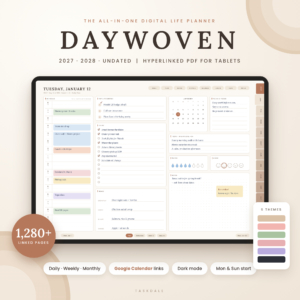
Page counts and extras vary a lot from one planner to the next. Linked daily, weekly and monthly pages are standard. Beyond that you will often find budget and habit trackers, sticker sets, dark mode for evening planning and extra note templates. A couple of planners even add Google Calendar links, so a tap on the page opens your calendar.
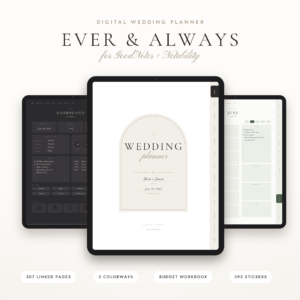
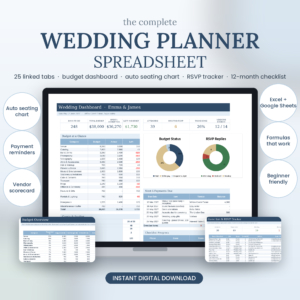
Some go big. Plumora comes with 130 templates plus stickers and covers 2027 to 2029. The Moonrise manifestation journal runs to 457 hyperlinked pages with a vision board and affirmations. Hopscotch is a dated 2026-2027 teacher planner with a gradebook and attendance for six classes. The Ivory Lane wedding planner holds your budget, guest list and seating chart, with printable US Letter and A4 pages for anything you want on paper.
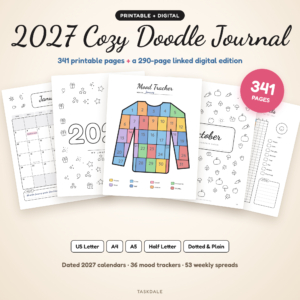
Still prefer pen and paper? Have a look at the printable planners.
Digital planner questions
Which app do I need?
Most planners here are PDFs for GoodNotes, Notability and similar apps, and each listing names the apps it works with. E-ink, Kindle Scribe and HTML planners say so in the title.
Can I use one planner on my tablet and my phone?
That depends on your note app and how it syncs, not on the planner file. The HTML planner apps open in a web browser on most devices.
What happens when a dated planner runs out?
The file is still yours, but the dates stop matching the calendar. If that bothers you, choose an undated or multi-year planner.
Is anything mailed to me?
No. You download the file right after checkout and import it into your app.