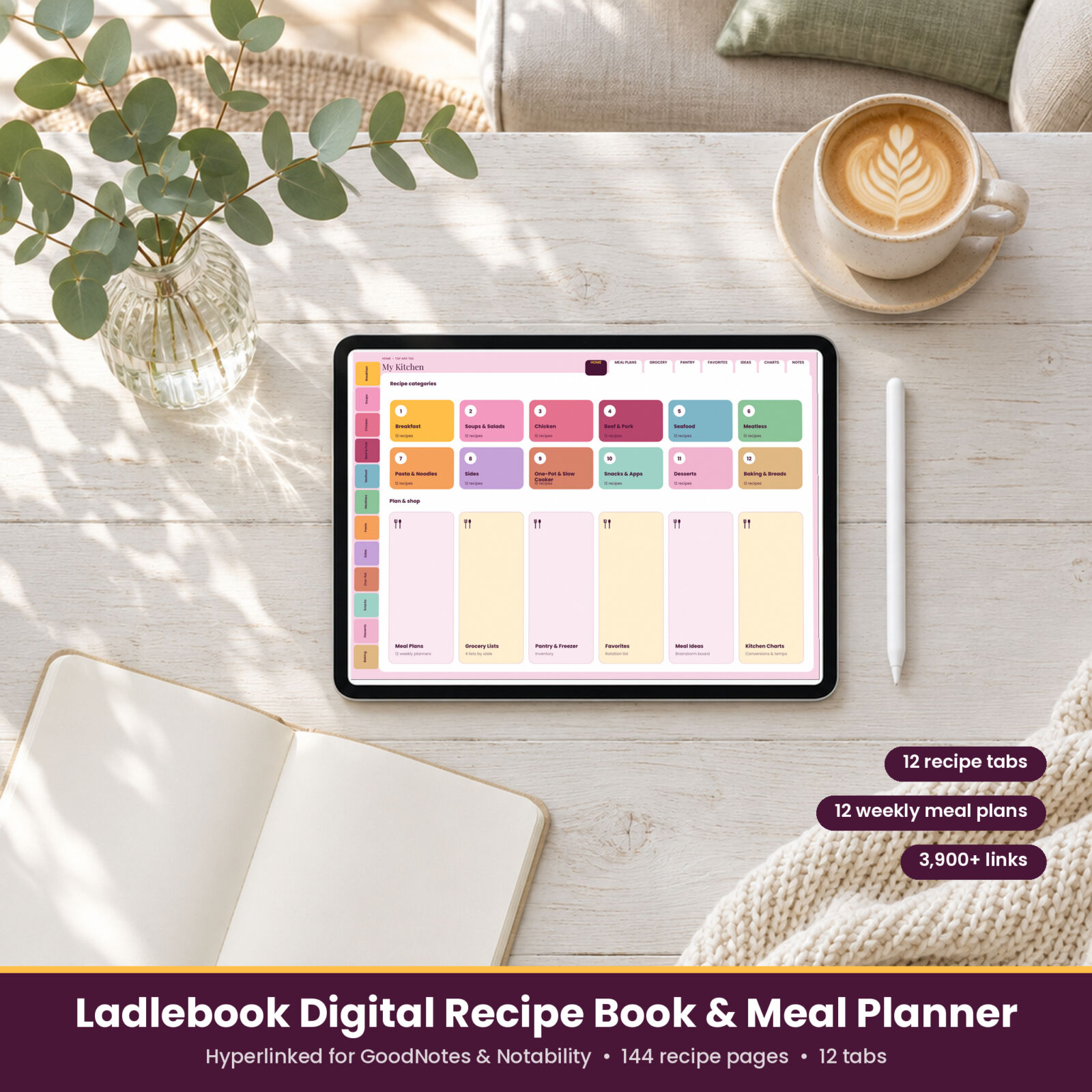


The Ladlebook digital recipe book and meal planner brings your recipes, menus, and grocery lists into one notebook on your tablet. It is a hyperlinked PDF made for GoodNotes, Notability, and other note-taking apps. Tap a tab and you are there: twelve recipe categories, 144 recipe pages, twelve weekly meal plans, and the kitchen pages you reach for every week.
Why a digital recipe book
Recipes end up everywhere: screenshots, sticky notes, a grandmother’s index card, a bookmarked blog post. Ladlebook gives them one home with room for your own notes, ratings, and photos. No ads, no pop-ups, no account, and no subscription. Just your recipes, organized your way.
What is inside
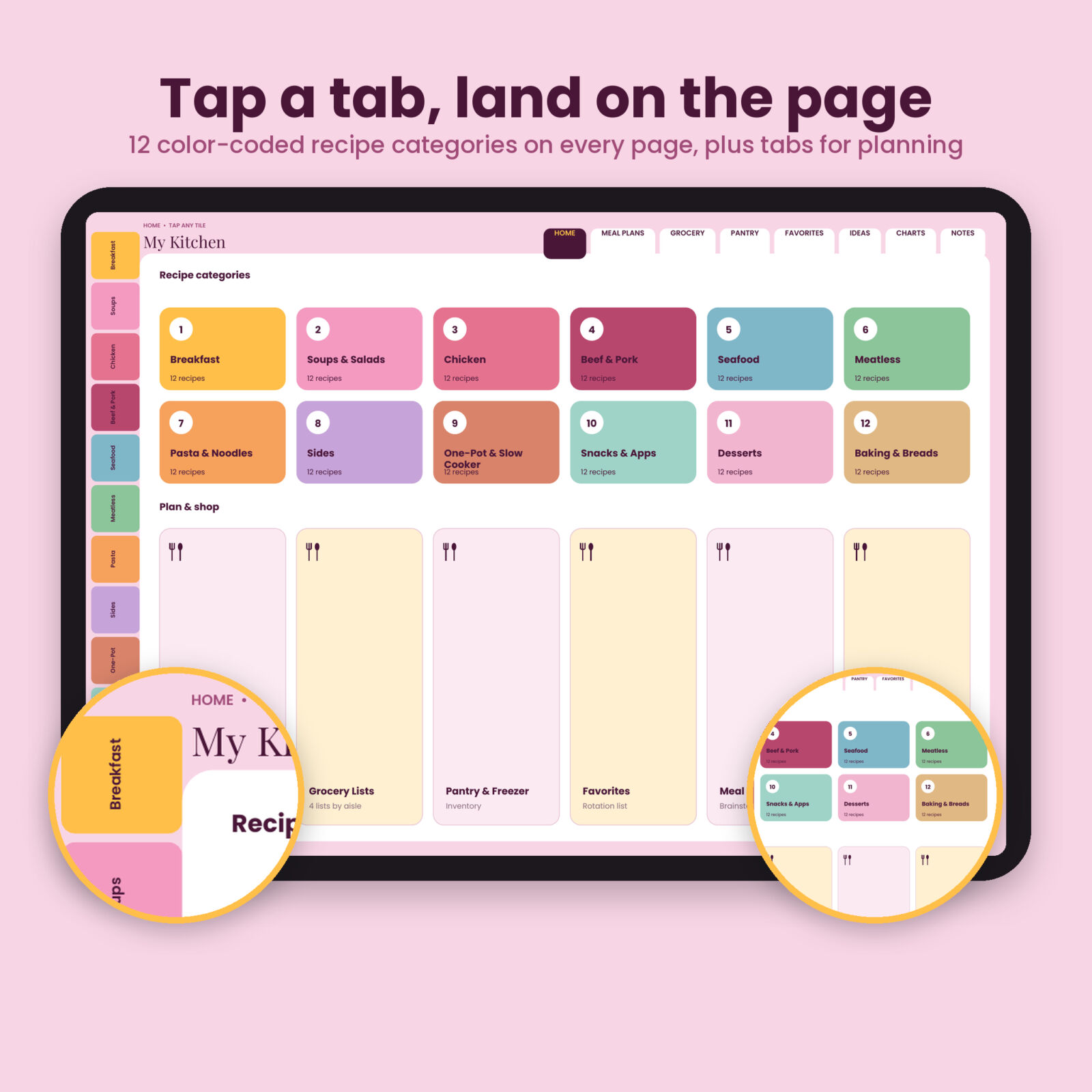
12 tabbed recipe categories
Breakfast, Soups & Salads, Chicken, Beef & Pork, Seafood, Meatless, Pasta & Noodles, Sides, One-Pot & Slow Cooker, Snacks & Apps, Desserts, and Baking & Breads. The color-coded tabs sit on the left edge of every page.
144 recipe pages with clickable indexes
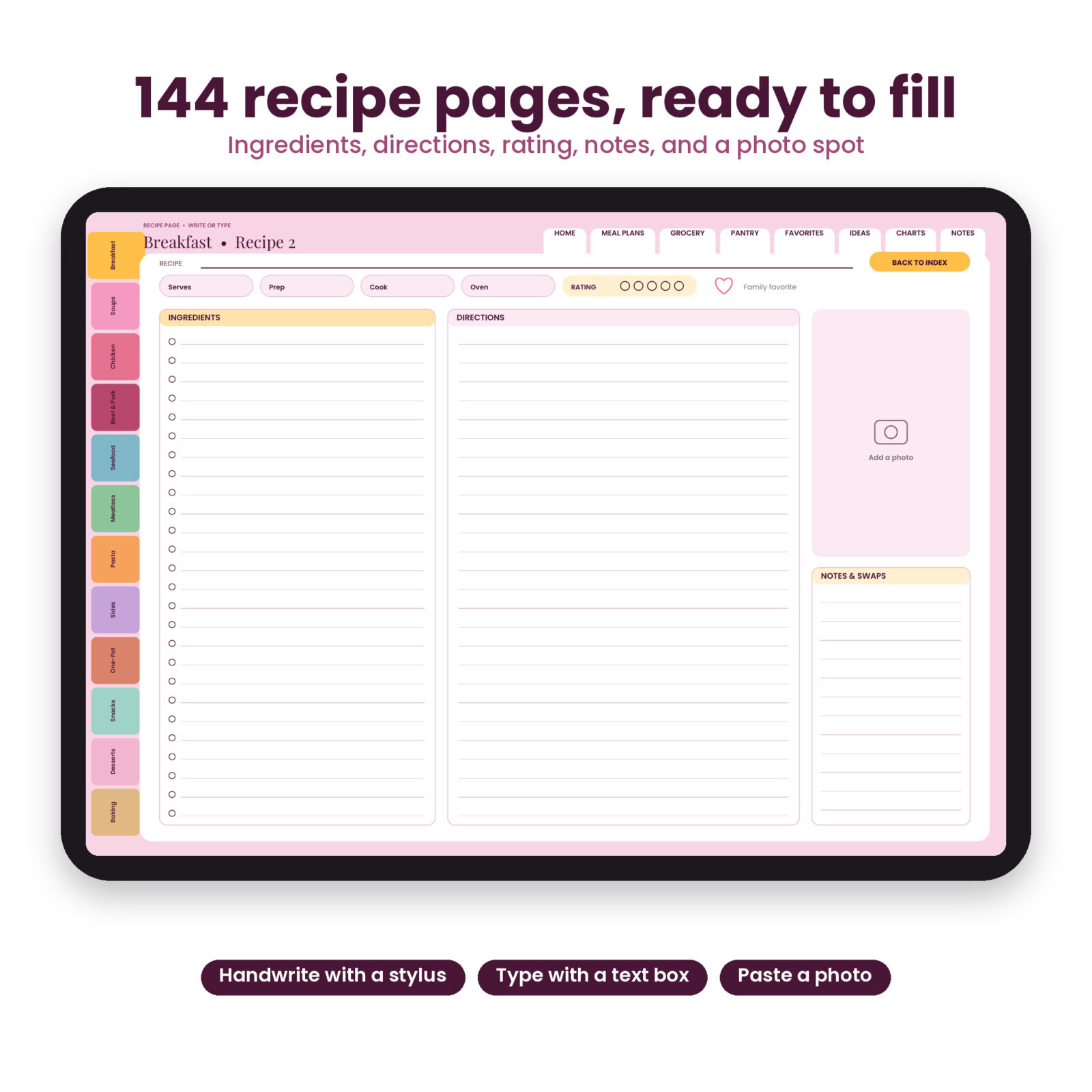
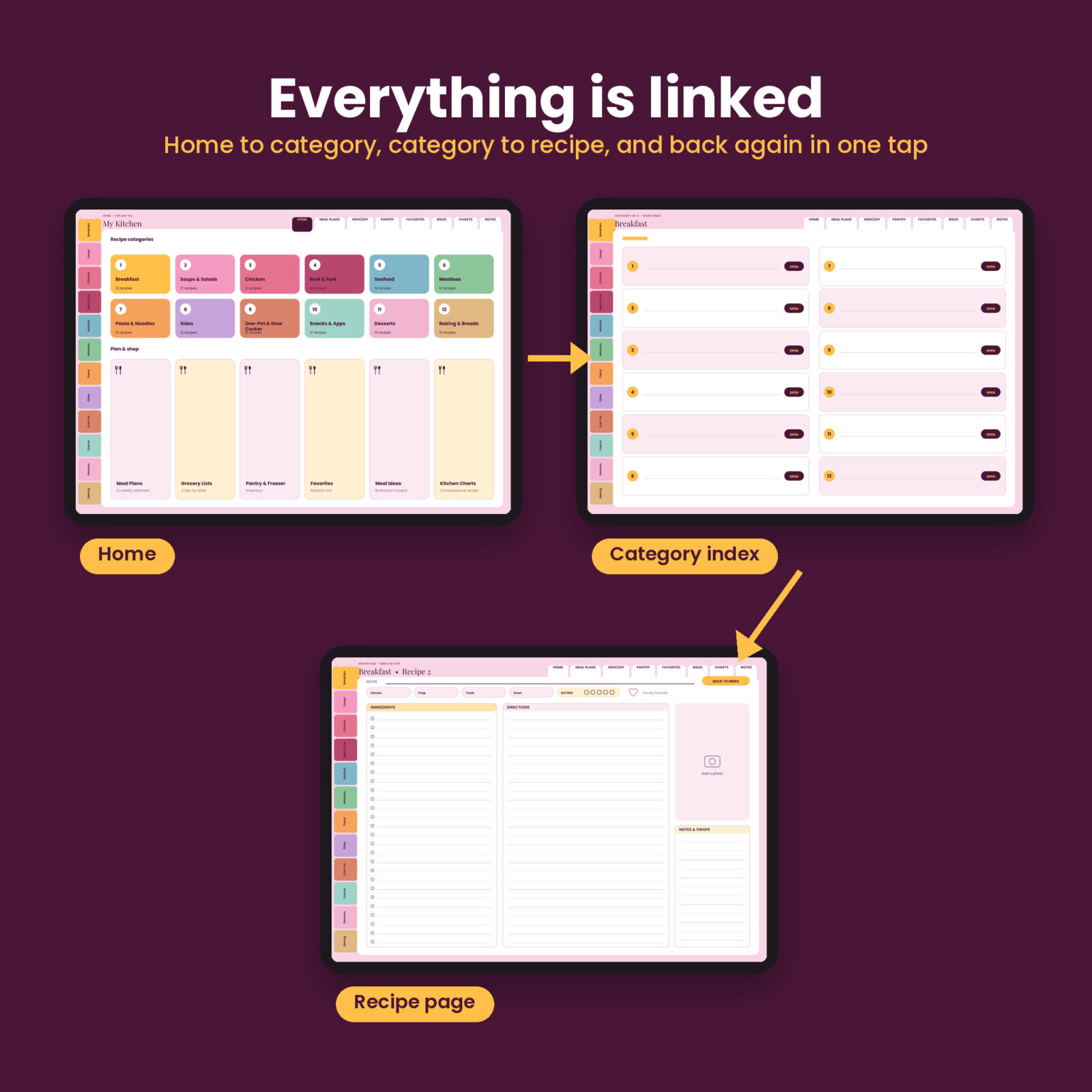
Each category opens with an index page of 12 numbered entries. Write the recipe name, tap OPEN, and you land on its page. Every recipe page has fields for serves, prep, cook, and oven temperature, a 5-dot rating, a family favorite heart, ingredients with check circles, lined directions, a photo spot, and a notes and swaps box. A BACK TO INDEX button takes you back.
12 weekly meal plans
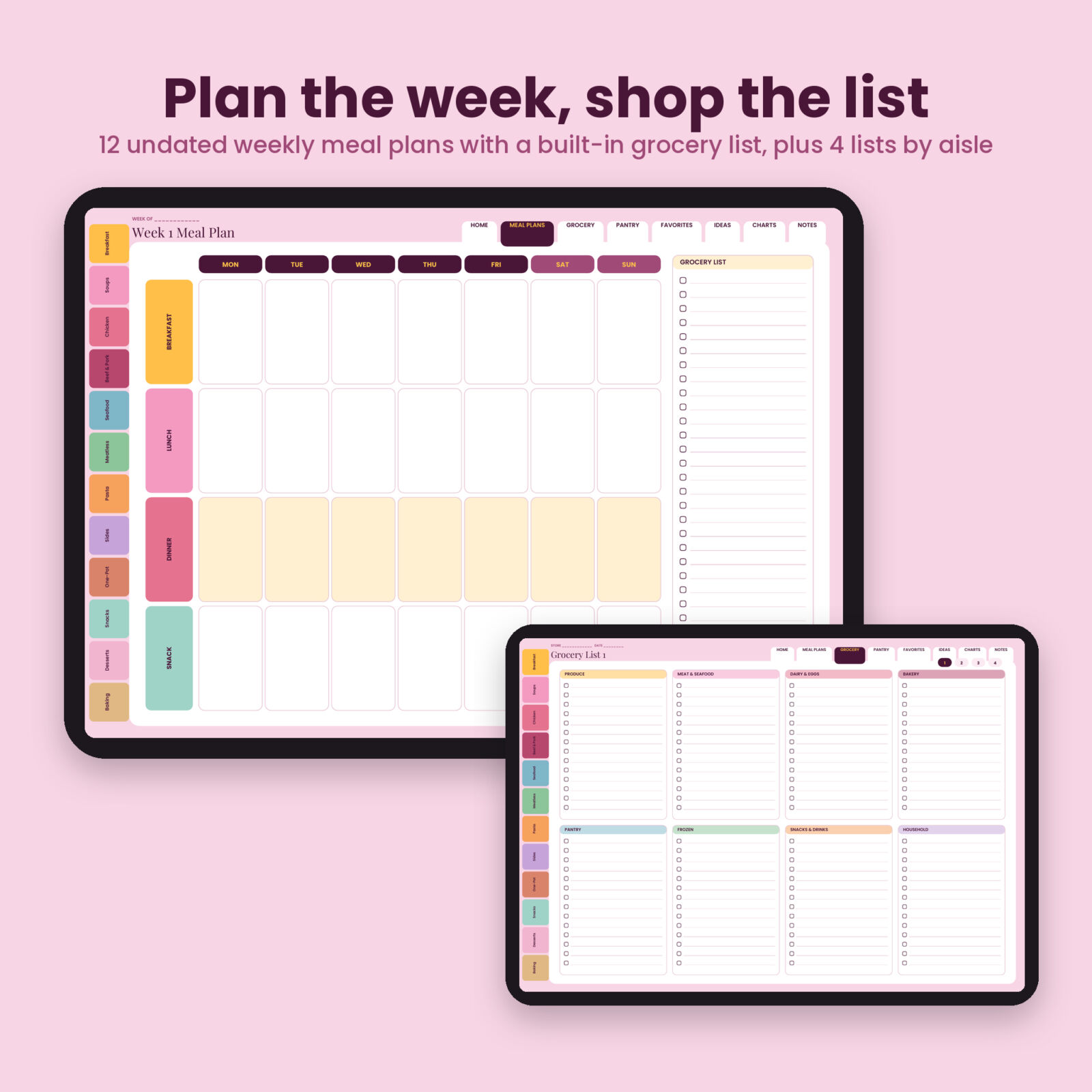
A week index links to 12 undated weekly planners. Each has breakfast, lunch, dinner, and snack rows for 7 days, a highlighted dinner row, and a grocery list column.
Grocery lists and kitchen pages
- 4 grocery lists with 8 aisle sections and quick switch buttons
- Pantry & Freezer inventory with dates
- Family Favorites list with category and page number
- Meal Ideas board with 6 idea boxes
- Kitchen Charts with volume, weight, oven, and safe temperature conversions
- 2 lined notes pages
Navigation that works
Every page carries the 12 category tabs plus top tabs for Home, Meal Plans, Grocery, Pantry, Favorites, Ideas, Charts, and Notes. The file holds more than 3,900 internal links, and every one was checked to land on the right page before release.
Who it is for
Home cooks, busy parents, new cooks starting their first collection, and anyone who wants to build a family cookbook to share at home. It is a good fit for iPad and Android tablet users who already write in GoodNotes or Notability.
What makes Ladlebook different
- A recipe book and a meal planner in one file, so a favorite recipe and the week you cook it are one tap apart.
- Landscape layout with wide writing space and room for a photo on every recipe page.
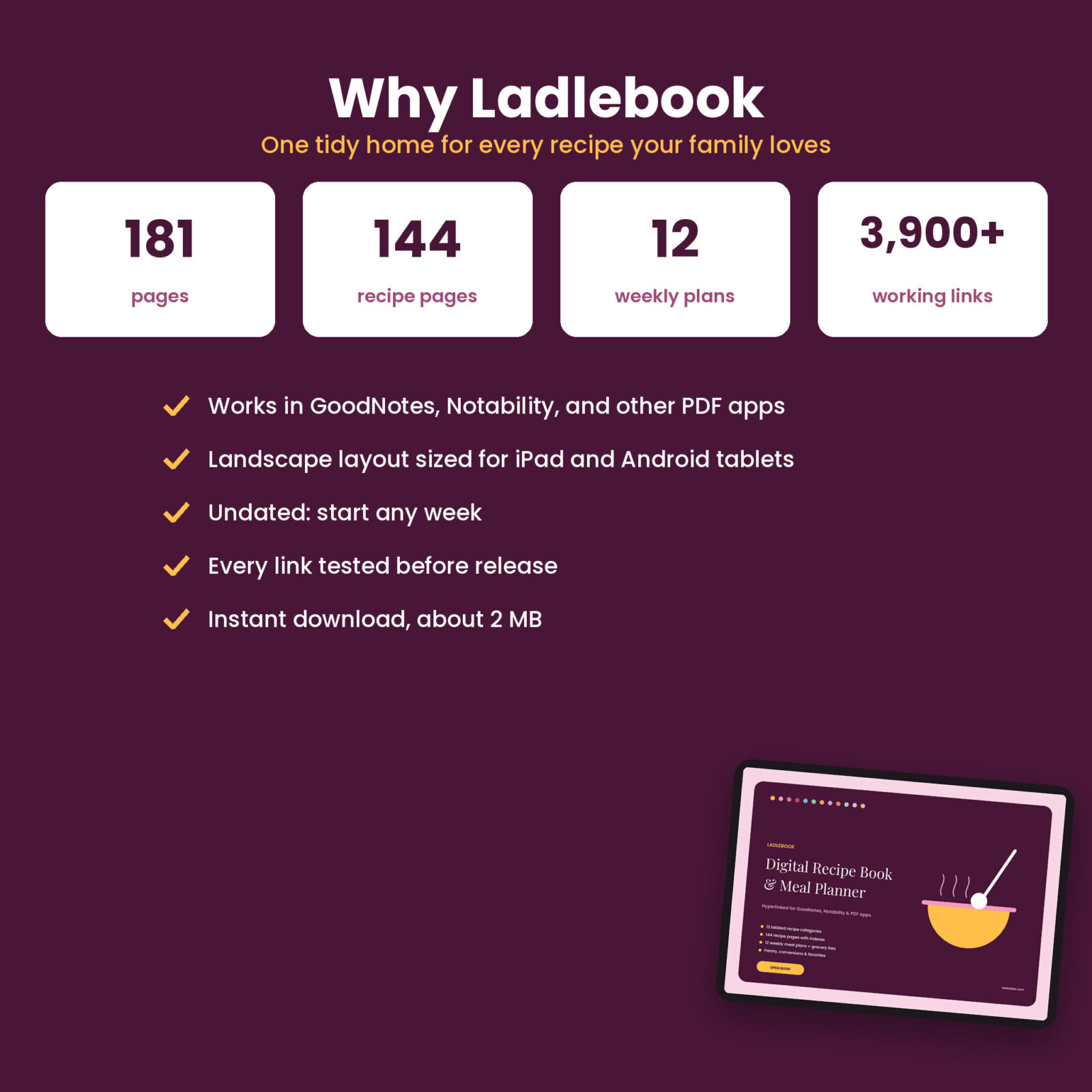
- Light file. About 2 MB, so it opens fast and syncs easily.
- Undated and reusable. Start any week, duplicate pages as your collection grows, and keep a clean copy for a fresh start or a second household cook.
How it works
- Download the PDF file to your tablet.
- Import it into GoodNotes, Notability, or another PDF app.
- Tap a category, write a recipe name in the index, and tap OPEN.
- Fill in the recipe with your stylus or a text box.
- Plan the week on a weekly page and write the grocery list beside it.
Files and compatibility
- Ladlebook-Digital-Recipe-Book-Meal-Planner.pdf: 181 landscape pages
- Ladlebook User Guide (DOCX) with setup steps for GoodNotes and Notability
Works in GoodNotes, Notability, and other PDF apps with link support on iPad and Android tablets. You can also open it on a computer. Phone screens work but are small.
Customization
Duplicate recipe pages or weeks when you need more. Add photos and stickers, color-code your handwriting to match the tabs, and keep a clean copy to start a new book any time.
Real ways to use it
- Copy your family’s handwritten recipe cards into one searchable notebook.
- Save recipes from cooking shows with your own notes and swaps.
- Plan a week of dinners with your recipe pages one tap away.
- Keep the conversions page open while baking.
Digital download
This is a digital product. Nothing ships. Download it right after checkout from your Taskdale account and order email. No app or subscription is included; you need your own note-taking or PDF app.
FAQ
Does this digital recipe book work with GoodNotes?
Yes. Import the PDF into GoodNotes and use the tabs and links. Use Read Only mode or a finger tap to follow links.
Does it work with Notability?
Yes. Import the PDF and tap the links.
Does it come with recipes?
No. It is a blank, organized book for your own recipes.
Can I use it on Android?
Yes, in PDF apps that support links, such as Xodo or Samsung Notes.
Is it dated?
No. Every page is undated.
Can I share it?
The license is for personal use. Please do not share or resell the file.
Reviews
There are no reviews yet.