Most SOPs fail for the same reason: they’re written for an auditor, not for the person doing the job. Forty paragraphs of background, a flowchart nobody can read, and the actual steps buried on page six. So people ignore it and ask Sarah instead.
Learning how to write an SOP that gets used is mostly about writing less, more clearly, in the order the work happens. Here’s the process I’d follow, with an example and the sections every SOP needs.
What an SOP is (and isn’t)
A standard operating procedure is a written set of steps for doing a recurring task the same way every time. It’s not a policy (which says what should happen and why) and it’s not a training manual (which teaches broader skills). An SOP is narrow: this task, these steps, this standard.
Good candidates are tasks that happen often, cause problems when done wrong, or live in one person’s head. Processing refunds. Onboarding a client. Closing the till. Publishing a blog post.
How to write an SOP in 8 steps
1. Pick one process and name its boundaries
Write one sentence for the start and one for the end. “Starts when a customer requests a refund. Ends when the refund is issued and logged.” Anything outside that is a different SOP. This stops the document from sprawling.
2. Watch it being done
Don’t write from memory. Sit with the person who does it best, or record your screen while you do it yourself. You’ll catch the steps people skip when describing a task, like “oh, and I always check the order date first”.
3. Write the purpose and scope
Two or three sentences. Why does this procedure exist, who does it apply to, and when is it used? Keep it short. Nobody reads a page of purpose.
4. List the steps in order, one action each
This is the heart of the SOP. Rules that help:
- Start each step with a verb: “Open”, “Check”, “Send”, “Record”.
- One action per step. If a step has “and” in the middle, it’s probably two steps.
- Name the exact tool, screen or file: “In Shopify, go to Orders” beats “go to the system”.
- Number them. People lose their place.
5. Add the decision points
Real processes branch. “If the order is older than 30 days, go to step 9. Otherwise continue.” Write these in plainly. For a process with lots of branches, a simple flow diagram helps, but keep the numbered steps as the main reference.
6. Say who does what
Every step needs an owner, and anything needing approval needs an approver. Even in a three-person business, “who signs off refunds over $200?” is worth writing down.
7. Define what “done right” looks like
Add quality checks: how do you know the task was completed correctly? “Refund appears in the payments log with the order number” is a check. “Make sure it’s done properly” isn’t.
8. Test it on someone new
Hand the draft to someone who’s never done the task. Watch them follow it without help. Every time they hesitate or ask a question, the SOP needs a fix. Two rounds of this usually gets you a document that works.
A short example
SOP: Processing a customer refund
- Open the refund request in the support inbox.
- Find the order in the shop dashboard using the order number.
- Check the order date. If it’s over 30 days old, escalate to the manager (step 8).
- Check the reason against the refund policy.
- Issue the refund through the payment provider.
- Record the refund in the refunds log: date, order number, amount, reason.
- Reply to the customer using the refund template.
- For escalations, forward the request to the manager with a one-line summary.
Eight steps. Fits on one screen. A new hire can follow it on day two.
Sections every SOP should include
- Title, ID and version number
- Purpose and scope
- Definitions (only if there’s jargon)
- Roles and responsibilities
- Step-by-step procedure
- Quality checks
- Safety or risk notes, where relevant
- Related documents
- Version history and approval
The version history matters more than people think. When three copies of an SOP are floating around, the one with the latest date and a sign-off is the one people should trust.
Templates that give you the structure
Even once you know how to write an SOP, the blank page is where most SOP projects stall. A template means you only fill in the content.
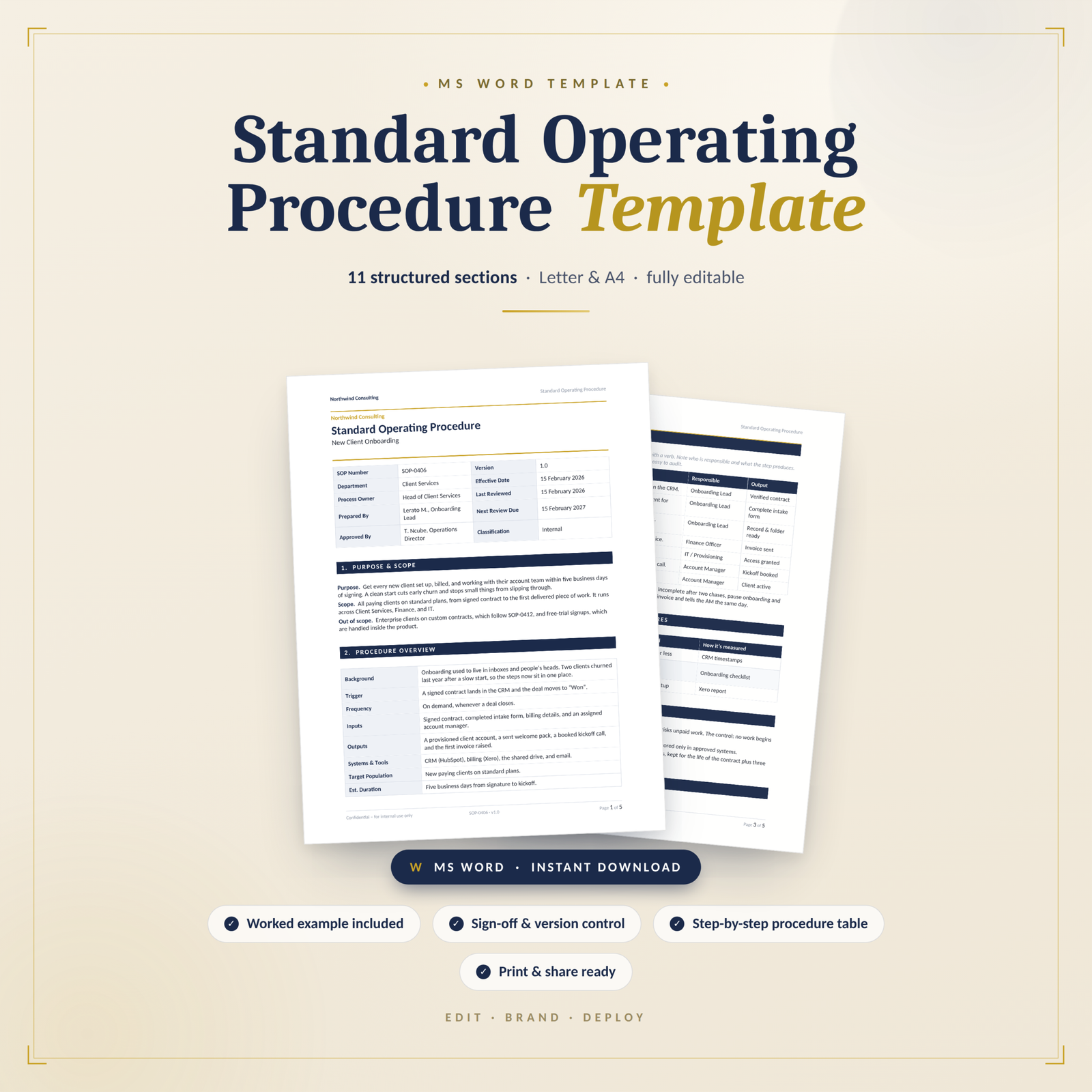
The SOP Template for Teams follows a formal 10-section format: purpose and scope, procedure overview, definitions and acronyms, roles and responsibilities, step-by-step procedure, quality checks and success measures, safety, risk and compliance, related documents, version history, and approval and sign-off. It suits teams that need auditable procedures with clear checkpoints. It’s an editable .docx.
SOP Template Pro A4 uses a leaner 8-section layout that includes a RACI matrix and a materials, equipment and systems section. It’s a good fit for small businesses documenting a recurring task or client delivery process where it helps to list the tools involved.
The SOP Toolkit has 10 sections including a “how to use this template” guide, a RACI matrix, a process flow section for handoffs and control points, safety and compliance, approval and sign-off, and appendices. It’s useful if you’re building a set of SOPs and want a consistent format with room for diagrams and supporting material.
Keep SOPs alive
An SOP written once and never touched will be wrong within a year. Put a review date on each one (every 6 or 12 months), and update it whenever the process changes. When someone finds a mistake, fix the document that day and bump the version number.
FAQ
How long should an SOP be?
As short as possible while still being complete. Many good SOPs fit on one or two pages. If yours is ten pages, it’s probably several procedures that should be split.
What’s the best format for an SOP?
Numbered steps work for most tasks. Checklists suit routine jobs, and flowcharts help when there are many decision points. Many SOPs combine numbered steps with a simple flow diagram.
Who should write an SOP?
The person who does the task best should help write it, with a manager reviewing and approving. Then test it on someone who has never done the task.
How do I get my team to follow SOPs?
Keep them short, store them where people work, and involve the team in writing them. When an SOP is wrong, fix it quickly, so people learn to trust it.