Engagepad is a consultant CRM app for independents and fractional executives who want pipeline, time and billing in one private place. It is a single file that runs in your browser, with client data kept on your own device.
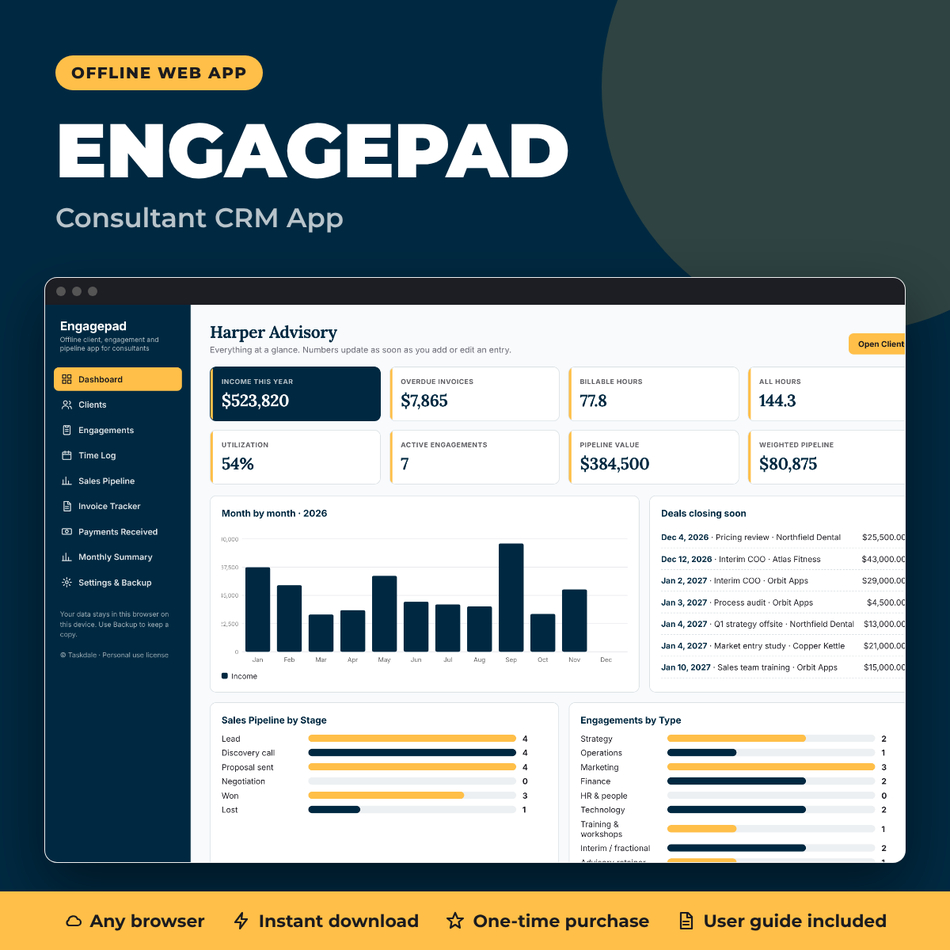
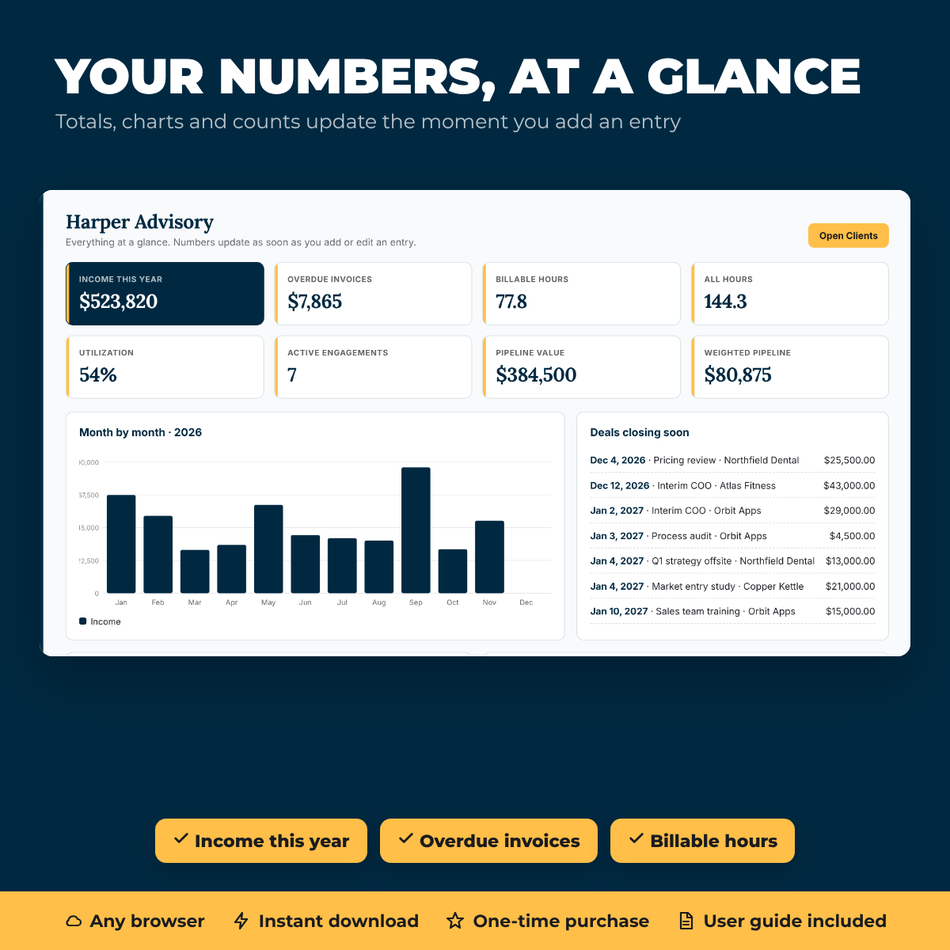
Track opportunities by stage with automatic probabilities and weighted value, record engagements by fee type, log billable time and follow invoices to paid. The dashboard shows income, utilization, weighted pipeline and the deals closing next.
What is inside this consultant crm app
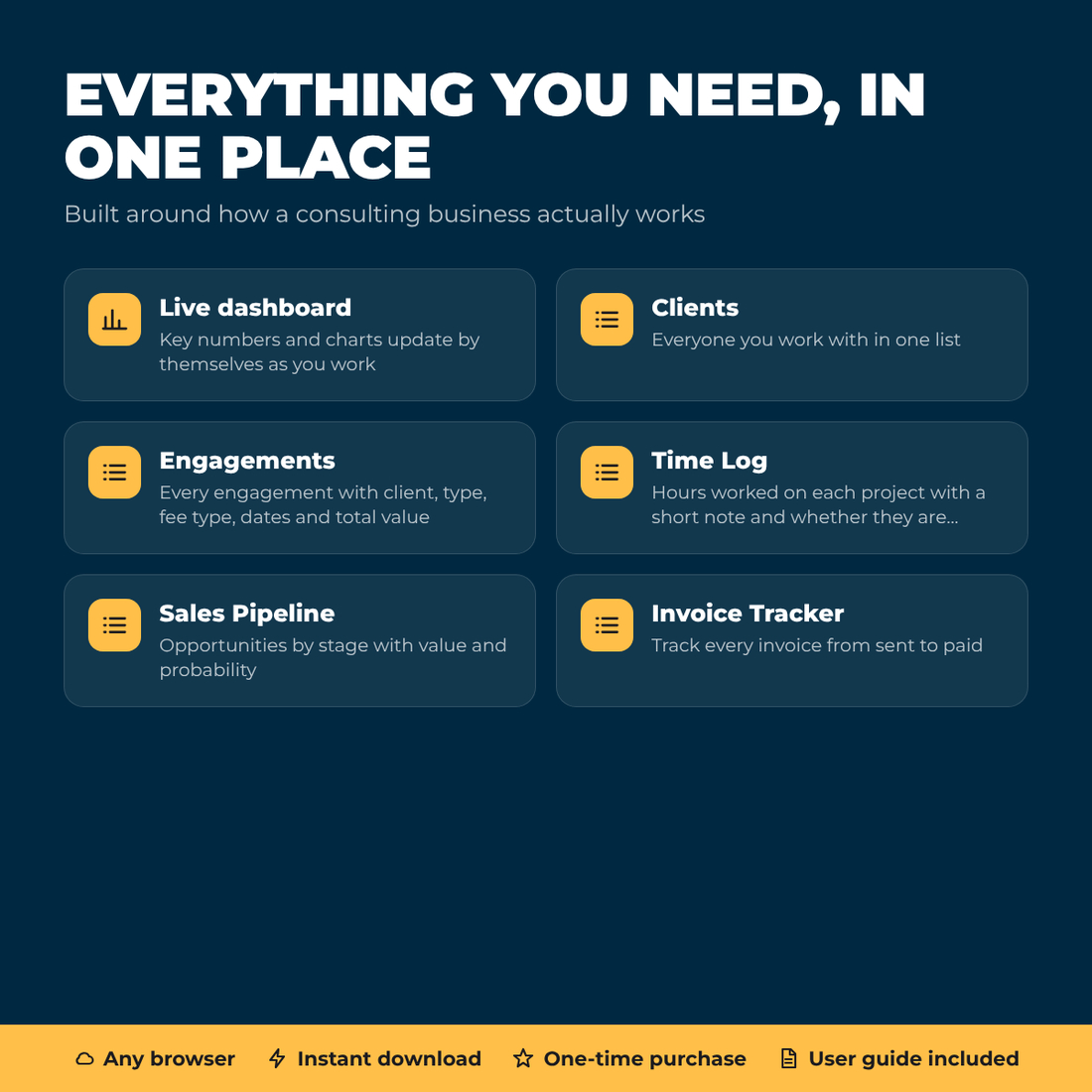
Engagepad is organized into clear screens that talk to each other, so you enter information once and see it everywhere it matters.
Dashboard
Your headline numbers in one view: income this year, overdue invoices, billable hours, all hours, utilization, active engagements. A month-by-month chart compares income across the year. Breakdown charts show where your work and money come from.
Clients
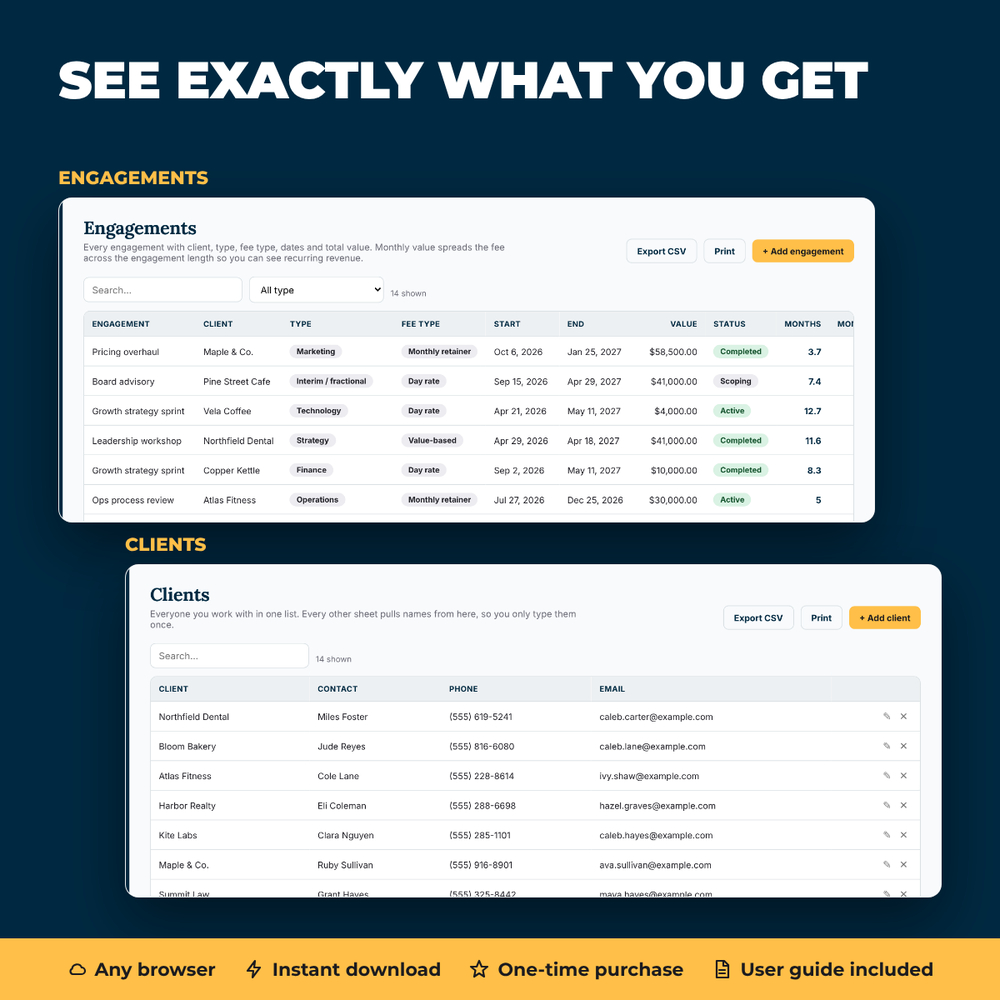
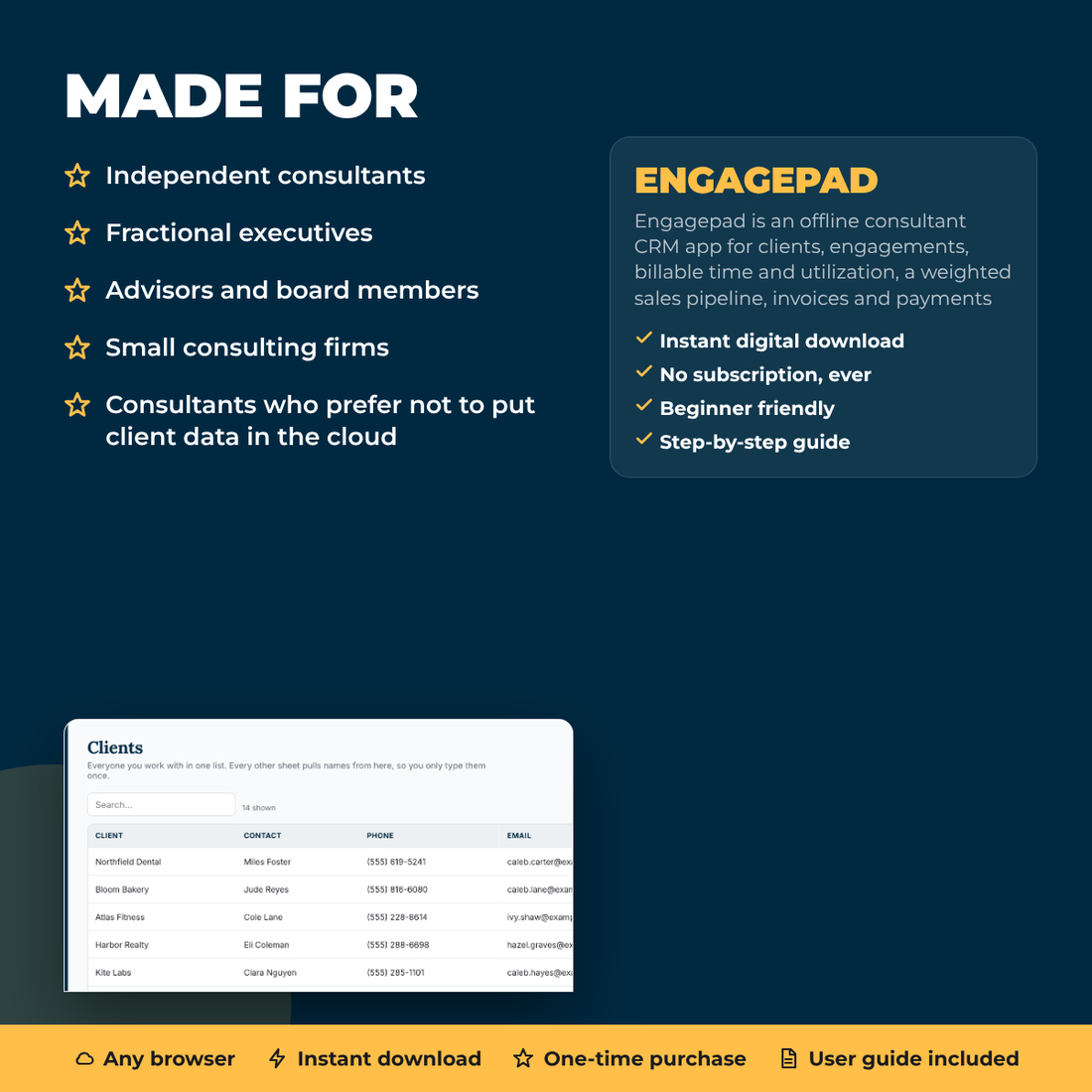
Everyone you work with in one list. Every other sheet pulls names from here, so you only type them once. Columns: Client, Contact, Phone, Email.
Engagements
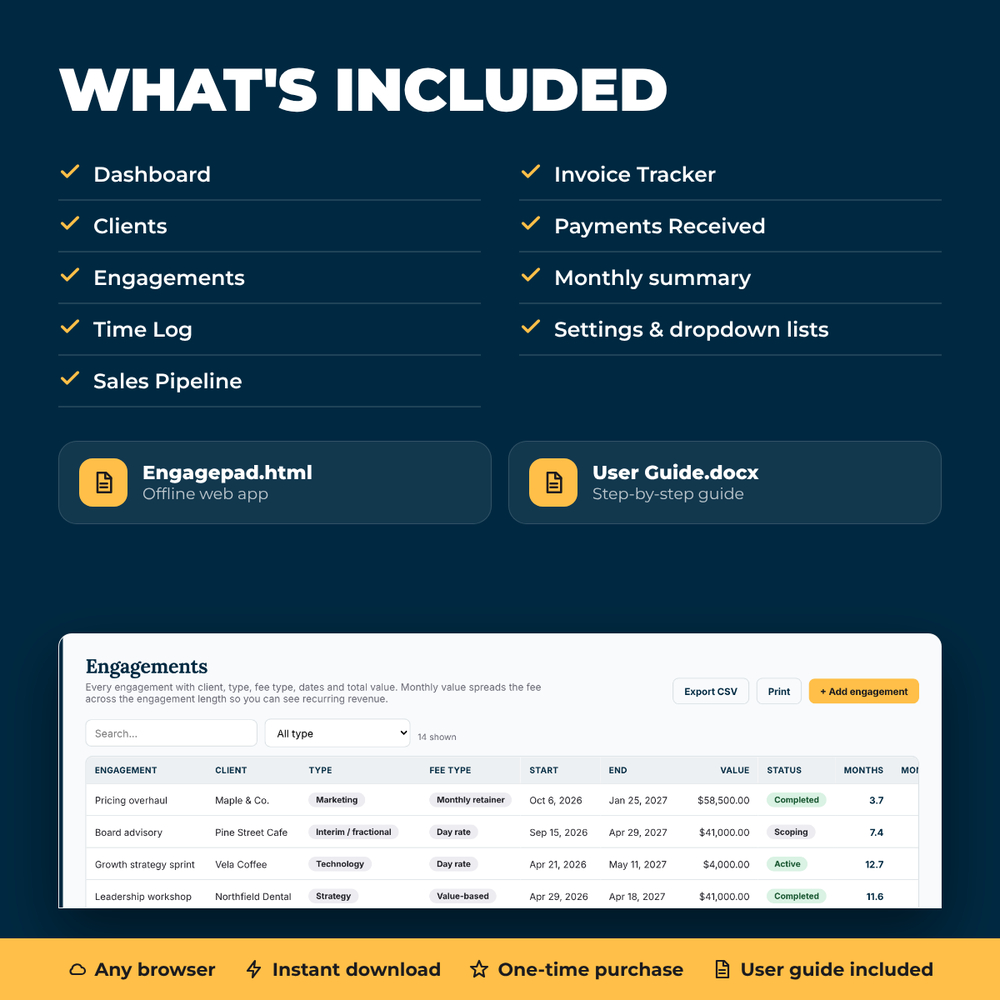
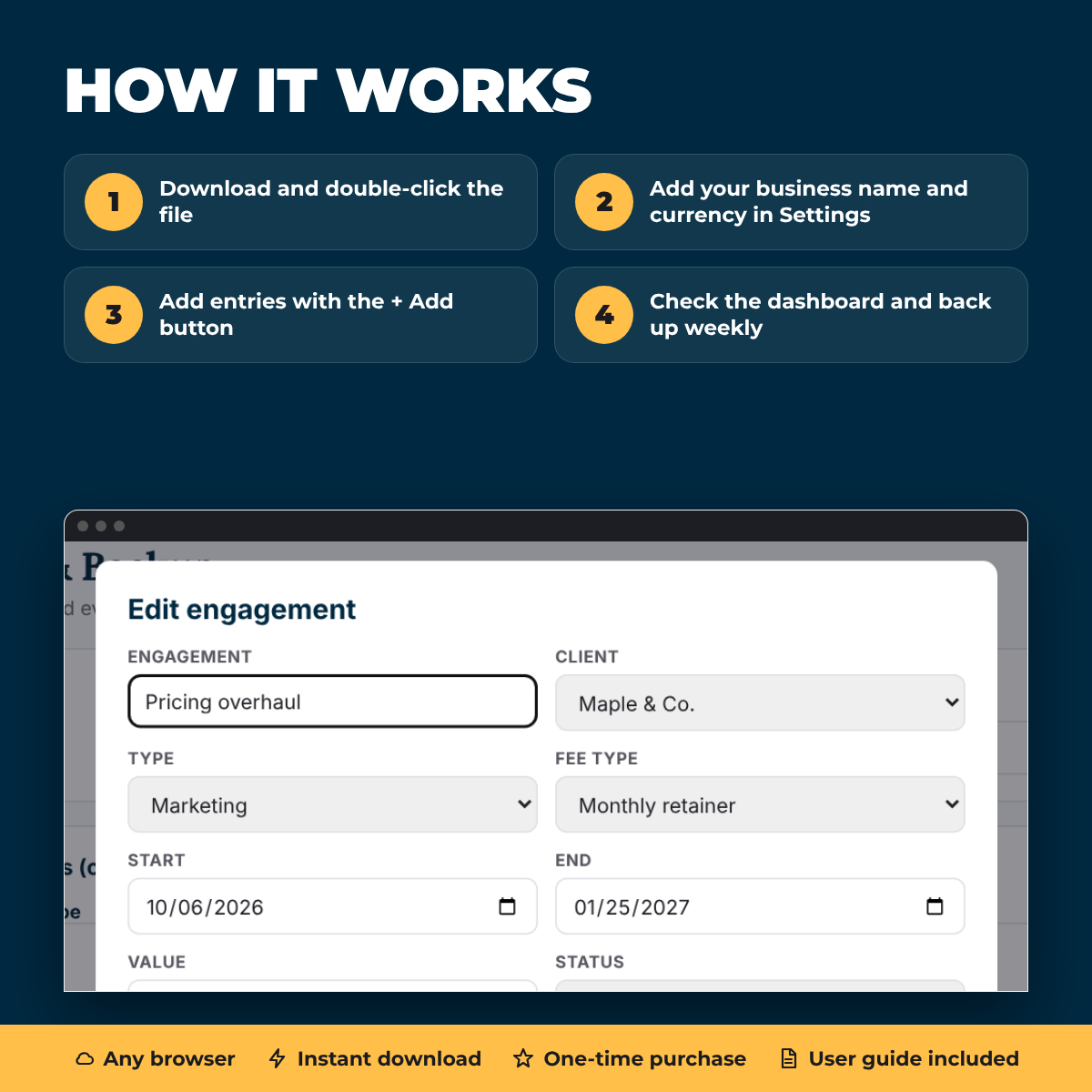
Every engagement with client, type, fee type, dates and total value. Monthly value spreads the fee across the engagement length so you can see recurring revenue. Months, Monthly Value are worked out automatically. Columns: Engagement, Client, Type, Fee Type, Start, End, Value, Status, Months, Monthly Value.
Time Log
Hours worked on each project with a short note and whether they are billable. The value at your hourly rate adds up for invoicing and for checking real hourly earnings. Value is worked out automatically. Columns: Date, Project, Task, Hours, Rate, Billable?, Value.
Sales Pipeline
Opportunities by stage with value and probability. Weighted value gives a realistic forecast of the work you are likely to win. Probability, Weighted are worked out automatically. Columns: Opportunity, Company, Source, Stage, Value, Close By, Probability, Weighted.
Invoice Tracker
Track every invoice from sent to paid. Days overdue counts itself, and overdue invoices turn red so nobody slips through the cracks. Days Overdue is worked out automatically. Columns: Invoice #, Client, Issued, Due, Amount, Status, Days Overdue.
Payments Received
Every payment that lands, with the client, invoice number and how they paid. This sheet drives your income totals, the monthly summary and the dashboard. Columns: Date, Client, Invoice #, Amount, Method, Note.
Monthly Summary
All twelve months of your report year with income totals. Change the year and the whole summary recalculates.
Settings
Your business name, currency symbol, report year and every dropdown list live here, so the whole app fits the way you work.
Key features
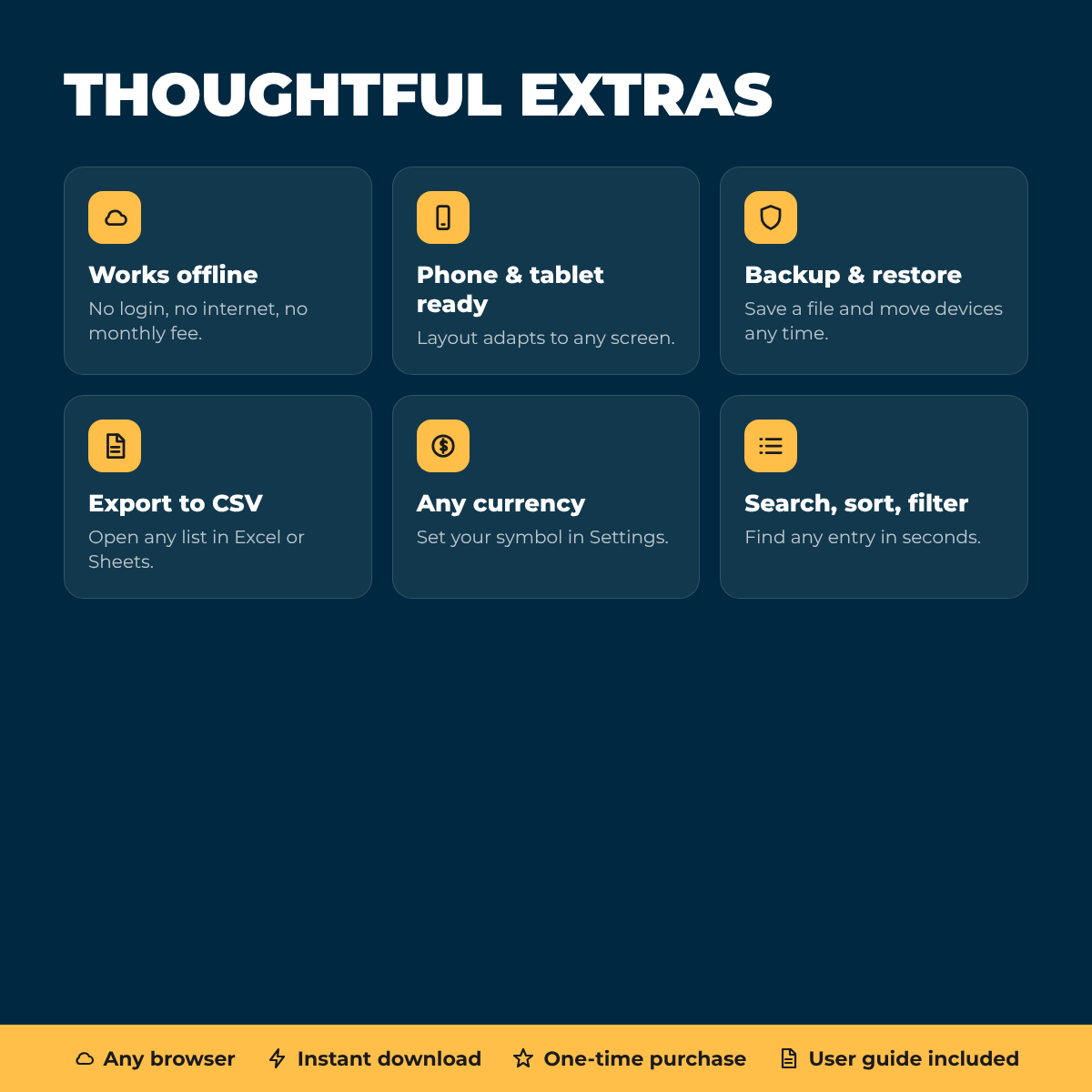
- Works offline in any modern browser with no login or subscription
- Live dashboard with KPI cards, a monthly chart and breakdowns
- Add, edit, search, sort and filter every list
- Calculated fields update automatically as you type
- Backup to a file and restore on any device
- Export any list to CSV for Excel or Google Sheets
- Editable dropdown lists and one currency setting
- Print-friendly view of every screen
- Phone, tablet and desktop layouts
Who this consultant crm app is for
- Independent consultants
- Fractional executives
- Advisors and board members
- Small consulting firms
- Consultants who prefer not to put client data in the cloud
How it works
- Download the HTML file and double-click it. It opens in your browser.
- Add your business name and currency in Settings, and adjust the dropdown lists.
- Add entries with the + Add button. Totals and the dashboard update straight away.
- Download a backup each week so your data is always safe.
Real-world use cases
- Reviewing deals closing this month on Monday.
- Checking utilization before accepting a big proposal.
- Exporting time for a client report.
- Following up overdue invoices.
- Seeing which sources bring the biggest engagements.
File format and requirements
You receive Engagepad.html, a single-file web app, plus an illustrated user guide in Word format (.docx). It runs in current versions of Chrome, Edge, Safari and Firefox on Windows, Mac, iPad, Android tablets and phones. Nothing to install, no account and no internet connection needed after download.
Customization
Change your business name, currency symbol, report year and every dropdown list from the Settings screen. Add as many entries as you need. Your data stays private in your own browser.
Instant digital download
This is a digital product. Nothing is shipped. Your files are ready to download straight after checkout and stay in your Taskdale account so you can download them again whenever you need them.
Frequently asked questions
Does it calculate weighted pipeline?
Yes. Each stage carries a probability, and the dashboard totals weighted value.
Can I track utilization?
Yes. Billable hours divided by all hours logged.
Where is client data stored?
Only in your browser on your device. Download backups regularly.
Do I need internet or an account?
No. It is a single HTML file that opens in any modern browser and works offline. No login, no subscription.
Does it work on a phone or iPad?
Yes. The layout adapts to phones and tablets. Open the file in Safari or Chrome on the device.
Is it a one-time purchase?
Yes. You pay once and keep the file.
License: for personal use and use within your own business. Please do not resell, share or redistribute the files. © Taskdale.

Reviews
There are no reviews yet.