The best digital product guide is the one that matches the job you need done this month and comes with working tools rather than reading alone. On this page, one guide teaches Canva design, one helps freelancers get paid faster, and one shows you how to create and sell your own digital products.
- A digital product guide is a downloadable PDF, workbook or template pack that teaches one skill step by step.
- The three guides here cover design (Canva), freelance cash flow, and launching your own digital products.
- Two of the three include Excel tools, and all three include printable or fillable material.
- Guide length ranges from 39 pages in the launch kit to 60 pages in the Canva tutorial.
- Match the guide to your next task, not to your long-term ambitions.
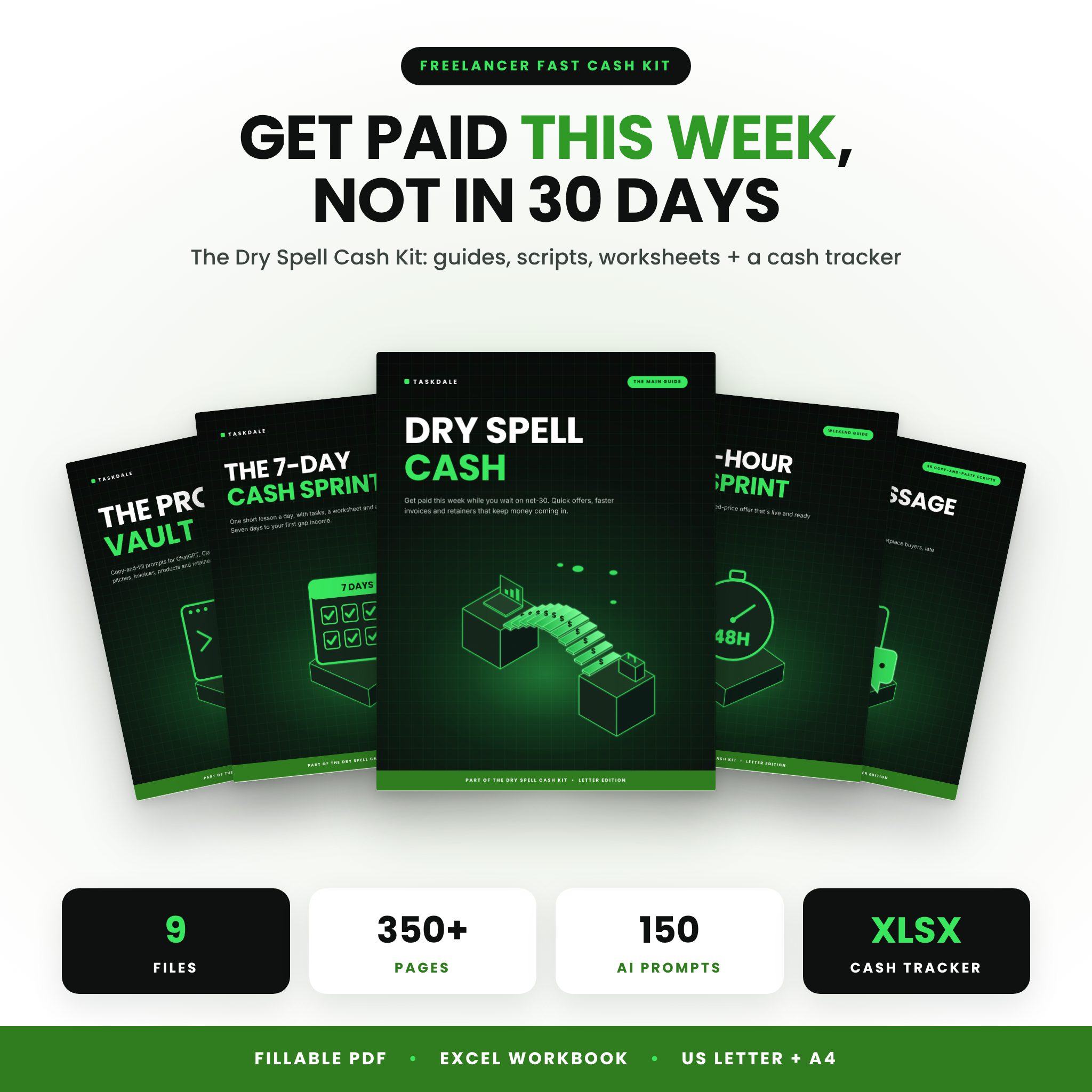 Freelancer Guide & Cash Flow Toolkit | Dry Spell Cash Kit with Fiverr & Upwork Pricing Calculator, Invoice Tracker, 150 AI Prompts & Client Scripts | Fillable PDF + Excel
Table of Contents Toggle
- What should you look for in a digital product guide?
- How do these three digital product guides compare?
- Which digital product guide suits which reader?
- How do you get the most from a digital product guide?
- What mistakes should you avoid when buying a digital product guide?
- What affects the price of a digital product guide?
- Common questions
- How to choose your digital product guide
Buying a digital guide can feel harder than it should. There are plenty of files promising quick results, and it's not always clear which ones contain real working material and which are a few pages of general advice. We'll go through what separates a useful guide from a forgettable one, then compare the three on this page so you can decide with confidence.
What should you look for in a digital product guide?
A good digital product guide has a clear outcome, working tools beside the written advice, and a format you can actually use. Cheque those three things before anything else, because they decide whether you finish the guide or abandon it on page ten.
A specific outcome, not a broad topic
A guide called "marketing" is a topic. A guide that takes you from your first click in Canva to confident, professional-looking designs is an outcome. Look for a stated end point, such as a 48-hour offer plan, six guided projects or a 30-day posting plan. If you can't tell what you'll have finished by the last page, keep looking.
Tools that sit alongside the reading
A working tool is a spreadsheet, tracker, checklist or script you fill in or edit, rather than just read. The Freelancer Guide & Cash Flow Toolkit includes an Excel Cash Gap Tracker and a fee-aware price calculator. The launch kit has an Excel pricing calculator and sales tracker. Tools matter because they turn advice into decisions you can see on a screen.
File formats and paper sizes
Cheque the formats before you buy. The Canva guide and the freelancer toolkit supply US Letter and A4 versions, which matters if you print at home in the UK. The Freelancer toolkit also lists fillable PDF fields (970+) and Word and PDF versions of its client scripts, so you can type straight into the files or print them.
Editable material you can make your own
An editable file is one you can change and reuse, rather than only read. The How to Create and Sell Digital Products kit includes a Word edition you can rebrand, which suits anyone who wants to adapt the material for their own products. Fixed PDFs are fine for learning, but they won't help you build something of your own.
Bonuses that earn their place
Bonuses should relate to the main task. The Canva guide adds 150 social media hooks, a 30-day content planner and a printable shortcut cheat sheet, all of which you'd use while designing. A bonus that has nothing to do with the main subject is padding, however large the number attached to it.
How do these three digital product guides compare?
The three guides differ mainly in what they help you do: design with Canva, get paid as a freelancer, or launch a digital product. The table shows the differences in the supplied details, so you can compare them side by side.
| Product | Main job | Guide content | Tools included | Formats |
|---|---|---|---|---|
| Freelancer Guide & Cash Flow Toolkit | Dry Spell Cash Kit with Fiverr & Upwork Pricing Calculator, Invoice Tracker, 150 AI Prompts & Client Scripts | Fillable PDF + Excel | Getting paid faster as a freelancer | 10-chapter guide, 48-hour offer plan, 7-day mini-course | Excel Cash Gap Tracker, fee-aware price calculator, 150 AI prompts, 35 client scripts | US Letter + A4, fillable PDF, Excel, Word + PDF scripts, instant download |
 Drag, Drop & Done: Canva for Beginners Guide | 60-Page How to Use Canva Tutorial PDF + 150 Social Media Hooks & Shortcut Cheat Sheet | Learning Canva from scratch | 60-page PDF, six guided projects, troubleshooting tips | Editor maps, Free vs Pro labels, Windows + Mac shortcut cheat sheet, 150 hooks, 30-day planner | US Letter + A4 PDFs with clickable contents |
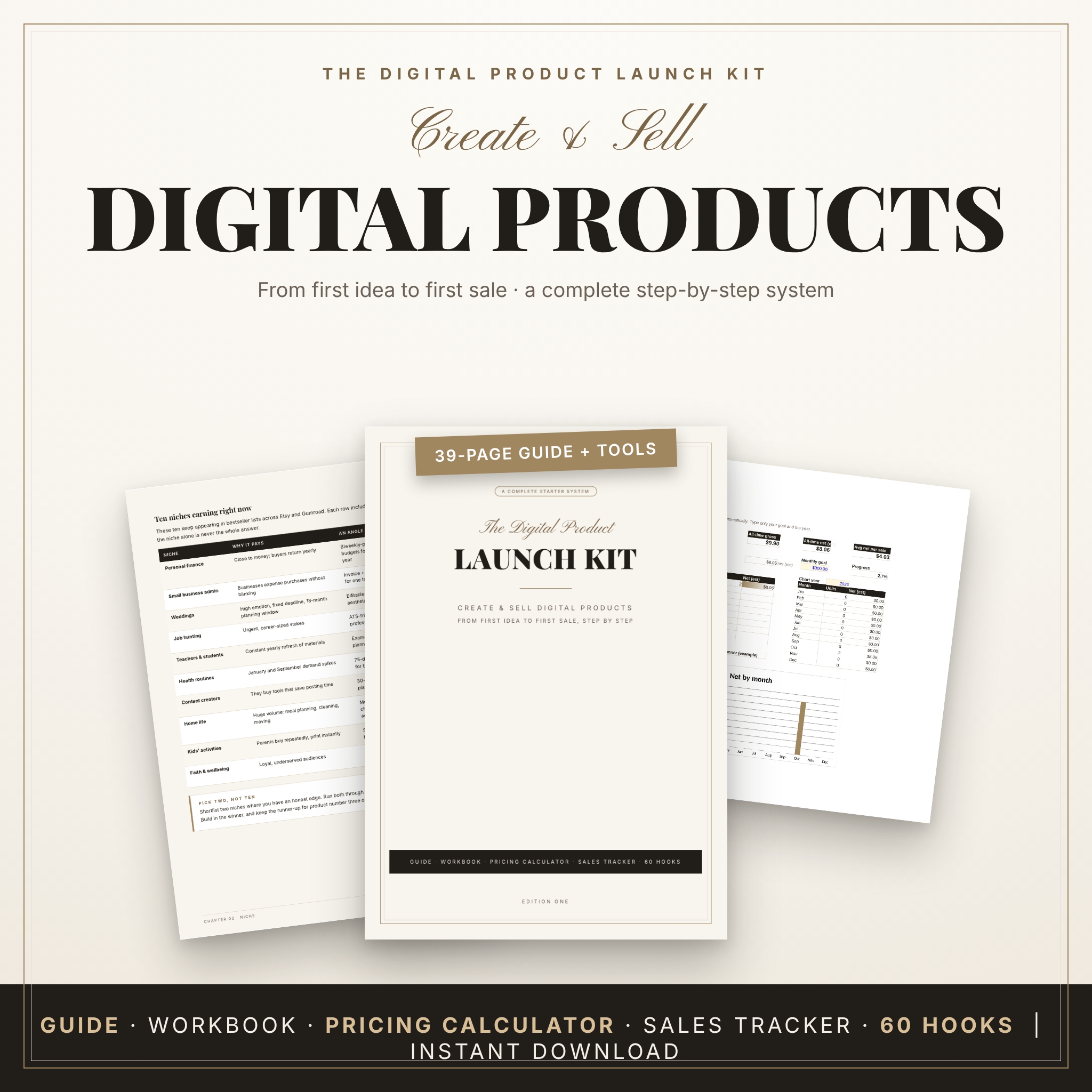 How to Create and Sell Digital Products | Digital Product Launch Kit with Ebook Guide, Workbook, Excel Pricing Calculator and Sales Tracker | Launching and selling digital products | 39-page step-by-step guide, printable launch workbook | Excel pricing calculator and sales tracker, 60 social media hooks, 30-day posting plan | Editable Word edition, instant download |
If you want to see every option with its live price, browse all 3 products below.
Which digital product guide suits which reader?
Each of these guides suits a different starting point, so the right choice depends on what you're trying to do in the next few weeks rather than which looks most impressive.
The Freelancer Guide & Cash Flow Toolkit suits anyone who sells a skill and finds income arrives unevenly. It's built around getting paid within the week: turning one skill into a fixed-price offer for Fiverr, Upwork or direct clients, chasing late invoices with ready-made scripts, and growing quick wins into monthly retainers. If you've ever waited on an invoice while bills came due, this one speaks to that directly.
Drag, Drop & Done: Canva for Beginners Guide suits people who have never opened Canva, or who open it and feel lost. The labelled editor maps and clear Free vs Pro markings mean you'll know which features cost extra before you rely on them. The six guided projects give you something finished to show for your effort. It also suits small business owners who want tidy social posts without hiring a designer.
How to Create and Sell Digital Products suits someone with knowledge to share and no idea how to package it. The 39-page guide walks through the steps, the workbook gives you somewhere to plan, and the Excel pricing calculator and sales tracker help you decide what to charge and see what's selling. It's the most direct route for turning expertise into a product.
If you're torn between the Canva guide and the launch kit, ask yourself whether your sticking point is how things look or what you're selling. Design skills are useful for a launch, but there's little to design until you know the product.
How do you get the most from a digital product guide?
You get the most from a digital product guide by working through it with a single project in mind and using the tools as you read, rather than reading everything first. A guide you only read tends to be forgotten within a week.
- Decide on one task before you open the file, such as "send three overdue-invoice reminders" or "design my first social post".
- Save the files somewhere easy to find and open the tool files (Excel or fillable PDF) at the same time as the guide.
- Read one chapter or project, then do it straight away with your own details.
- Print the workbook or cheat sheet if you prefer paper. Choose A4 or US Letter to match your printer.
- Return to your numbers after a week. Update the tracker and see what the figures say.
With the Freelancer toolkit, the 7-day mini-course gives a natural pace. With the Canva guide, finish the six guided projects in order, since each builds on the last. With the launch kit, complete the workbook before touching the calculator, so your pricing rests on your own plan.
What mistakes should you avoid when buying a digital product guide?
The most common mistakes are buying for a goal you aren't ready for, ignoring file formats, and expecting a guide to do the work for you. Each is easy to avoid once you know what to cheque.
- Buying for someday rather than now. A launch kit is wasted if you haven't decided what to sell. Pick the guide for your next step.
- Skipping the format cheque. If you plan to print, confirm the paper size. If you need to type into files, look for fillable fields or editable Word documents.
- Counting bonuses instead of reading them. A large number of hooks or prompts only helps if you'll use them. Judge bonuses by whether they match your task.
- Treating a calculator as advice. A pricing calculator shows you the effect of fees and costs on what you keep. It can't tell you what the market will pay, so test your price with real customers.
- Expecting guaranteed income. No guide can promise earnings. Each one gives you a method and tools, and the results depend on the effort you put in.
What affects the price of a digital product guide?
The price of a digital product guide depends mainly on how much material is included, how many working tools come with it, and whether the files are editable. We don't quote figures here because prices change, and the live product cards always show the current amount.
- Volume of content. A 60-page tutorial with six projects contains more than a short checklist.
- Working tools. Excel calculators, trackers and fillable PDFs take more effort to build than plain text, so kits that include them tend to cost more.
- Editable files. A Word edition you can rebrand offers more than a read-only PDF.
- Bonuses. Extras such as social media hooks, planners and scripts add to the bundle.
- Formats. Supplying both US Letter and A4 versions means more files in the package.
Judge value by what you'll use. A cheaper guide you finish beats a larger one you never open.
Common questions
Do I need a paid Canva account to use the Canva guide?
No. Drag, Drop & Done labels features as Free or Pro, so you can see which ones need a paid plan before you start. You can follow the free parts and decide later whether the Pro features are worth having for your own projects.
Can I print these guides at home?
Yes. The Canva guide and the Freelancer toolkit come in US Letter and A4 versions, so UK printers handle them without resizing. The launch kit includes a printable workbook, and the Canva guide includes a printable shortcut cheat sheet.
Which should I buy first if I want to sell something online?
Start with How to Create and Sell Digital Products, because it covers the planning, pricing and tracking in one kit. Add the Canva guide afterwards if you need help making your product pages and social posts look polished.
Can I rebrand the material for my own use?
The launch kit includes an editable Word edition you can rebrand. The supplied details for the other two don't mention rebranding, so treat them as personal learning tools unless the product page states otherwise.
Will a guide guarantee I earn money?
No guide can promise that. These products give you methods, templates and trackers, and the outcome depends on your skill, your pricing and how consistently you act. Use the trackers to see what's working and adjust.
How to choose your digital product guide
Pick the guide that solves the problem in front of you today. If money arrives late, choose the Freelancer Guide & Cash Flow Toolkit. If design is holding you back, choose Drag, Drop & Done. If you have knowledge and no product, choose How to Create and Sell Digital Products. Cheque the formats, open the tools on day one, and finish one task before you move on.