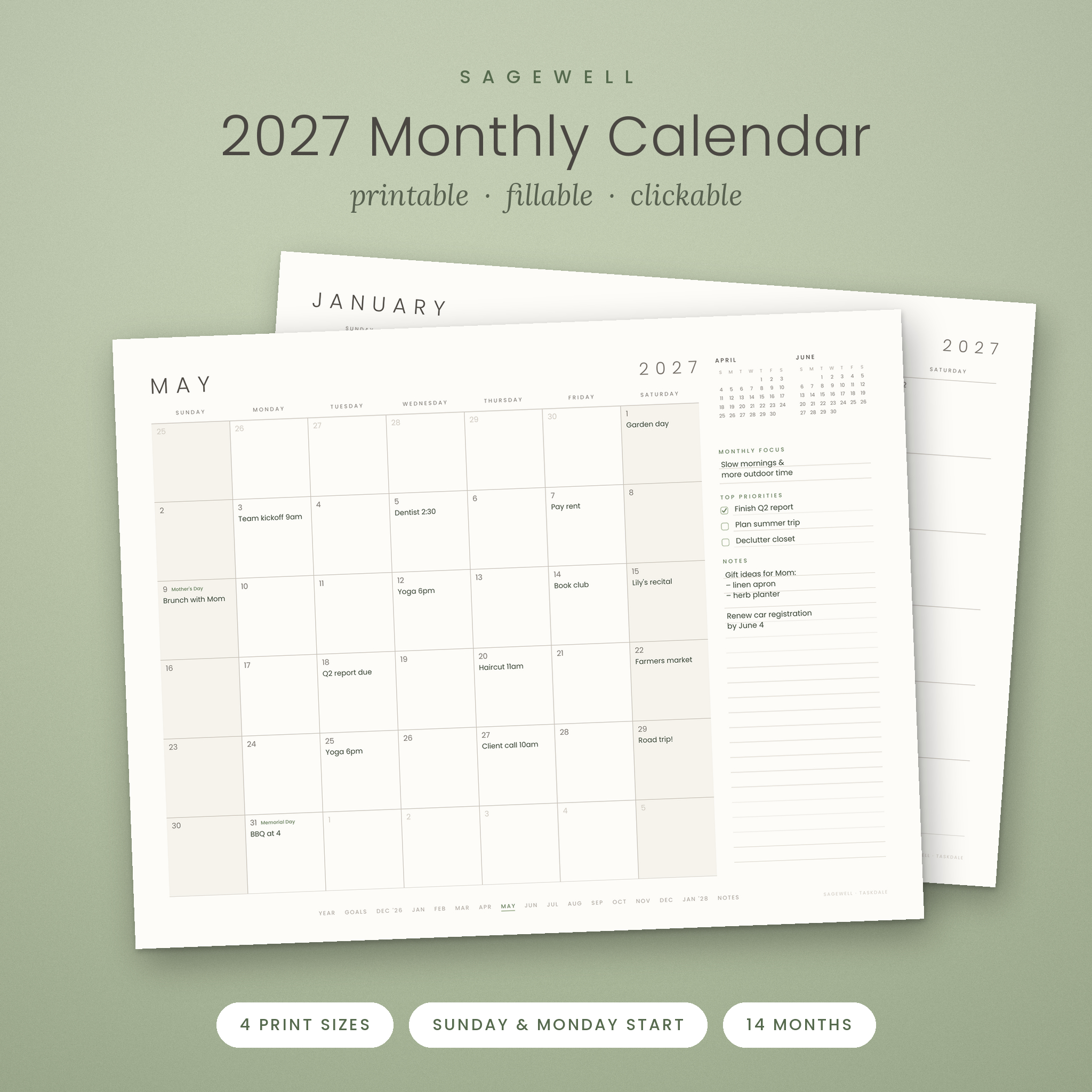
The Sagewell 2027 monthly calendar printable gives you a calm, minimalist landscape page for every month of the year, with spacious date boxes, soft warm-gray type and a gentle sage accent. It is also a smart PDF: you can type straight into every date box, click to jump between months, and print a clean copy whenever you need one. One instant download includes four paper sizes, Sunday and Monday start, and two editions, so it fits your wall, your desk and your routine.
A Minimalist 2027 Monthly Calendar You Can Print, Type In and Click Through
Most printable calendars give you a plain grid and nothing else. Sagewell keeps the quiet, uncluttered look you want, then adds the details that make a monthly planner easier to use every day:
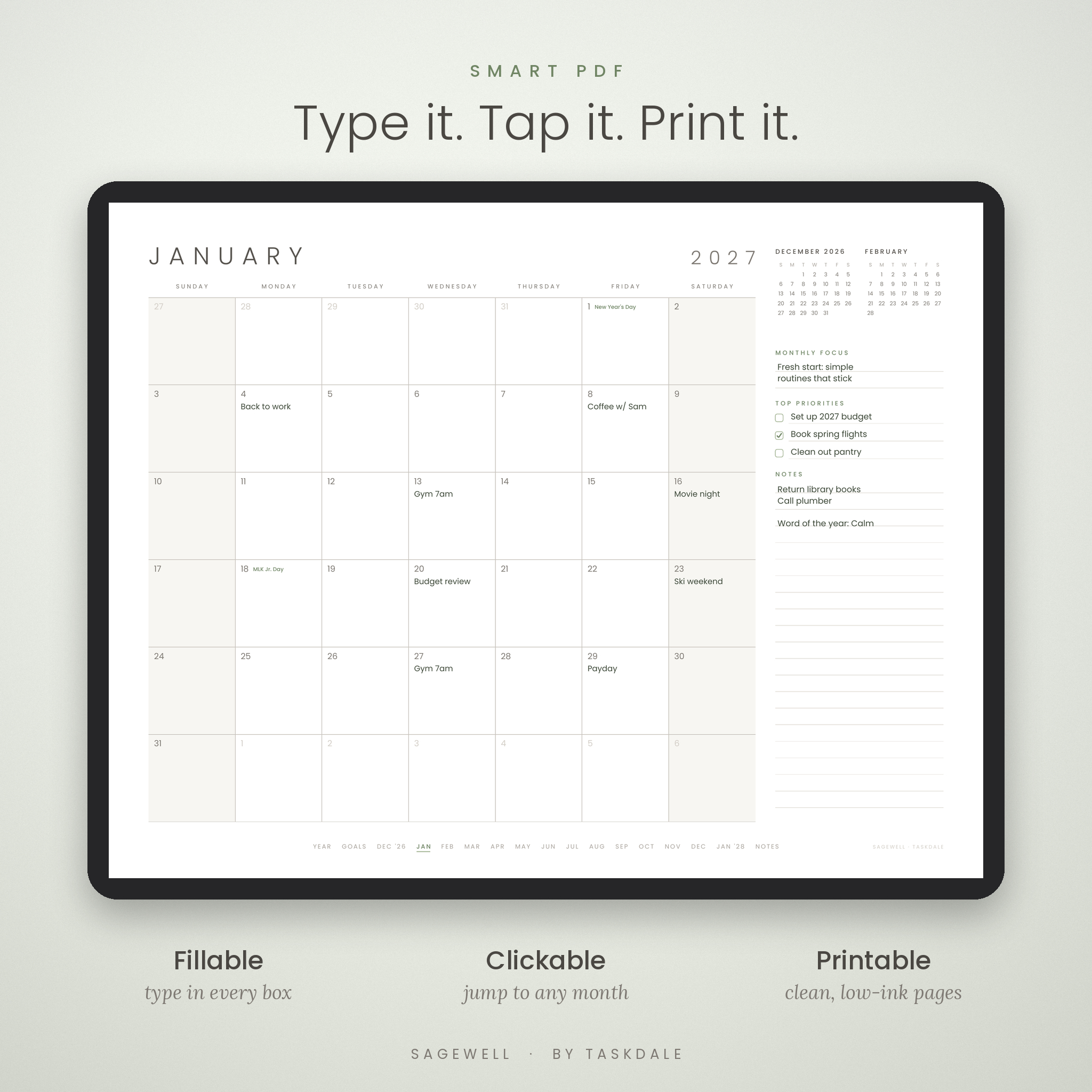
- Fillable date boxes: type appointments, deadlines and reminders on screen, then save or print.
- Clickable navigation: a slim month index on every page and a linked Year at a Glance take you anywhere in one tap.
- Legible dates: clear, readable day numbers that are easy to see from across the room.
- Six-week months done right: months that need a sixth row get one, so no date shares a split box.
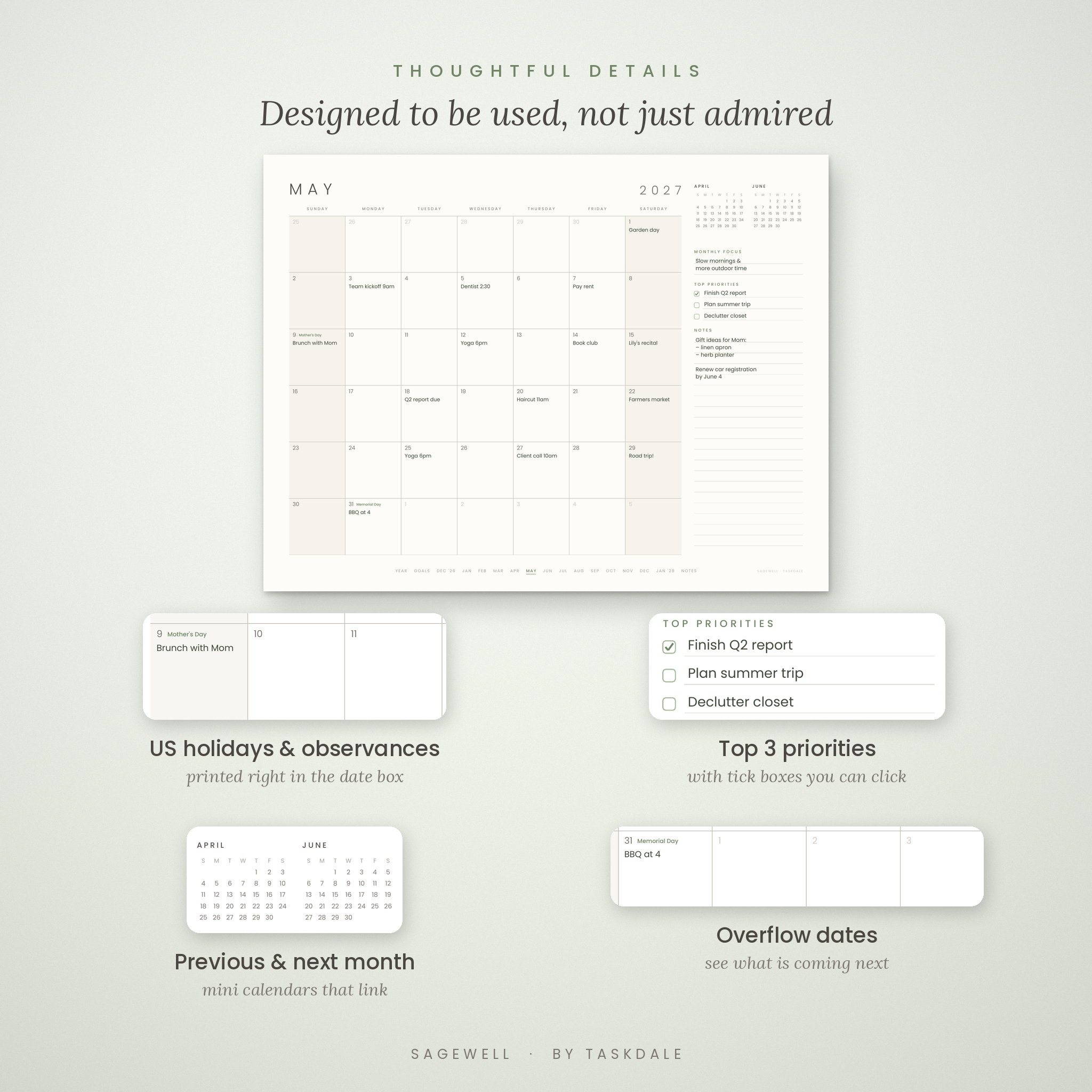
- Overflow dates: the last days of the previous month and first days of the next appear in light gray.
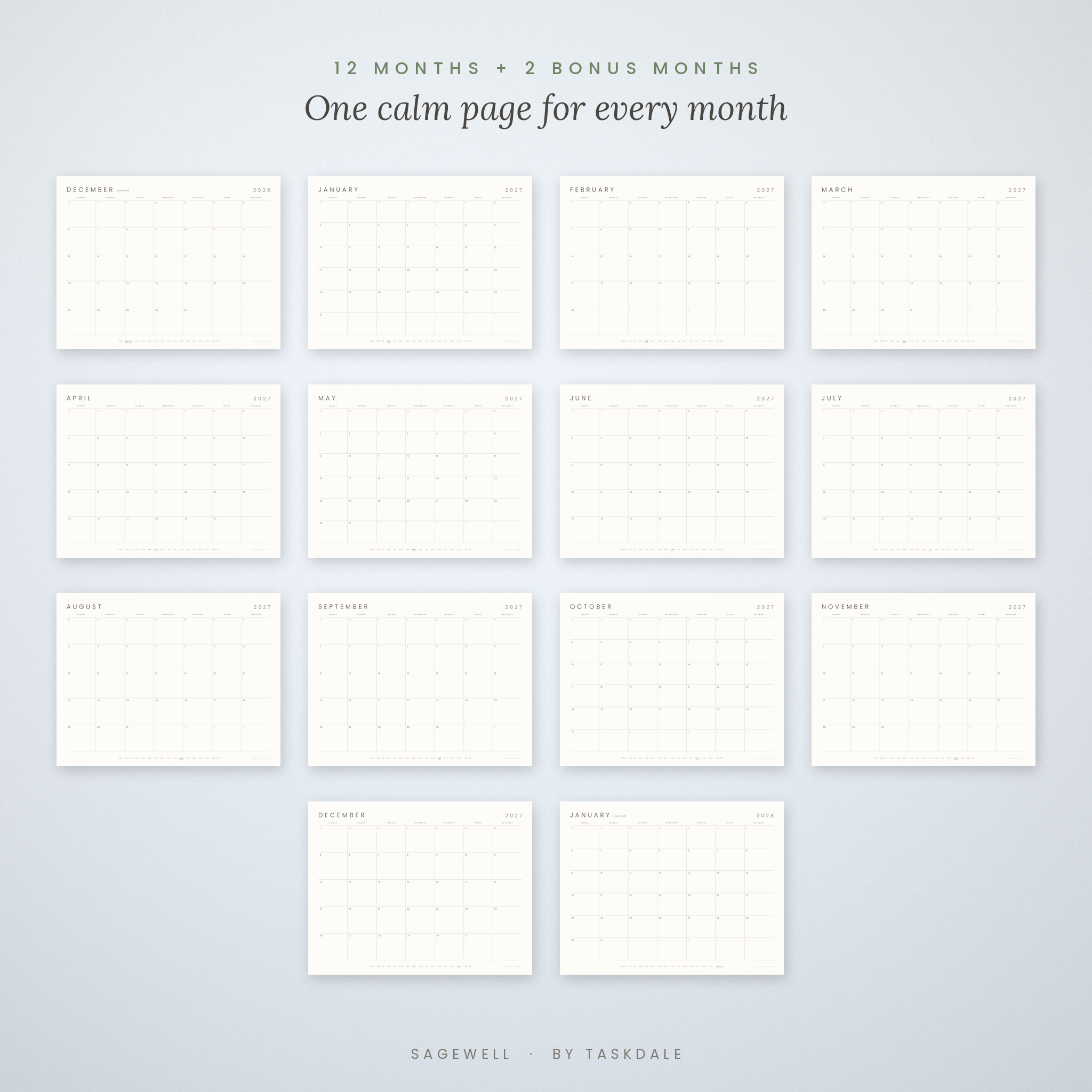
- 14 months: bonus December 2026 to start planning now, plus bonus January 2028.
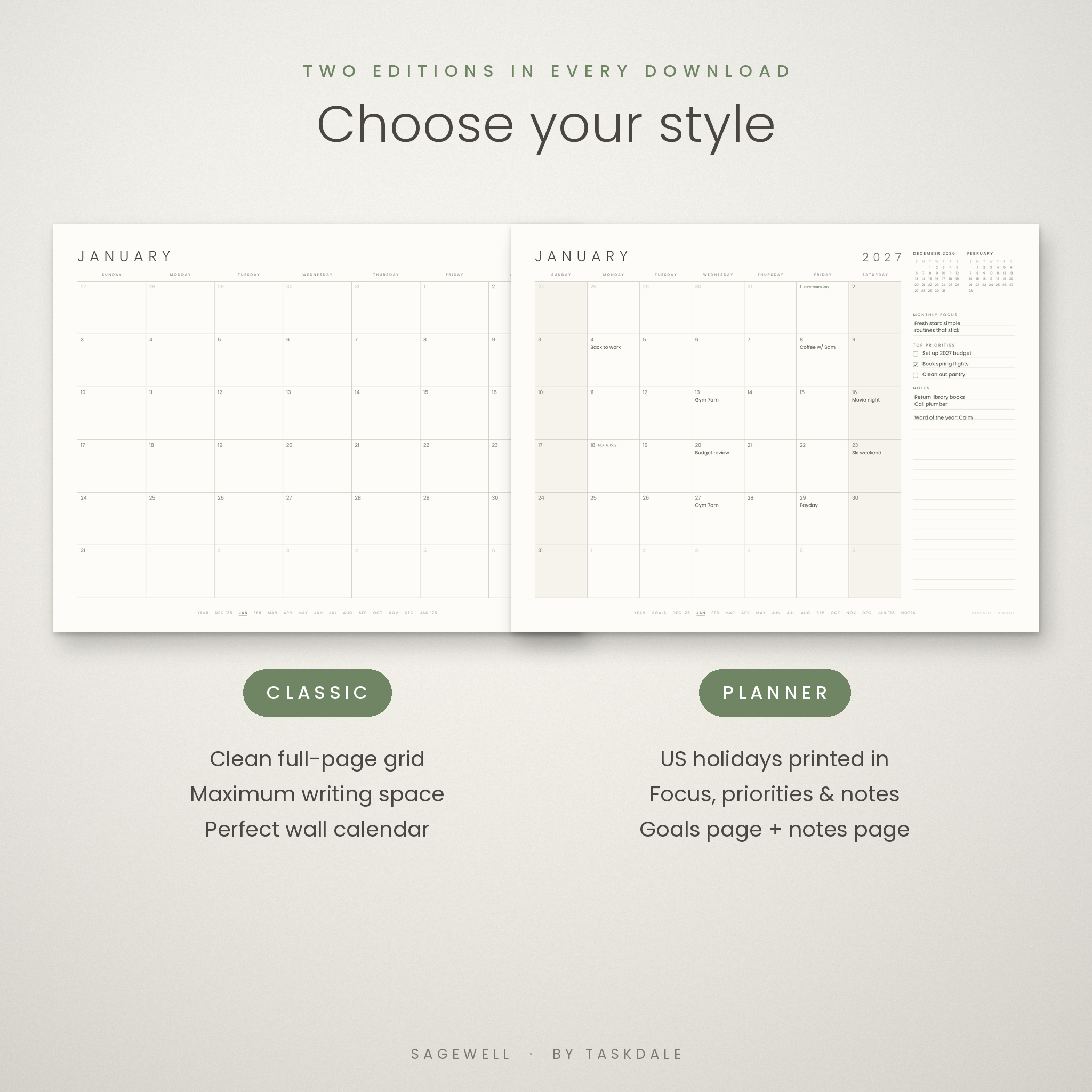
Two Editions in Every Download
Classic edition (16 pages)
A clean, full-page monthly grid with maximum writing space and no distractions. It is the perfect printable wall calendar for a kitchen, office, classroom or fridge. Includes a cover, a clickable 2027 Year at a Glance and 14 monthly pages.
Planner edition (18 pages)
The same calm grid with a slim sidebar on every month: previous and next month mini calendars, Monthly Focus, Top 3 Priorities with clickable tick boxes, and lined Notes. US federal holidays and popular observances (Mother’s Day, Father’s Day, Easter, Halloween and Daylight Saving Time changes) are printed in small sage text right inside the date boxes. It also adds a Goals page (Word of the Year, eight goals, quarterly focus, and birthdays and key dates for every month) and a dot-grid Notes page.
What’s Included
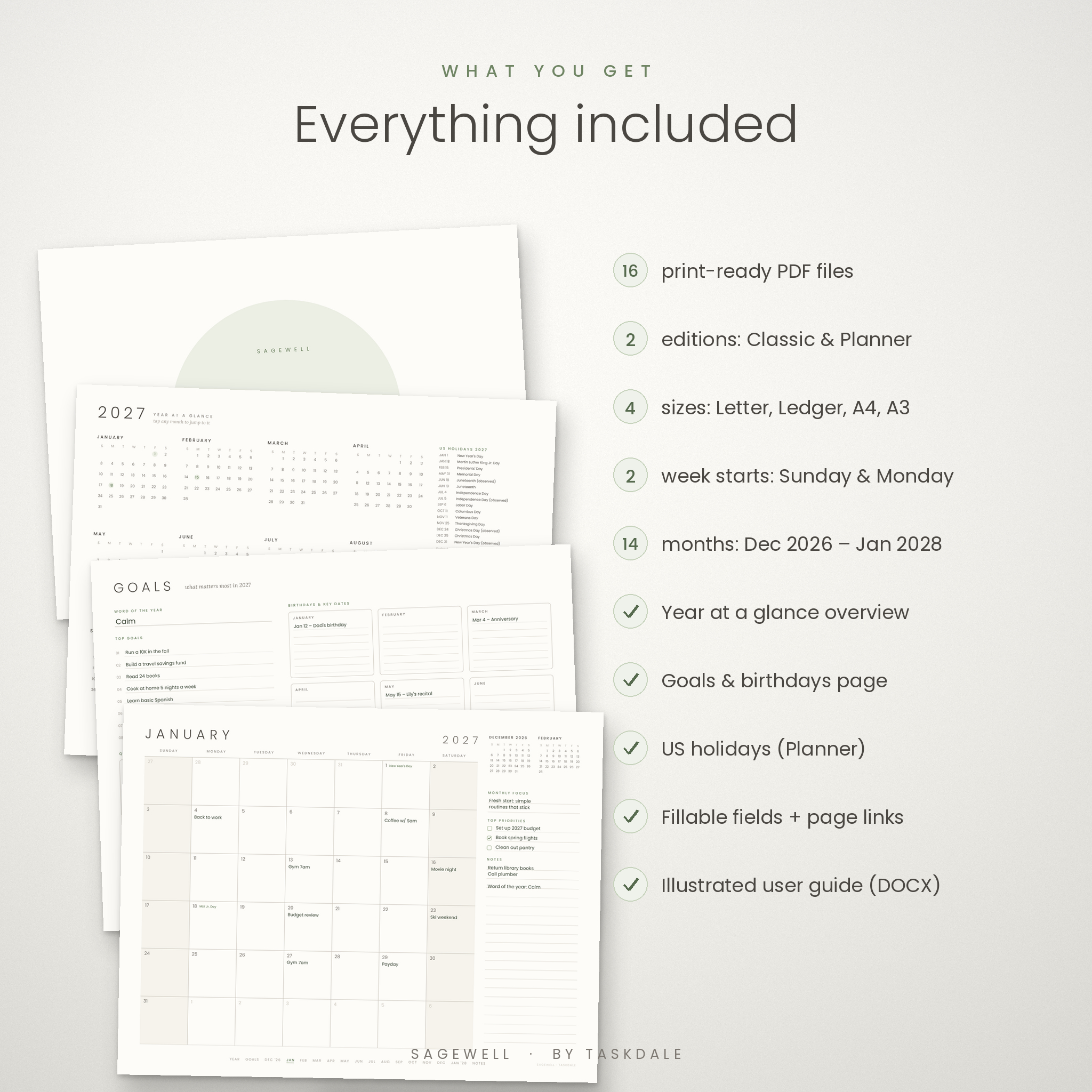
- 16 high-resolution PDF files in one ZIP, organized in a folder for each paper size
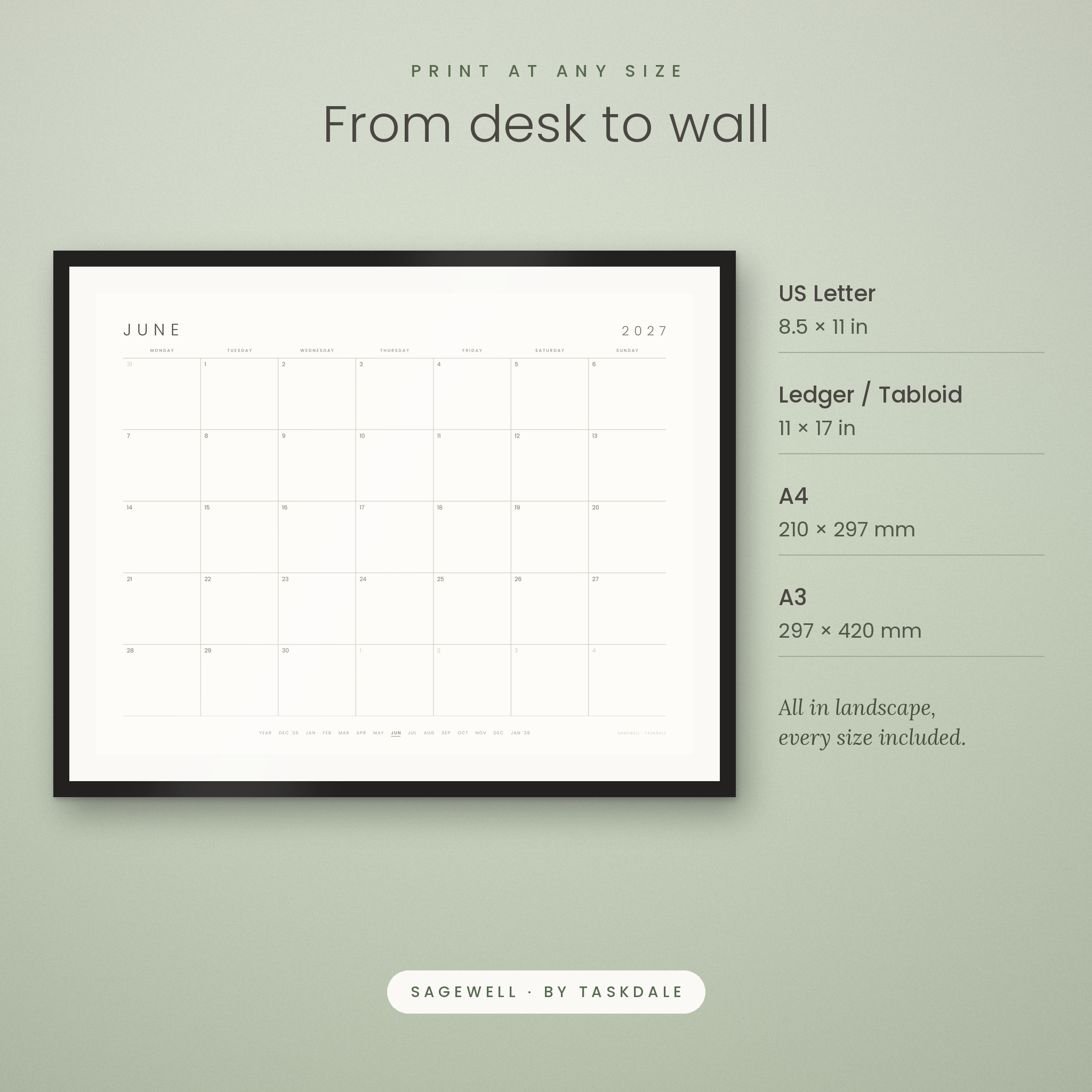
- Paper sizes: US Letter (8.5 × 11 in), Ledger/Tabloid (11 × 17 in), A4 (210 × 297 mm) and A3 (297 × 420 mm)
- Sunday start and Monday start versions for every size and edition
- Classic and Planner editions
- December 2026 to January 2028 (14 monthly pages)
- 2027 Year at a Glance with links to every month
- Goals and key dates page and Notes page (Planner edition)
- Illustrated user guide (DOCX) with printing settings, tips, troubleshooting and FAQ
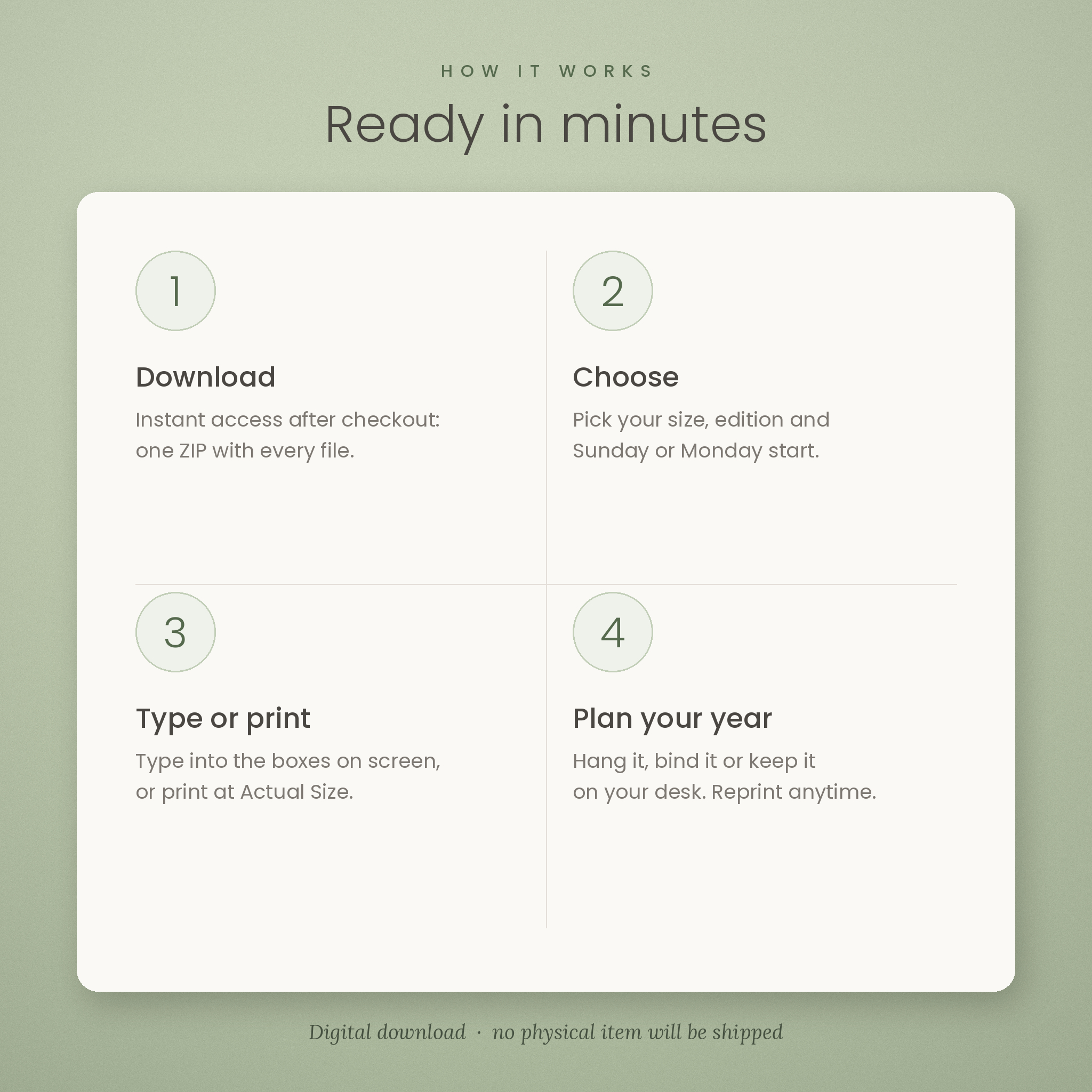
How It Works
- Download the ZIP right after checkout and unzip it.
- Choose your paper size, edition and week start. Each file name says exactly what it is.
- Type or print. Type into the boxes on screen, or print at 100% / Actual Size in landscape.
- Plan your year. Hang it, bind it, frame it or keep it on your desk, and reprint whenever you need a fresh page.
Who This Printable Calendar Is For
- Busy households that need one shared family calendar on the fridge
- Students and teachers planning assignments, exams and school events
- Freelancers and small-business owners tracking deadlines and client calls
- Anyone who prefers a simple, minimalist 2027 wall calendar over busy designs
- Gift-givers looking for a practical, instant printable gift for the new year
Real-Life Ways to Use It
- Kitchen command center: print the Classic Letter file, pin it to the fridge and add everyone’s activities.
- Desk planner: print the Planner edition, bind it, and use the sidebar to set three priorities each month.
- Large wall calendar: print Ledger or A3 at a copy shop for a big, readable office calendar.
- Dry-erase calendar: place a page in a picture frame and write on the glass.
- Digital calendar: keep the PDF on your computer, type your plans and save a copy as you go.
- Classroom: post the month by the door so students can see upcoming dates.
Design and Print Quality
Every page uses generous white space, light gray lines and a soft sage accent, so the calendar looks calm on any wall and uses very little ink. Fonts are embedded, margins are printer-safe (at least 0.5 in on Letter and A4), and the files are high resolution for crisp lines at every size. The design prints beautifully in color or grayscale.
File Format and Software Requirements
- Format: PDF files delivered in one ZIP, plus a DOCX user guide
- Printing: any home or office printer, or a local or online print shop
- Typing and links: tested in Google Chrome’s built-in PDF viewer. Apps that support standard PDF form fields, such as Adobe Acrobat Reader, work the same way.
- Guide: opens in Microsoft Word, Google Docs, Pages or LibreOffice
Customization
Choose the paper size, week start and edition that suit you, print only the months you need, and personalize the pages with your own typed notes, pens, highlighters and stickers. The layout itself is fixed so it always prints cleanly.
Digital Download
This is an instant digital download. No physical item will be shipped. Your files are available right after payment. You may print as many copies as you need for your own personal use. Please do not share, resell or redistribute the files or printed copies.
Frequently Asked Questions
What size is the 2027 printable calendar?
It comes in US Letter, Ledger/Tabloid, A4 and A3, all in landscape and all included in one download.
Does it start on Sunday or Monday?
Both. Every size and edition has a Sunday start and a Monday start file.
Are US holidays included?
Yes. The Planner edition shows US federal holidays and popular observances. The Classic edition is left blank for your own events.
Can I type on the calendar?
Yes. Every date box is a fillable field. Type in a PDF app that supports forms, save, and print if you like.
Can I print it more than once?
Yes. Print unlimited copies for your own personal use.
Can I use it on an iPad or in GoodNotes?
The files are standard hyperlinked PDFs, tested in desktop PDF viewers. Many tablet note-taking apps can import PDFs, but support for links and form fields varies by app.
Is this a physical calendar?
No. It is a digital file you print yourself or use on screen.
Reviews
There are no reviews yet.