A simple SOP template that people will actually fill in
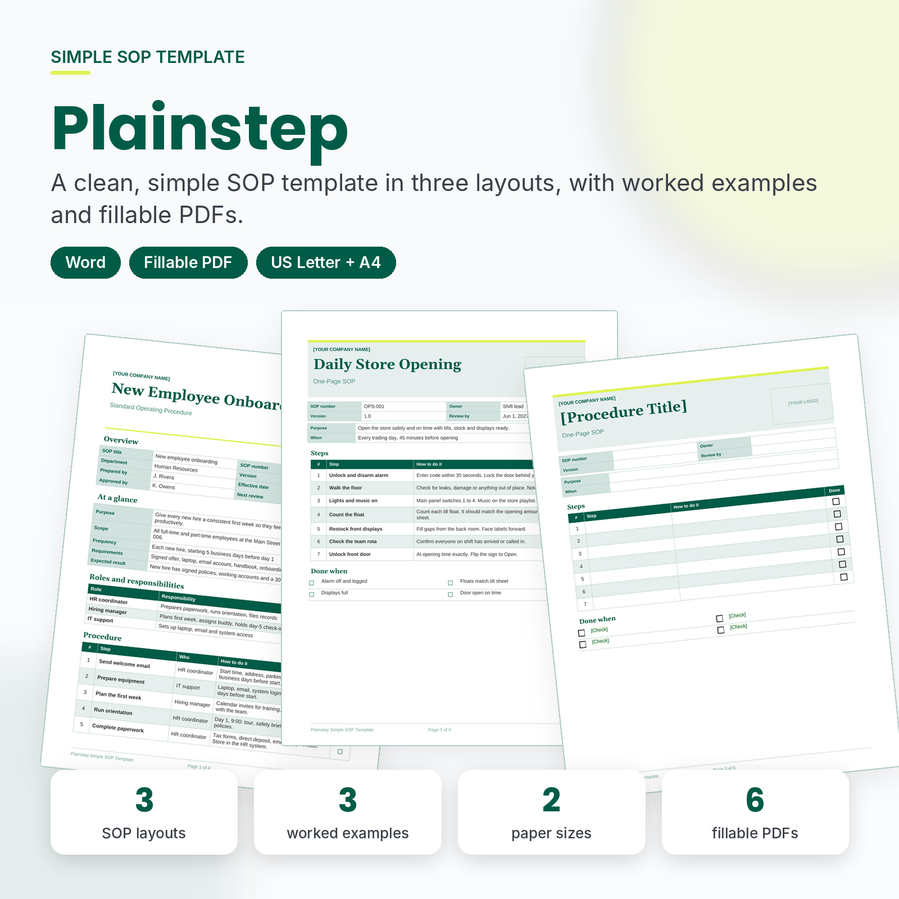
Long procedure templates scare people off. Plainstep is a simple SOP template built around the questions that matter: why the task exists, who does it, the steps, and what done looks like. It comes in three layouts so you can match the format to the job, and each one has a worked example next to it.
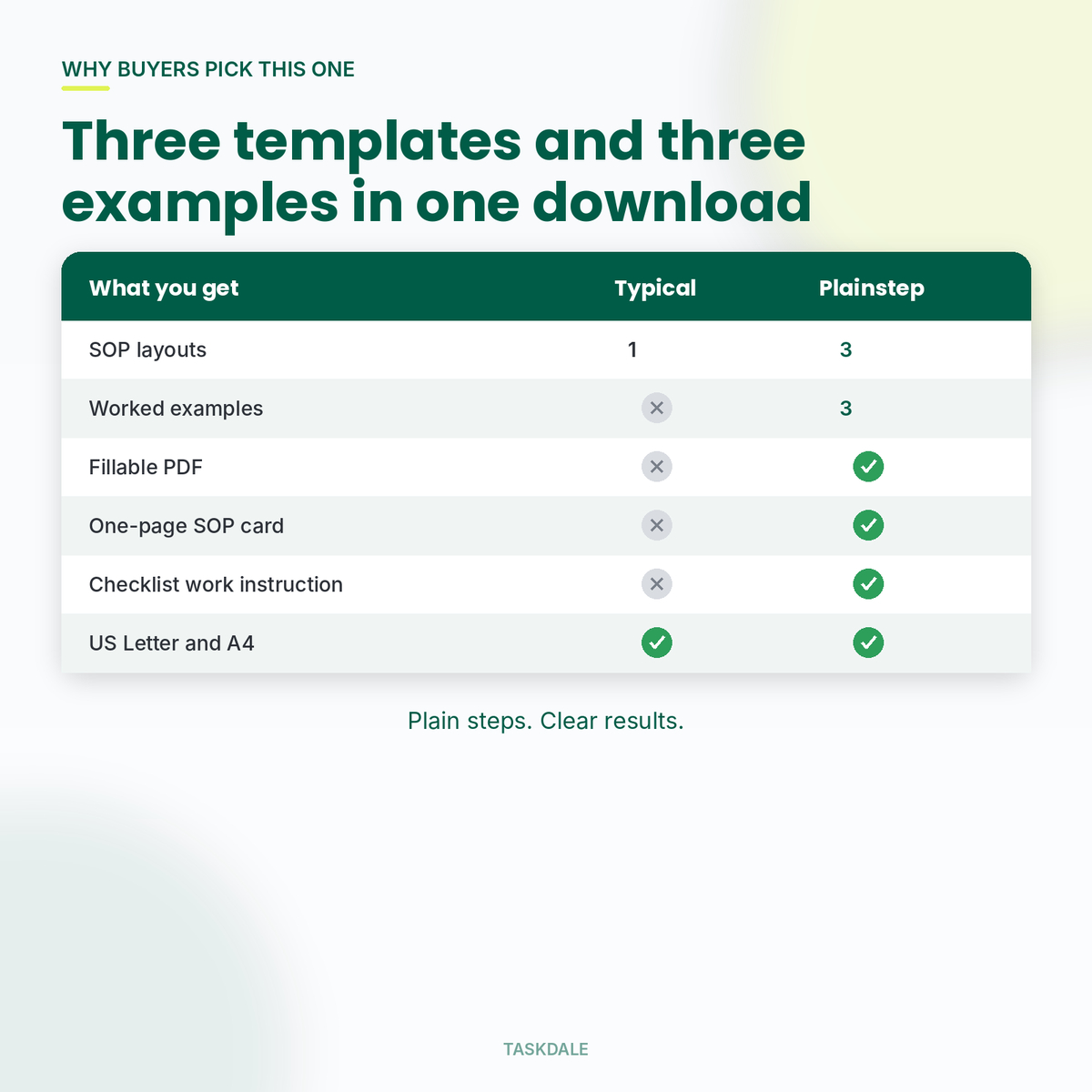
Three layouts in one download
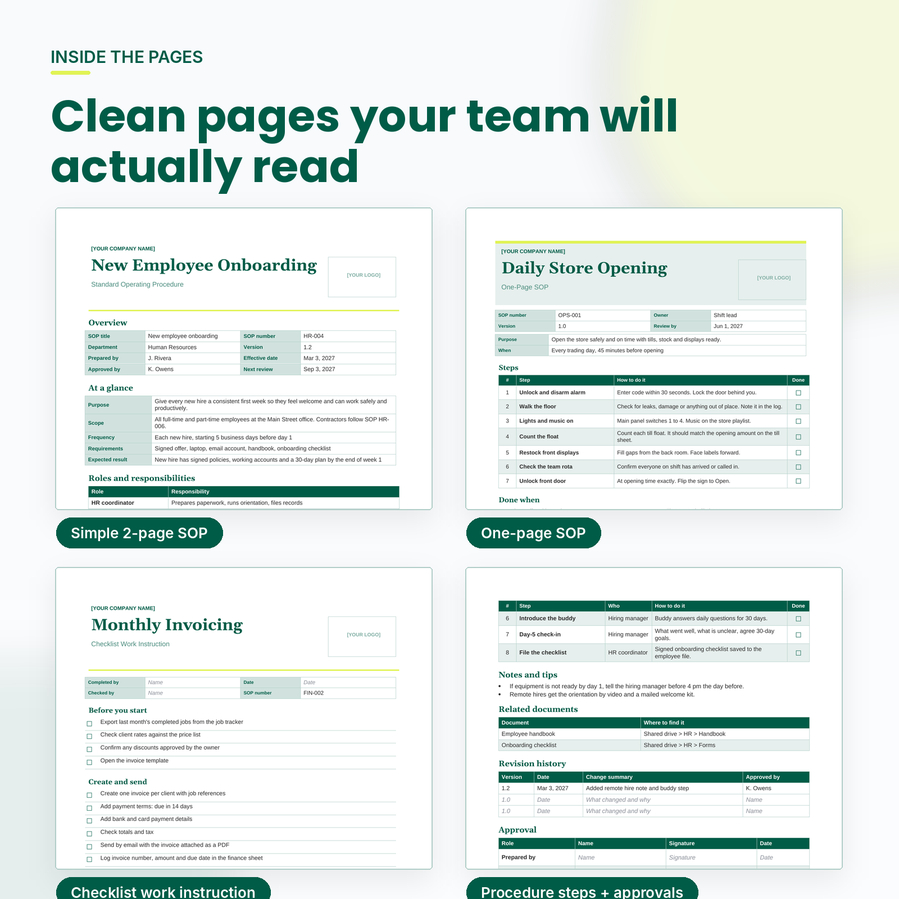
1. Simple two-page SOP
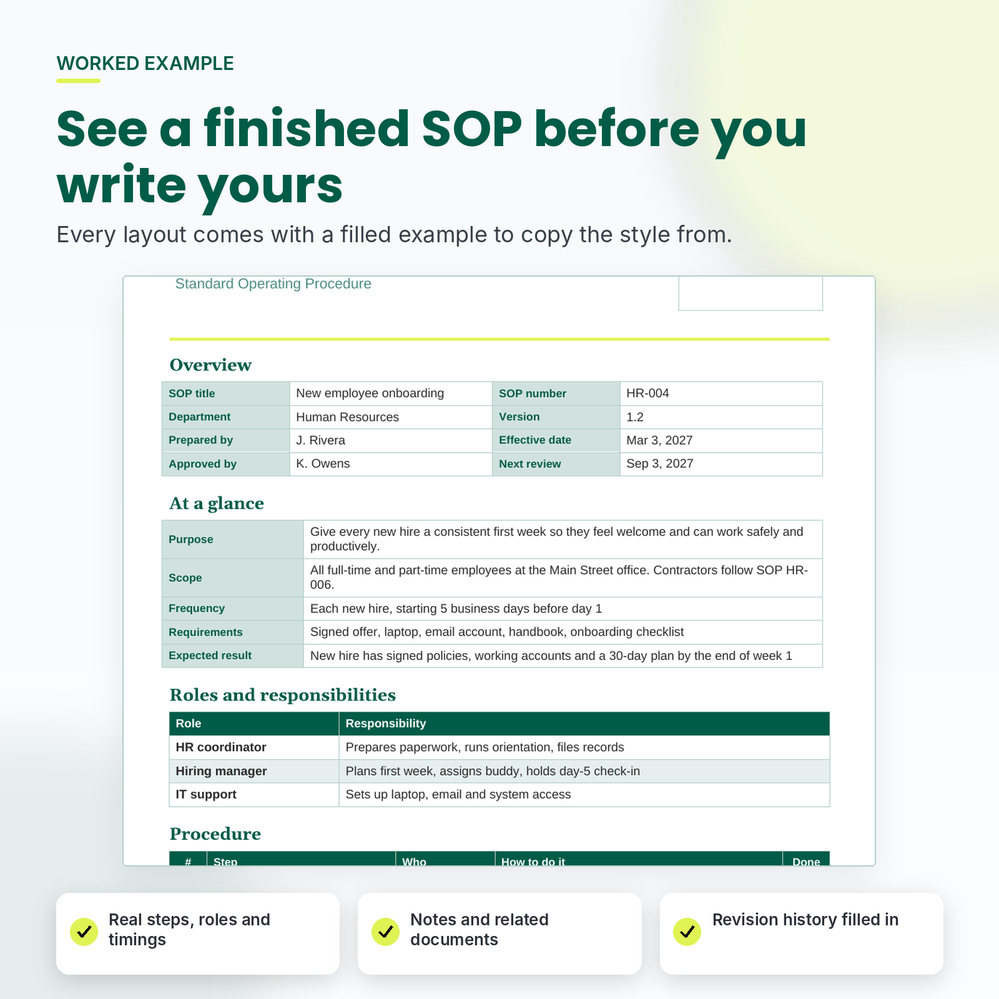
Overview table, an at-a-glance box (purpose, scope, frequency, requirements, expected result), roles and responsibilities, numbered steps with a Who column and tick boxes, notes, related documents, revision history and approval signatures.
2. One-page SOP
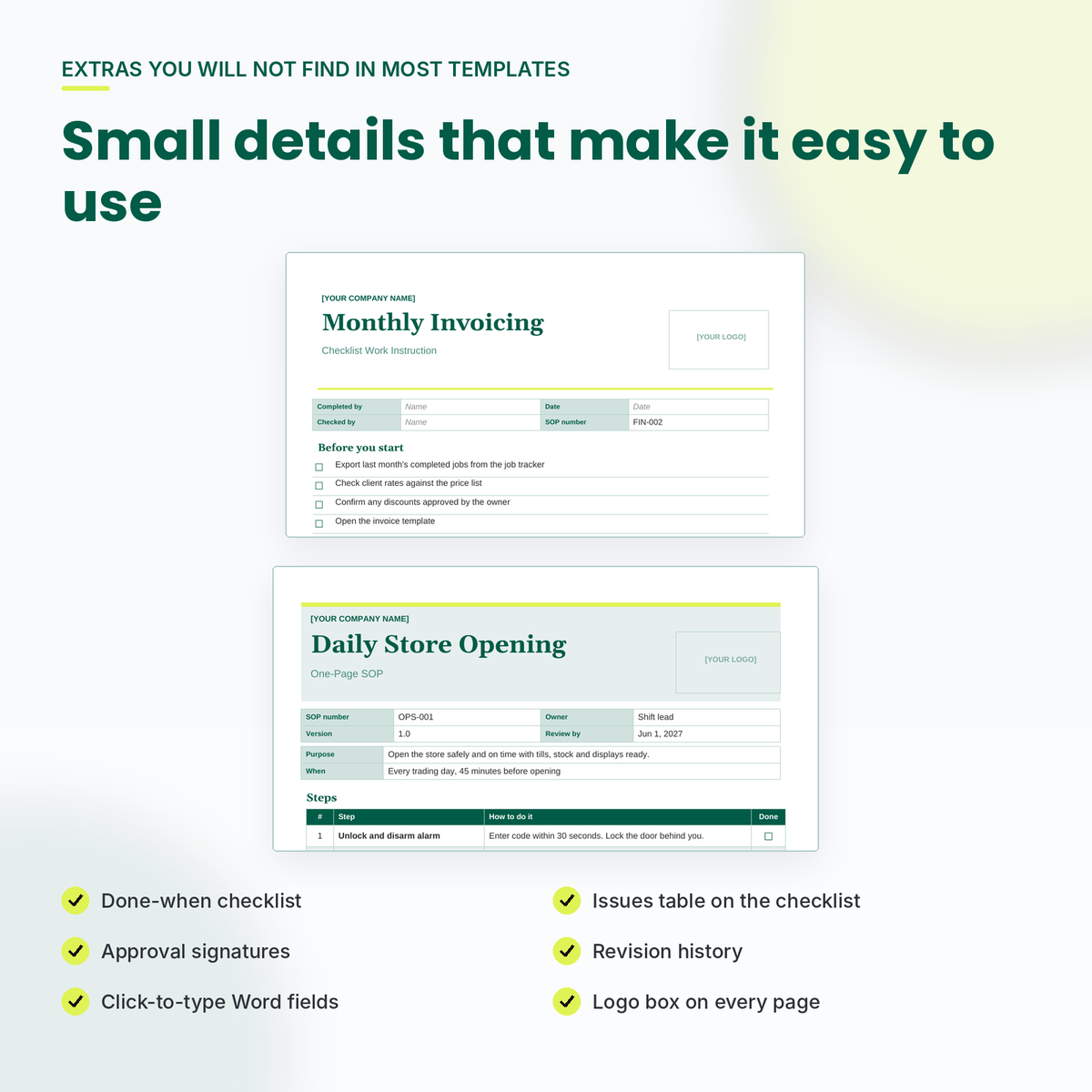
Header details, purpose, when it happens, up to seven steps and a “done when” checklist. Print it and stick it next to the workstation.
3. Checklist work instruction
Tick boxes grouped into before, during and finish, with completed-by and checked-by fields and an issues table. Great for daily and weekly routines.
Who it is for
Small business owners writing their first procedures, office and store managers, team leads in clinics, salons, cafes, warehouses and agencies, and anyone who wants short SOPs instead of a thick manual.
What’s included
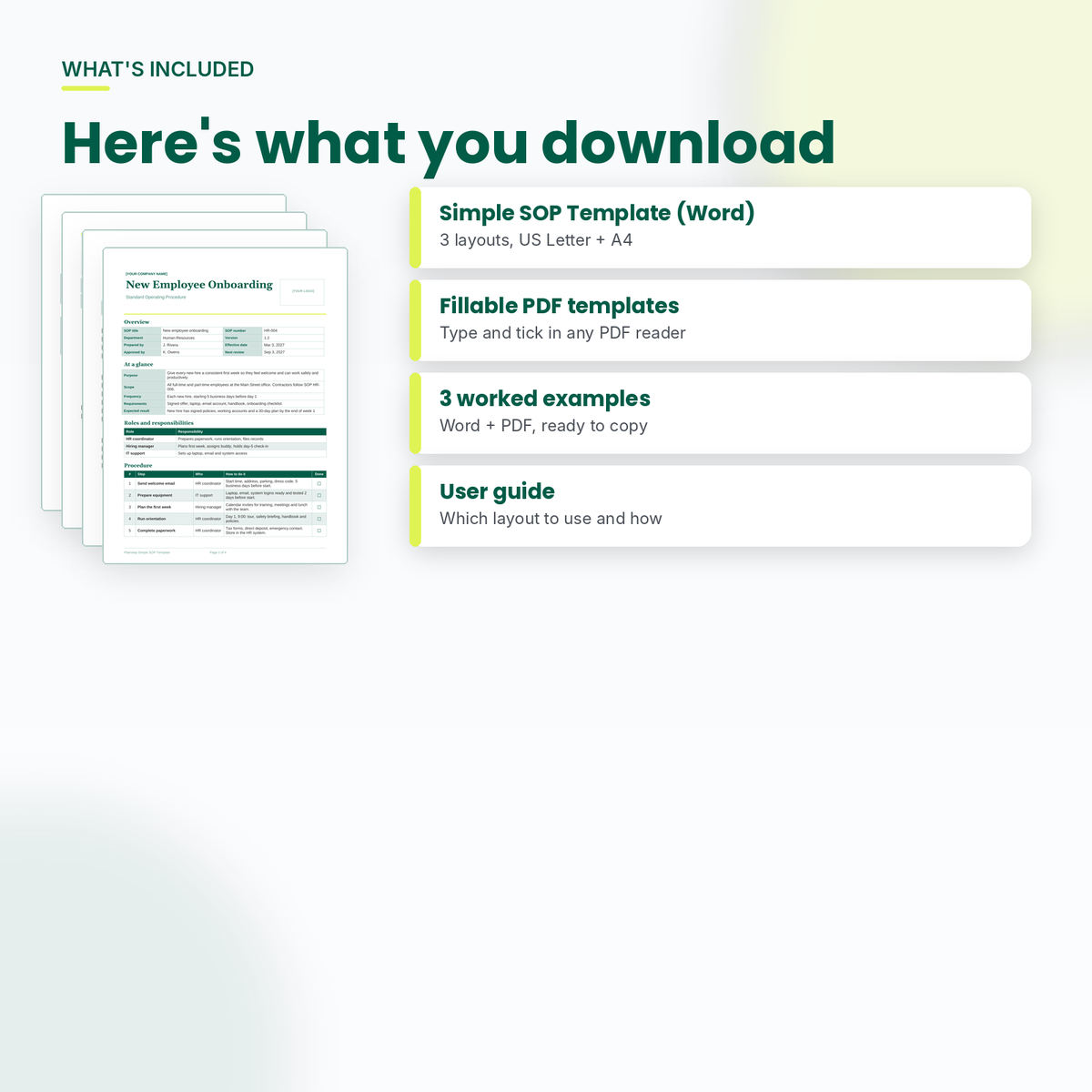
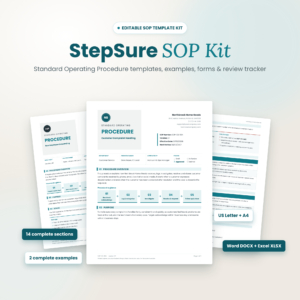
- Simple SOP Template in Word with all three layouts, US Letter and A4
- Fillable PDF template in US Letter and A4, with typing fields and tick boxes
- Worked examples in Word and PDF: new employee onboarding, daily store opening and monthly invoicing
- User guide (Word)
Features
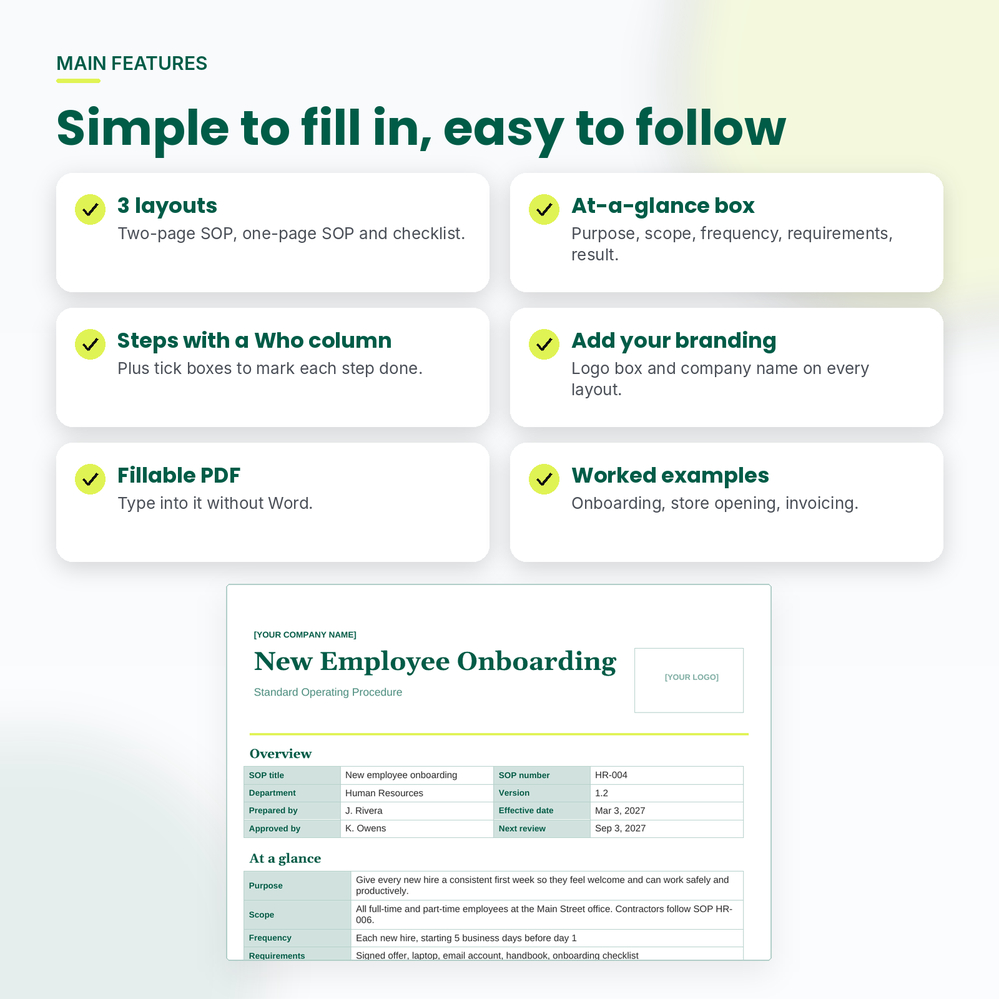
- Click-to-type fields. Grey prompts in Word disappear when you type.
- Tick boxes that click. Mark each step done in Word or the PDF.
- Branding ready. A logo box and company name on every layout.
- Clean green design that prints well in color or black and white.
- Real heading styles so you can change fonts and colors in one place.
How it works
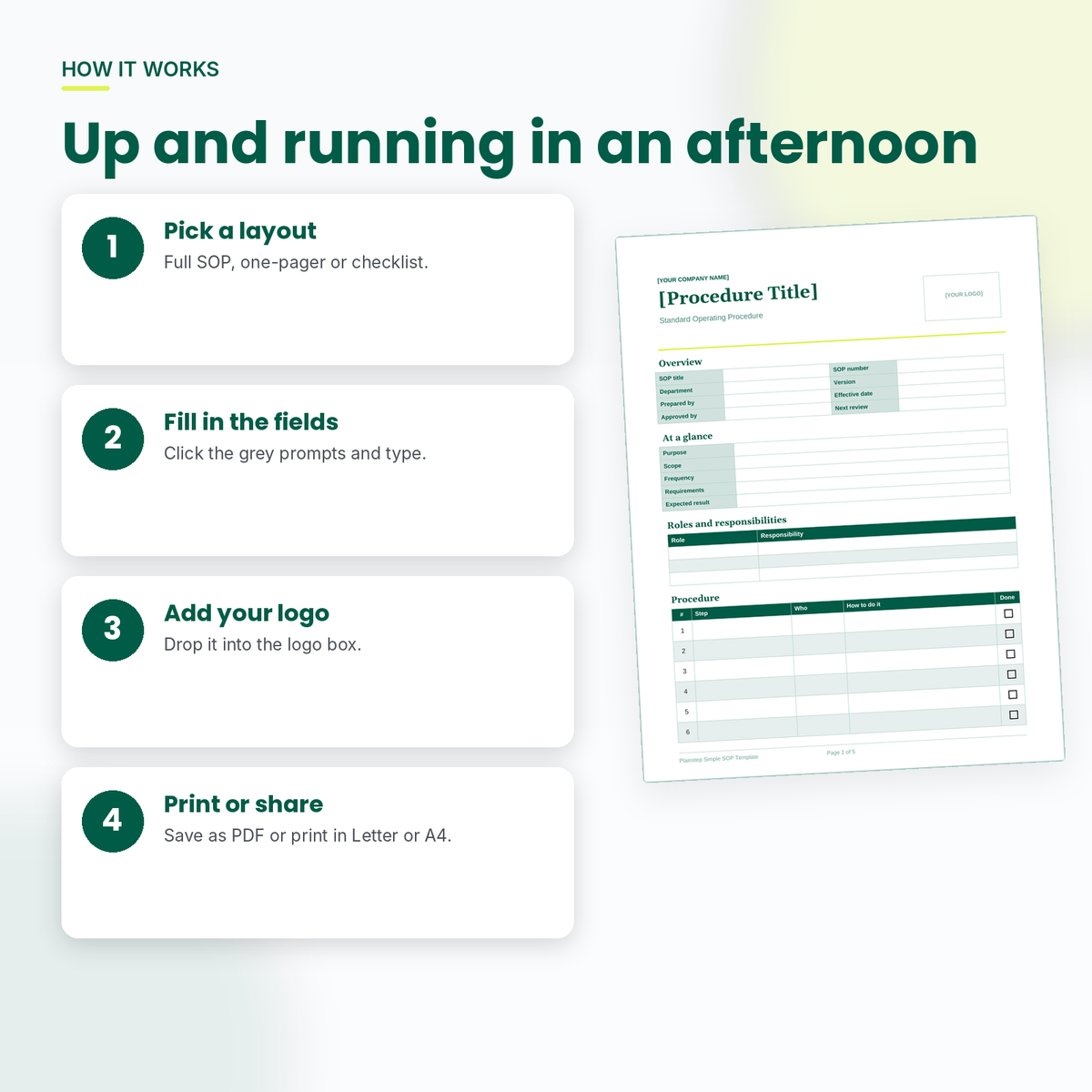
- Download and unzip the files.
- Look at the worked example for the layout you want.
- Open the template, keep the layout you need and save a copy.
- Click the grey prompts and type. Add your logo.
- Print it, share the PDF or save it to your shared drive.
File formats and software
- Word .docx: Microsoft Word 2016 or newer, Microsoft 365 or LibreOffice
- Fillable PDF: Adobe Acrobat Reader (free) or another full PDF reader
- Sizes: US Letter (8.5 x 11 in) and A4
- Fonts: Georgia and Arial, already on Windows and Mac
Customizing it
Change the green to your brand color through the Heading styles, add or delete step rows, rename sections and copy the one-page layout as many times as you need. Everything in the Word files is editable.
Use cases
- A cafe owner prints the one-page opening and closing SOPs for the counter.
- An HR coordinator documents onboarding with the two-page layout.
- A cleaning company uses the checklist layout for each client site, signed by the cleaner and supervisor.
- A bookkeeper turns month-end tasks into a checklist that a junior can follow.
Digital download
Instant download with unlimited re-downloads from your Taskdale account. Nothing is shipped. For use in your own business. Please do not resell or share the files.
FAQ
What makes this a simple SOP template?
It asks only for what a reader needs: purpose, scope, who, steps and the expected result. No jargon and no sections you will leave blank.
Can I edit it in Word?
Yes. Every word, color and table is editable.
Can I fill it in without Word?
Yes. Use the fillable PDF in Adobe Acrobat Reader or another full PDF reader.
Does it work in Google Docs?
You can upload the Word file to Google Drive and edit it. Click-to-type boxes and tick boxes work best in Word.
Which paper size do I get?
Both US Letter and A4.
Reviews
There are no reviews yet.