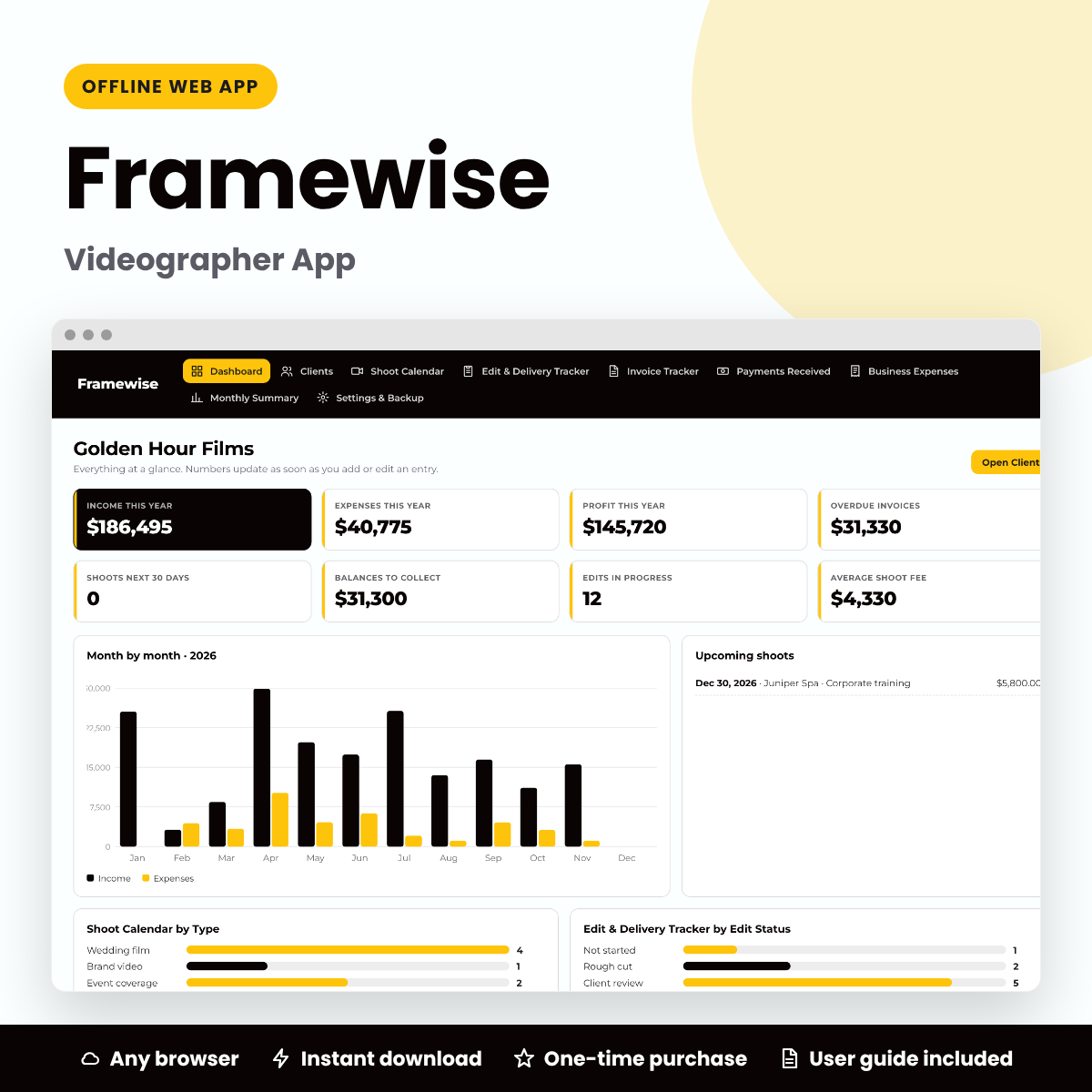
Framewise is a videographer app for freelancers and small studios who want bookings and edits organized without a monthly CRM bill. It is one file that runs in your browser and keeps client information on your own device.
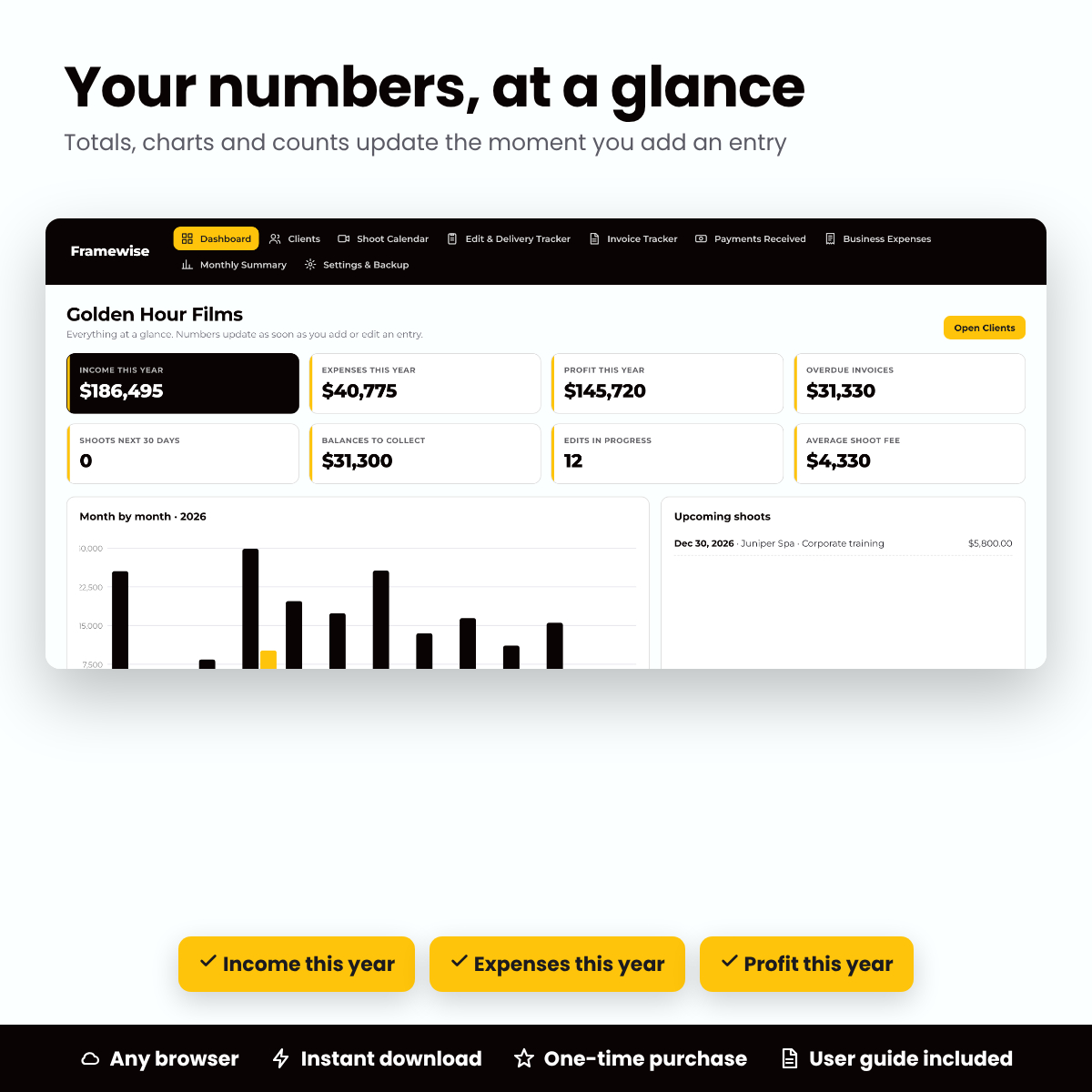
Book shoots with fee and deposit, track every deliverable from rough cut to final with revision rounds, and follow invoices until they are paid. The dashboard shows upcoming shoots, balances to collect, edits in progress and profit for the year.
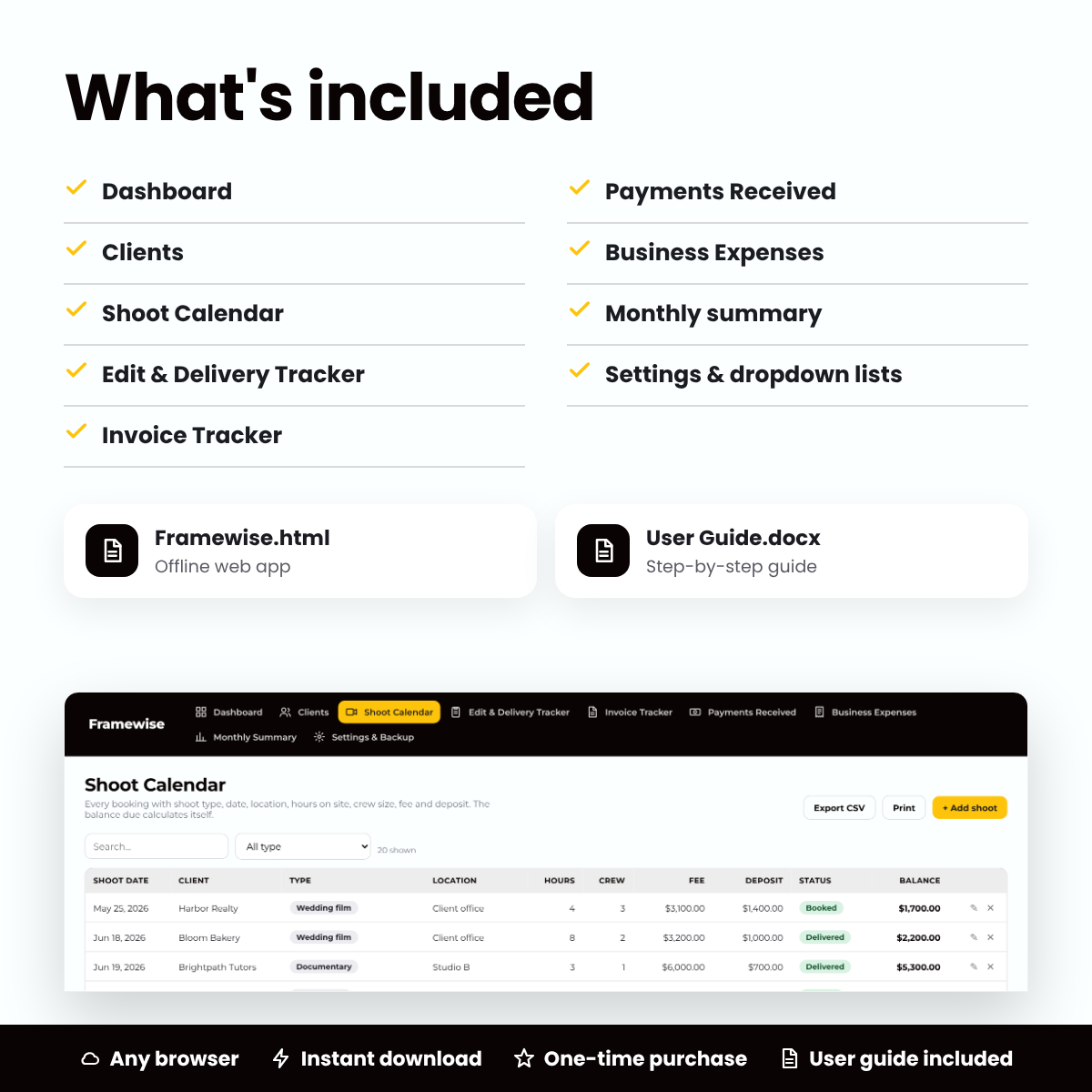
What is inside this videographer app
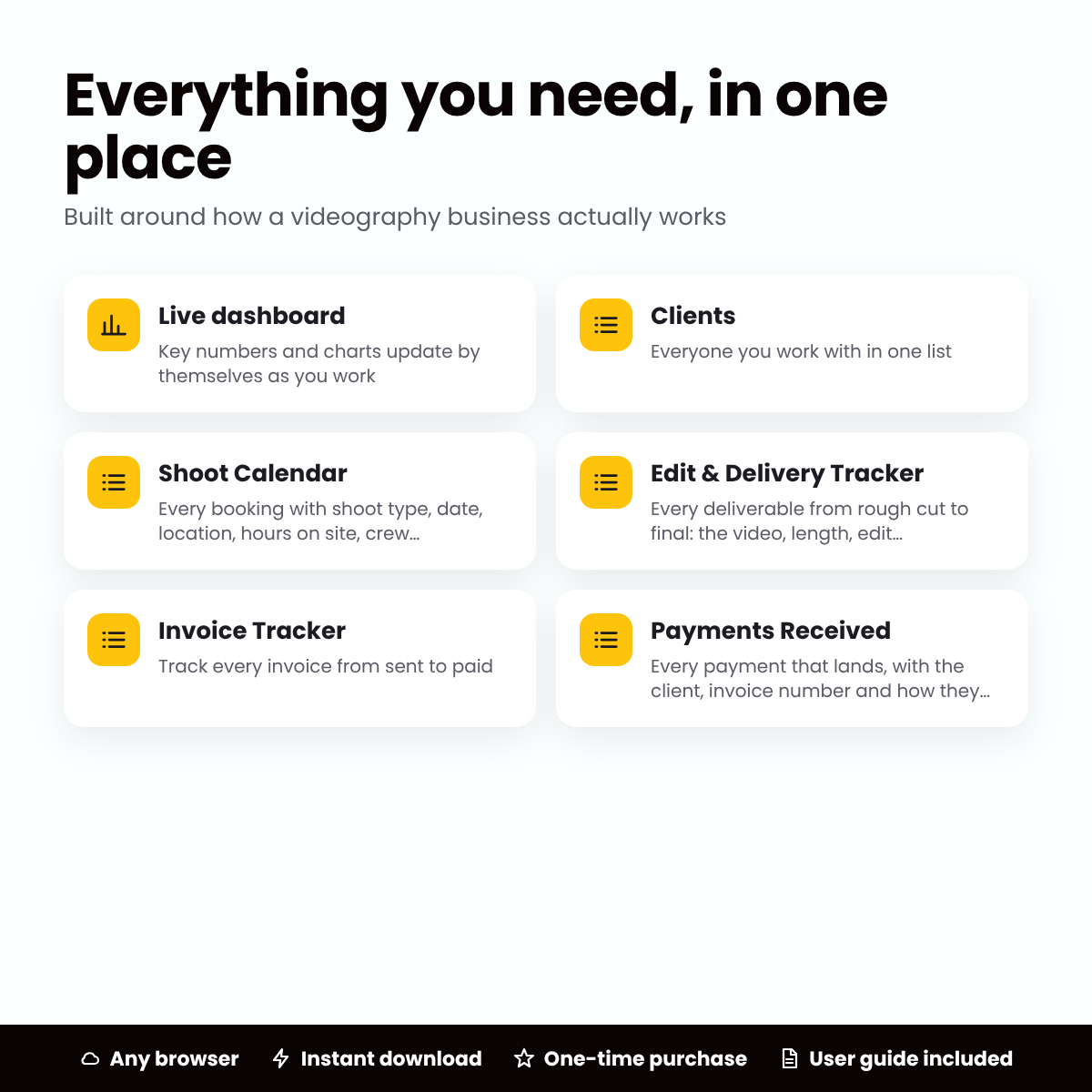
Framewise is organized into clear screens that talk to each other, so you enter information once and see it everywhere it matters.
Dashboard
Your headline numbers in one view: income this year, expenses this year, profit this year, overdue invoices, shoots next 30 days, balances to collect. A month-by-month chart compares income and expenses across the year. Breakdown charts show where your work and money come from.
Clients
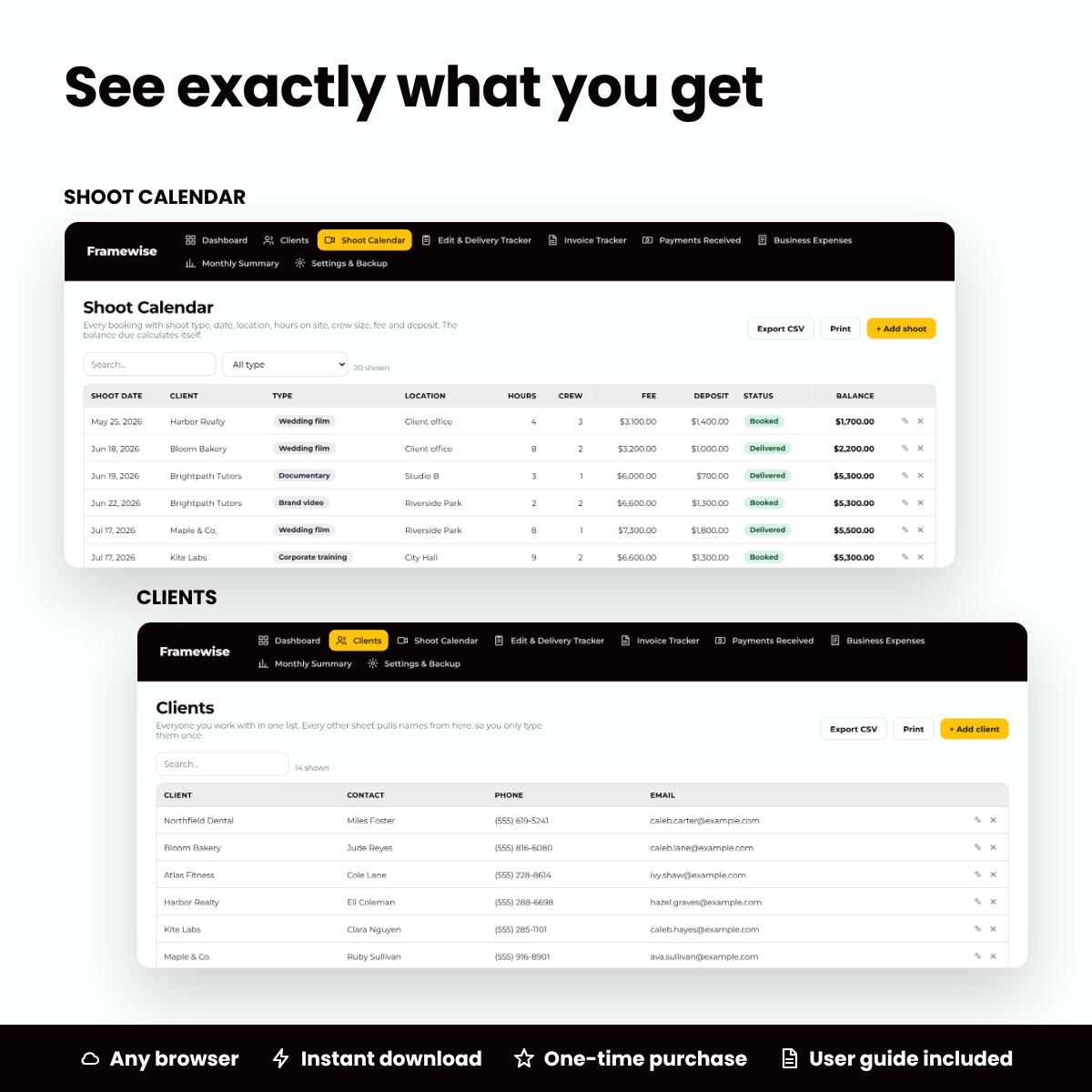
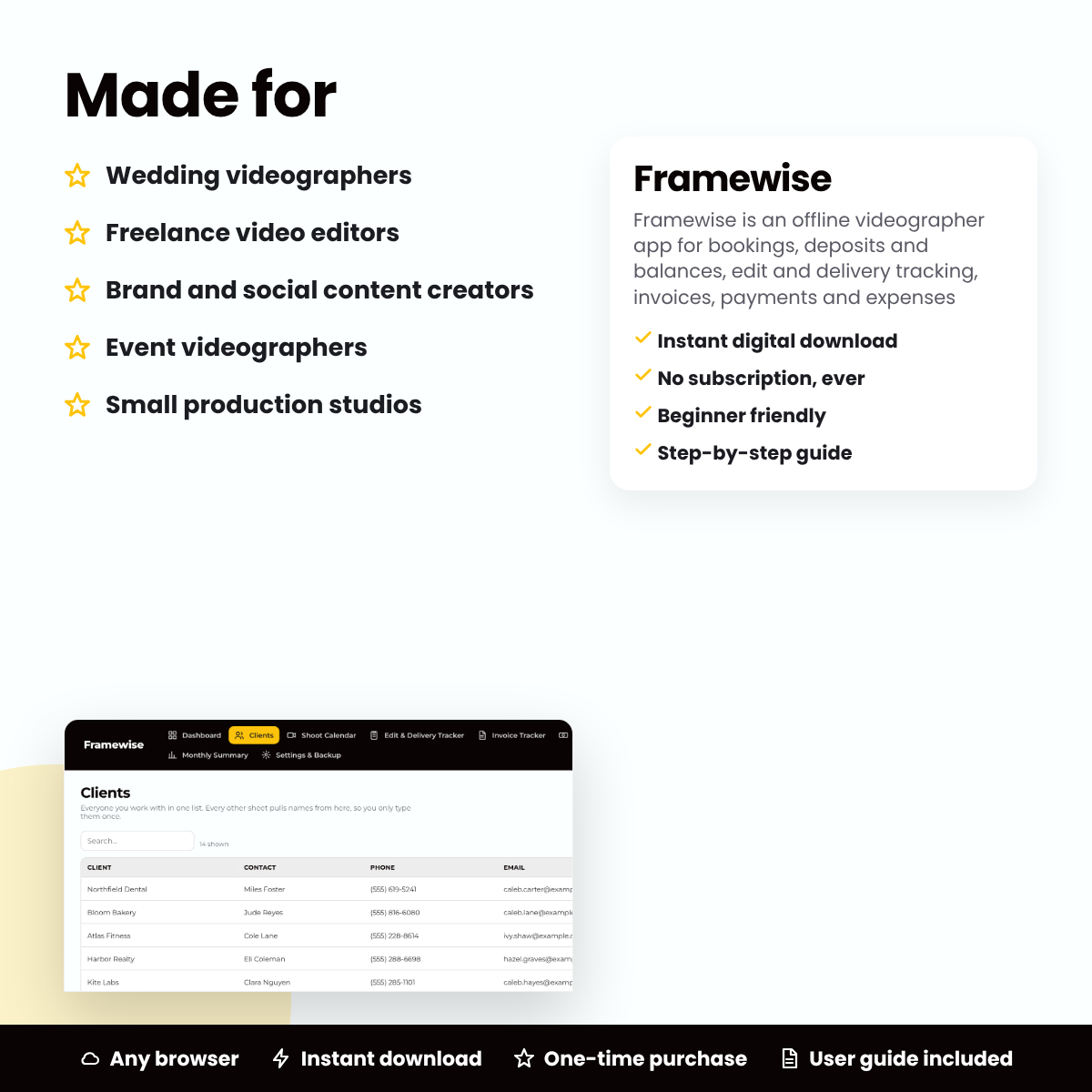
Everyone you work with in one list. Every other sheet pulls names from here, so you only type them once. Columns: Client, Contact, Phone, Email.
Shoot Calendar
Every booking with shoot type, date, location, hours on site, crew size, fee and deposit. The balance due calculates itself. Balance is worked out automatically. Columns: Shoot Date, Client, Type, Location, Hours, Crew, Fee, Deposit, Status, Balance.
Edit & Delivery Tracker
Every deliverable from rough cut to final: the video, length, edit status, revision round and due date. Days left counts down so nothing ships late. Days Left is worked out automatically. Columns: Deliverable, Client, Length (min), Edit Status, Revision Round, Due, Days Left.
Invoice Tracker
Track every invoice from sent to paid. Days overdue counts itself, and overdue invoices turn red so nobody slips through the cracks. Days Overdue is worked out automatically. Columns: Invoice #, Client, Issued, Due, Amount, Status, Days Overdue.
Payments Received
Every payment that lands, with the client, invoice number and how they paid. This sheet drives your income totals, the monthly summary and the dashboard. Columns: Date, Client, Invoice #, Amount, Method, Note.
Business Expenses
Log what you spend by category so you know your real profit and have tidy records ready at tax time. Mark each cost as deductible or not. Columns: Date, Category, Vendor, Description, Amount, Deductible?, Receipt saved?.
Monthly Summary
All twelve months of your report year with income and expenses totals, plus the net figure for each month. Change the year and the whole summary recalculates.
Settings
Your business name, currency symbol, report year and every dropdown list live here, so the whole app fits the way you work.
Key features
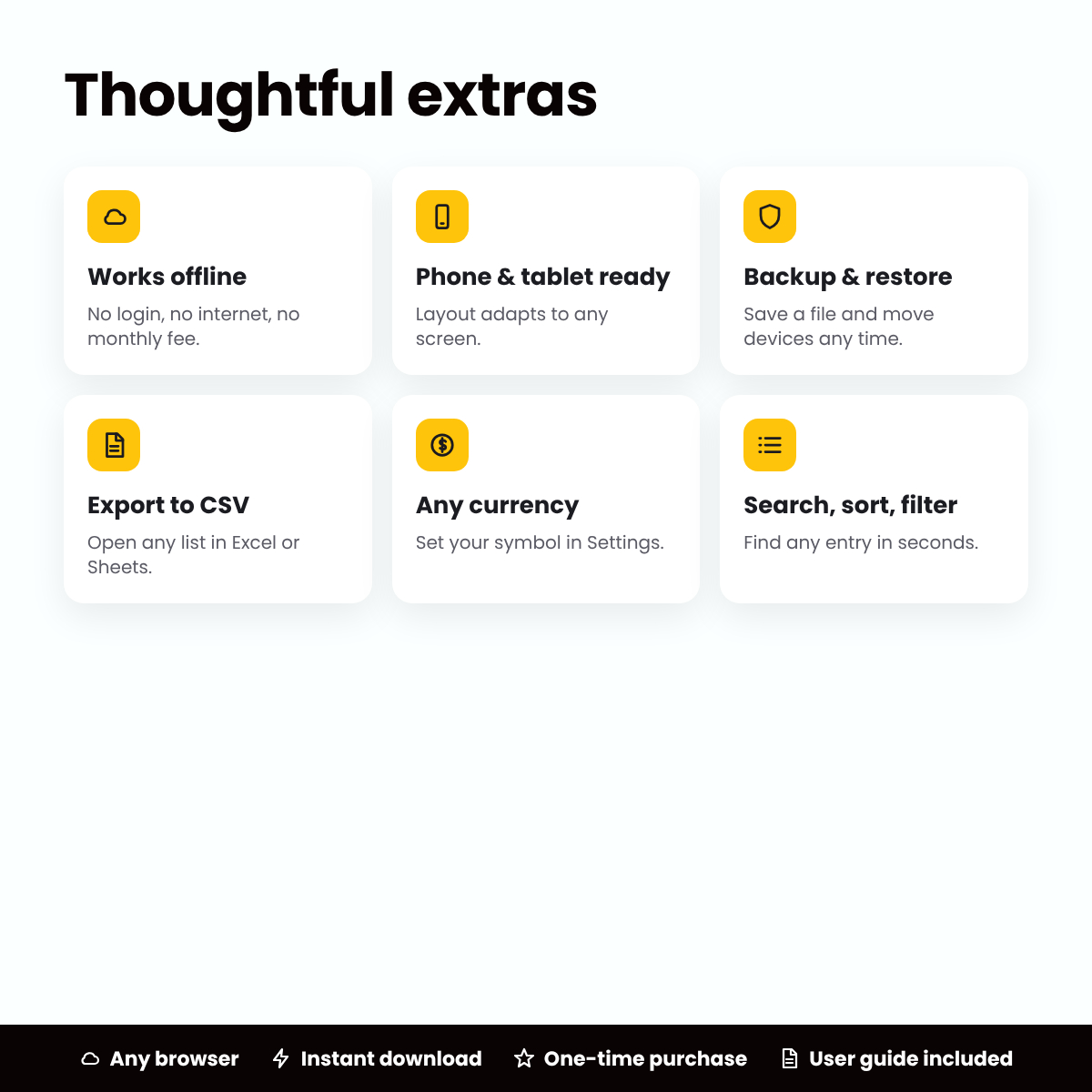
- Works offline in any modern browser with no login or subscription
- Live dashboard with KPI cards, a monthly chart and breakdowns
- Add, edit, search, sort and filter every list
- Calculated fields update automatically as you type
- Backup to a file and restore on any device
- Export any list to CSV for Excel or Google Sheets
- Editable dropdown lists and one currency setting
- Print-friendly view of every screen
- Phone, tablet and desktop layouts
Who this videographer app is for
- Wedding videographers
- Freelance video editors
- Brand and social content creators
- Event videographers
- Small production studios
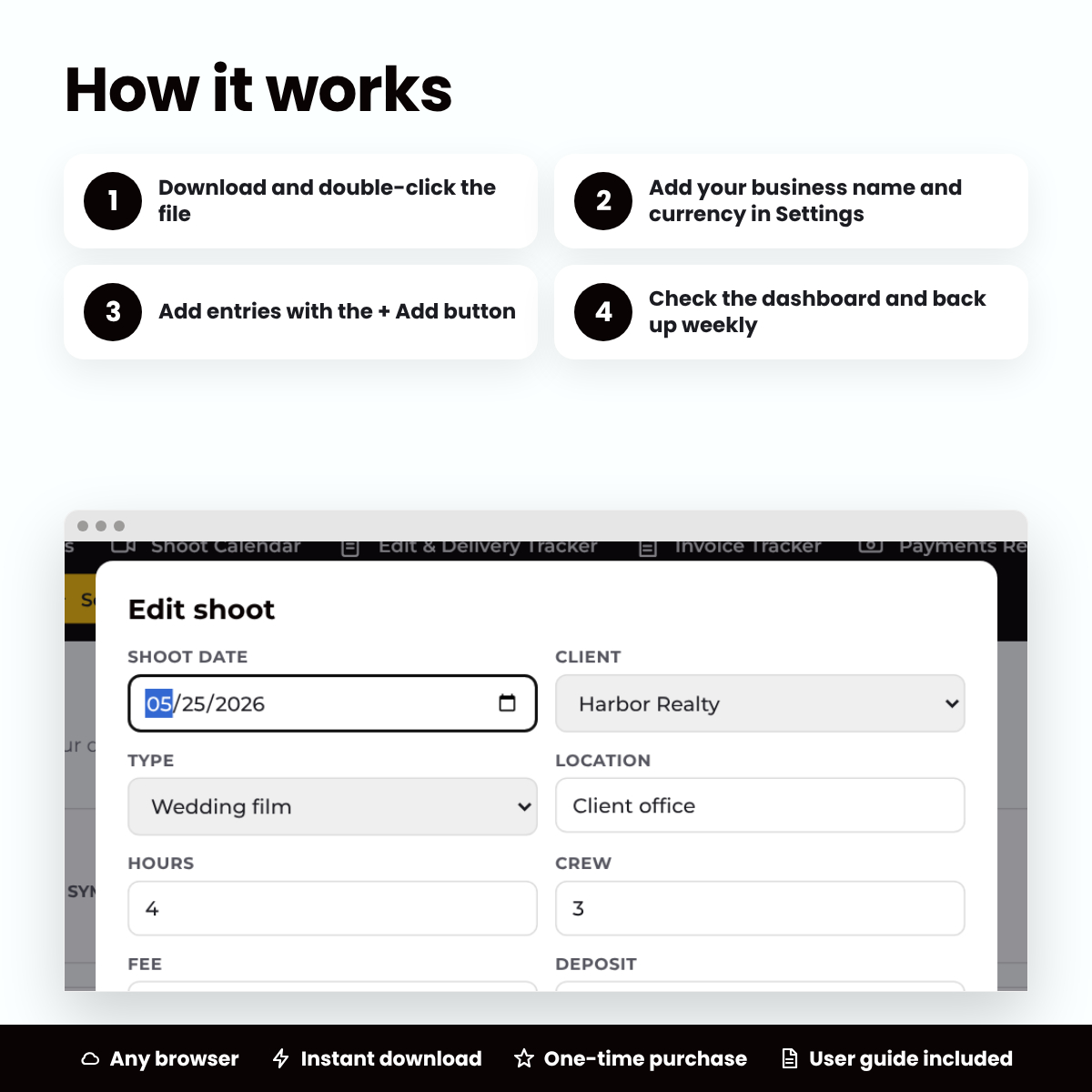
How it works
- Download the HTML file and double-click it. It opens in your browser.
- Add your business name and currency in Settings, and adjust the dropdown lists.
- Add entries with the + Add button. Totals and the dashboard update straight away.
- Download a backup each week so your data is always safe.
Real-world use cases
- Checking next month's shoots and balances on Monday.
- Seeing every edit waiting on client review.
- Exporting payments to CSV for your accountant.
- Following up a late invoice before delivery.
- Planning busy season from the monthly chart.
File format and requirements
You receive Framewise.html, a single-file web app, plus an illustrated user guide in Word format (.docx). It runs in current versions of Chrome, Edge, Safari and Firefox on Windows, Mac, iPad, Android tablets and phones. Nothing to install, no account and no internet connection needed after download.
Customization
Change your business name, currency symbol, report year and every dropdown list from the Settings screen. Add as many entries as you need. Your data stays private in your own browser.
Instant digital download
This is a digital product. Nothing is shipped. Your files are ready to download straight after checkout and stay in your Taskdale account so you can download them again whenever you need them.
Frequently asked questions
Does it track edits and revisions?
Yes. Each deliverable has an edit status, revision round, due date and days left.
Does it handle deposits?
Yes. Each shoot shows fee, deposit and balance.
Can clients see it?
No. It is your private business app.
Do I need internet or an account?
No. It is a single HTML file that opens in any modern browser and works offline. No login, no subscription.
Where is my data stored?
In your browser on your own device. Use Download backup to save a copy, and Restore to load it on another device.
Does it work on a phone or iPad?
Yes. The layout adapts to phones and tablets. Open the file in Safari or Chrome on the device.
Is it a one-time purchase?
Yes. You pay once and keep the file.
License: for personal use and use within your own business. Please do not resell, share or redistribute the files. © Taskdale.
Reviews
There are no reviews yet.