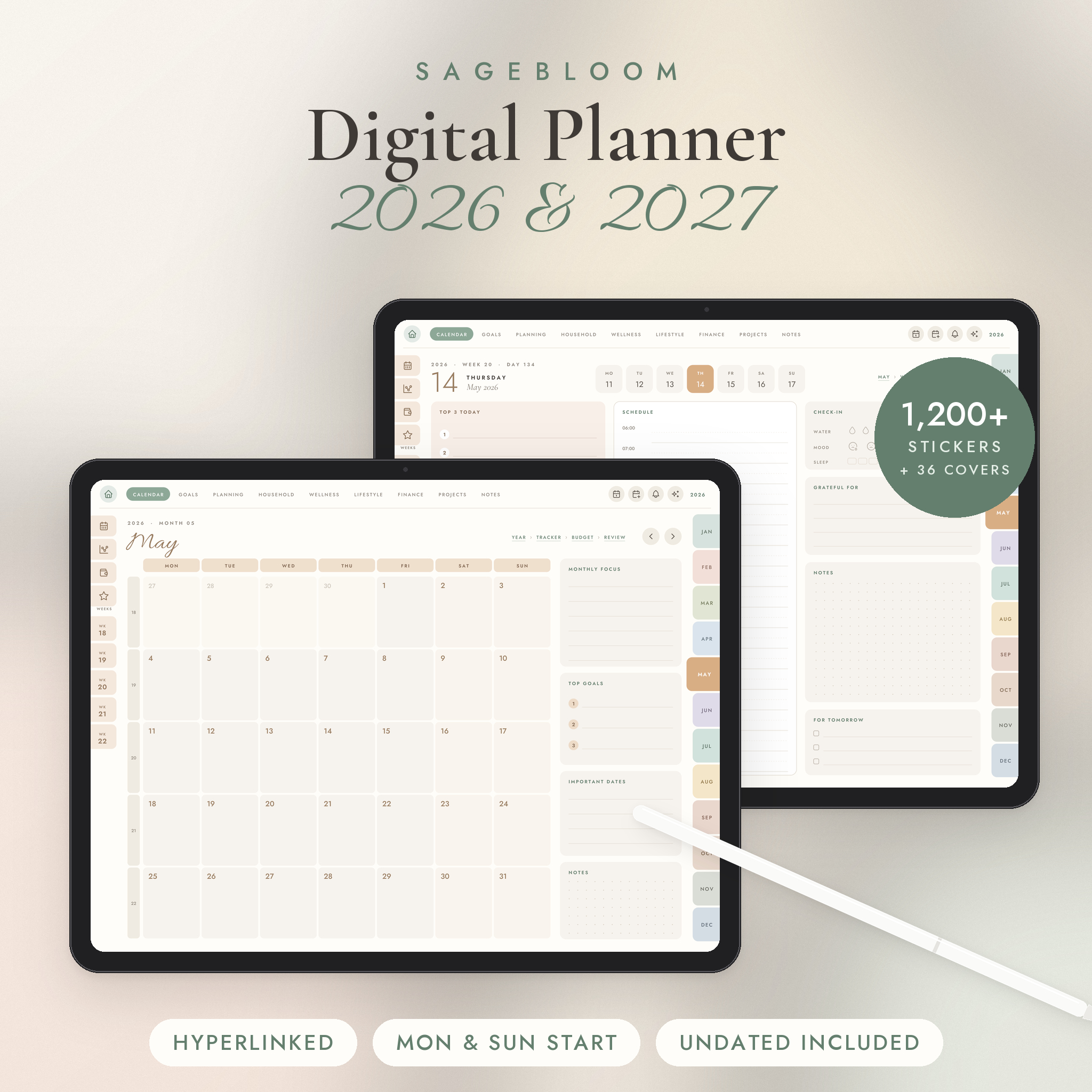


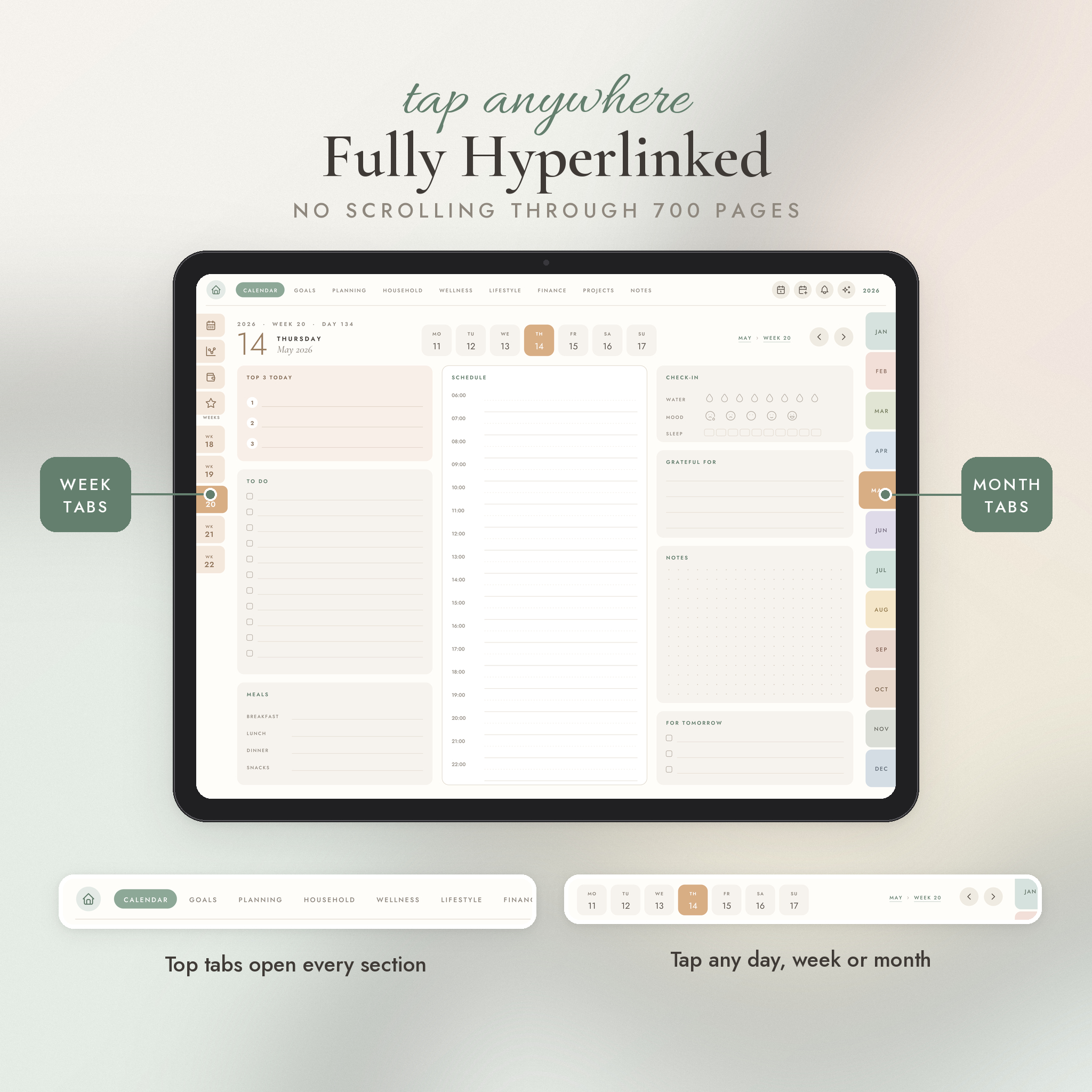
Most digital planners look pretty for a week. Then you are scrolling through 700 pages looking for Tuesday. Sagebloom fixes that. Every date, tab and title is a link, so the day you want is always one tap away.
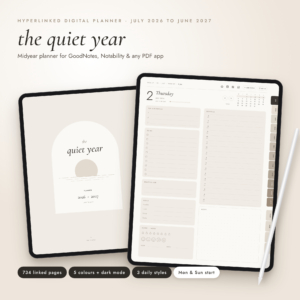
It covers all of 2026 and 2027. There is also an undated edition, so you can start in the middle of a month or reuse it next year. Each one comes in a Monday start and a Sunday start version. Pick the one that matches how your week works in your head.
Who it is for
Busy parents juggling school runs and work. Students with deadlines. Side hustlers running a business from the couch. Anyone who wants their plans, lists, money and goals in one place on a tablet.
Why buyers pick Sagebloom
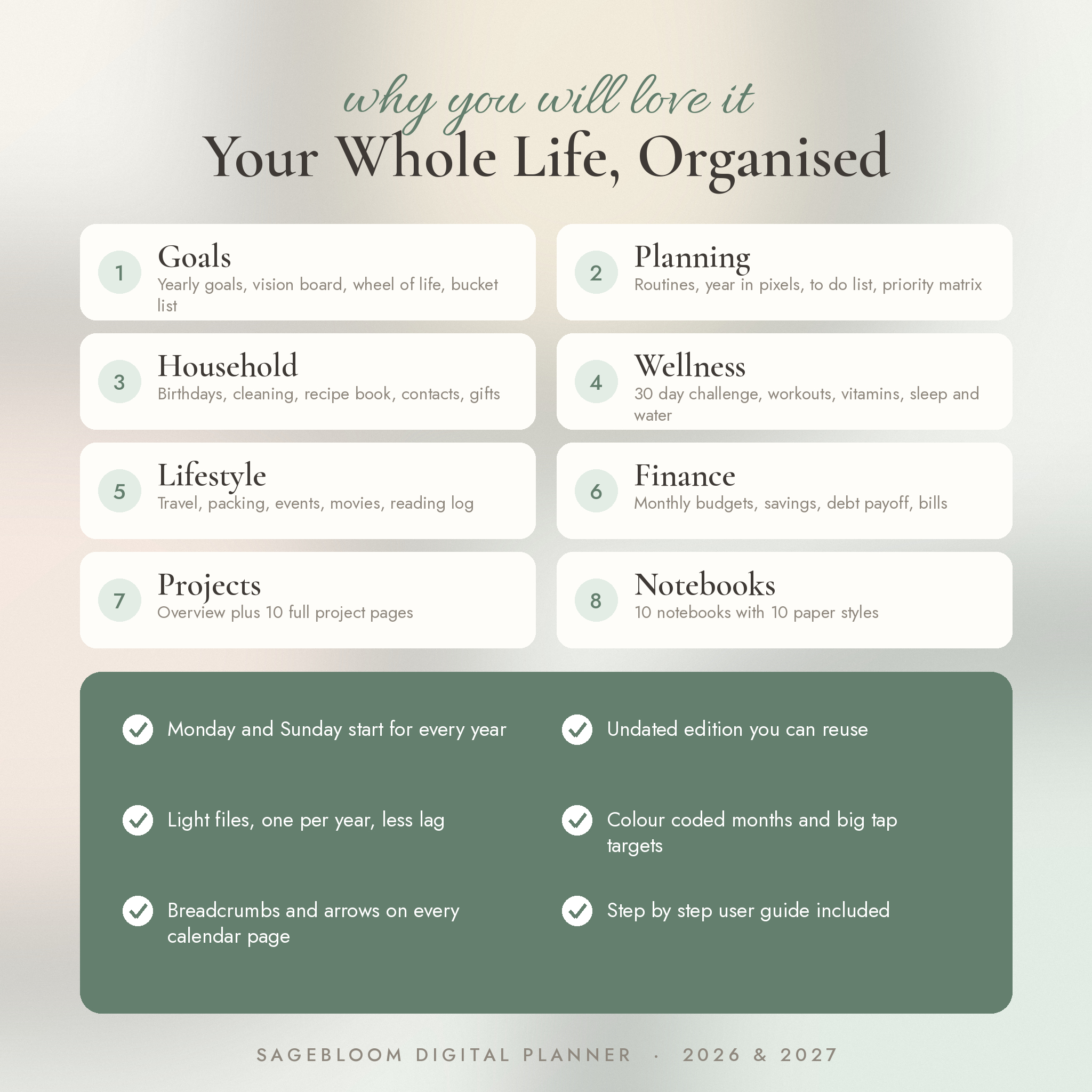
- Monday AND Sunday start for every year, not one or the other
- Undated edition included, so nothing goes to waste
- One file per year, so it opens quicker and lags less
- 12 colour coded month tabs that are big enough to tap
- Breadcrumbs and next or previous arrows on every calendar page
- A habit tracker, budget and review for every single month
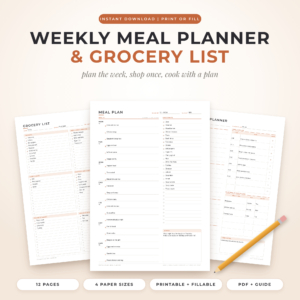
- A meal plan with grocery list and a reflection page for every week
- An illustrated user guide so you are never stuck
What is inside each dated planner (713 pages)
- Cover, linked index and a Start Here page that shows how the tabs work
- Year at a glance with every date linked, plus a two page year planner
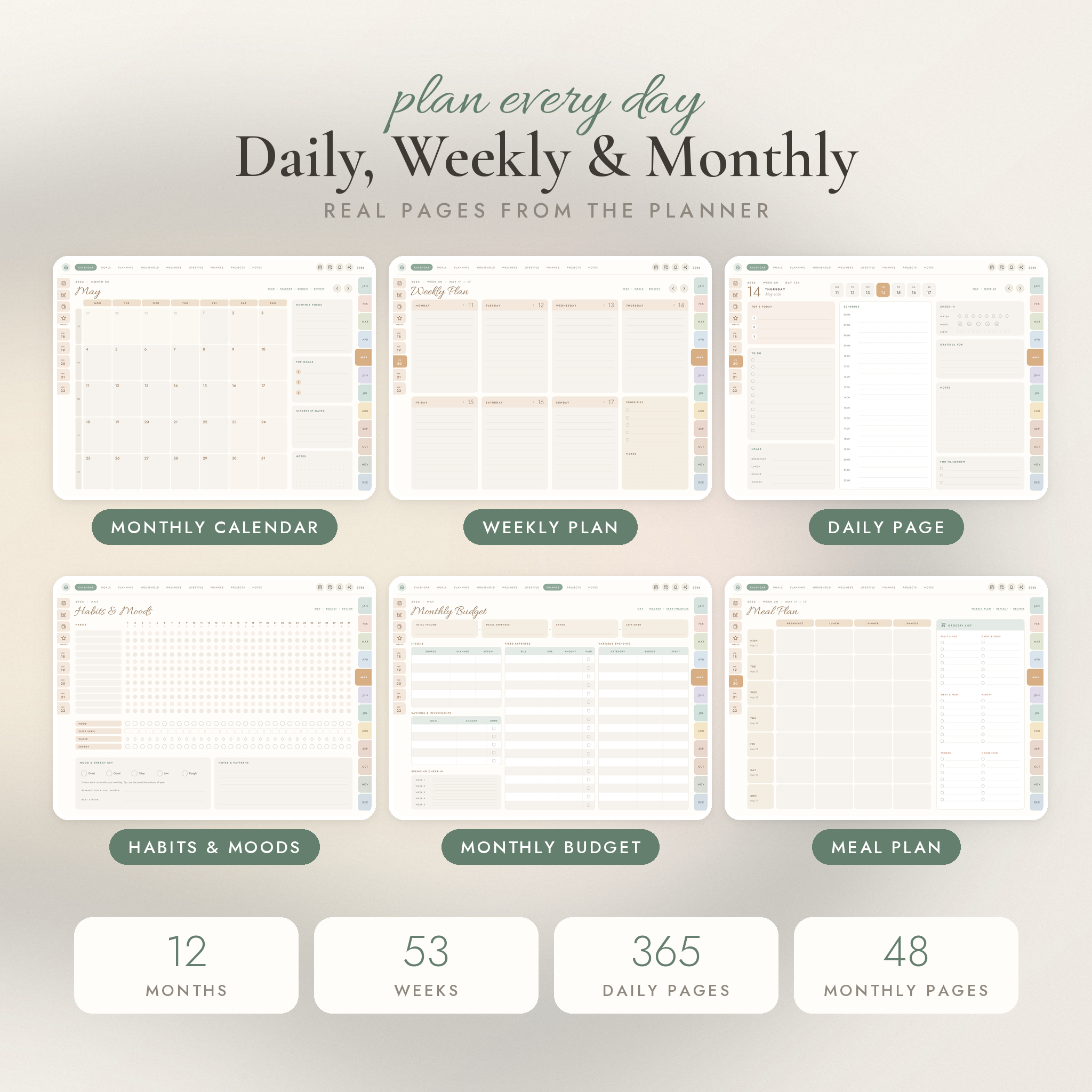
- 12 monthly calendars with focus, top goals, key dates and notes
- 12 habit and mood trackers (12 habits, mood, sleep, water, energy)
- 12 monthly budgets and 12 monthly reviews
- 53 weekly plans, 53 meal plans with grocery lists, 53 weekly reflections
- 365 daily pages with an hourly schedule, top 3, to do list, meals, water, mood, sleep, gratitude and notes
- Goals: yearly goals for 8 life areas, word of the year, vision board, wheel of life, bucket list, gratitude, year in photos, year in review
- Planning: routines, year in pixels, master to do list, priority matrix, meeting notes, brain dump
- Household: birthdays, cleaning schedule, recipe book with 10 recipe cards, contacts, account log, gift planner
- Wellness: 30 day challenge, workout log, fitness progress, vitamins tracker, sleep and water, self care menu
- Lifestyle: travel planner, packing list, event planner, movies and series, reading log, wish list
- Finance: year overview, savings tracker with 100 box charts, debt payoff, subscriptions, bill tracker
- Projects: an overview plus 10 project pages
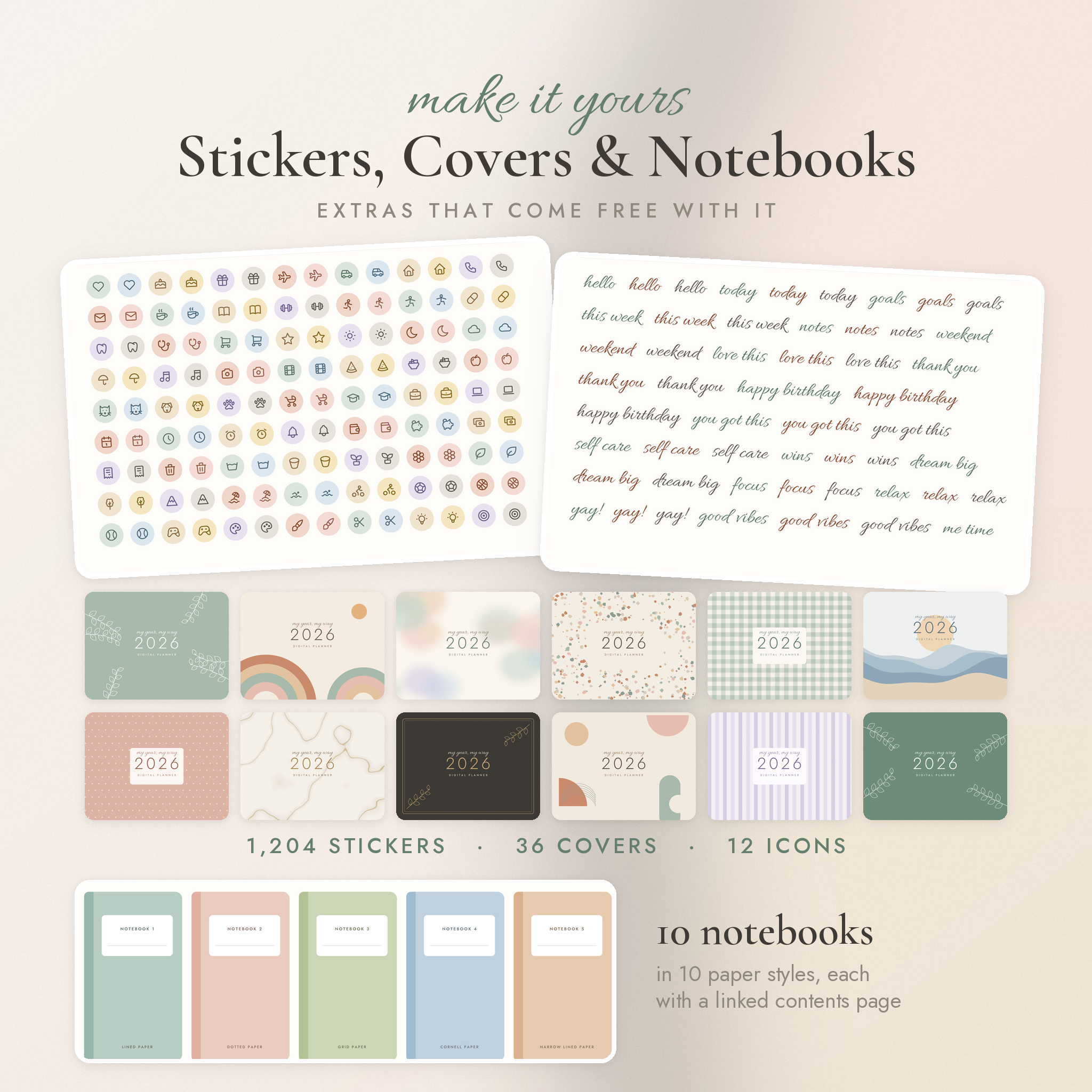
- Notebooks: 10 notebooks in 10 paper styles, each with a linked contents page
What you get in the download
- 6 hyperlinked planner PDFs: 2026, 2027 and undated, each in Monday and Sunday start
- More than 30,000 links in each dated planner
- 1,204 original digital stickers as transparent PNG files, sorted into 10 folders
- A 20 page sticker book PDF for quick copying with your lasso tool
- 36 covers (12 designs, each in 2026, 2027 and undated versions)
- 12 matching home screen icons for your iPad
- 15 extra insert pages: 10 paper styles, an undated daily page, weekly pages, meeting notes and a habit tracker
- An illustrated user guide (Word document) with setup steps, tips, troubleshooting and FAQ
How it works
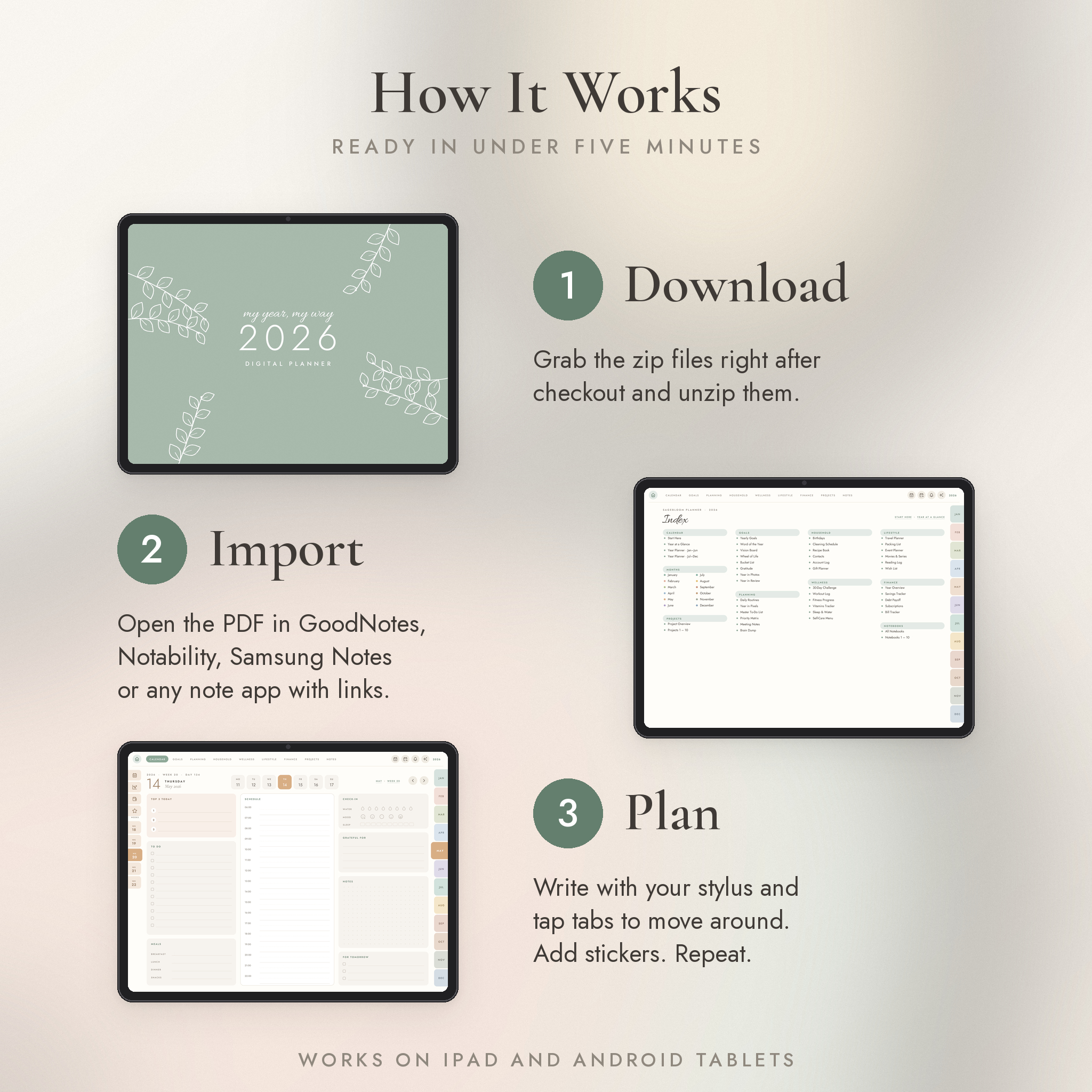
- Download the files after checkout and unzip them.
- Import the planner PDF into your note app.
- Write with your stylus and tap the tabs to move around. Add stickers if you like.
File formats
Planners, extra pages and sticker book: PDF (landscape, 4:3, made for tablet screens). Stickers and icons: PNG with transparent backgrounds. Covers: high resolution JPG. Guide: DOCX.
What you need
- An iPad or Android tablet. A stylus is recommended.
- A note app that supports PDF links, such as GoodNotes, Notability, Noteshelf, Noteful, ZoomNotes, Samsung Notes, Penly or Xodo. The app is not included.
- Links work best on iPad. Some Windows and web note apps handle PDF links poorly.
- The calendar and reminders quick links open Apple apps, so they only work on Apple devices.
Make it yours
Swap the cover for any of the 36 designs. Duplicate pages you want more of. Use the stickers to colour code birthdays, bills and gym days. You can also type with your app's text tool if you prefer that to handwriting.
Digital download
This is a digital product. Nothing will be shipped. Your files are ready to download as soon as payment goes through. The planner is for personal use only, so please do not share or resell the files.
Reviews
There are no reviews yet.