Looking for a free lawn care business spreadsheet to get your mowing business out of a notebook and into something you can actually read at the end of the month? Below you can download Mowline Lite, a free Excel template for lawn care clients, jobs and monthly revenue, and learn how to set it up so it helps you price lawns and see where your money comes from.


Mowline Lite: Free Lawn Care Business Spreadsheet
Get the free Excel spreadsheet for lawn care clients, jobs and monthly revenue, with a quick lawn pricing calculator. Enter your email to download.
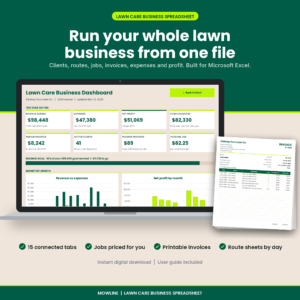
Want everything unlocked?
Lawn Care Business Spreadsheet & Mowing Invoice Tracker | Mowline Excel Landscaping Template
The free file is a sample. The full version has every page, tab and feature, plus the user guide.
See the full versionThe download asks for your email address, and free downloads are limited to 3 per day. The file opens in Microsoft Excel and also works in Google Sheets.
What is in the free lawn care spreadsheet
Mowline Lite is a cut-down version of our full lawn care business workbook. It is small on purpose, so you can start using it today.
- Clients: up to 25 clients with phone, address, lawn size, service plan, service day, price per visit, status and gate notes. Each client shows visits and revenue for the year.
- Job Log: up to 150 jobs with date, client, service, amount, hours and status.
- Summary: jobs, hours and revenue by month, revenue per hour, average job and a monthly revenue chart.
- Quick Quote: measure up to three lawn areas and get a price per visit from your rate per 1,000 sq ft and your minimum charge.
- Settings: your business name, currency symbol, year and the dropdown lists.
Why a lawn care business needs a spreadsheet
Most lawn businesses start the same way. A few neighbors, a truck, a mower and a list of addresses on a phone. That works for ten lawns. By thirty, things slip. A biweekly client gets skipped. A cleanup never gets billed. You fill the tank twice a week and have no idea what fuel costs you per lawn.
A simple spreadsheet fixes most of that. When every visit is written down with a date, a client and an amount, you can answer the questions that matter: which clients pay best for the time they take, which months carry the year, and whether the price you quoted in April still makes sense in August.
How to set up your client list
Start with the clients you mow every week. For each one, add:
- Name and contact details. Use the same spelling every time, because the Job Log picks clients from this list.
- Lawn size in square feet. Measure once with a measuring wheel or an online map tool. Front, back and side areas add up quickly.
- Service plan and day. Weekly, biweekly or monthly, plus the day you normally mow there.
- Price per visit. What the client pays for a standard mow.
- Notes. Gate codes, dogs, and anything a new crew member needs to know.
How to price a lawn by square foot
Pricing by size is the fairest way to quote, and it is easy to explain to clients. Pick a rate per 1,000 sq ft and a minimum charge. Your local market and your own costs decide the right rate, so check what nearby services charge and test it against your hourly target.
Here is how it works with a $5.50 rate and a $40 minimum:
- A 5,000 sq ft lawn: 5 x $5.50 = $27.50, so the $40 minimum applies.
- A 10,000 sq ft lawn: 10 x $5.50 = $55.00 per visit.
- A 15,000 sq ft lawn: 15 x $5.50 = $82.50 per visit.
The Quick Quote tab in the free spreadsheet does this math for you. Type the length and width of each lawn area and it shows the total area and the price per visit.
Size is only half the story, though. A small lawn full of beds, slopes and fences can take longer than a big open one. That is why the full version of Mowline also prices by time, using your hourly target, mowing speed, trimming time, drive time and fuel, and then uses whichever price is higher.
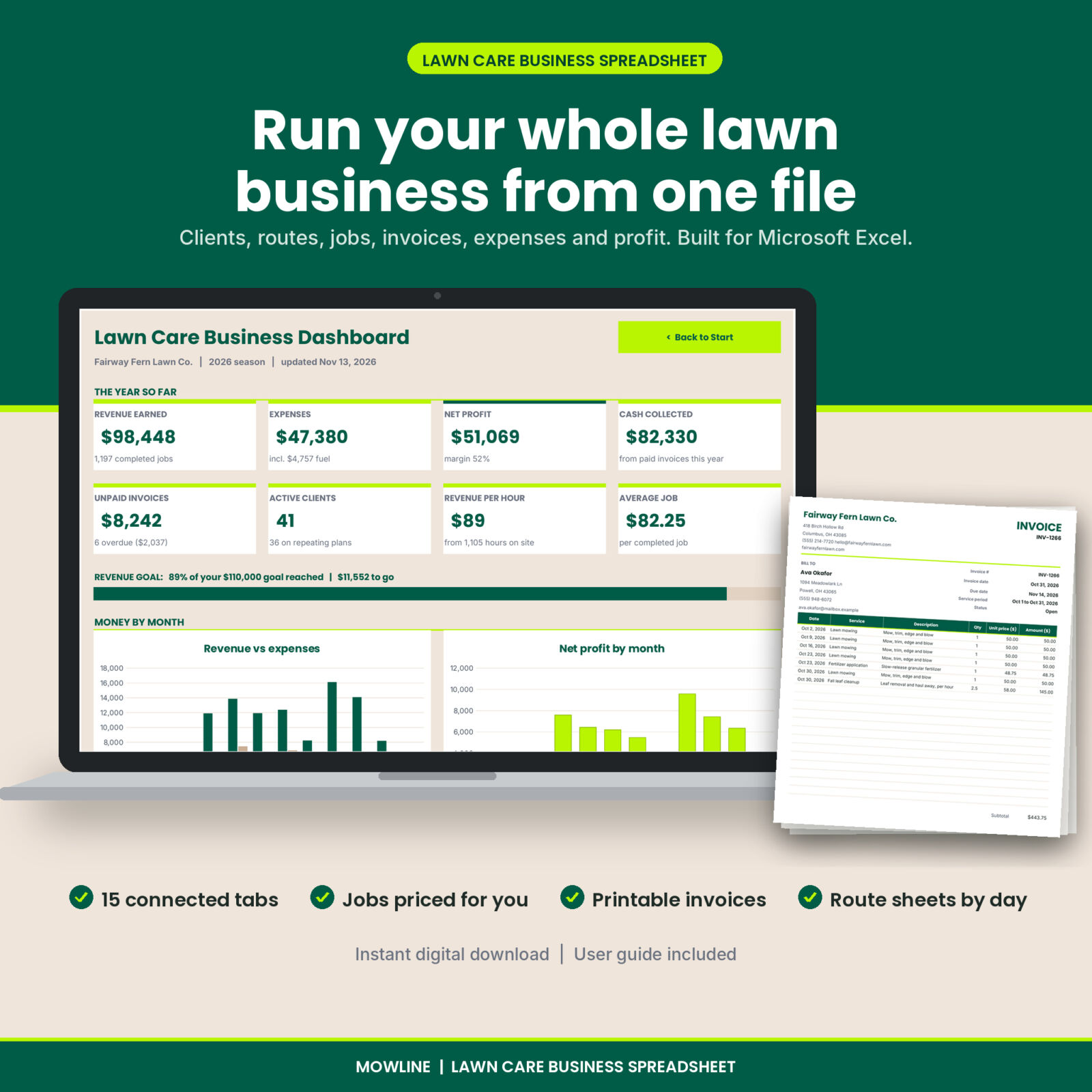
Mowline Lawn Care Business Spreadsheet
Routes, invoices, expenses, mileage and a profit dashboard in one Excel file.
- Jobs priced per visit, per 1,000 sq ft or per hour
- Printable invoices and daily route sheets
- Equipment service alerts and fuel cost per gallon
How to log jobs so the numbers stay useful
The habit that makes any lawn care spreadsheet work is logging jobs the same day. It takes a couple of minutes at the end of a route.
- Log one row per visit, even for regular mows. Your visit count per client becomes your proof of work if a client questions a bill.
- Record hours on site. Revenue per hour is the single most useful number for spotting underpriced lawns.
- Mark skipped visits as Skipped instead of deleting them, so you can see how much weather cost you.
- Use the same service names every time. The dropdown helps.
Reading your monthly summary
The Summary tab adds up completed jobs by month. A few things to look for once you have a couple of months logged:
- Revenue per hour. Compare it with what you want to earn. If it is low, look at the clients with the most hours.
- Average job. Add-on services such as fertilizer, aeration and cleanups raise it fast.
- Seasonality. Spring and fall cleanups often make up for slower summer weeks. Plan your cash around the quiet months.
Billing and getting paid
Most lawn care businesses bill monthly. Send invoices on the same day each month, list every visit with its date, and state your payment terms clearly, for example 14 days. Keep track of who has paid and follow up on anything past due within a week. Small balances left alone for a season are the hardest to collect.
The free spreadsheet records what you earned, but it does not create invoices. The full Mowline workbook adds an invoice register with payments, balances and overdue flags, plus a printable invoice that fills itself in from your job log.
Track expenses and mileage from day one
Revenue is only half the picture. Fuel, blades, oil, trimmer line, fertilizer, insurance, phone and payroll add up, and many of them are deductible. Keep receipts and log costs by category each week.
Mileage matters too. For 2026 the IRS standard business mileage rate is 72.5 cents per mile, and it rises to 76 cents for miles driven from July 1, 2026. A lawn route of 40 miles a day over a 30-week season adds up to a meaningful deduction, but only if you keep a log. Check with a tax professional about which method suits your business.
When to upgrade from the free version
Mowline Lite is a good start for a small route. You will likely want the full version when:
- You have more than 25 clients or 150 jobs a year.
- You bill monthly and want invoices built from your job log.
- You run biweekly clients and want a route sheet that knows who is due each week.
- You want to see profit, not just revenue, with expenses, fuel and mileage in the same file.
- You have several mowers and want service reminders based on hour meters.
Get the complete Mowline workbook
15 connected tabs for a lawn business that has outgrown the basics.
- 300 clients and 3,000 jobs a year
- Invoices with payments, balances and overdue flags
- Season report with profit by month and by service
Frequently asked questions
Is the lawn care spreadsheet really free?
Yes. Mowline Lite is free for personal use and for use in your own business. You just enter your email address to download it, and free downloads are limited to 3 per day.
Does it work in Google Sheets?
Yes. Upload the file to Google Drive and open it with Google Sheets. It was built for Microsoft Excel, so a few formatting extras may look slightly different.
Can I change the currency?
Yes. Type your currency symbol on the Settings tab. The default is $.
How many clients can I track in the free version?
Up to 25 clients and 150 jobs. The full version holds 300 clients and 3,000 jobs a year.
What does the full version add?
The full Mowline lawn care business spreadsheet adds a profit dashboard with 4 charts, a weekly route schedule with printable route sheets, automatic job pricing per visit, per 1,000 sq ft or per hour, invoices with payments and a printable invoice, expenses with fuel cost per gallon, a mileage log, equipment service alerts, a full price calculator with season quotes, a season report and a user guide.
Can I share the free spreadsheet with other lawn businesses?
Please send them a link to this page instead of the file, so they get the latest version.