
Why you need this
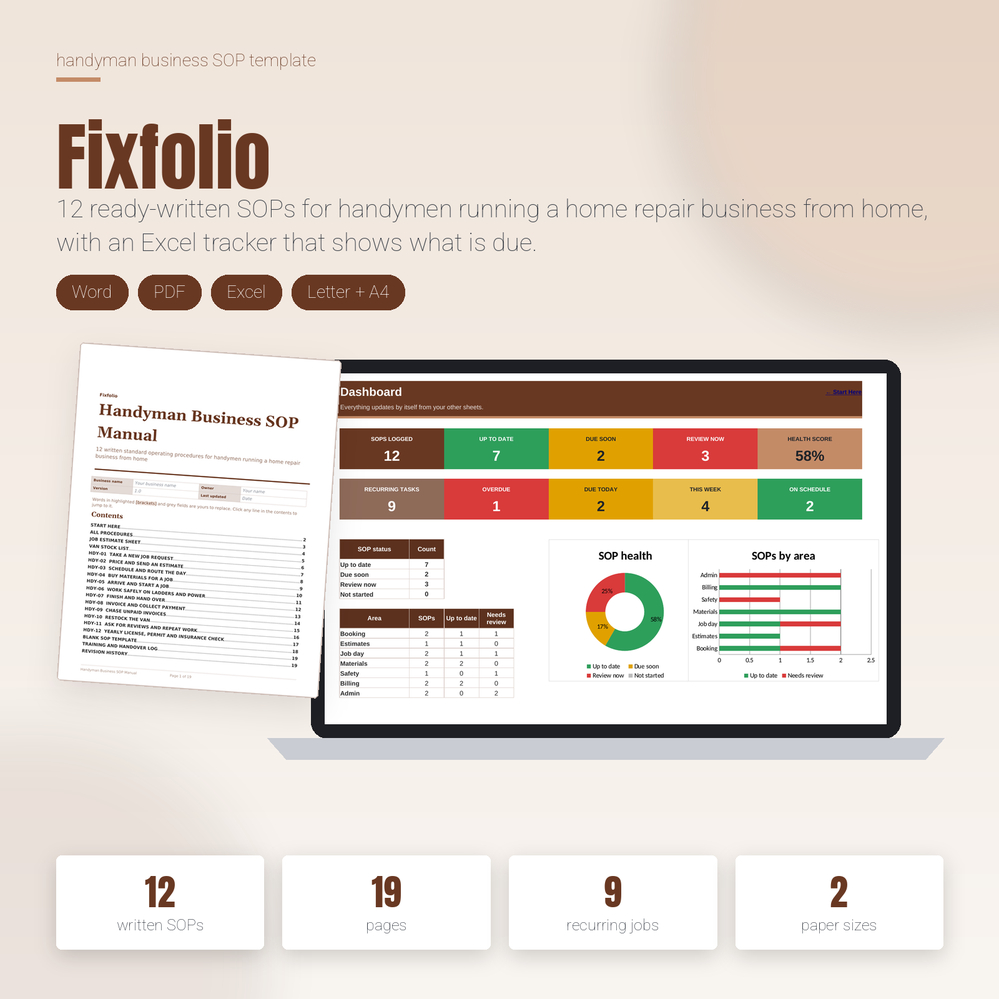
Most handyman days are small jobs stacked together: a dripping faucet, two sticking doors, a loose fence board and a TV mount. The profit is in how well you stack them. This handyman business SOP template hands you 12 procedures written out step by step, so you edit instead of starting from a blank page.
A handyman loses money between jobs, not during them. Return trips for a missing part, estimates given by eye and invoices sent a week late all eat the day rate. These SOPs set a photo-first booking routine, a minimum charge and estimate method, a van stock list, a job day routine with before and after photos, and same-day invoicing. Check your state and city licensing rules first, since many places cap the job value or type of work an unlicensed handyman can take on.
Made for
- Solo handymen booking small repair jobs from home
- Retired tradespeople turning odd jobs into a proper business
- Handyman owners taking on a first helper
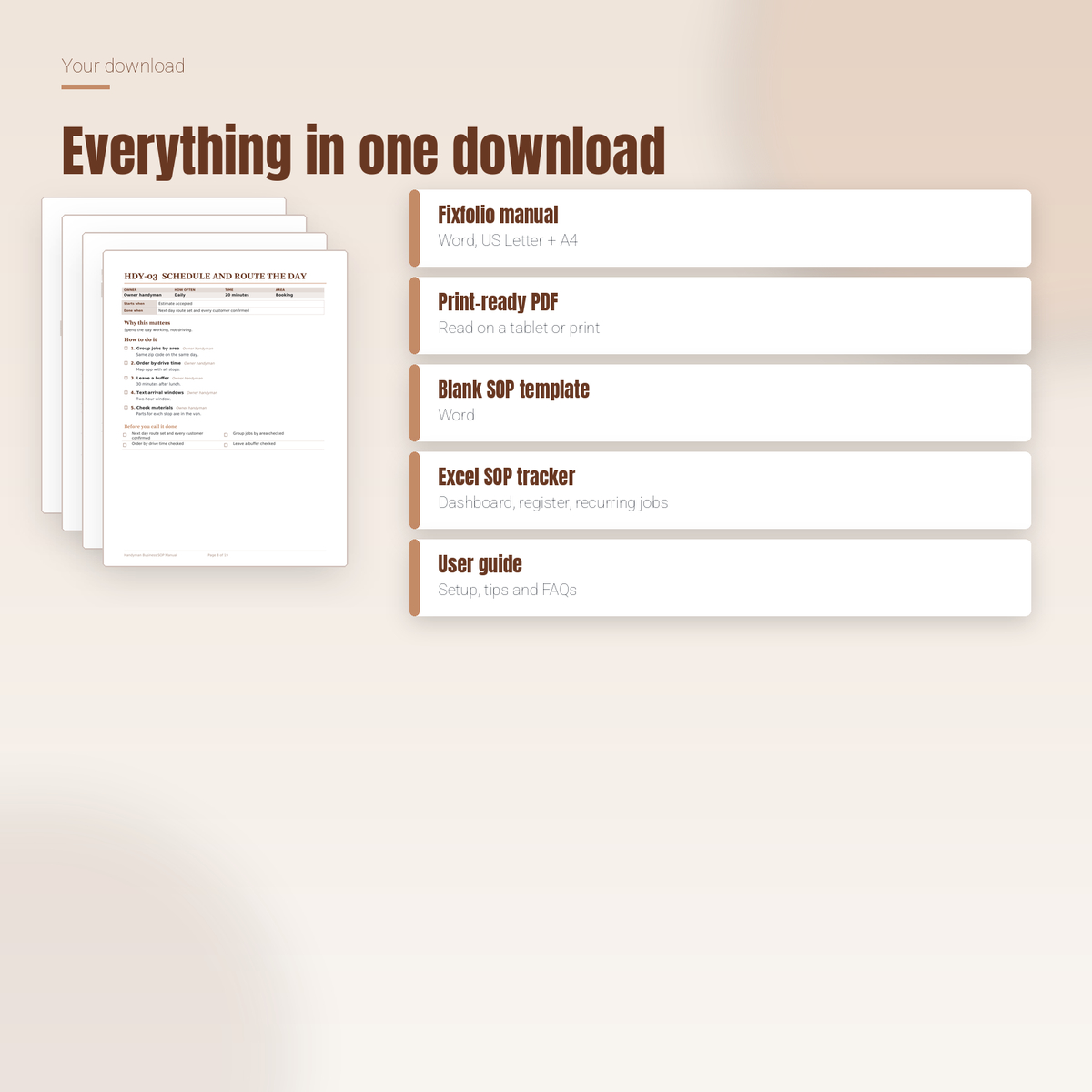
Your download
- Editable Word manual in US Letter and A4
- Print-ready PDF
- Blank SOP template (Word)
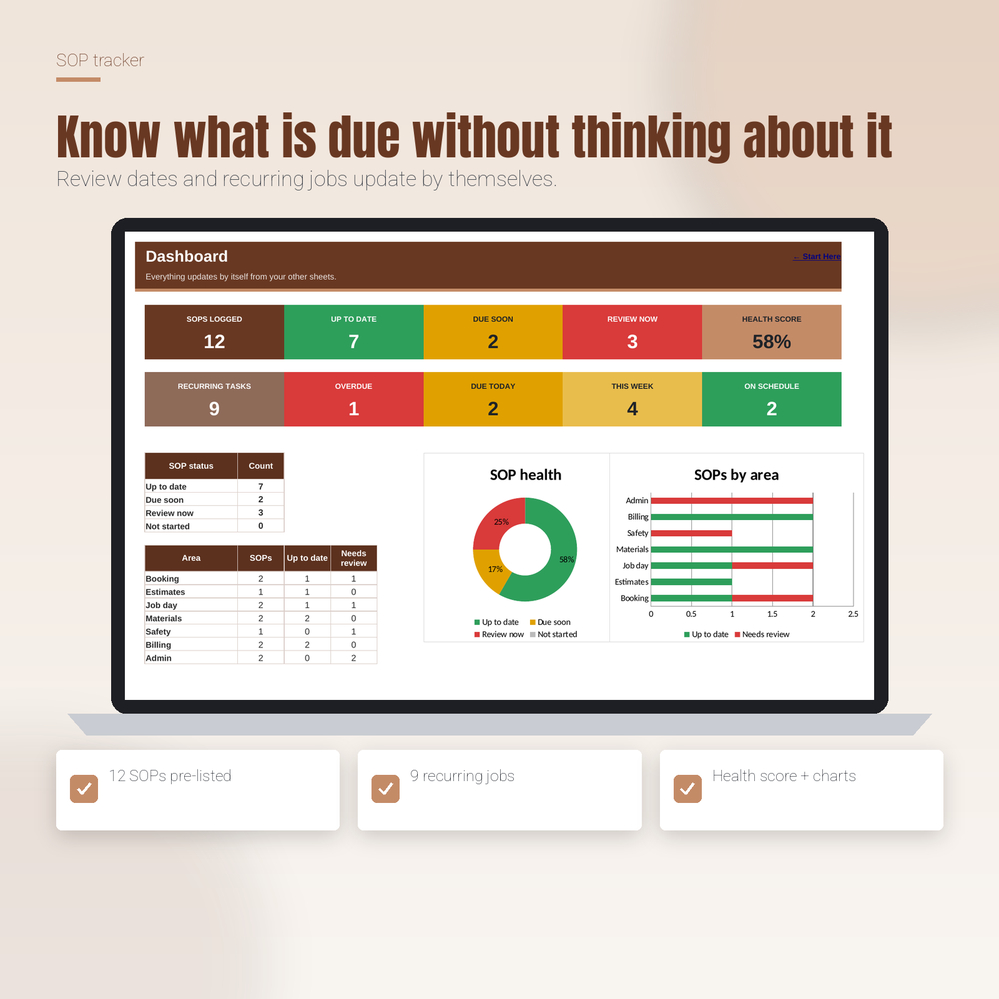
- Excel SOP tracker with dashboard
- User guide (Word)
The procedures
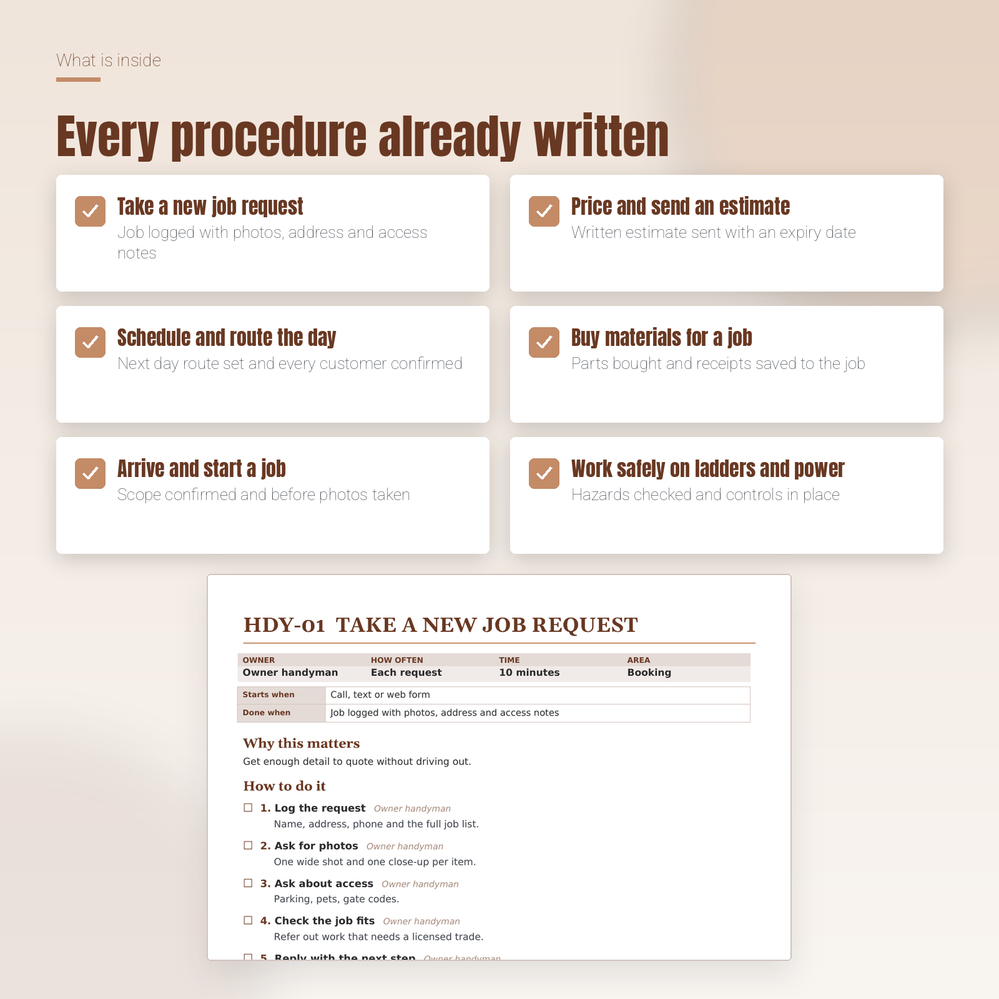
12 written SOPs, grouped by area:
- Booking: Take a new job request, schedule and route the day
- Estimates: Price and send an estimate
- Materials: Buy materials for a job, restock the van
- Job day: Arrive and start a job, finish and hand over
- Safety: Work safely on ladders and power
- Billing: Invoice and collect payment, chase unpaid invoices
- Admin: Ask for reviews and repeat work, yearly license, permit and insurance check
Each one lists who does it, how often, the time it takes, what starts it and what done looks like, followed by numbered steps with tick boxes, common mistakes and a final check.
Plus these planning pages
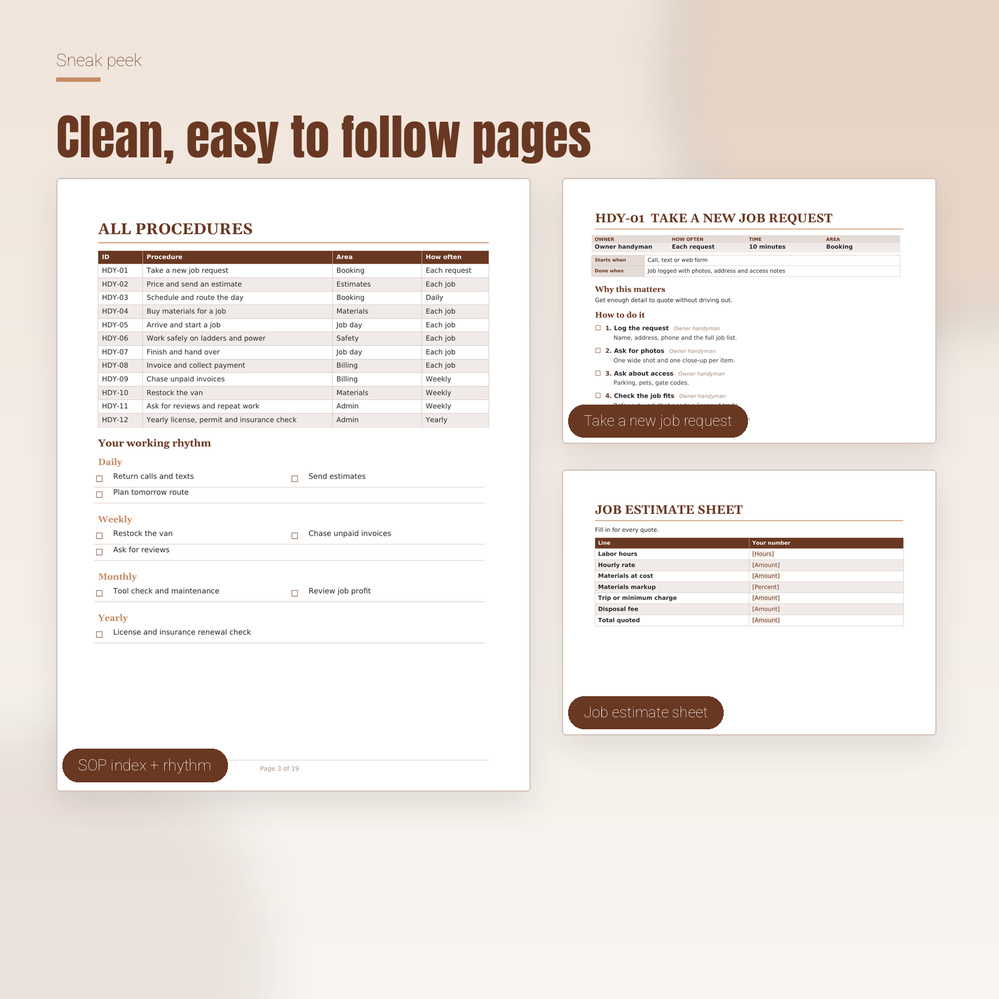
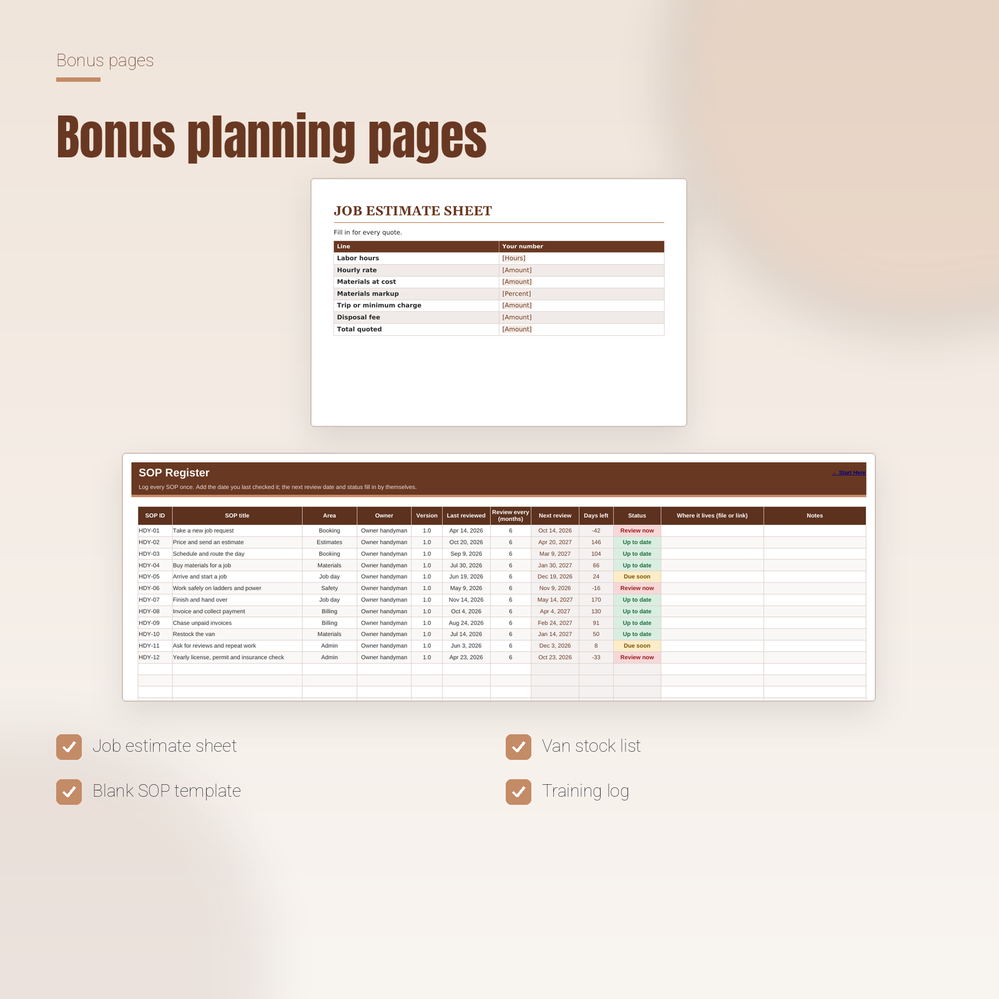
A business snapshot, the SOP index, a daily, weekly and monthly rhythm, job estimate sheet, van stock list, a blank SOP template, a training log and a revision history.
The Excel SOP tracker
- All 12 SOPs listed with automatic review dates and status
- 9 recurring jobs with next due dates and overdue flags
- A dashboard with a health score, status counts and charts
- Settings for your areas, people, review cycle and currency
Getting set up
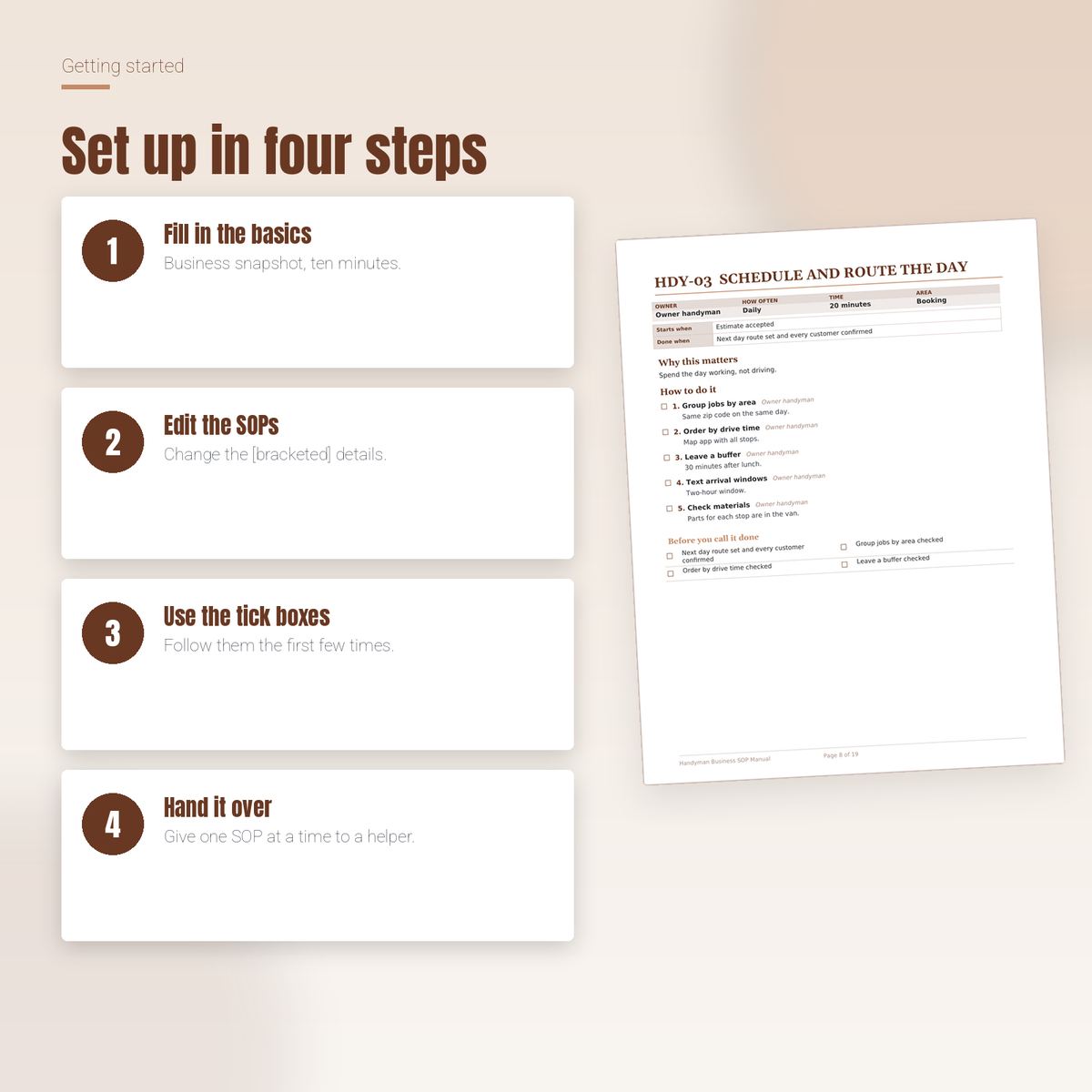
- Open the manual in your paper size.
- Read the SOPs you use most and change the [bracketed] details.
- Use the tick boxes the first few times through.
Formats and software
- Word .docx for Microsoft Word 2016 or newer, Microsoft 365 or LibreOffice
- PDF for printing or reading on a tablet
- Excel .xlsx for Excel 2016 or newer or LibreOffice Calc
- Fonts: Georgia and Verdana, already on Windows and Mac
Real-life examples
- A handyman books three jobs in the same zip code on one Tuesday and cuts 90 minutes of driving.
- An owner asks for photos before every quote and stops making 2 return trips a week for the wrong part.
- A helper restocks the van every Friday from the stock list, so the 40 most used parts are always on board.
Digital download
Instant download with unlimited re-downloads from your Taskdale account. Nothing is shipped. For use in your own business. Please do not resell or share the files.
FAQ
Does it cover licensing?
It includes a yearly check of your state and local licensing, permit and insurance rules. It does not give legal advice, so confirm the details with your state.
Does it work for a one-person business?
Yes. The helper steps are optional and you can skip them.
Can I edit it?
Yes, every page is editable in Microsoft Word, and the tracker in Excel.
Does it work in Google Docs?
You can upload the files to Google Drive and open them there. Word gives the best results because the tick boxes and click-to-type fields are Word features.
Which paper sizes?
US Letter and A4 are both included.
Reviews
There are no reviews yet.