An editable SOP template with a work instruction to match
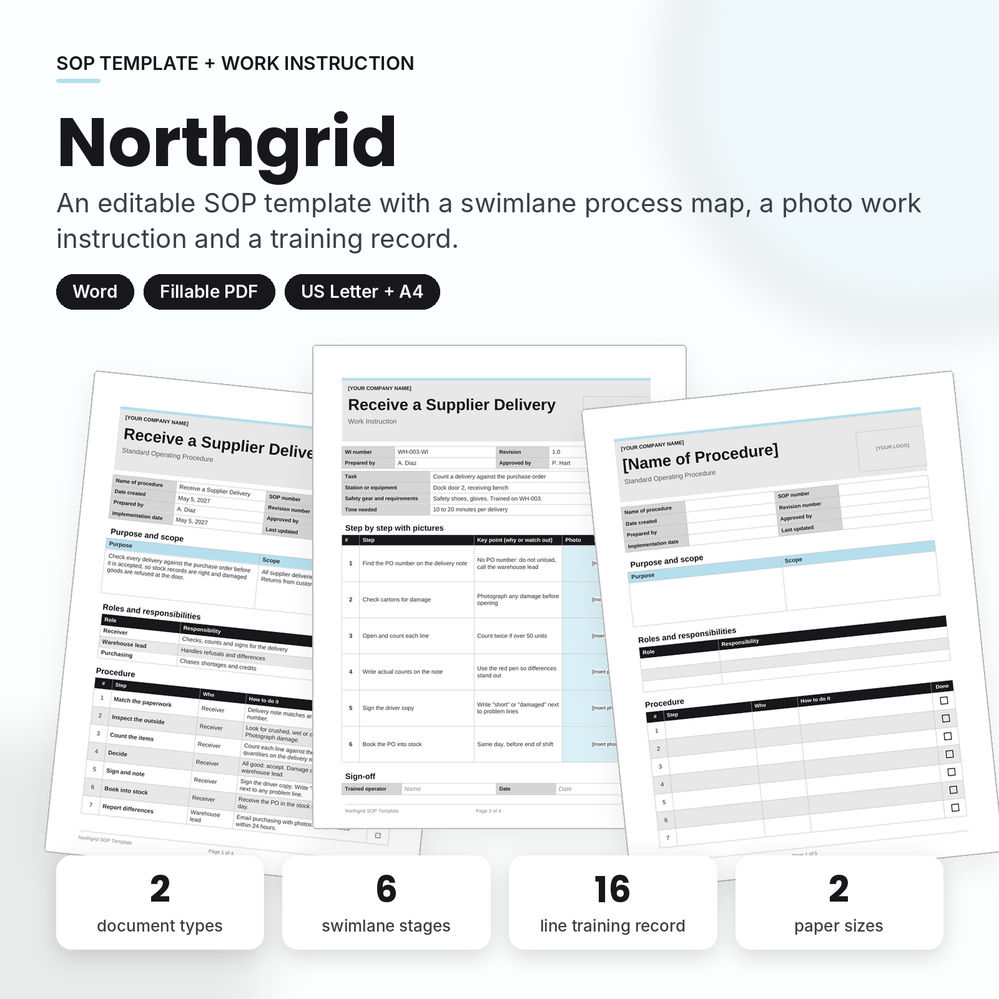
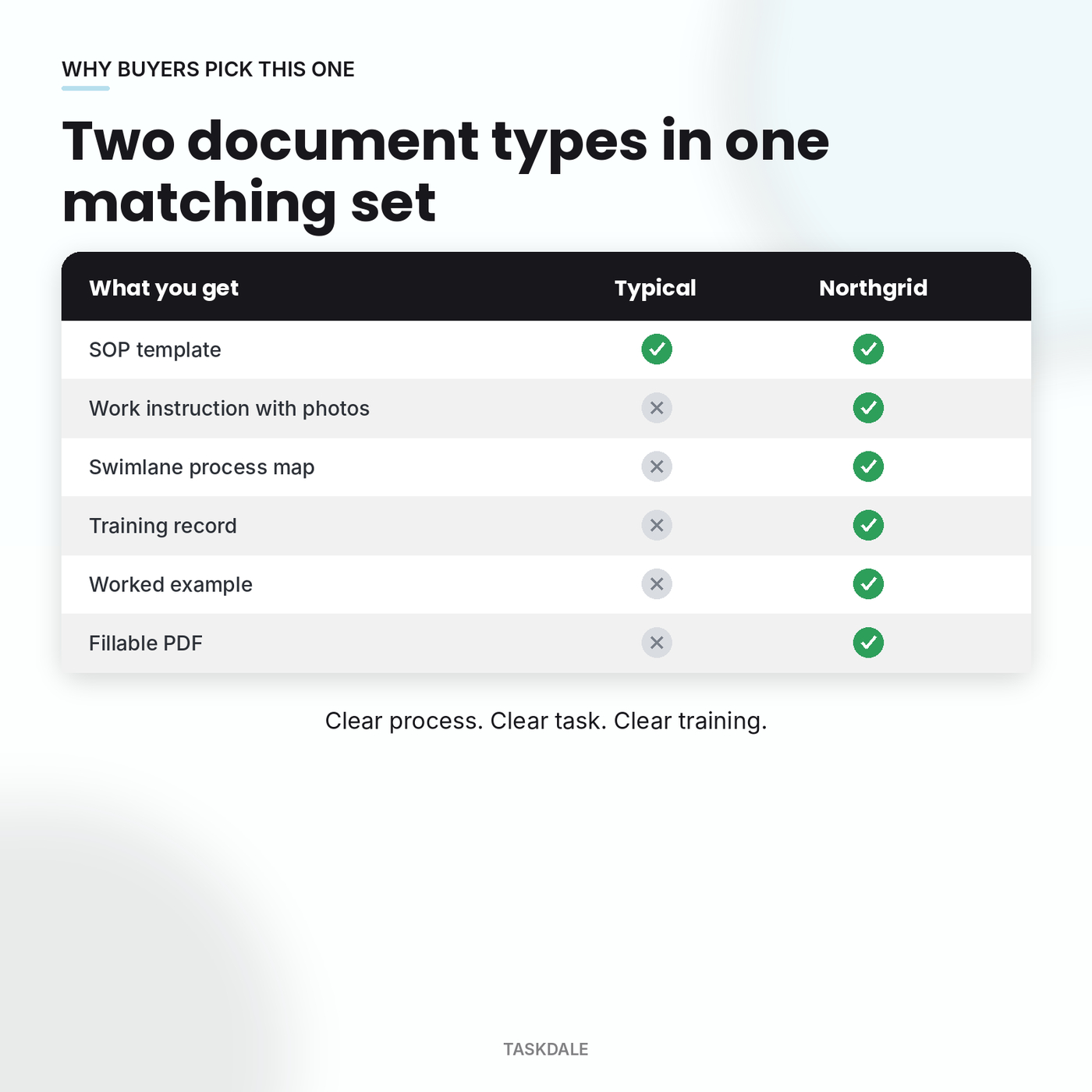
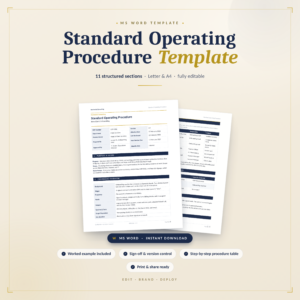
Some people need the whole process. Others just need to know how to do their one task right. Northgrid is an editable SOP template and a work instruction template in one matching set. Write the process once in the SOP, map who does what in a swimlane, then give the person on the floor a one-task sheet with a photo beside every step.
What it does
- Documents a process with clear ownership and approvals
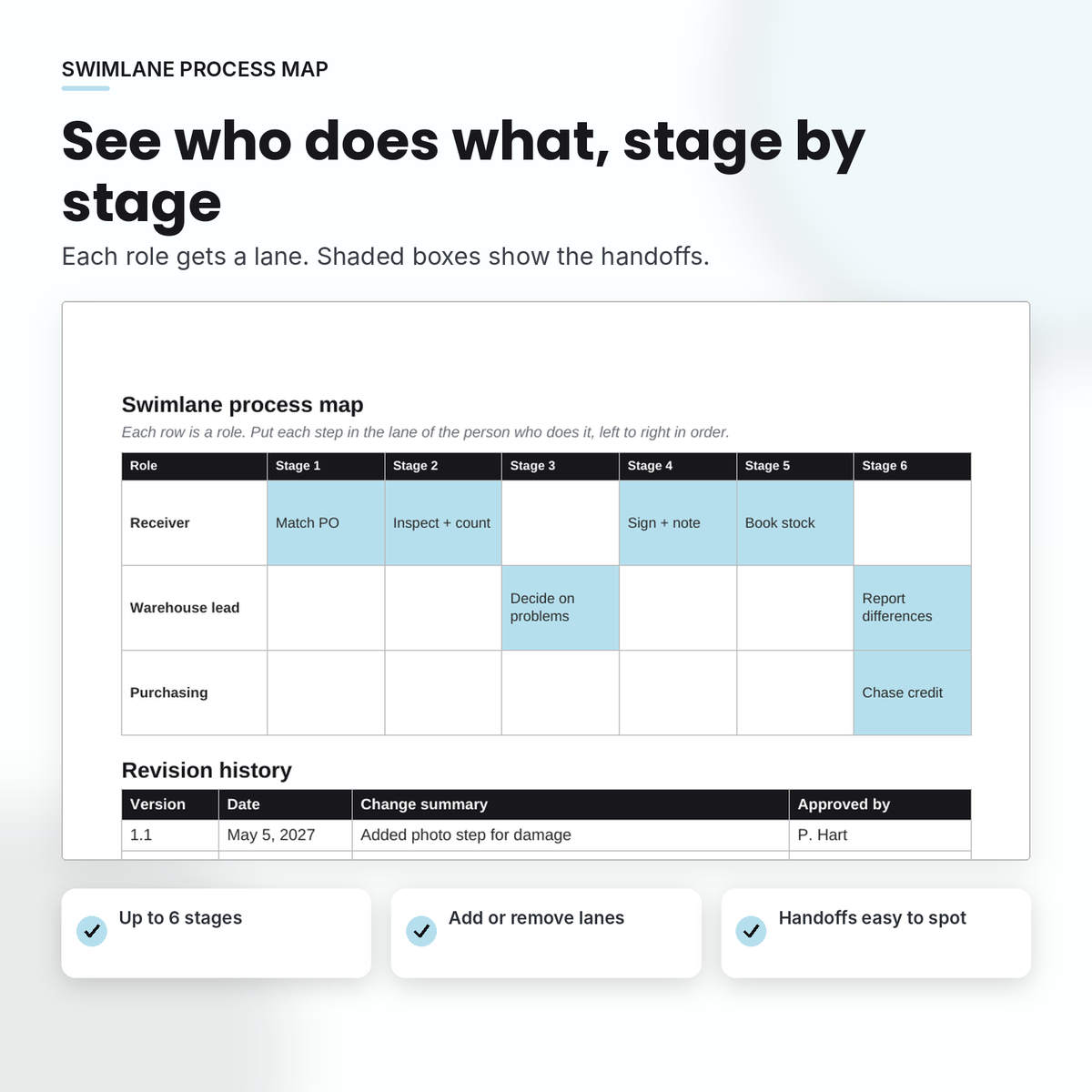
- Shows handoffs between roles in a swimlane map
- Trains people with photo-based steps and key points
- Records who has been trained and signed off
Who it is for
Warehouses, workshops, production lines, kitchens, salons, clinics, labs and any team that trains people hands-on. Office teams use the SOP and swimlane on their own.
What’s included
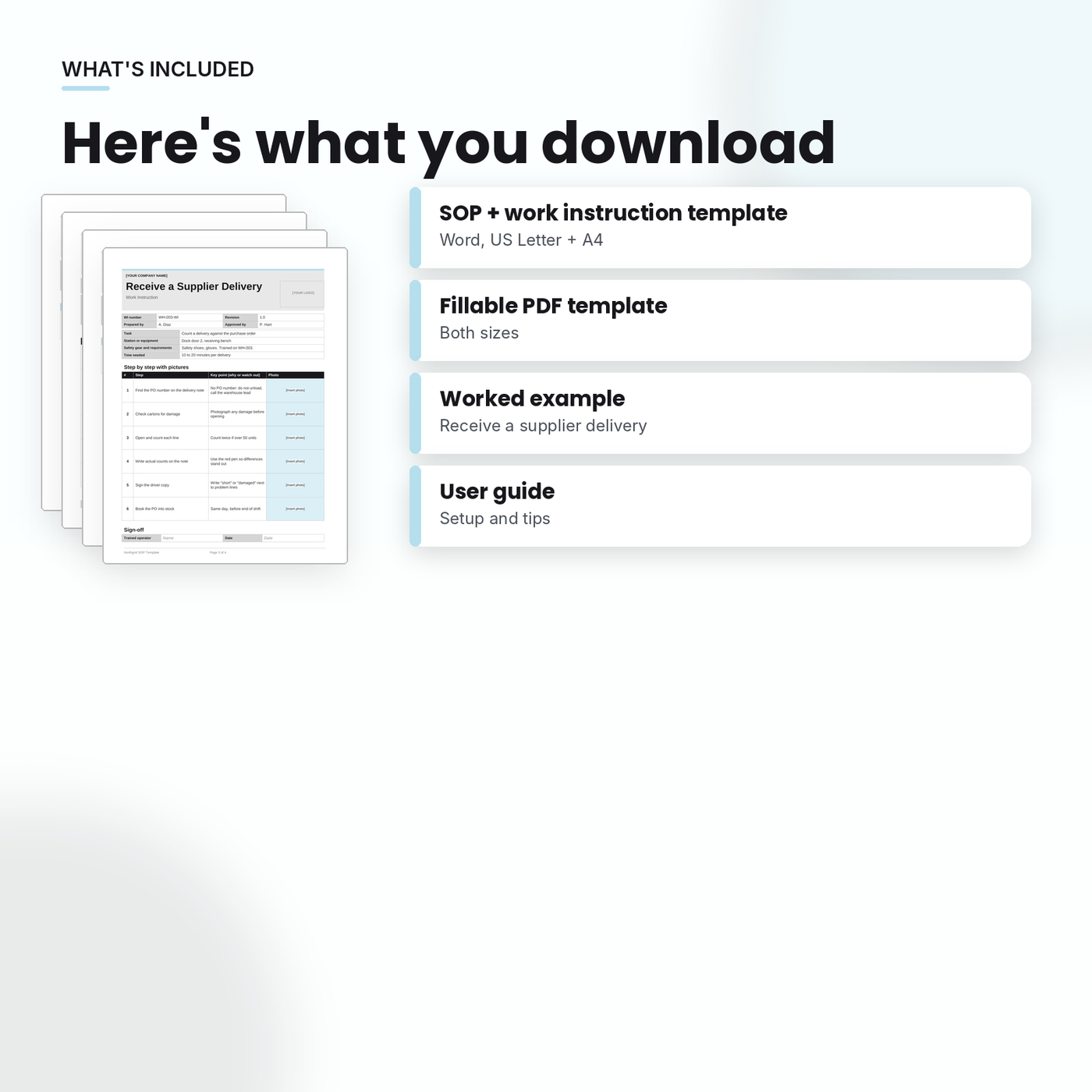
- SOP template, work instruction and training record (Word) in US Letter and A4
- Fillable PDF template in both sizes
- Worked example: Receive a Supplier Delivery, SOP and work instruction (Word and PDF)
- User guide (Word)
Features
SOP template
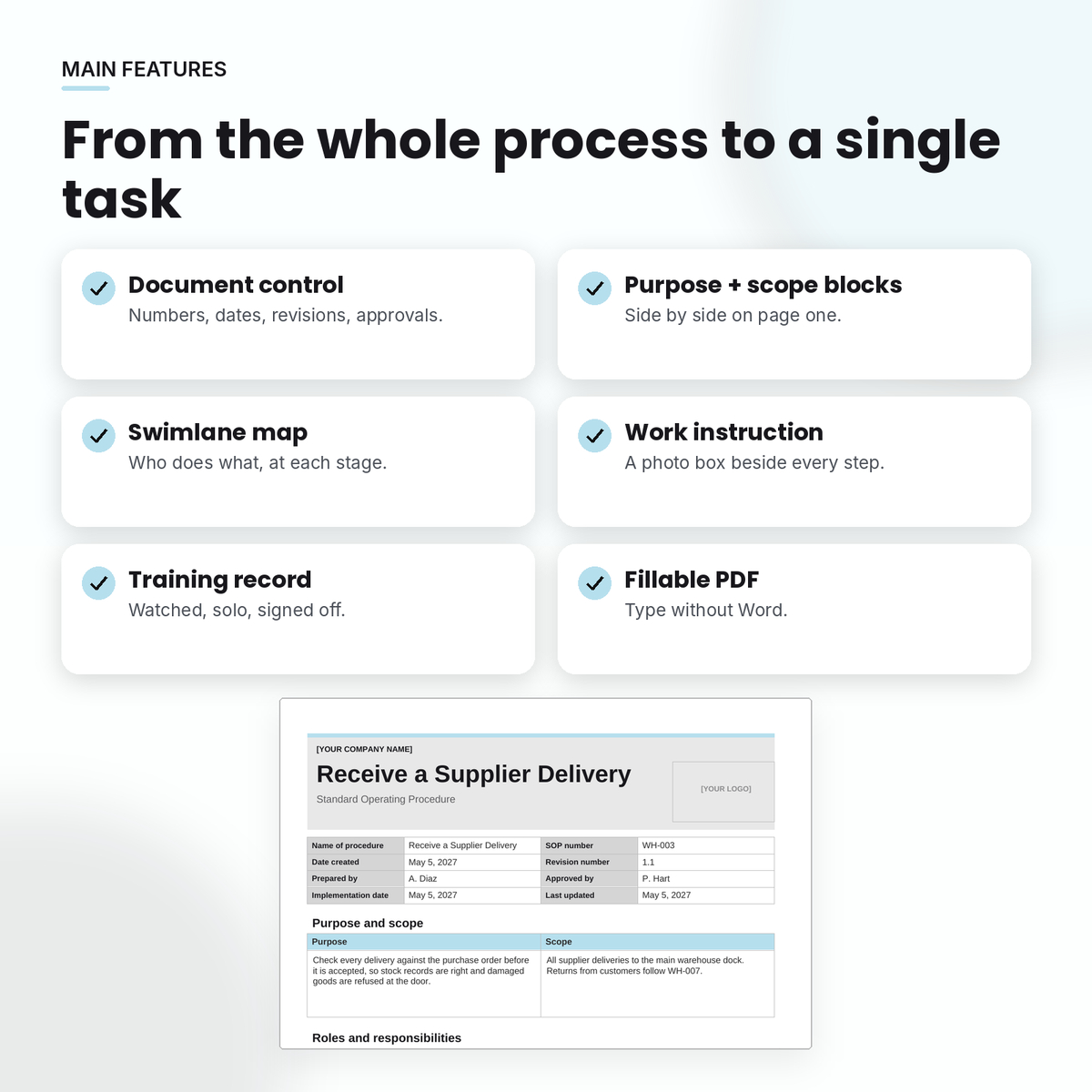
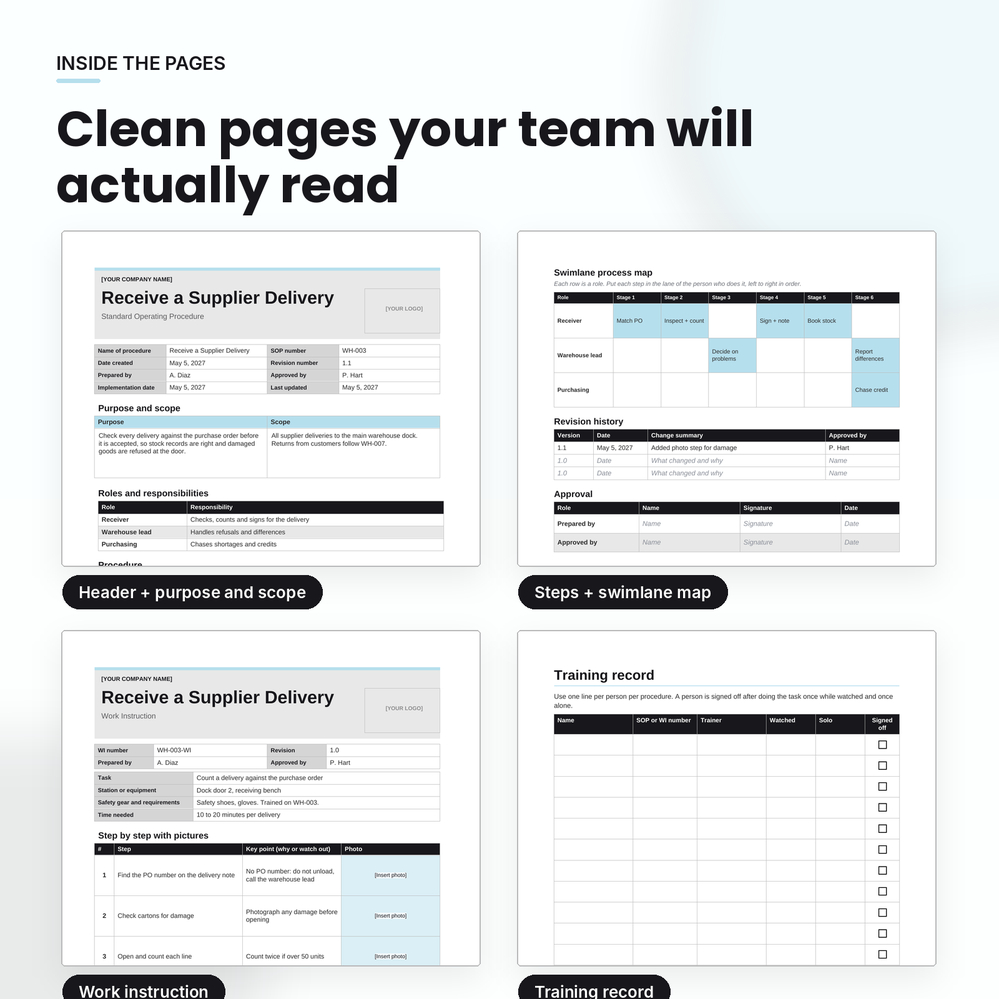
Document control (name of procedure, SOP number, date created, revision number, prepared by, approved by, implementation date, last updated), purpose and scope side by side, roles and responsibilities, numbered steps with Who and Done columns, a six-stage swimlane process map, revision history and approval signatures.
Work instruction
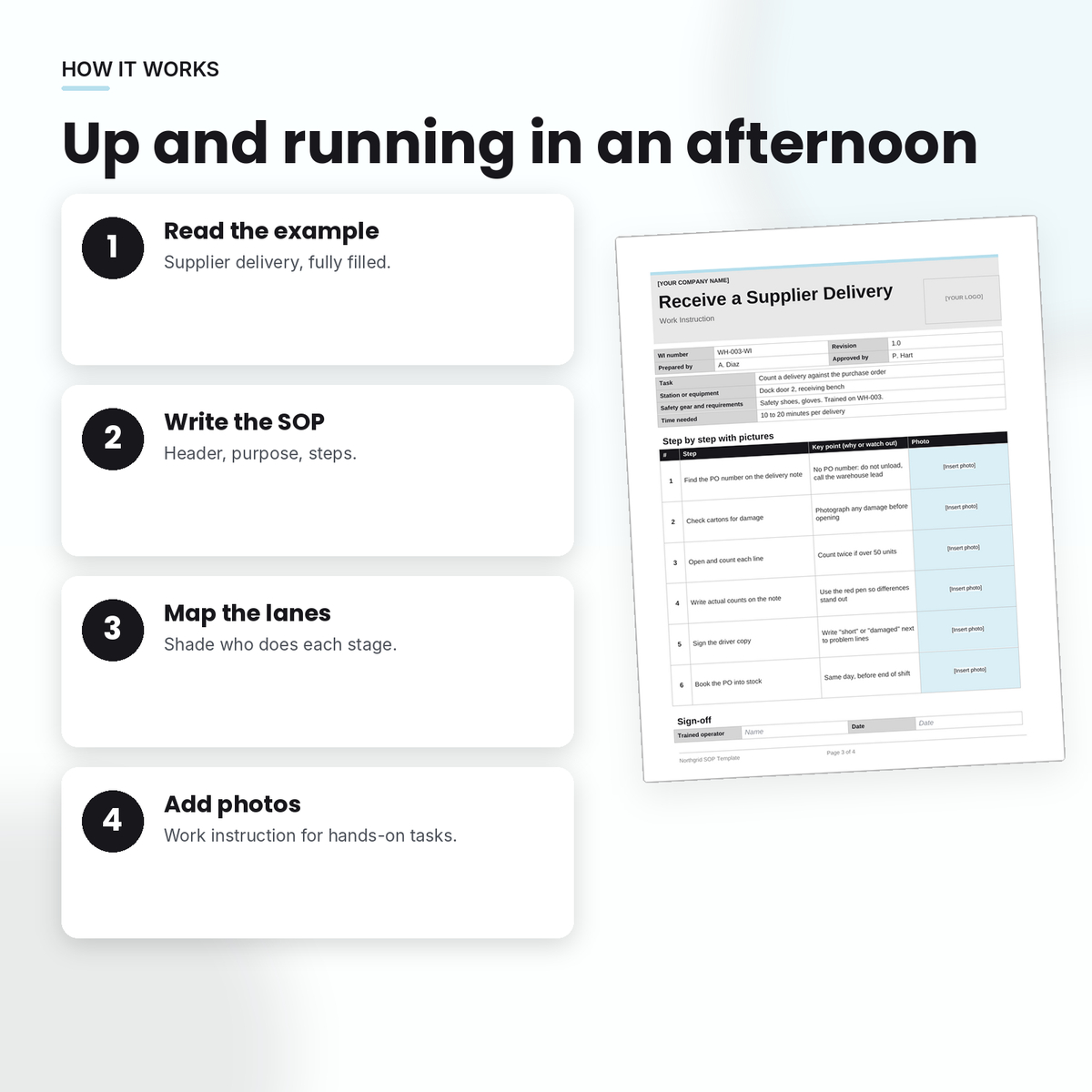
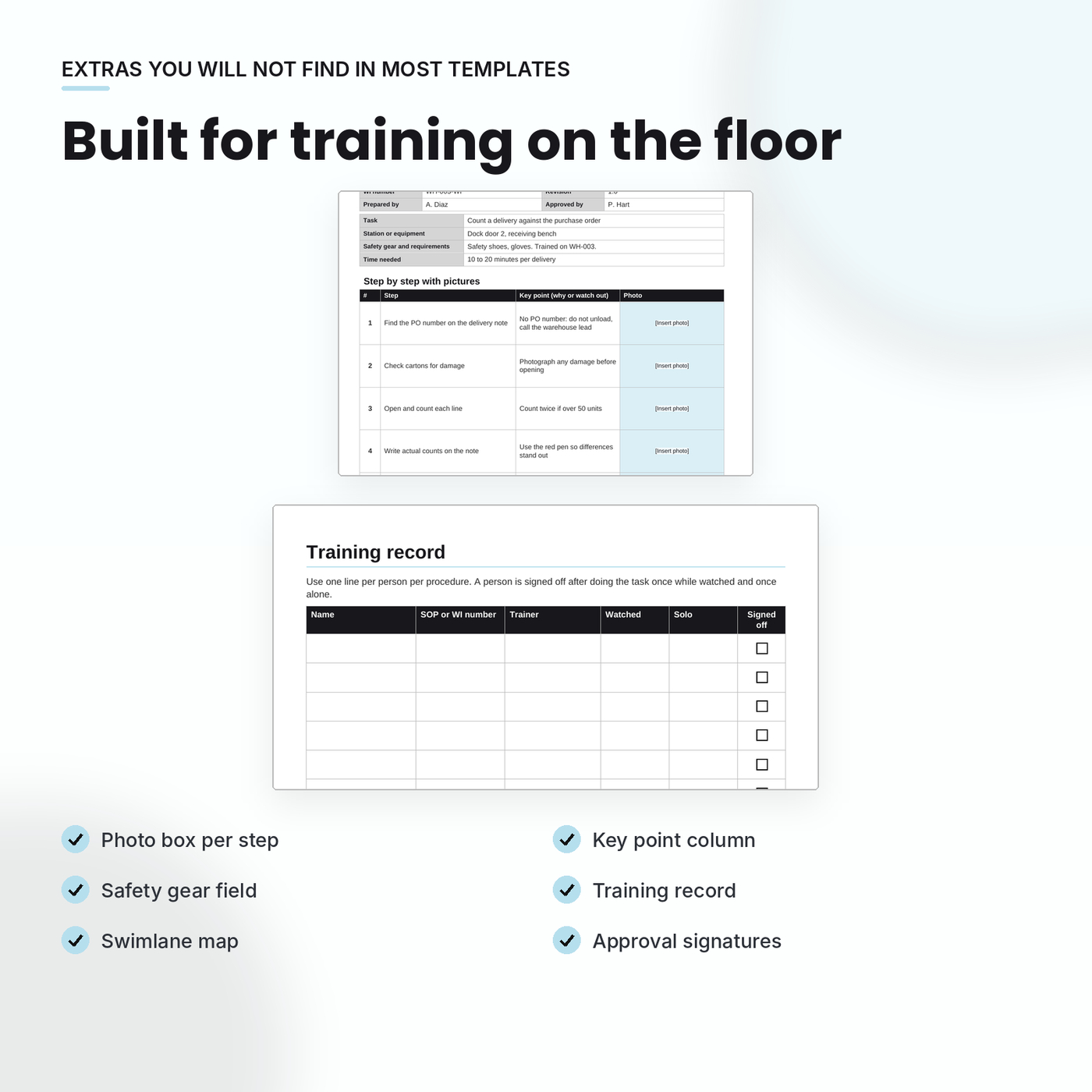
Task, station or equipment, safety gear and requirements, time needed, then steps with a key point column and a photo box for each, plus trainer and operator sign-off.
Training record
Sixteen lines with SOP or WI number, trainer, watched date, solo date and a signed-off tick box.
How it works
- Download and unzip, then read the worked example.
- Fill in the SOP header, purpose and scope, roles and steps.
- Shade the swimlane cells to show who does each stage.
- Make a work instruction for tasks that need photos.
- Log training on the training record.
File formats
- Word .docx for Word 2016 or newer, Microsoft 365 or LibreOffice
- Fillable PDF for Adobe Acrobat Reader or another full PDF reader
- US Letter and A4, Arial font
Customization
Add photos with Insert > Pictures, shade swimlane cells, add rows and lanes, change the soft blue to your brand color and add your logo in the header box.
Use cases
- A warehouse puts work instructions at each dock door with photos of the right labels.
- A bakery uses the swimlane to show how orders pass from front counter to kitchen to delivery.
- A clinic trains new assistants on equipment cleaning with a photo for each step.
Digital download
Instant download with unlimited re-downloads from your Taskdale account. Nothing is shipped. For use in your own business. Please do not resell or share the files.
FAQ
What is the difference between an SOP and a work instruction?
An SOP covers a whole process across roles. A work instruction shows one person how to do one task in detail.
Can I add photos?
Yes. Every work instruction step has a photo box.
Is there a PowerPoint or InDesign version?
No. Northgrid is built in Word and PDF so anyone can edit it without design software.
Does it work in Google Docs?
You can upload it to Google Drive and edit it. Click-to-type boxes and tick boxes work best in Word.
Reviews
There are no reviews yet.