A productivity tracker is a template that records what you do and shows you the pattern. The best productivity tracker is the one that matches what you need to measure: Focusberry for study sessions, Petalpace for planning a week with ADHD in mind, and Tickwell for building daily habits across a year.
Key facts at a glance
- Focusberry is an Excel workbook with 11 linked tabs, a 12-card dashboard and 4 charts, built around Pomodoro study sessions.
- Petalpace is a Google Sheets planner with 52 dated weeks, and it works with a free Google account.
- Tickwell runs in both Excel and Google Sheets and holds all 12 months of daily, weekly and monthly habits.
- All three have dashboards that update when you tick or log something, so you never total anything by hand.
- None of them needs a subscription app. They are spreadsheets you open, fill in and keep.
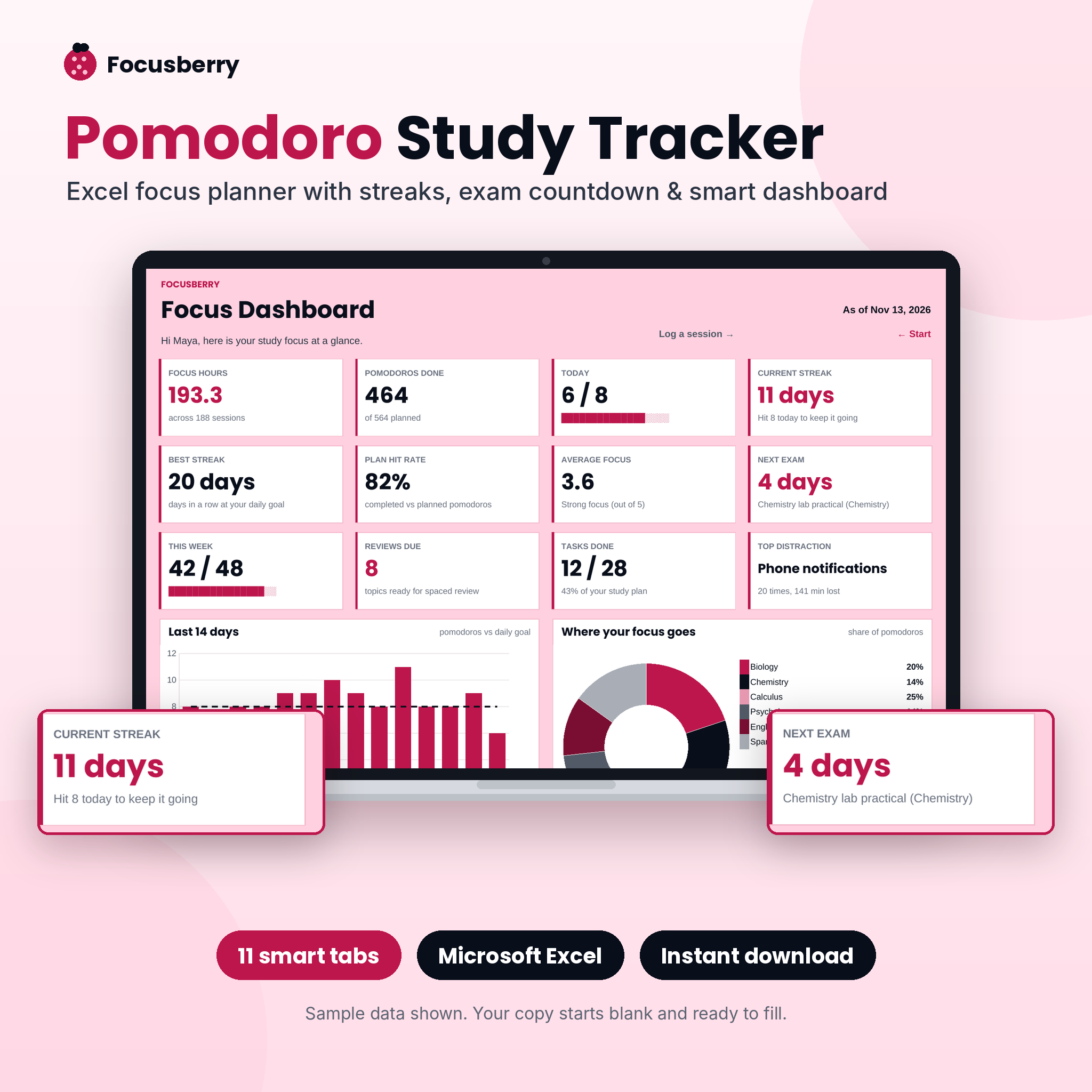 Pomodoro Study Tracker Spreadsheet & Focus Planner | Focusberry Excel Study Log with Dashboard
Table of Contents
Toggle
- What should you look for in a productivity tracker?
- How do the three productivity trackers compare?
- Which productivity tracker suits which person?
- How do you get the most from a spreadsheet productivity tracker?
- What mistakes should you avoid when choosing a productivity tracker?
- What affects the price of a productivity tracker?
- Which productivity tracker should you choose?
- Common questions
Choosing a tracker can feel harder than it should. Every template promises to organise your life, and the screenshots all look tidy. The good news is that you only need to answer a few plain questions, and the three options here differ clearly enough that those answers point to one of them.
What should you look for in a productivity tracker?
A good productivity tracker measures one or two things you actually want to change, updates itself when you log them, and is simple enough that you will still open it in week six. Five factors decide most of that.
What does the tracker measure?
The thing being measured is the whole point. Focusberry measures focused study blocks: a session log, a study plan, spaced review dates and an exam countdown. Petalpace measures how a week goes, with tasks, focus, energy, water and a habit tracker. Tickwell measures consistency, meaning whether a habit happened today, this week or this month.
Pick the one whose measure matches your problem. If you struggle to start studying, a habit grid will tell you less than a session log will.
Which app does it run in?
Where the file opens matters more than most people expect. Focusberry is an Excel workbook, so you need Excel. Petalpace is built for Google Sheets and works with a free Google account, which suits you if you move between a laptop, tablet and phone. Tickwell comes for both Excel and Google Sheets, so you can use whichever you already have.
How much does it do for you?
An automatic tracker saves you the dull part. In Petalpace, a ticked task crosses itself out and a ticked habit grows a progress bar. In Focusberry, logging a session updates the dashboard, streaks and review dates. In Tickwell, streaks carry over from one month to the next, so you do not rebuild anything on the first of the month.
How much setup and guidance is included?
Setup is where many spreadsheets lose people. Focusberry arrives as a blank, protected workbook with a step-by-step user guide. Tickwell includes a filled example file and a 15-page user guide, so you can see it working before you add your own habits. Petalpace comes with 52 weeks already dated, which removes the fiddly part of starting.
How does it feel to use every day?
A tracker you dislike looking at stops being used. Tickwell offers light and dark editions, which helps if you open it in the evening. Petalpace puts one week on one screen, with 15 task rows a day and separate Brain Dump and Goals tabs for the thoughts that would otherwise clutter your list. Focusberry gives you a heatmap and charts to look at, which suits people who like seeing effort turn into a picture.
How do the three productivity trackers compare?
The three trackers differ most in what they measure and where they run, as the table shows.
| Product | Runs in | Best for | Main features |
|---|---|---|---|
| Pomodoro Study Tracker Spreadsheet & Focus Planner | Focusberry Excel Study Log with Dashboard | Excel | Students and exam revision | 11 linked tabs, 12-card dashboard, 4 charts, log for 1,000 sessions, focus heatmap, exam countdown, spaced review dates |
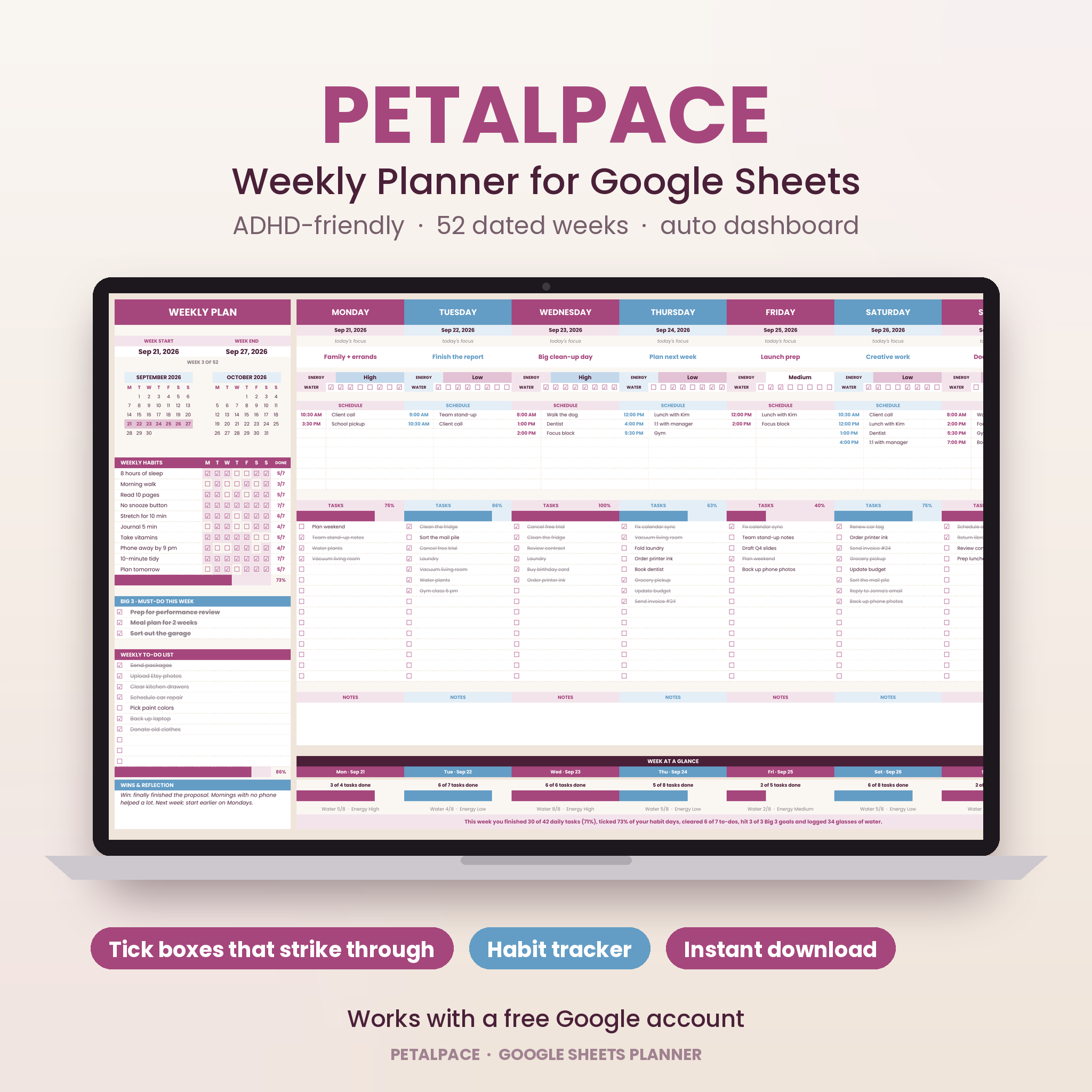 Weekly Planner Google Sheets | Petalpace ADHD Planner & Productivity Tracker with 52 Dated Weeks, Habit Tracker, Goals, Brain Dump & Dashboard | Google Sheets | Weekly planning, ADHD-friendly structure | 52 dated weeks, Big 3 priorities, 15 tasks a day, habit tracker, Brain Dump and Goals tabs, year dashboard |
 Tickwell Habit Tracker Spreadsheet for Excel & Google Sheets | 12-Month Daily, Weekly & Monthly Habit Tracker with Streaks, Year Dashboard, Mood & Goal Tracker | Light & Dark Mode | Excel and Google Sheets | Building habits over a year | 12 months built in, carry-over streaks, year in pixels heatmap, mood tracker, goal tracker, light and dark editions, 15-page guide |
On price, the store shows each live figure on the product cards, so compare those alongside the table. In terms of content, Focusberry is the most specialised, Petalpace is the broadest planner, and Tickwell is the most flexible about software.
Which productivity tracker suits which person?
Each tracker suits a different kind of person, and the match is usually clear once you name your main goal.
Focusberry suits anyone revising for exams. It records Pomodoro-style study blocks, schedules spaced review dates and counts down to your exam. The log holds 1,000 sessions, which is plenty for a long revision period. If you work in Excel already, it is the natural choice. It is less suited to general life admin, because it is built around study.
Petalpace suits people who plan by the week and lose track of thoughts. The Big 3 priorities limit what you commit to each week, while the Brain Dump tab gives racing ideas somewhere to go. It is described as ADHD-friendly, and it needs only a free Google account. If you want one screen that covers tasks, energy, water and schedule, this is the one.
Tickwell suits people building routines. You type your habits once and tick them off, and the streaks carry over from month to month. The mood tracker and the goal tracker, which uses your own currency, add context for savings or fitness targets. It works in either Excel or Google Sheets, so it fits a household where people use different software.
How do you get the most from a spreadsheet productivity tracker?
You get the most from a spreadsheet tracker by keeping the daily entry tiny and reviewing it on a fixed day each week. Here is a routine that works with any of the three.
- Read the user guide or example file first, for about ten minutes, before typing anything.
- Enter only what you will track now. Start with three to five habits or one study subject, not everything.
- Log at the same moment every day, such as after your last study block or with your evening tea.
- Pick one day a week to look at the dashboard and ask one question: what is one thing to change next week?
- Keep one master copy, and make a backup of the file before any experiment with the layout.
With Focusberry, the workbook is protected, so type only in the input cells and leave the formulas alone. With Tickwell, start from the filled example if you want to see how the heatmap and streaks behave before you replace the sample habits with your own.
What mistakes should you avoid when choosing a productivity tracker?
The most common mistake is choosing a tracker for the person you hope to become instead of the person you are this month. A few others are worth watching for.
- Tracking too much. A tracker with 15 task rows a day only helps if you fill in the rows you need. Leave the rest blank.
- Ignoring the software. A Google Sheets planner is no use if your work blocks Google accounts, and an Excel workbook is awkward on a device without Excel.
- Treating the dashboard as the goal. A full heatmap looks pleasing, but it only matters if it reflects work that moved something forward.
- Switching templates mid-year. Streaks and totals reset when you move, so give one tracker at least a month before judging it.
- Skipping the guide. Both Focusberry and Tickwell include one, and ten minutes with it saves hours of confusion.
What affects the price of a productivity tracker?
The price of a spreadsheet tracker depends mainly on how much it automates, how many tabs and views it includes, and how much support material comes with it. A simple grid costs less than a workbook with linked tabs, charts and formulas that update everything from one entry.
Extras also play a part. A user guide, a filled example file or both light and dark editions add to the value. Because these are digital files you open in software you already have, there is usually no ongoing fee for the file itself, though Excel itself may need its own licence. Cheque the live product cards for current prices, and compare them against what you will actually use.
Which productivity tracker should you choose?
Choose by your main goal. If you are studying for an exam, pick Focusberry. If you want to plan each week and calm a busy head, pick Petalpace. If you want to build habits and keep streaks going all year, pick Tickwell. Browse all 3 options below if you want to compare the product cards side by side before deciding.
Common questions
Is a spreadsheet tracker better than a productivity app?
A spreadsheet tracker suits you if you want a fixed layout, no notifications and full control of your data. An app suits you better if you want reminders. Many people find the quieter spreadsheet easier to keep using because nothing nags them.
Can I use Petalpace or Tickwell without paying for Google or Microsoft software?
Petalpace works with a free Google account, so no paid Google plan is needed. Tickwell works in Google Sheets as well as Excel, so the free route is open to you there too. Focusberry is an Excel workbook, so it needs Excel.
How long should I try a tracker before deciding it works?
Give a tracker at least four weeks. The first week is setup and getting used to it, and patterns in a heatmap or streak only appear after several weeks of entries. If you are still skipping days after a month, simplify what you track.
Can I track study and habits in the same place?
Petalpace includes a habit tracker alongside weekly planning, and Tickwell tracks habits and goals. Focusberry focuses on study sessions. If you want revision plus daily habits, you could use Focusberry for studying and Tickwell for routines, keeping each file simple.
Do I need to be good with spreadsheets to use these?
No. You mostly type into marked cells and tick boxes, and the dashboards update on their own. Focusberry and Tickwell both include a user guide, and Tickwell adds a filled example file so you can see a working version first.
Decision rule: name the one thing you want to improve this month, then pick the tracker built around it.