A journalist resume template for Word that puts your clips first
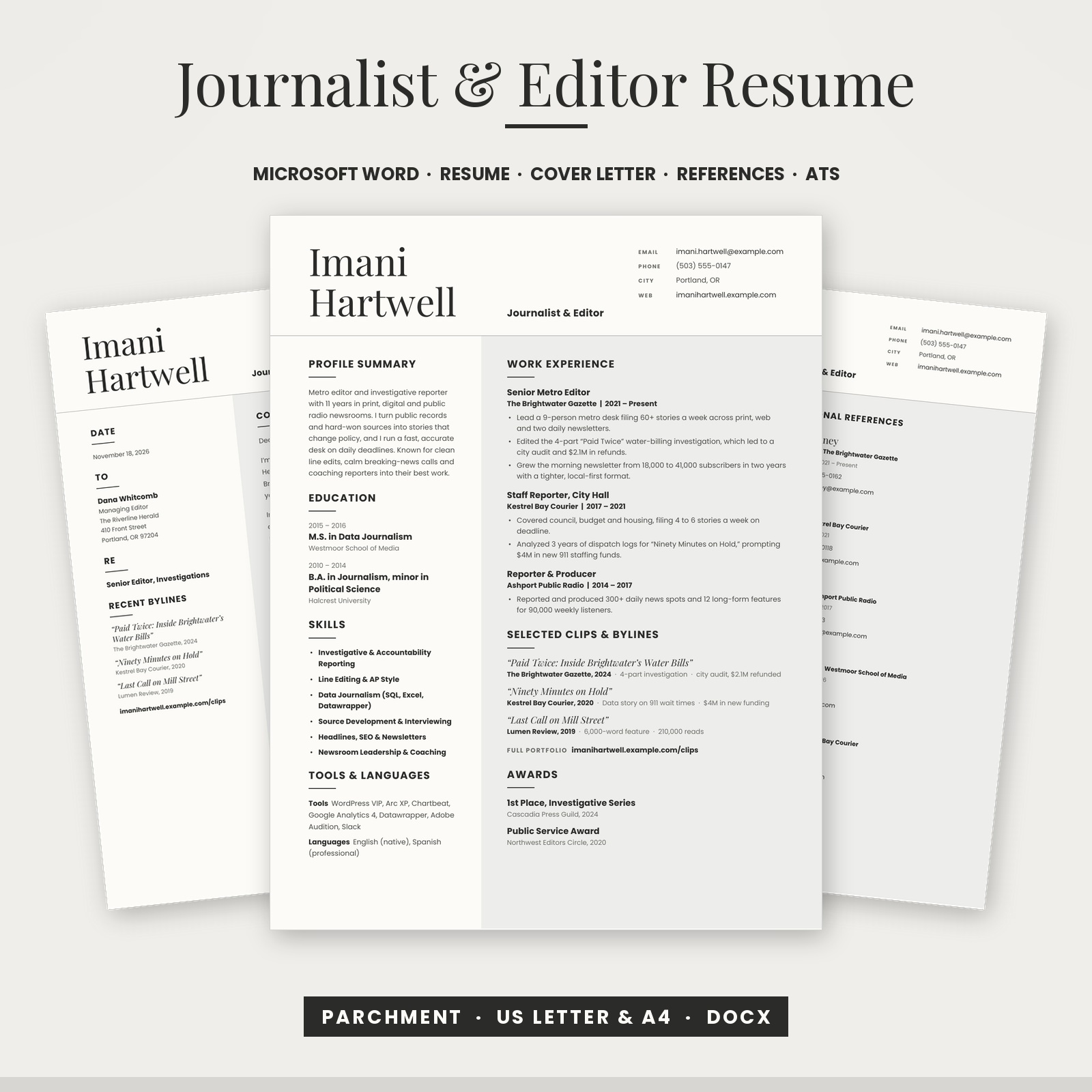
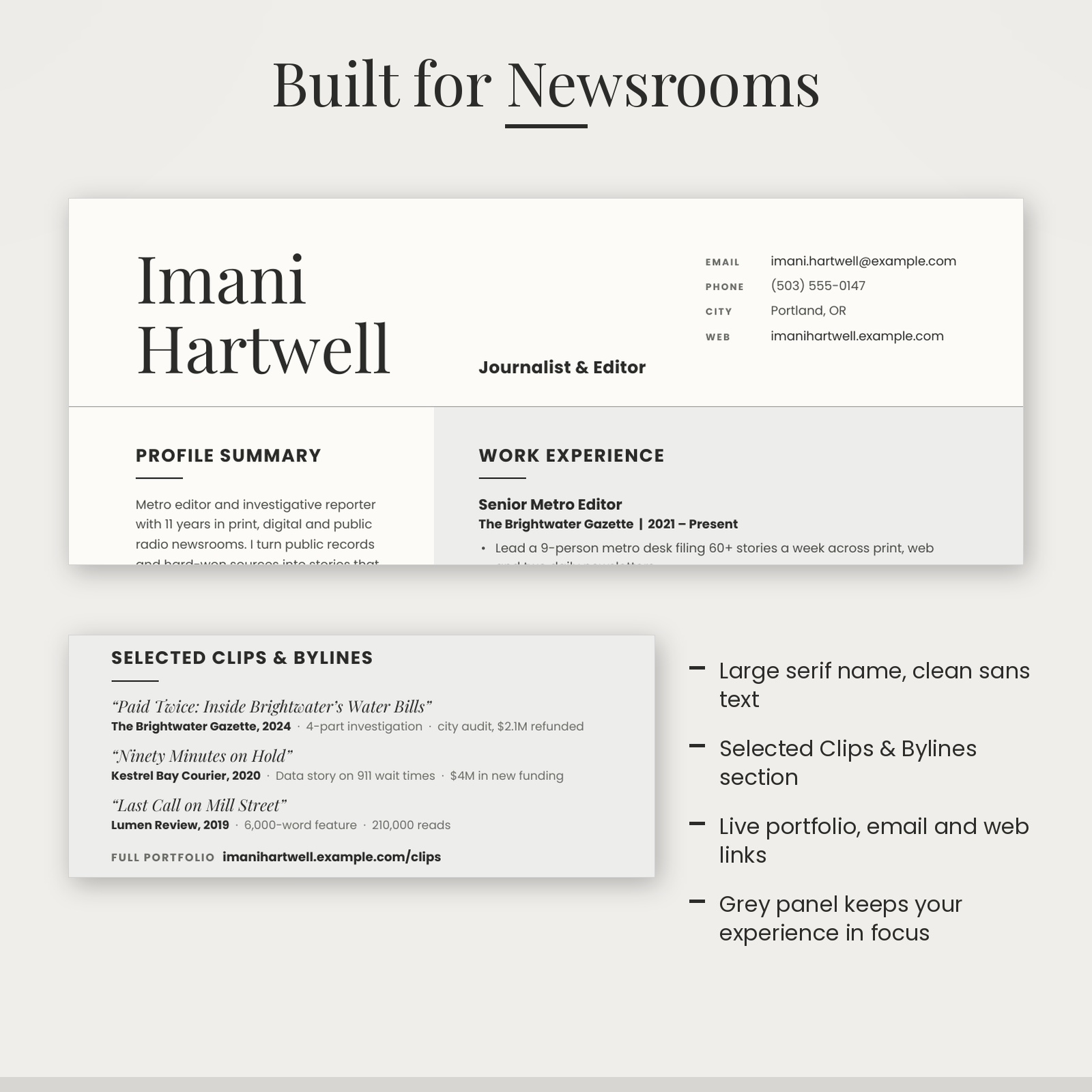
Parchment is a journalist resume template for Word built for reporters, editors and producers who need their bylines to do the talking. Your name sits large in Playfair Display on an off-white page, your contact details and portfolio link line up on the right, and your work history gets its own soft grey panel. A dedicated Selected Clips & Bylines section lists your best headlines with the outlet, the year and the impact, so an editor scanning your resume sees what you have published in seconds.
It also works as an editor resume template. The sample is written for a metro editor with 11 years in print, digital and public radio, with bullets like “Edited the 4-part investigation that led to a city audit and $2.1M in refunds.” You can see how strong newsroom bullets read before you write your own.
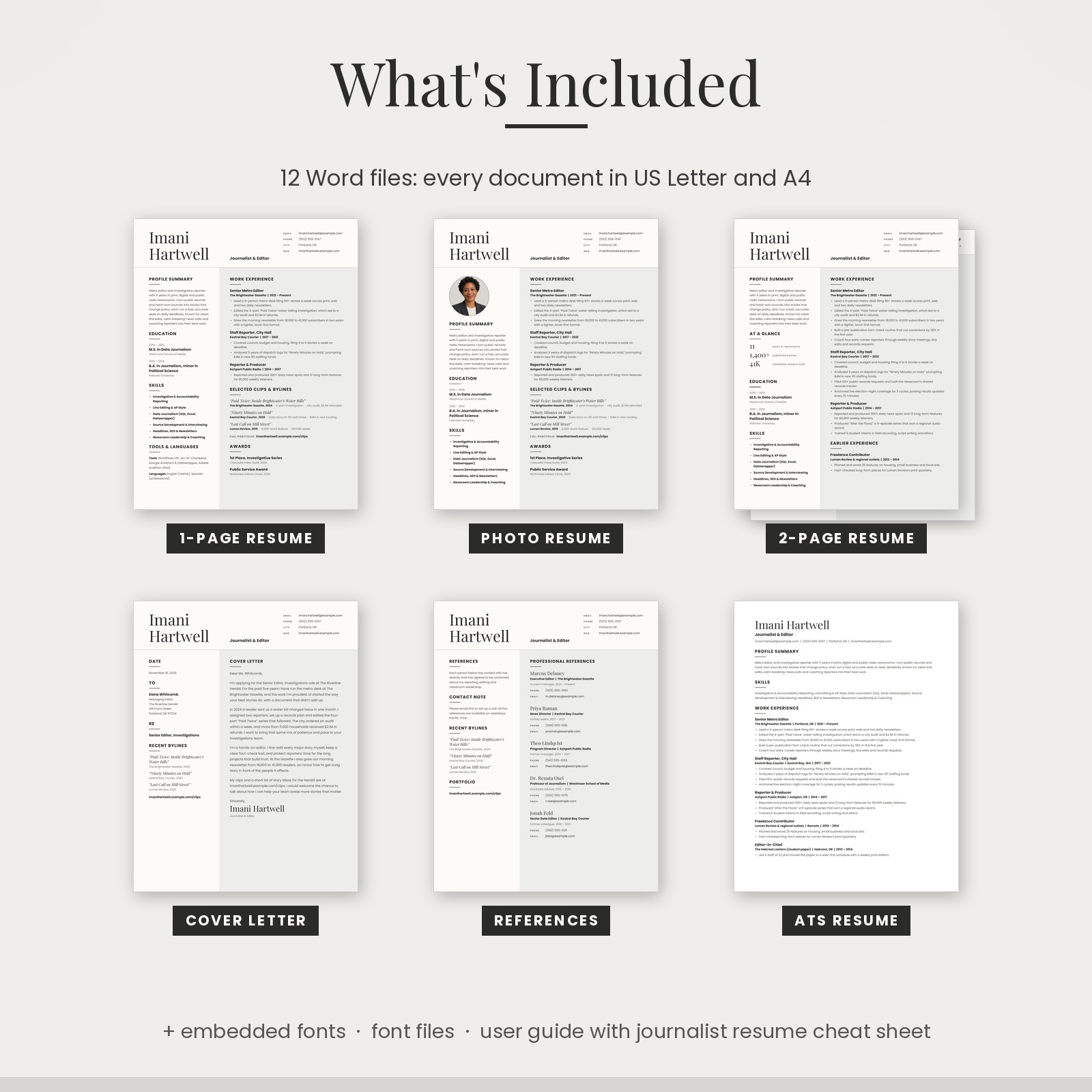
What’s included in the kit
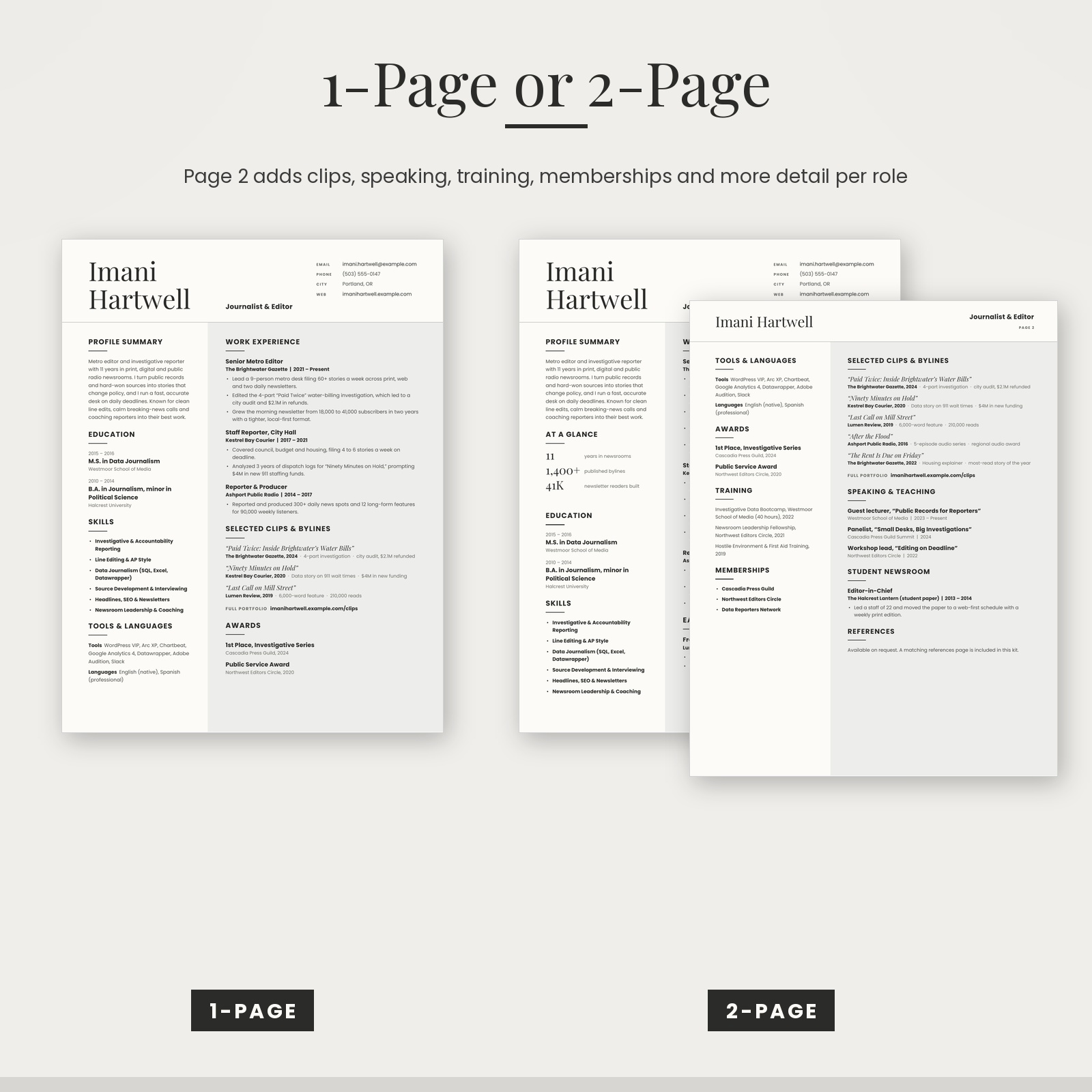
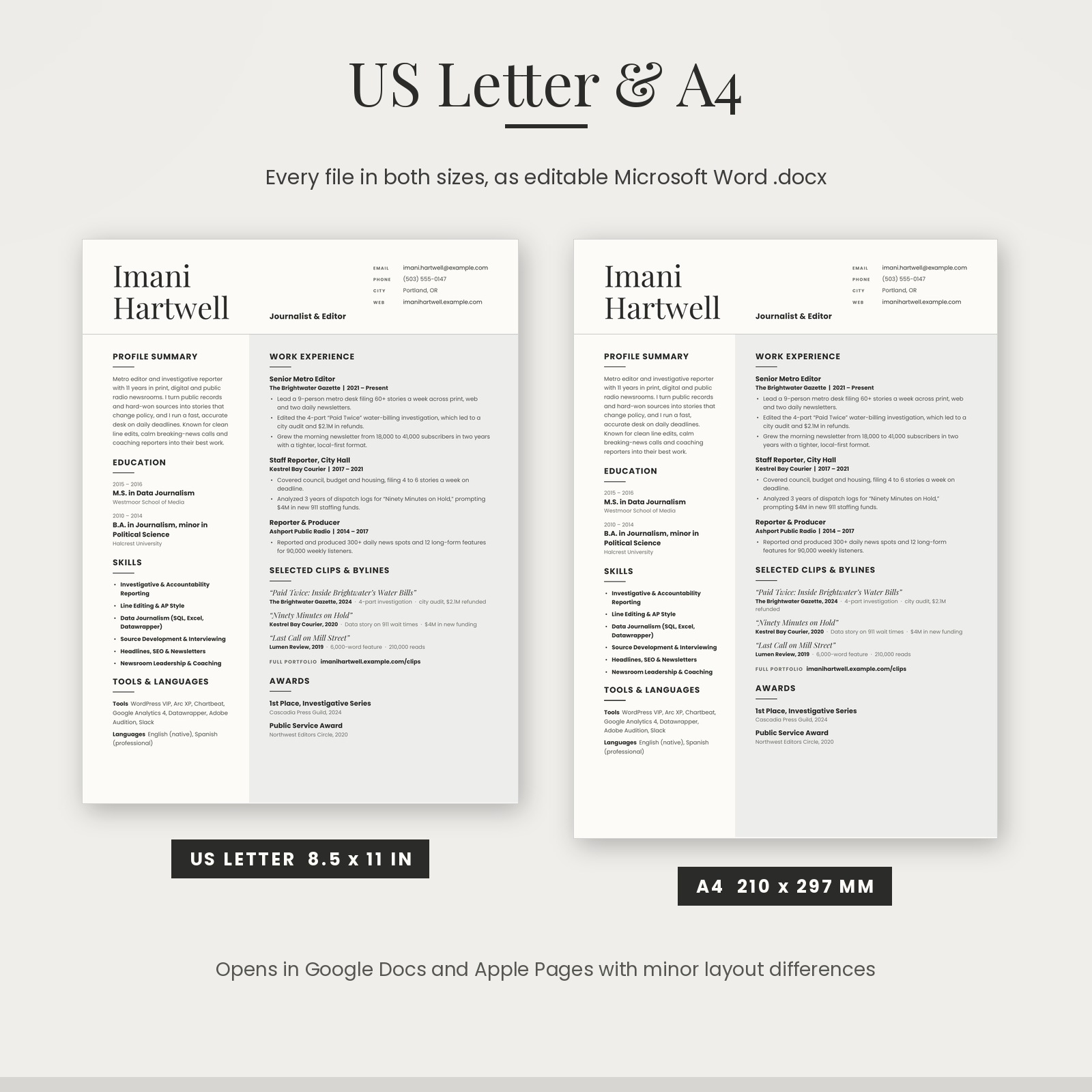
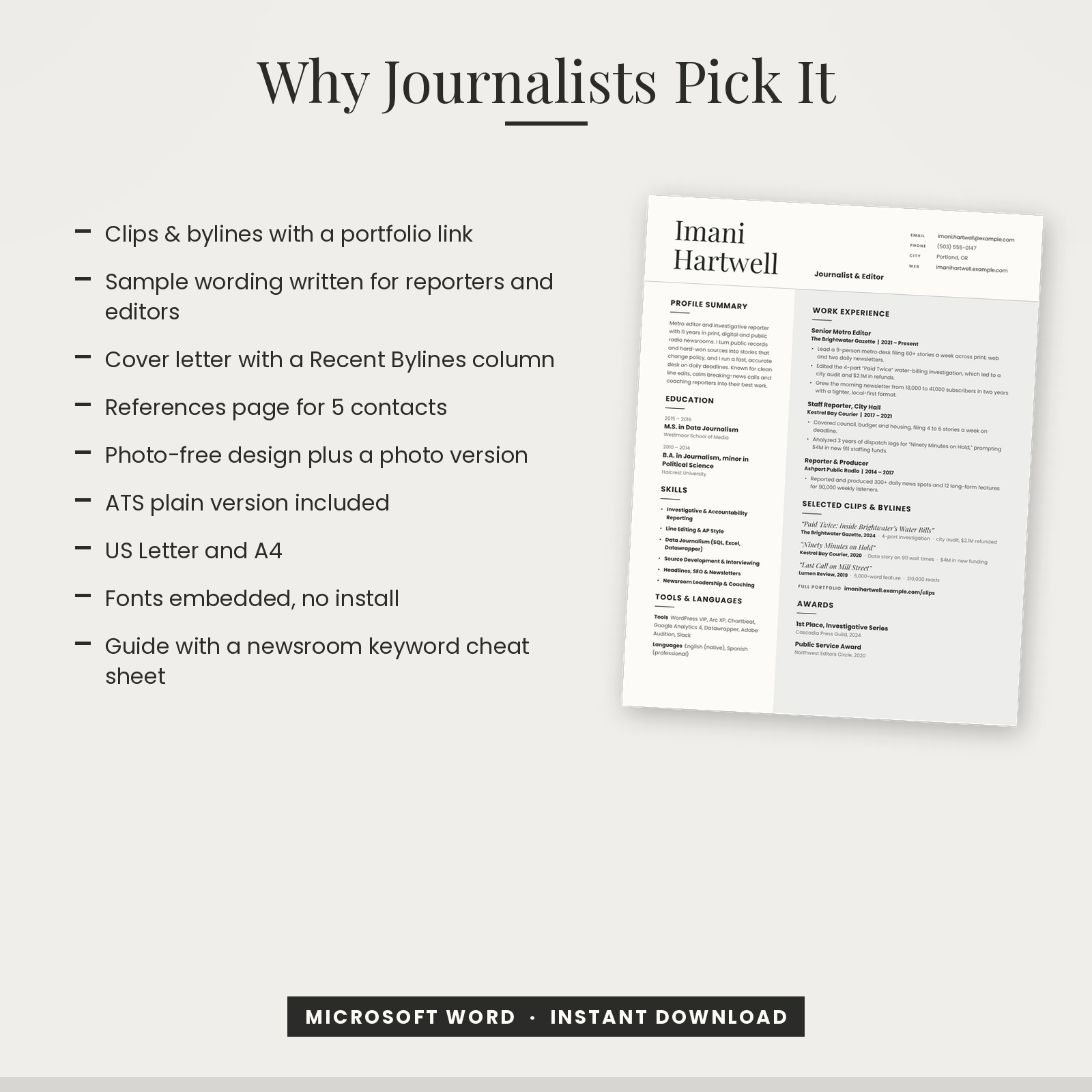
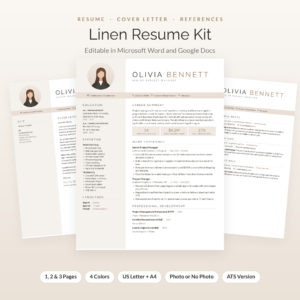
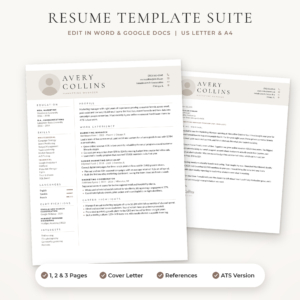
- 1-Page Resume: profile summary, education, skills, tools and languages on the left; work experience, selected clips and awards in the grey panel.
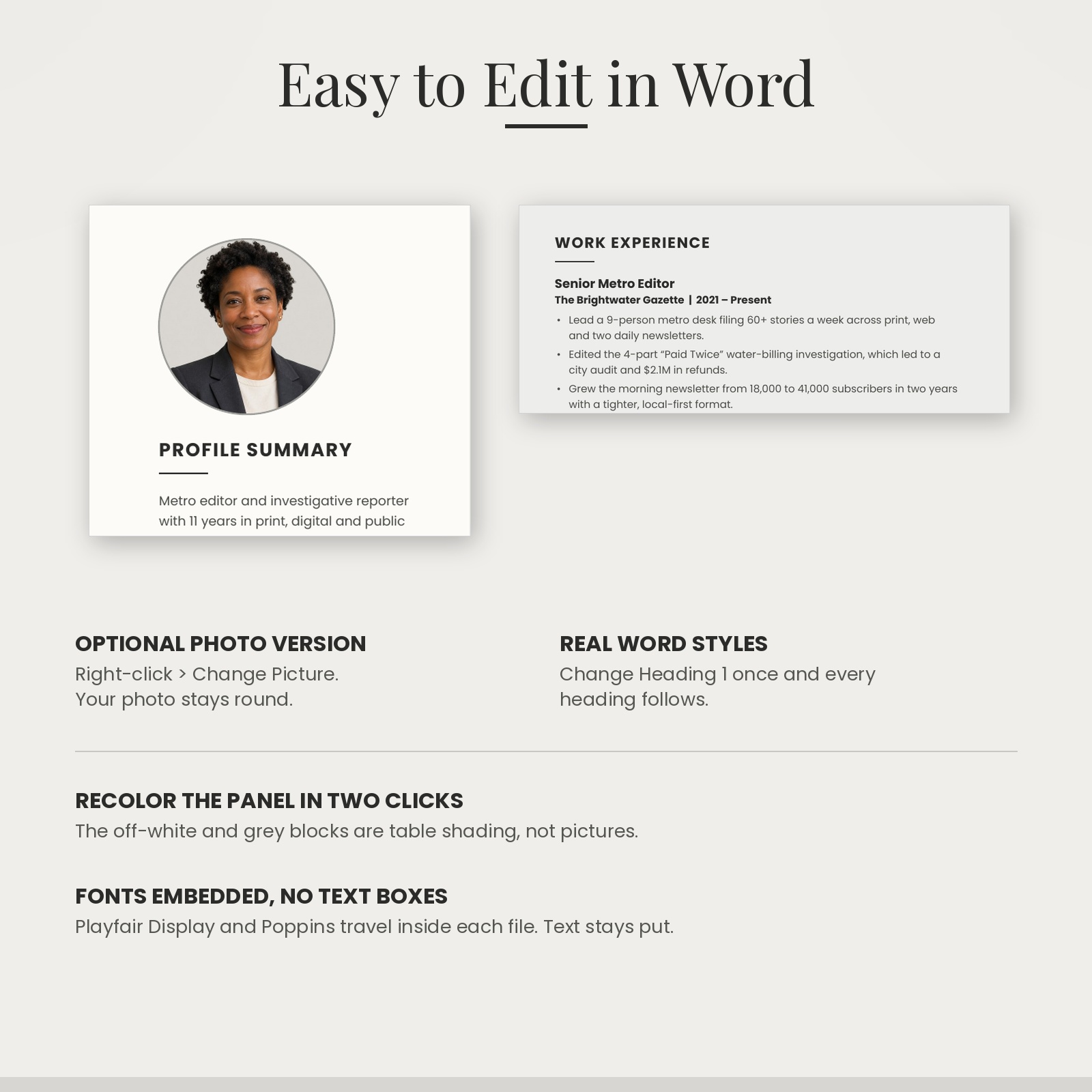
- 1-Page Photo Resume: the same layout with a round photo at the top of the left column. Change Picture keeps the circle.
- 2-Page Resume: adds an At a Glance numbers block, more bullets per role, earlier experience, five clips, speaking and teaching, training, memberships and a student newsroom role.
- Cover Letter: matching header, with the date, recipient, subject line and a Recent Bylines column beside a full sample letter.
- References Page: room for five references with role, outlet, relationship, phone and email.
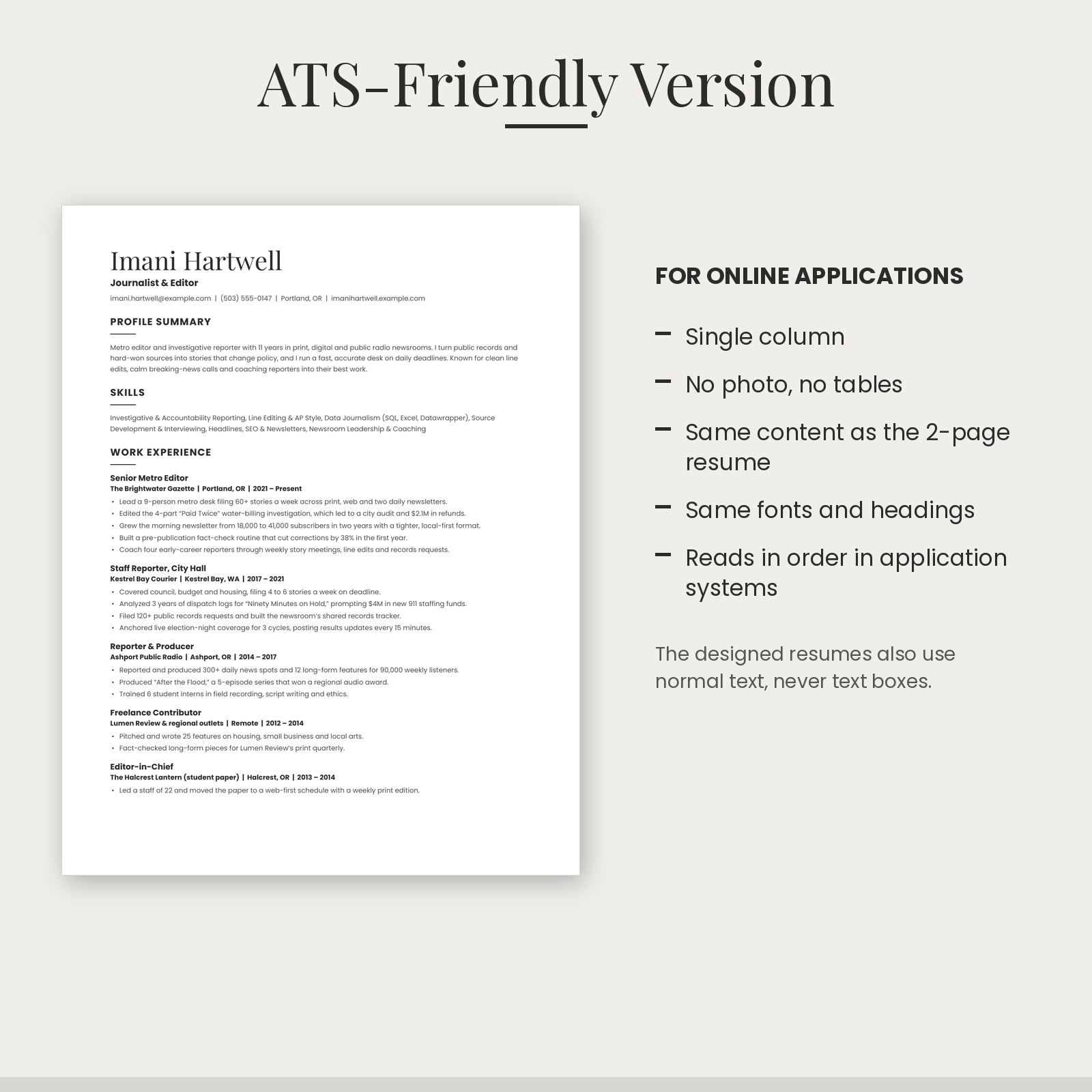
- ATS Resume: a single-column plain version with no photo and no tables for online application systems.
- Fonts folder: Playfair Display and Poppins with their licenses, as a backup install.
- User Guide (DOCX): 8 pages on editing, colors, photos, fonts, printing and troubleshooting, plus a journalist and editor resume cheat sheet.
Every file comes in US Letter and A4, so that is 12 Word documents in one download.
Why this journalist resume template is easier to live with
Most Word resume templates look fine until you start typing. Parchment was built to avoid the usual problems buyers complain about.
Fonts that show up correctly
Playfair Display and Poppins are embedded inside each .docx, so the design opens correctly in Microsoft Word without installing anything. The font files are in the kit too, for older Word for Mac versions.
No floating text boxes
Every line is normal Word text inside table cells. Text stays put when you edit it, and applicant tracking software can read it in order. The off-white areas and the grey panel are cell shading, so you can recolor them in two clicks.
Real Word styles
Your name, job title, headings, job lines, bullets and clip headlines each use a named style. Change Heading 1 once and every section heading follows.
Room to grow
We tested the 1-page resume with three extra bullets, a longer job title and a 20-letter name, and it stayed on one page in both paper sizes. When you need more space, the 2-page file is ready.
Links that work in your PDF
Email, website and portfolio addresses are live hyperlinks, so the hiring editor can click straight through to your clips from the PDF you send.
Who this editor resume template is for
- Staff writers and reporters at newspapers, magazines, wire services and digital outlets
- Copy editors, line editors, section editors, metro and managing editors
- Radio, podcast and video producers with reporting experience
- Freelance journalists pitching for staff roles or fellowships
- Journalism graduates applying for their first newsroom job
- Communications, PR and content staff with a news background
How it works
- Download the zip and the user guide from your order page right after checkout.
- Open the US-Letter or A4 folder and open the resume in Microsoft Word.
- Type over the sample text: your name, title, contact details, roles, clips and skills.
- Swap in your own photo if you use the photo version.
- Save as PDF and send it, or upload the ATS version to online application forms.
Real situations where it helps
- A city hall reporter applying for an investigations desk lists three accountability stories with their results right under her experience.
- A copy editor moving up to a section editor role uses the At a Glance block to show desk size and stories edited per week.
- A public radio producer uses the 2-page file to list an audio series, workshops taught and the awards it won.
- A graduate with a student paper and two internships fills the 1-page resume with clips instead of padding.
File formats and requirements
- Format: Microsoft Word .docx (12 files) plus a .docx user guide
- Works in: Microsoft Word 2016 or newer for Windows and Mac, and Word for the web
- Google Docs and Apple Pages: the files open there with minor layout differences, so export your final PDF from Word if you can
- Paper sizes: US Letter (8.5 x 11 in) and A4 (210 x 297 mm)
- Fonts: Playfair Display and Poppins (SIL Open Font License), embedded and included
Customization
Change the grey panel to sage, sand or pale blue through Table Design > Shading. Change the heading color through the Heading 1 style. Add or remove a role by copying its title, job line and bullets. The user guide walks through each step with the menu names for Windows and Mac. The sample portrait in the photo version is an AI-generated image of a fictional person, and every name, publication and school in the samples is fictional.
Digital download
This is a digital product. Nothing is shipped. You get two downloads, the resume kit (zip) and the user guide (DOCX), with unlimited downloads from your account. The license is for personal use: use the templates to apply for jobs for yourself, and please don’t resell or share the files.
FAQ
Is this journalist resume template editable in Microsoft Word?
Yes. Every file is a standard .docx you can edit in Word for Windows, Mac or the web.
Does the resume have a photo?
The main design is photo-free, which most US newsrooms prefer. A separate 1-page photo version is included if you want one.
Is it ATS friendly?
The designed files use normal text with no text boxes. For online application systems, use the included ATS resume, which is a single column with no tables.
Can I use it as an editor resume template?
Yes. The sample person is a metro editor, and the cheat sheet in the guide covers editing keywords and bullet examples.
Can I open it in Google Docs?
Yes, with minor layout differences. For the cleanest result, edit in Word and save your PDF from Word.
What if my last name is long?
Set the Title style to 30 to 34 pt. The guide shows how, and we tested a 30-letter name.
Which paper size should I pick?
US Letter for the US and Canada, A4 for the UK, Europe, Australia and most other countries. Both are included.
Reviews
There are no reviews yet.