Digital Documents
Contracts, quotes, resumes and business forms you can edit and use today. Open the file in Word, Google Docs, Excel or as a fillable PDF, add your own details, then print it or send it on. Many kits come in both US Letter and A4, and every download is ready right after checkout.
Showing all 36 resultsSorted by popularity
- Digital Documents
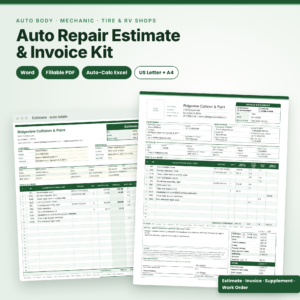
Bodyline Auto Repair Estimate Template | Body Shop Estimate & Invoice for Word, Fillable PDF & Excel with Auto Totals, Insurance Supplement & Damage Diagram, US Letter & A4
Original price was: $4.99.$2.99Current price is: $2.99. Add to cart - Digital Documents
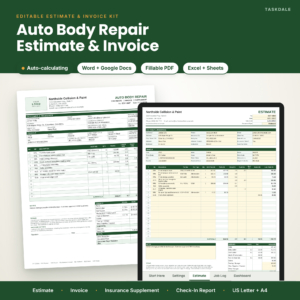
CollisionDesk Auto Body Repair Estimate Template | Body Shop Estimate & Invoice Kit for Word, Google Docs, Fillable PDF & Excel with Auto Totals, Insurance Supplement & Vehicle Check-In Form, US Letter & A4
Original price was: $4.99.$2.99Current price is: $2.99. Add to cart


How to choose the right document template
What is the document for? Answer that and the shortlist writes itself.
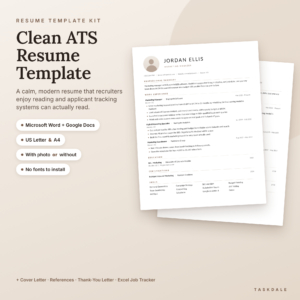
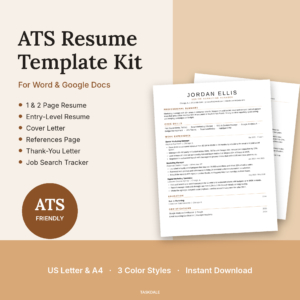
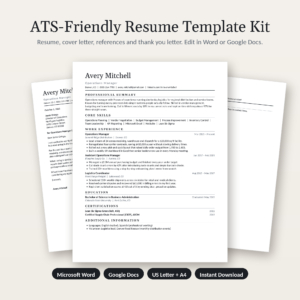
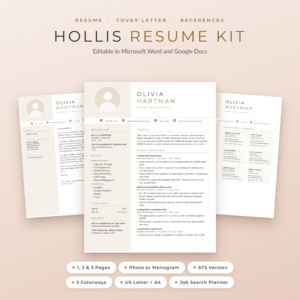
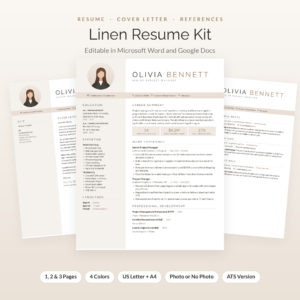
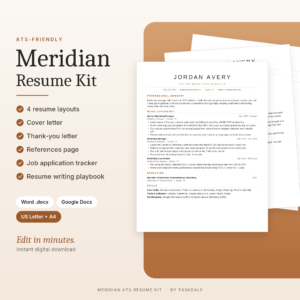
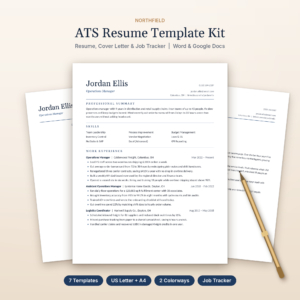
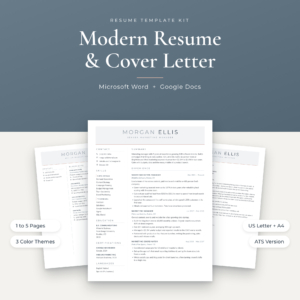
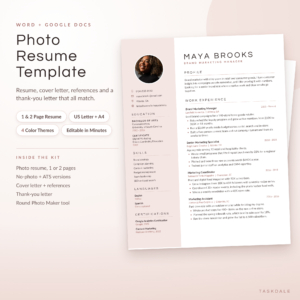
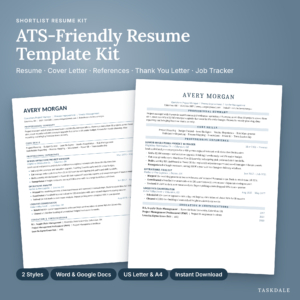
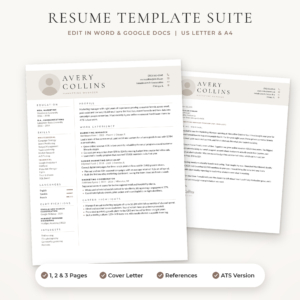
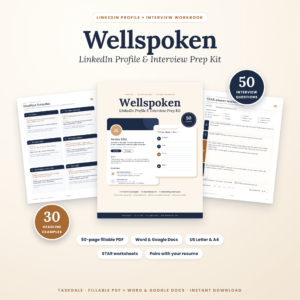
- Job hunting: a resume template kit with a matching cover letter and references page. Applying through online portals? Pick one labeled ATS.
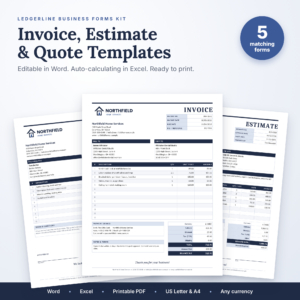
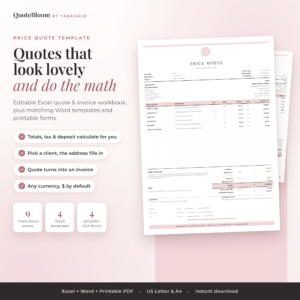
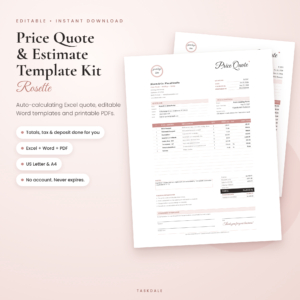
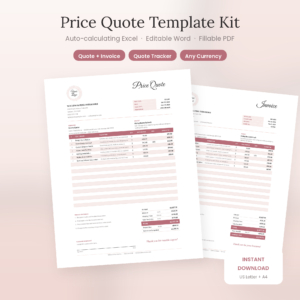
- Quoting work: a price quote or estimate kit with auto calculations, so the totals add themselves.
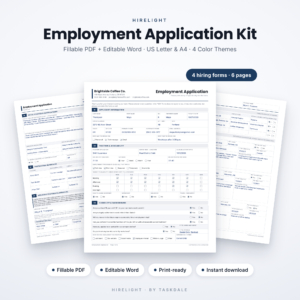
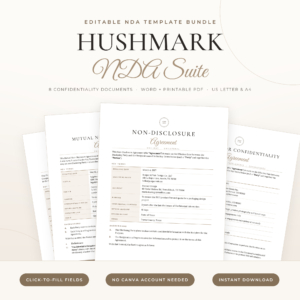
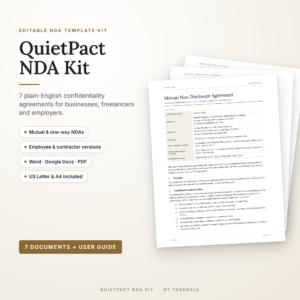
- Signing clients or staff: a contract, NDA, rental agreement or employment kit.
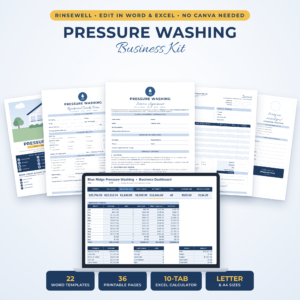
- Running a trade: an industry kit, such as the auto body estimate templates or the pressure washing business kit.
Then check the software. Most resume kits here work in Word and Google Docs, so a free Google account is enough. Business forms lean on Word, Excel and fillable PDF. A fillable PDF is the easy route if you only want to type into blanks and print. Word and Google Docs let you rewrite whole sections.
Paper size matters if you print. Look for US Letter or A4 in the listing title.
What you get in each document kit
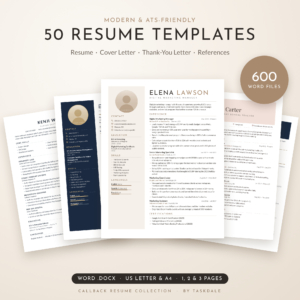
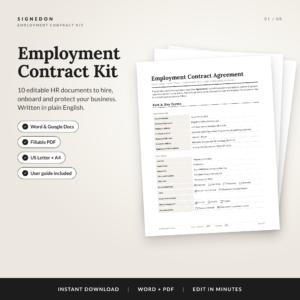
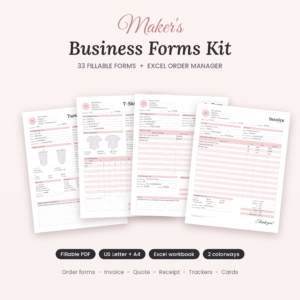
Very few of these are a single page. Most are bundles built around one task. The SignedOn employment kit pairs an employee agreement with an offer letter, NDA, non-compete and HR forms. The Maker’s Business Forms Kit has 33 fillable craft order forms plus invoice, quote and receipt templates and an Excel order tracker. CollisionDesk gives body shops an estimate and invoice kit with auto totals and an insurance supplement. And the Callback collection bundles 50 resume templates with cover letters, thank-you letters and references.
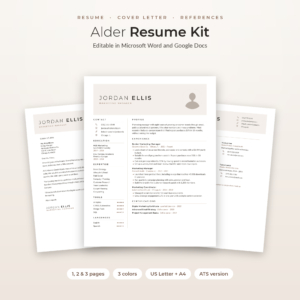
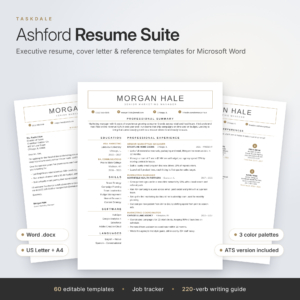
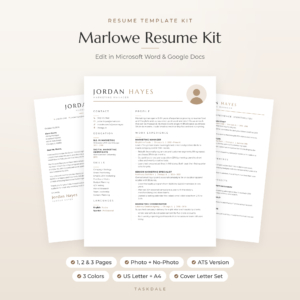
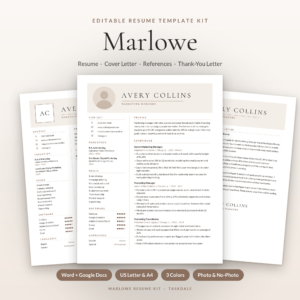
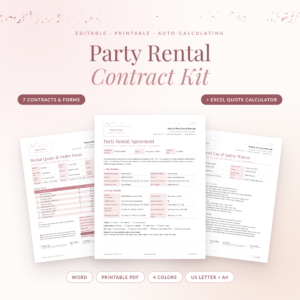
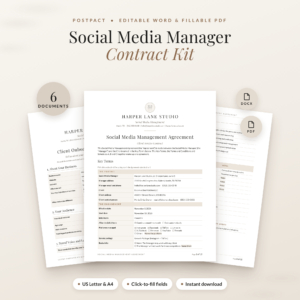
Resume kits mostly cover one, two and three page layouts, and many add a job search tracker. Contract kits include the forms that go around the agreement, like client intake questionnaires, move-in checklists, safety waivers and damage fee schedules. If you quote and invoice for a living, our small business templates go further with bookkeeping and pricing tools.
Document template questions
Can I edit every part of the template?
In the Word, Google Docs and Excel versions you can change any text, heading or color. Fillable PDFs let you type into the set fields.
Do the contract templates fit my state or country?
They are starting points written to be edited. Read each clause and adjust it to your own deal and your local rules before anyone signs.
Is there a German resume template?
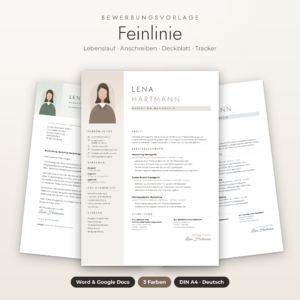
Yes. One kit is a German Bewerbung template with a Lebenslauf, Anschreiben, Deckblatt and Motivationsschreiben for Word and Google Docs.
How do I get the files?
They download right after checkout. Nothing is posted to you, and there is no subscription.