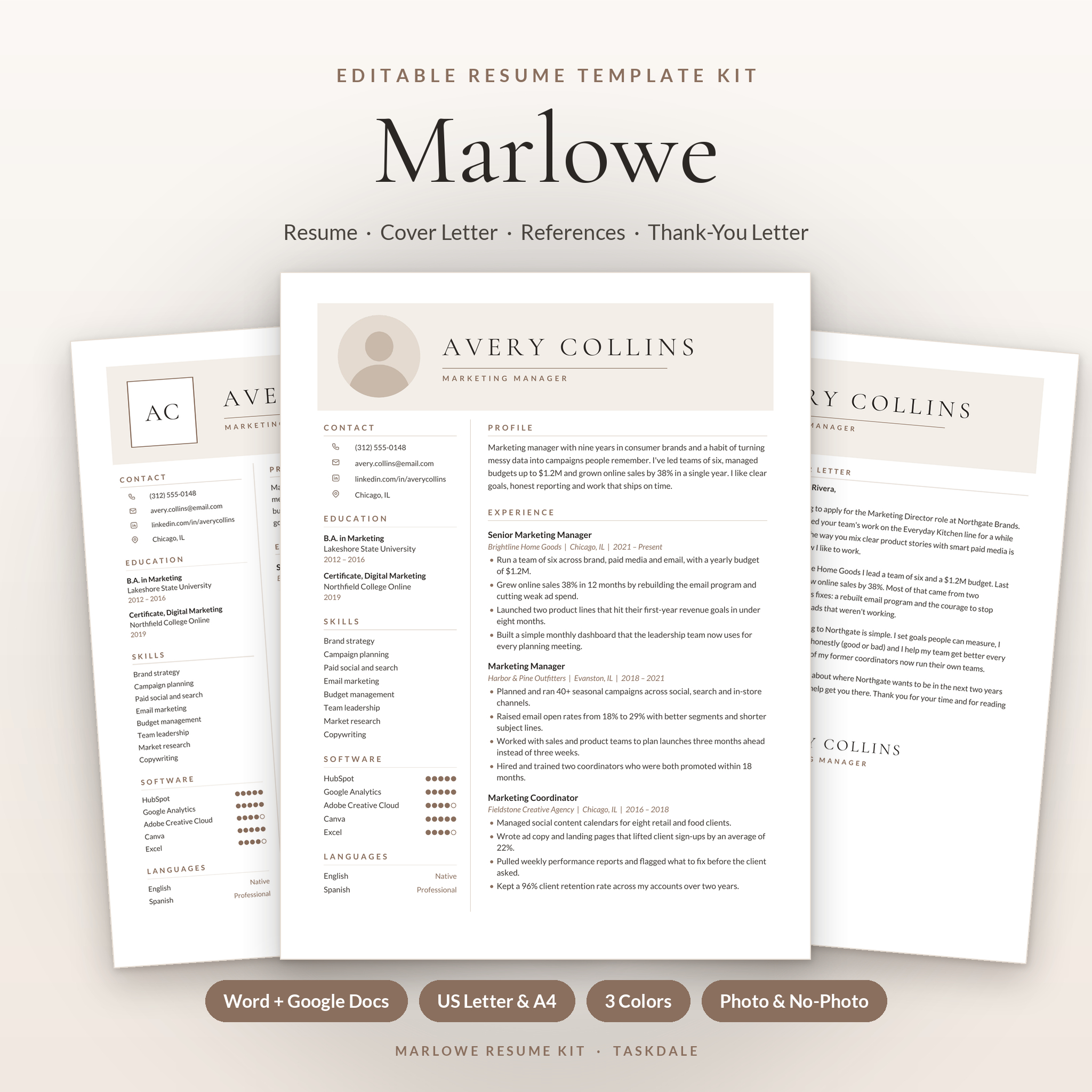

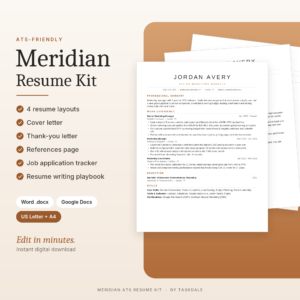
The Marlowe Resume Template Kit gives you a complete, matching set of job application documents for Microsoft Word and Google Docs. You get a resume in 1, 2 and 3 page versions, a cover letter, a references page and an interview thank-you letter. Each one comes with a photo design and a no-photo monogram design, plus a clean ATS-friendly resume for online job portals.
It’s built for people who want to look polished without fighting with the layout. Open a file, type over the sample text, save it as a PDF and send it. That’s it.
What makes this resume template different
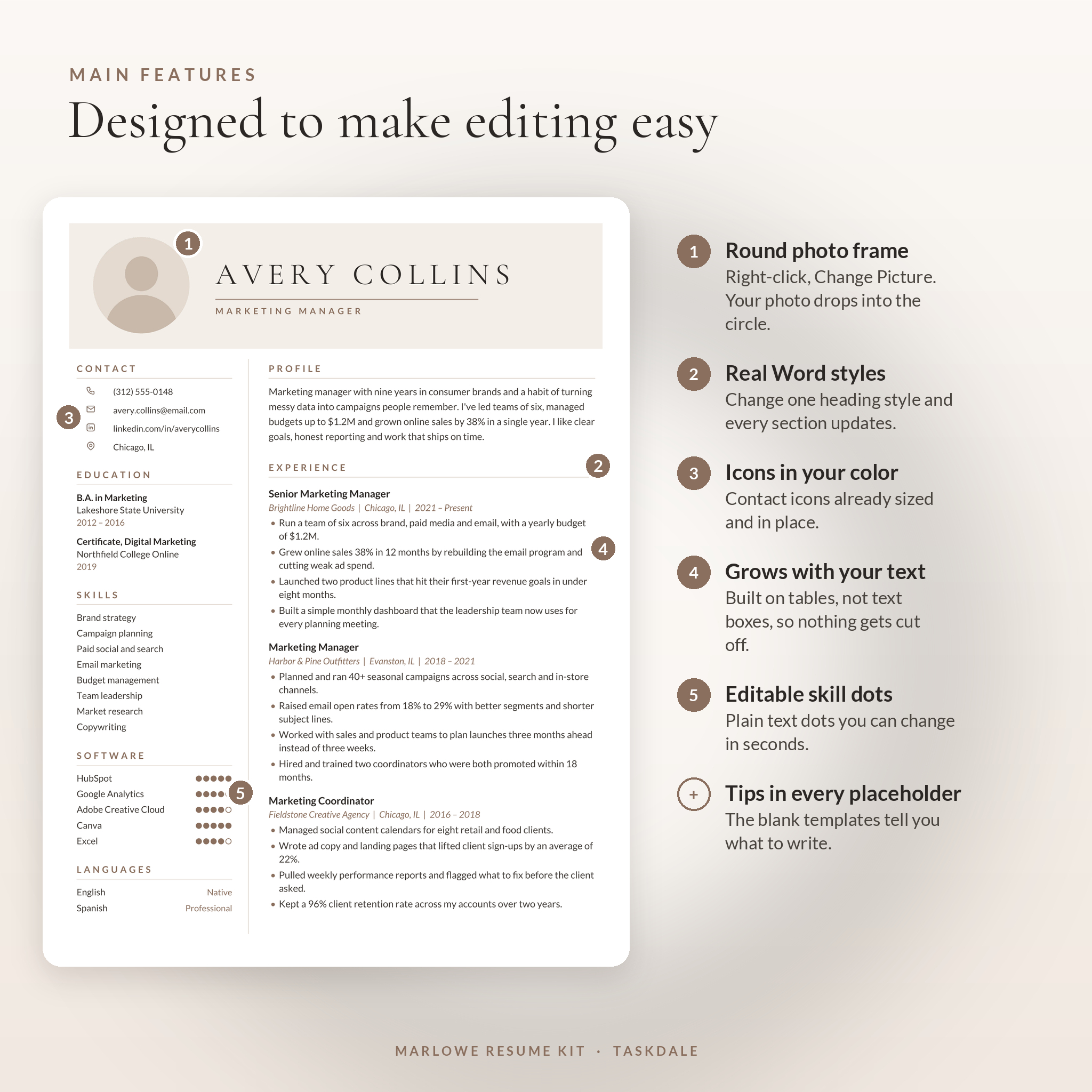
Most resume templates are built from floating text boxes. Add one extra line and something disappears behind a box or falls off the page. Marlowe is built from simple tables instead, so the page grows with your words. When you add a bullet, everything below it moves down neatly. If you write more than a page, it flows onto the next one.
It also uses real Word styles. Want a different color or size for every section heading? Change the Heading 1 style once and every heading in the file updates.
Who it’s for
- Job seekers in the US and Canada who need a no-photo resume (the monogram and ATS versions)
- Applicants in Europe, the Middle East, Africa and Asia, where a professional photo is expected
- Recent grads building a first one-page resume
- Managers, nurses, teachers and senior staff who need two or three pages
- Career changers who want a projects section to show what they can do
- Anyone applying through online portals that screen resumes with software
What’s included
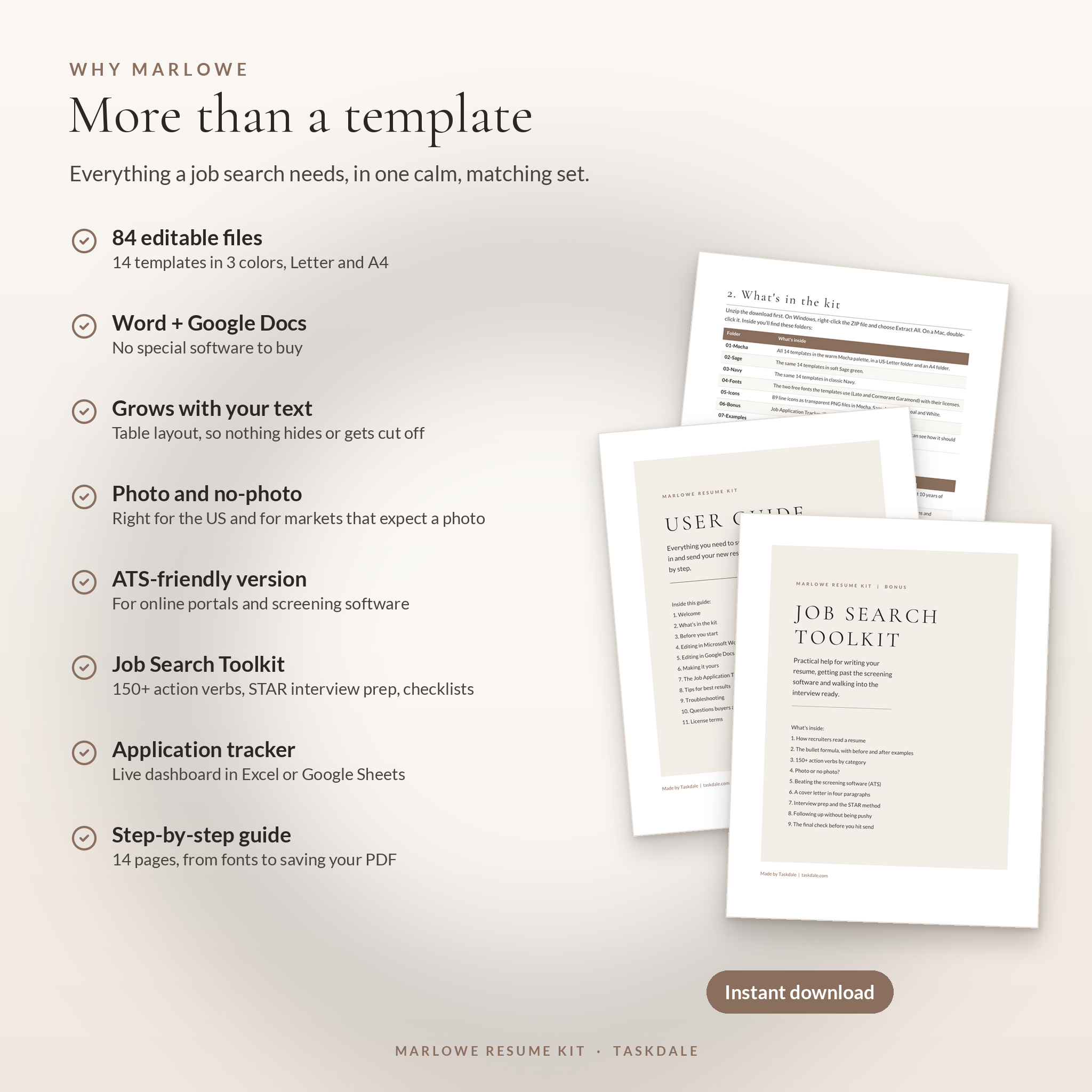
14 templates in each color
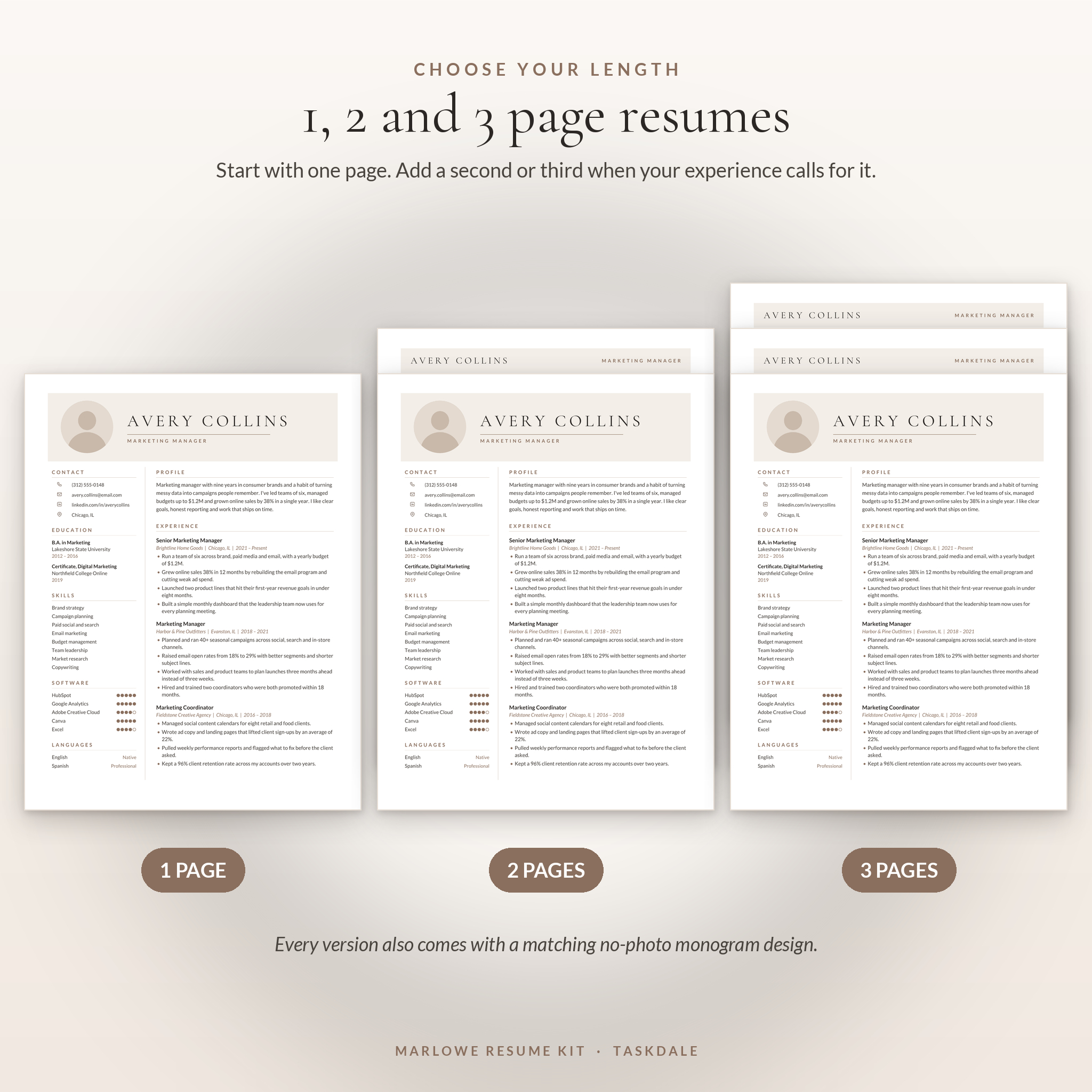
- Resume, 1 page (photo and monogram)
- Resume, 2 pages (photo and monogram)
- Resume, 3 pages (photo and monogram)
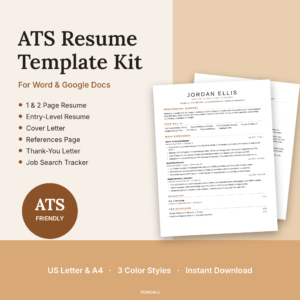
- ATS-friendly resume, 1 and 2 pages
- Cover letter (photo and monogram)
- References page with room for six references (photo and monogram)
- Interview thank-you letter (photo and monogram)
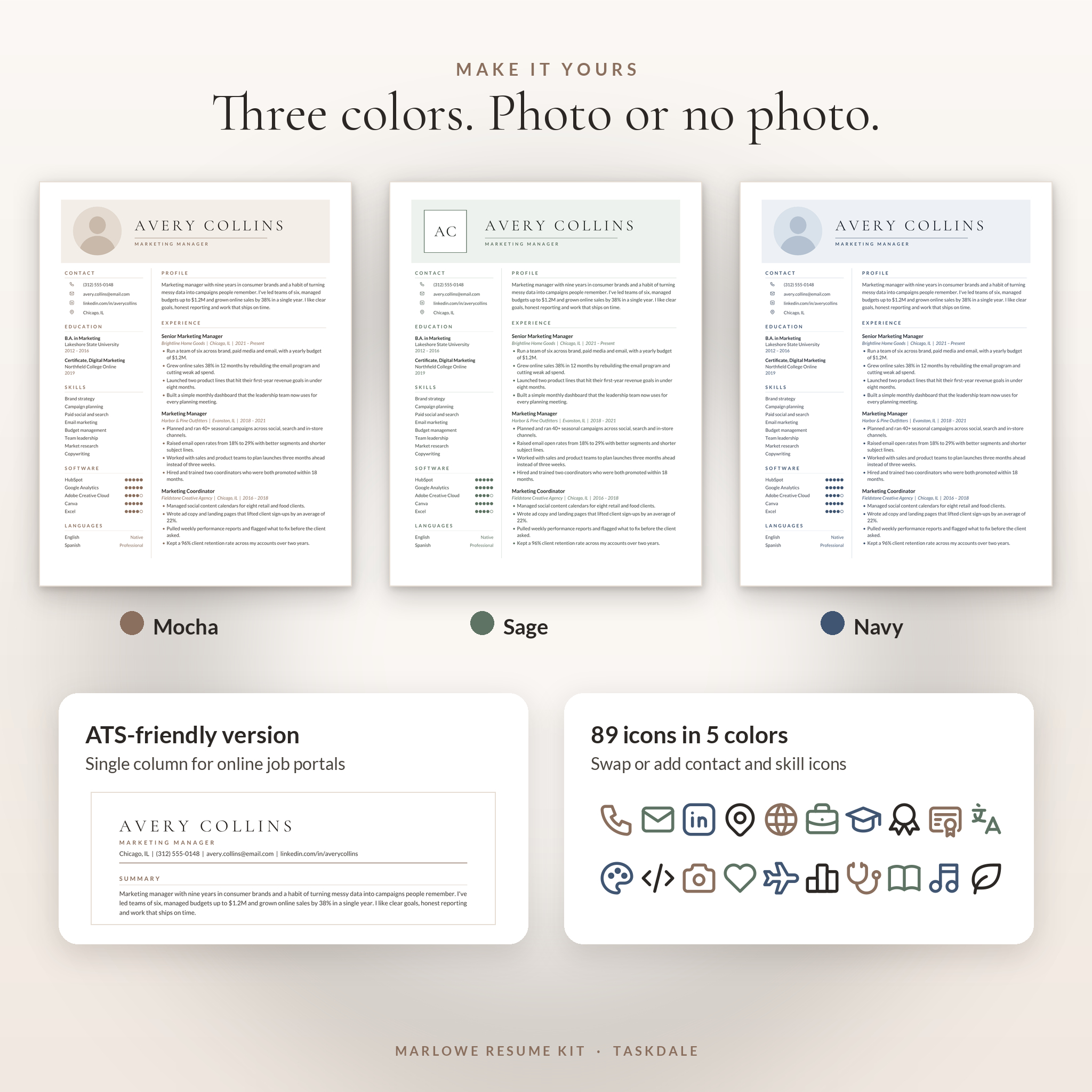
3 colors and 2 paper sizes
Every template comes in Mocha, Sage and Navy, and in both US Letter and A4. That’s 84 editable .docx files in total, sorted into clear folders.
Bonus files
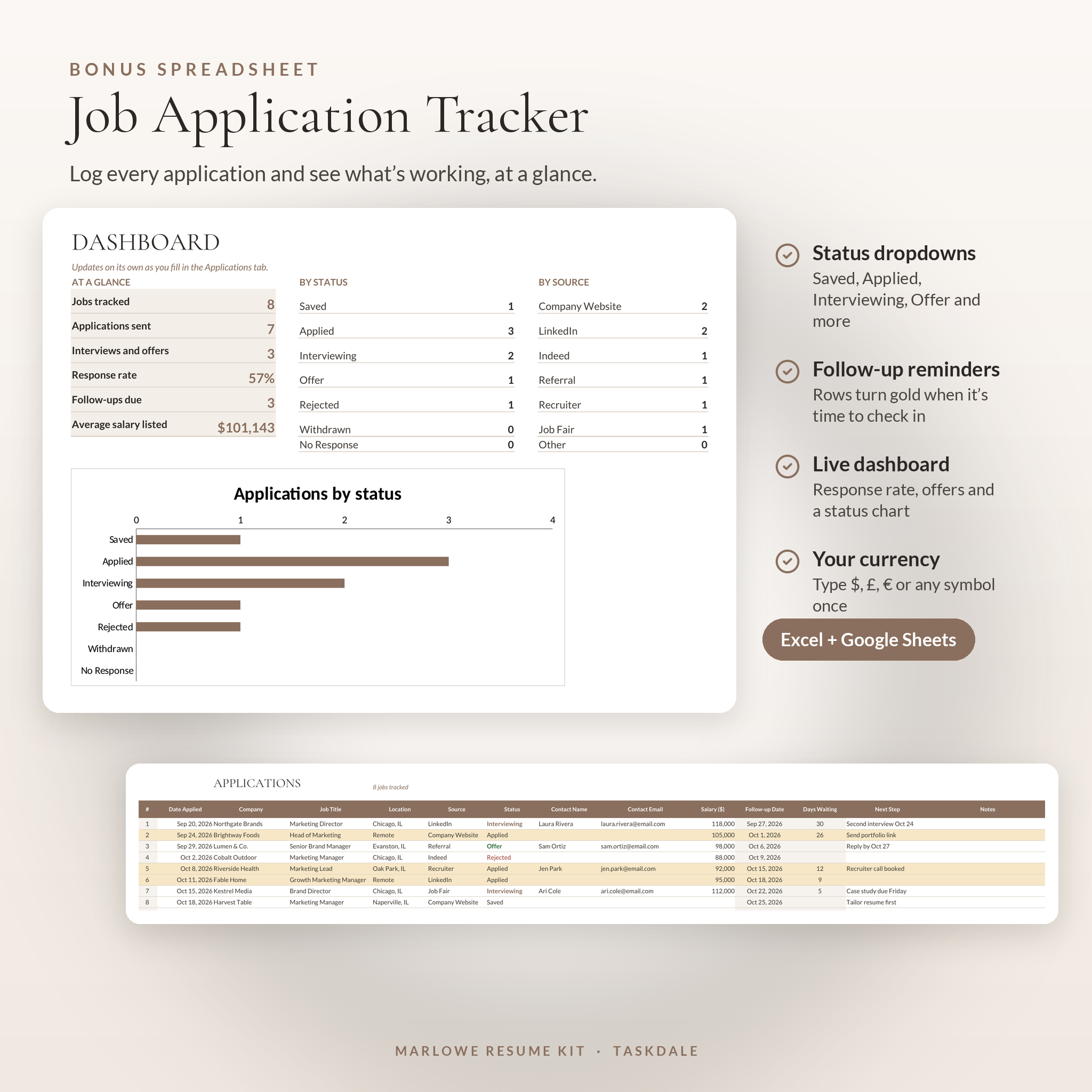
- Job Application Tracker (Excel, also opens in Google Sheets): status dropdowns, automatic follow-up dates, gold reminder rows and a live dashboard with your response rate and a chart. One currency setting covers every salary figure, with $ as the default.
- Job Search Toolkit (9 sections): the bullet formula with before and after examples, 150+ action verbs, a photo or no-photo guide by region, an ATS checklist, a four-paragraph cover letter plan, STAR interview prep with ten practice questions, a follow-up timeline and a final pre-send checklist.
- 89 line icons as transparent PNG files in five colors
- Example PDF showing every template filled in, so you can see how yours should look
- 14-page user guide with step-by-step help for Word and Google Docs
- The two free fonts the design uses (Lato and Cormorant Garamond), with their licenses
Features you’ll actually use
- Round photo frame. Right-click the placeholder, choose Change Picture and your photo drops into the circle.
- Editable monogram. Type your initials into the square. No photo needed.
- Skill dots you can change. The rating dots are plain text, so you can update a level in seconds or swap them for words.
- Matching contact icons for phone, email, LinkedIn and location, already sized and colored.
- Writing tips inside every placeholder. The blank templates tell you what to write in each spot, including how to turn a duty into a result with a number.
- Calm, readable design. Warm header band, clear section headings, generous spacing and darker body text that’s easy to read on screen and in print.
How it works
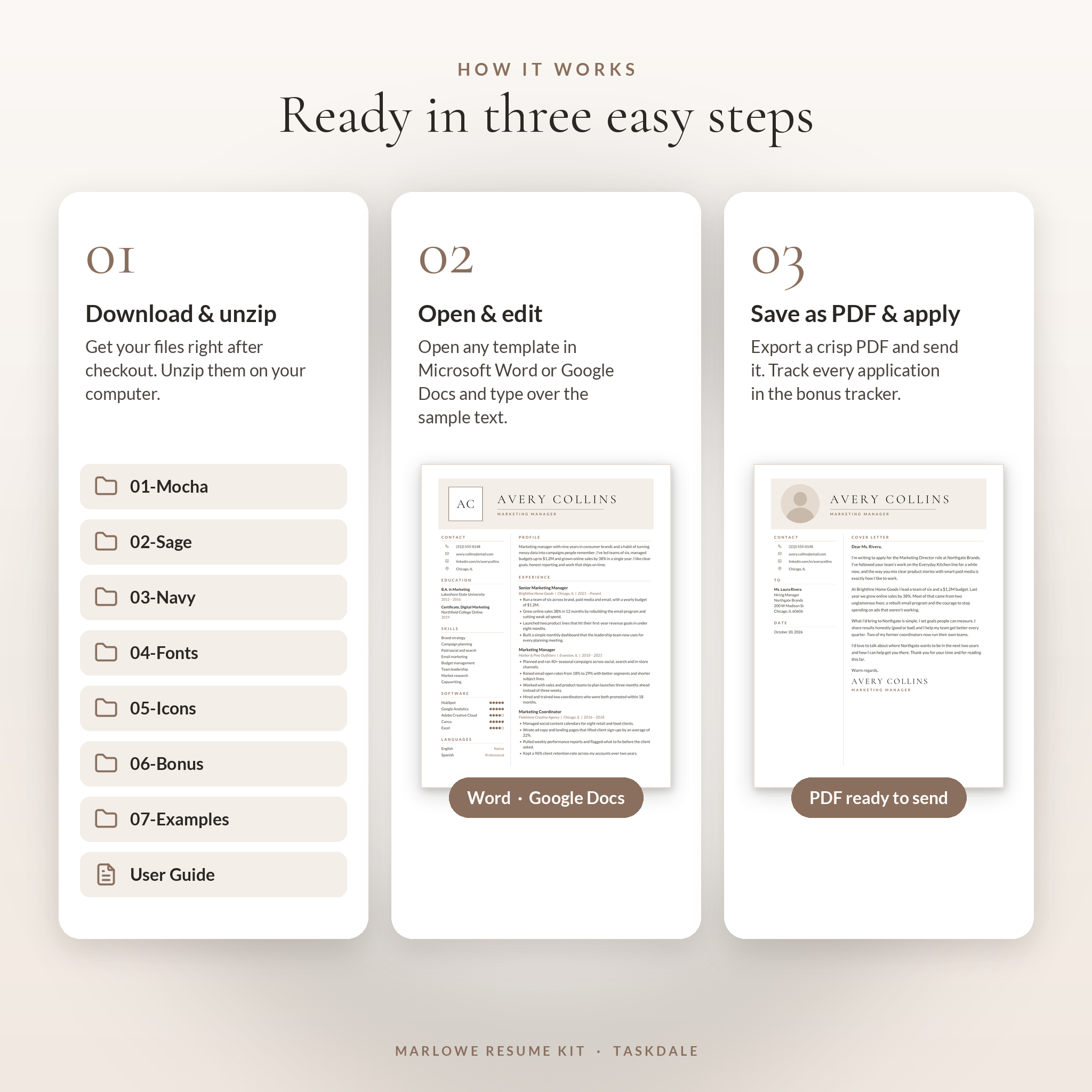
- Buy and download the ZIP file straight after checkout.
- Unzip it on your computer and pick your color, paper size and template.
- Word users: install the two free fonts from the Fonts folder (takes about a minute). Google Docs users: nothing to install.
- Open the file, replace the sample text with yours and add your photo or initials.
- Save as PDF and apply. Log the job in your tracker so you know when to follow up.
File formats and software
- Templates: Microsoft Word .docx files (US Letter 8.5 x 11 in and A4)
- Tested in Word for the web, Google Docs and LibreOffice Writer
- Tracker: Excel .xlsx, tested in Excel for the web, Google Sheets and LibreOffice Calc
- Toolkit and guide: Word .docx
- Examples: PDF
- Delivered as one ZIP file (about 9 MB) plus the user guide
You’ll need a computer to unzip and edit the files. Editing on a phone isn’t recommended. Word for the web can’t use fonts installed on your computer, so your name shows in a plain font there; desktop Word with the fonts installed, or Google Docs, gives you the full look. Google Docs doesn’t support letter spacing, so names and headings sit a little tighter there.
Customization
Everything is editable: text, colors, fonts, section order and spacing. Rename a section by typing over it. Move one by cutting and pasting. Add a job by copying an existing one. Swap colors by picking the Mocha, Sage or Navy file, or set your own with Font Color and cell shading.
Real ways people use it
- A nurse applying to three hospitals sends the 2-page monogram resume with a matching cover letter and references page.
- A marketing manager uploads the ATS version to a corporate job portal, then brings the designed photo version to the interview.
- After an interview, a candidate sends the thank-you letter the same evening, using the follow-up timeline from the toolkit.
Digital download
This is a digital product. Nothing will be shipped. Your files are ready to download as soon as payment goes through.
Frequently asked questions
Does this resume template work in Google Docs?
Yes. Upload the .docx file to Google Drive and open it with Google Docs. Both fonts are already built into Google Docs.
Do I need Microsoft Word?
No. Google Docs is free and works well. If you use Word, install the two free fonts included in the download first.
Is there a resume without a photo?
Yes. Every resume, letter and references page has a monogram version with no photo, and there’s a separate ATS resume too.
Is the ATS resume really ATS-friendly?
It’s a single column with standard headings and no tables, text boxes or images, which is the layout screening software reads most reliably.
Can I change the colors?
Yes. Pick from Mocha, Sage or Navy, or set any color you like in Word or Google Docs.
Can I add a second page?
Yes. Use the 2 or 3 page version, or keep typing and the content flows onto a new page.
Does it come in A4?
Yes. Every file comes in both US Letter and A4.
Can I share it with a friend?
One purchase is for one person’s personal use. The license doesn’t allow sharing or reselling the files.
License: personal use only. You may create your own job application documents as often as you like. Please don’t resell, share or redistribute the templates. The sample person and companies shown are fictional.
Reviews
There are no reviews yet.