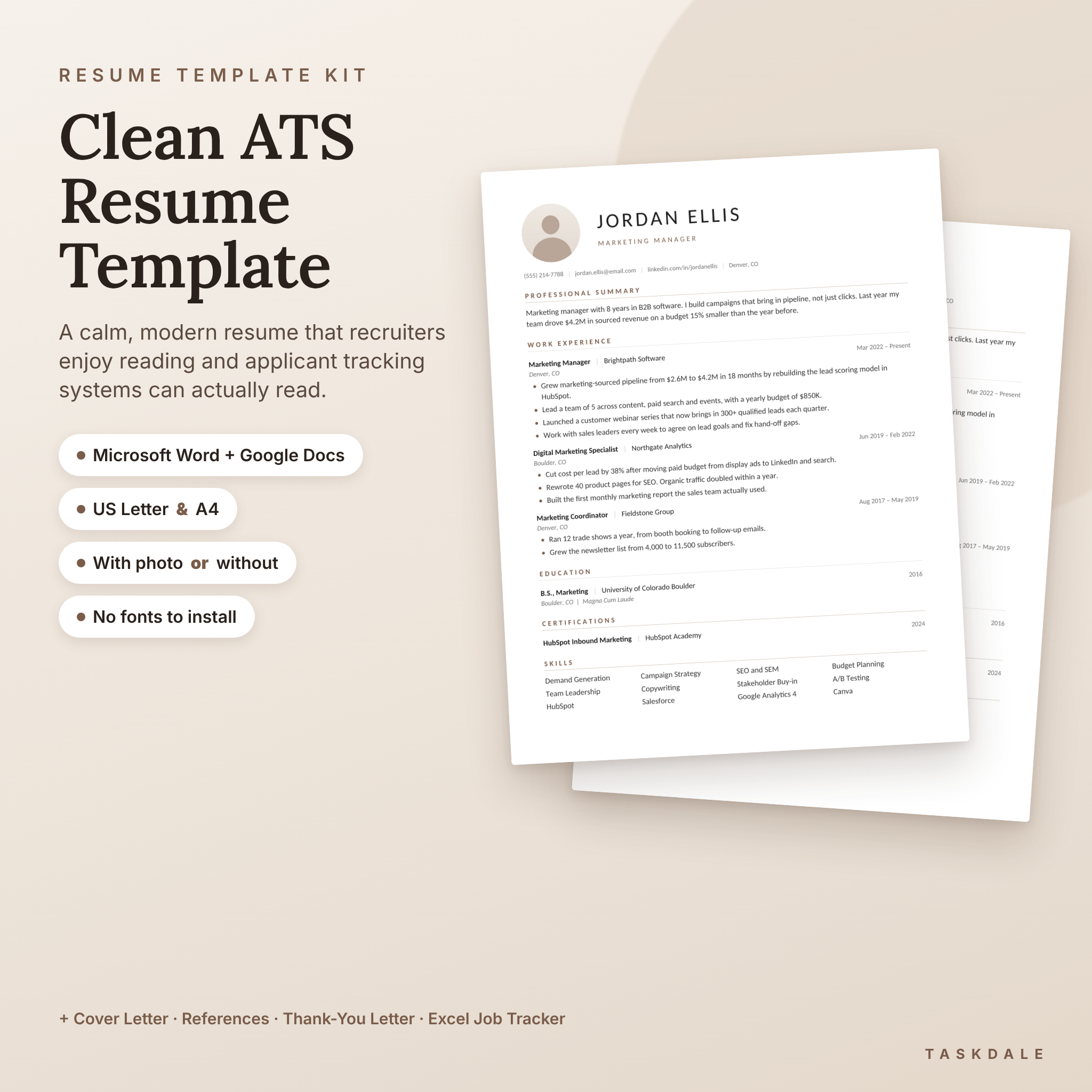
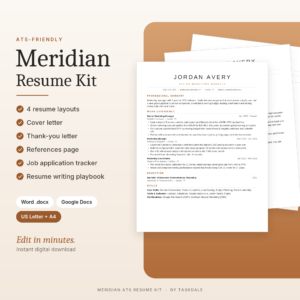
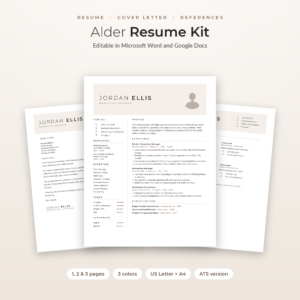
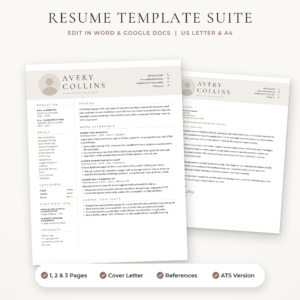
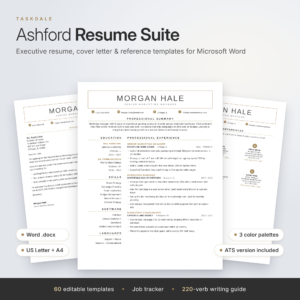
This ATS resume template kit gives you a clean, modern resume that recruiters enjoy reading and applicant tracking systems can actually parse. You get one and two page resumes, a matching cover letter, a references page and a thank-you letter, in Microsoft Word format that also opens in Google Docs. Every design comes in US Letter and A4, with a photo version and a no-photo version.
On top of the templates, you get an Excel Job Application Tracker, a 12-page Job Search Toolkit and a 17-page step-by-step guide. So you’re not just buying a nice page. You’re getting the whole set of tools to write, send and follow up on every application.
Why this ATS friendly resume template works
Most companies run resumes through software before a person ever sees them. Fancy two-column layouts, text boxes and icons can scramble your details or drop them completely. Meridian is built the boring-but-smart way underneath and looks polished on top.
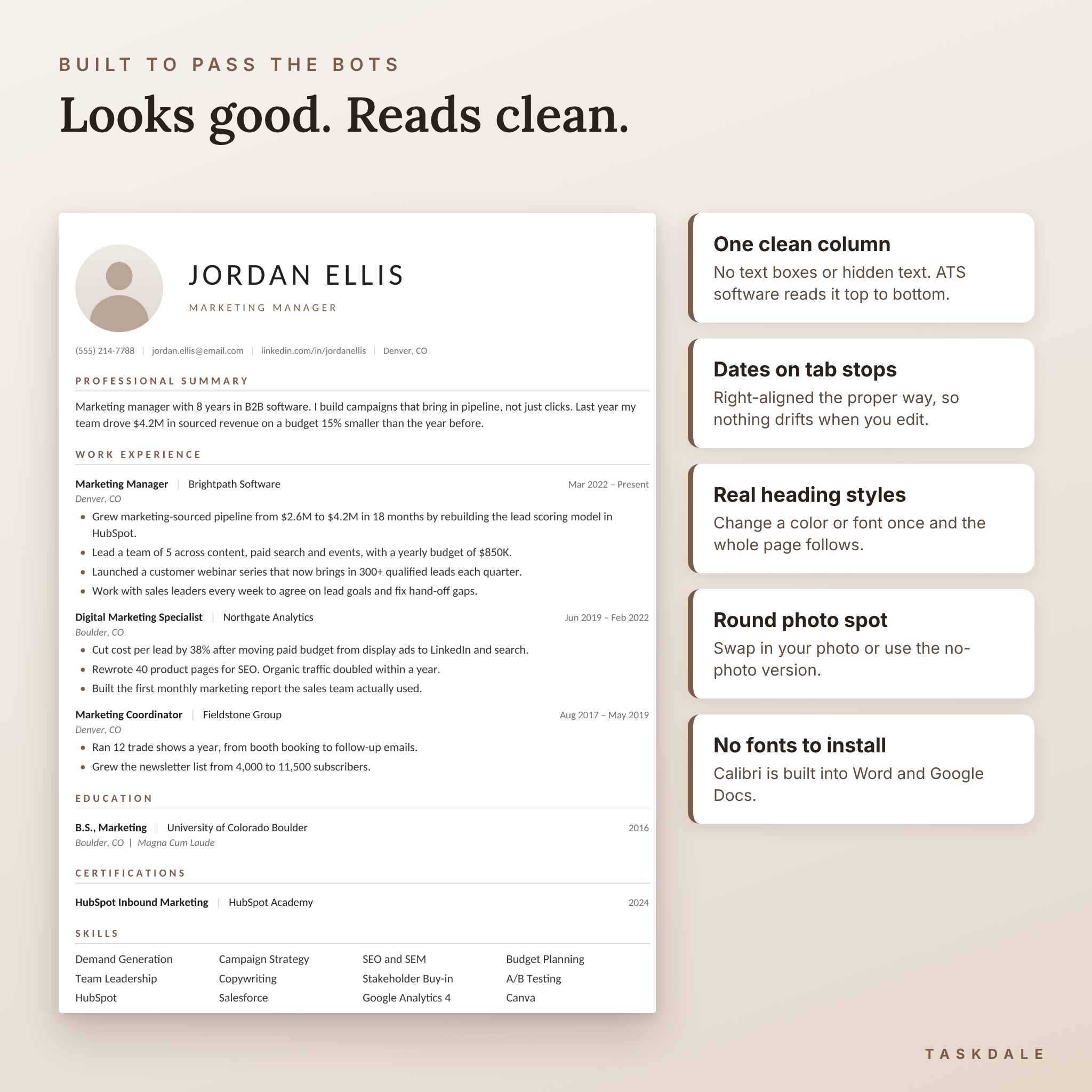
- One clean column of real text. No text boxes, no words hidden in images, no graphics carrying your information.
- Standard section names like Work Experience, Education and Skills, the words ATS software looks for.
- Dates set with proper right tab stops, so they stay lined up when you edit.
- Real Word heading styles. Change the accent color or font once and the whole page follows.
- No fonts to install. Everything uses Calibri, which ships with Word and is built into Google Docs.
What’s included
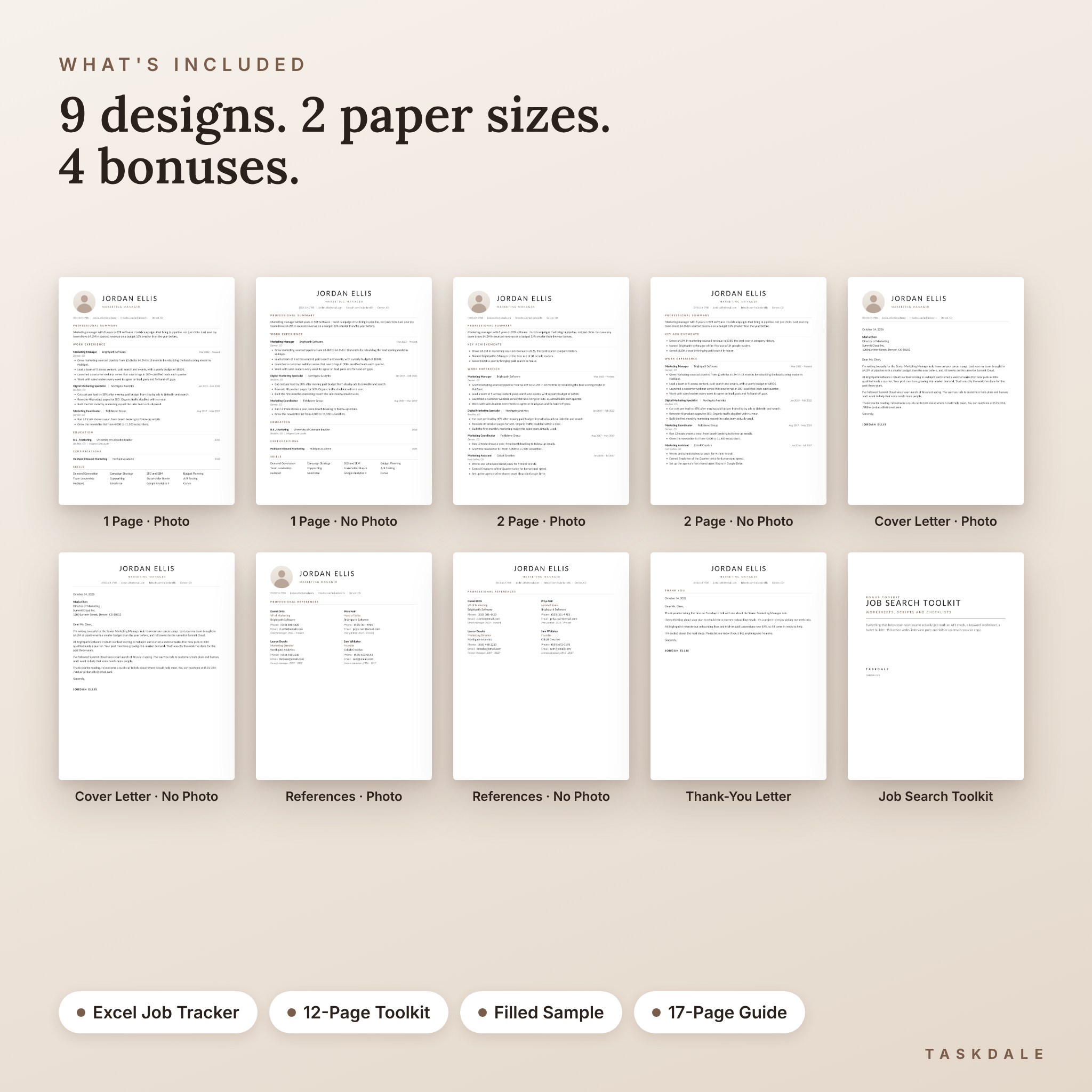
Resume templates (US Letter and A4)
- 1 page resume with photo
- 1 page resume without photo (centered header)
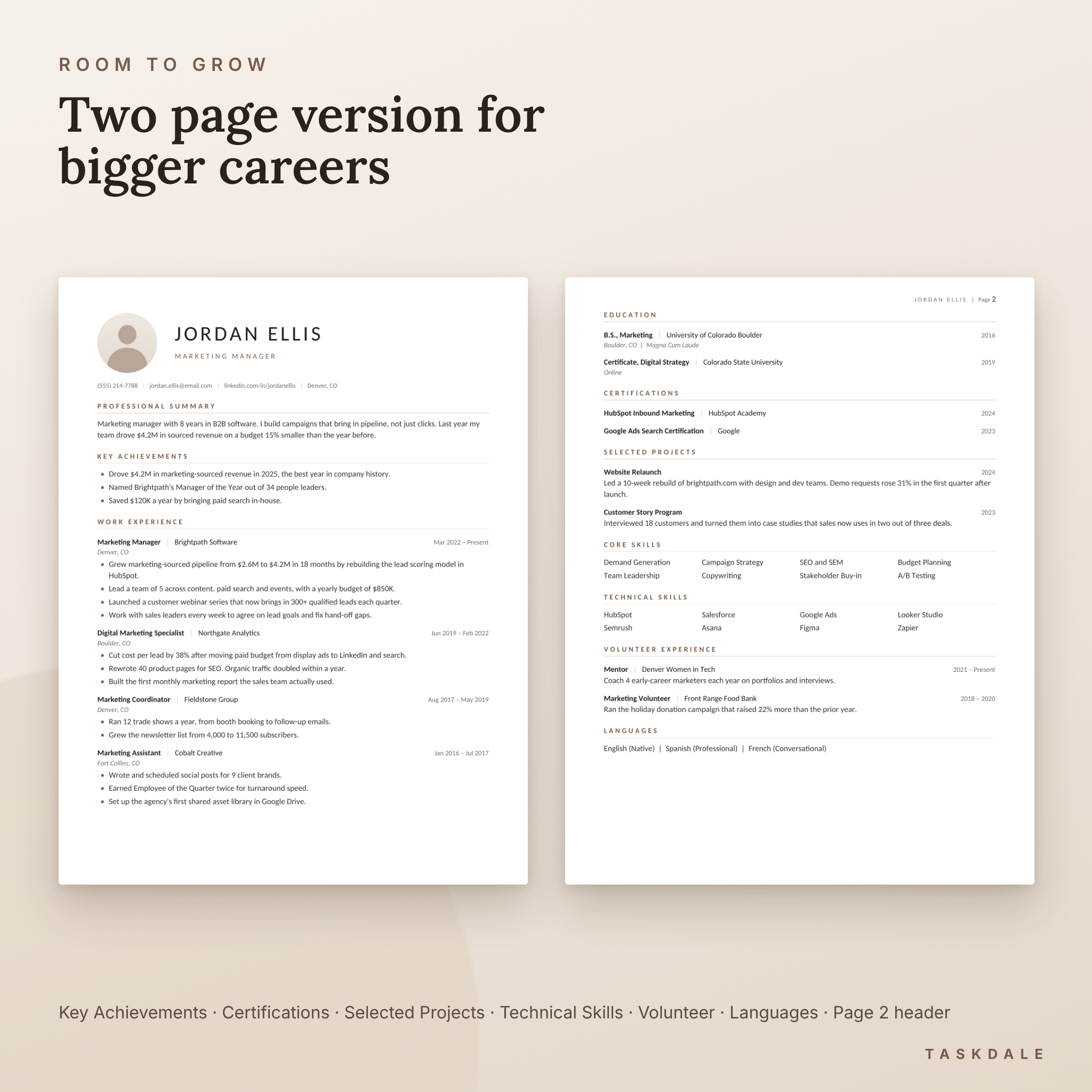
- 2 page resume with photo, plus Key Achievements, Certifications, Selected Projects, Technical Skills, Volunteer and Languages sections
- 2 page resume without photo
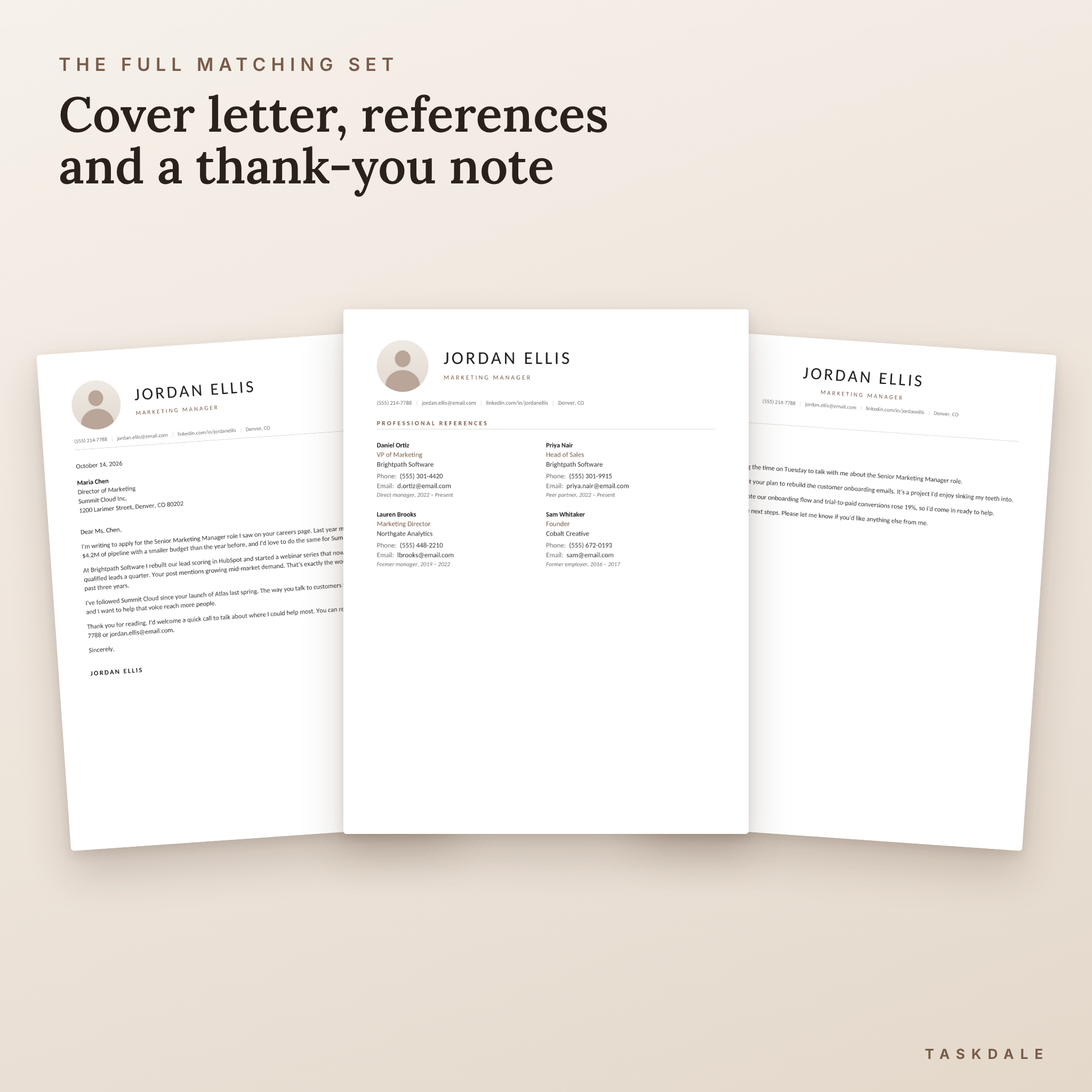
- Cover letter, with photo and without
- References page for four references, with photo and without
- Post-interview thank-you letter
That’s 9 designs in 2 paper sizes: 18 editable .docx files.
Bonuses
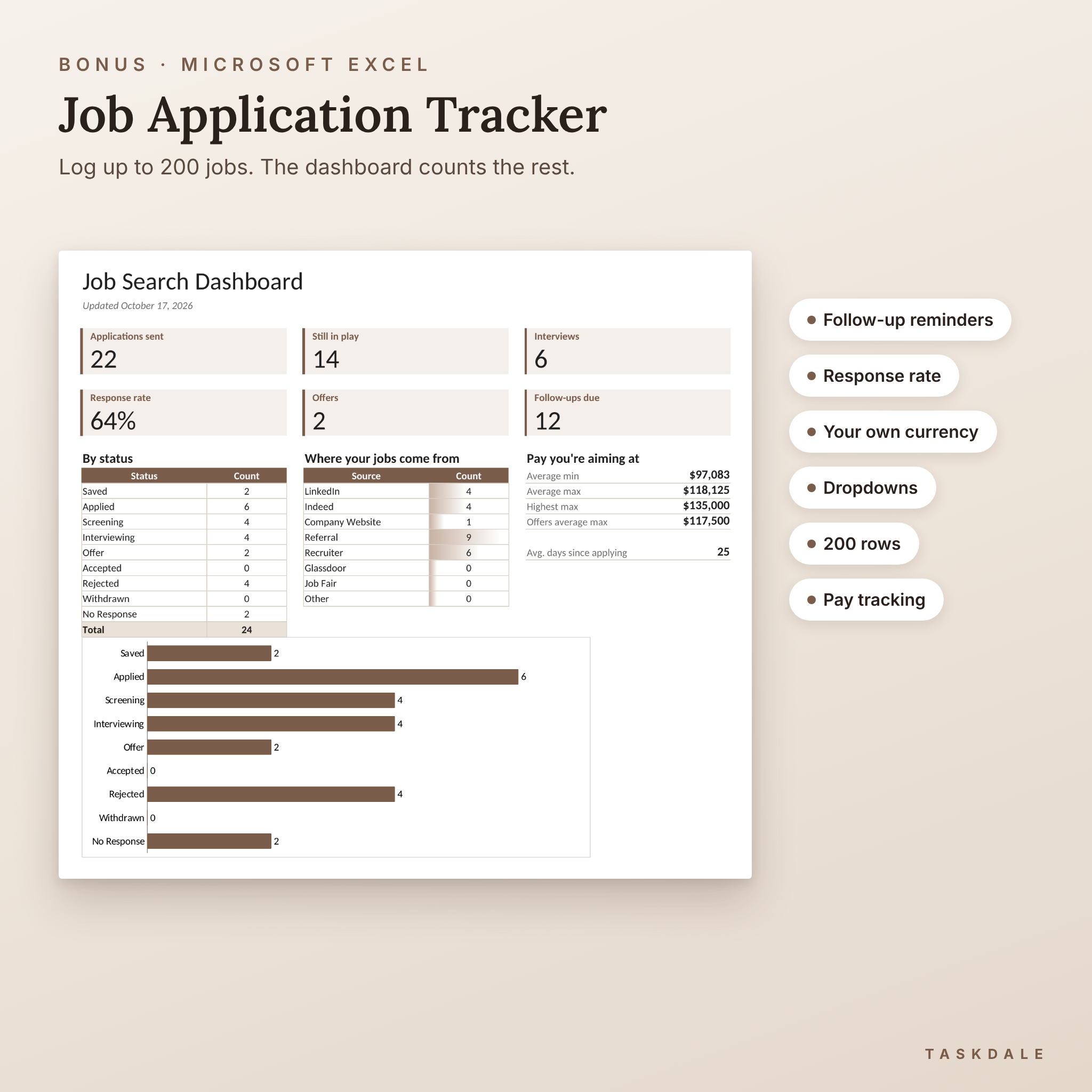
- Job Application Tracker (Excel): log up to 200 applications. The dashboard shows applications sent, jobs still in play, interviews, response rate, offers and follow-ups due, with a status chart. Follow-up dates fill in automatically and turn red when it’s time to nudge. Set your own currency symbol once and every pay figure uses it.
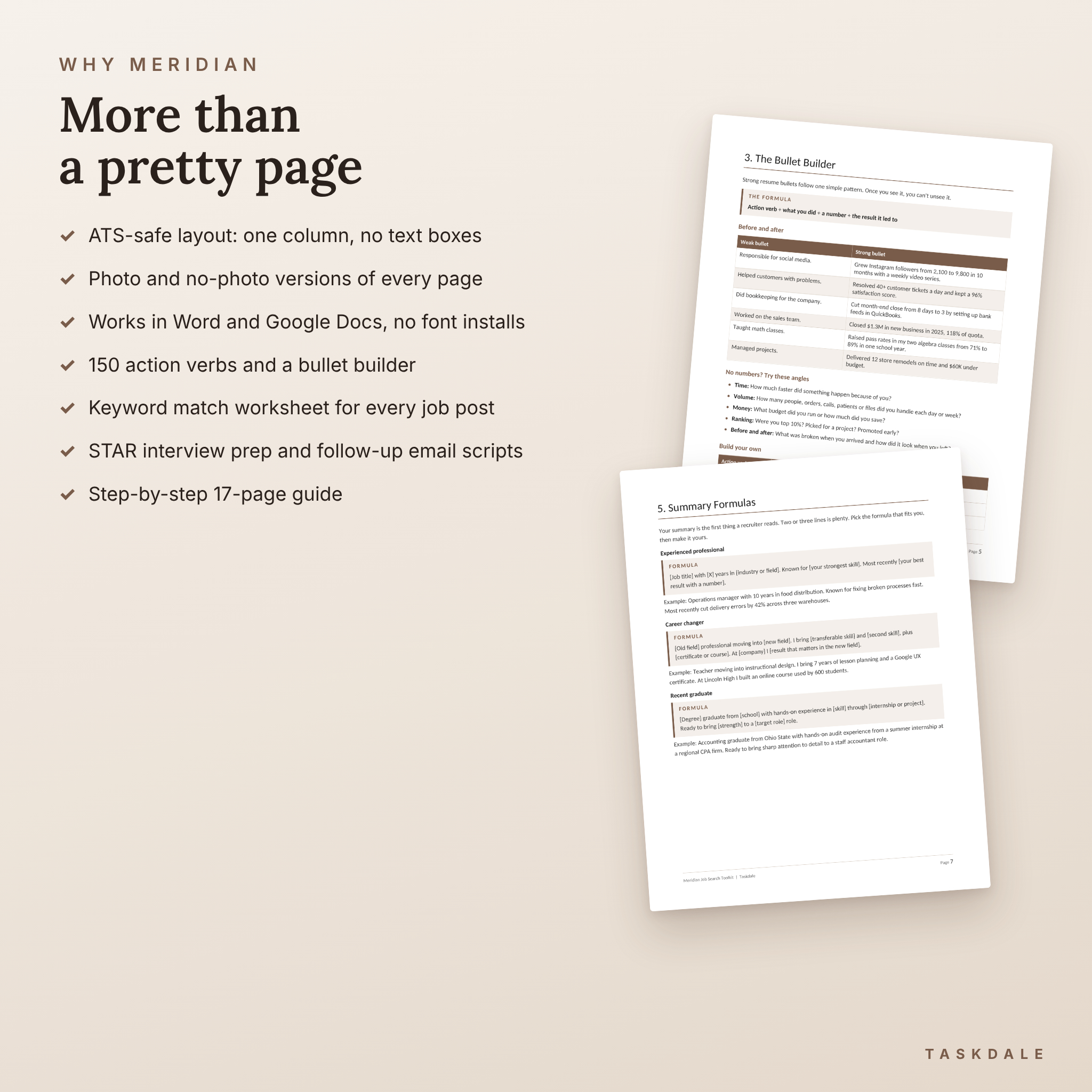
- Job Search Toolkit (12 pages): ATS pass checklist, keyword match worksheet, bullet builder with before-and-after examples, 150 action verbs, summary formulas, cover letter openers, a STAR interview worksheet and copy-ready follow-up emails.
- Filled sample resume so you can see how a finished one reads.
- 17-page user guide covering Word and Google Docs, photos, colors, fonts, saving as PDF and troubleshooting.
Who it’s for
Job seekers at every stage. New grads can use the one page version. Mid-career and senior folks get room to breathe in the two page version. Career changers can lean on the Key Achievements and Selected Projects sections to show what carries over. The neutral design suits office roles, healthcare, teaching, tech, trades and creative work alike.
How it works
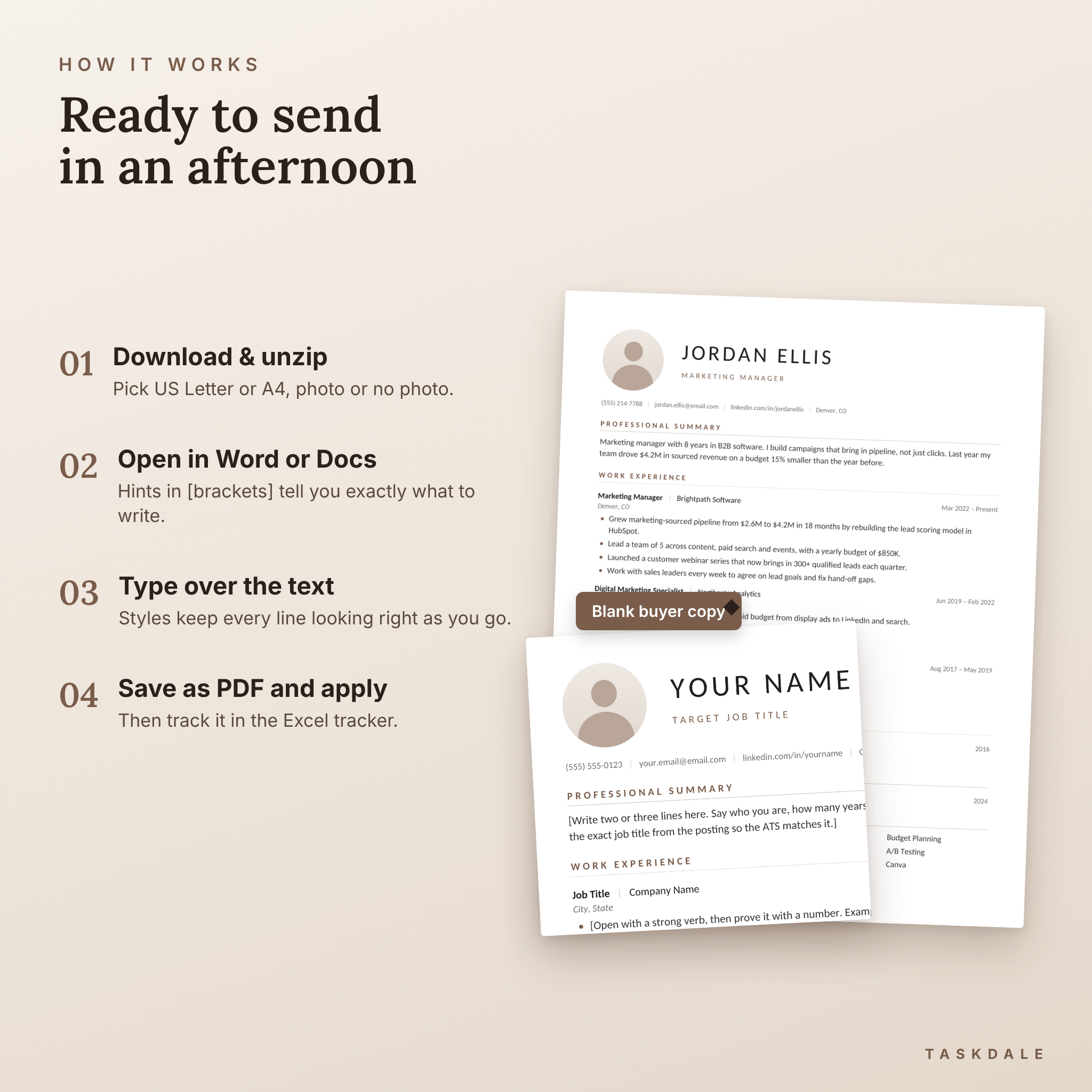
- Download and unzip. Open the US-Letter folder for the US and Canada, or A4 for most other countries.
- Choose photo or no photo. For US applications, the no-photo version is the safer pick.
- Open in Word or Google Docs and type over the text. Hints in [square brackets] tell you exactly what to write in each spot, like “start with a strong verb, then add a number.”
- Save as PDF and apply. Then log the job in the tracker so you never forget to follow up.
File formats and software
- Resume, cover letter, references and thank-you templates: .docx for Microsoft Word 2016 or newer (Windows and Mac) and Microsoft 365
- Opens and edits in Google Docs with a free Google account (upload the .docx to Google Drive)
- Job Application Tracker: .xlsx for Microsoft Excel
- Paper sizes: US Letter (8.5 × 11 in) and A4 (210 × 297 mm)
- Font: Calibri (no download needed)
Easy to customize
Change any text, add or delete jobs, move sections around, swap the accent color, change fonts or drop in your own photo. The guide walks through each one with simple steps. To use your photo in Word, right-click the round placeholder and choose Change Picture. The circle shape stays.
Real situations where it helps
- You’ve been sending applications and hearing nothing back. A clean, keyword-matched resume gives the software less reason to filter you out.
- You’re applying to a company overseas and need A4 with a photo, and a US job the same week that needs Letter without one. You have both.
- You’ve landed an interview. The STAR worksheet and thank-you letter are ready to go.
- You’re juggling 30 applications. The tracker tells you who to chase today.
Instant digital download
This is a digital product. Nothing ships. After checkout you’ll get a download link for a ZIP file with every template, the bonuses and the guide, plus the guide as a separate file. Use the templates as often as you like for your own job search.
Frequently asked questions
Is this resume template ATS friendly?
Yes. It uses a single column of real text, standard headings and no text boxes. The photo versions use a simple table only for the photo and name. If you want the safest option, use the no-photo files.
Can I edit it in Google Docs?
Yes. Upload the .docx to Google Drive and open it in Google Docs. We tested each design there. Google Docs doesn’t support letter spacing, so the name and headings look a little tighter, but the layout holds.
Does it work with Mac Pages?
We haven’t tested it in Pages, so we don’t promise it. On a Mac, use Microsoft Word or Google Docs in your browser.
Do I need to download fonts?
No. The templates use Calibri, which comes with Word and is built into Google Docs.
Should I include a photo on my resume?
For the US, UK and Canada, most advice says leave it off. In much of Europe, the Middle East and Asia a photo is common. You get both versions of every page.
Can I use it for more than one job application?
Yes, as many as you like for your own search. Save a new copy for each job so you can tailor it.
What size paper does it use?
Both US Letter and A4 are included, in separate folders.
Can I share or resell the templates?
No. The licence is for personal use only. Coaches and schools can contact Taskdale for a separate licence.
Reviews
There are no reviews yet.