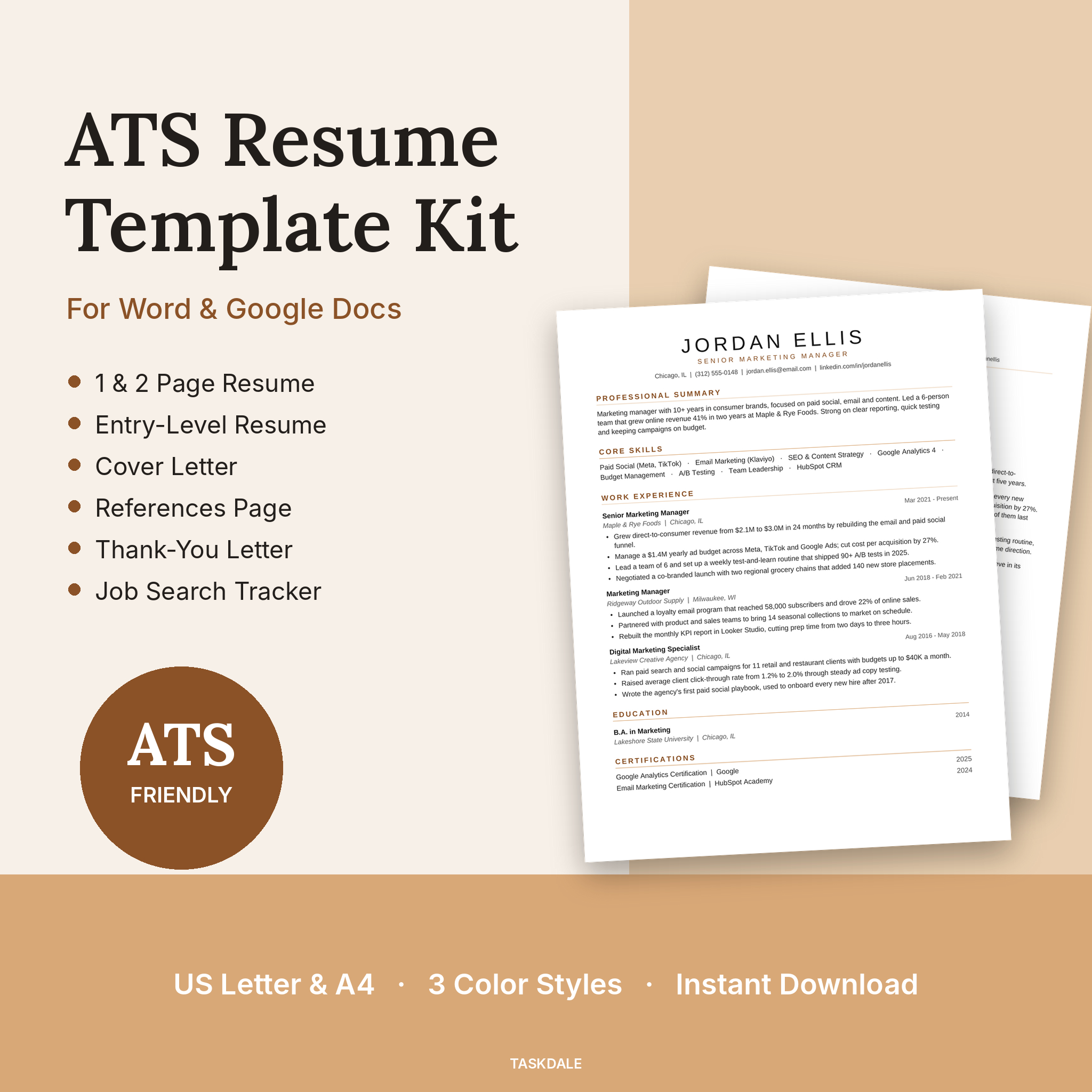
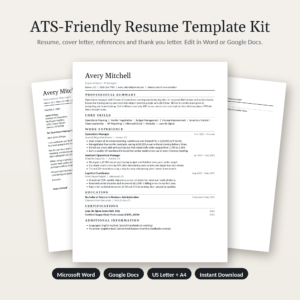
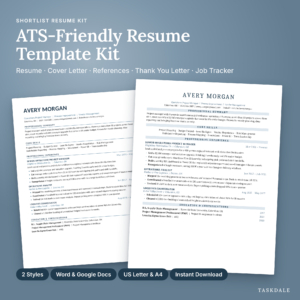
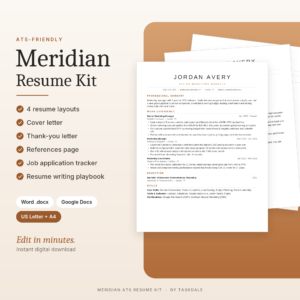
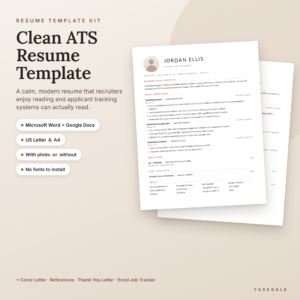
Looking for an ATS resume template that looks sharp and still gets read by hiring software? The Essential ATS Resume Kit gives you a clean, one-column resume for Microsoft Word and Google Docs, plus everything else you need to apply: a matching cover letter, references page, interview thank-you letter and a job search tracker that does the math for you.
Most applications today pass through an Applicant Tracking System before a person sees them. Fancy designs with columns, text boxes and icons can scramble your details on the way in. This kit keeps the layout simple where it counts and polished where people notice.
What This ATS Resume Template Kit Does
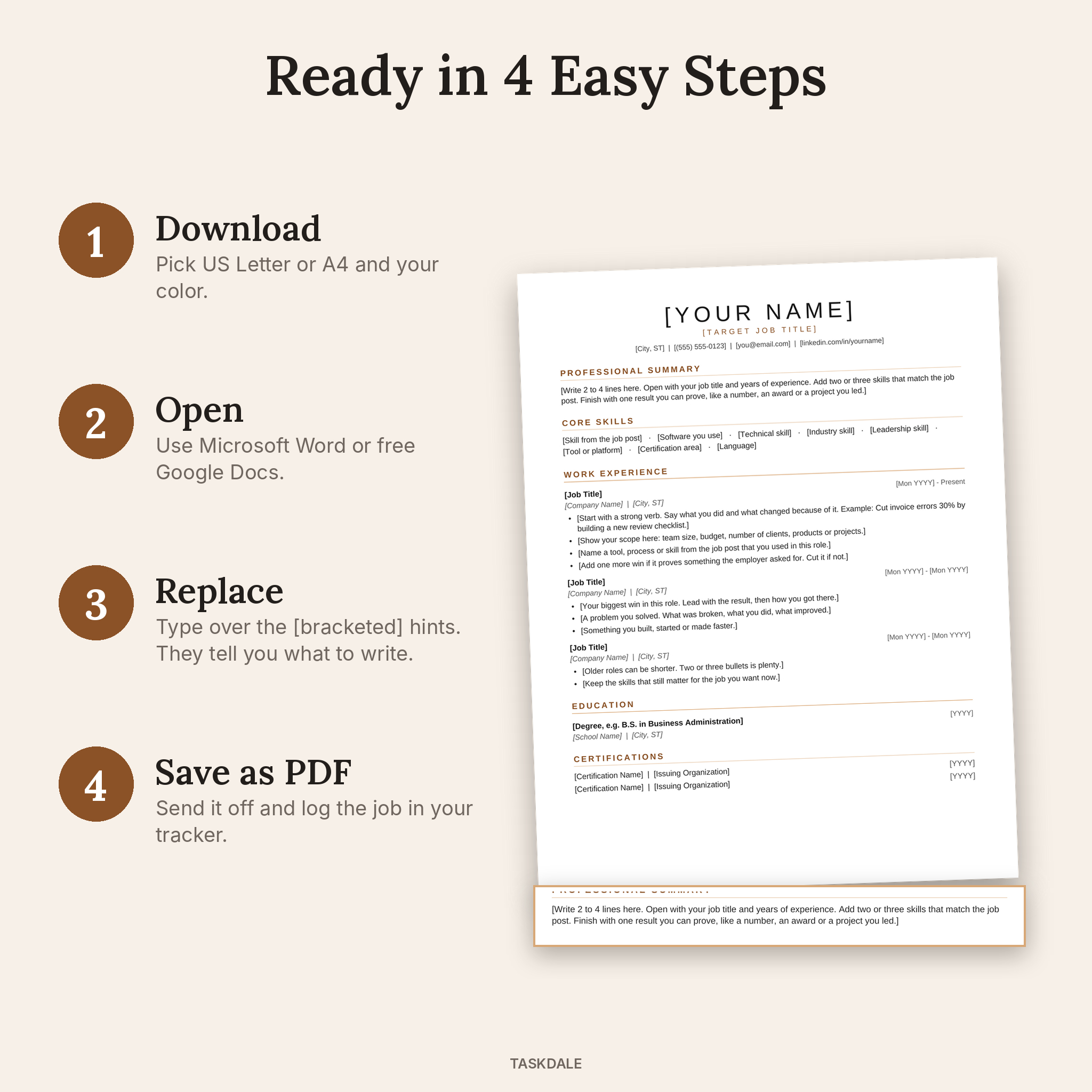
It takes the guesswork out of building a resume. Every section already has a hint telling you what to write, often with an example, so you are never staring at a blank page. Type over the [bracketed] text, save as PDF and send it.
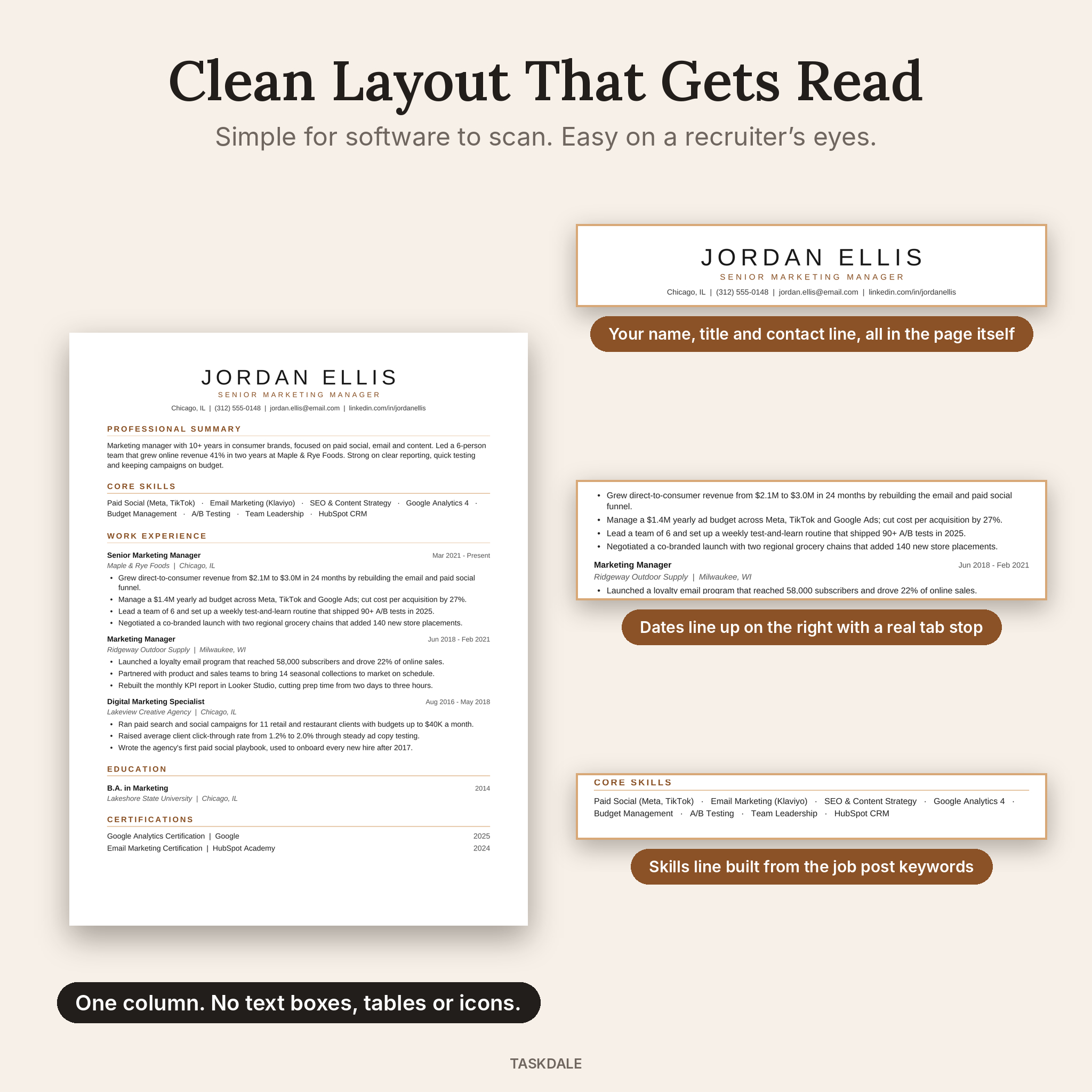
- One-column layout that ATS software reads top to bottom
- Name and contact details in the page itself, not hidden in a header
- Real Word heading styles, so changing a font or color takes one click
- Dates that line up neatly on the right using proper tab stops
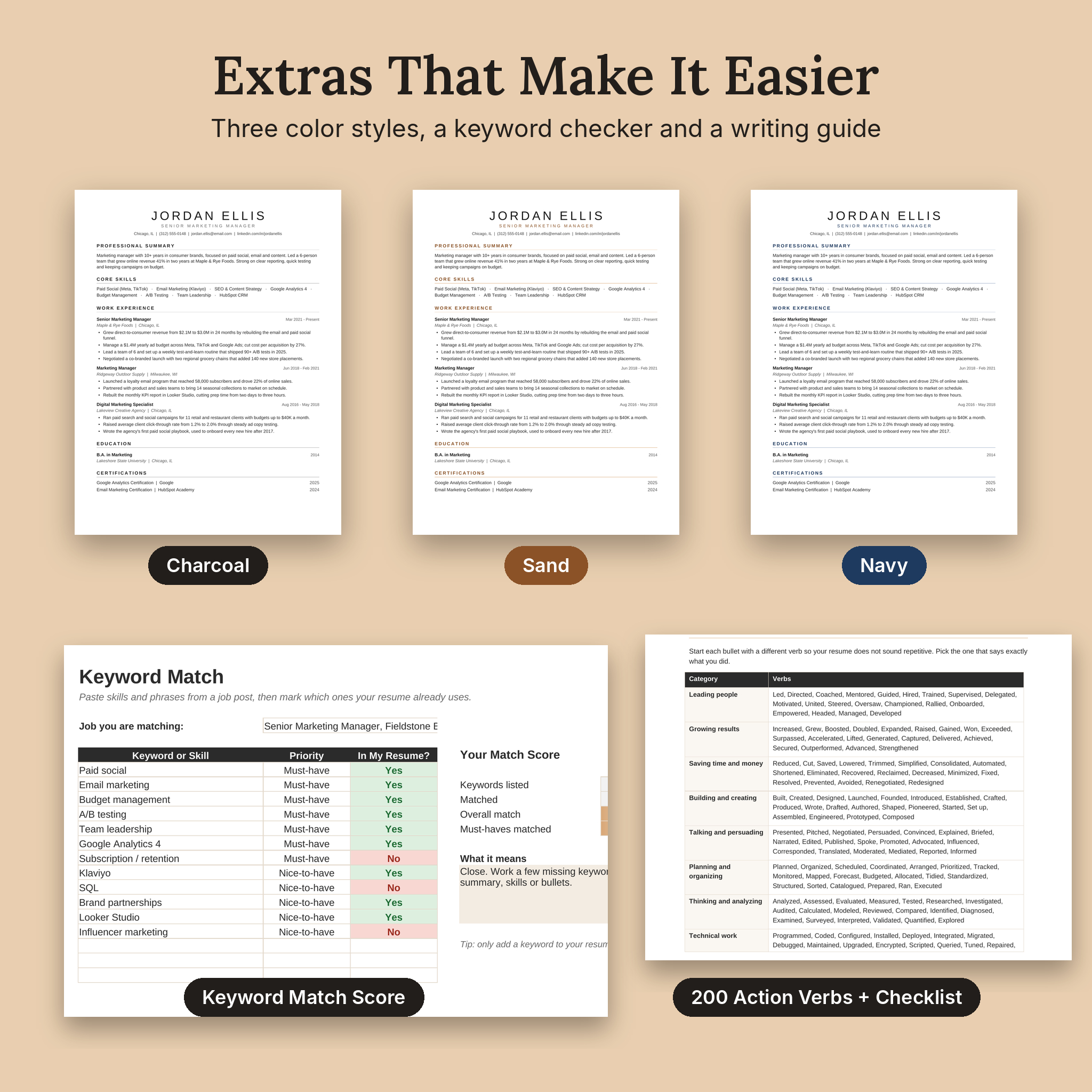
- Three color styles: Charcoal, Sand and Navy
Who It Is For
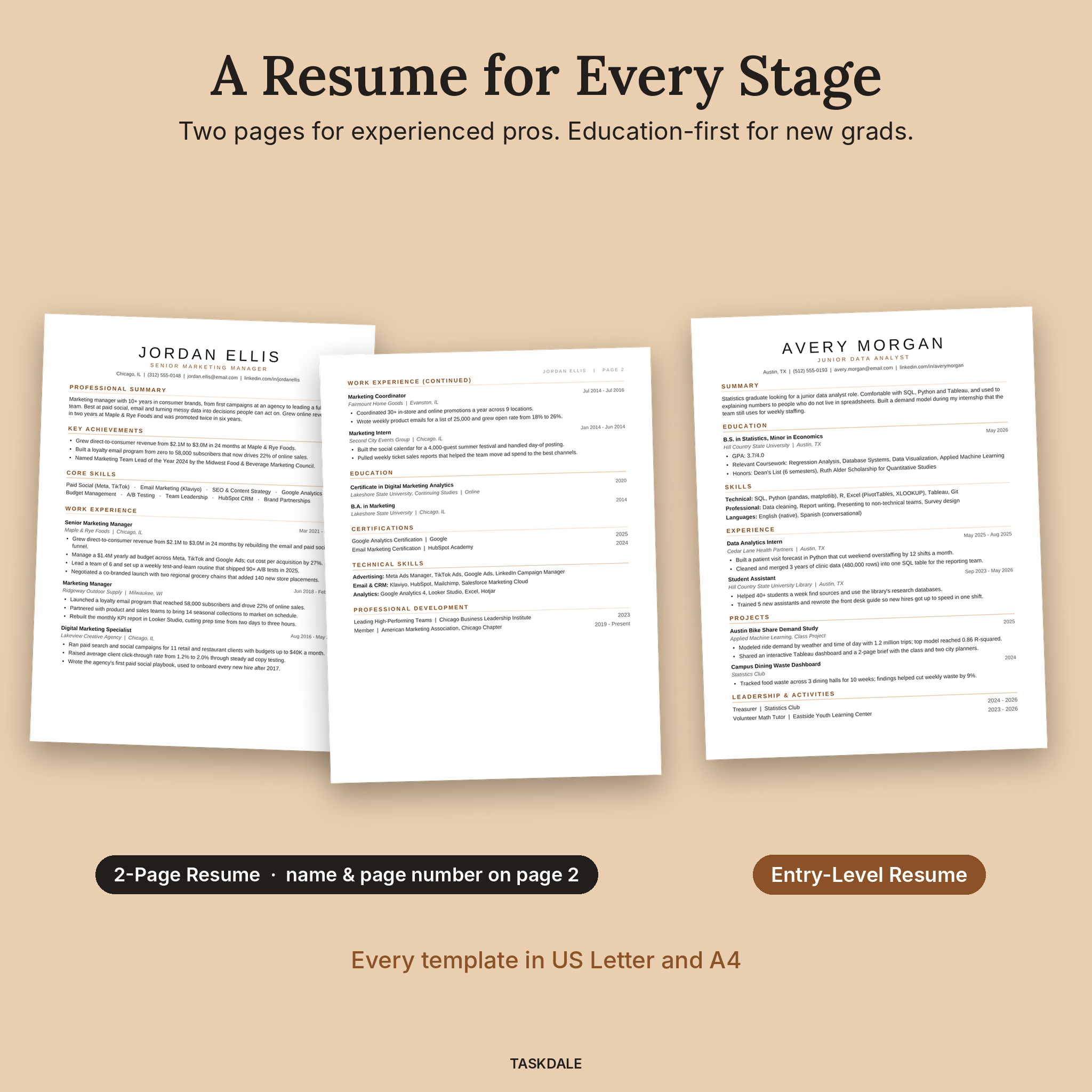
The kit suits job seekers at every stage. Experienced professionals get a 2-page resume with room for key achievements and technical skills. Students and new grads get an entry-level version that puts education and projects first. Career changers can use the hints and keyword checker to point their past experience at a new role.
What Is Included
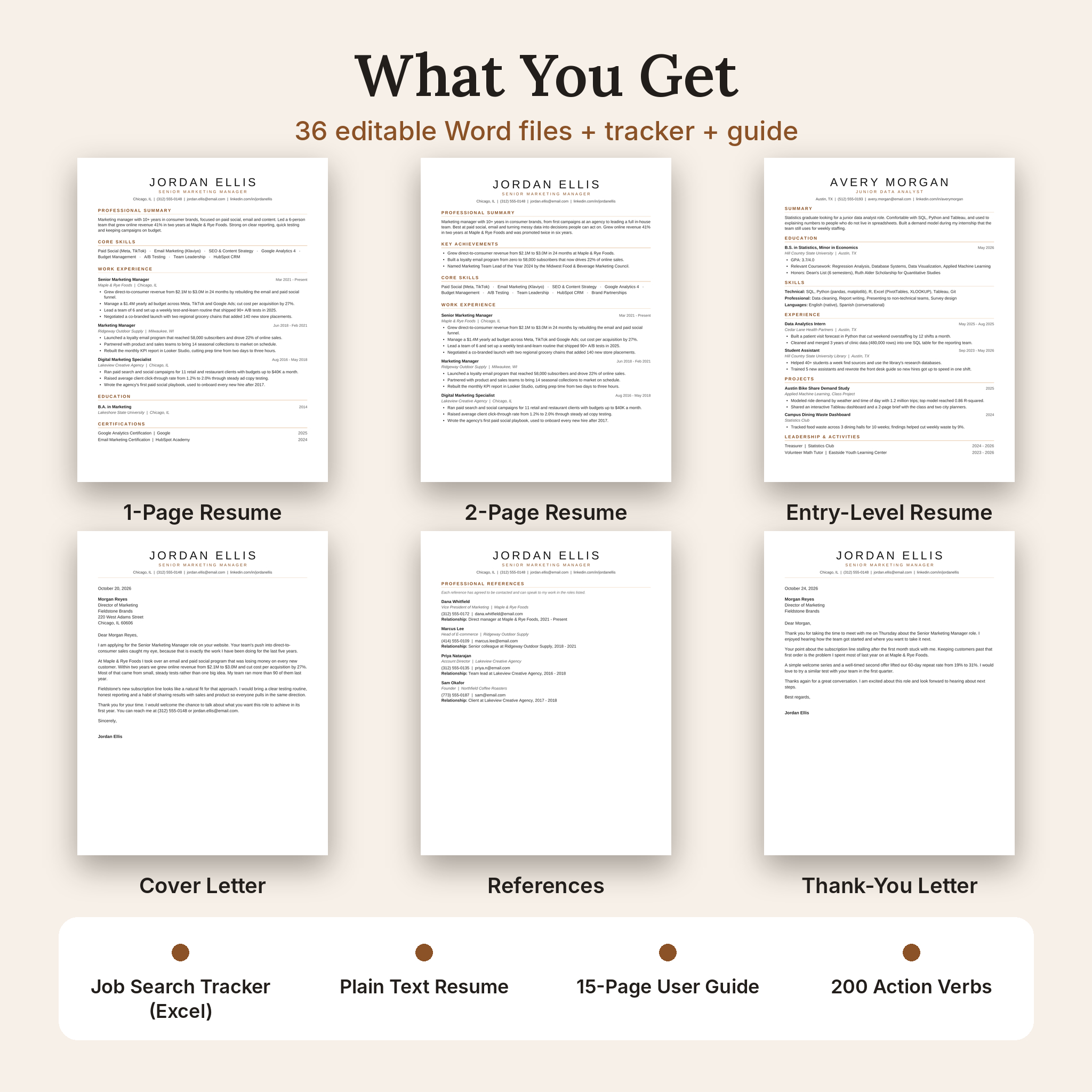
Word templates (36 files)
- 1-Page Resume
- 2-Page Resume (your name and page number appear at the top of page 2)
- Entry-Level / Student Resume
- Cover Letter
- References Page
- Interview Thank-You Letter
Each template comes in US Letter and A4, and in all three color styles.
Bonus files
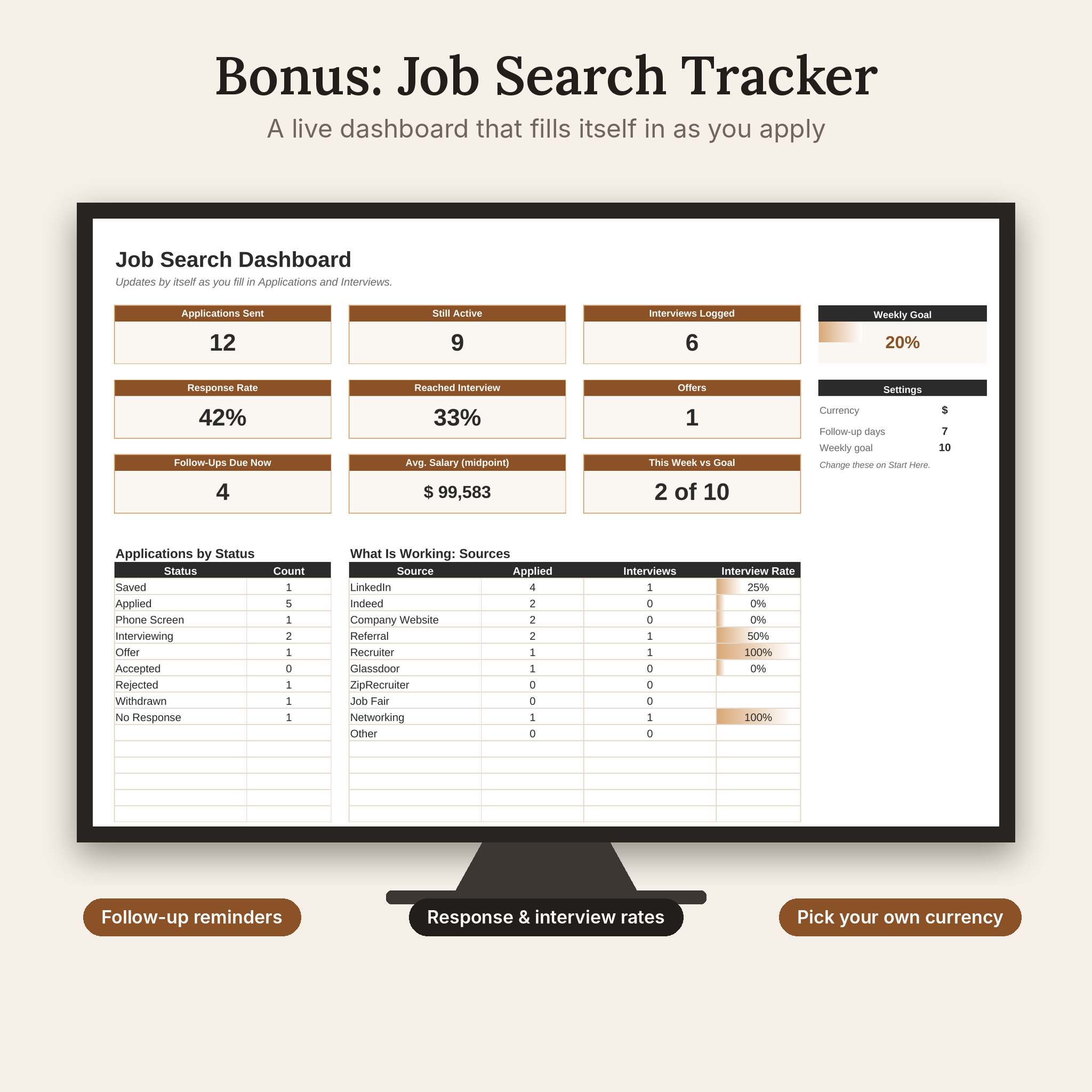
- Job Search Tracker (Excel): log up to 300 applications and 150 interview rounds, with a live dashboard, follow-up reminders and a keyword match score
- Plain Text Resume: a tidy version for online forms that strip formatting
- 15-page User Guide: setup steps, a resume writing playbook, 200 action verbs, a pre-send checklist and follow-up email scripts
Main Benefits
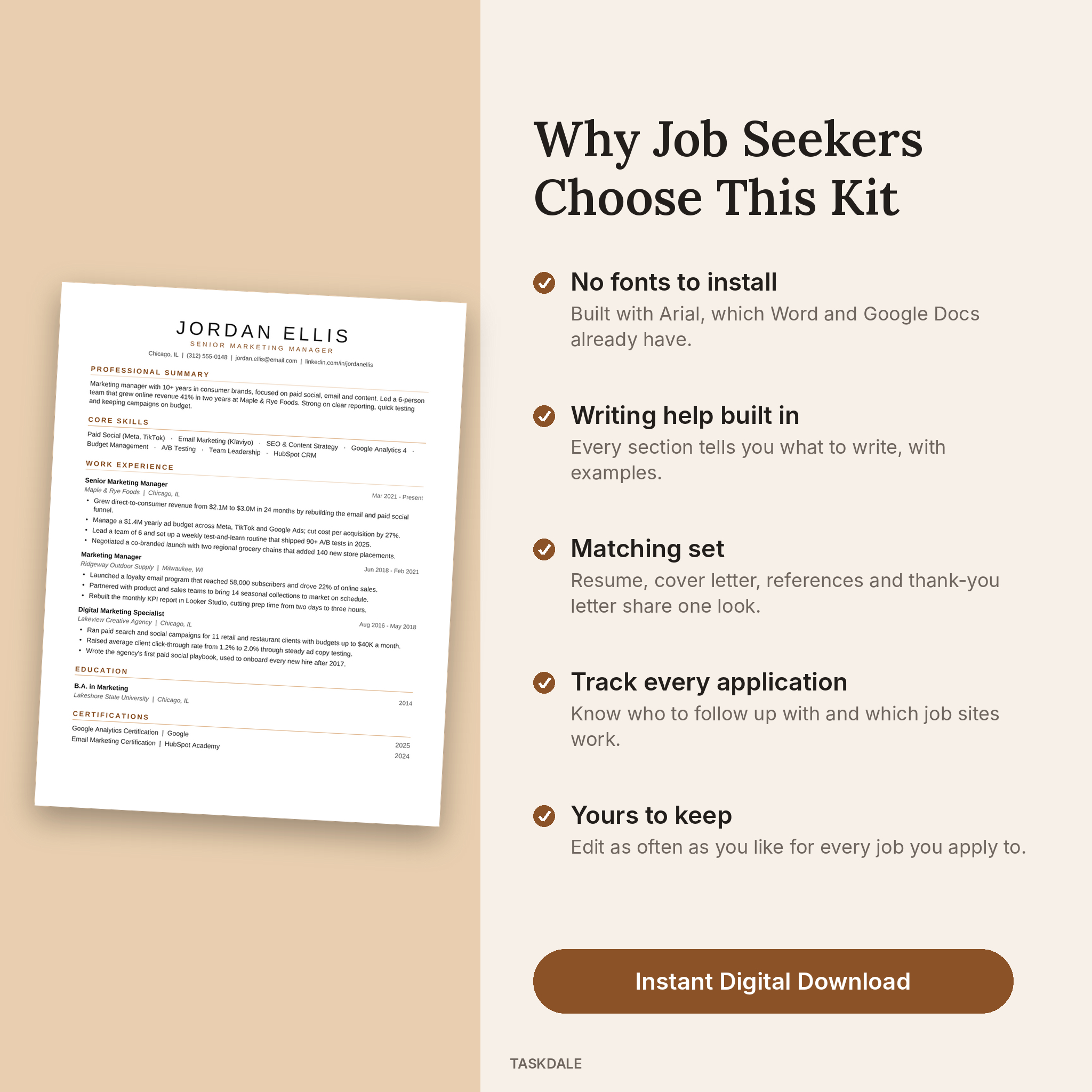
- Faster start. You can get a first draft done in one evening, since each line tells you what goes there.
- One matching set. Resume, cover letter, references and thank-you letter share the same header and style.
- No fonts to install. Everything uses Arial, which Word and Google Docs already have.
- Stay organized. The tracker shows your response rate, which job sites bring interviews and who you need to follow up with today.
How It Works
- Download the zip file and pick your paper size and color.
- Open the template in Microsoft Word, or upload it to Google Docs for free.
- Replace the bracketed hints with your own details.
- Save as PDF and apply. Log the job in your tracker so you know when to follow up.
Job Search Tracker Features
The Excel tracker turns a messy job hunt into something you can measure. Pick your currency once on the Start Here tab and every salary figure follows it, with $ set as the default. Dropdowns keep your entries tidy, and grey formula cells are locked (no password) so nothing breaks by accident.
- Dashboard with applications sent, active roles, interviews, offers and average salary
- Response rate and interview rate, worked out for you
- Follow-up dates that turn red when it is time to check in
- Weekly application goal with a progress bar
- Keyword Match tab that scores your resume against a job post
File Formats and Software Requirements
- Resume templates: .docx for Microsoft Word (Windows or Mac) and Google Docs
- Tracker: .xlsx for Microsoft Excel, also works in free LibreOffice Calc
- Plain text resume: .txt
- User guide: .docx
You will need a computer to edit the files comfortably. Google Docs is free with a Google account.
Customization
Change fonts, colors and spacing through Word styles, add or remove sections, rename headings and move content around. The guide shows you how, step by step, with a troubleshooting table for the usual hiccups.
Digital Download
This is an instant digital download. No physical item will be shipped. You will receive one zip file with all templates, the tracker, the plain text resume and the user guide as soon as your payment is confirmed.
Real Ways People Use It
- A teacher moving into corporate training uses the summary hints and keyword checker to reframe classroom experience.
- A recent nursing grad fills in the entry-level resume with clinical rotations and a part-time job.
- A project manager with 12 years of experience switches to the 2-page version to fit major projects and certifications.
- Someone applying to 10 jobs a week uses the tracker to see that referrals bring far more interviews than job boards.
FAQ
Is this resume template ATS-friendly?
Yes. It uses one column, standard section names, real text and no tables, text boxes, images or icons in the resume layout. That is what ATS software reads best. No template can promise you a job, but a clean layout makes sure your words get read.
Can I edit it in Google Docs?
Yes. Upload the .docx file to Google Drive and open it with Google Docs. We tested it there.
Does it work with Apple Pages?
The kit is built and tested for Word and Google Docs. Pages can open .docx files, but we recommend Word or Google Docs for the best result.
Do I need to buy fonts?
No. The templates use Arial, which comes with Word and Google Docs.
Is A4 included?
Yes. Every template comes in US Letter and A4.
Can I use it for more than one job application?
Of course. Edit and save as many versions as you need for your own job search.
Can I share or resell the files?
No. The kit is licensed for personal use only. Please do not share, resell or upload the files.
Reviews
There are no reviews yet.