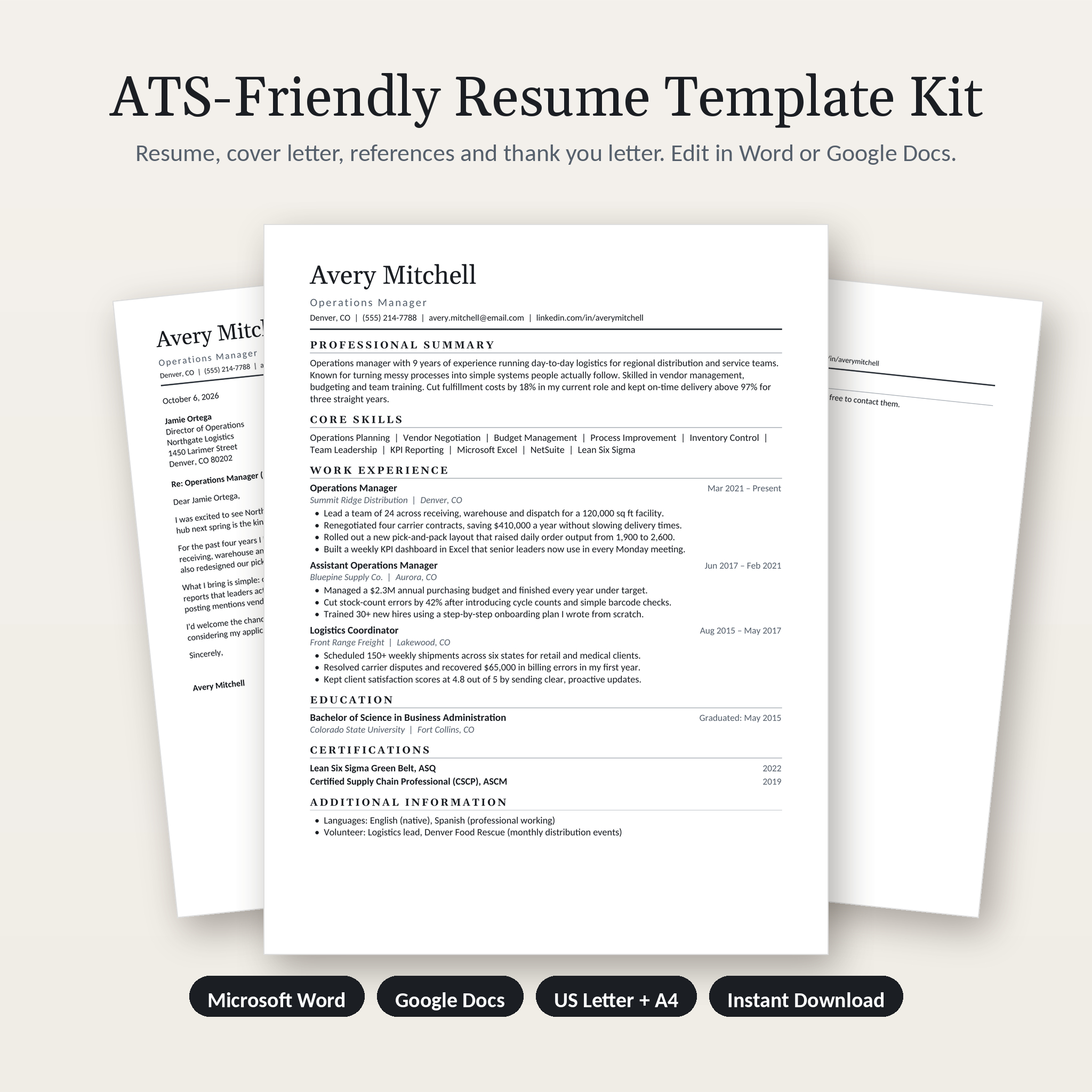
Applying online means your resume meets software before it meets a person. The Everett ATS resume template kit is built for both. You get a clean, single-column resume that applicant tracking systems can read without scrambling, and a calm, polished look that hiring managers enjoy skimming. Everything opens in Microsoft Word or Google Docs, so you can start editing in under a minute.
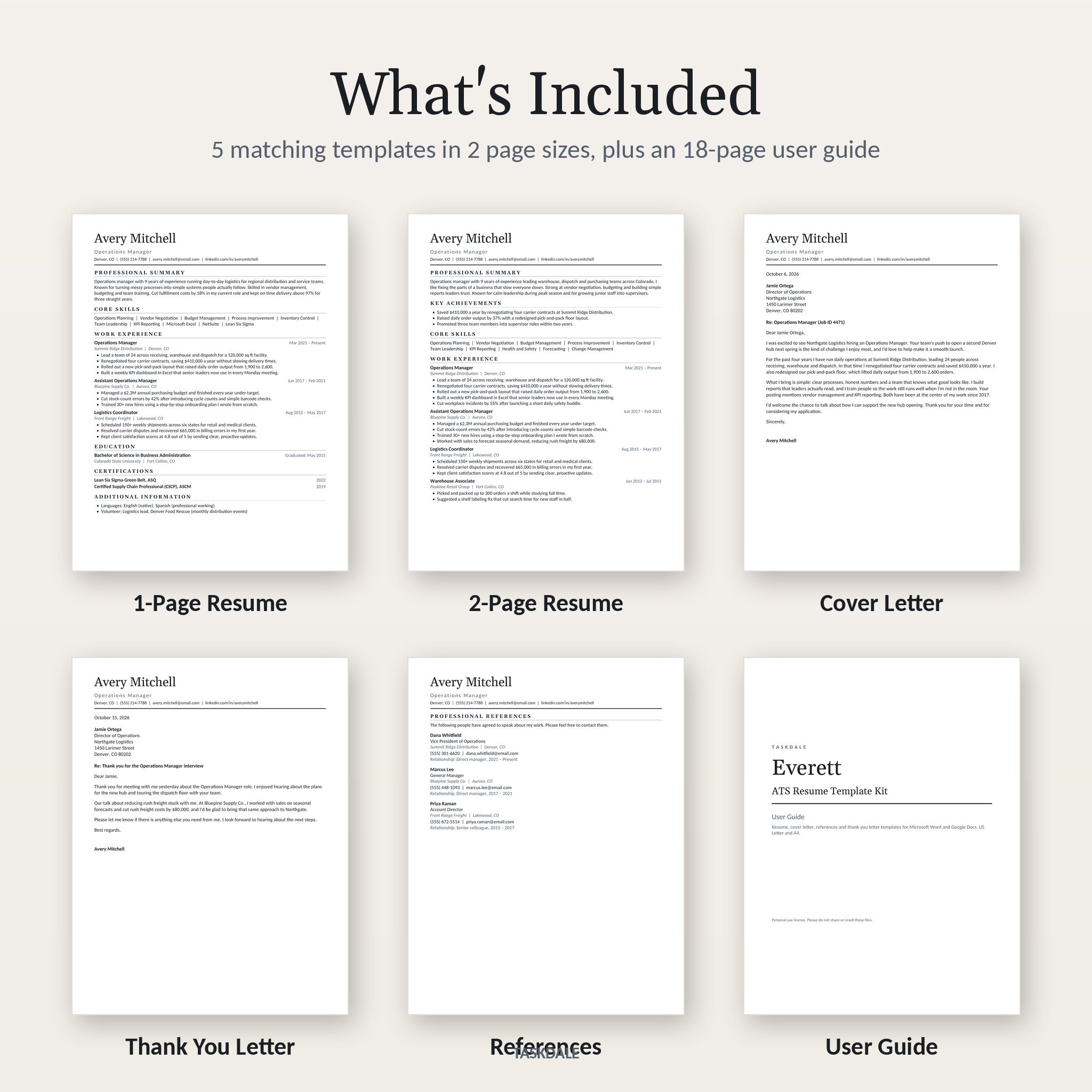
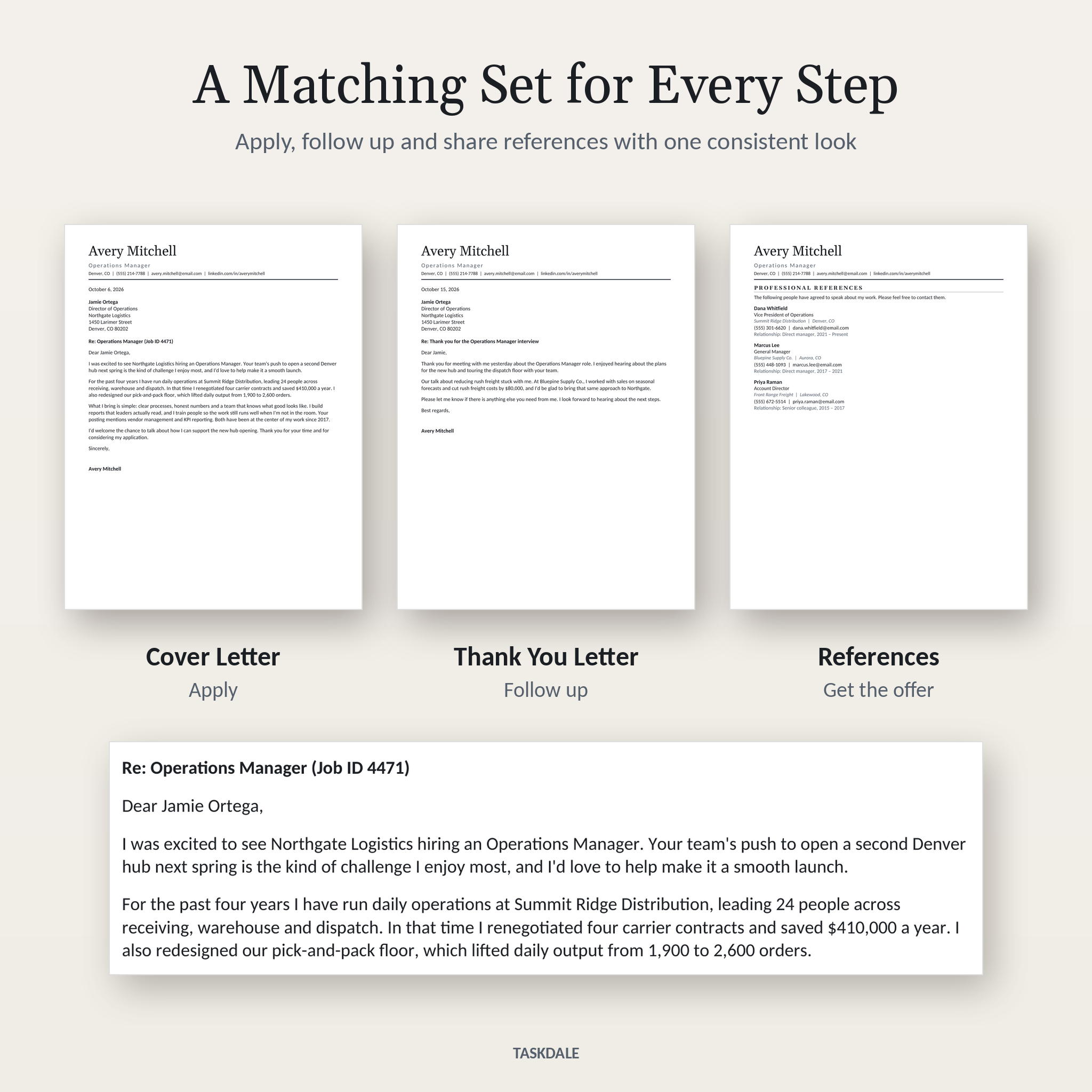
Inside are five matching documents: a one-page resume, a two-page resume, a cover letter, an interview thank you letter and a references page. Each comes in US Letter and A4. That’s 10 editable files, plus an 18-page user guide that walks you through every step.
What This ATS Resume Template Kit Does for You
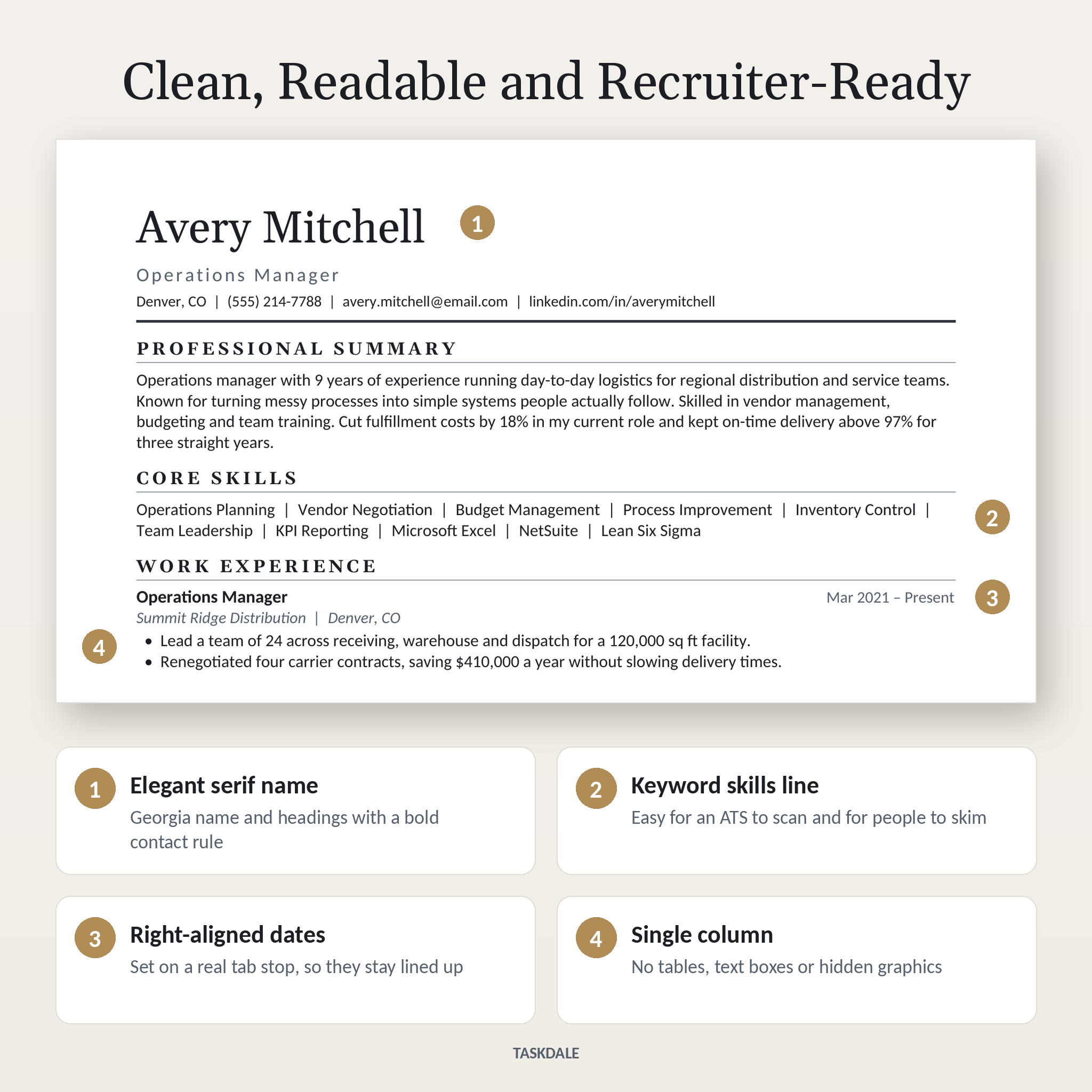
Plenty of pretty resume templates fall apart in hiring software. Two columns, icons and text boxes look great in a listing photo, then get read out of order or skipped. Everett keeps the design simple where it counts. One column. Standard section headings. Real text all the way through.
It still looks premium. Your name sits in an elegant Georgia serif with a bold rule under your contact details. Section headings are set in spaced capitals. Dates line up on the right edge on a real tab stop, so they don’t drift when you edit.
Who It’s For
- Job seekers applying through online portals, LinkedIn and company career pages
- Recent graduates and students writing a first professional resume
- Experienced professionals who need two pages for a longer track record
- Career changers who want a neutral layout that works for any industry
- Anyone who wants matching documents without paying a resume writer
Main Benefits
Easy to edit, even for beginners
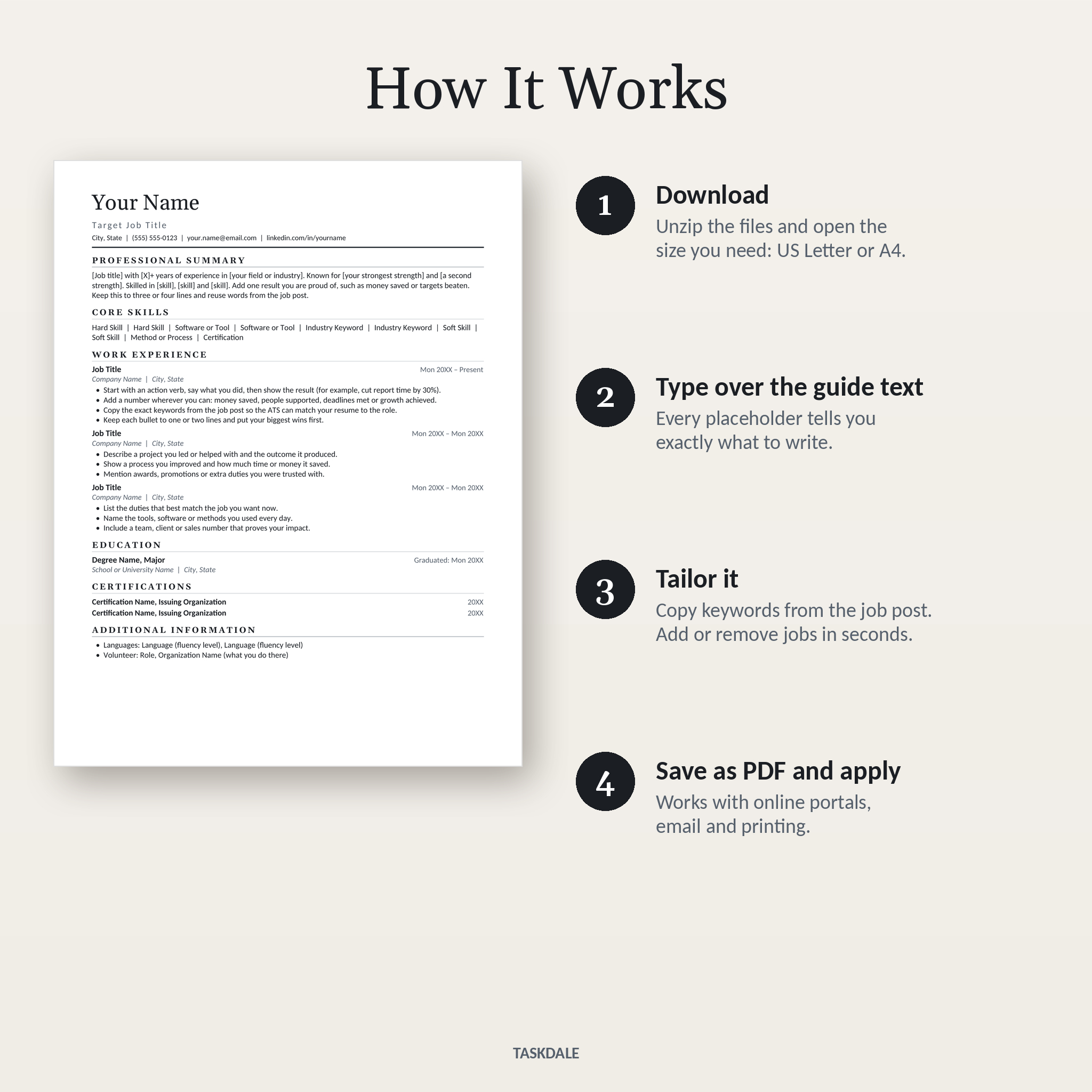
Every placeholder tells you what to write. Instead of “Lorem ipsum,” you’ll see prompts like “Start with an action verb, say what you did, then show the result.” Type over it and the formatting stays exactly as designed.
Built on real Word styles
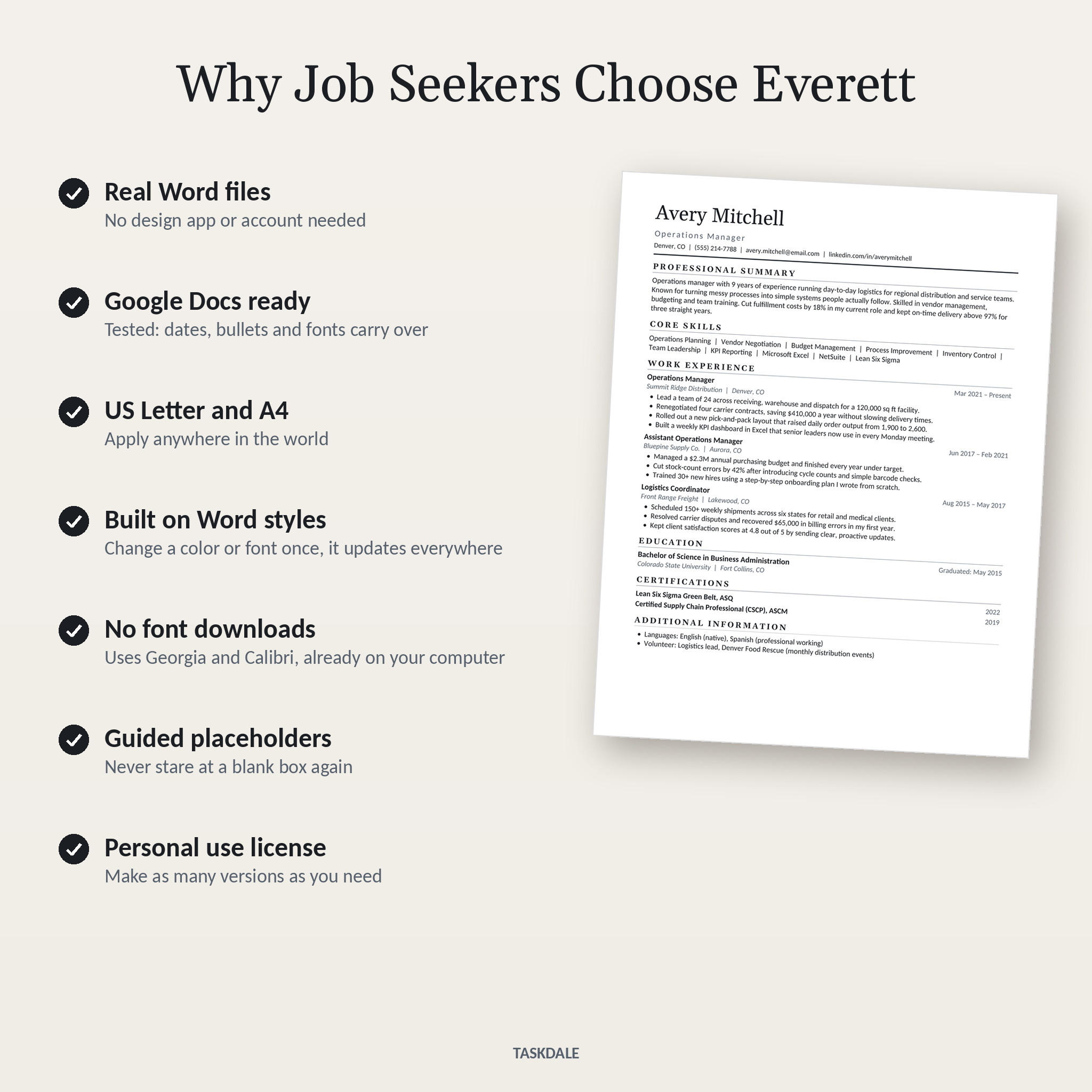
Your name, section headings, job titles and body text each use a named style. Change the heading color or font once and the whole document updates. No hunting through every line.
No fonts to download
The templates use Georgia and Calibri, which come with Microsoft Office and are built into Google Docs. Nothing to install, and no surprise font swaps when you open the file on another computer.
Tested in Google Docs
We opened the files in Google Docs to check them. Fonts, bullets and right-aligned dates carry over. The only difference is that Google Docs doesn’t support letter spacing, so headings look a touch tighter.
Features
- Single-column, ATS-friendly resume layout with no tables, text boxes or images
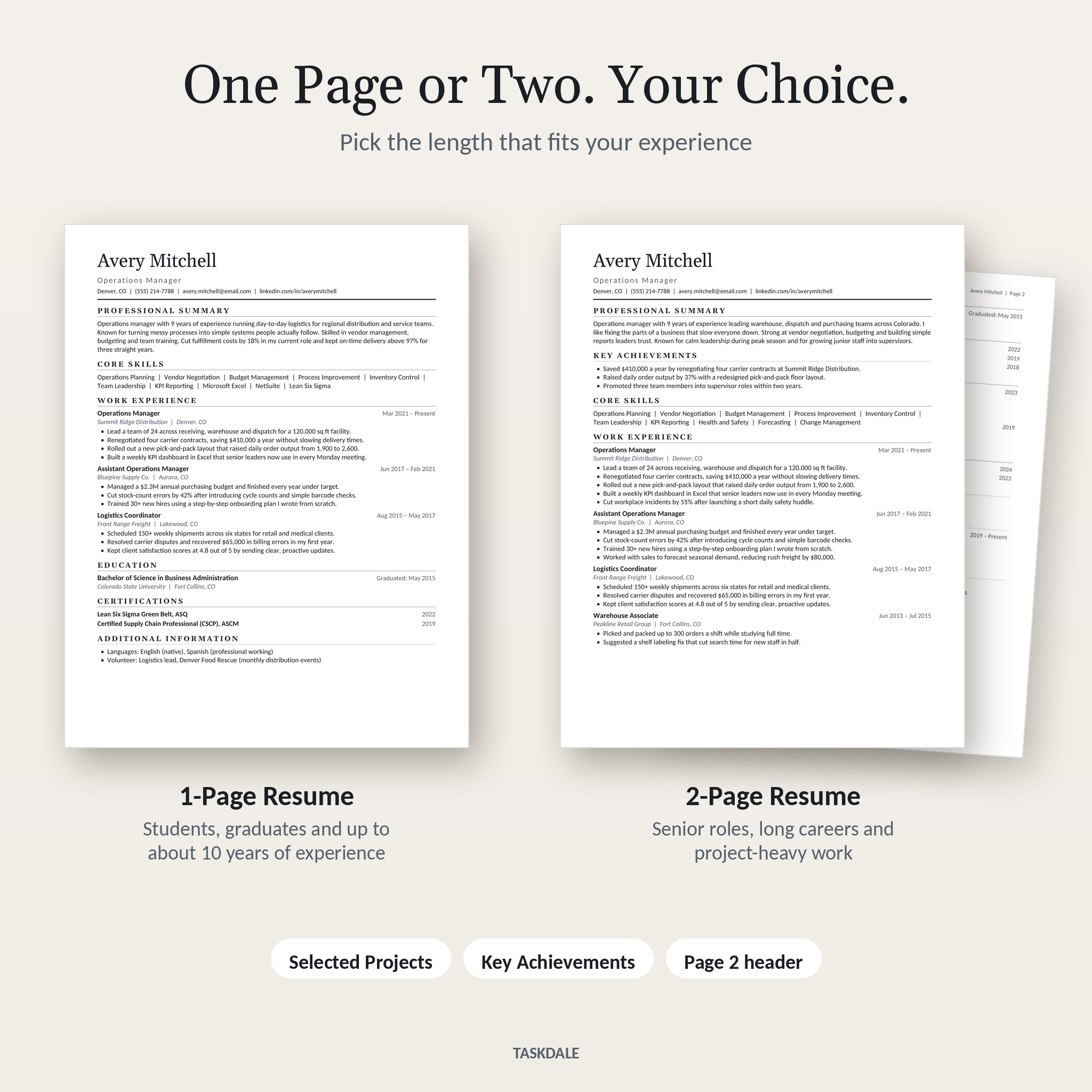
- One-page resume with summary, core skills, experience, education, certifications and extra info
- Two-page resume adding key achievements, selected projects, professional development, technical skills and volunteer work
- Small name and page number header on page 2, so printed copies stay together
- Cover letter and thank you letter with guided paragraph prompts
- References page with space for three referees and how you know them
- Keyword-friendly core skills line that ATS software scans easily
- Right-aligned dates on a proper tab stop
- Headings use Word’s Heading 1 and Heading 2 styles for easy restyling
- US Letter and A4 versions of every document
What’s Included
- 1-Page Resume (US Letter and A4)
- 2-Page Resume (US Letter and A4)
- Cover Letter (US Letter and A4)
- Interview Thank You Letter (US Letter and A4)
- References Page (US Letter and A4)
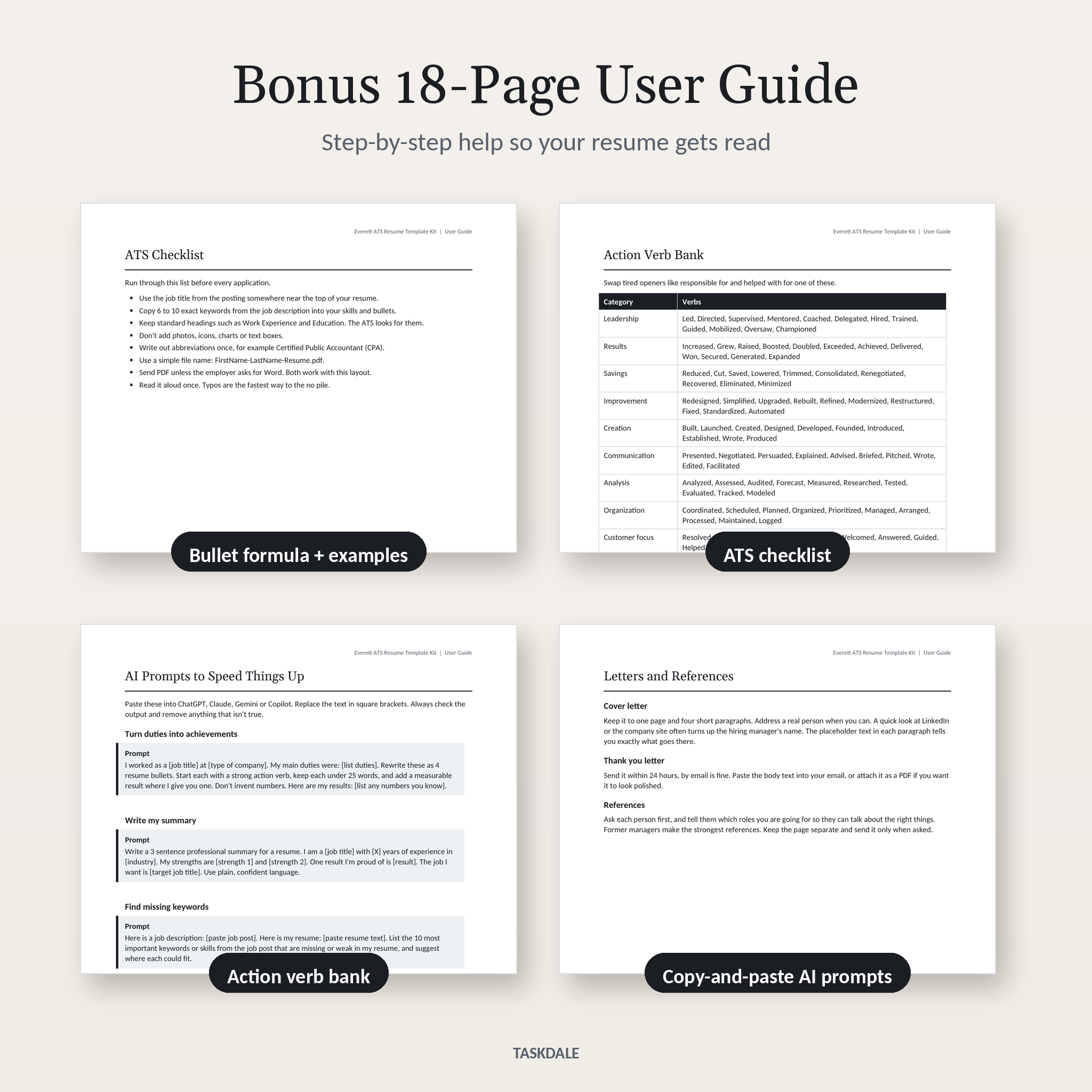
- 18-page User Guide (.docx) with setup steps, a bullet-writing formula, before-and-after examples, an ATS checklist, an action verb bank, five copy-and-paste AI prompts, troubleshooting and FAQs
- License and quick-start note
How It Works
- Buy and download the zip file.
- Unzip it and open the US Letter or A4 folder.
- Open the resume in Word, or upload it to Google Drive and open it with Google Docs.
- Type over the guide text. Copy keywords from the job post into your skills and bullets.
- Save as PDF and apply.
File Formats and Software Requirements
- Format: Microsoft Word .docx files, delivered in one zip download, plus the user guide as a separate .docx
- Works with: Microsoft Word 2016 or newer and Microsoft 365 (Windows and Mac), Google Docs (free) and LibreOffice Writer 7 or newer (free)
- Page sizes: US Letter (8.5 x 11 in) and A4 (210 x 297 mm)
- Not needed: Canva, Photoshop or any paid design app
A computer is the easiest way to edit. Phone apps can handle small changes.
Customizing Your Resume
Add or remove jobs by copying a full job block and pasting it below. Delete any section you don’t need and the spacing adjusts by itself. Want a hint of color? Modify the Heading 1 style to a deep navy or forest green and every heading updates at once. The guide shows each step with simple instructions.
Digital Download Information
This is a digital product. No physical item will be shipped. Your files are available to download right after payment. You’ll receive one zip file with all 10 templates and the user guide, and a separate copy of the guide.
Real Situations Where This Kit Helps
- Applying through a job portal: the single-column layout keeps your work history in the right order when the ATS reads it.
- Going for a promotion: use the two-page version to show projects, achievements and leadership in detail.
- First job after college: the one-page resume and guided prompts help you turn internships and part-time work into strong bullets.
- After an interview: send the matching thank you letter within 24 hours to stay top of mind.
- Applying abroad: switch to the A4 files for employers in the UK, Europe, Africa, Asia or Australia.
Frequently Asked Questions
Is this resume template ATS-friendly?
Yes. It uses one column, standard headings and plain text, with no tables, text boxes or graphics in the resume. That’s the structure applicant tracking systems read most reliably.
Can I edit it in Google Docs?
Yes. Upload the .docx to Google Drive and choose Open with Google Docs. We tested it there.
Do I need Microsoft Word?
No. Free Google Docs or LibreOffice Writer both work.
Does it work on a Mac?
Yes, with Word for Mac, Google Docs or LibreOffice.
Can I change the colors and fonts?
Yes. Modify the Title or Heading 1 style once and the change applies everywhere.
What if my resume runs over one page?
Trim older roles to two bullets, or move your text into the two-page template. The guide explains both.
Can I use the templates more than once?
Yes. Make as many versions of your own resume as you like for different jobs.
Can I use this for clients?
No. The license covers your personal job search only. Sharing or reselling the files isn’t allowed.
License: personal use only. All sample names, companies and figures shown in the images are fictional.
Reviews
There are no reviews yet.