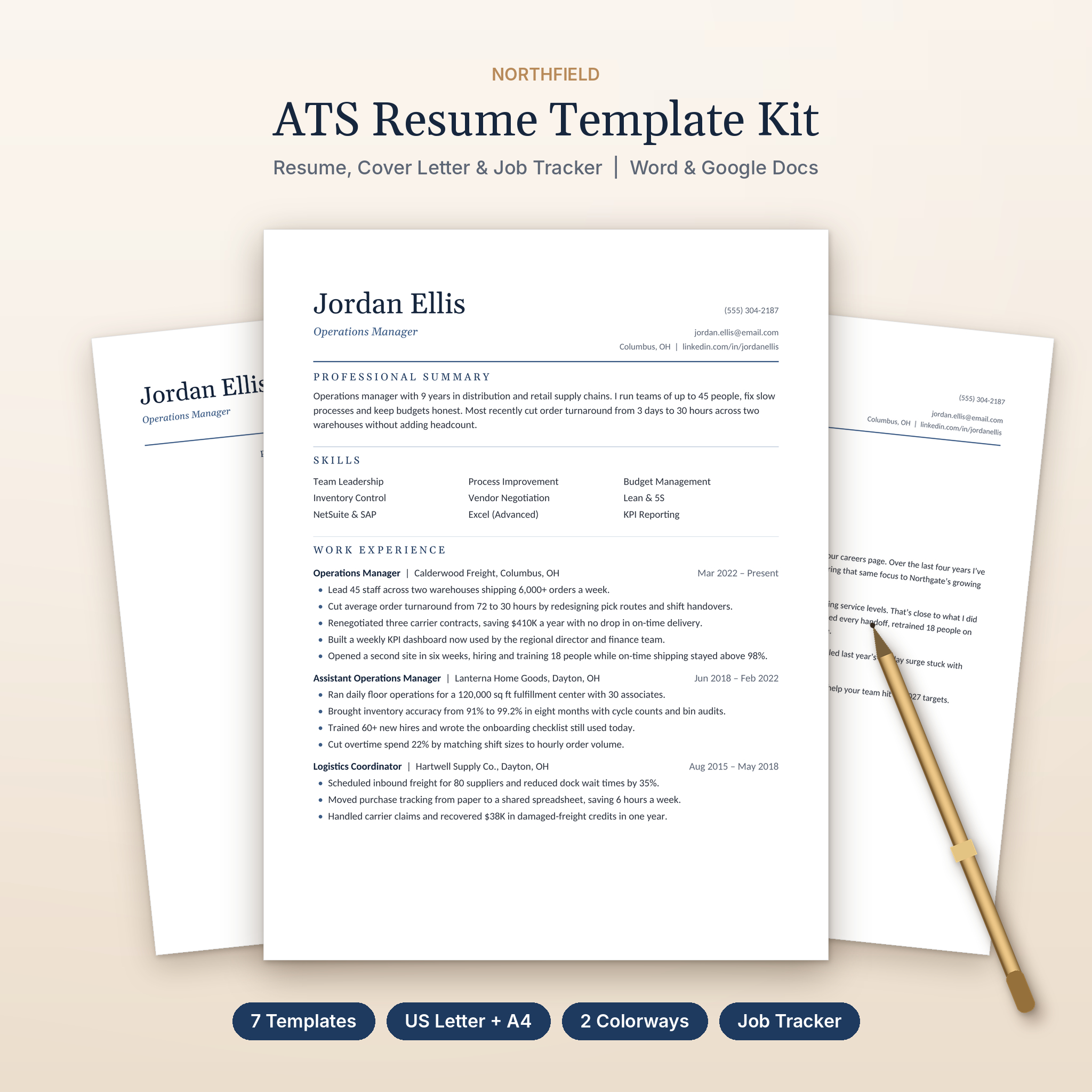
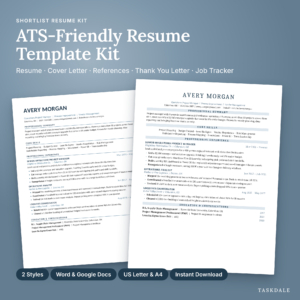
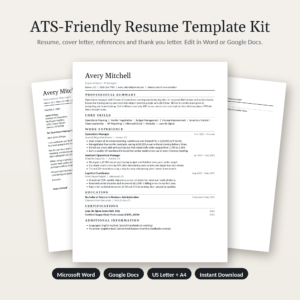
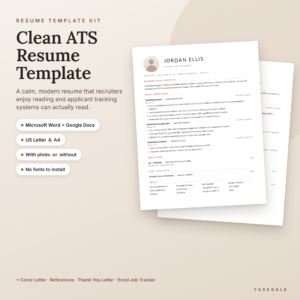
The Northfield ATS resume template kit is a complete set of matching job-search documents for Microsoft Word and Google Docs. You get three resume layouts, a cover letter, a references page, a thank-you letter and a library of extra sections. Every page is built so applicant tracking software can read it without tripping over tables, text boxes or graphics.
It looks polished. To the software, it’s just tidy text in the right order. That’s the whole point.
On top of the templates, you get a job application tracker for Excel and Google Sheets, a 9-page resume writing playbook and a 60-icon pack. So you’re not just getting a nice layout. You’re getting a way to write it well and keep track of every job you apply for.
Why This ATS Friendly Resume Template Works
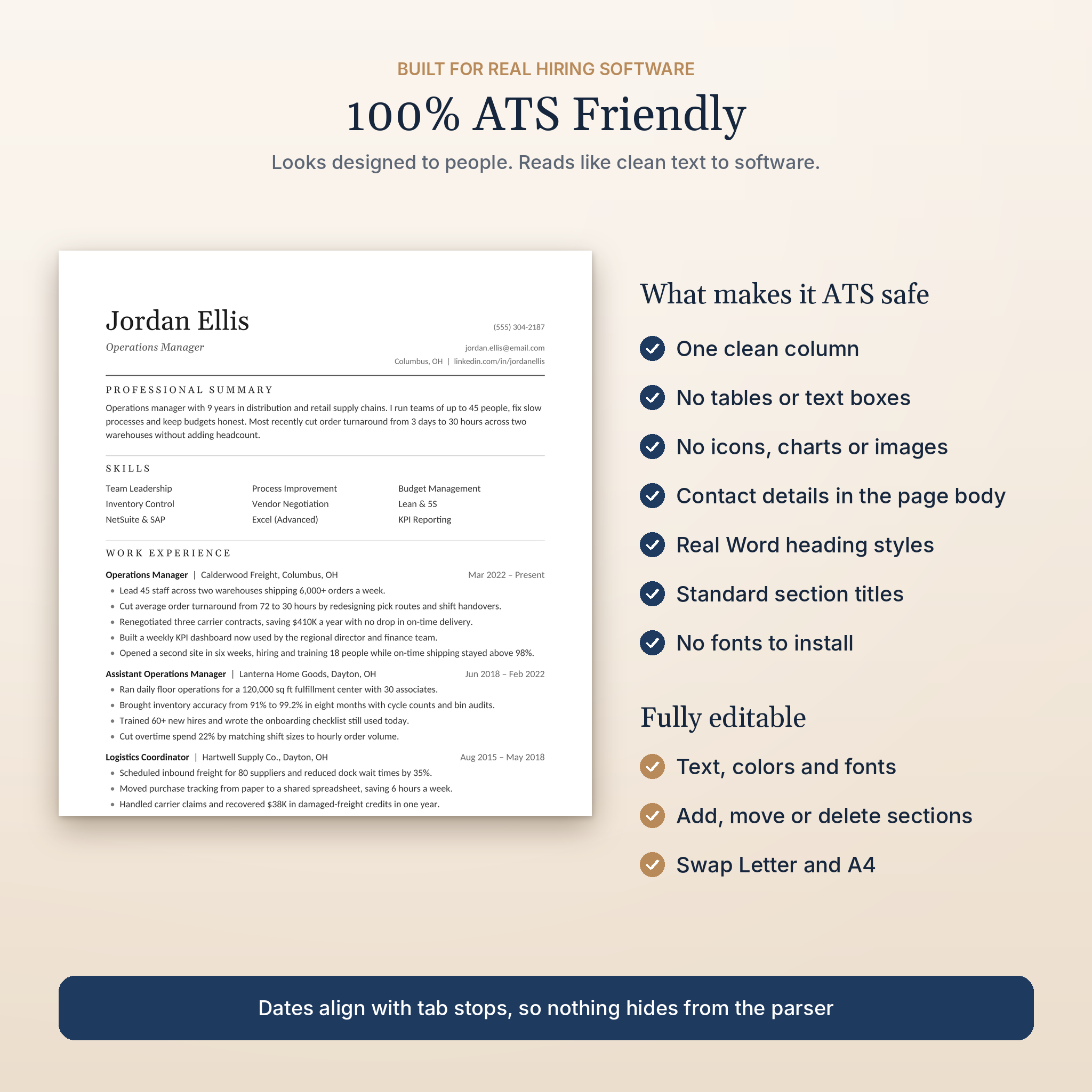
A lot of pretty resume templates use two columns, skill bars and text boxes. People like how they look. Tracking systems often scramble them. Northfield takes a different route:
- One clean column that reads top to bottom
- No tables or text boxes. Dates line up on the right with tab stops instead
- Contact details in the page body, not hidden in the header area
- Real Word heading styles, so you can change every heading color in one step
- Standard section titles like Work Experience and Education
- Georgia and Calibri fonts, already in Word and Google Docs. Nothing to install
What’s Included
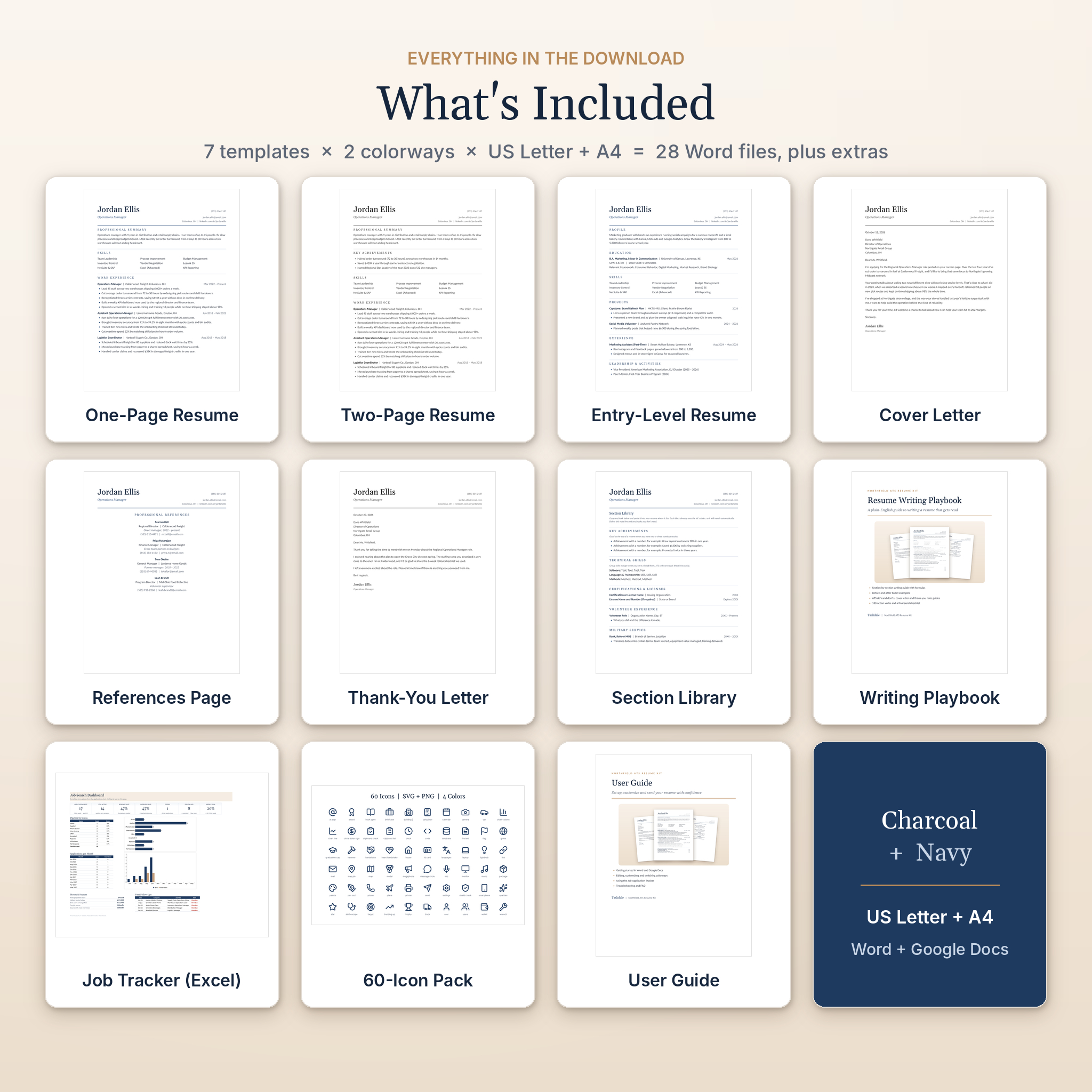
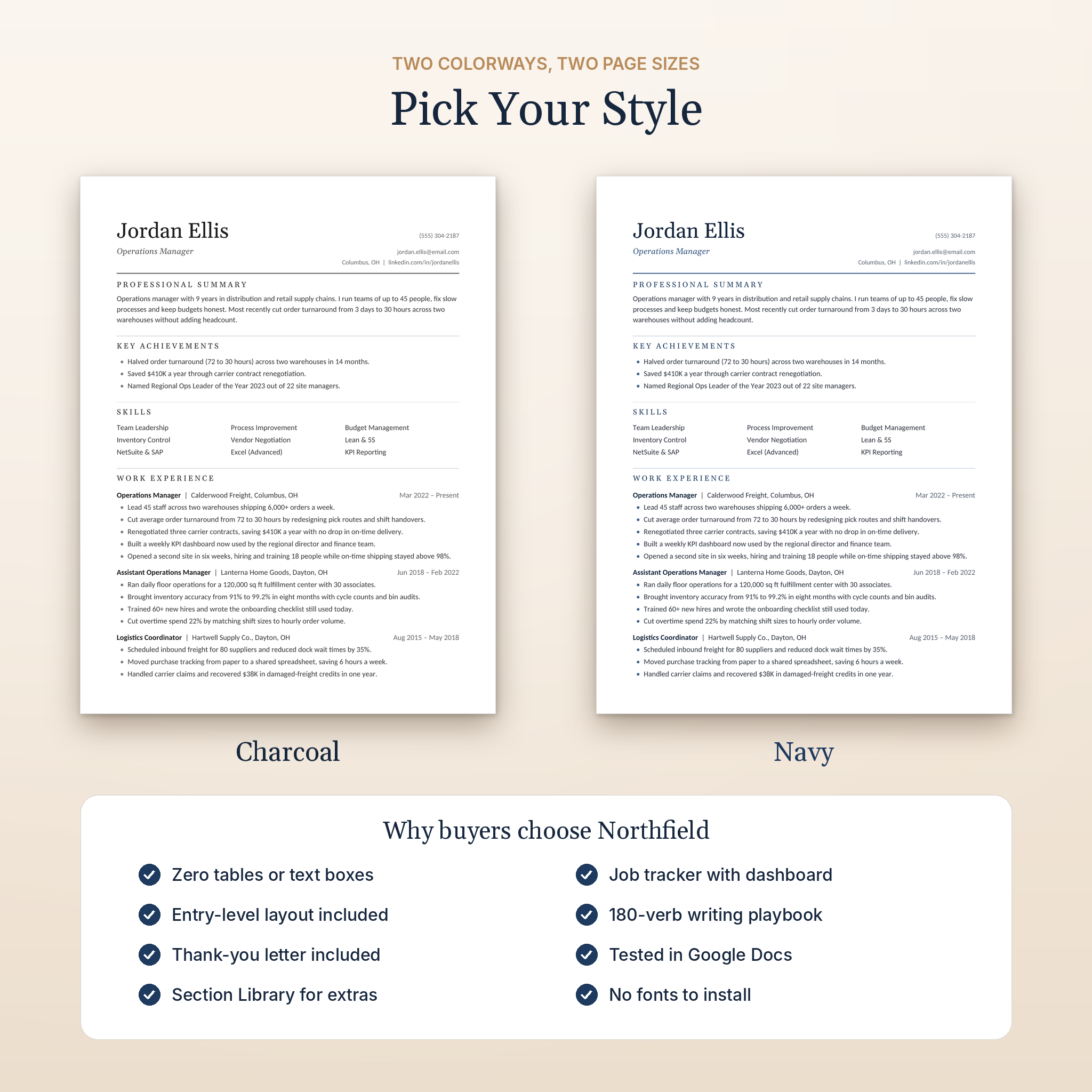
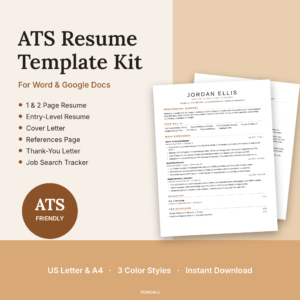
Seven templates, each in two colorways (Charcoal and Navy) and two page sizes (US Letter and A4). That’s 28 editable Word files, plus the extras.
Resume and Letter Templates (.docx)
- One-Page Resume: summary, three-column skills grid, experience, education and certifications
- Two-Page Resume: adds Key Achievements, Certifications, Projects and a page-two header with your name and page number
- Entry-Level Resume: education first, then projects, experience and leadership. Great for students and recent grads
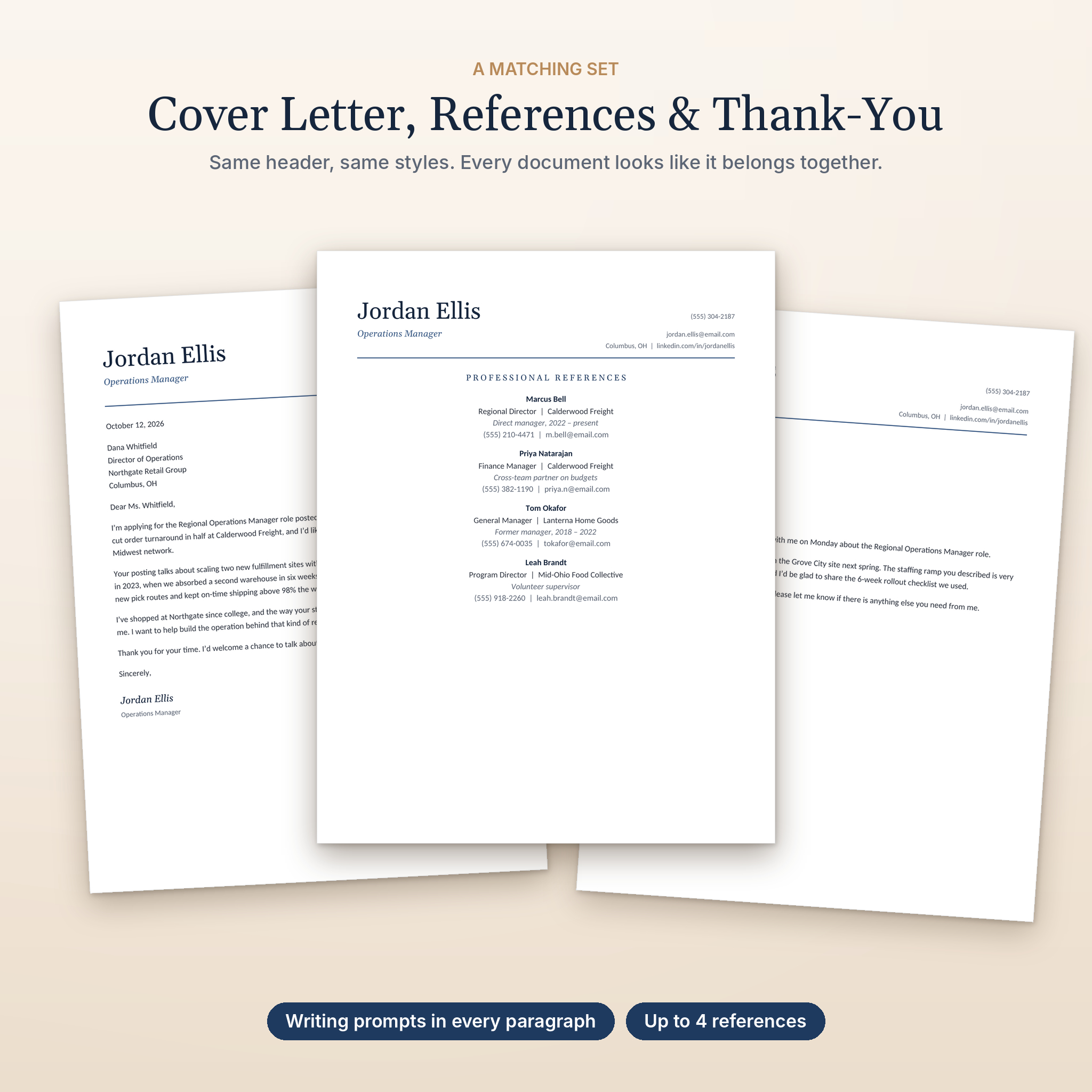
- Cover Letter: matching header and four paragraphs, each with a short prompt telling you what to write
- References Page: room for four references with role, relationship, phone and email
- Thank-You Letter: a short follow-up note for after each interview
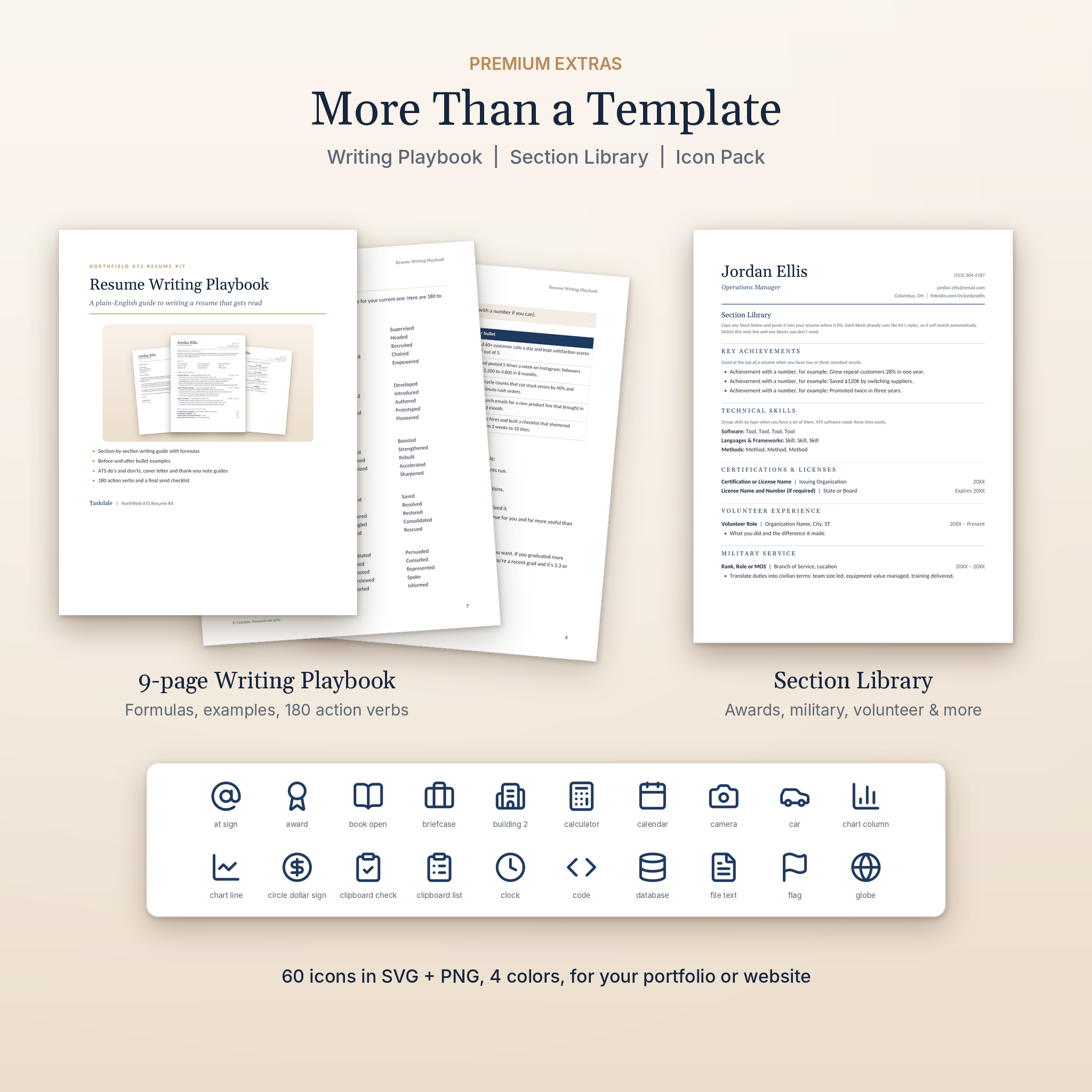
- Section Library: ready-styled blocks to paste in, including Key Achievements, Technical Skills, Licenses, Volunteer Work, Military Service, Awards, Publications, Languages and Memberships
Bonus Files
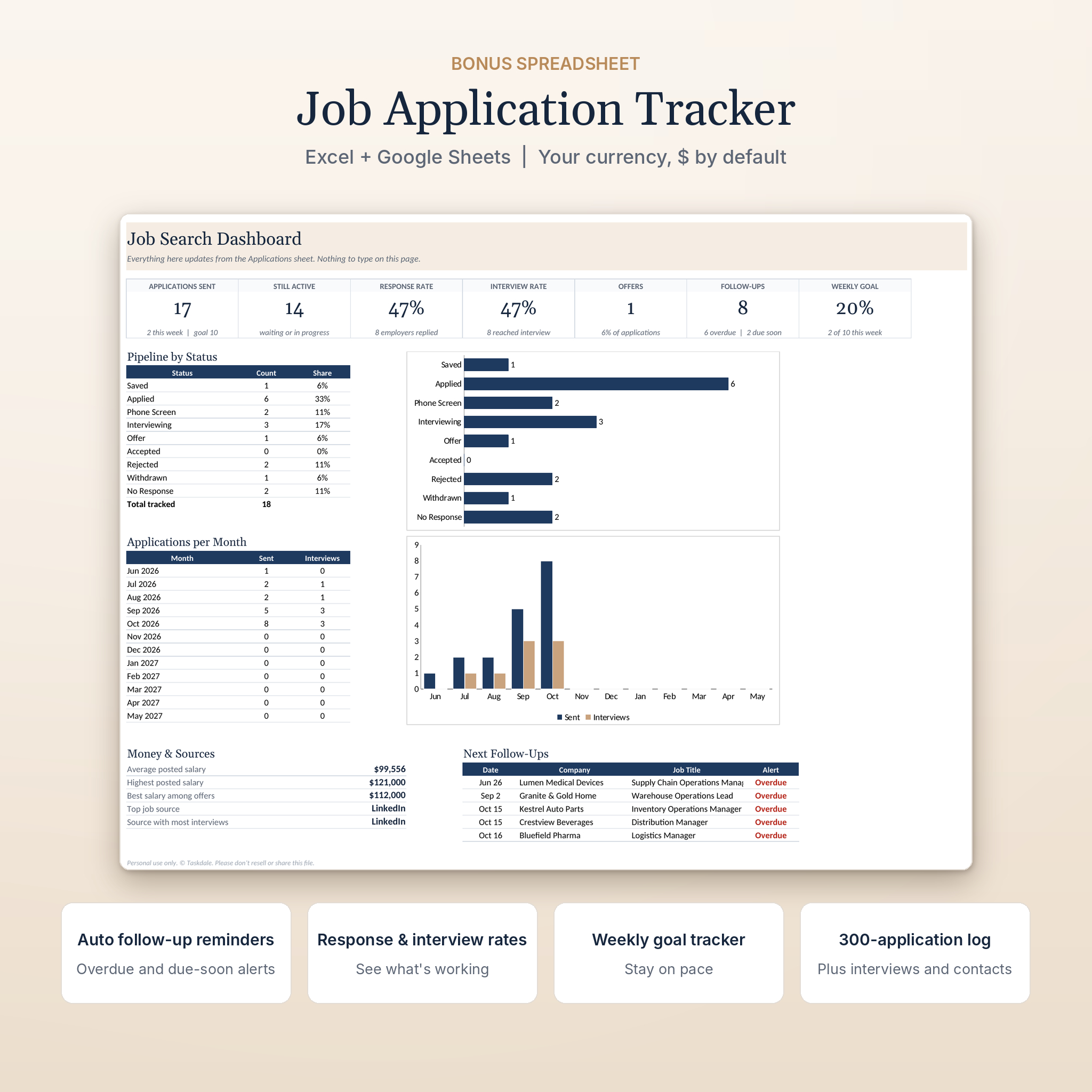
- Job Application Tracker (.xlsx): dashboard, application log, interview log and contacts list
- Resume Writing Playbook (.pdf): 9 pages of writing formulas, before-and-after bullet examples, ATS tips and 180 action verbs
- Icon Pack (.zip): 60 icons in SVG and PNG, in Charcoal, Navy, Gray and White
- User Guide (.docx): step-by-step setup, customizing, troubleshooting and FAQ
The Job Application Tracker
Most people lose track somewhere around application number fifteen. The tracker fixes that. Add one row per job and it does the rest:
- Works out your next follow-up date and flags anything overdue in red
- Shows your response rate, interview rate and offers on a dashboard
- Tracks a weekly application goal so you keep moving
- Charts applications and interviews by month
- Lists your five most urgent follow-ups
- Shows which job sites bring you the most interviews
- Holds 300 applications, 200 interview entries and 150 contacts
Salary figures use one currency setting. It starts as $, and you can switch it to €, £, R, CAD or anything else in one cell.
How It Works
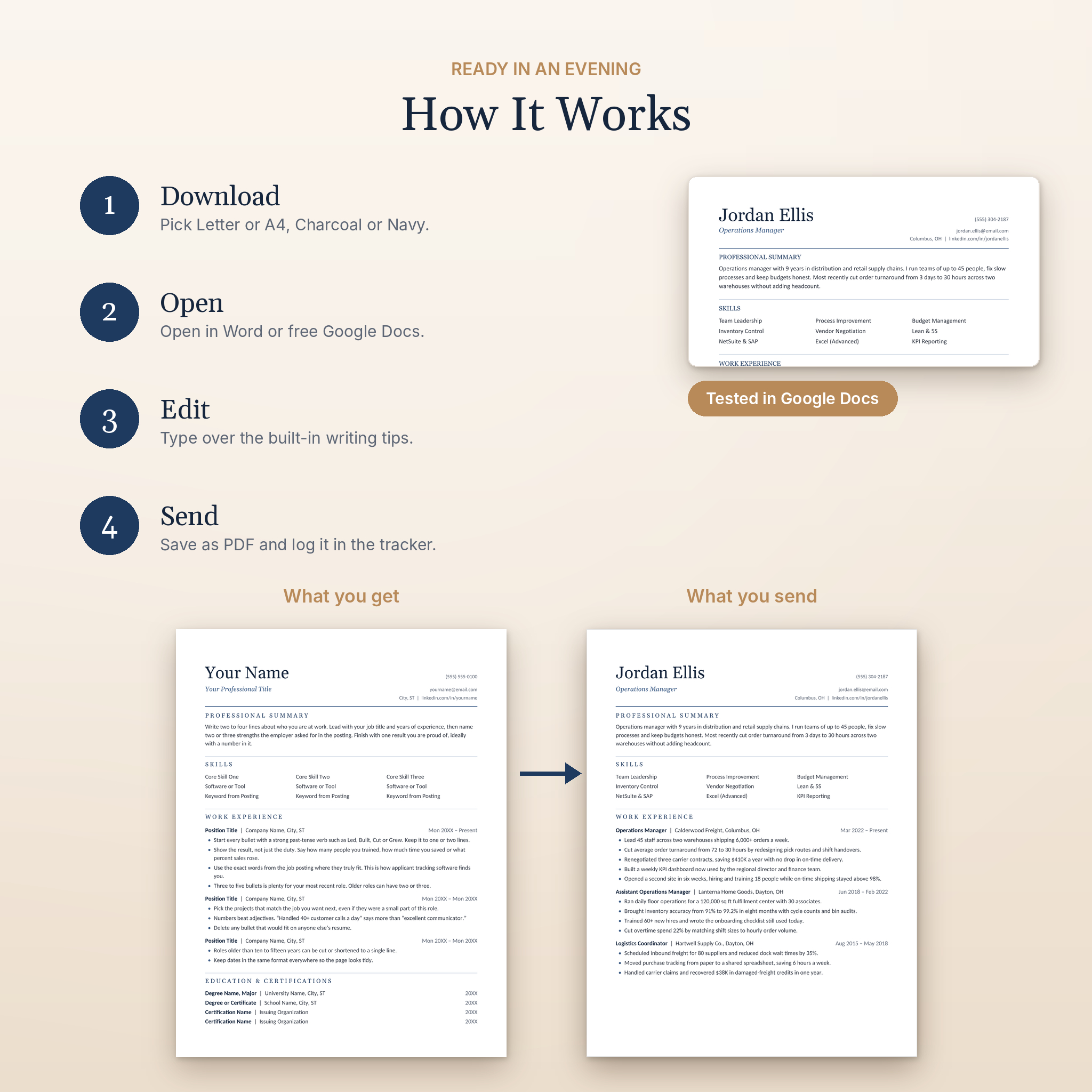
- Download the files right after checkout.
- Pick your page size and colorway.
- Open the template in Microsoft Word, or upload it to Google Drive and open it with Google Docs.
- Type over the placeholder text. Each bullet holds a writing tip, so you know what goes where.
- Save as PDF and send. Then log the application in your tracker.
Who It’s For
- Professionals updating an old resume who want something clean and current
- Experienced candidates who need a proper two-page layout
- Students and recent graduates writing their first real resume
- Career changers who need to show transferable skills
- Anyone sending lots of applications who wants to stay organized
Real Ways People Use It
A warehouse supervisor going for an operations manager role uses the two-page template, leads with Key Achievements and pulls three numbers from old performance reviews. A marketing grad uses the entry-level layout to put a capstone project front and center. A nurse moving to a new state applies to twelve hospitals in two weeks and uses the tracker to follow up on every one of them.
Customizing Your Resume Template
Change text, fonts and colors freely. Because every heading uses a built-in Word style, one change updates the whole page. Add or remove jobs and bullets, move sections around, or paste in blocks from the Section Library. Switch between US Letter and A4 by opening the matching file.
File Formats and Requirements
- Templates: Microsoft Word (.docx), editable in Word 2010 or newer and in free Google Docs
- Tracker: Excel (.xlsx), also works in free Google Sheets
- Playbook: PDF
- Icons: SVG and PNG
- Page sizes: US Letter (8.5 x 11 in) and A4
- Apple Pages can open .docx files, but spacing may shift. On a Mac, Word or Google Docs gives the best result
Instant Digital Download
This is a digital product. Nothing ships. Your files are ready to download as soon as payment goes through. No physical item will be sent.
Frequently Asked Questions
Is this resume template really ATS friendly?
Yes. It’s one column of real text with standard headings and tab stops in place of tables. There are no text boxes, images or icons on the resume pages.
Can I edit it in Google Docs for free?
Yes. Upload the .docx to Google Drive and choose Open with Google Docs. The tracker works the same way in Google Sheets.
Do I need to install any fonts?
No. The templates use Georgia and Calibri, which come with Word and Google Docs.
Is there an A4 version?
Yes. Every template comes in US Letter and A4.
Can I make a two-page resume?
Yes. There’s a dedicated two-page template with a page-two header that shows your name and the page number.
Does it come with a cover letter?
Yes, plus a matching references page and thank-you letter.
I’ve never written a resume. Will this help?
That’s what the placeholder tips and the Writing Playbook are for. They walk you through every section with formulas and examples.
Can I share or resell the templates?
No. The kit is licensed for your own personal job search only.
© Taskdale. Personal use only. Please don’t resell, share or upload these files.
Reviews
There are no reviews yet.