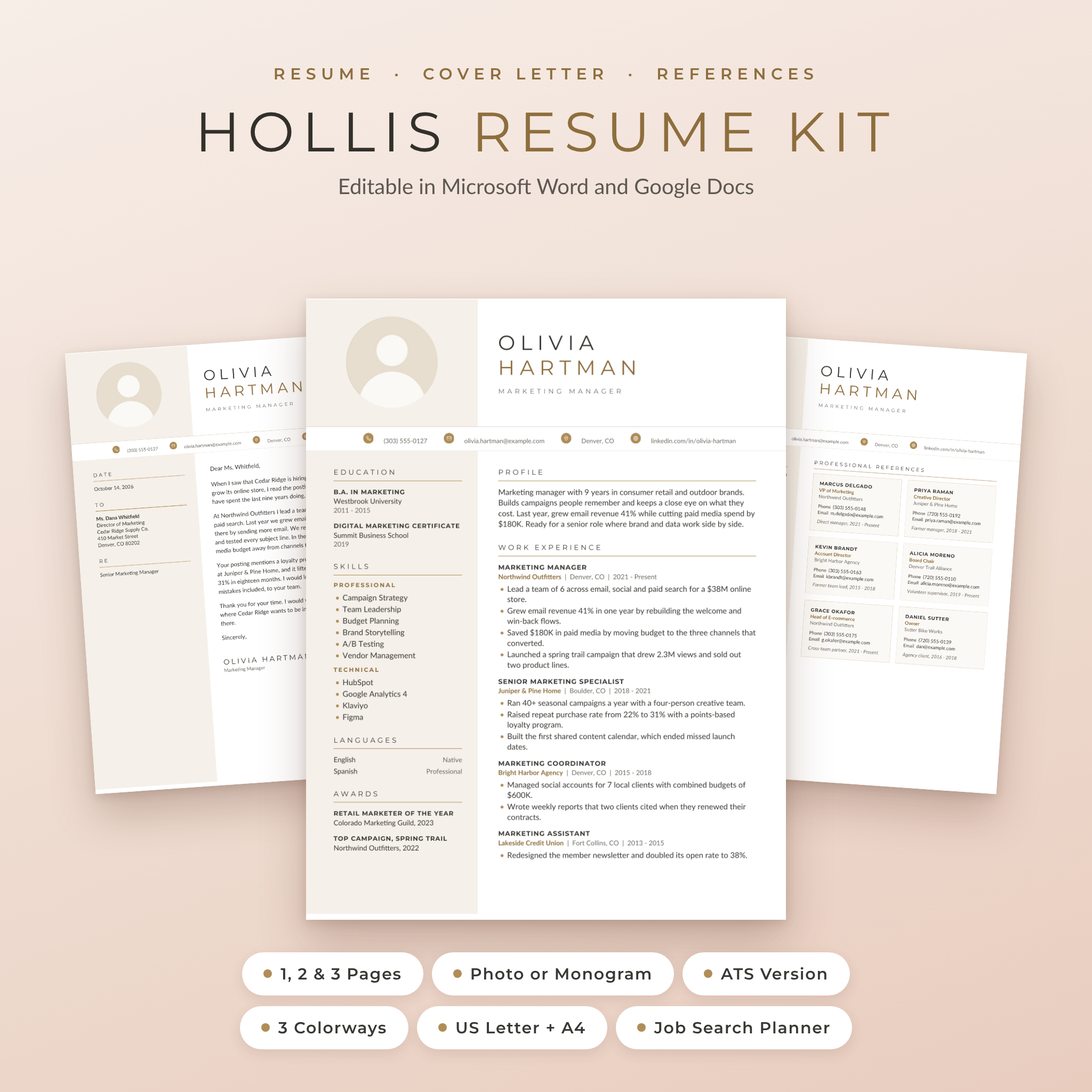

The Hollis Resume Kit is a resume template for Word and Google Docs with a soft champagne look, a round photo and a clean sidebar that keeps everything easy to scan. You get matching resumes, letters and a references page, plus a job search planner that helps you stay on top of every application. Open a file, type over the text, save it as a PDF. That’s it.
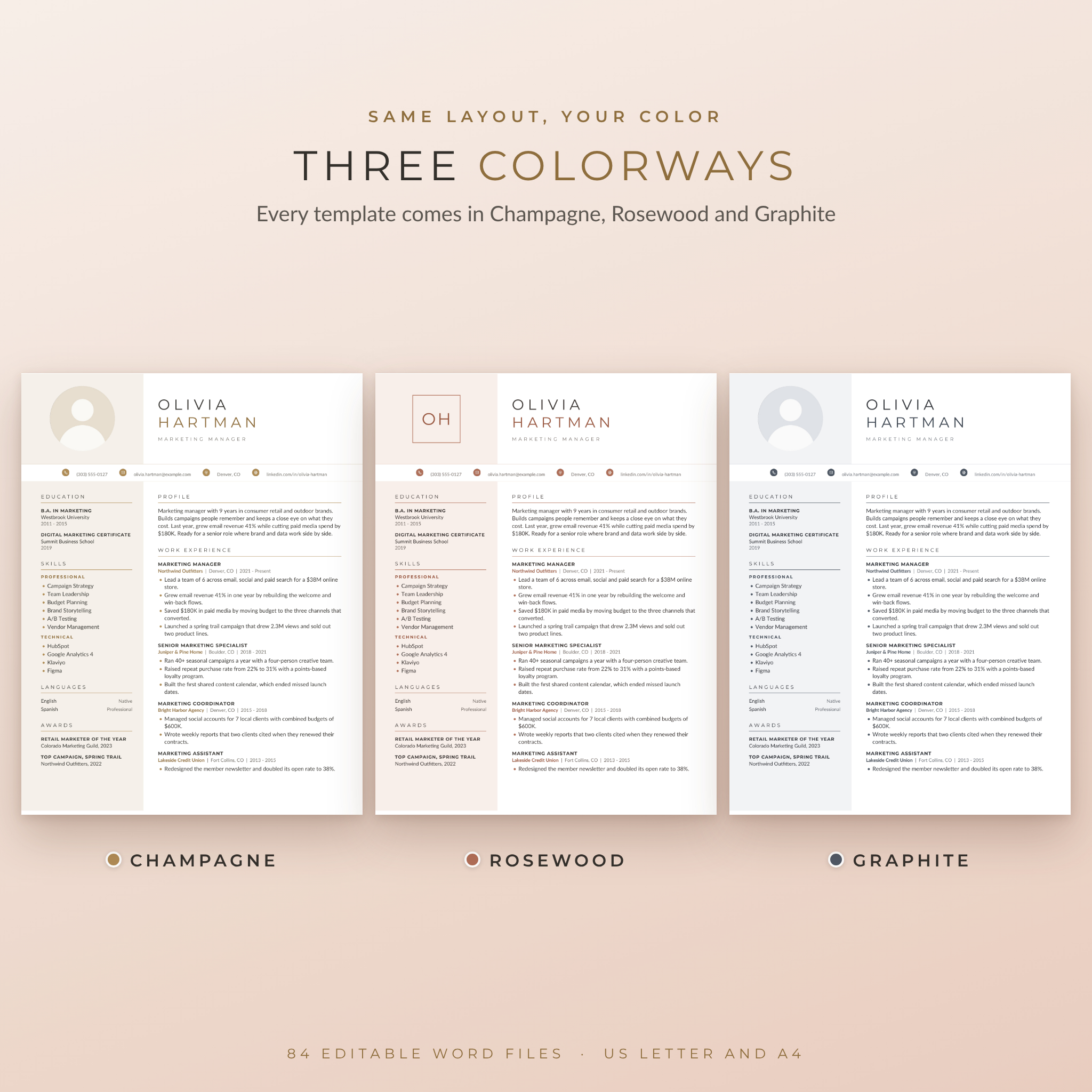
Each template comes in three colorways (Champagne, Rosewood and Graphite) and two paper sizes, US Letter and A4. That’s 84 editable Word files, sorted into folders so you only look at the ones you need.
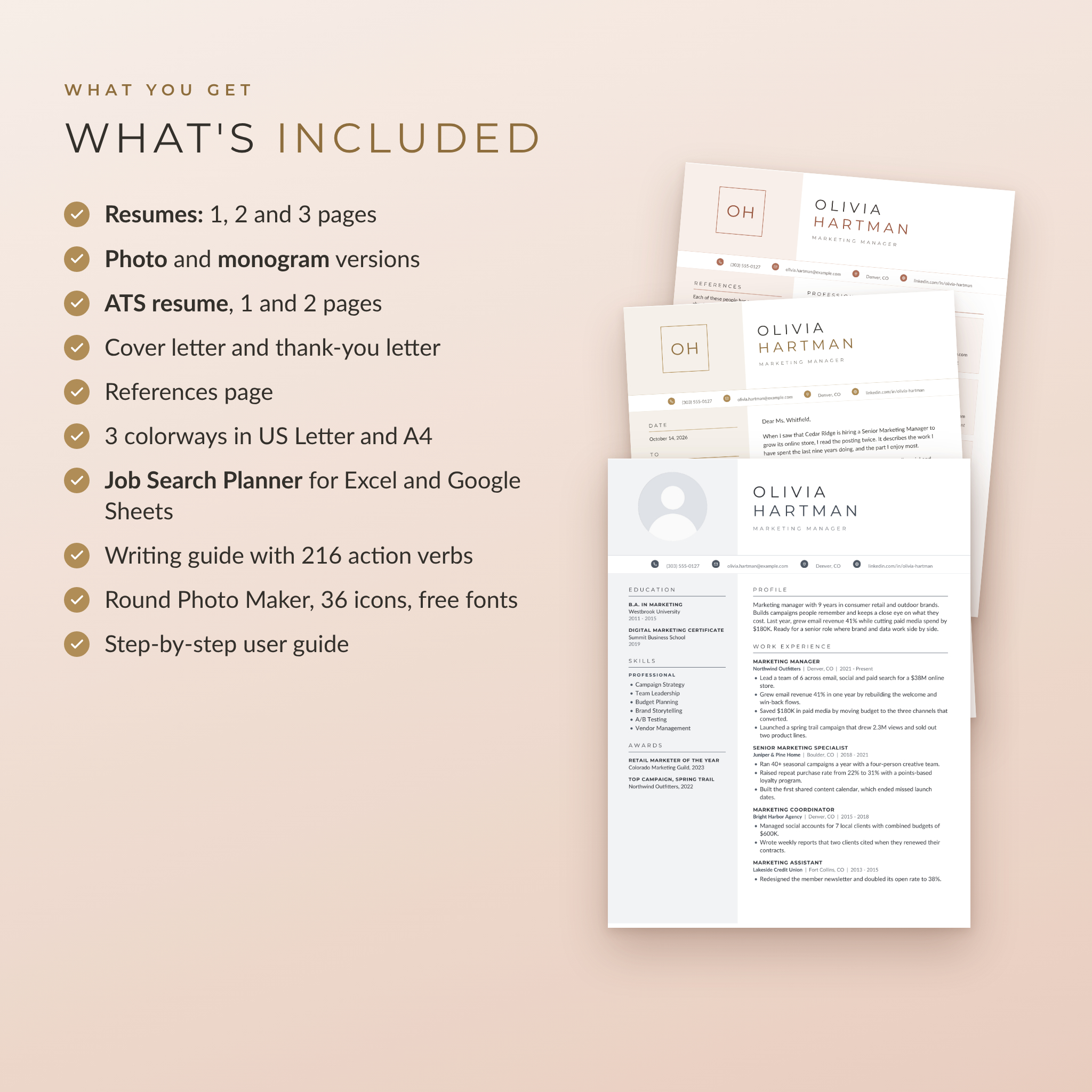
What’s Included in This Resume Template Kit
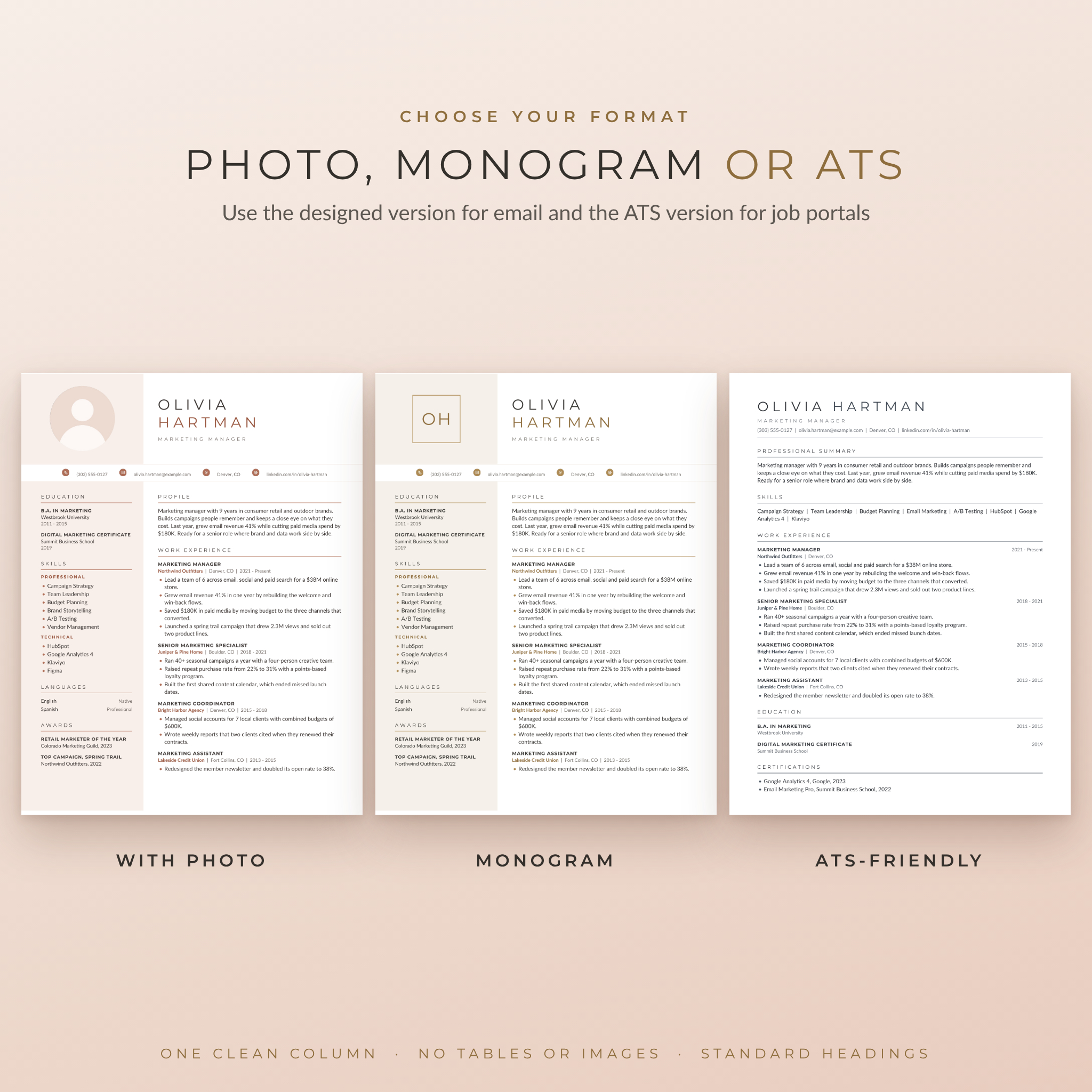
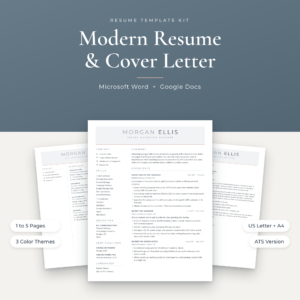
- Resume with photo in 1, 2 and 3 page versions
- Resume with monogram, the same design with your initials in place of a photo (1, 2 and 3 pages)
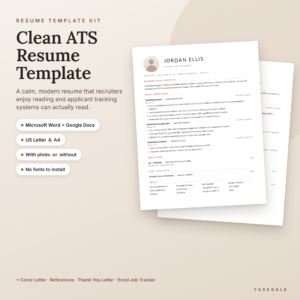
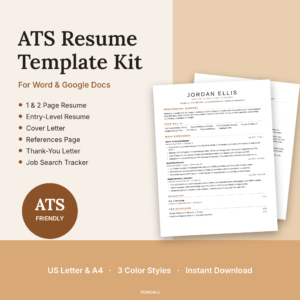
- ATS-friendly resume in 1 and 2 pages: one clean column, no tables, no images
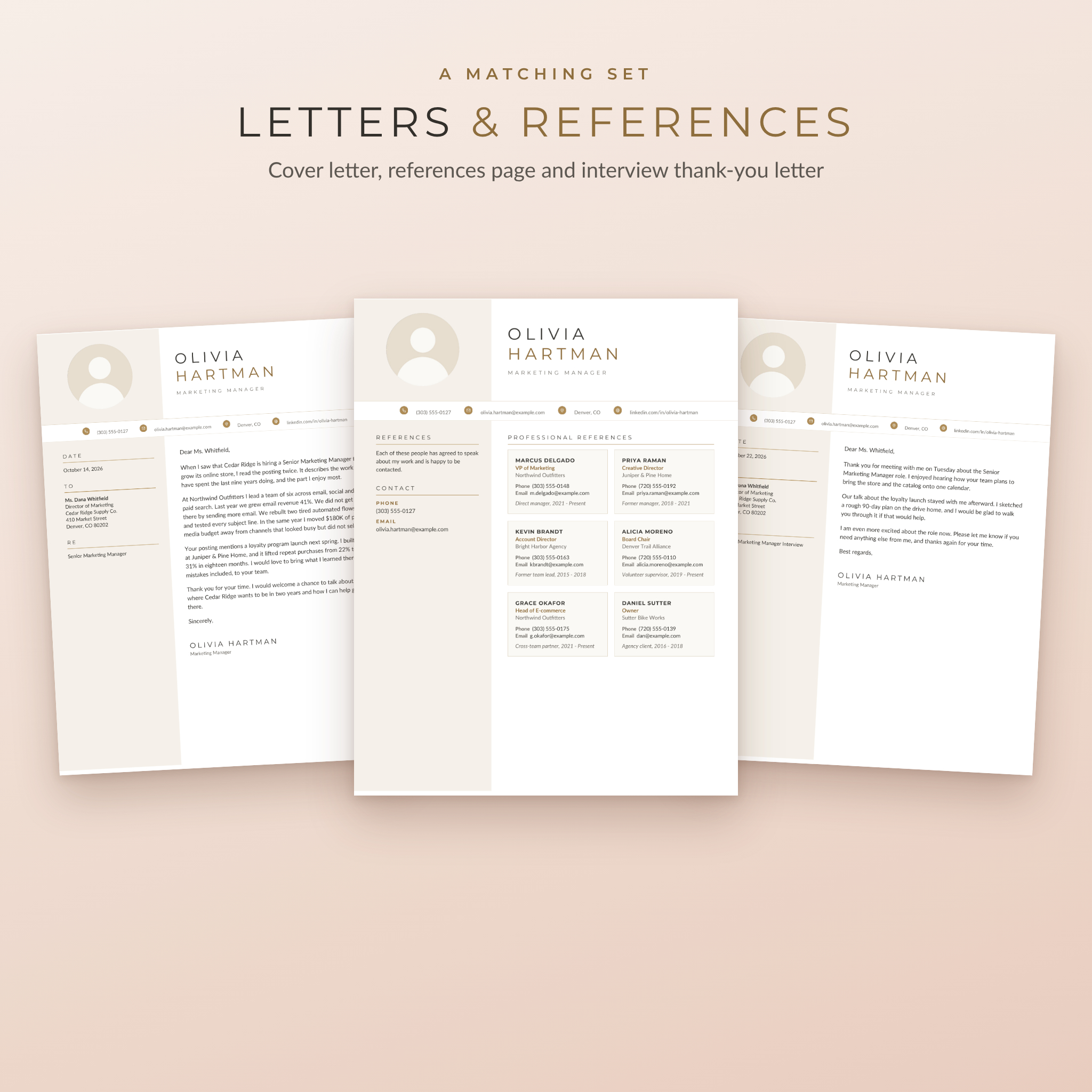
- Cover letter in photo and monogram versions
- References page with six reference cards
- Interview thank-you letter
- Job Search Planner for Excel and Google Sheets
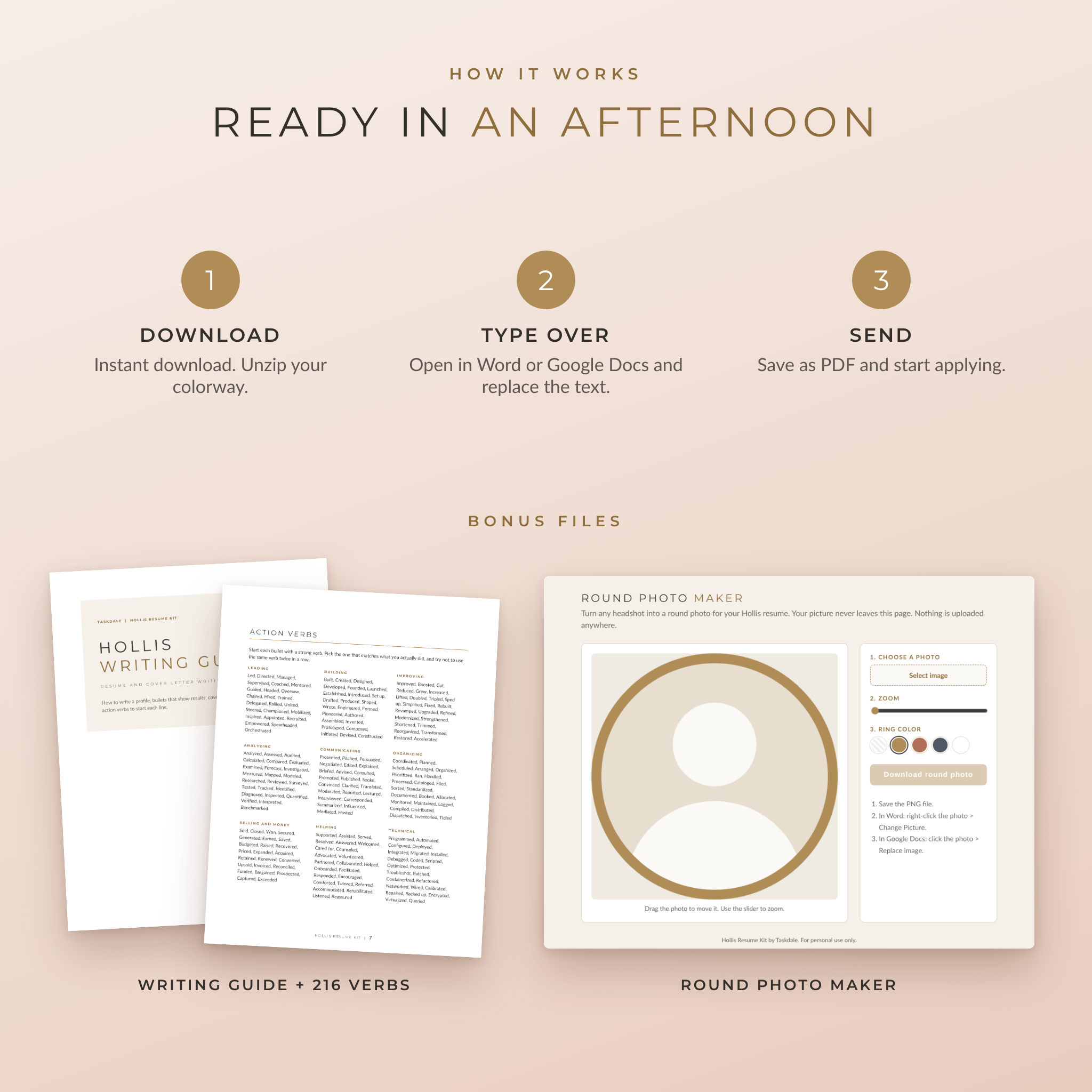
- Resume Writing Guide (Word and PDF) with 216 action verbs
- Round Photo Maker that runs in your browser
- 36 line icons plus round contact icons in all three colorways (PNG and SVG)
- Montserrat and Lato fonts, free for commercial use
- A 13-page user guide with step-by-step help
Why People Pick Hollis
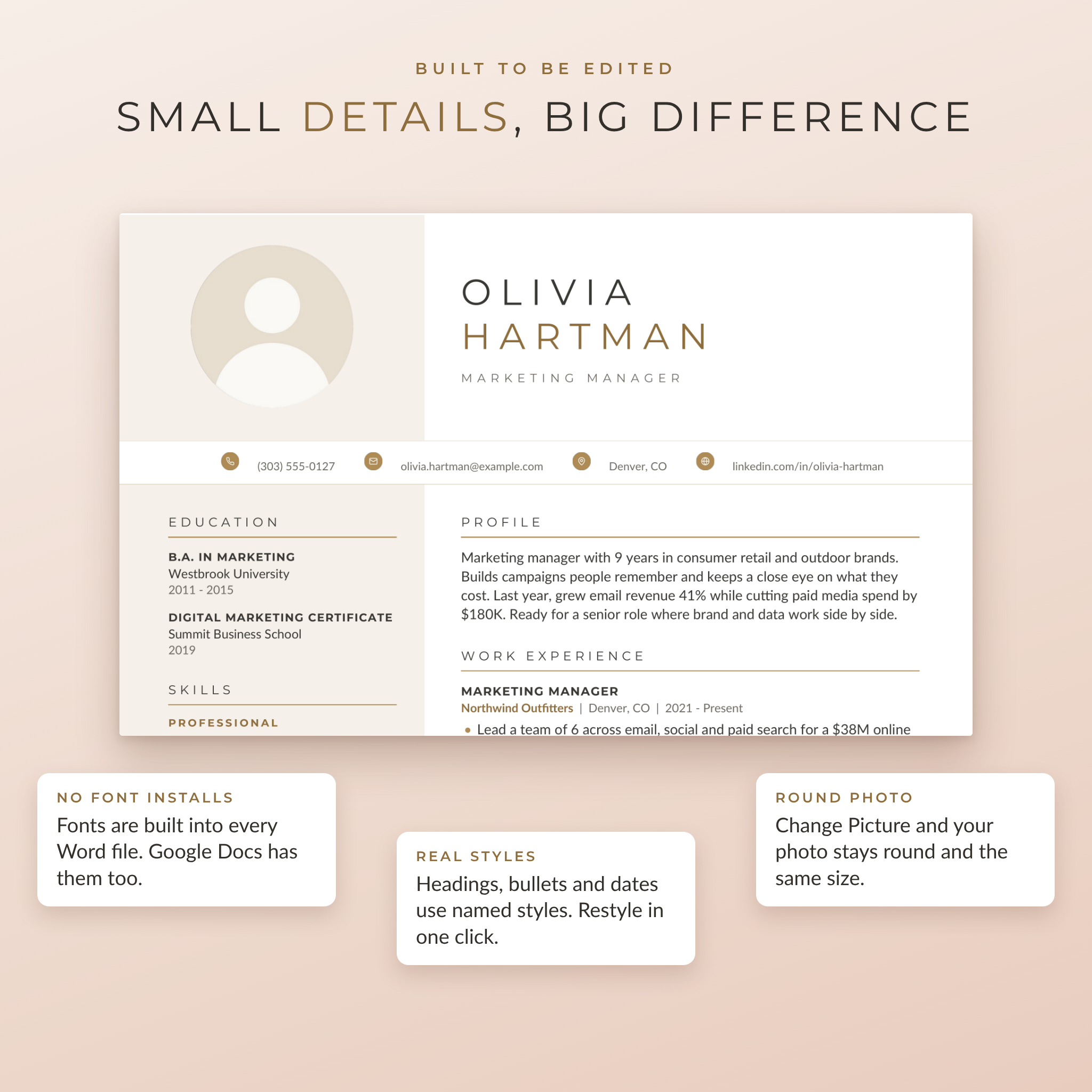
No font installs
A lot of resume templates look broken until you track down and install the right fonts. Hollis’s fonts are built into every Word file, and Google Docs has them already. The layout looks right the moment you open it.
No floating text boxes
Each page sits on a simple invisible table, so nothing jumps around when you add a line. The sidebar color grows with your content. It also means the file opens the same way in Word, Google Docs and LibreOffice.
Real styles, quick changes
Section titles, job titles, dates and bullets all use named styles. Want bigger headings or a different bullet color? Change the style once and the whole document follows.
A version for every application
Use the photo or monogram resume when you email a hiring manager or hand it over at an interview. Use the ATS version when you apply through an online portal. Same content, same colors, two formats.
The Job Search Planner
This spreadsheet is the part most templates leave out. It works in Excel 2010 or newer and Google Sheets, and every money value reads from one currency setting, with $ as the default.
- Applications: room for 300 jobs with status dropdowns, follow-up dates and automatic Due soon, Due today and Overdue alerts
- Dashboard: applications sent, active jobs, interviews, offers, response rate, a weekly goal tracker and your next eight follow-ups
- Keyword Match: paste your resume and up to 30 words from a job ad to get a match score and a list of what’s missing
- Interview Prep: a STAR story bank and 16 common questions with a practice tracker
- Offer Compare: salary, bonus, equity, retirement match and health costs for up to three offers, side by side
How It Works
- Buy and download. The kit comes as four zip files: one per colorway and one with the guide, planner and extras.
- Open a template in Microsoft Word, or upload it to Google Drive and open it with Google Docs.
- Click any text and type over it. The placeholder text tells you what to write in each spot.
- Swap in your photo with Change Picture (Word) or Replace image (Google Docs). Prefer no photo? Use the monogram version.
- Save as a PDF and start applying.
File Formats and Software
- Templates: .docx for Microsoft Word 2013 or newer (Windows and Mac), Word for the web, Google Docs and LibreOffice Writer
- Planner: .xlsx for Excel 2010 or newer, Excel for the web and Google Sheets
- Guides: .docx and .pdf
- Round Photo Maker: .html, opens in Chrome, Edge, Safari or Firefox and works offline
- Paper sizes: US Letter (8.5 x 11 in) and A4
Pages for Mac can open .docx files, but layouts may shift there, so Word or Google Docs is the better choice.
Make It Yours
Switch colorways by opening the same template from another folder. Your text can be copied straight across. You can also pick any color you like for the sidebar, headings and bullets, and the guide shows exactly where to click. Add or remove jobs and sections by copying an existing entry. Long name? Drop the font size a couple of points and it fits.
Who It’s For
- Graduates writing a first real resume
- Professionals going for a promotion or a new company
- Career changers who need to show transferable results
- Anyone returning to work after a break
- Job seekers outside the US who need A4 and a photo option
Digital Download
This is a digital product. Nothing will be shipped. Your download links appear right after checkout and are also sent by email. For personal use only. Please don’t resell or share the files. Sample names and details in the previews are made up.
FAQ
Do I need Microsoft Word?
No. Every template opens in Google Docs, which is free. Word and LibreOffice work too.
Is this resume template ATS friendly?
The designed resumes use real text and standard headings, so modern systems read them well. For older portals, use the included ATS resume, which is a single column with no tables or images.
Do I have to install fonts?
No. The fonts are embedded in the Word files and built into Google Docs. They’re included as well in case you want them for other documents or for the planner in desktop Excel.
Can I change the colors?
Yes. Pick one of the three colorways, or set your own color for the sidebar, headings and bullets in a few clicks.
Can I use it without a photo?
Yes. The monogram versions show your initials instead of a photo, which suits most US, Canadian and UK applications.
Which paper size should I use?
US Letter for the US and Canada. A4 for almost everywhere else. Both are included.
Can I edit it on my phone?
Small edits work in the Word or Google Docs app. For the first full edit, a computer is much easier.
Can I make more than one version?
Yes, as many as you need for your own job search.
Reviews
There are no reviews yet.