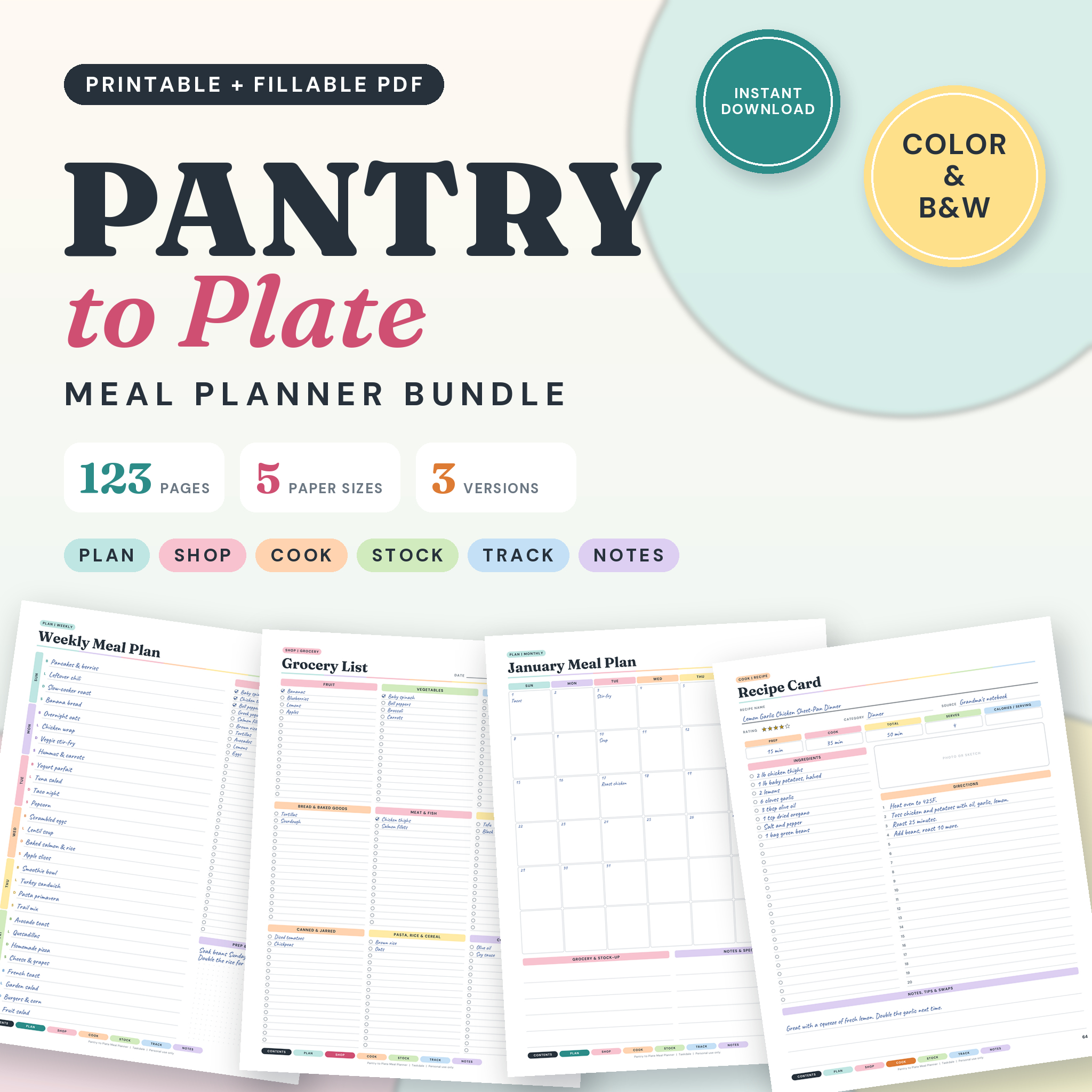
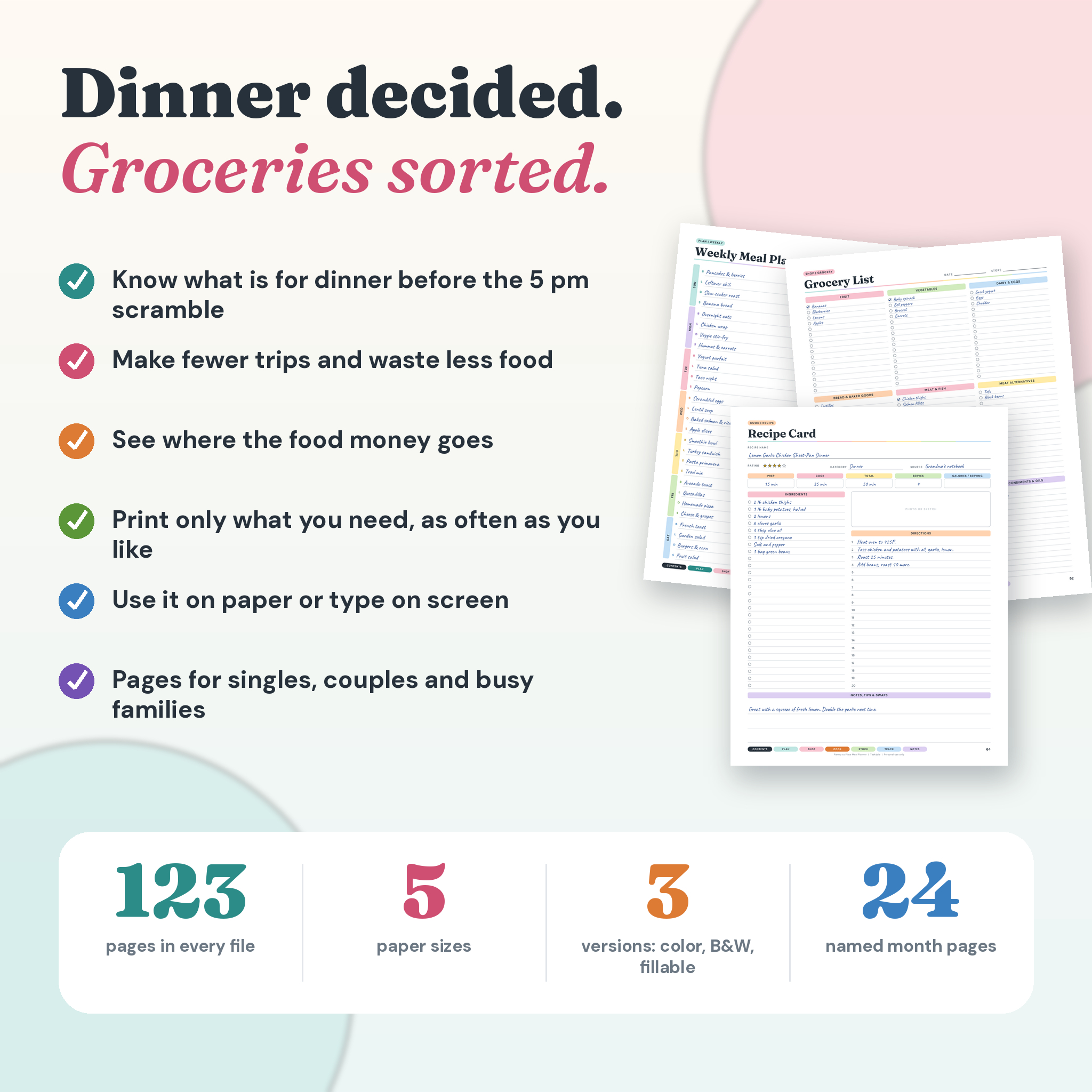
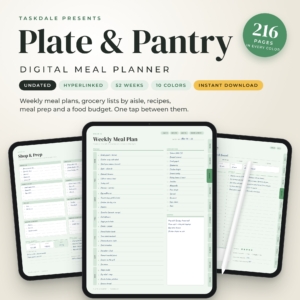
This meal planner printable is built for people who are tired of staring into the fridge at 5 pm. It has 123 pages across six sections: Plan, Shop, Cook, Stock, Track and Notes. You decide the week’s dinners, write the grocery list from the plan, cook from your own recipe pages, and keep an eye on what the food actually costs.
Pick color or black and white. Print it, or type into the fillable version. Either way, the same pages, the same tabs, and the same simple flow from “what’s for dinner?” to “that was cheap and good.”
What you get in this meal planner printable
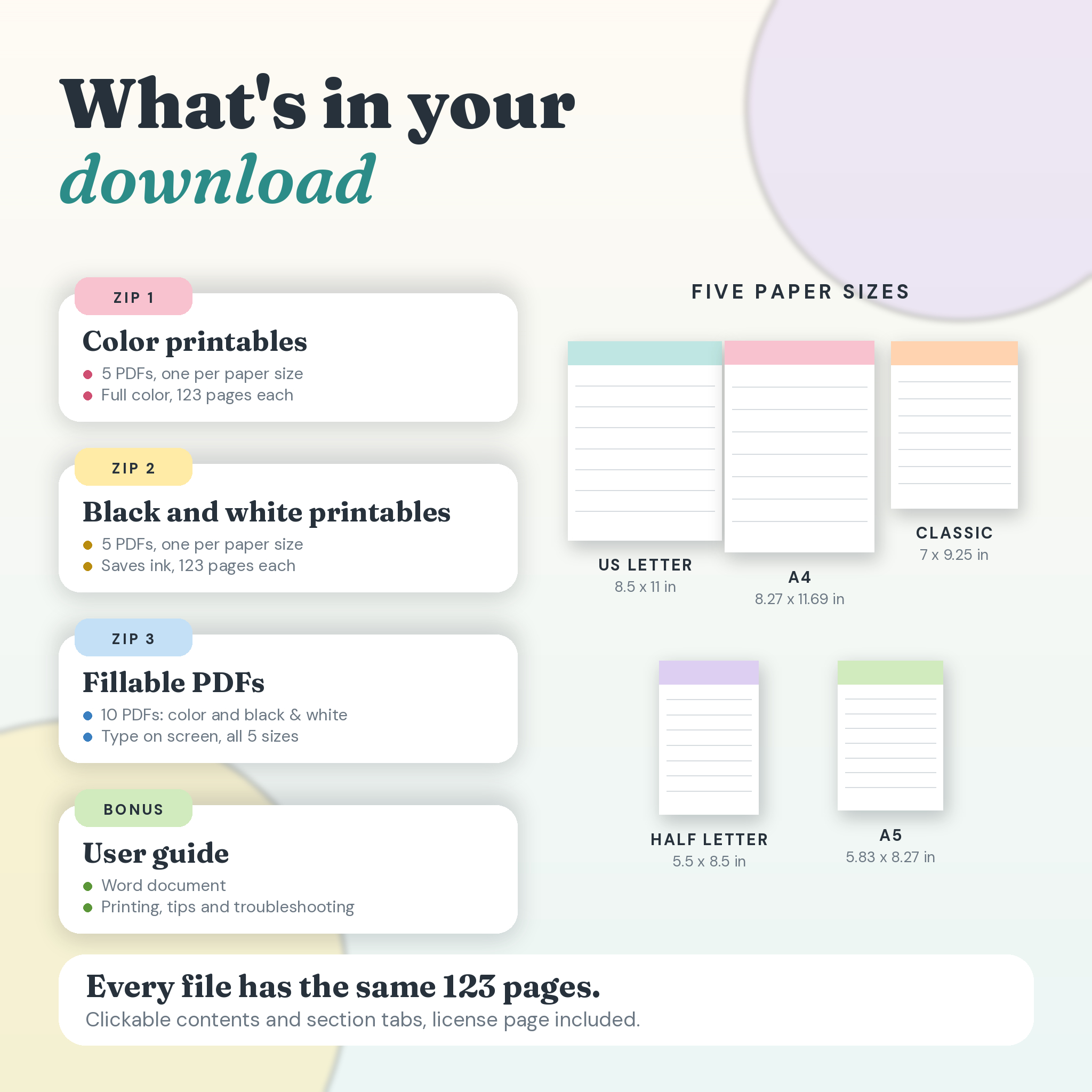
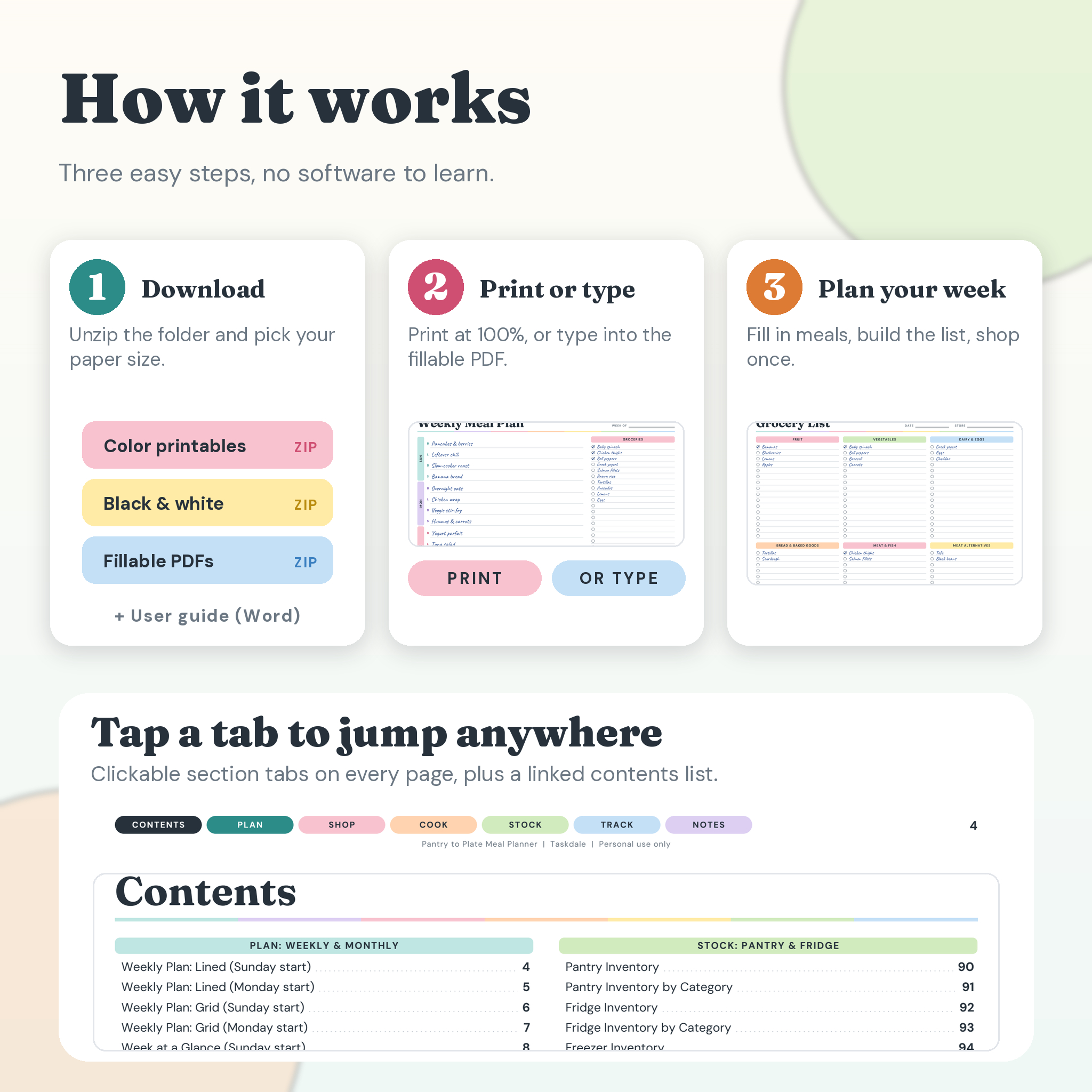
You get four ZIP folders and a short user guide. Every ZIP holds one PDF for each of five paper sizes.
- Color printable: 5 PDFs in a soft, cheerful palette.
- Black and white printable: 5 PDFs that go easy on your ink.
- Fillable color: 5 PDFs with typing fields on the lines, boxes and checkboxes.
- Fillable black and white: the same fields, minus the color.
- User guide (Word document): printing tips, a page-by-page tour, troubleshooting and the license terms.
Paper sizes: US Letter (8.5 x 11 in), A4, A5, Half Letter (5.5 x 8.5 in) and Classic Planner (7 x 9.25 in). That covers a standard binder, a clipboard on the fridge, or a small ring planner you carry to the store.
Everything inside, section by section
Plan (pages 4 to 51)
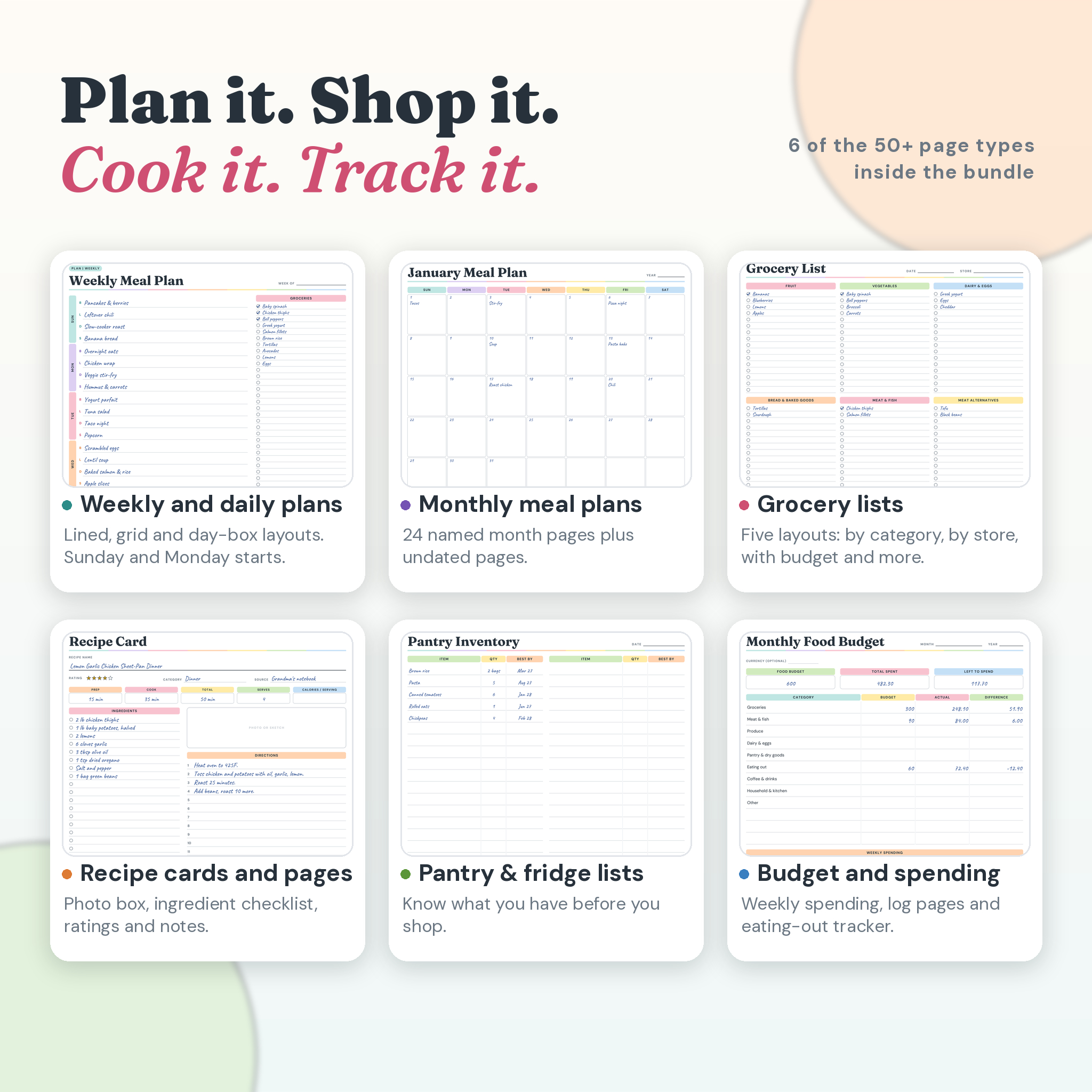
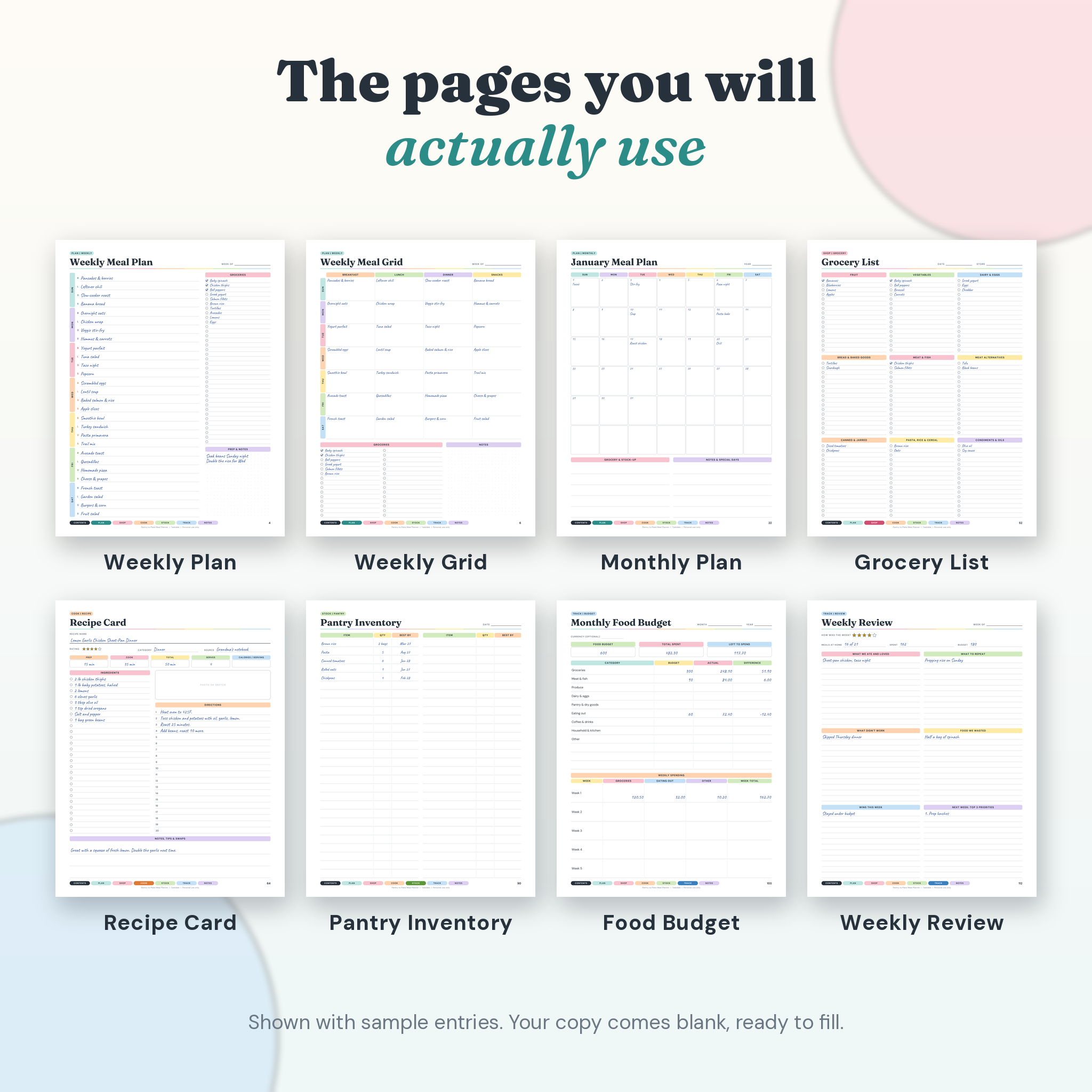
Weekly layouts in list, grid and day-box styles. A two-week plan, a daily plan, and a four-week dinner rotation for families who eat the same ten meals on repeat. There are 24 monthly pages, January to December, in both Sunday and Monday start. Theme nights, event menus, a dinner party plan and a potluck sheet round it out.
Shop (pages 52 to 63)
Five grocery list layouts: by category, simple, with costs, by store and by aisle. Add a price comparison page, a running-low list and a deals and coupons page. Write the list once and shop from it.
Cook (pages 64 to 89)
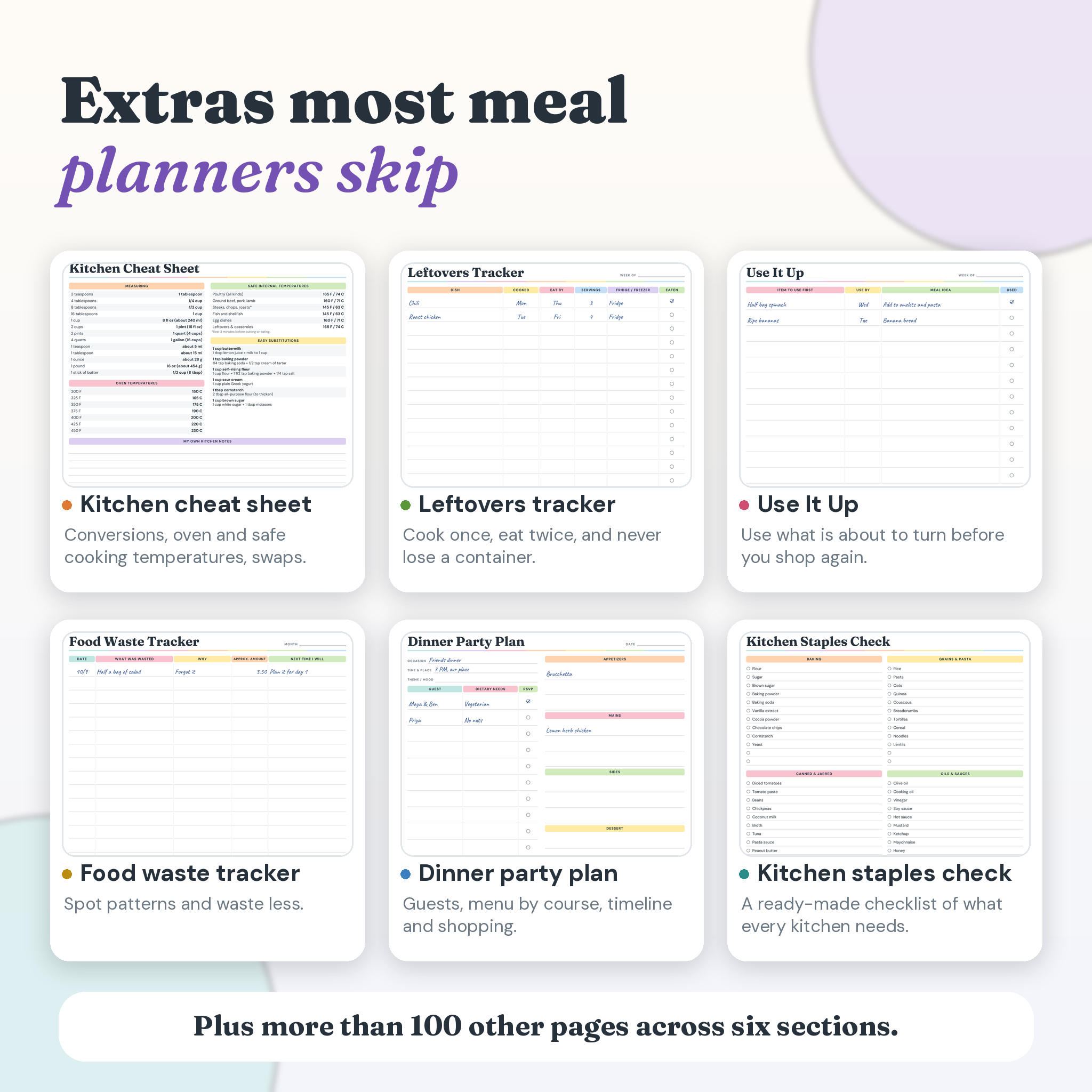
Recipe pages with a photo box, ingredient checklist, star rating and notes. Recipe cards, a recipe index, a wish list, a cook log, a favorites page, meal ideas, batch prep containers and a lunchbox planner. One page holds a kitchen cheat sheet with oven temperatures, USDA safe internal temperatures and common swaps.
Stock (pages 90 to 102)
Pantry, fridge, freezer and spice inventories. A leftovers tracker, a Use It Up page for food about to turn, and a ready-made staples checklist so you stop buying a fourth jar of paprika.
Track (pages 103 to 115)
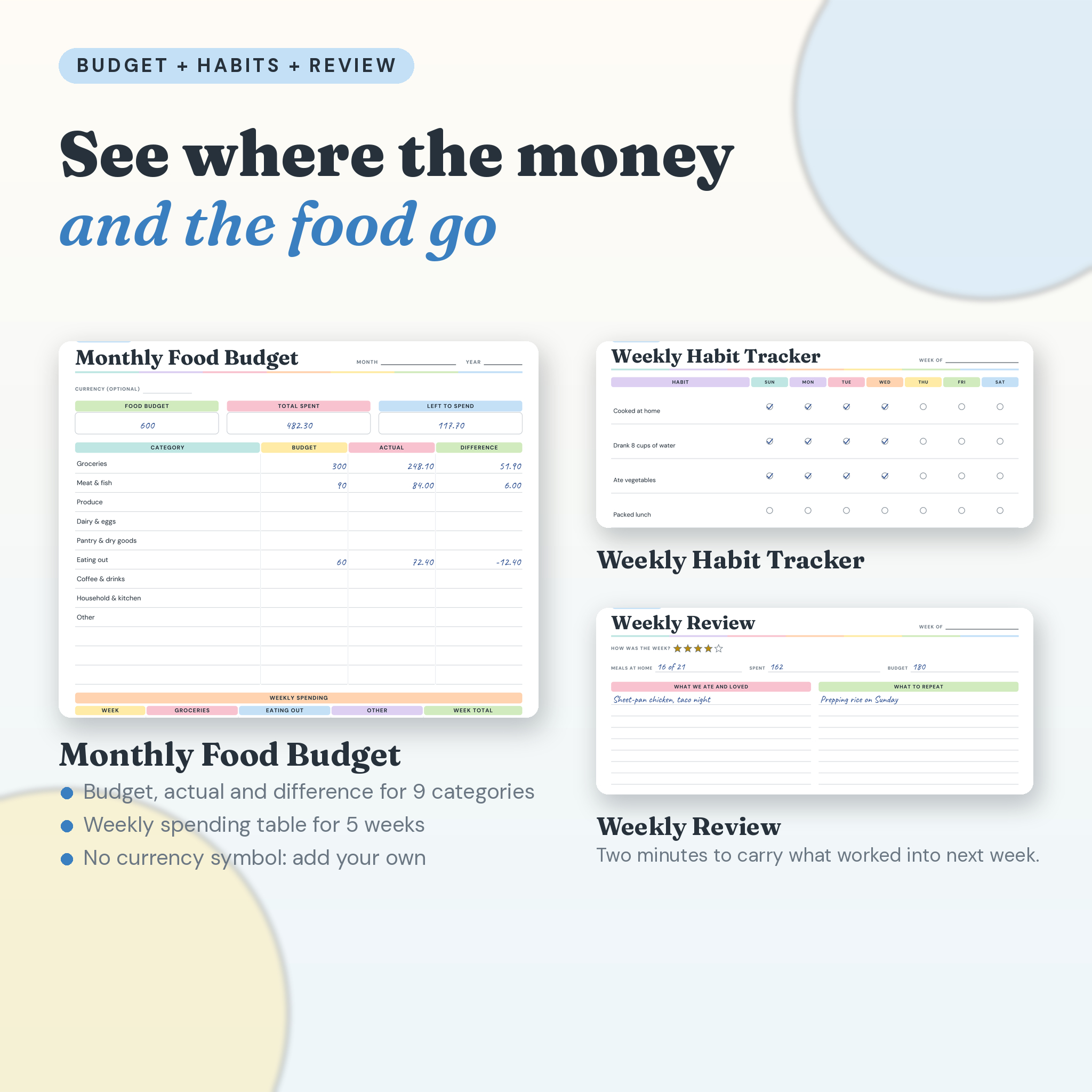
A monthly food budget, a spending log, an eating-out tracker, a food waste tracker, a habits page and a weekly review. Seeing the numbers on paper is often enough to change them.
Notes (pages 116 to 123)
Lined, dotted and grid notes pages, a brainstorm page and the license page.
Print it or type on it
The printable files are made for any home printer. Print at 100 percent (Actual Size) and punch holes, or take the file to a print shop and have it bound.
The fillable files add clickable typing fields. Open one in a PDF reader that supports forms, click a line and type. Your weekly plan can live on screen, and you can still print it later. The tabs at the bottom of each page are links, so one click takes you to Plan, Shop, Cook, Stock, Track or Notes.
Who this planner is for
Busy families who need dinner settled before everyone is hungry. Couples sharing the cooking. Singles who are sick of food going bad. Anyone on a tight grocery budget, anyone batch cooking on Sundays, and anyone who has a recipe habit and nowhere to put it all.
How it works in real life
Start with the weekly plan on page 4. Fill in dinners. Flip to the grocery list and write down only what the plan needs. Check the pantry page before you leave so you do not buy what you already own. At the end of the week, use the review page to note what worked, what got thrown out and what it cost. It takes about ten minutes on a Sunday.
Frequently asked questions
Is this a physical product?
No. It is a digital download. Nothing ships. You get your files right after checkout.
Can I print it more than once?
Yes. Print as many copies as you like for your own household. Reprint the weekly pages every week.
Which version should I pick?
Color if you like the look. Black and white if you print a lot and want to save ink. Fillable if you would rather type than write.
Do the fillable files calculate totals for me?
No. The fields are for typing text and ticking boxes. Budget and cost pages need you to add the numbers yourself.
Will the fillable files work in my app?
They need a PDF reader that supports form fields. I tested them in standard desktop PDF engines, and I have not tested every tablet or phone app. If you only want to print, the printable files work everywhere.
Are the dates fixed?
No. The weekly pages are undated, so you can start any day of the year. The 24 monthly pages are named by month, with both Sunday and Monday starts.
Can I sell or share the files?
Personal use only. Please do not resell, share, upload or give away the files, in full or in part. The full terms are on the last page of the planner and in the user guide.
What if I lose the files?
Log in to your Taskdale account and download them again from your order.
Colors can look slightly different on screen and on paper, depending on your printer and paper.

Reviews
There are no reviews yet.