Using Claude AI for small business work is less about clever prompts and more about boring, repeatable jobs. The reply to the customer whose parcel is late. The product description for item number 47. The SOP you’ve been meaning to write since March.
Those jobs eat an owner’s week. They’re also exactly where an AI assistant earns its keep, because they follow a pattern and you can check the result in seconds.
Below are nine practical uses I’d start with, the way to set Claude up so it stops giving generic answers, and a couple of things it shouldn’t be trusted with.
First, give Claude your business context
The most common complaint about AI writing is that it sounds like nobody in particular. That’s usually because it knows nothing about you. Before you ask for anything, write a short “business snapshot” you can paste in or keep in a Claude Project:
- What you sell and the price range
- Who buys it (be specific: “busy mums buying gifts under 40”, not “everyone”)
- Your tone: three words, plus one example sentence you’ve written that sounds like you
- Words you never use
- Your policies: shipping times, returns, refunds
Half a page is plenty. You’ll notice the difference on the first answer.
9 practical uses of Claude AI for small business
1. Customer service replies
Paste the customer’s message and your policy and ask for a reply that’s kind but firm. Great for the awkward ones: the late parcel, the refund you’re not going to give, the review that stung. You stay in charge of the decision. Claude just finds the words when you’re too annoyed to.
2. Product listings and descriptions
Give it the facts (materials, size, use, who it’s for) and ask for a title, description and a list of search tags. Do 10 at once in a table. Then edit each one for accuracy; never let it invent a feature.
3. Email sequences
A five-email welcome sequence used to take me a weekend. With Claude, I outline what each email should do in one line, and it drafts all five in my voice in a few minutes. I still rewrite the subject lines myself. Those matter too much.
4. Social media planning
Ask for a month of post ideas grouped by theme, then captions for the ones you like. Better: paste in your three best-performing posts and ask what they have in common before planning the next batch.
5. Standard operating procedures
Talk through how you pack an order or onboard a client, record it or type it messily, and ask Claude to turn it into a numbered checklist a new helper could follow. This one alone can save a lot of “how do I do this again?” messages.
6. Proposals and quotes
Give it the client’s brief, your packages and your rates. Ask for a one-page proposal with scope, timeline and what’s not included. The “not included” list is the part that saves you from scope creep later.
7. Pricing and costing checks
Paste your materials list and time per item and ask it to work out cost per unit and margin at a few price points. Double-check the arithmetic in a spreadsheet; language models can still slip on maths.
8. Blog posts and website copy
Use it to outline, draft and tighten. Feed it your own experience and examples, because that’s what makes a post worth reading. An AI draft with no real detail reads like every other page on the topic.
9. Weekly planning
Dump everything on your mind into a message on Monday morning and ask Claude to sort it into this week, next week and “drop it”. It’s oddly calming, and it often spots the two tasks that are really one.
Prompts vs skills: why the same ask gets better answers
A prompt is a one-off instruction. When the chat ends, it’s gone, and next time you start from scratch.
A skill is a saved set of instructions Claude can reuse: what to ask you first, how to do the job step by step, what to watch out for and what a good result looks like. Once it’s saved, you can say “write a listing for this” and Claude follows your method every time. That’s the difference between a helper you re-train daily and one who remembers how you like things done.
You can write skills yourself. The hard part is writing a good one for each of the 30 or so jobs a small business repeats.
A shortcut: a ready-made skill library
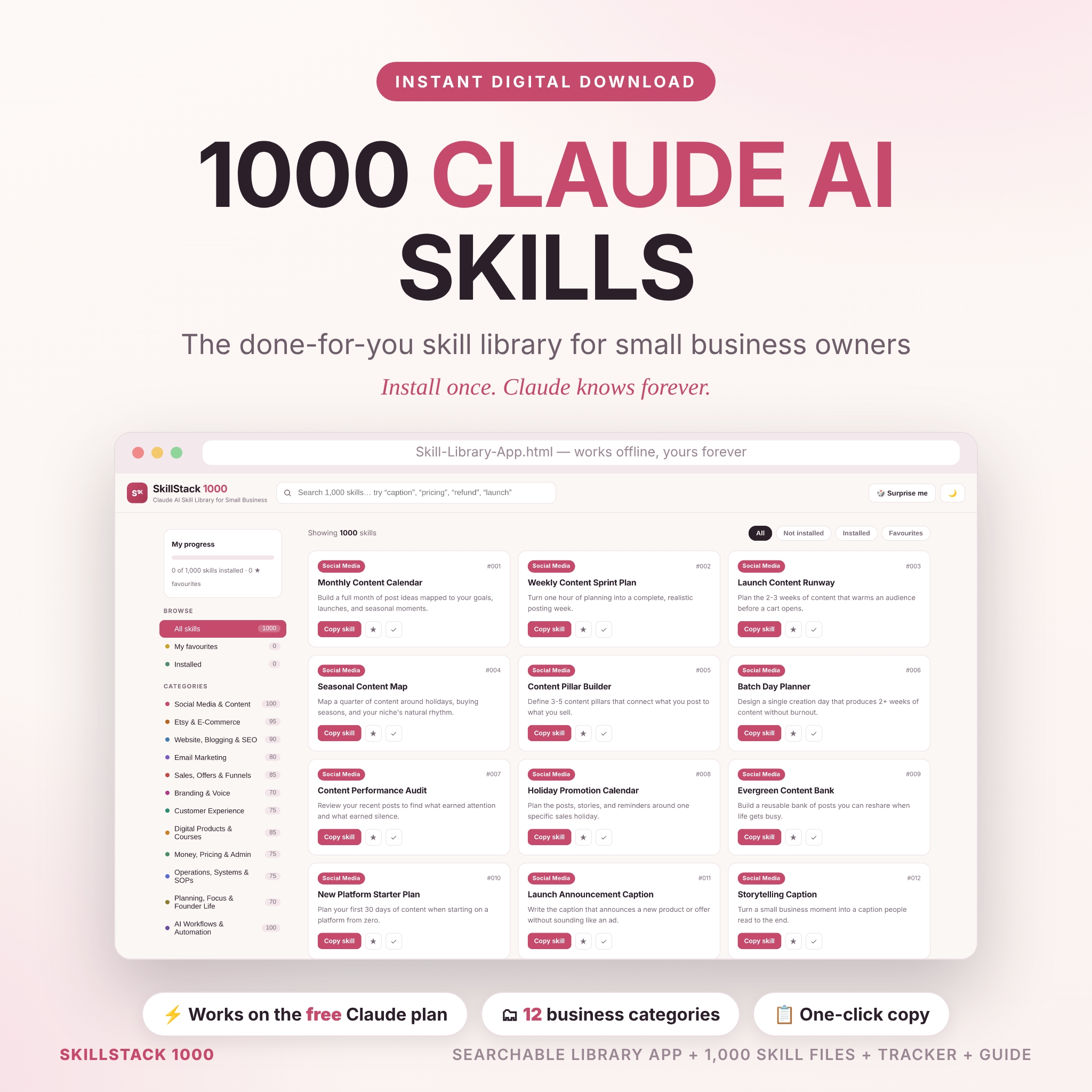
SkillStack 1000 is a library of 1,000 Claude skills written for small businesses: Etsy sellers, service providers, digital product creators and solo founders. They’re split into 12 categories, including Social Media & Content (100), Etsy & E-Commerce (95), Email Marketing (80), Customer Experience (75), Money, Pricing & Admin (75) and Operations, Systems & SOPs (75).
Each skill follows the same five-part structure: what Claude should ask you first, how it does the work, what it pays attention to, what the finished output looks like, and the quality bar it has to clear. It comes with an offline Skill Library app that opens in your browser so you can search, filter, preview and copy skills, plus an Excel index that tracks which ones you’ve installed. There’s a Business Snapshot bonus skill for the context step above, and a user guide showing three ways to install, including on the free Claude plan.
If you only ever use Claude for the odd email, you don’t need it. If you’re using it daily across listings, emails and admin, it saves you writing the instructions yourself.
What not to hand over to Claude
- Final legal or tax decisions. Use it to understand a topic or draft questions for your accountant, not to replace them.
- Facts you haven’t checked. It can be confidently wrong about laws, fees and figures.
- Sensitive customer data. Remove names, addresses and card details before pasting anything in.
FAQ
Can I use Claude AI for small business work on the free plan?
There’s a free plan at claude.ai with usage limits, and paid plans with higher limits and extra features. Many small businesses start on free and upgrade once they’re using it daily.
Is Claude better than ChatGPT for small business?
Both are capable. Many people prefer Claude for writing that sounds natural and for working through long documents. Try the same real task in each and keep the one whose answers you edit least.
What’s the best first task to try?
Customer replies. They’re frequent, low-risk, easy to check and the time saving shows up on day one.
How do I stop Claude sounding generic?
Give it your business context, a sample of your writing, and a list of words you don’t use. Then save those instructions so you don’t retype them every chat.