When you combine ingredients across recipes first, the shopping list stops repeating itself.
To combine ingredients across recipes, add the quantities for each ingredient in a common unit, subtract what’s usable and unreserved in the pantry, then round the shortfall up to the pack sizes you can buy. Print the recipe totals, pantry check and grocery list as facing pages or consecutive inserts so you can see why a recipe total of 600 g turns into one 400 g tin on the shopping list.
You don’t need to replace your calendar to run this workflow. If you’re fitting inserts into an existing monthly planner, examples include the 8.5 × 11-inch 11-disc monthly refill and the 8.5 × 11-inch 7/3-hole monthly refill. The monthly pages hold the meal dates; the weekly inserts hold the quantities.
For ring planners, the Forvencer A5 six-hole monthly refill and Beautiful 2027–2028 six-ring monthly inserts are calendar examples. The A5 six-hole project planner inserts are task pages rather than calendar pages. Use the refill you already own as the size and punch template for your own printouts.
Set up the inserts, combine ingredients across recipes and calculate what to buy
Choose the meals and count the batches. Write the meal date, recipe and batch size on the weekly menu, then combine ingredients across recipes. Start with ingredients that need using first so an open tin can go into Monday’s stew rather than being counted for Friday by default. If Monday’s batch also covers Tuesday’s lunch, count the ingredients once and assign the leftover portions separately. When the headcount changes, scale each recipe for the diners that day before adding its quantities to the weekly total.
Print and assemble a test set. Start with three pages: a weekly menu, an ingredient worksheet that includes the pantry check, and a grocery list. Open the PDF in a viewer and select the matching paper size. If an A5 insert is designed to print on a larger sheet, use the supplied trim layout and cut marks if there are any.
Use Actual size or 100% for the first proof; if the printer clips a margin, check the file size and paper settings before selecting Fit, which changes the finished dimensions. Measure the proof against an existing insert, mark the binding edge and punch one sheet before printing the rest. For double-sided pages, check that both sides are upright when turned and that the binding edge clears the writing area. Put the menu first, the worksheet next and the grocery list last so it can be taken out without losing the calculations.
Record ingredient quantities before you combine ingredients across recipes. Give each ingredient a name, a usable form and a unit. For example, write “rice, dry, g” and “chickpeas, tinned, drained, g”. Add 150 g dry rice from Monday to 225 g dry rice from Wednesday for a total of 375 g.
Keep 150 g cooked rice on a separate line unless you know the dry amount needed to make it. Treat fresh tomatoes for a salad and chopped tinned tomatoes for a sauce as separate lines unless you’ve decided on a substitution. When you combine ingredients across recipes, keep the recipe amounts visible next to the total so a cancelled meal can be removed without recalculating the whole week.
Subtract only the stock available to these recipes. Check the cupboard, fridge and freezer in one pass. Note opened quantities, any stock reserved for another meal, and when the ingredient needs using. If a jar contains 300 g dry rice and 100 g is set aside for a meal outside this plan, write 200 g in the usable-stock column. Once you combine ingredients across recipes, give each ingredient one weekly stock deduction. If you deduct the same 200 g against both Monday’s and Wednesday’s recipes, the grocery list can show enough rice on paper while leaving Wednesday’s meal short.
Turn each shortfall into a shop quantity. After you combine ingredients across recipes, subtract usable stock from the total and write zero if the result is negative. Keep the shortfall and the purchase on separate lines or in separate columns: “175 g dry rice needed” and “buy one 500 g bag” tell you different things. For tinned ingredients, use the drained weight on the label if the recipe calls for drained contents.
Record expected surplus next to the purchase so it doesn’t disappear from next week’s plan. The guide to converting recipe quantities into shopping pack sizes covers choices such as buying one large pack or two smaller ones.
Choose pages that fit the calculation
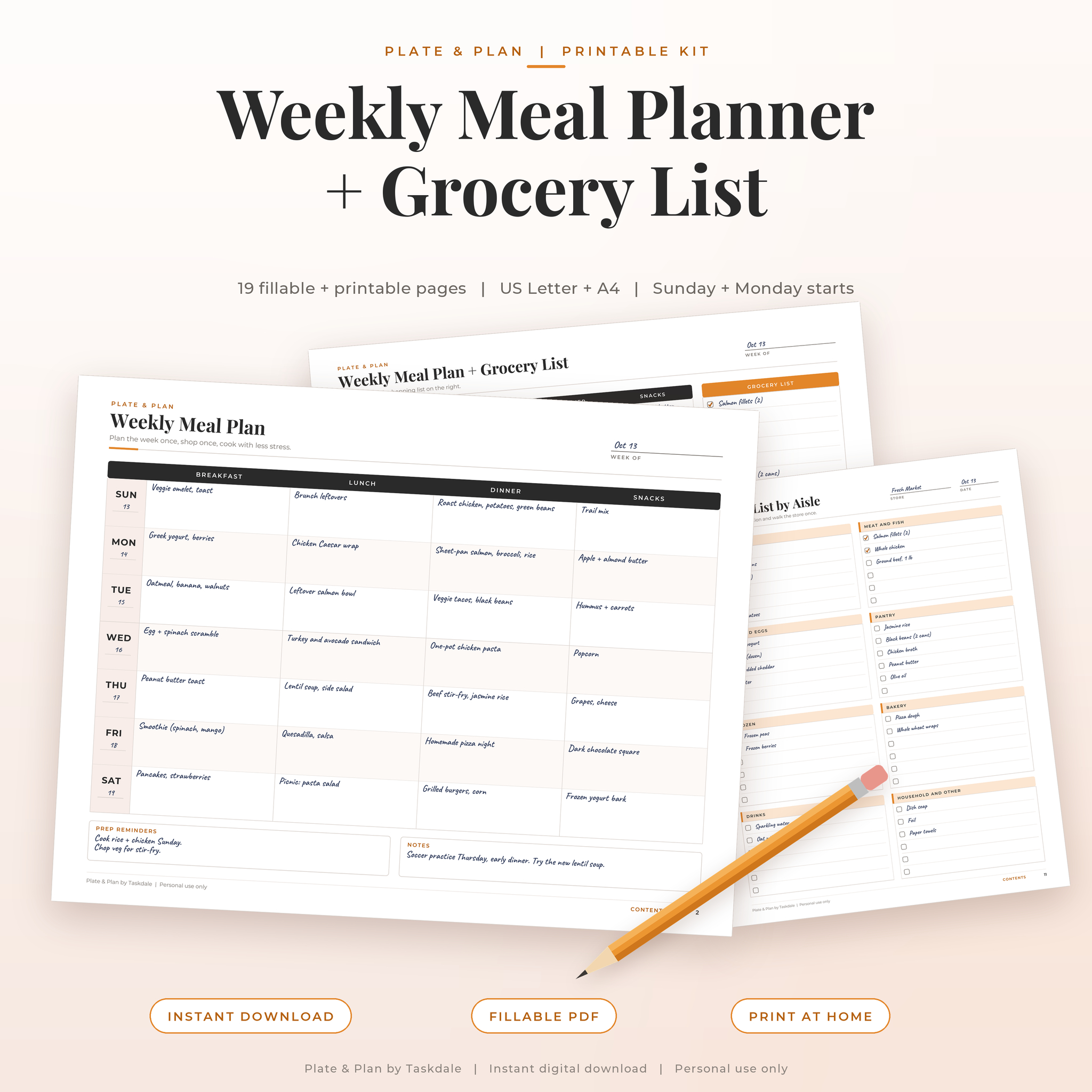
For a full-size binder or clipboard, the Plate & Plan Weekly Meal Planner Printable provides 19 pages, with US Letter and A4 PDFs in fillable and print-only versions. Print the weekly plan and pantry pages you’ll use, then add a ruled sheet where you combine ingredients across recipes if you need room for separate stock, shortfall and pack columns.
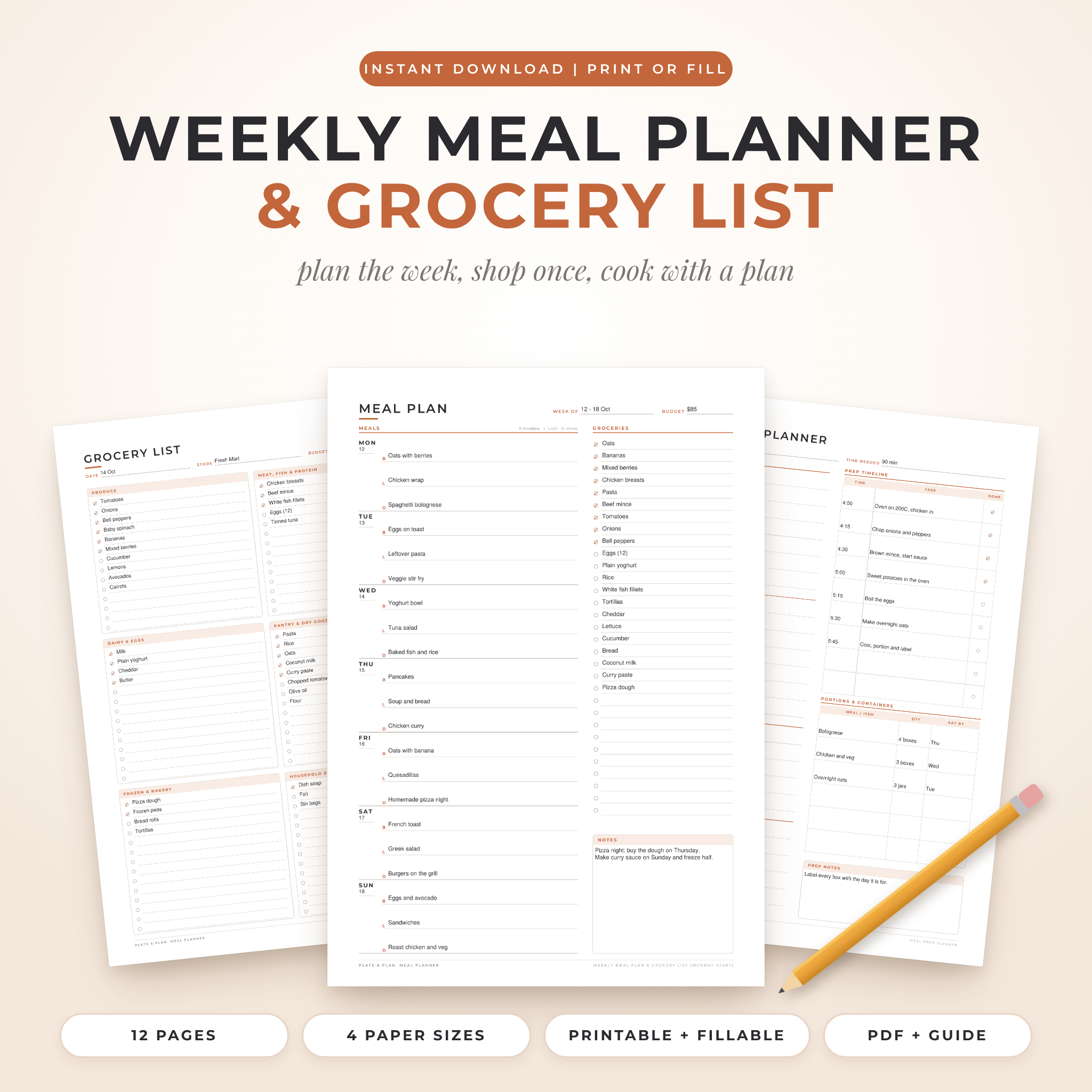
For an A5 or Half Letter binder, the Weekly Meal Planner Printable Bundle provides files in both sizes, as well as A4 and Letter. Start with the file for your binder rather than shrinking a full-size page until the grocery columns fit. The bundle includes grocery lists by aisle, a pantry check and recipe cards.
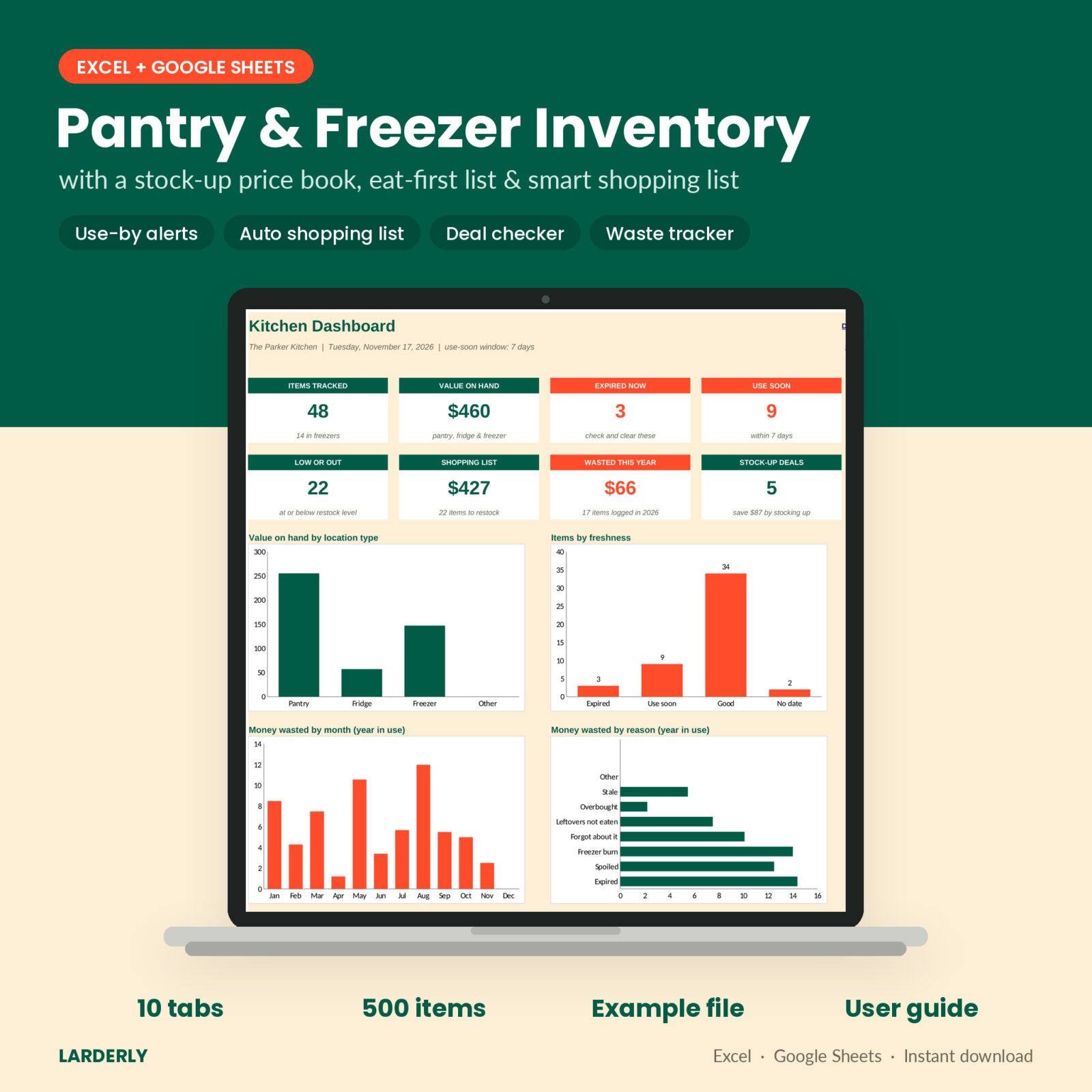
If the freezer inventory changes between shops, keep the master stock record in the Larderly Pantry & Freezer Inventory Spreadsheet and copy only the ingredients in this week’s recipes onto paper, ready to combine ingredients across recipes. Its eat-first list helps identify stock to check before committing it to a meal date, and its low-stock shopping list serves a different purpose from the shortfall for a particular recipe.
If recipes are reused and batch sizes change most weeks, the Pantry to Plate Meal Planner can handle the arithmetic in Excel or Google Sheets. It subtracts pantry stock, rounds up to pack sizes and sorts the grocery list by aisle. Keep the calculation in the workbook and use the binder for the weekly menu and shopping copy so there’s only one set of totals to update.
Worked example: three dinners, four ingredient totals and three purchases
The menu calls for chickpea and tomato stew with rice on Monday, tomato and pepper rice on Wednesday, and chickpea and carrot salad on Friday. Monday’s stew also covers Tuesday’s lunch, so its ingredient quantities already include that portion. The worksheet below shows four ingredients being checked against stock; peppers and seasonings can be checked on their own lines.
On the printed worksheet, put the meal quantities in one column and give the other figures their own columns. Here’s what that looks like after the pantry check:
| Ingredient and basis | Recipe quantities | Total needed | Usable stock | Shortfall | Purchase |
|---|---|---|---|---|---|
| Chopped tomatoes | 400 g Mon + 200 g Wed | 600 g | 500 g | 100 g | One 400 g tin |
| Rice, dry | 150 g Mon + 225 g Wed | 375 g | 200 g | 175 g | One 500 g bag |
| Chickpeas, drained | 240 g Mon + 120 g Fri | 360 g | 240 g | 120 g | One tin yielding 240 g drained |
| Carrots, trimmed | 150 g Mon + 100 g Fri | 250 g | 300 g | 0 g | None |
The 500 g of tomatoes consists of 100 g from an open pack that’s still suitable to use on Monday and a sealed 400 g tin. Use the open 100 g and 300 g from the tin for the stew. Set aside the remaining 100 g for Wednesday only if it can be stored safely until then, following the pack instructions; freeze it promptly if suitable and needed. Wednesday uses that 100 g plus 100 g from the new tin, leaving 300 g from the purchase to label and plan into another meal.
For rice, the jar holds 300 g, but 100 g is reserved for another meal and never enters the usable-stock column. Monday takes 150 g of the 200 g available. Wednesday takes the remaining 50 g and 175 g from the new bag, leaving 325 g in the new bag plus the separate 100 g reservation.
Monday uses the existing tin of chickpeas. Friday’s salad uses half the drained contents of the purchased tin, leaving 120 g to record after opening. The carrots leave 50 g to carry forward if still usable. The grocery insert gets three lines: one tin of tomatoes, one bag of rice and one tin of chickpeas with the required drained yield. It doesn’t get a carrot line or a second bag of rice.
Fix shortfalls that don’t match the stock check
The numbers add up, but the units don’t. Check the ingredient description before changing the maths. A tin marked 400 g net and 240 g drained supplies 240 g to a salad that uses chickpeas without their liquid. For flour measured in cups in one recipe and grams in another, use the recipe’s own gram equivalent if supplied, or weigh the amount you measure. Don’t apply a single cup-to-gram conversion to flour, rice and oil.
The pantry total is right for Monday but wrong for Friday. Record the use date next to opened or short-dated stock. If yoghurt is suitable for Monday’s dressing but won’t keep for Friday, allocate only Monday’s amount from that tub. Don’t enter every gram in the usable column simply because it’s there during the stock check.
A meal changes after the list is printed. Cross out the old recipe amount, revise the total and check the pack count again. If Wednesday’s rice dish is removed before shopping, the example drops from 375 g to 150 g. The 200 g available now covers the plan, so the whole bag comes off the list. If the bag is already bought, leave the purchase record intact and update what remains on hand.
Match the insert to the binding before reprinting
If the arithmetic is right but the pages don’t fit, check page dimensions, hole spacing and binding type separately. Use an existing refill as the physical reference. Two 8.5 × 11-inch pages can have different binding systems, and a six-ring description alone doesn’t tell you the distance between holes.
2027–2028 Monthly Planner Refill, 11-disc. The listed page size is 8.5 × 11 inches. Use an existing page to check the disc cut-outs and the clearance between the binding edge and the first worksheet column.

2027–2028 Monthly Planner Refill, 7/3-hole. This is also listed at 8.5 × 11 inches. Check which holes on your refill line up with the binder rings before punching the grocery page.

Forvencer 2027 Monthly Planner Refills. These are listed as A5 six-hole inserts. Check an A5 proof against the refill rather than using a Half Letter file; the two paper sizes have different proportions.

A5 Six-Hole Project Planner Inserts. These double-sided task and deadline pages can hold a recurring prep schedule. Keep the ingredient worksheet separate so the stock figures don’t share space with prep deadlines.

Beautiful 2027–2028 Monthly Planner Inserts. These are described as six-ring inserts. Confirm the page dimensions and spacing against your binder before choosing the corresponding printable file.

Before printing a month’s supply, use one set for a full shop. If a line such as “175 g needed, buy 500 g, expect 325 g left” won’t fit without writing into the punch margin, widen that column or give the worksheet a second page. Keep the grocery insert short enough to read at the shelf, with the pack count and the weight you need to check on the label.