If you need the best employee NDA, choose a template that fits the role you are hiring for, defines confidential information clearly, and includes the paperwork for when someone leaves. For most small businesses, that means an editable employee agreement you can fill in once, sign, and file, rather than a generic one-way contract.
An employee NDA can feel like a legal minefield, and we understand why. This guide explains what separates the three kits on this page, so you can pick one with confidence and know what to cheque before anyone signs.
Key facts at a glance
- An employee NDA is a signed agreement in which a worker promises not to share or misuse your confidential information, during employment and afterwards.
- All three kits on this page are editable templates in Word or fillable PDF, with US Letter and A4 sizes.
- Only the Employment Contract Template kit bundles the NDA with an offer letter, non-compete and other HR forms.
- Only the HushPact bundle lists a DTSA whistleblower notice as already built in.
- A template is not legal advice, so have a solicitor cheque anything that will be relied on in a dispute.
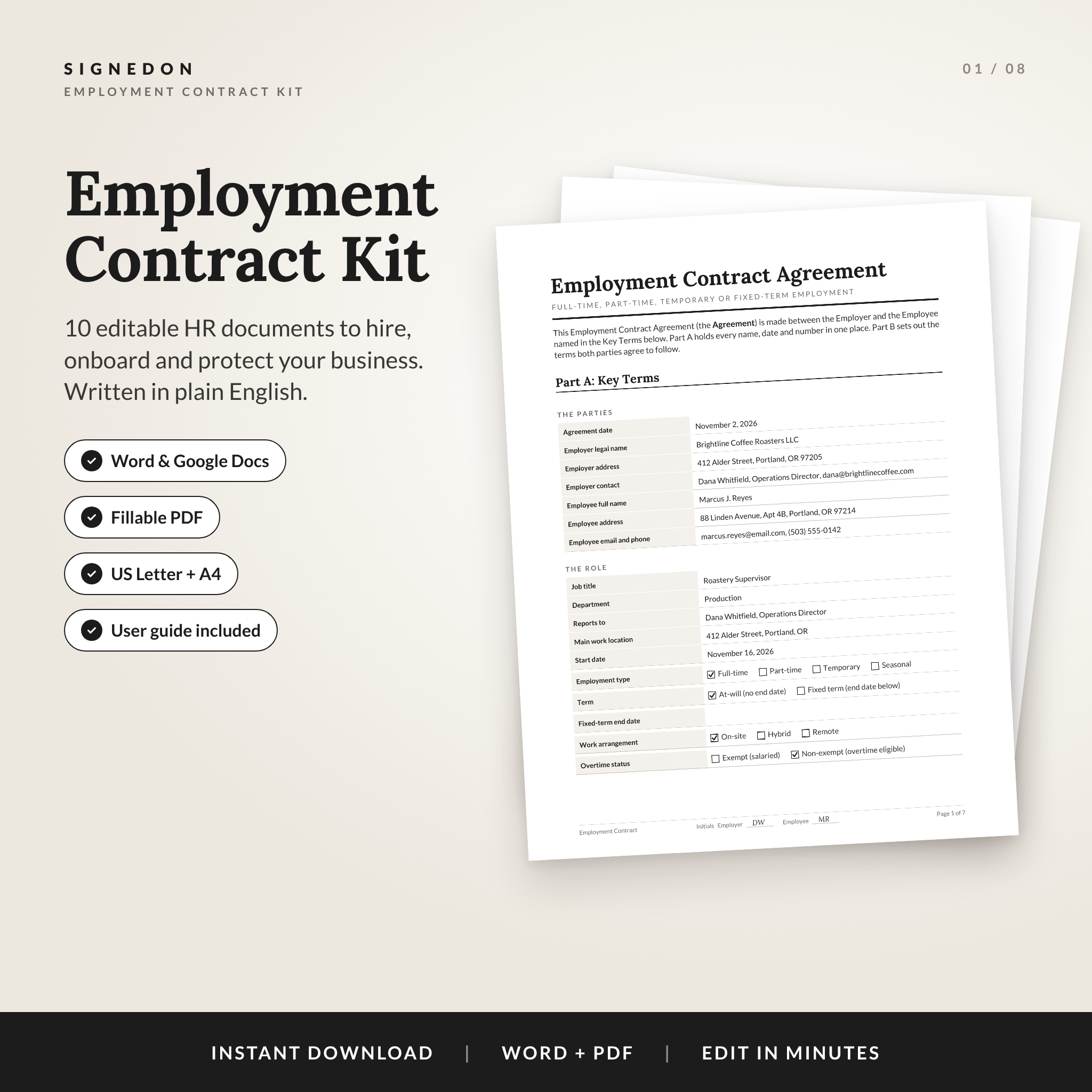 Employment Contract Template | SignedOn Employee Agreement Kit with Offer Letter, NDA, Non-Compete & HR Forms | Word, Google Docs & Fillable PDF
Table of Contents
Toggle
- What is an employee NDA?
- What should you look for in the best employee NDA?
- How do the three employee NDA kits compare?
- Which employee NDA suits which employer?
- How do you use an employee NDA template?
- What mistakes should you avoid?
- What affects the price of an employee NDA template?
- Which employee NDA should you choose?
- Common questions
What is an employee NDA?
An employee NDA, also called an employee confidentiality agreement, is a contract that stops a worker from disclosing or using your private business information. That might be customer lists, pricing, product plans, software code or supplier terms.
It differs from a mutual NDA, which two businesses sign to protect information flowing both ways. An employee NDA is almost always one-way. Your staff member receives sensitive information, and you want it protected while they work for you and after they leave.
A common misconception is that an employment contract already covers this. Sometimes it does, with a confidentiality clause. A separate NDA gives you a standalone document that is easier to point to, easier to update, and easier to give to people who are not full employees.
What should you look for in the best employee NDA?
The best employee NDA has five features: a clear definition of confidential information, a sensible scope, return-of-materials paperwork, editable formats, and guidance you can follow without a lawyer. Each one is worth checking before you buy.
A clear definition of confidential information
Confidential information is the material you want kept private, and the agreement should say so in plain words. Vague wording such as "all information" is harder to defend than a list that names client data, pricing, processes and unpublished plans. Look for a template with a short table where you enter the specifics once.
Employee-specific wording
Employee confidentiality differs from a deal between two companies. The agreement should cover what happens after employment ends and should not read like a contract for a one-off meeting. All three kits include an employee agreement, but only one is built around the full employment relationship.
Return-of-materials and exit paperwork
When someone leaves, you want proof that laptops, files and logins were handed back. A return certificate does this job. Hushmark and HushPact both include one, and HushPact adds a breach letter. Hushmark adds a notice letter and a disclosure log for recording what was shared.
Editable formats you will actually use
Cheque the file types. Word suits most people. Google Docs matters if your team works in the cloud, and a fillable PDF helps if you would rather type into fields than edit text. The Employment Contract Template kit covers Word, Google Docs and fillable PDF. HushPact offers Word and fillable PDF. Hushmark offers Word and a printable PDF.
Guidance for people who are not lawyers
A user guide turns a template from a risk into a tool. The Hushmark guide runs to 17 pages, the Employment Contract Template kit has an 8-page guide, and HushPact includes a step-by-step guide. A Key Terms box or table, which all three use, keeps names, dates and details in one place so they flow through the document.
How do the three employee NDA kits compare?
The three kits differ mainly in breadth: one is a full hiring pack, one is a wide NDA suite, and one is a focused set with a US legal notice built in. The table sets out what each supplies.
| Product | Agreements included | Extras | Formats | Best for |
|---|---|---|---|---|
| Employment Contract Template | SignedOn Employee Agreement Kit with Offer Letter, NDA, Non-Compete & HR Forms | Employment Contract Template kit | Employee agreement plus 9 matching HR documents, including offer letter, NDA, non-compete, remote work addendum and termination letter | Word, Google Docs and fillable PDF |
| NDA Template Bundle | Hushmark NDA Suite: Editable Non-Disclosure Agreement, Mutual NDA, Contractor & Employee Confidentiality Agreement | NDA Template Bundle | Five agreements: one-way, mutual, contractor, employee and one-page event and visitor NDA | Word and printable PDF |
| NDA Template Bundle | HushPact Mutual & One-Way Non-Disclosure Agreement, Employee & Contractor Confidentiality Agreement | NDA Template Bundle | Four agreements, DTSA whistleblower notice, NDA tracker, return certificate, breach letter, 10-clause library | Word and fillable PDF |
The first column in a clean comparison should be the product name alone, so here is the same data tidied up, with each exact name leading its row.
| Product | What it includes | Formats |
|---|---|---|
| Employment Contract Template | SignedOn Employee Agreement Kit with Offer Letter, NDA, Non-Compete & HR Forms | Word, Google Docs & Fillable PDF | Employee agreement, offer letter, NDA, non-compete, remote work addendum, termination letter and more, with clauses that renumber themselves | Word, Google Docs, fillable PDF |
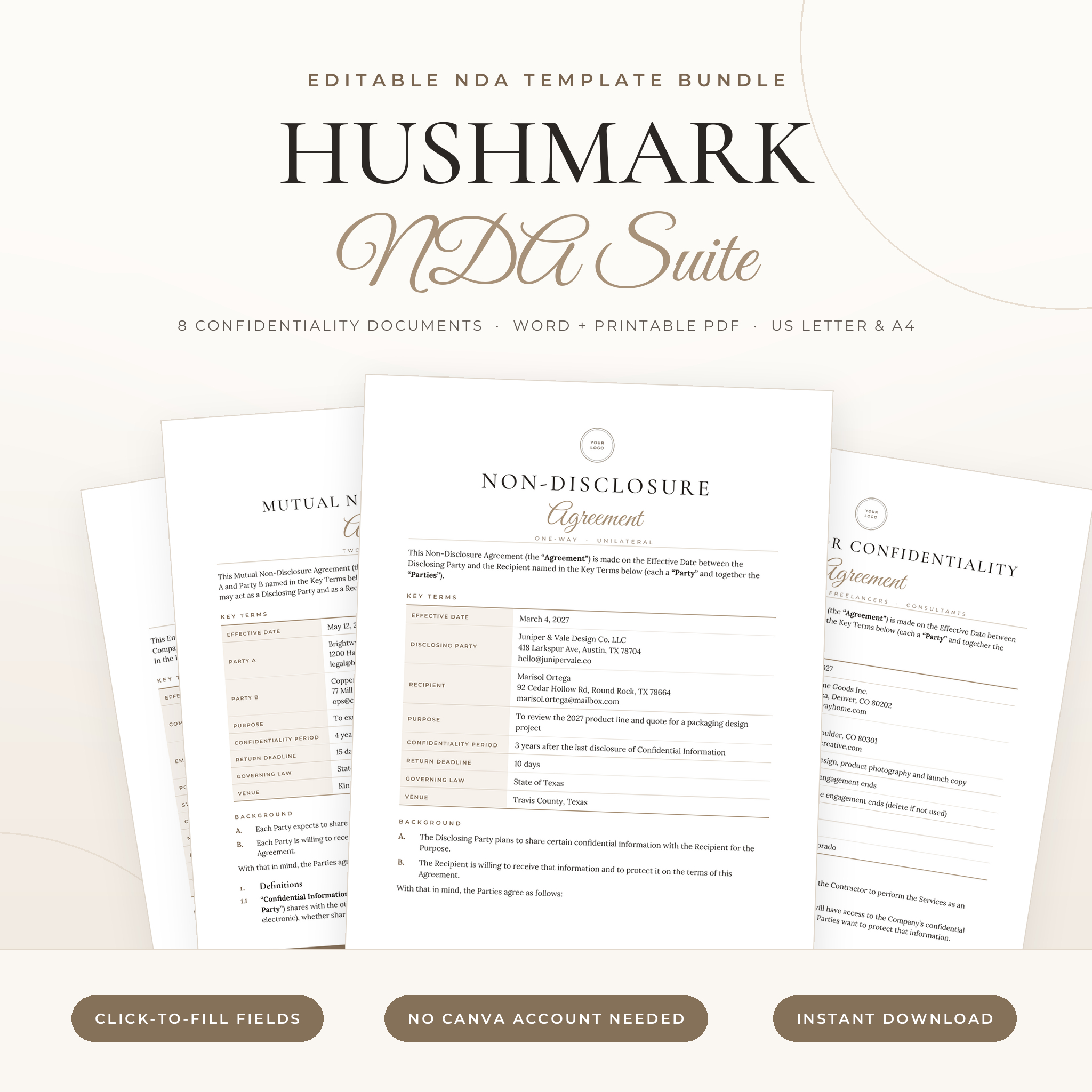 NDA Template Bundle | Hushmark NDA Suite: Editable Non-Disclosure Agreement, Mutual NDA, Contractor & Employee Confidentiality Agreement | Word + Printable PDF, US Letter & A4 | Five NDAs, disclosure log, return certificate, notice letter | Word, printable PDF |
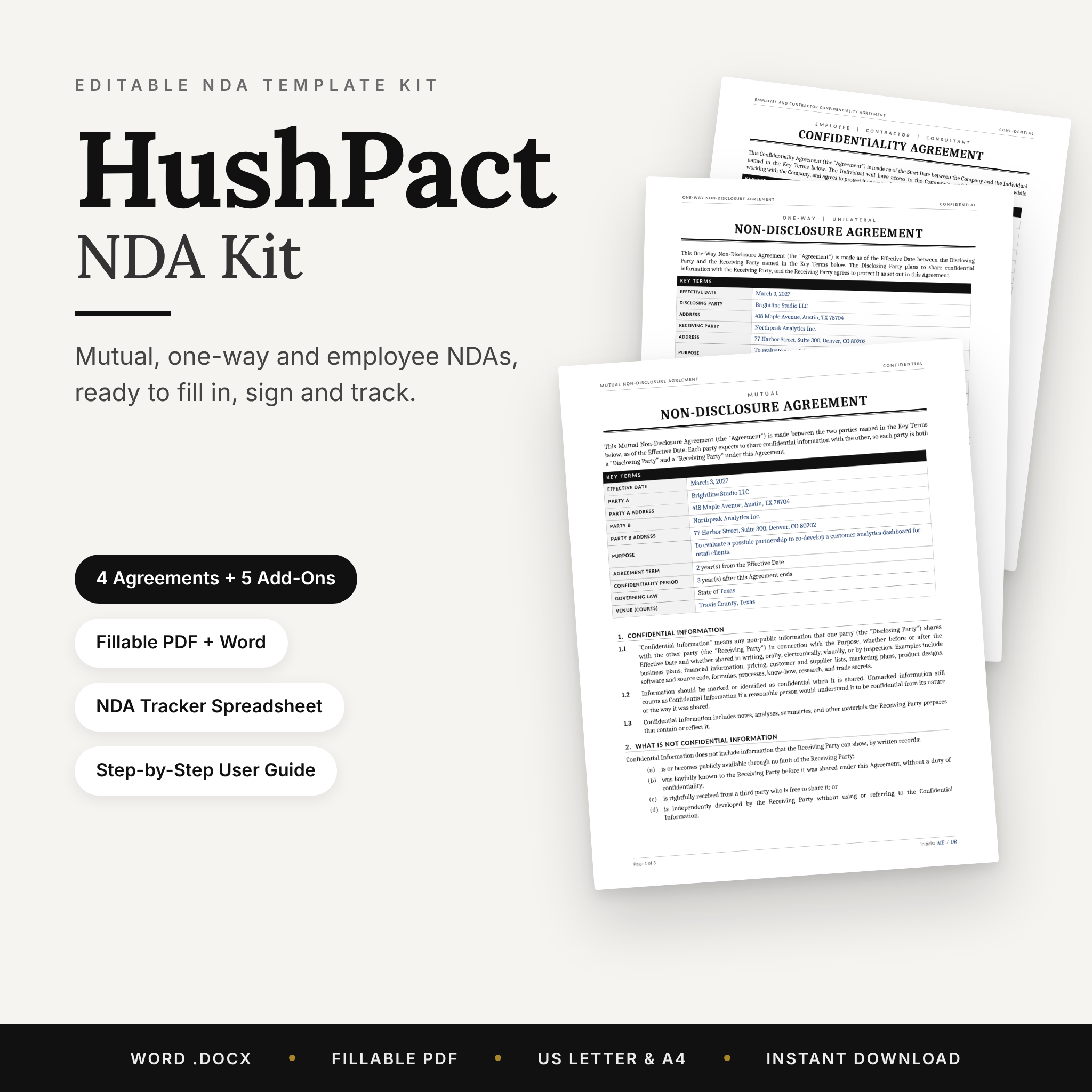 NDA Template Bundle | HushPact Mutual & One-Way Non-Disclosure Agreement, Employee & Contractor Confidentiality Agreement | Editable Word + Fillable PDF, US Letter & A4 | Four NDAs, DTSA whistleblower notice, tracker, return certificate, breach letter, 10-clause library | Word, fillable PDF |
Which employee NDA suits which employer?
Each kit suits a different kind of employer. Matching your situation to the right one matters more than choosing the biggest pack.
Employment Contract Template (SignedOn) suits a small business making its first or next hire. You fill in names, pay and dates once on a single Key Terms page, and the offer letter, NDA, non-compete and remote work addendum are ready together. It is the choice if the NDA is one piece of a wider hiring process.
NDA Template Bundle (Hushmark) suits a business that needs confidentiality cover across several relationships. The contractor, mutual and one-page event and visitor NDAs help if freelancers, partners and office guests all see sensitive material. The disclosure log is useful when you want a record of what has been shared.
NDA Template Bundle (HushPact) suits a US-based employer who wants a tighter set with legal notice wording already in place. The DTSA whistleblower notice is the standout, and the NDA tracker, breach letter and 10-clause library help with day-to-day management.
How do you use an employee NDA template?
You use an employee NDA template by filling in the deal details once, reviewing the clauses against your business, and getting signatures before the person sees confidential material. The process takes under an hour for most small employers.
- Choose the right agreement. Pick the employee or employee and contractor version, not the mutual NDA.
- Complete the Key Terms table. Enter names, dates and the description of the confidential information.
- Edit the clauses. Remove anything that does not apply and add your logo if the kit allows it.
- Have it checked. A solicitor can confirm that the wording suits your location and the role.
- Sign before access. Both sides should sign before the employee receives anything sensitive.
- Keep records. File the signed copy and log it. HushPact has an NDA tracker for this.
- Use the exit paperwork. When someone leaves, complete the return certificate.
What mistakes should you avoid?
The most common mistakes are signing too late, writing a definition that is too broad, and treating a template as finished legal advice. Each can weaken an agreement you thought was protecting you.
- Signing after the person has started. Ask for signatures before any sensitive information is shared, not weeks into the job.
- Using a mutual NDA for an employee. A mutual agreement protects both sides, which is not what you need here.
- Over-broad wording. Claiming everything is confidential invites challenge. Name the real categories.
- Skipping the exit steps. Without a return certificate, you cannot show materials were handed back.
- Ignoring local law. The DTSA notice, for example, is US federal. If you employ people elsewhere, cheque local rules with a solicitor.
- Never updating. Review your NDA when your business or the role changes.
What affects the price of an employee NDA template?
The price of an employee NDA template depends mainly on how many documents come in the pack, how many file formats you get, and how much guidance is included. The cheaper option is usually a narrower set, and the premium option usually adds more forms.
The Employment Contract Template kit bundles nine matching HR documents, so it covers more ground than a pure NDA bundle. The Hushmark suite includes five agreements, which adds breadth. HushPact is the most focused. Cheque the live product cards for current pricing.
Which employee NDA should you choose?
Choose the Employment Contract Template kit if the NDA is part of hiring someone, the Hushmark suite if you need NDAs for several kinds of people, and HushPact if you are a US employer who wants the DTSA notice already built in. If you are unsure, start with the kit that matches the document you need most today.
Common questions
Does an employee NDA last after someone leaves?
Yes, a well-drafted employee NDA is written to continue after employment ends. The agreement should state how long the duty lasts and what it covers. Cheque the term clause in your chosen template and have a solicitor confirm it suits your location.
Can I use one NDA for employees and contractors?
You can, if the template is designed for it. HushPact and Hushmark both include an employee and contractor confidentiality agreement. Hushmark also has a separate contractor version. Make sure the wording matches the working relationship, because the two roles differ legally.
What is a DTSA whistleblower notice?
The Defend Trade Secrets Act is US federal law. It expects employers to tell workers about limited legal protection for confidential disclosures made to authorities. HushPact says this notice is already built in. Employers outside the US should seek local advice.
Do I need a lawyer if I use a template?
A template gives you a strong starting point, but it is not legal advice. For standard hires, many small employers edit and use one. If the information is highly valuable or a dispute is likely, ask a solicitor to review it first.
Should the NDA be signed before the offer letter?
Sign the NDA before the person receives confidential material, which may be before or alongside the offer letter. The Employment Contract Template kit puts both in one set, so you can issue them together and avoid gaps.