
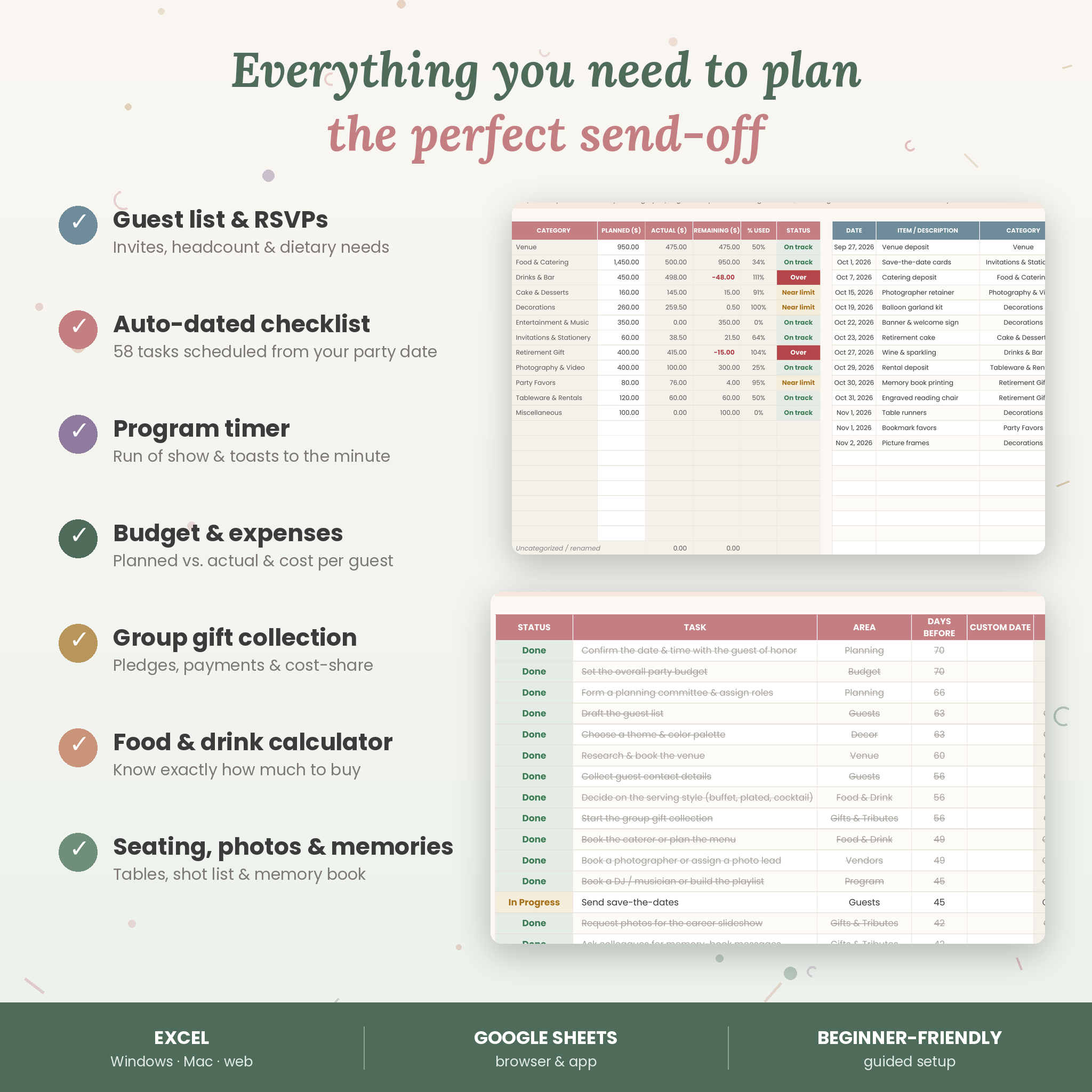
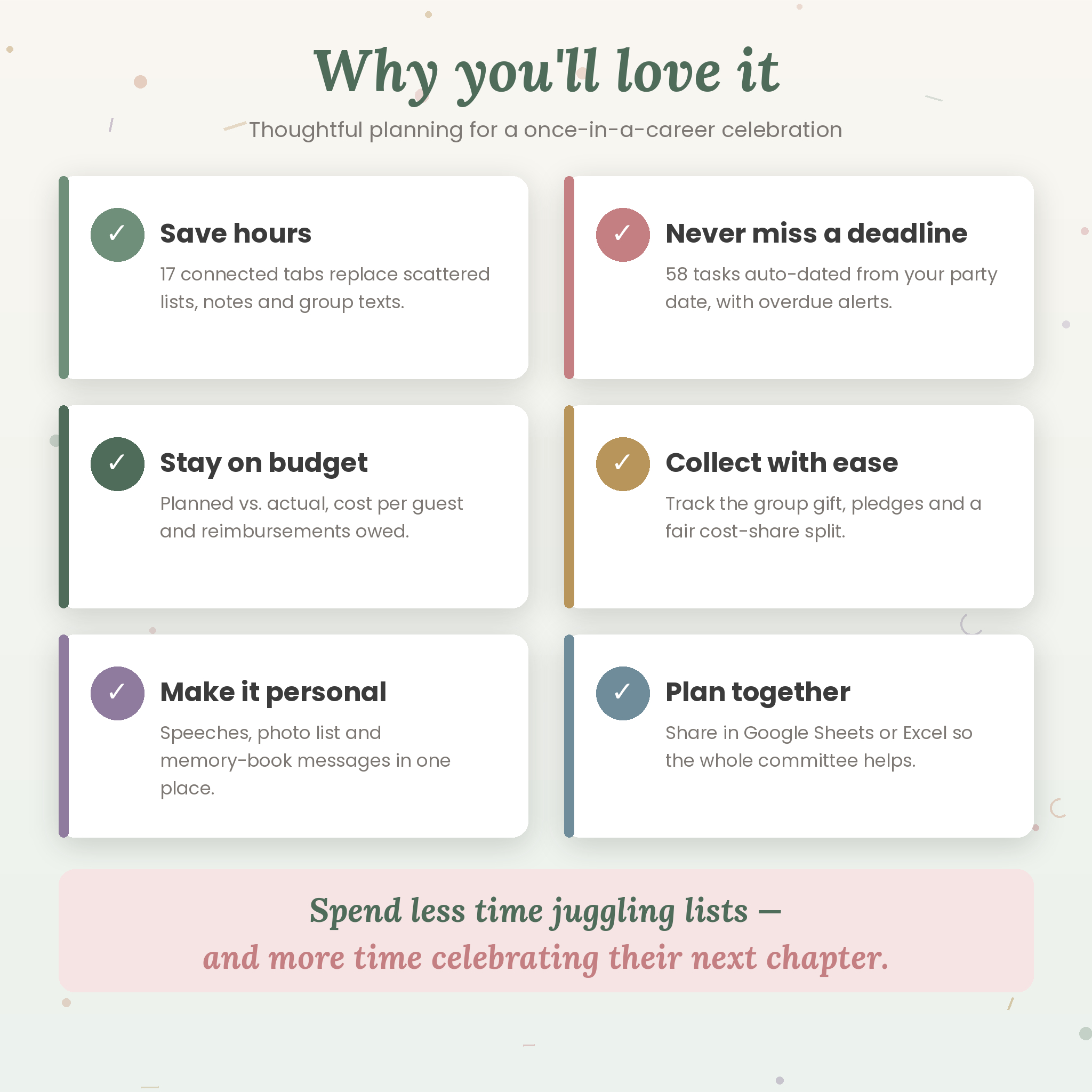
Planning a send-off for someone who’s given years to their work deserves more than a scribbled list. Grand Send-Off is a retirement party planner spreadsheet for Excel and Google Sheets that keeps every detail in one place — guests and RSVPs, an auto-dated checklist, the program and toasts, decor and food, the shopping list, vendors, the budget, the group gift collection, seating, photos, memory-book messages and thank-you notes. A live dashboard pulls it all together so you always know what’s done, what’s next and what’s left to spend.
A Retirement Party Planner That Does the Math for You
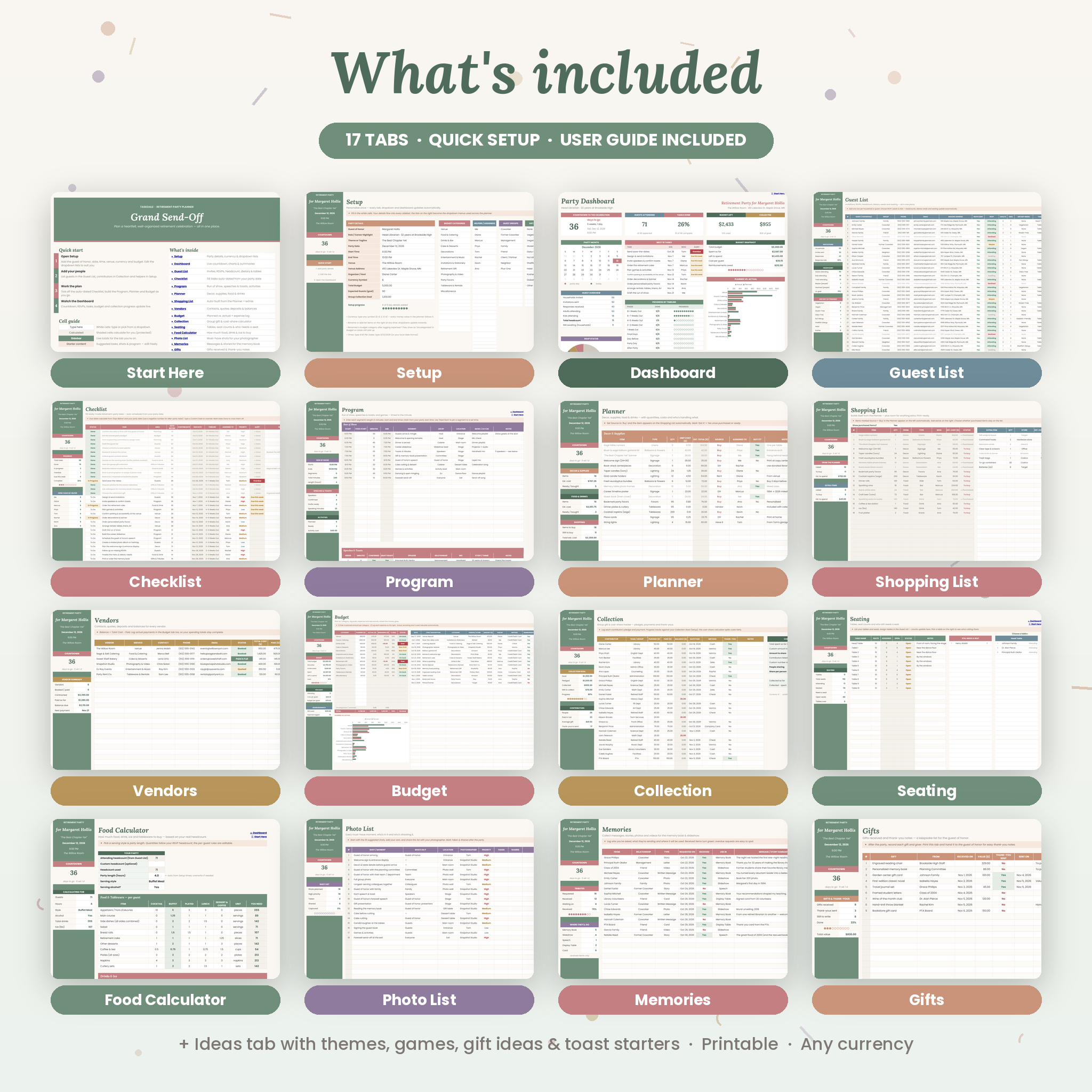
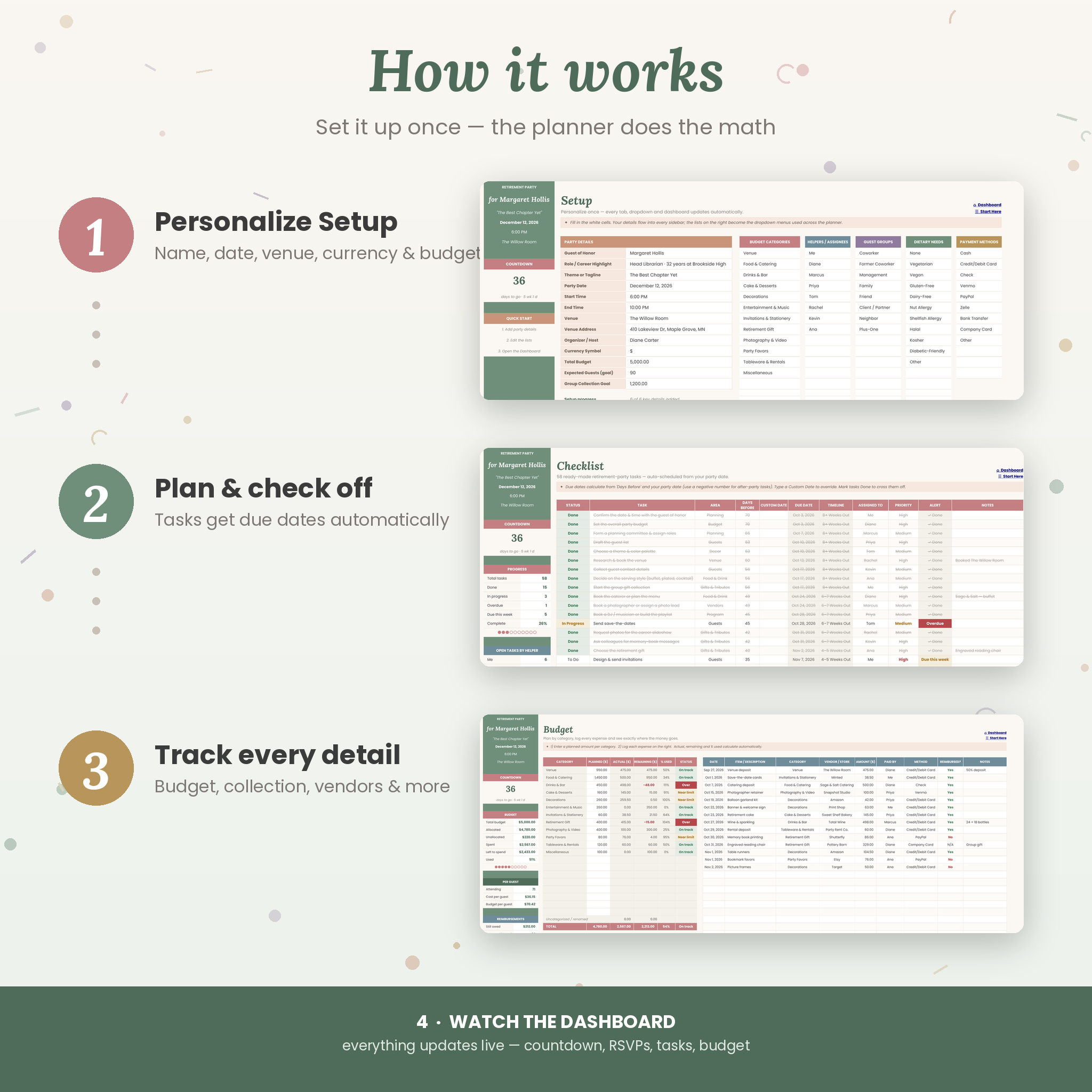
Enter the guest of honor, party date, venue and budget once on the Setup tab. From there, 17 connected tabs update automatically: due dates appear on 58 ready-made tasks, headcounts and dietary totals update as RSVPs come in, run-of-show times calculate from your start time, and the dashboard shows your countdown, progress and spending at a glance.
Who It’s For
- Coworkers, HR teams and office committees organizing a colleague’s retirement party
- Spouses, partners, adult children and friends hosting a retirement celebration at home or at a venue
- Teachers, nurses, first responders, military and public-service teams planning a farewell
- Anyone who wants a calm, organized way to plan an office retirement party or milestone send-off
Features
Plan and track everything
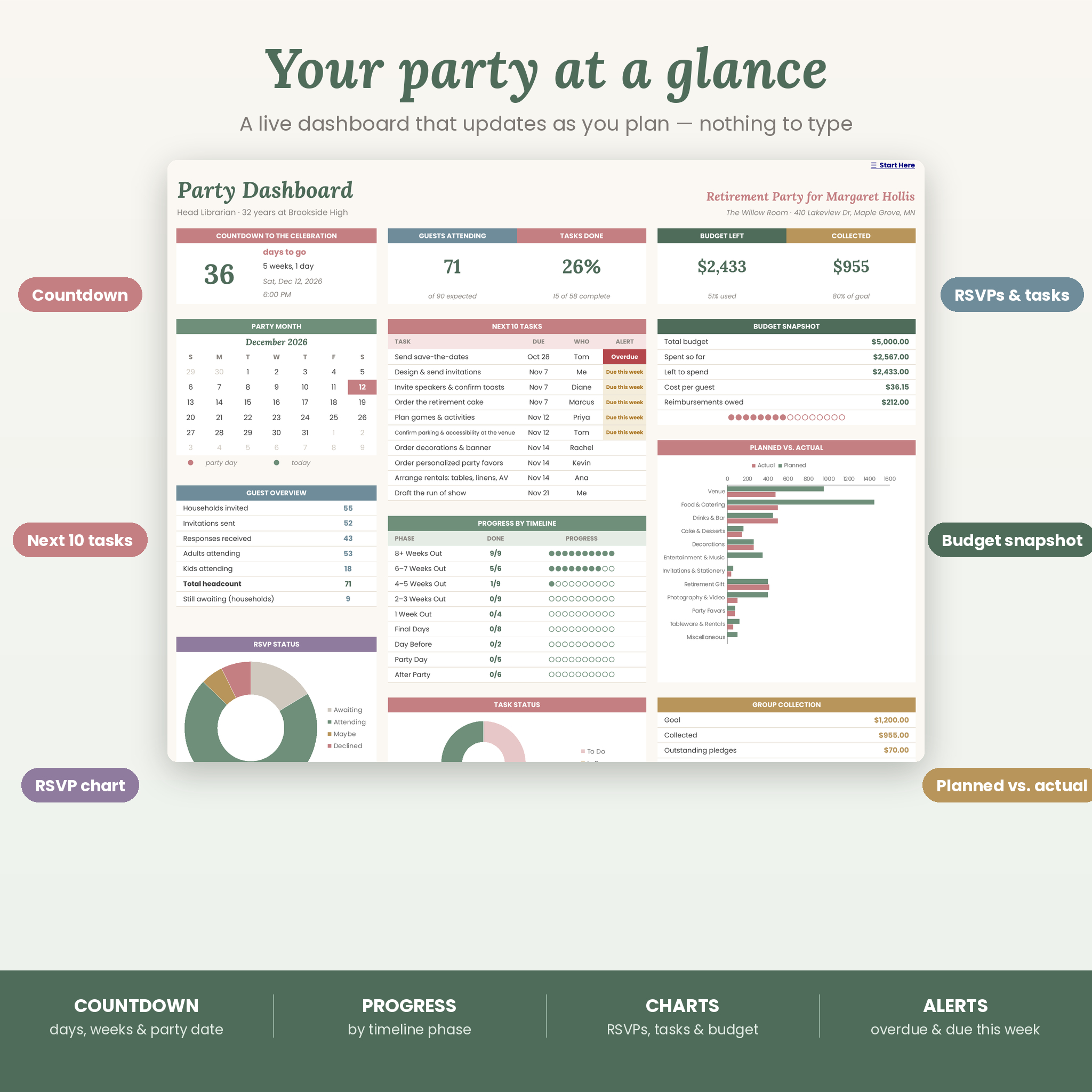
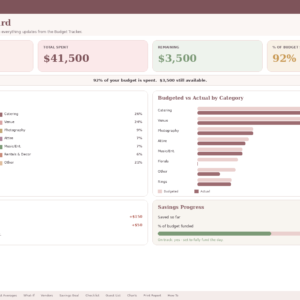
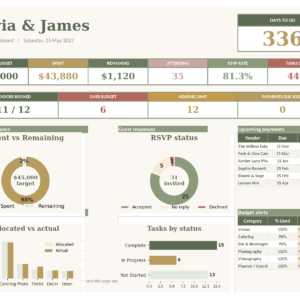
- Live dashboard: countdown, party-month calendar, guest overview, RSVP chart, next 10 tasks with overdue alerts, progress by timeline phase, budget snapshot, planned-vs-actual chart and group collection progress
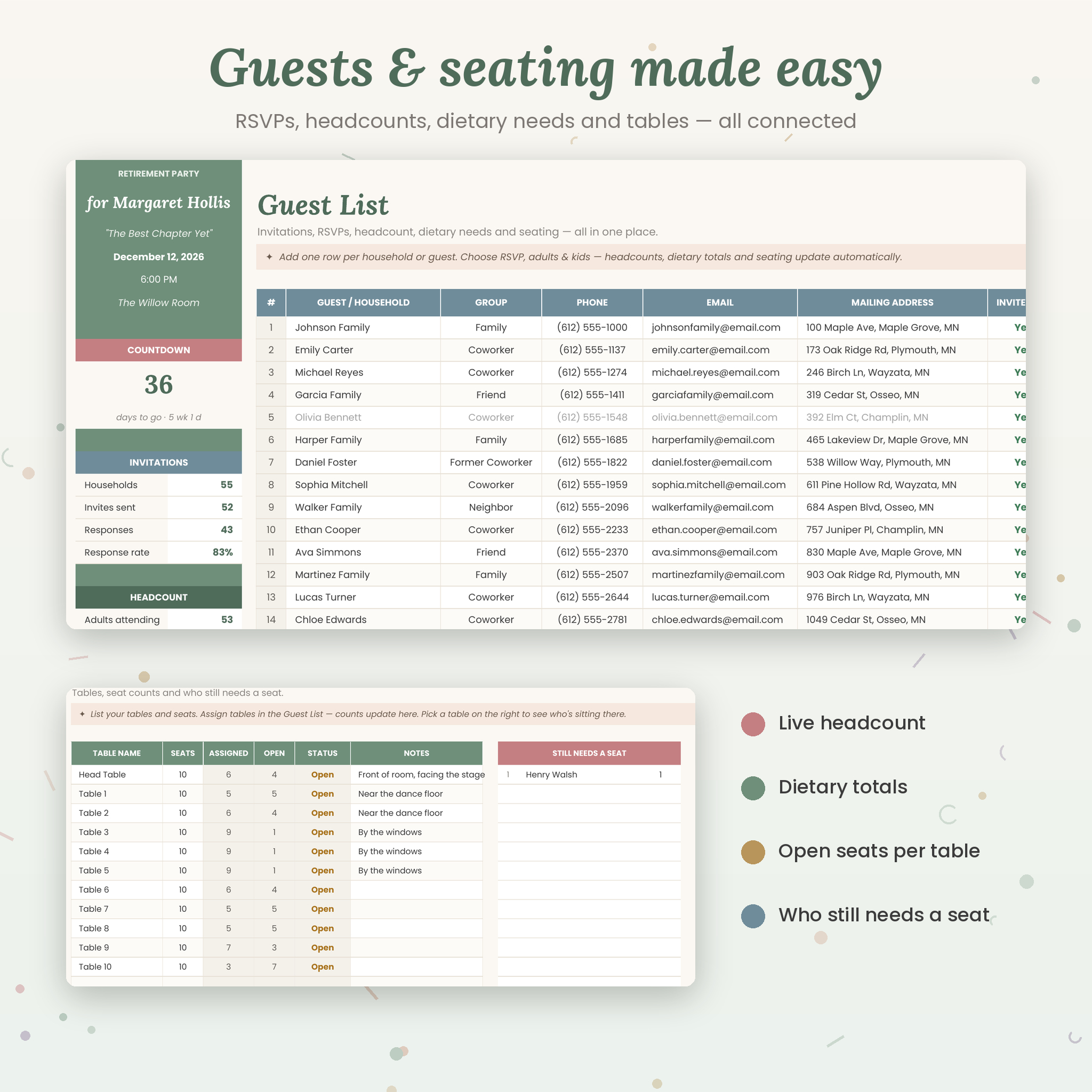
- Guest list tracker: invitations, RSVPs (Awaiting, Attending, Maybe, Declined), adults and kids, dietary needs, tables and thank-you notes for up to 200 households
- Auto-scheduled checklist: 58 retirement-party tasks dated from your party date, with timeline phases, helpers, priorities and “Overdue” / “Due this week” alerts
- Program planner: a timed run of show, speeches and toasts (order, minutes, confirmed, draft ready) and games and activities
- Decor and food planner: quantities, unit costs, estimated totals, source (Buy, Rent, DIY, Vendor, Guest Brings) and who’s handling each item
- Automatic shopping list: every “Buy” item appears on its own, plus room for extras — with a show/hide purchased toggle and a print-ready layout
Money made simple
- Party budget tracker: planned vs. actual by category, an expense log with who paid and reimbursement status, cost per attending guest and a chart
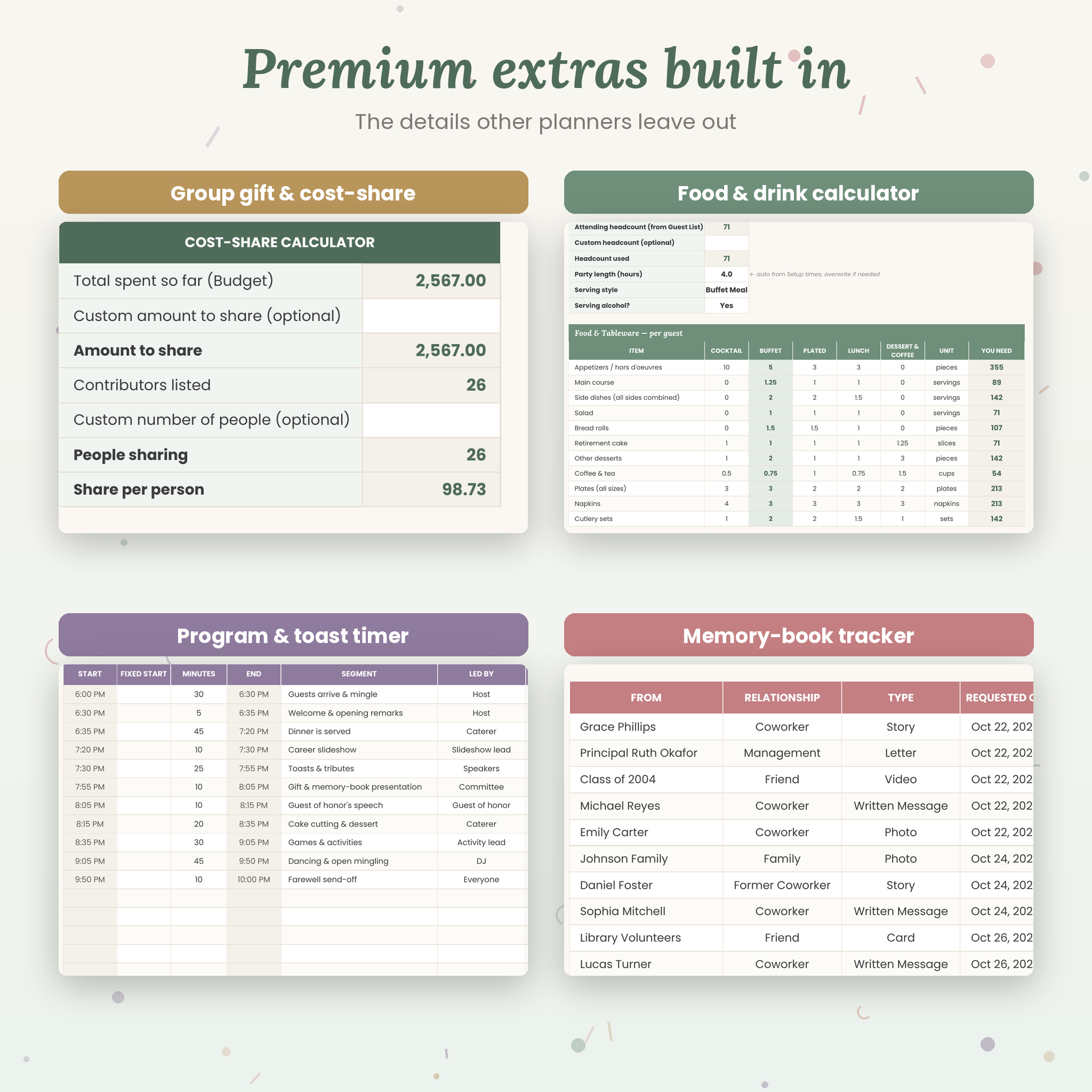
- Group gift and cost-share calculator: track pledges and payments toward a collection goal, see who still owes, and split costs fairly across contributors
- Vendor tracker: contacts, booking status, total cost, payments, balances, payment due dates and arrival times
- Any currency: type $, €, £, R or any symbol once in Setup and every money value follows
The thoughtful extras
- Seating planner: tables and seats with live assigned and open-seat counts, a “still needs a seat” list and a table-by-table guest view
- Food and drink calculator: how much food, drinks, wine, beer, ice and tableware to buy based on your real headcount, party length and serving style
- Photo list: 18 must-have shots to share with your photographer
- Memory-book tracker: collect messages, stories, photos and videos for the memory book and career slideshow
- Gift and thank-you tracker: a keepsake list to print for the guest of honor
- Ideas tab: themes, games and activities, gift ideas and toast starters
What’s Included
- Grand Send-Off Retirement Party Planner (.xlsx) — 17 tabs: Start Here, Setup, Dashboard, Guest List, Checklist, Program, Planner, Shopping List, Vendors, Budget, Collection, Seating, Food Calculator, Photo List, Memories, Gifts and Ideas
- Illustrated User Guide (DOCX and PDF) with step-by-step instructions, troubleshooting and FAQs
How It Works
- Download the ZIP file right after purchase and unzip it.
- Open the .xlsx in Microsoft Excel, or upload it to Google Sheets (File ▸ Import, or open it from Google Drive).
- Personalize Setup: add the guest of honor, date, time, venue, currency, budget and your helpers.
- Plan: add guests, check off tasks, build the program and log expenses — the dashboard updates live.
File Formats and Software Requirements
- Format: Excel workbook (.xlsx) plus a DOCX and PDF user guide, delivered in one ZIP file
- Works in Microsoft Excel (desktop for Windows or Mac, and Excel for the web) and Google Sheets (free Google account)
- Use it on a computer for setup and printing; check off tasks and RSVPs in the Excel or Google Sheets mobile apps
- Not compatible with Apple Numbers
Customization
Rename budget categories, helpers, guest groups, dietary needs and payment methods in Setup and every dropdown updates instantly. Change the currency in one cell. Edit or delete the starter tasks, photo shots and suggested program, hide tabs you don’t need and adjust the food calculator’s per-guest rules. Calculated cells are protected (no password) in Excel so formulas can’t be erased by accident, while formatting stays fully editable.
Real-Life Ways to Use It
- An office committee pools money for a group gift and splits the party cost fairly across 30 coworkers
- A daughter plans a surprise dinner for her dad’s retirement and tracks RSVPs, seating and the toast order
- A school staff plans a librarian’s farewell with a career slideshow, memory book and printed shopping list
- An HR team runs several retirement lunches a year by reusing a fresh copy of the planner each time
Digital Download Information
This is an instant digital download — nothing will be shipped. Your ZIP file is available right after payment. Colors may look slightly different on different screens.
Frequently Asked Questions
Does this retirement party planner work in Google Sheets?
Yes. Upload the .xlsx to Google Sheets and everything — formulas, dropdowns, charts and links — works there too.
Does it work in Microsoft Excel?
Yes. Open it in Excel for Windows, Mac or the web.
Can I use my own currency?
Yes. Change the symbol once in Setup and every money value follows it.
Can my planning committee use it together?
Yes. Share it from Google Sheets, or save it to OneDrive or SharePoint and share it in Excel.
Is it only for office retirement parties?
No — it works just as well for family-hosted parties, surprise parties and intimate dinners. Hide any tabs you don’t need.
Can I reuse it for another party?
Absolutely. Keep a blank copy and start fresh for every send-off you plan.
Is it beginner-friendly?
Yes. White cells are for typing, shaded cells calculate for you, and the Start Here tab and user guide walk you through every step.
License
© Taskdale. Licensed for personal use and for planning events you host or help organize, including workplace events. Please don’t resell, share publicly or redistribute the files.
Reviews
There are no reviews yet.