

A Dog Walking Business Spreadsheet That Does the Admin for You
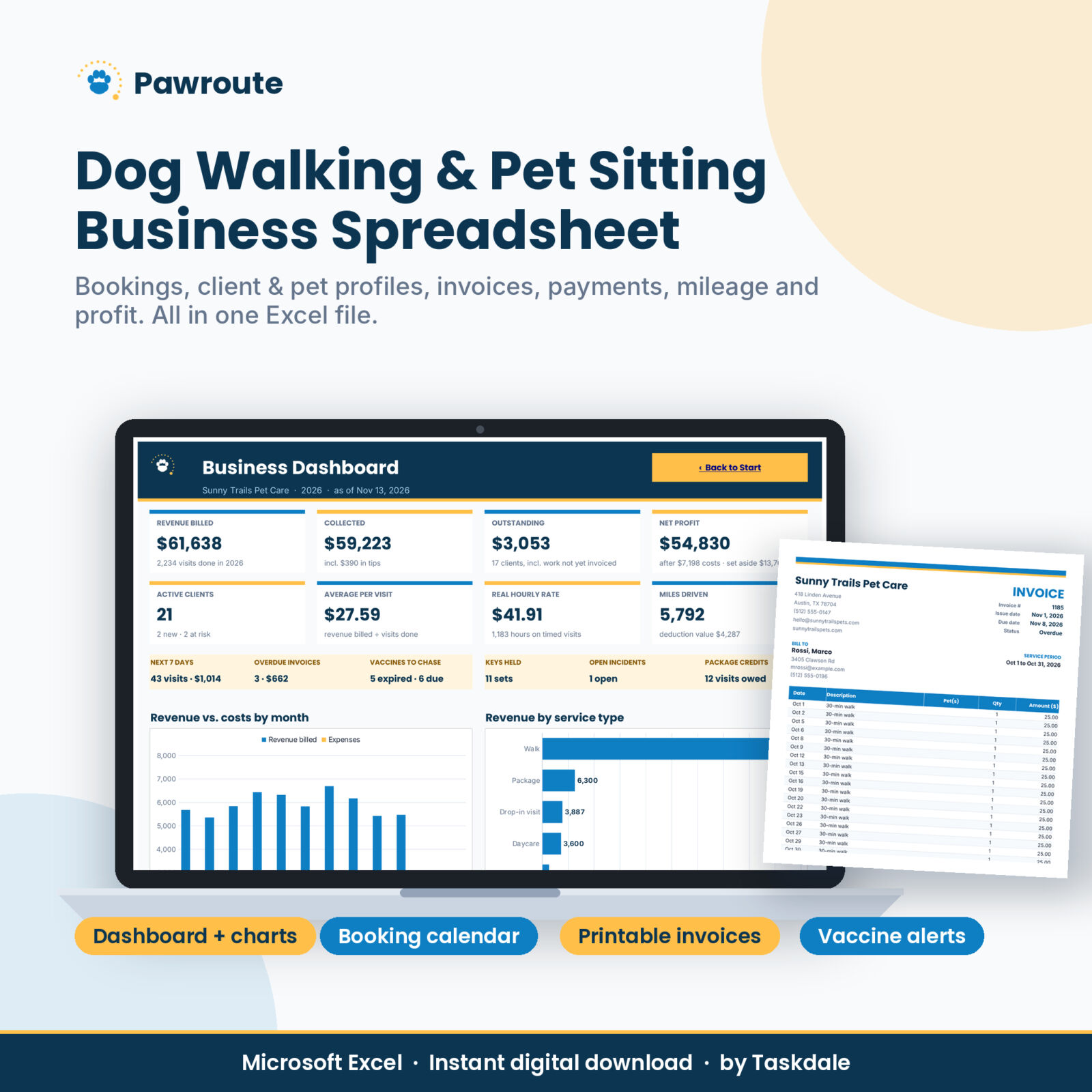
Pawroute is a dog walking business spreadsheet for Microsoft Excel, built for dog walkers and pet sitters who want their bookings, clients, pets and money in one place. You log each walk or visit. Pawroute prices it, puts it on the calendar, adds it to the right invoice, tracks what the client owes and updates your profit. No app subscription, no formulas to write.
It has 18 connected tabs, a clean Ocean Blue and Mango design, and a dashboard you can read at a glance. The blank copy is ready for your own clients, and the user guide walks you through every tab with screenshots.
Who It’s For
- Solo dog walkers who keep visits in a notebook and payments in three different apps
- Pet sitters who offer drop-ins, overnights, boarding, daycare or pet taxi as well as walks
- Small pet care teams that want to see visits, revenue and hours for each walker
- Anyone leaving a booking platform who wants to keep their own client list and data
Main Features
Bookings, Calendar and a Daily Run Sheet
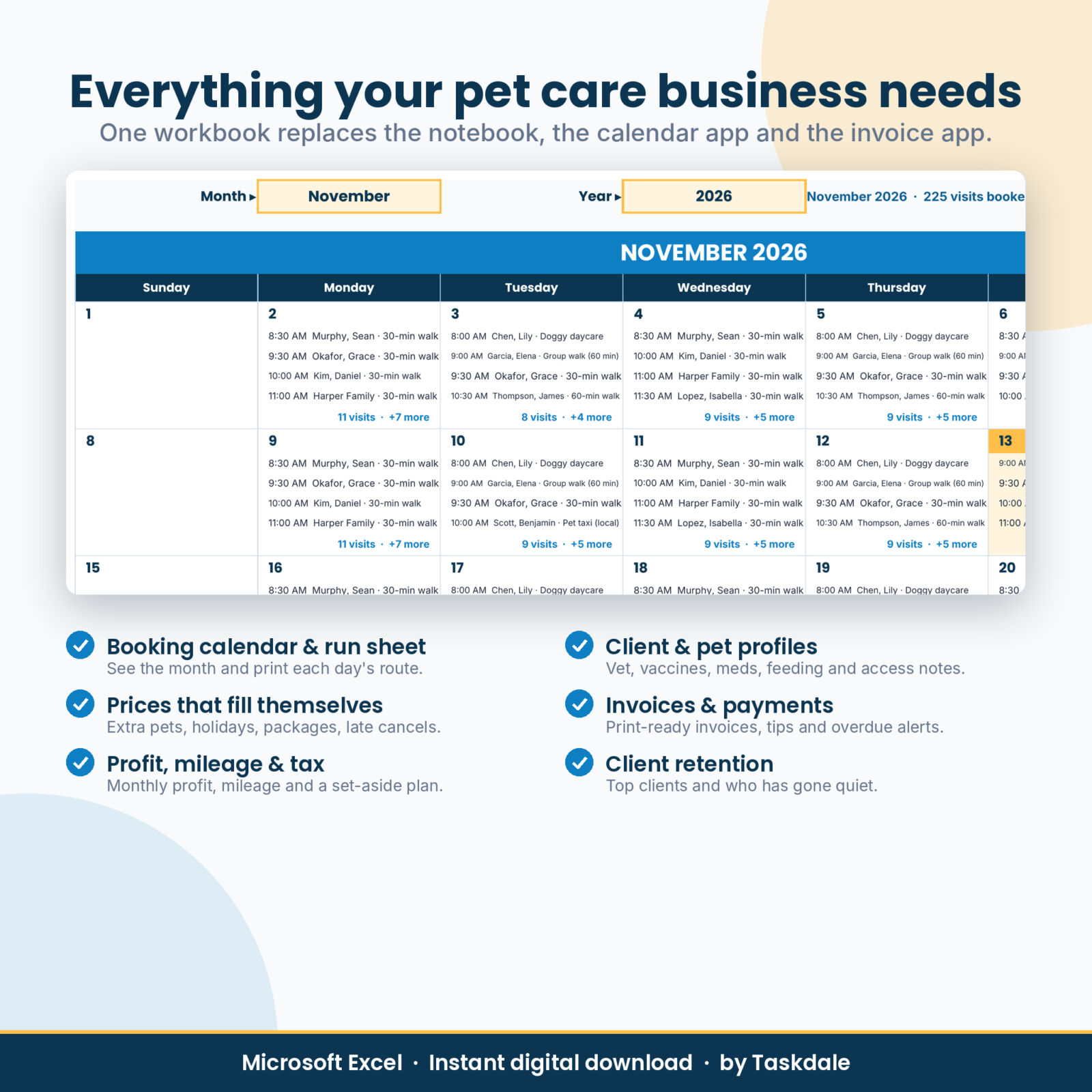
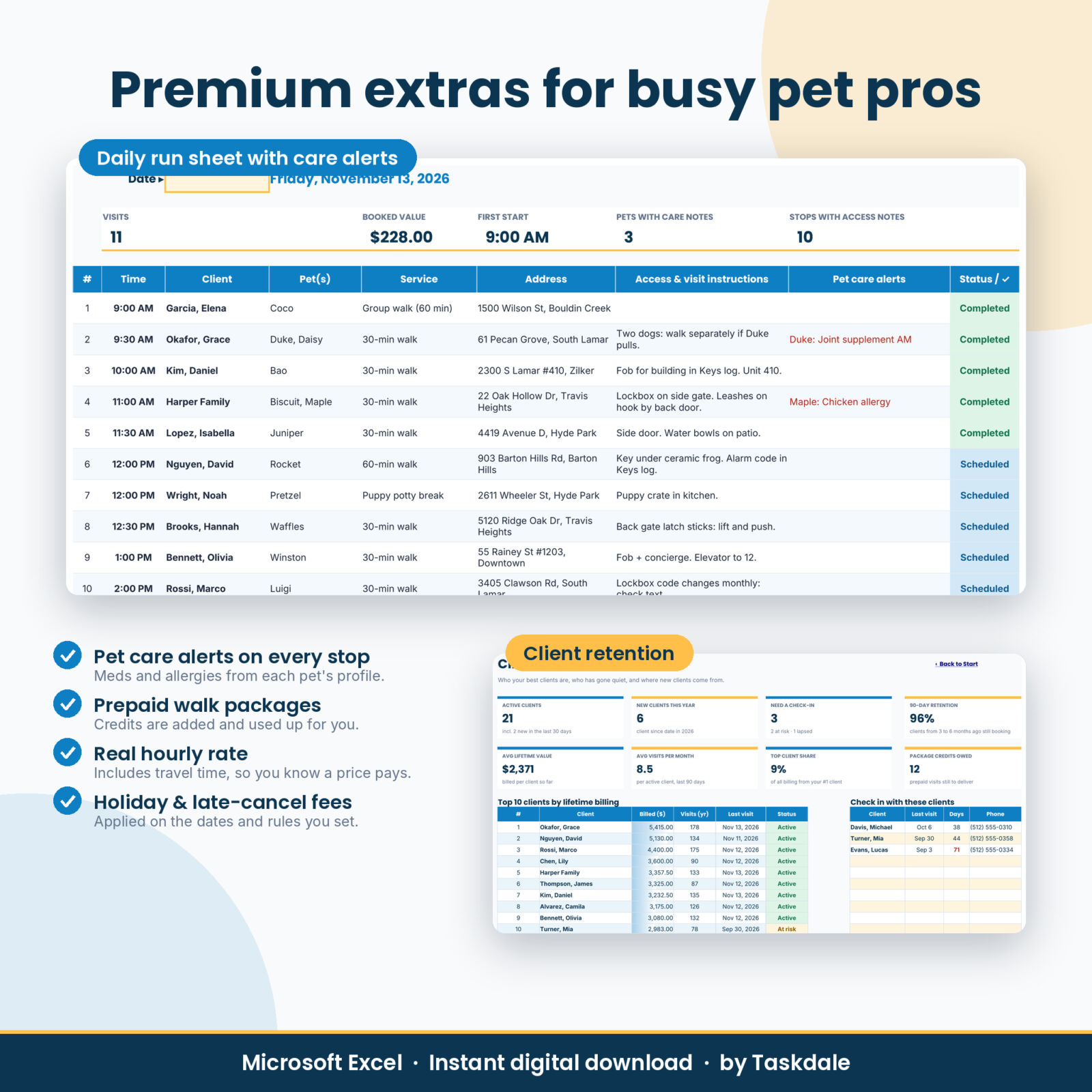
Add bookings as Scheduled and switch them to Completed after the visit. The month calendar fills itself in start-time order, and the run sheet lists every stop for the day with the address, access instructions and pet care alerts. Print it or keep it open on your phone.
Prices That Fill Themselves
Pick the client and the service and the amount appears. Pawroute adds extra-pet charges, applies a holiday surcharge on the dates you list, charges your late-cancellation or no-show share, and handles add-ons and discounts. Sell prepaid walk packages and the credits are added and used up automatically.
Client and Pet Profiles
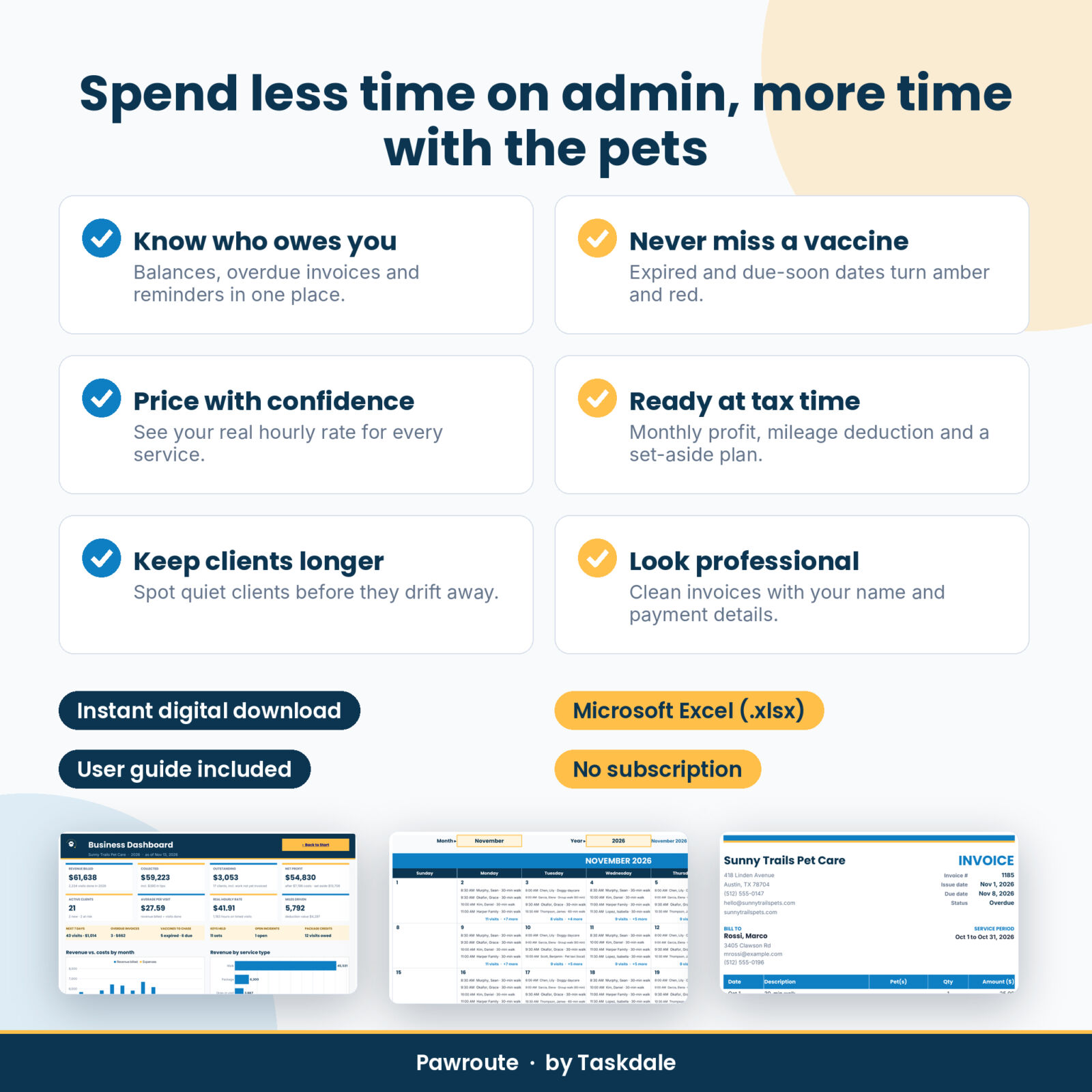
Every household gets contact details, emergency contact, access notes, referral source and a running balance. Every pet gets vet details, microchip, feeding, medications, allergies, behavior notes and three vaccine dates that turn amber when due soon and red when expired.
Invoices and Payments
Log an invoice for any client and period and the total, tax, payments and overdue status fill in. The printable invoice shows your business details, every visit line and how to pay, ready to print or save as PDF. Payments track tips and card or app fees too.
Profit, Mileage and Tax Planning
Expenses are grouped by category. The mileage log supports two rates in one year, so a mid-year IRS rate change is handled. Choose the standard mileage rate and vehicle costs drop out of profit automatically. The monthly summary shows net profit and a quarterly tax set-aside planner with US due dates.
Client Retention
See your top 10 clients, your 90-day retention rate, where clients come from, and a check-in list of clients who have gone quiet with no future booking.
What’s Included
- Pawroute workbook (.xlsx) with 18 tabs: Start, Dashboard, Calendar, Run Sheet, Visits, Clients, Pets, Keys, Incidents, Rates, Invoices, Invoice, Payments, Expenses, Mileage, Summary, Retention and Settings
- User guide (.docx) covering setup, every feature, customizing, tips, troubleshooting and FAQs
- Starter price list with 17 common services and packages, plus 2026 and 2027 US holiday dates
How It Works
- Add your business details, currency and fee rules on Settings.
- Edit the price list on Rates and add your packages.
- Add clients and pets once.
- Log each visit. The price, calendar, run sheet and balances update.
- Add an invoice, print it, and log the payment when it arrives.
- Check the dashboard for profit, alerts and who to follow up with.
File Format and Software
Pawroute is an Excel workbook (.xlsx) built for desktop Microsoft Excel. It has no macros or add-ins. Google Sheets can open the file, but sheet protection, some navigation links and print layouts behave differently there, so Excel is recommended. Apple Numbers is not supported.
Capacity: 150 clients, 250 pets, 3,000 visit rows, 600 invoices, 1,000 payments, 600 expenses and 800 mileage entries.
Customize It
Change the currency symbol and every money label follows. Edit services, payment methods, expense categories, referral sources, team members, vaccine names and holiday dates on the Settings tab. Formulas read list positions, so renaming an option won’t break your totals. Formula cells are locked with no password, so you can’t overwrite one by accident, and you can unprotect a sheet whenever you want to change the design.
Real Ways People Use It
- A walker with 20 regular clients prints the run sheet each morning and invoices everyone on the 1st of the month.
- A pet sitter sells 10-walk packs and sees exactly how many prepaid visits each client has left.
- A two-person team compares visits and hours by walker and checks their real hourly rate before raising prices.
- Before the holidays, a sitter checks which pets have expired vaccines and asks owners for updated records.
Instant Digital Download
This is a digital product. You’ll get the workbook and the user guide as downloads right after checkout. Nothing is shipped. The license covers personal use and use in your own small business; please don’t share or resell the files.
FAQ
Do I need Excel?
Yes, Pawroute is built for Microsoft Excel. It has no macros.
Does it work in Google Sheets?
It opens there, but protection, links and printing behave differently, so we recommend Excel.
Can I use it for cat sitting and other pets?
Yes. Species, services and vaccine names are all editable.
Can I bill visits before they happen?
Yes. Each invoice has an option to include scheduled visits, which suits prepaid holiday sitting.
Does it handle packages?
Yes. Selling a package adds credits to the client, and each covered visit uses one.
Is the tax figure exact?
No. The set-aside is a planning estimate from the percentage you choose, not tax advice.
Can I change the currency?
Yes. Change one cell on Settings and every money label updates.

Reviews
There are no reviews yet.