Personal Trainer Resume Template for Word, Ready to Fill In
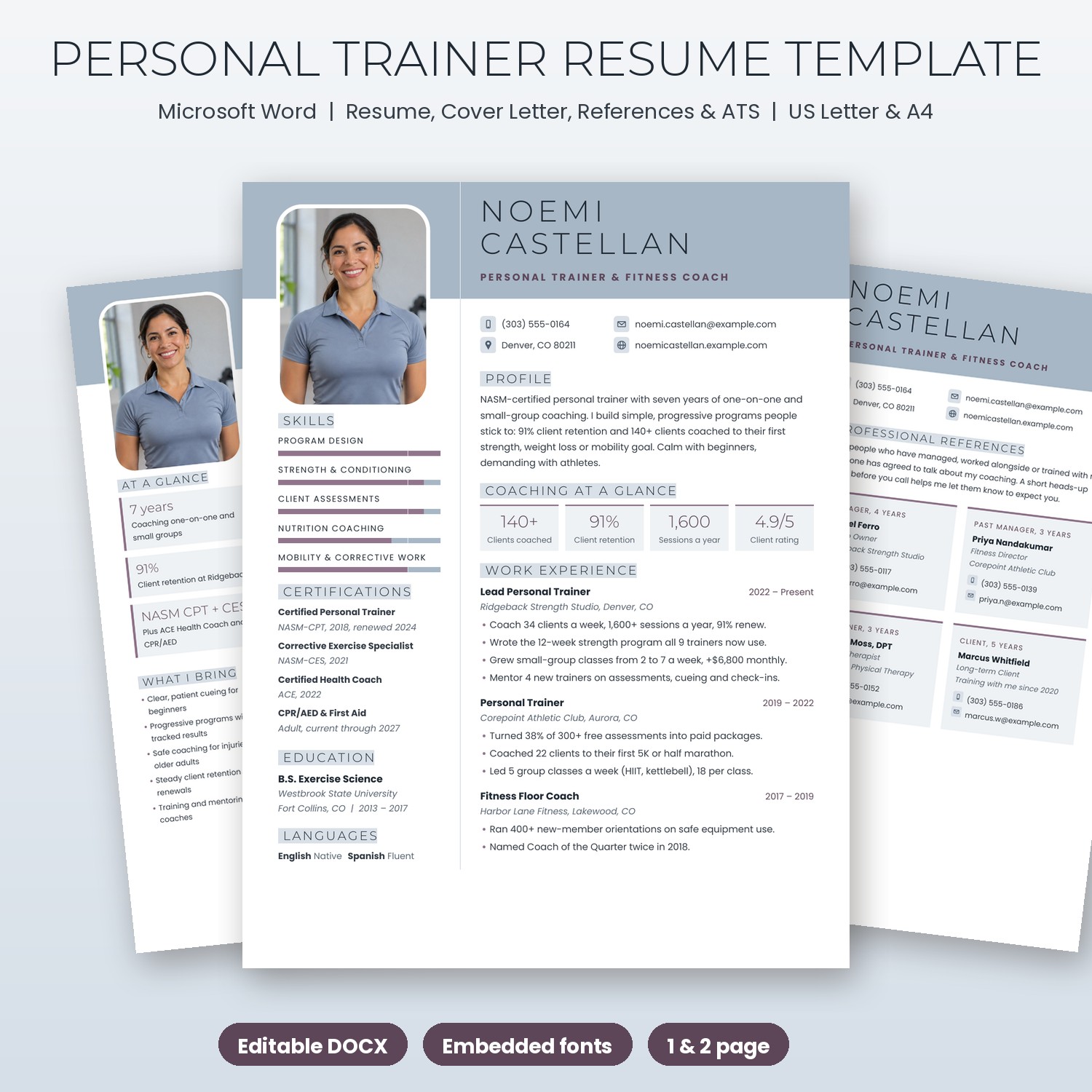
Mistline is a personal trainer resume template for Microsoft Word made for coaches who want to look as professional on paper as they do on the gym floor. The design keeps the soft powder blue-grey band, light airy name type and grey-blue skill bars that make this style popular, then adds what a fitness hiring manager actually looks for: your certifications, CPR/AED status and real coaching numbers.
It works as a fitness coach resume template too. Swap the title to Strength Coach, Group Fitness Instructor or Online Coach and the layout still fits. Every file is a regular .docx built with Word tables and styles, so it stays tidy while you type.
What’s Included
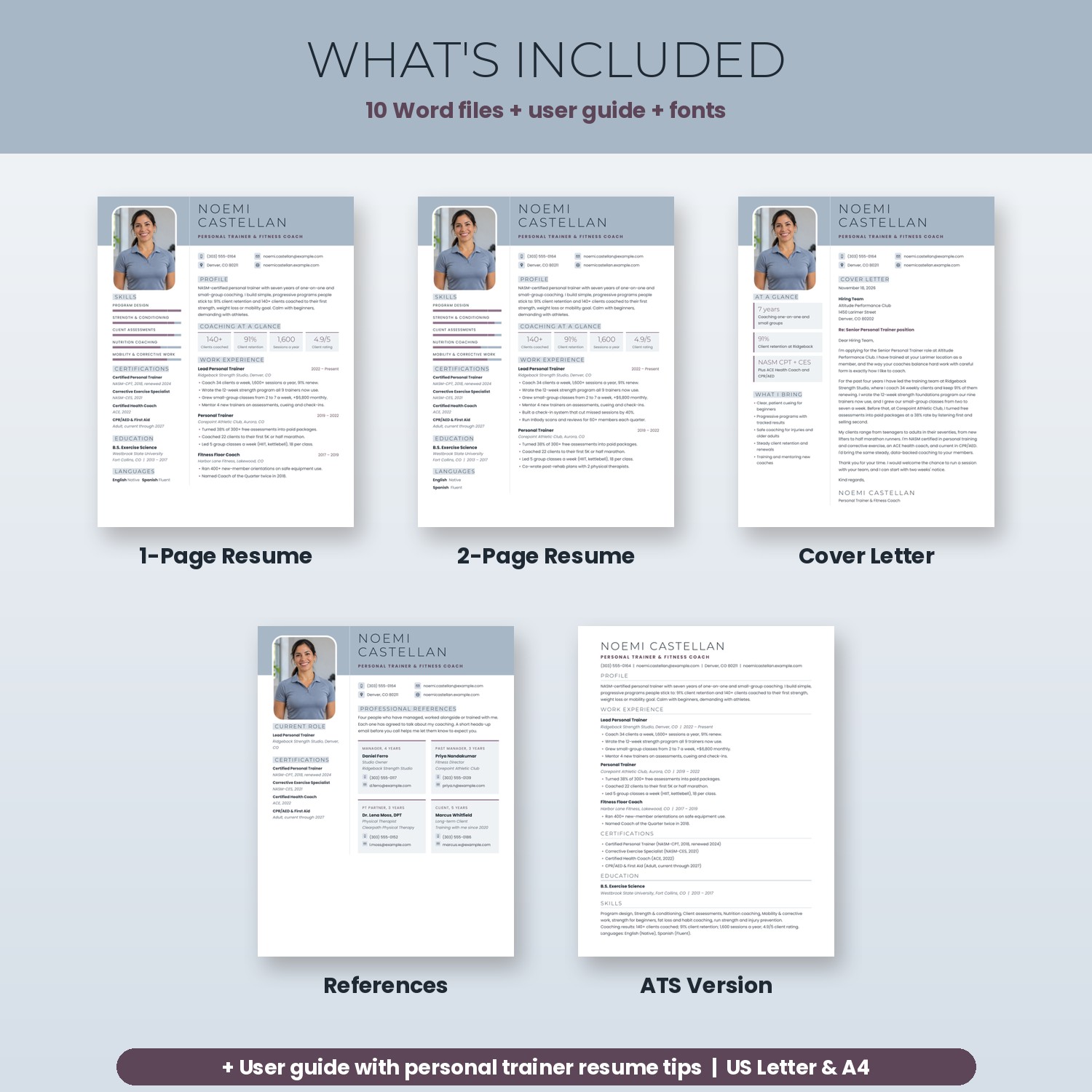
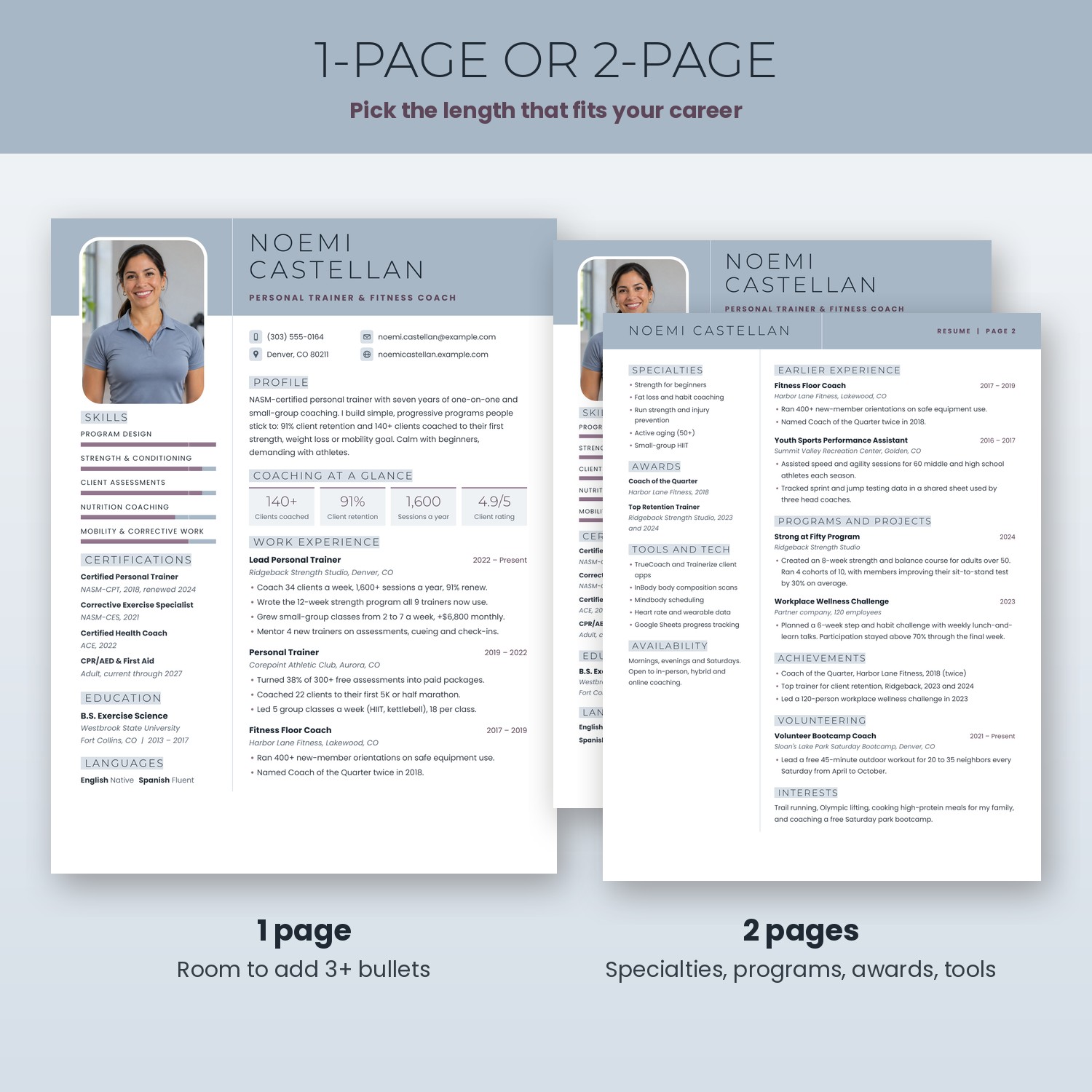
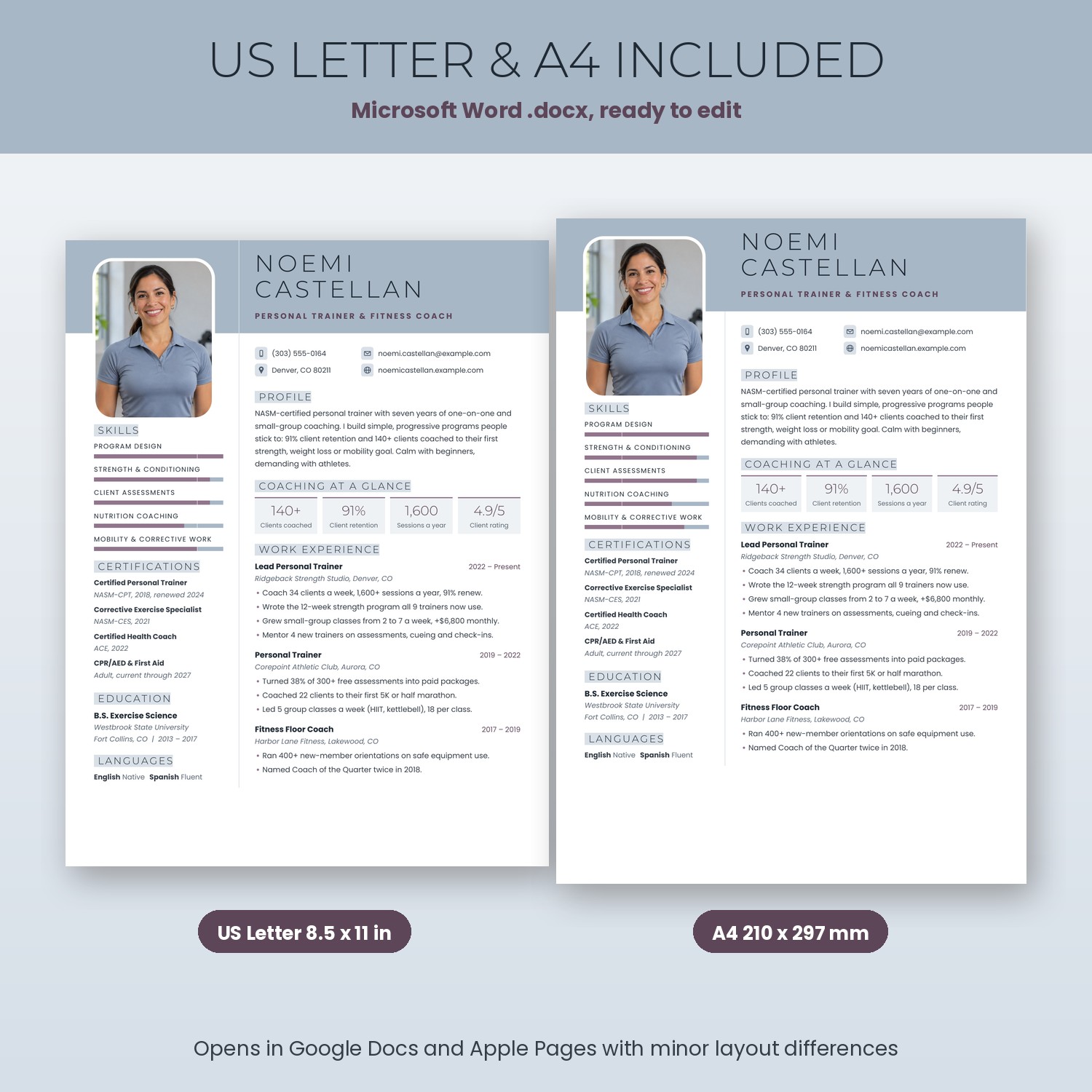
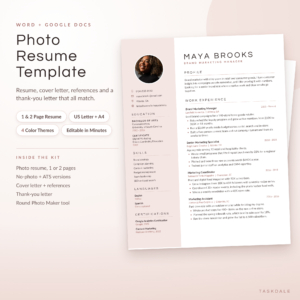
- Resume, 1 page: rounded photo, contact row with icons, Profile, a Coaching at a Glance row with four number tiles, Work Experience, skill bars, Certifications, Education and Languages.
- Resume, 2 pages: the same first page plus room for specialties, awards, training apps and tools, availability, earlier roles, programs you built, achievements, volunteering and interests.
- Cover letter: matching header and a sample letter written for a senior personal trainer job, with three headline facts in a side panel.
- References page: four reference cards with relationship, role, gym, phone and email.
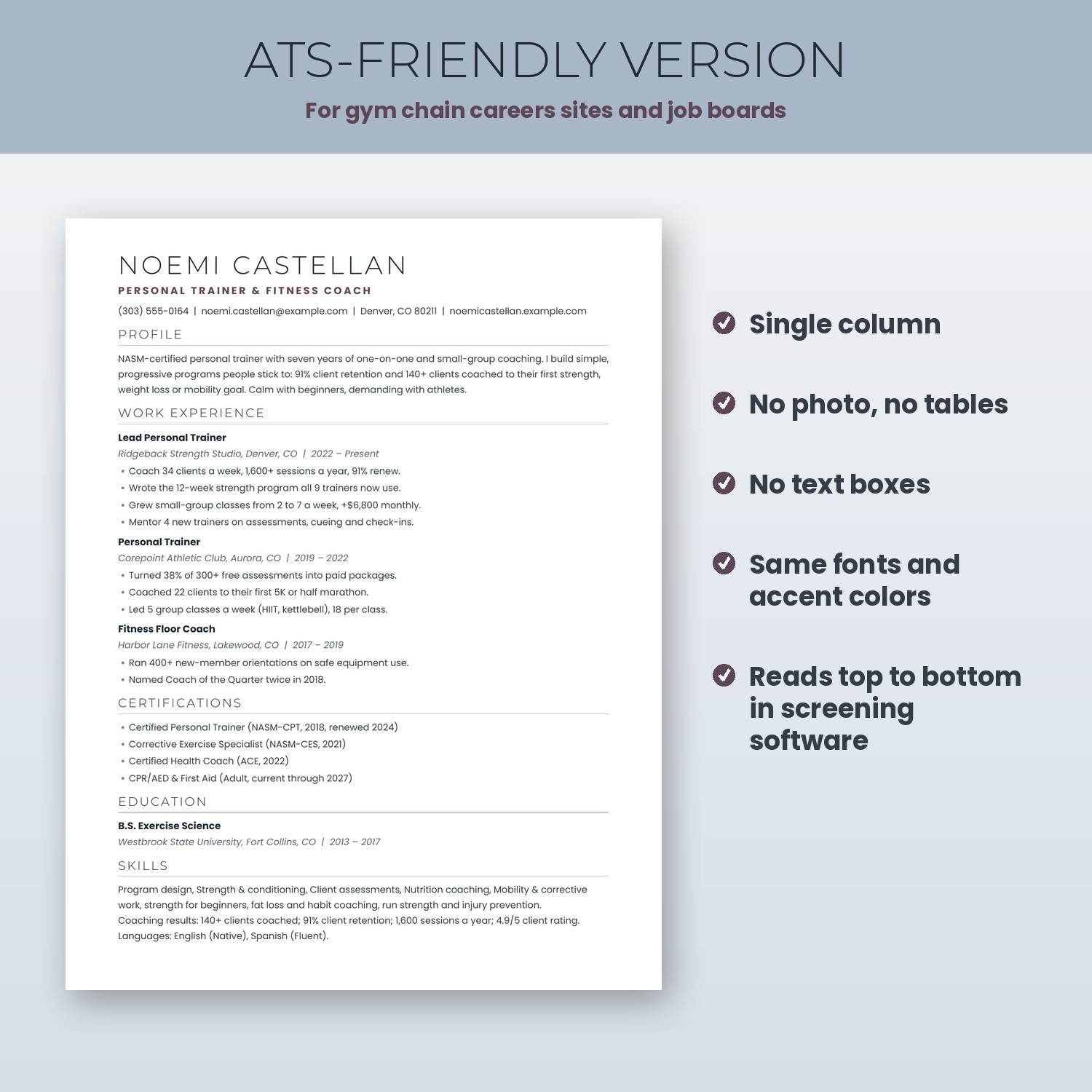
- ATS-friendly plain resume: one column, no photo, no tables, same fonts and accent colors.
- Both paper sizes: every file in US Letter (8.5 x 11 in) and A4 (210 x 297 mm). That is 10 Word files in total.
- Fonts folder: Montserrat Light and Poppins with their open font licenses, as a backup install.
- User guide (DOCX): a 9-page guide with setup steps, troubleshooting and a personal trainer resume cheat sheet.
Why Trainers Choose This Fitness Coach Resume Template
Made for fitness jobs, not a generic layout
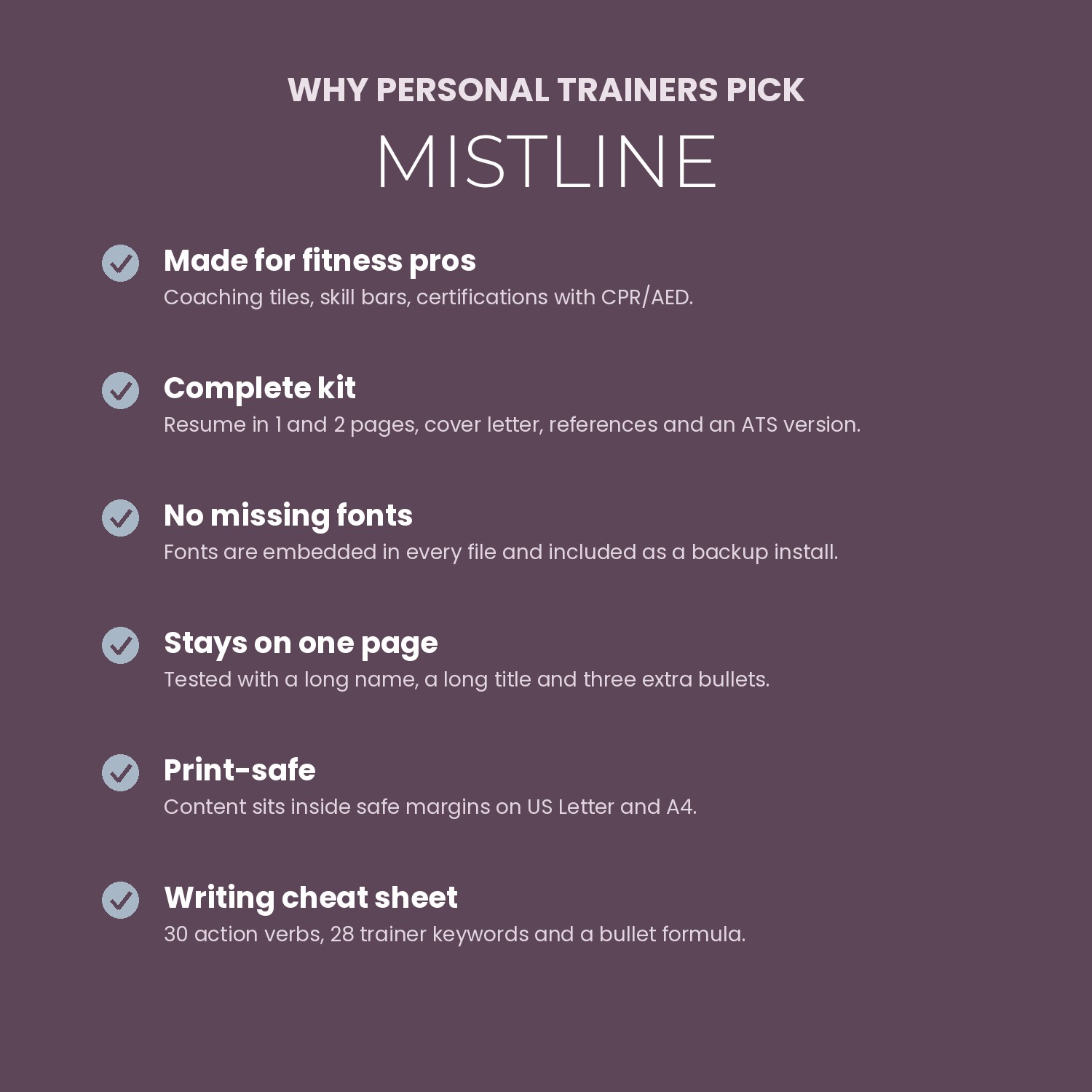
The sample content was written for a certified trainer: client retention, sessions per year, assessment-to-package conversion, small-group class growth and race finishes. A Certifications section has space for your CPT, specialist credentials and CPR/AED with its expiry date, which many gyms check before anything else.
Light, airy look that still prints clearly
Thin type can fade on a home printer. Here the name and headings use a light font for style, while body text stays at 9.5 pt or larger in dark slate, so bullets read crisply on paper and on a phone screen.
No missing fonts
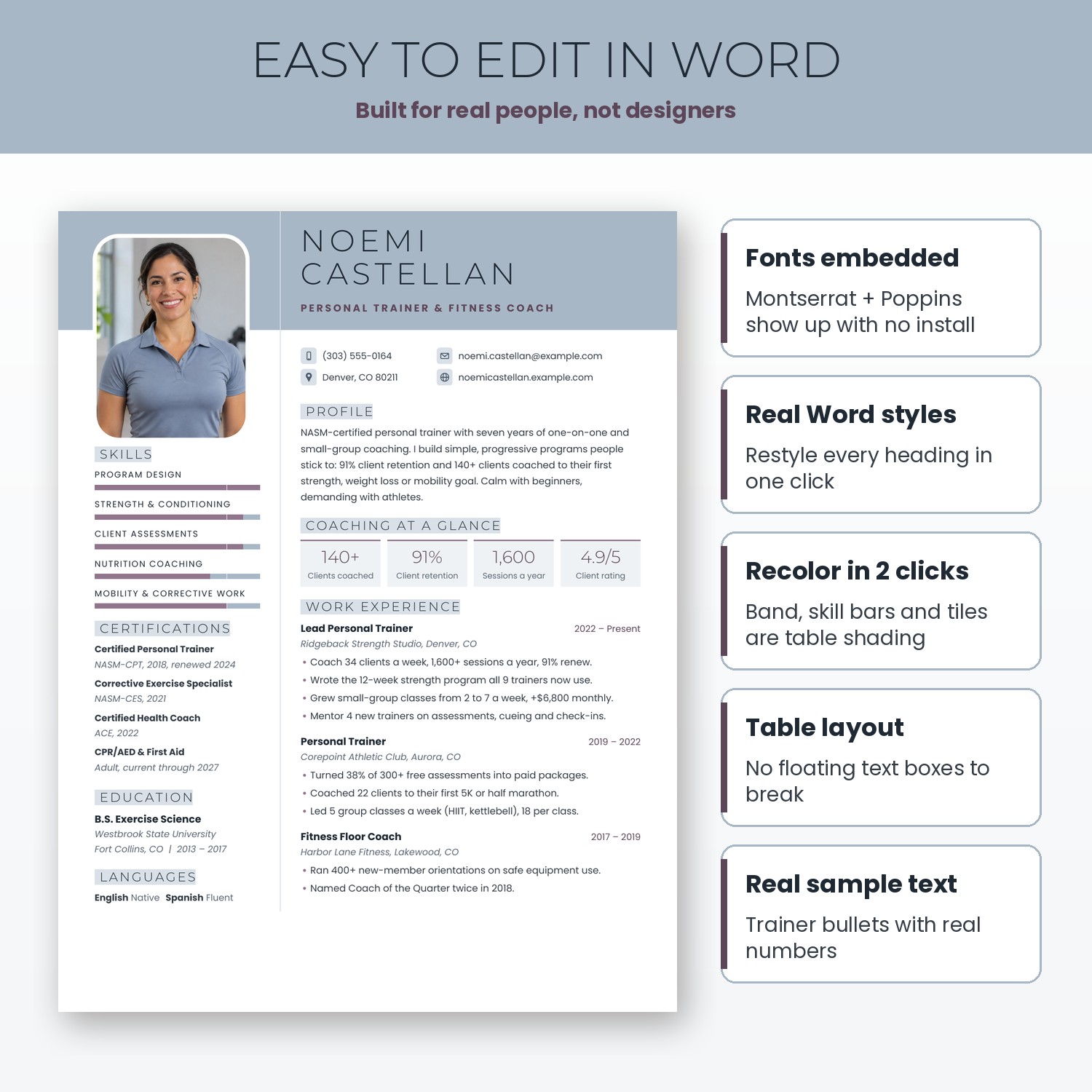
A common complaint about Word resume templates is that the fonts are missing and the layout jumps. Montserrat Light and Poppins are embedded in every file, so the design shows correctly without installing anything. The fonts are also in the zip in case your copy of Word ignores embedded fonts.
A layout that holds together while you edit
Columns, the header band, skill bars and tiles are built from Word table cells instead of floating text boxes. Text stays in the normal flow, so it doesn’t drift when you add a line, and screening software can read it. We tested the 1-page file with a longer name, a two-line job title and three extra bullets, and it stayed on one page in both sizes.
Easy photo swap and easy recoloring
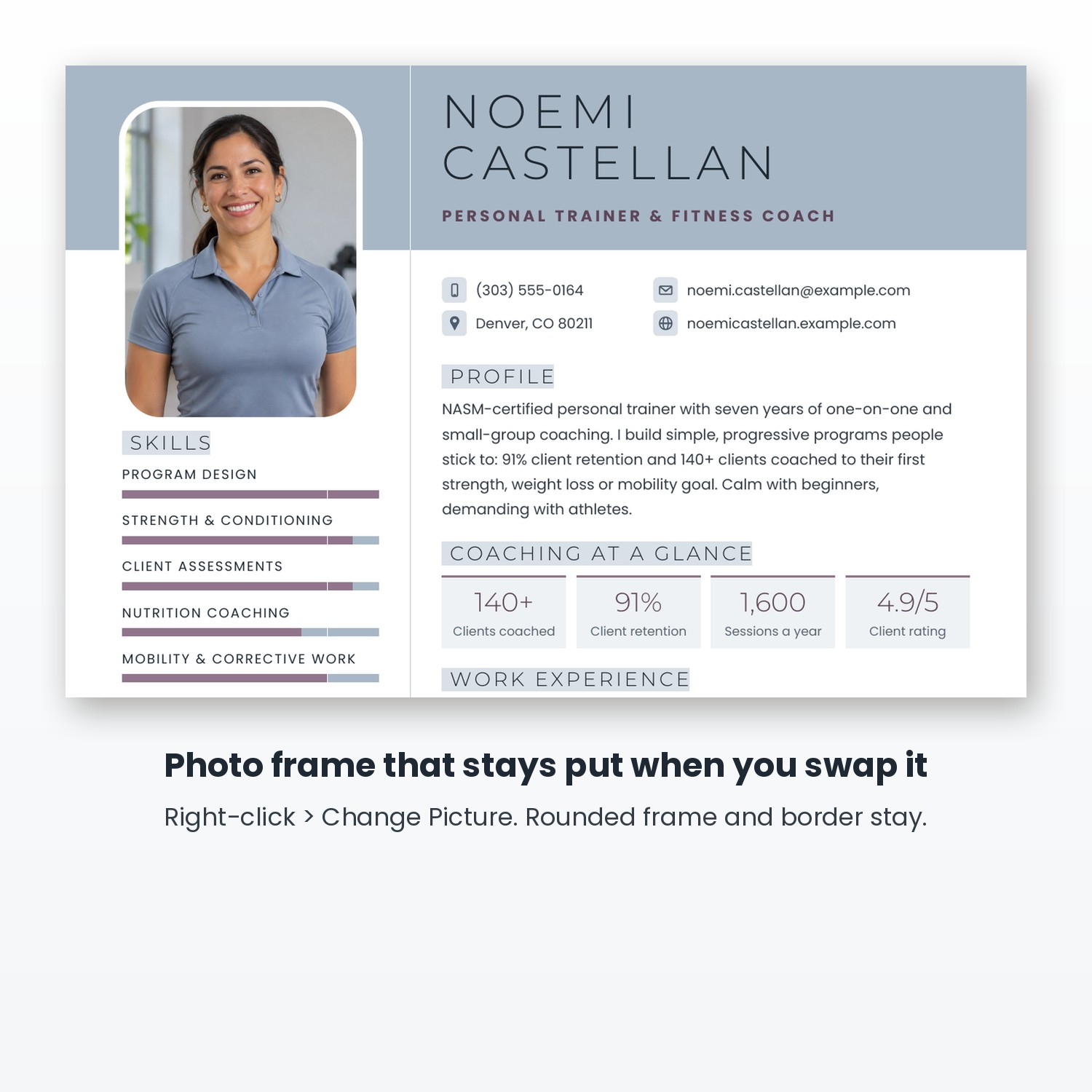
Right-click the photo, choose Change Picture, and your photo drops into the same rounded frame with the white border. The blue-grey band, mauve skill bars and tiles are table shading, so Table Design > Shading changes them in two clicks. Every heading and paragraph uses a named Word style for one-click restyling.
How It Works
- Buy and download the kit zip and the user guide from your order page.
- Unzip the kit and open the resume in your paper size in Microsoft Word.
- Change the photo, then type over the sample text. Keep a number in each bullet.
- Adjust the skill bars by recoloring cells, and update the four Coaching at a Glance tiles.
- Save as PDF and send it, or upload the ATS version on job portals.
Personal Trainer Resume Writing Help Included
The guide includes a cheat sheet for trainers: an action + task + result bullet formula with weak and strong examples, 30 action verbs, 28 keywords gym managers and ATS software search for (program design, fitness assessments, small-group training, client retention, CPR/AED and more), what to write in each section and a sample profile for newly certified trainers.
Who It’s For
- Certified personal trainers applying to studios, gyms and health clubs
- Fitness coaches and online coaches building a professional application
- Group fitness instructors, strength and conditioning coaches and floor coaches moving into training
- Newly certified trainers writing a first fitness resume
Real Ways Buyers Use It
- Applying to a boutique studio and bringing a printed copy to a trial session
- Uploading the ATS version to a large gym chain’s careers site
- Sending the PDF resume and cover letter to a fitness director by email
- Handing over the references page after a strong interview
File Formats and Software
- Microsoft Word (.docx) for Windows and Mac, Word 2016 or newer recommended, including Microsoft 365
- Opens in Google Docs and Apple Pages with minor layout differences. For the cleanest PDF, export from Word.
- US Letter and A4 versions of every document
Digital Download
This is a digital product. Nothing ships. After checkout you get two downloads: the kit zip (about 2 MB) and the user guide. Downloads are unlimited. The sample person, gyms, schools and contact details are fictional and the sample photo is AI-generated, so replace them with your own. License: personal use for your own job applications only, no resale or sharing.
FAQ
Is this personal trainer resume template editable in Word?
Yes. Every file is a .docx you edit in Microsoft Word. Click any text and type.
Can I use it in Google Docs?
Yes, open the Word file in Google Docs. The layout may shift slightly, so check spacing. The ATS version converts best.
Do I have to include a photo?
No. Click the photo and press Delete. The guide shows how to move the left column up afterward.
Where do I list my CPT and CPR/AED?
In the Certifications section, with the year or expiry date. The ATS version lists them as plain text too.
Will it work for a fitness coach or group fitness instructor?
Yes. Change the title, skills and tiles to match your role, for example classes taught a week and average attendance.
Can I change the colors?
Yes. The band, bars, tiles and cards are table shading, so you can pick any color in Word.
What if I’m newly certified?
Lead with your certification and any floor coaching, internships or sports background. The guide includes a sample profile for new trainers.
Reviews
There are no reviews yet.