"What are your rates?" is the question new creators dread. Ratewise is a UGC rate calculator that turns your time and the rights a brand wants into a clear, confident number.
Your base price comes from the hours a video really takes. Usage rights, whitelisting and raw footage are added as percentages of that base, which is how many creators and brands think about them. Build a rate card with bundle prices for your media kit, and calculate engagement rates for each platform.
What is inside this ugc rate calculator
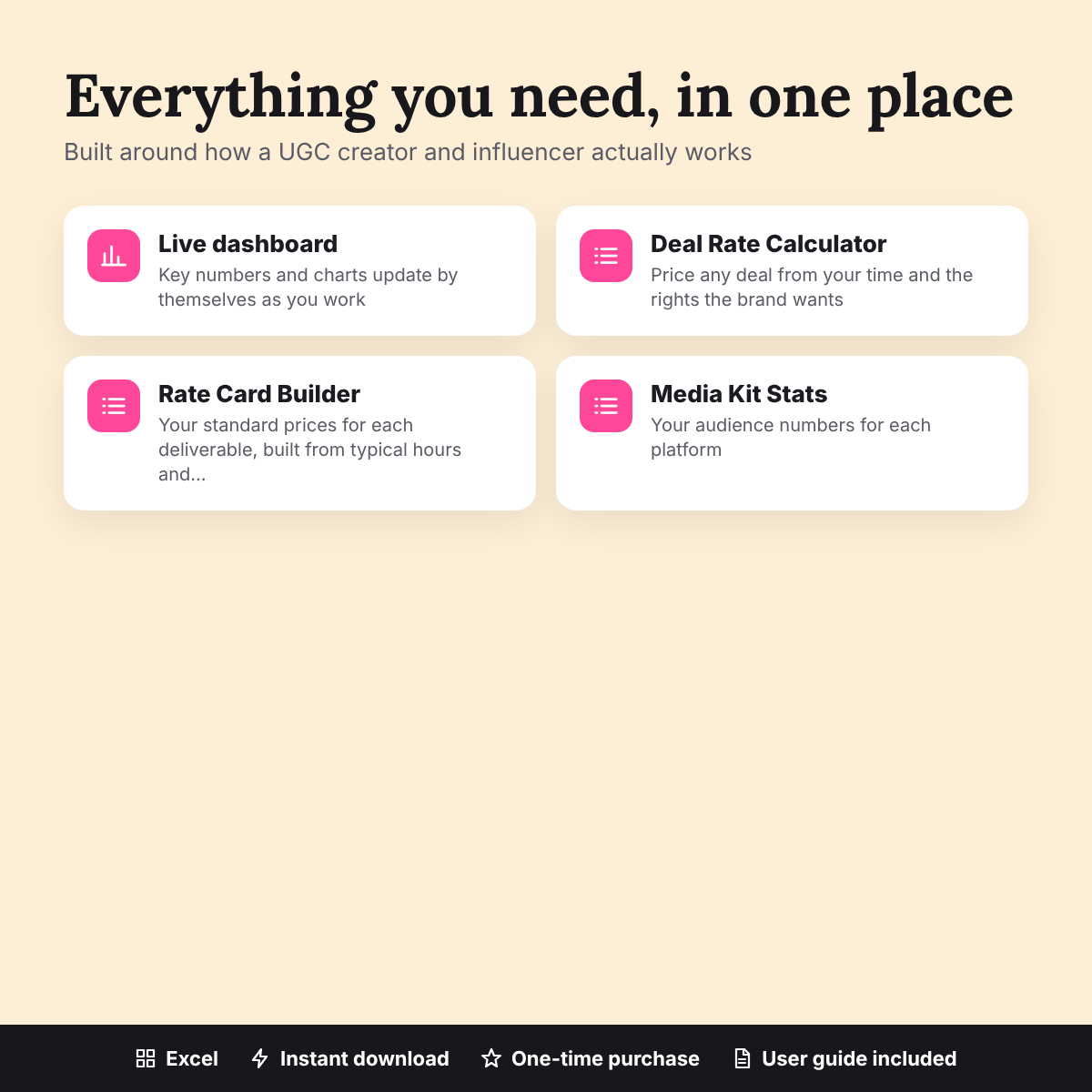
Ratewise is organized into clear sheets that talk to each other, so you enter information once and see it everywhere it matters.
Dashboard
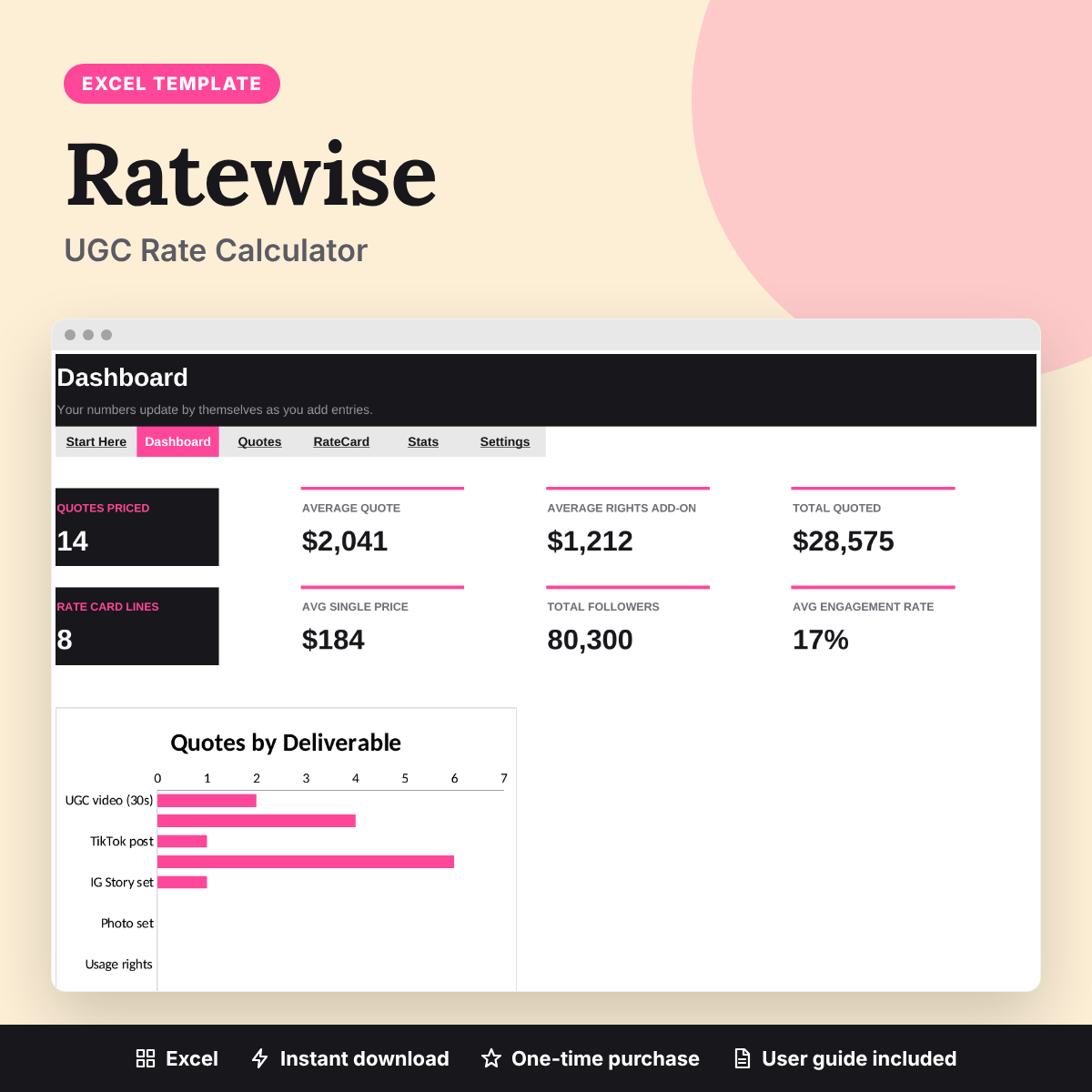
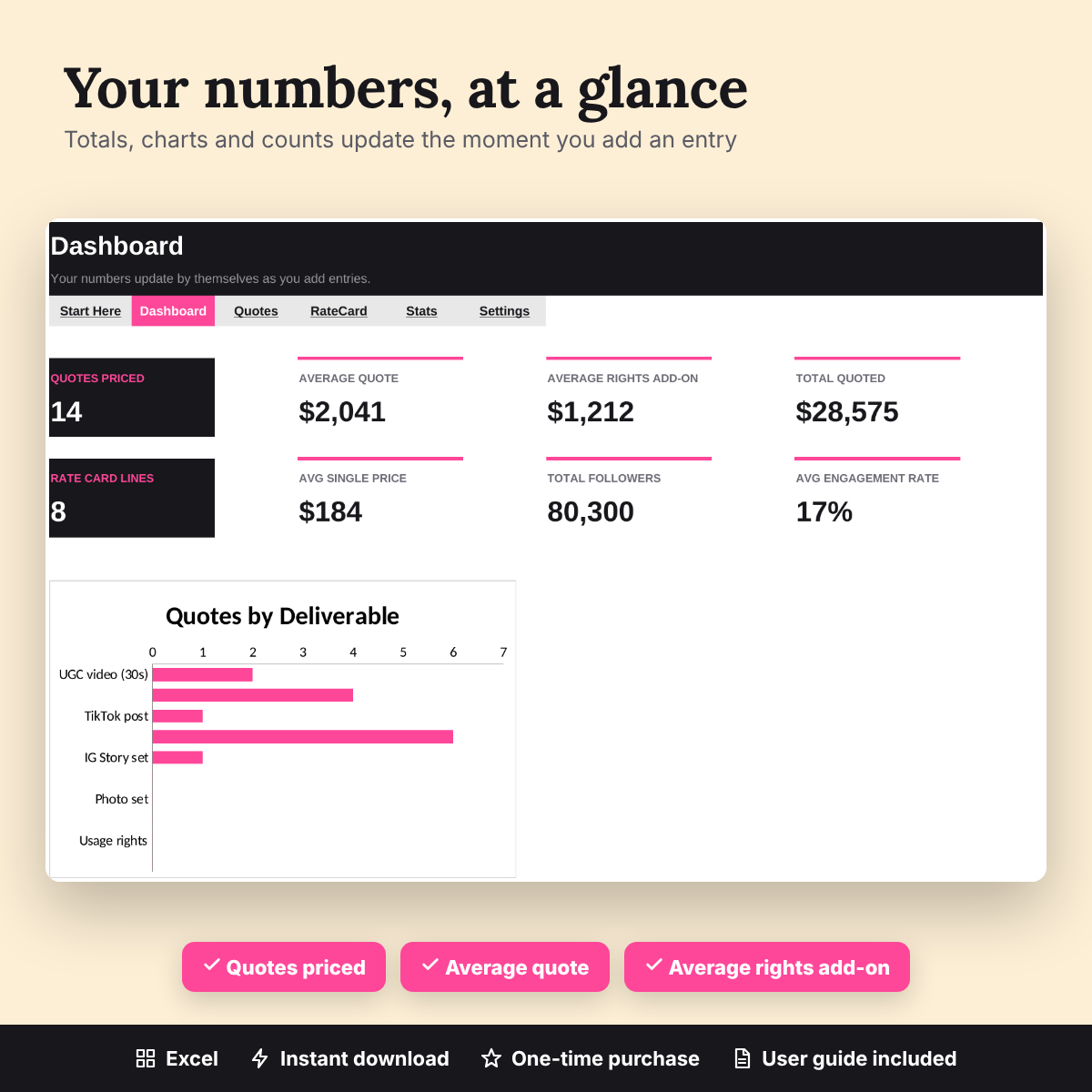
Your headline numbers in one view: quotes priced, average quote, average rights add-on, total quoted, rate card lines, avg single price. Breakdown charts show where your work and money come from.
Deal Rate Calculator
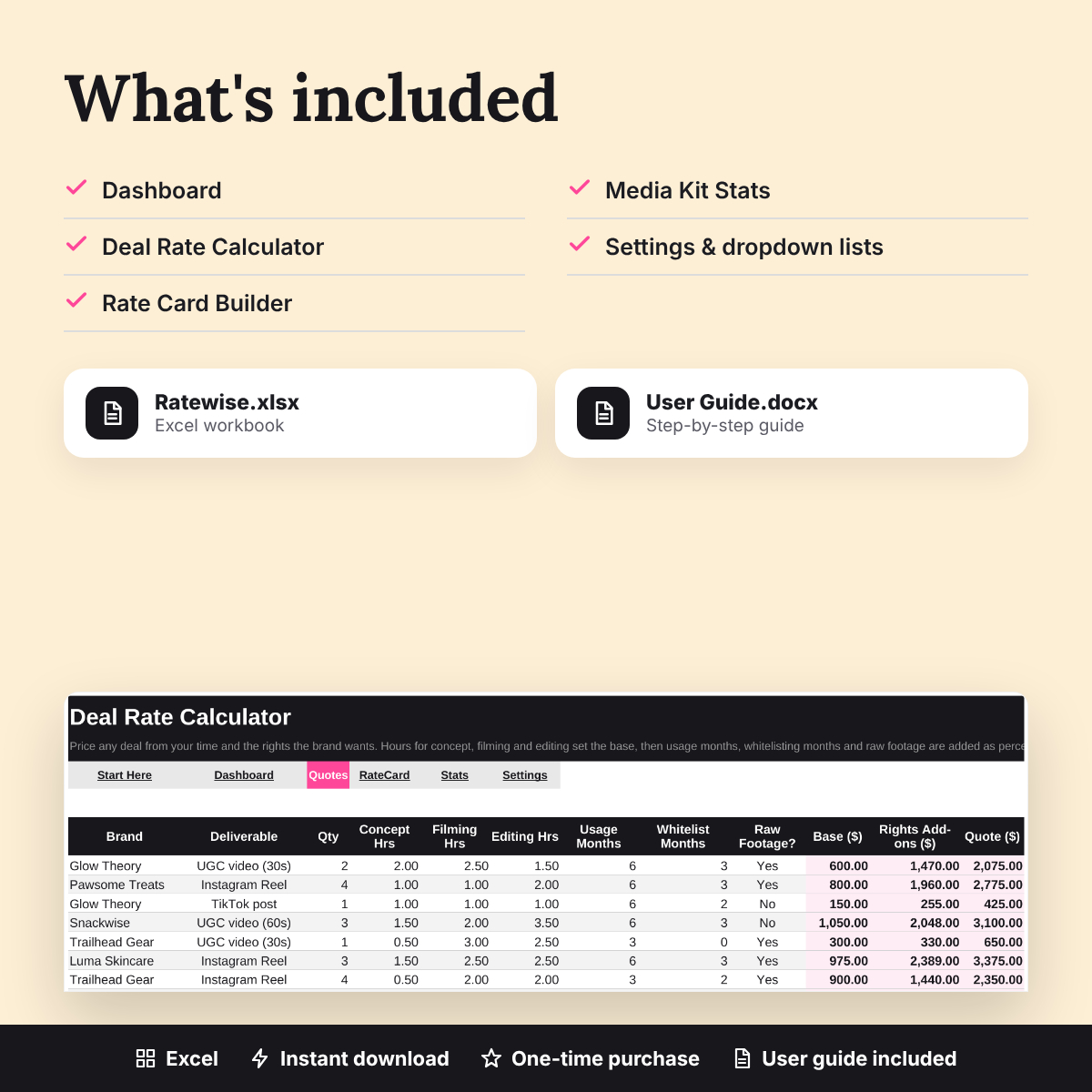
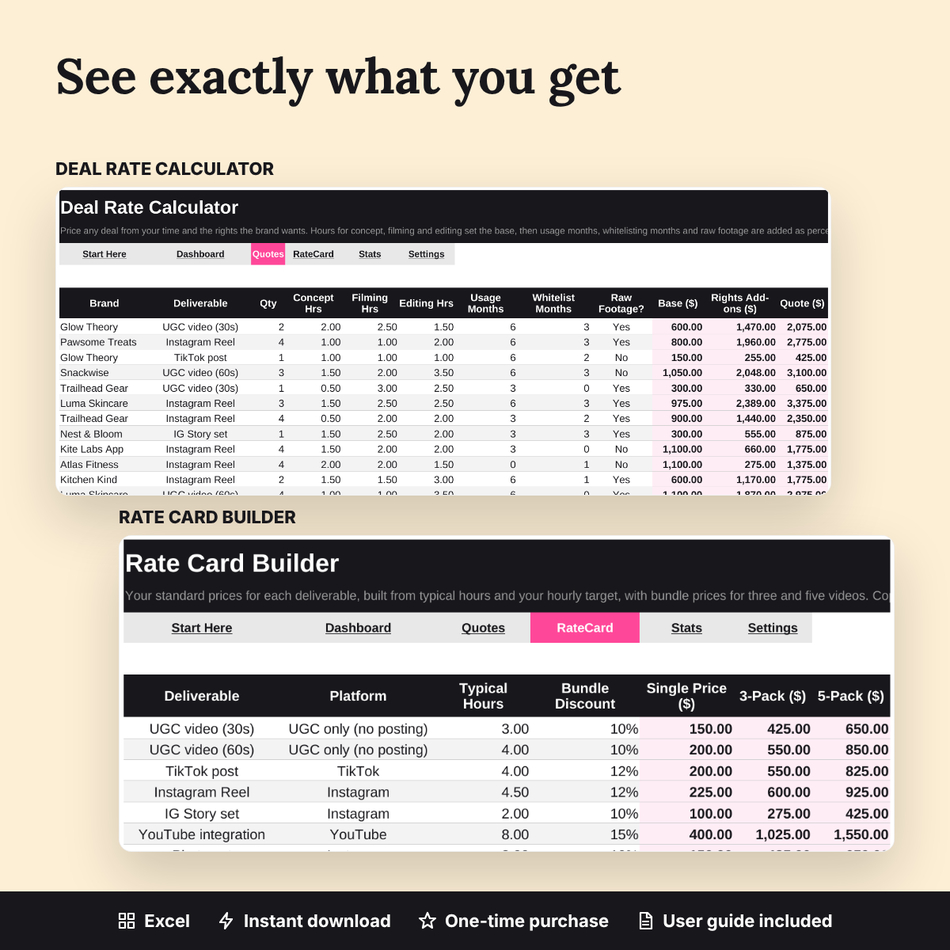
Price any deal from your time and the rights the brand wants. Hours for concept, filming and editing set the base, then usage months, whitelisting months and raw footage are added as percentages of the base. Base, Rights Add-ons, Quote are worked out automatically. Columns: Brand, Deliverable, Qty, Concept Hrs, Filming Hrs, Editing Hrs, Usage Months, Whitelist Months, Raw Footage?, Base, Rights Add-ons, Quote.
Rate Card Builder
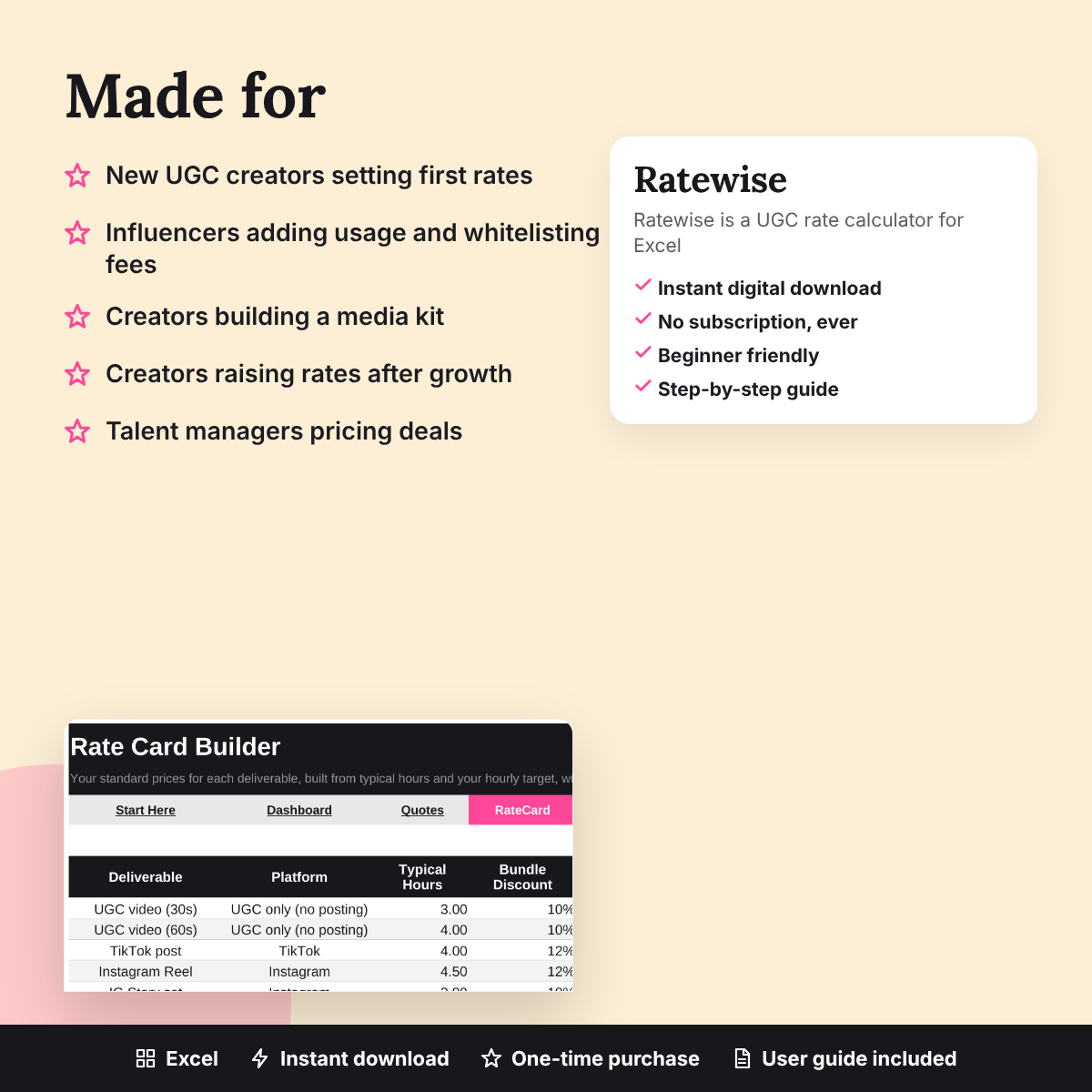
Your standard prices for each deliverable, built from typical hours and your hourly target, with bundle prices for three and five videos. Copy it straight into your media kit. Single Price, 3-Pack, 5-Pack are worked out automatically. Columns: Deliverable, Platform, Typical Hours, Bundle Discount, Single Price, 3-Pack, 5-Pack.
Media Kit Stats
Your audience numbers for each platform. Engagement rate calculates itself and the totals are ready to paste into your media kit. Engagement Rate, Views / Followers are worked out automatically. Columns: Platform, Followers, Avg Views, Avg Comments, Avg Shares, Engagement Rate, Views / Followers.
Settings
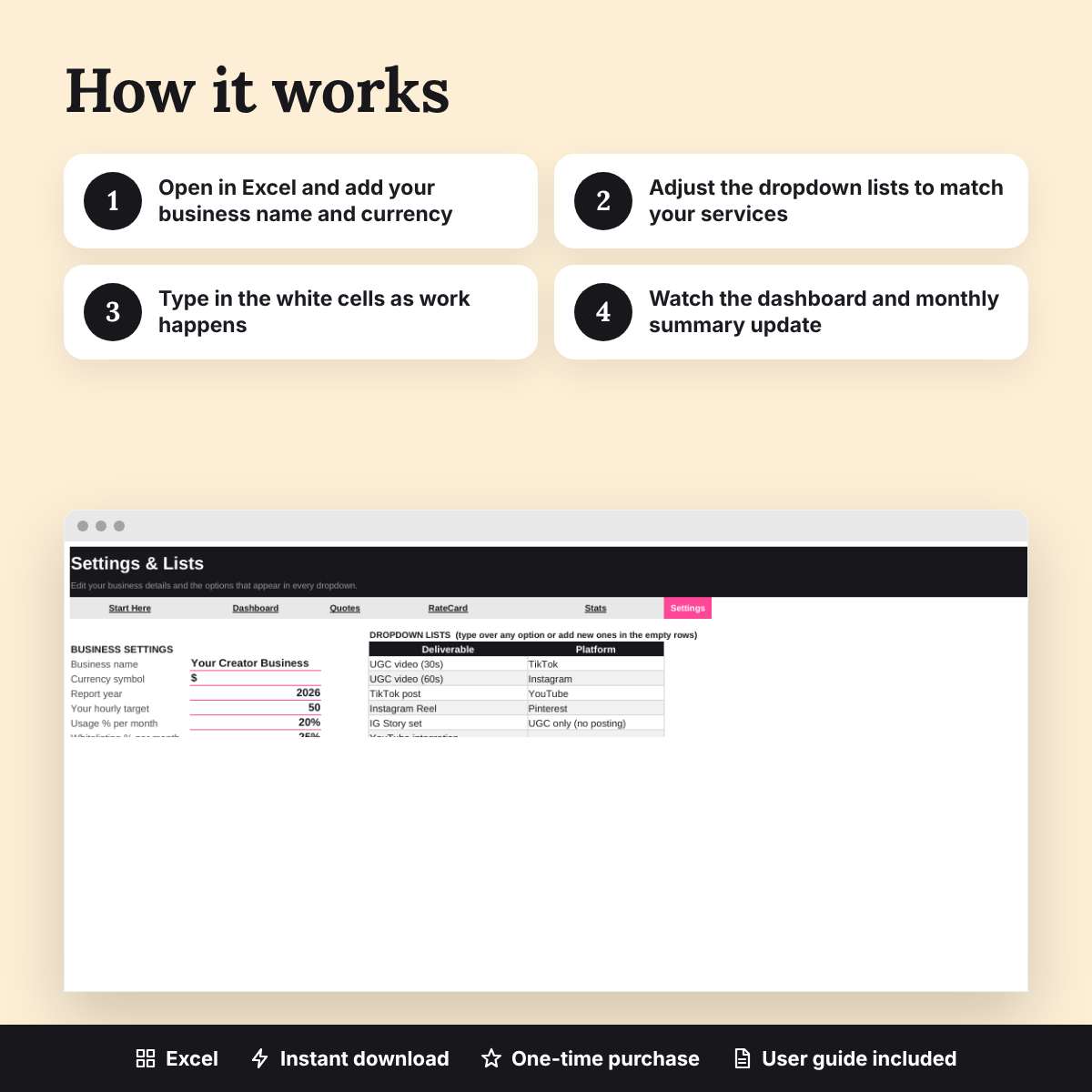
Your business name, currency symbol, report year and every dropdown list live here, so the whole workbook fits the way you work.
Key features
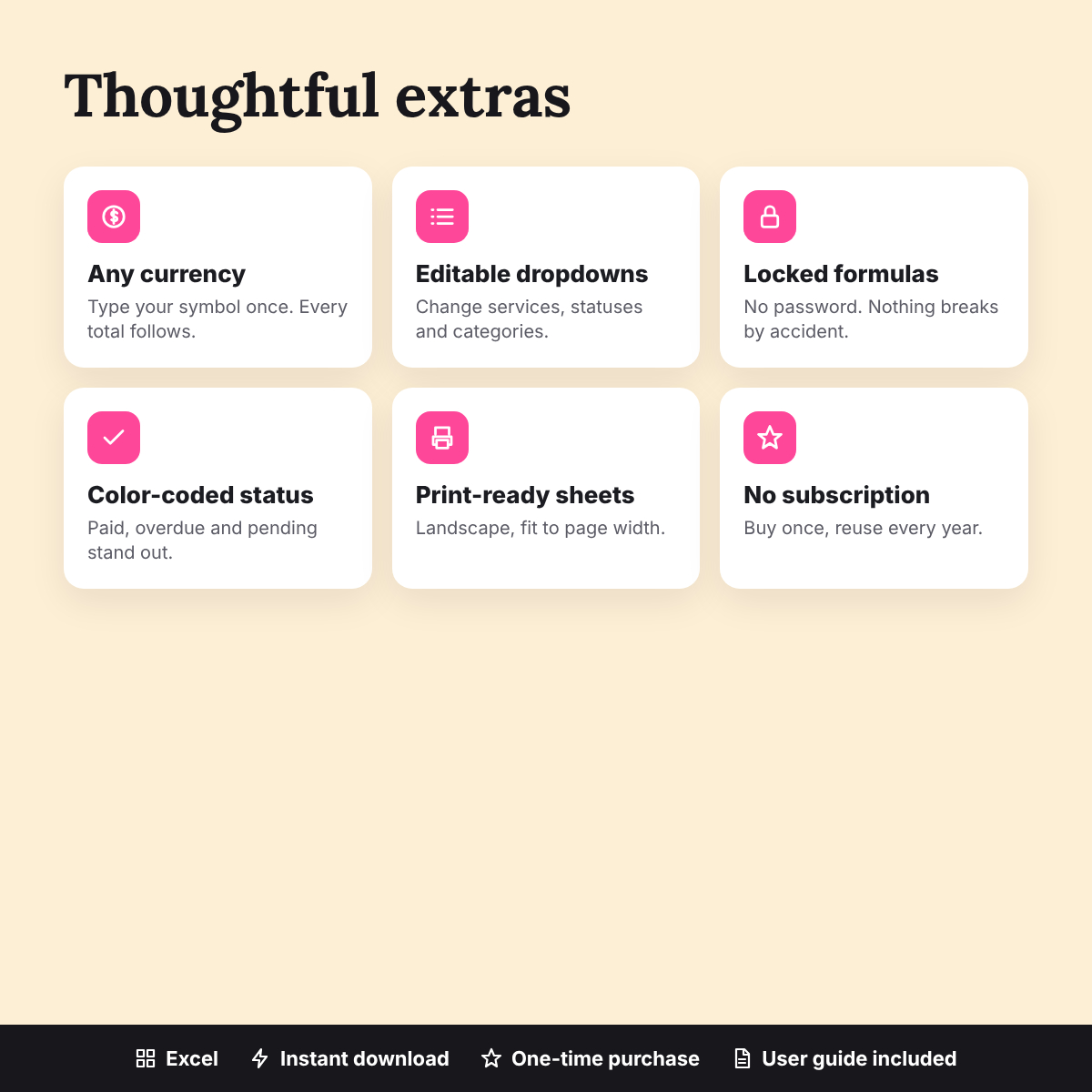
- Automatic dashboard with KPI cards and charts
- Dropdown lists you can edit without touching a formula
- Formula cells locked with no password, so nothing breaks by accident
- One currency setting that every money heading and total reads from
- Color-coded statuses so overdue and pending items jump out
- Print-ready landscape layout on every sheet
- 300 ready-to-use rows on every data sheet
- Clickable navigation between sheets
Who this ugc rate calculator is for
- New UGC creators setting first rates
- Influencers adding usage and whitelisting fees
- Creators building a media kit
- Creators raising rates after growth
- Talent managers pricing deals
How it works
- Download the file and open it in Microsoft Excel.
- Type your business name and currency symbol on the settings sheet, and adjust the dropdown lists.
- Enter information in the white cells as work happens. Shaded cells calculate themselves.
- Open the dashboard any time to see where things stand.
Real-world use cases
- Quoting a 3-video UGC package with 6 months of usage in a minute.
- Adding a whitelisting fee instead of giving it away.
- Publishing a rate card with 3 and 5-video bundles.
- Calculating engagement rate for your media kit.
- Testing what a higher hourly target does to your rates.
File format and requirements
You receive Ratewise.xlsx, an Excel workbook built and tested in Microsoft Excel 2016 or newer and Microsoft 365 for Windows and Mac. You also get an illustrated user guide in Word format (.docx). No macros, no add-ins and no internet connection are needed.
Customization
Rename any dropdown option, add your own services or categories, and type your currency symbol once. Colors, fonts and column widths can be changed with normal Excel tools after you unprotect a sheet (there is no password).
Instant digital download
This is a digital product. Nothing is shipped. Your files are ready to download straight after checkout and stay in your Taskdale account so you can download them again whenever you need them.
Frequently asked questions
How are usage rights priced?
As a percentage of the base fee per month of usage. The default is 20% per month; set your own on the Settings sheet.
Is there a standard UGC rate?
Rates vary widely by niche, experience and deliverable. Ratewise prices from your own time and the rights requested.
Can I include raw footage?
Yes. Mark Raw Footage? as Yes and the raw footage percentage is added.
Does it work in Google Sheets?
It is built and tested in Microsoft Excel 2016 or newer and Microsoft 365 on Windows and Mac. We only promise Excel because that is what we tested.
Can I use my own currency?
Yes. Type your currency symbol once in the settings and every money heading and dashboard figure uses it.
Will I break the formulas by accident?
Formula cells are locked without a password, so you only type in the input cells. You can unprotect a sheet in one click if you want to change something.
Is it a subscription?
No. It is a one-time digital download that you keep and can reuse every year by changing the report year.
License: for personal use and use within your own business. Please do not resell, share or redistribute the files. © Taskdale.

Reviews
There are no reviews yet.