Run your mobile notary and loan signing business on autopilot
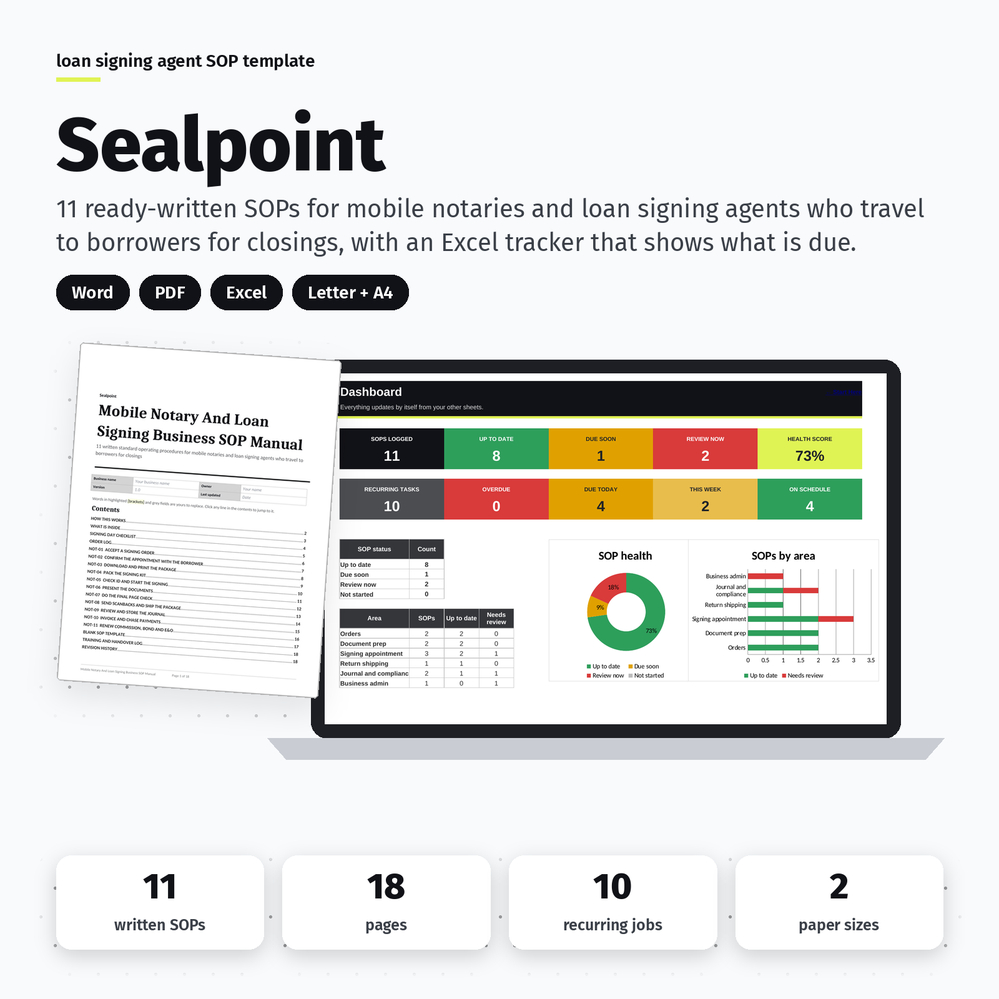
A loan signing goes wrong in small ways: a missed initial, a name that does not match the ID, a drop made ten minutes after the carrier cutoff. This loan signing agent SOP template hands you 11 procedures written out step by step, so you edit instead of starting from a blank page.
Signing companies and title officers keep calling the agents who return clean packages on time. That comes down to the same habits on every order: confirm the details, print the right pages, check ID, present each page without explaining the loan, and ship before cutoff. These SOPs write those habits down. Your state notary laws and commission rules always come first, and nothing here is legal advice.
Who will love it
- Commissioned notaries working as loan signing agents
- General mobile notaries adding loan signings
- Signing agents handling 20 or more closings a month
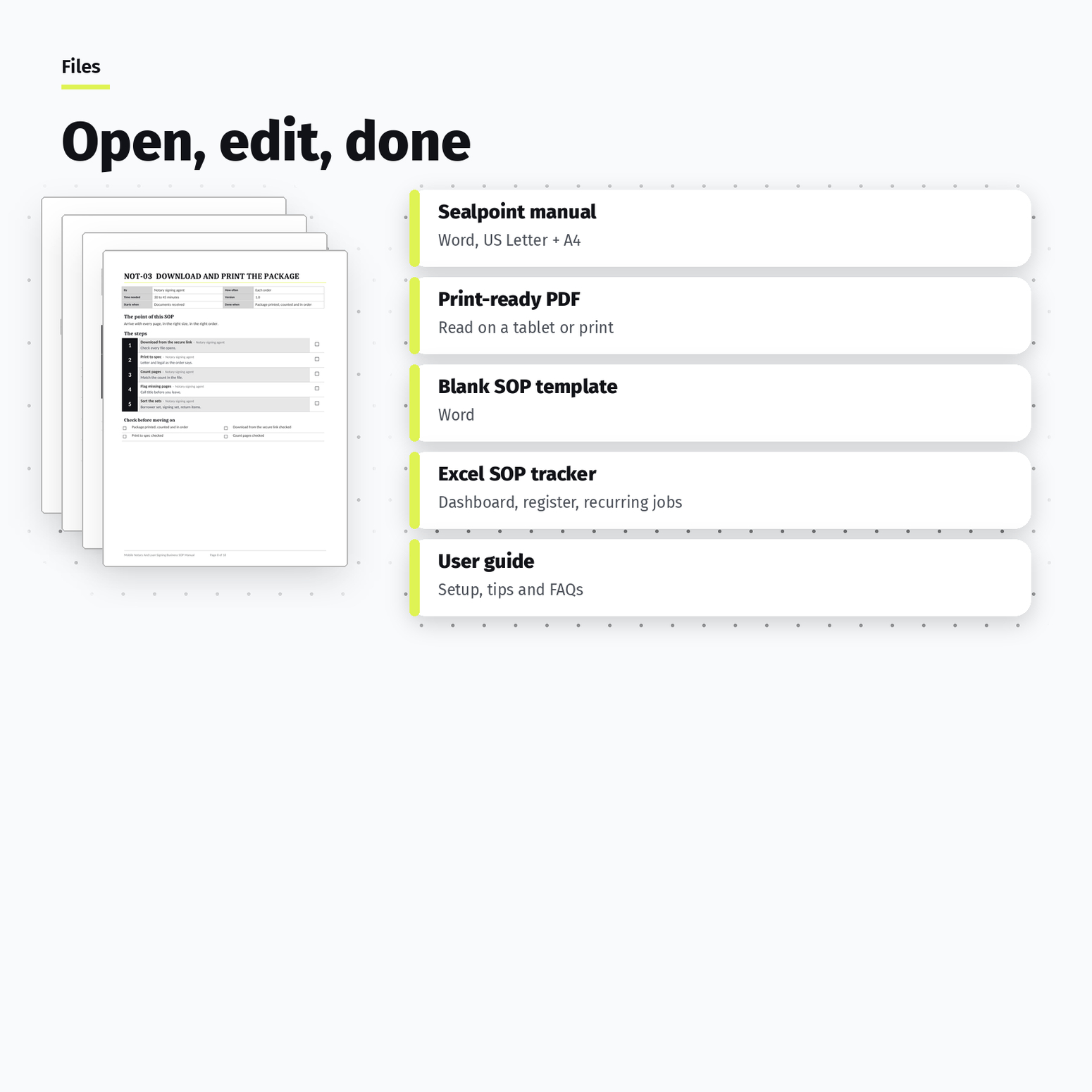
Package contents
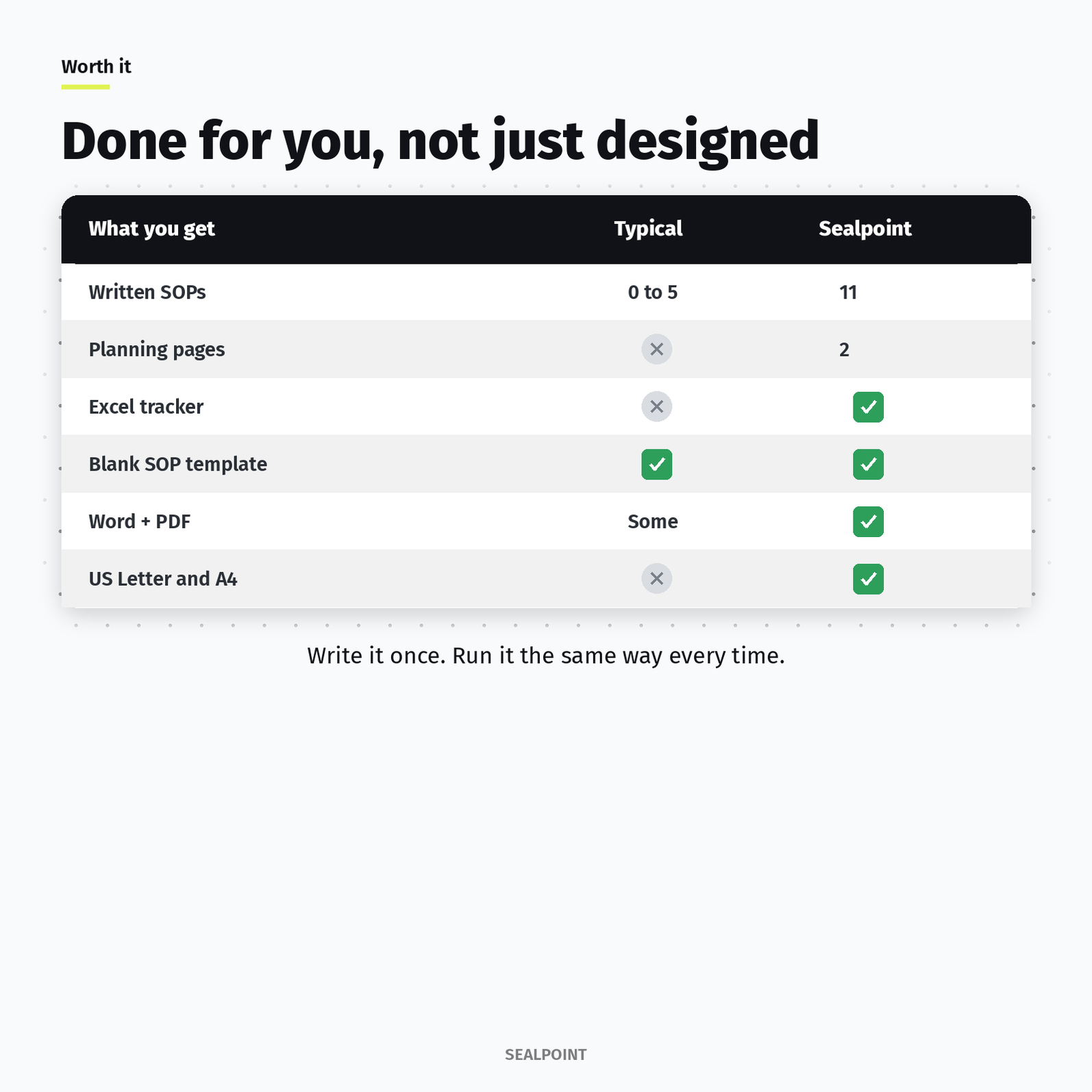
- Editable Word manual in US Letter and A4
- Print-ready PDF
- Blank SOP template (Word)
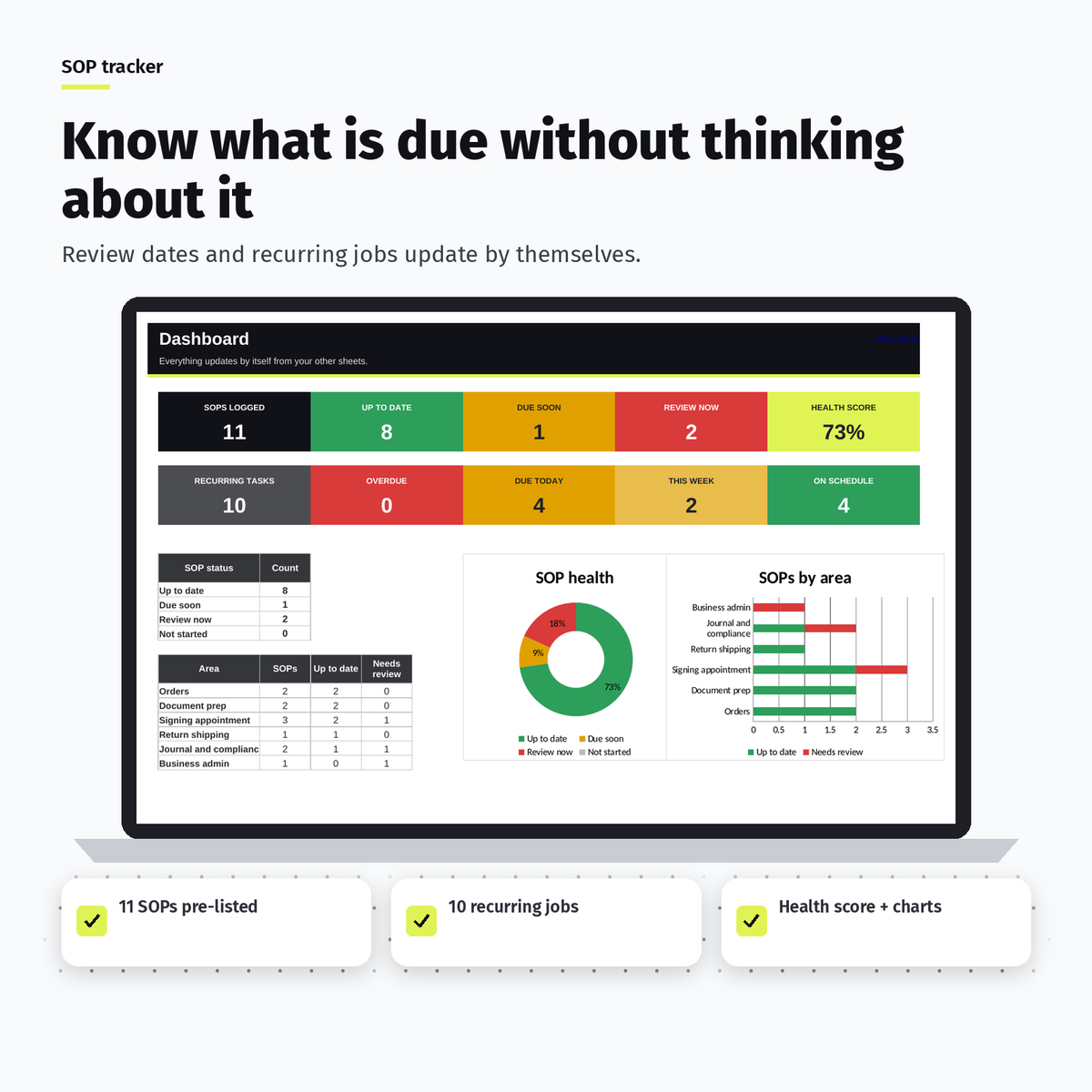
- Excel SOP tracker with dashboard
- User guide (Word)
The SOP library
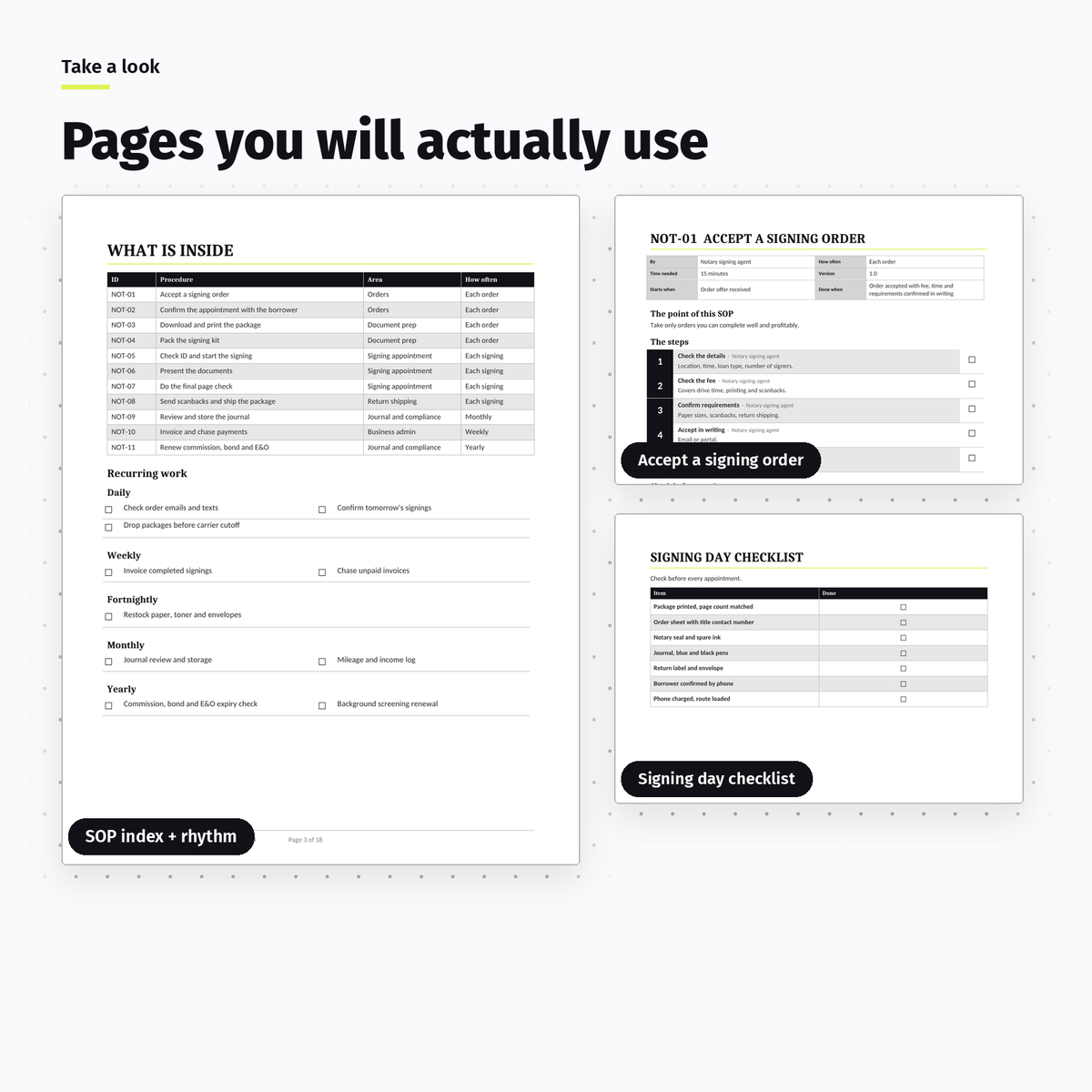
11 written SOPs, grouped by area:
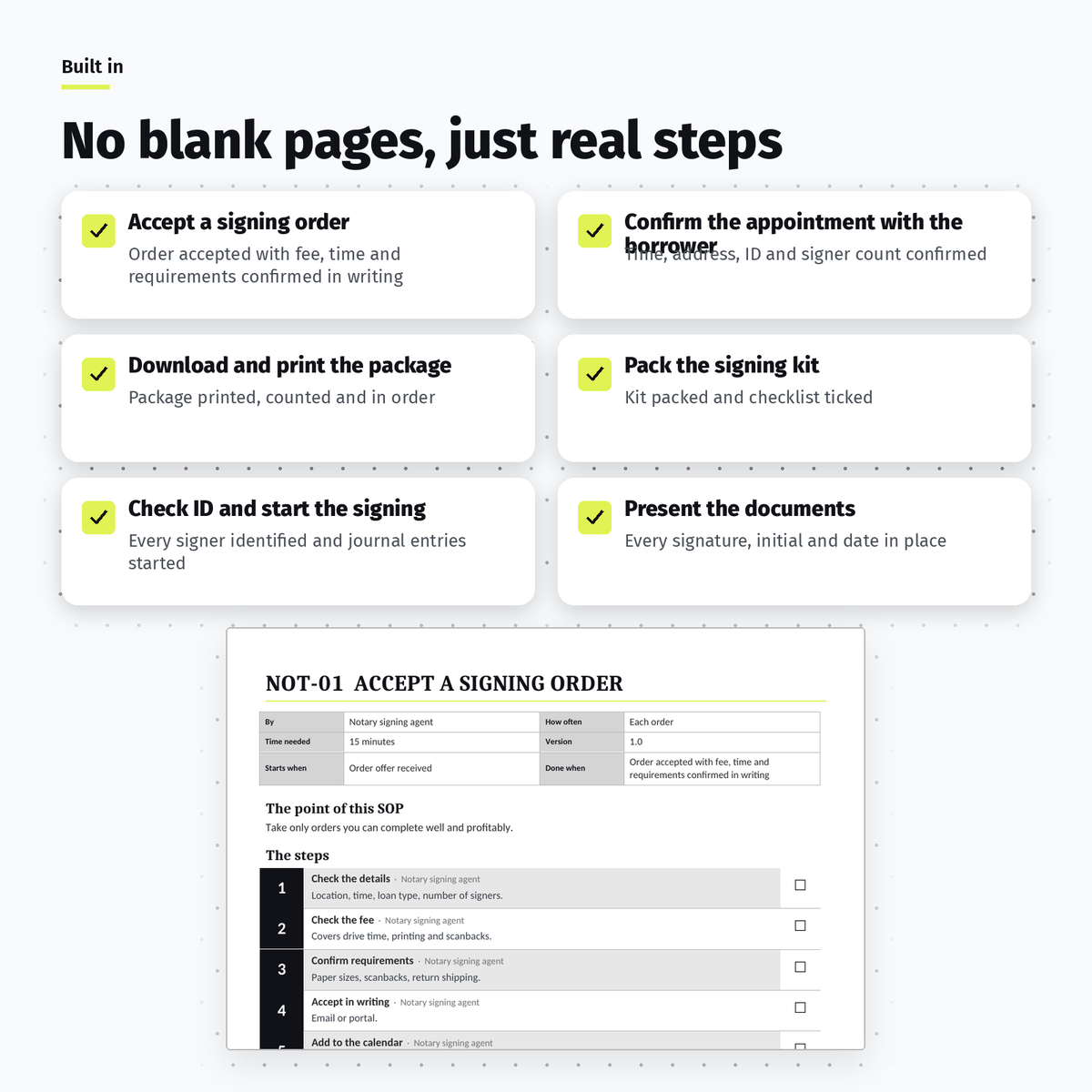
- Orders: Accept a signing order, confirm the appointment with the borrower
- Document prep: Download and print the package, pack the signing kit
- Signing appointment: Check ID and start the signing, present the documents, do the final page check
- Return shipping: Send scanbacks and ship the package
- Journal and compliance: Review and store the journal, renew commission, bond and e&o
- Business admin: Invoice and chase payments
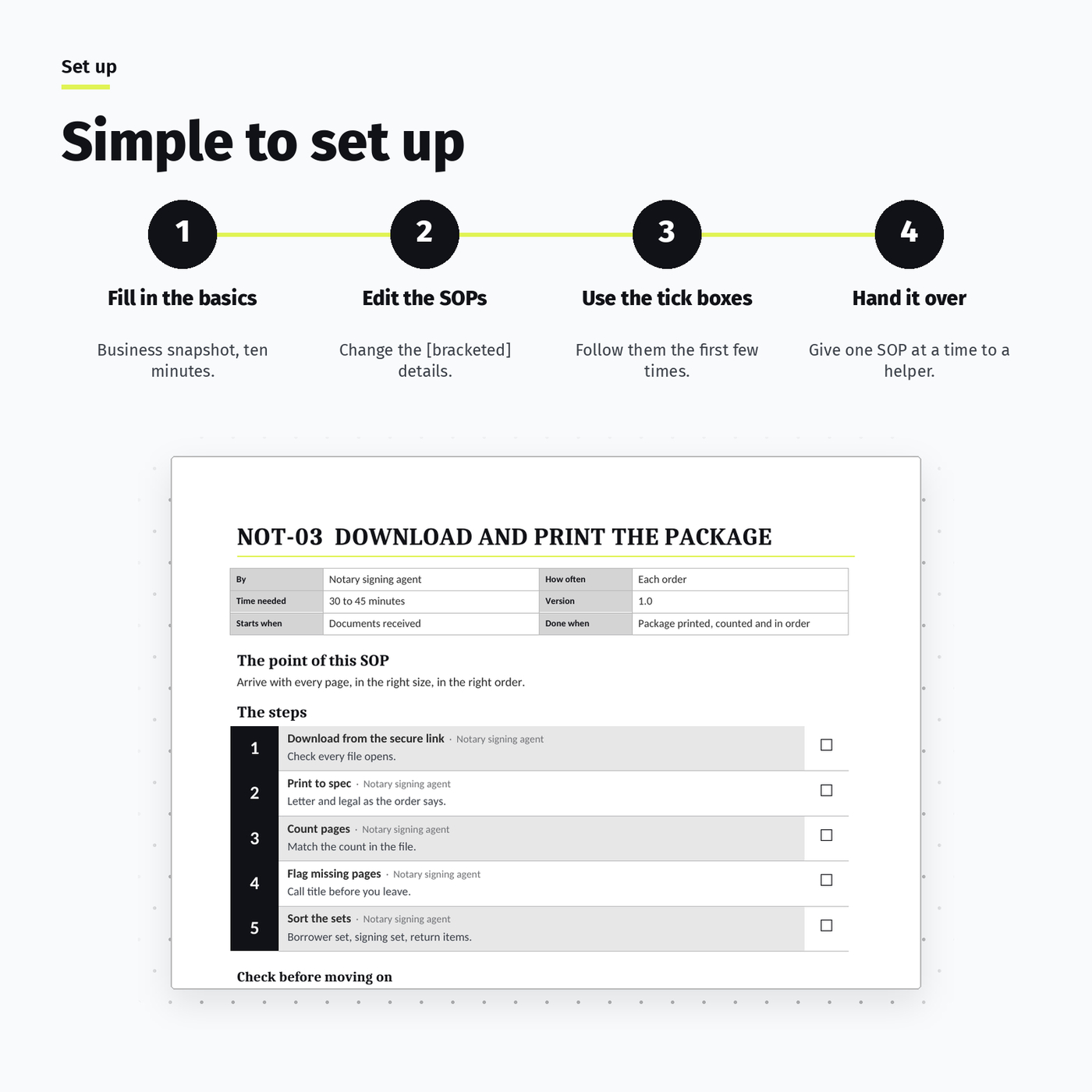
Each one lists who does it, how often, the time it takes, what starts it and what done looks like, followed by numbered steps with tick boxes, common mistakes and a final check.
And more
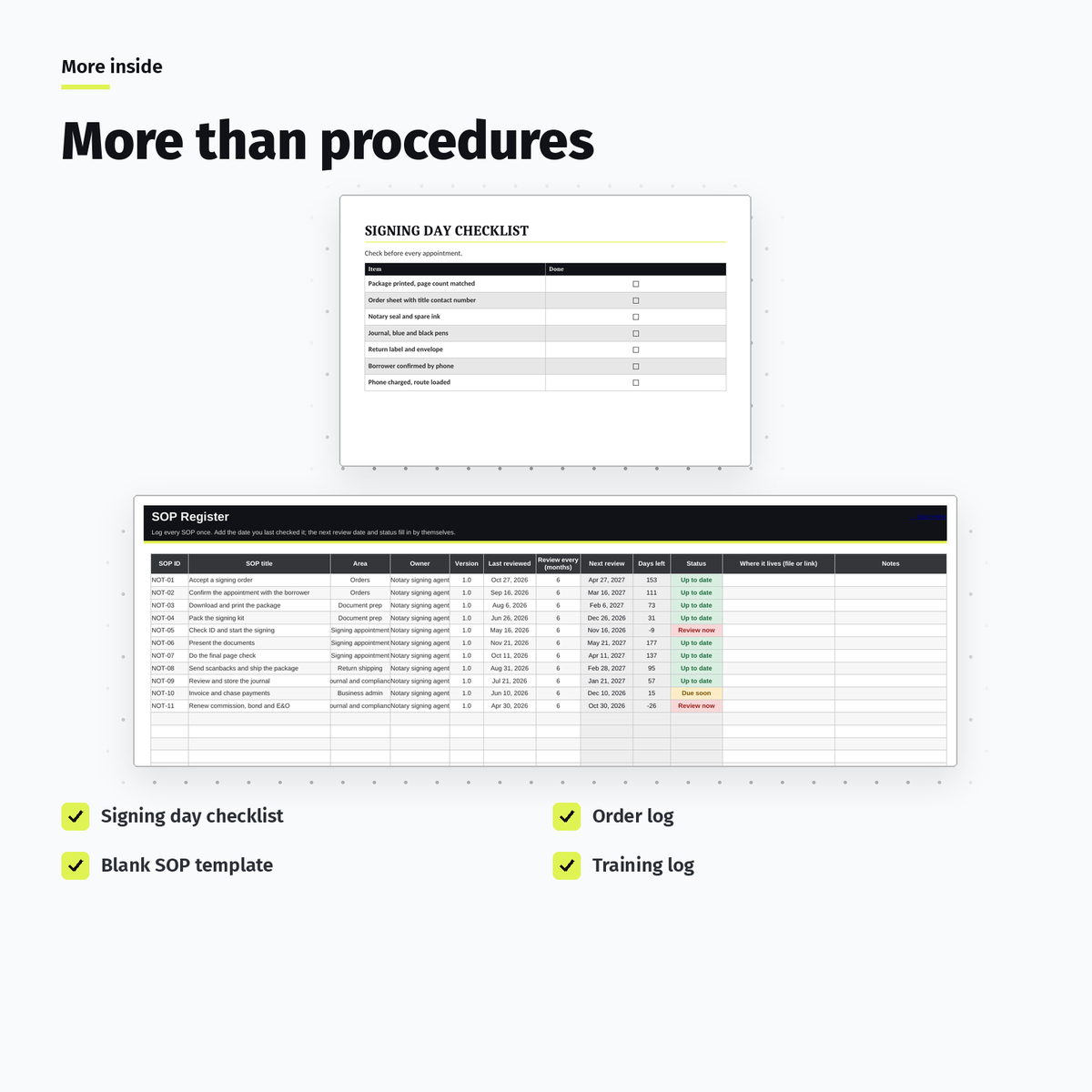
A business snapshot, the SOP index, a daily, weekly and monthly rhythm, signing day checklist, order log, a blank SOP template, a training log and a revision history.
The Excel SOP tracker
- All 11 SOPs listed with automatic review dates and status
- 10 recurring jobs with next due dates and overdue flags
- A dashboard with a health score, status counts and charts
- Settings for your areas, people, review cycle and currency
How to use it
- Unzip, open, fill in the basics.
- Customize one SOP a day.
- Hand them to a helper when you are ready.
Requirements
- Word .docx for Microsoft Word 2016 or newer, Microsoft 365 or LibreOffice
- PDF for printing or reading on a tablet
- Excel .xlsx for Excel 2016 or newer or LibreOffice Calc
- Fonts: Cambria and Calibri, already on Windows and Mac
Examples
- An agent handles 35 signings a month and has not missed a carrier cutoff since using the return shipping SOP.
- A new signing agent prints a 140-page refinance package correctly the first time using the print and count steps.
- A notary answers a title company question about a 6-month-old signing in 5 minutes from the journal and order log.
Digital download
Instant download with unlimited re-downloads from your Taskdale account. Nothing is shipped. For use in your own business. Please do not resell or share the files.
Before you buy
Does this replace my state notary handbook?
No. Your state laws and commission rules come first. Use these SOPs alongside them.
Does it explain loan documents?
No. Signing agents should not explain loan terms. The SOPs show how to present each page and send questions to the lender or title contact.
Can I edit it?
Yes, every page is editable in Microsoft Word, and the tracker in Excel.
Does it work in Google Docs?
You can upload the files to Google Drive and open them there. Word gives the best results because the tick boxes and click-to-type fields are Word features.
Which paper sizes?
US Letter and A4 are both included.

Reviews
There are no reviews yet.