Leftover portions are easy to plan twice and eat once. The USDA’s leftovers and food safety advice is a sensible limit for how long portions stay on the plan.
Give every batch of leftover portions one row in your planner, then subtract each serving from that row as soon as you assign it to a meal. When you’re printing and assembling planner inserts, put the batch ledger opposite the weekly menu so you can check the leftover portions balance before you write ‘leftovers’ in another slot.
The menu tells you when you’ll eat. The ledger tells you how much food is available. If Sunday’s chilli leaves four servings and you reserve two for Monday lunch and two for Tuesday dinner, the balance is zero. Moving Tuesday’s dinner to Wednesday doesn’t free up two servings. It moves the existing reservation.
Set up the inserts and assign leftover portions in order
Choose the three pages you’ll use. Start with a weekly menu, a batch ledger and a pantry or grocery list. The first two need to sit together while you plan. The shopping page can go behind them because you only need it once you know which meals your leftover portions will cover. If your planner doesn’t have a leftover tracker, use a ruled sheet rather than trying to run the balance in the margin of the menu.
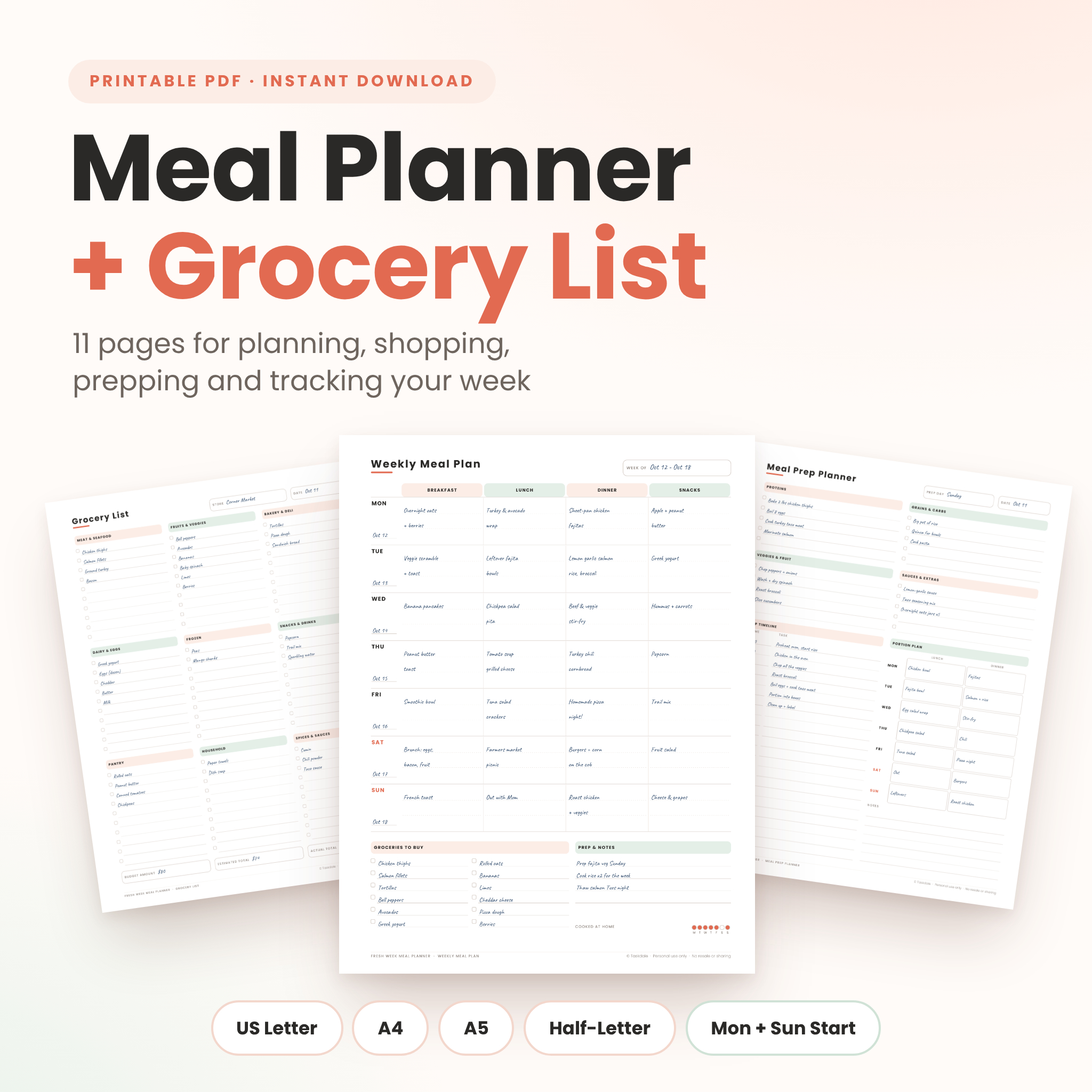
The Plate & Plan Weekly Meal Planner printable is a starting point if you want a weekly plan and pantry inventory on full-size paper. It comes in A4 and US Letter, with fillable and print-only PDFs. Add a separate ledger sheet beside the weekly plan.
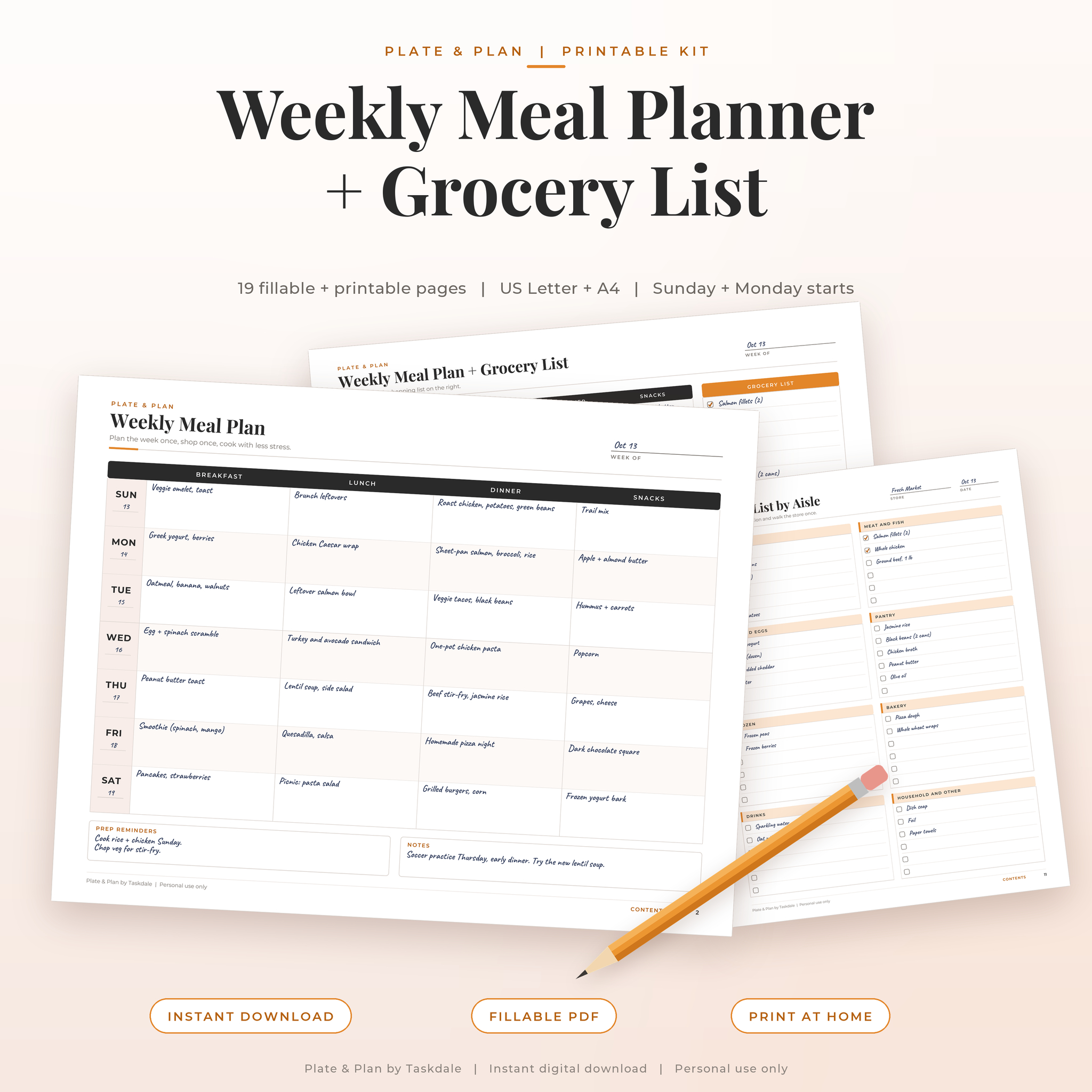
If you already carry a small binder, the Plate & Plan Meal Planner Bundle includes A5 and Half Letter files as well as A4 and US Letter. It has a pantry check and grocery lists by aisle, so you can keep both in the binder without shrinking a full-size page.
Give each batch one row and room for changes. Rule five columns: Batch ID and food, Leftover portions after cooking day, Meal reservations, Unassigned portions, and Storage and deadline. Give the reservation column the most space. A row might read
C1 chilli | 4 | Mon lunch 2, Tue dinner 2 | 0 | Fridge, Tue 7 pm. If your ledger is A5 and the writing gets cramped, use two ruled lines per batch rather than making the columns narrower.Use a short ID such as
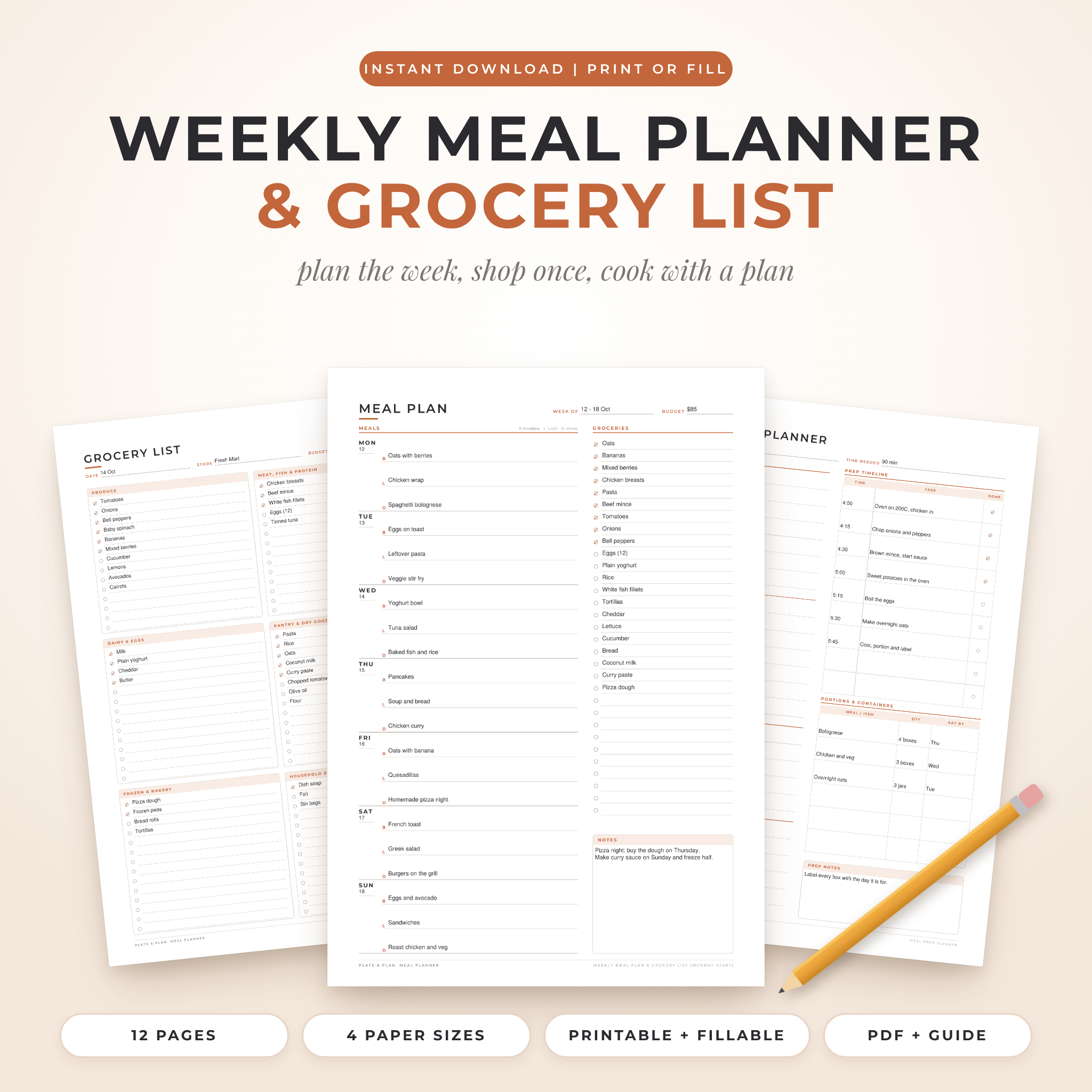
C1and put it on the menu and container labels. A second pot of the same chilli gets a new ID,C2, because it has a different yield and storage date. Several tubs from one pot can shareC1; write the portion count on each tub so you know that one contains two servings and another contains one.The Fresh Week Meal Planner Printable Bundle includes a meal prep page. If you use it to record what you cook, keep the leftover portions balance on that page or on a separate ledger, not both. Two editable balances mean two places to correct when someone takes a serving.
Print a test spread and assemble it in reading order. Match the PDF to your paper size. A5 and Half Letter are close, but their edges don’t line up in the same binder. For a file made for the paper in the tray, select Actual size or 100%, then check the preview for cropped borders. Print just one menu sheet and one ledger sheet before printing a month’s supply. Write a test entry such as
Fri dinner, C1 × 2in an actual box to see whether the space works.If you’re printing two small inserts on one larger sheet, preview both pages before printing. Some printer drivers shrink pages in two-per-sheet mode; measure one trimmed insert against an existing page before cutting the rest. If you print on both sides, turn the test sheet as you would in the binder and check that the reverse is upright. Punch one sheet first and make sure the holes don’t clip the batch IDs or dates.
For a ring binder, open it with the ledger on the left and the menu on the right. Keep the grocery list on the next turn or in a removable sleeve. For a fridge clipboard, clip the menu in front and let the ledger protrude at the side so you can pull it out without removing the shopping list.
If you need to match an existing Classic Planner, the Pantry to Plate Meal Planner Printable Bundle offers that size alongside A4, US Letter, A5 and Half Letter. Select the weekly and pantry pages you need from the 123-page set rather than printing the whole bundle to get one working spread.
Count what’s already in storage before forecasting new batches. Open the fridge and freezer before pencilling in a cooking day. If you find two labelled leftover portions of lentil soup, enter those as available now. If Tuesday’s recipe is expected to make six servings and three diners will eat it that night, enter three possible leftover portions and mark them provisional. Don’t count the diners’ first servings as leftover portions, and don’t treat a recipe’s stated yield as food already in the fridge.
Plan around the food with the shortest usable window first. Two chilled leftover portions of soup may need Monday lunch more than a freshly cooked batch does. If the fridge also holds raw ingredients near their use-by dates, build the weekly menu around ingredients that need using first before choosing which recipe to cook for extra portions.
Reserve by meal and check the storage deadline at the same time. Write
Mon lunch 2in the batch row, reduce its unassigned balance by two, then copyC1 × 2into Monday’s lunch box. Check diner numbers for each slot. Tuesday lunch for one and Friday dinner for three need four portions between them, even if both boxes just say ‘chilli’. If household plans change often, scale recipe quantities to the number of diners on each day before committing to a batch size.Give every reservation a feasible storage plan. UK Food Standards Agency guidance is to cool leftovers and refrigerate them within two hours, then eat them within 48 hours or freeze them. If Sunday’s chilli is for Friday, mark Friday’s leftover portions for freezing as soon as you portion the batch, rather than leaving them in the fridge until Thursday. Follow any shorter guidance for the food itself: cooked rice should be cooled quickly, ideally within one hour, and kept in the fridge for no more than one day before reheating.
Confirm the actual yield before treating the menu as settled. Portion the food that remains after serving dinner. If you forecast five leftovers and fill only four meal-sized containers, change the ledger to four and amend a reservation before you put the containers away. Label the portions with the batch ID and storage date. If two are reserved for different meals, separate tubs or clear labels prevent someone from taking both for one lunch.
Only then update the grocery list for uncovered meals. A chilli portion may replace the filling for Friday’s baked potato, but you still need the potato. If two meals draw on the same bag of potatoes, combine the recipe quantities and subtract what’s already in the pantry before writing the amount to buy.
Worked example: Sunday chilli for three later meals
Two people are eating chilli on Sunday. The recipe is expected to serve seven, leaving five portions: two for Monday lunch, one for Tuesday lunch and two for Friday dinner. There are already two baking potatoes and a tin of beans in the cupboard. Friday’s plan is chilli on both potatoes, with the tin held back as a fallback.
On the printed ledger, enter C1 chilli and write 5 provisional under portions left after cooking day. Add the reservations one at a time, making each subtraction as you go. The menu boxes carry only the dish, ID and number needed. The running balance stays on the ledger.
| Reservation | Entry on the weekly menu | Unassigned portions after booking |
|---|---|---|
| Monday lunch for two | Chilli, C1 × 2 | 3 |
| Tuesday lunch for one | Chilli, C1 × 1 | 2 |
| Friday dinner for two | Baked potatoes with chilli, C1 × 2 | 0 |
The chilli is cooked on Sunday evening. After dinner, there are four full portions rather than five. Monday lunch is already packed for two and Tuesday’s single portion will be eaten within the chilled storage window, so leave those bookings alone. Change Friday’s reservation from two chilli portions to one. Don’t leave Friday marked C1 × 2 and hope the smaller tub stretches.
Cool and store the three chilled servings and one freezer serving promptly. Label the frozen tub C1, 1 portion, frozen Sunday, Fri dinner, with the actual date. Change Friday’s menu to 2 baked potatoes, C1 × 1 + beans × 1 and note when to move the tub to the fridge to defrost. The ledger now shows four actual portions, four reserved, zero unassigned.
No extra shopping is needed for Friday. The potatoes already cover both diners and the beans cover the missing topping. If there had been only one potato, the shortage would have been one potato, not a second dinner’s worth of ingredients. If the shop only sells a bag, convert the quantity into a shopping pack size and plan where the remainder will go without counting those extra potatoes as chilli portions.
Fix the changes that put the same portion back on the menu
A meal moves to another day
Cross out the original reservation before entering its replacement. If Monday’s two chilli portions move to Tuesday dinner, remove Mon lunch 2 and add Tue dinner 2 on the same row, then change both menu boxes. The balance ends where it started. Check the storage deadline against the new meal time: Tuesday lunch and Tuesday dinner can fall on different sides of a 48-hour window.
Someone eats a serving that was already reserved
Update the ledger when the tub comes out, not when the planned meal arrives. If a person takes the portion booked for Friday, mark that serving used and remove it from Friday’s menu. That frees the meal slot, not the serving. Replace it with something actually available, such as a tin of soup, rather than reassigning a portion still booked for Tuesday.
A tub holds enough for a topping, not a full meal
Define the serving against the dish you intend to make. A small amount of roast chicken might fill one sandwich or top one baked potato without being enough for a roast dinner. If you weigh it and have 100 g, you can reserve two 50 g sandwich fillings, but you can’t also book the same 100 g for a pie. Write two sandwich fillings or use grams in that batch row instead of writing two dinners.
A freezer batch outlasts the weekly insert
Copy only the portions still on hand to the new ledger, with the original batch ID and storage date. If the old row shows six portions frozen and four already eaten, carry forward two, not six. Mark the old row carried forward so it can’t be mistaken for another live balance. If one portion is already booked for next Monday, copy that reservation too.
Before you take the grocery list out of the binder, scan the week for every box that contains leftovers. Each one should have a batch ID, a portion count and a matching reservation. If a box fails that check, give it a named fallback before you shop.