

Receptionist Resume Template for Word That Looks Calm, Clear and Professional
Bluetab is a receptionist resume template for Microsoft Word with a clean ATS-friendly layout: a deep blue name, blue section labels down the left side and thin rules that separate each part of your story. Hiring managers for front desk jobs skim dozens of resumes in a sitting. This design lets them find your experience, your systems and your numbers in about six seconds.
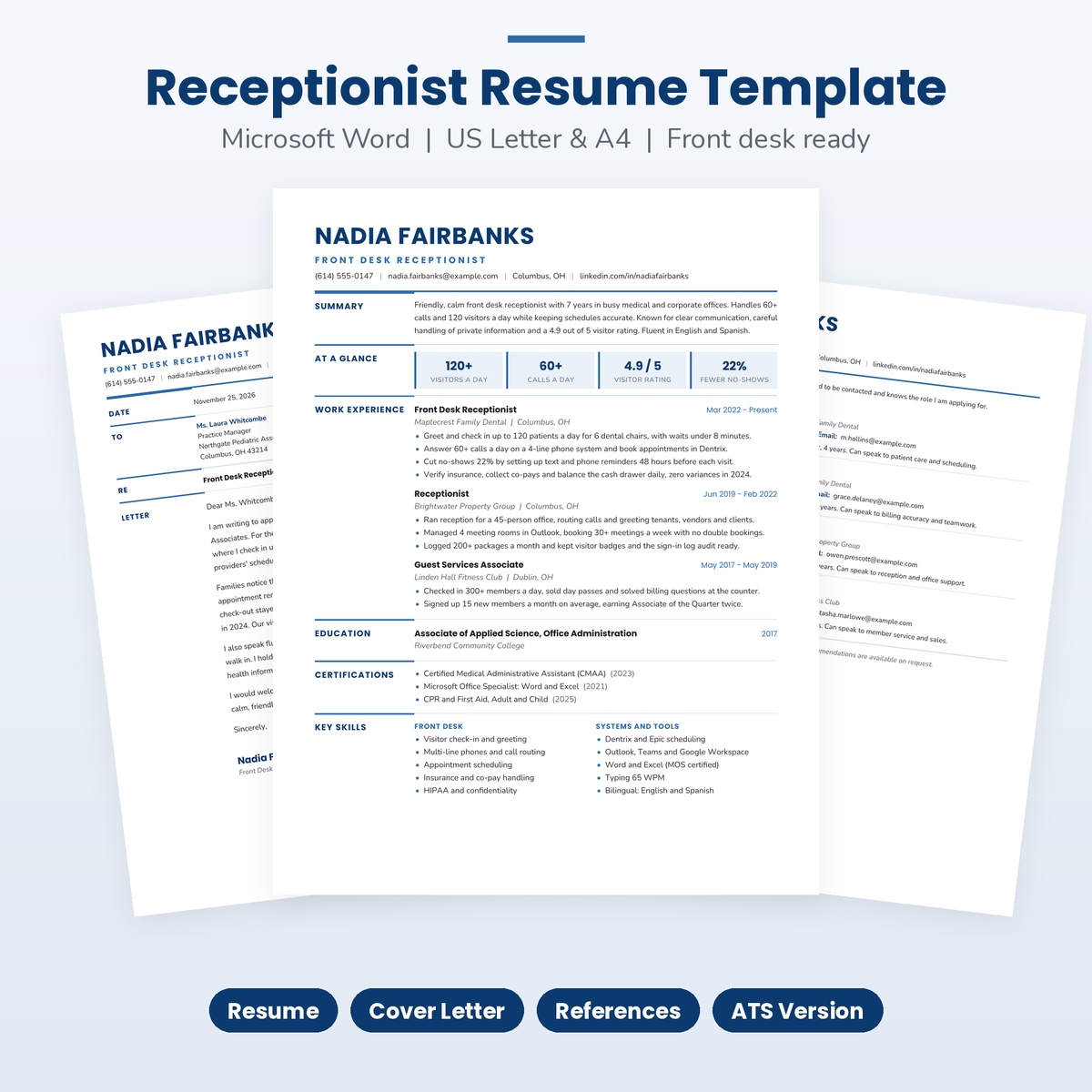
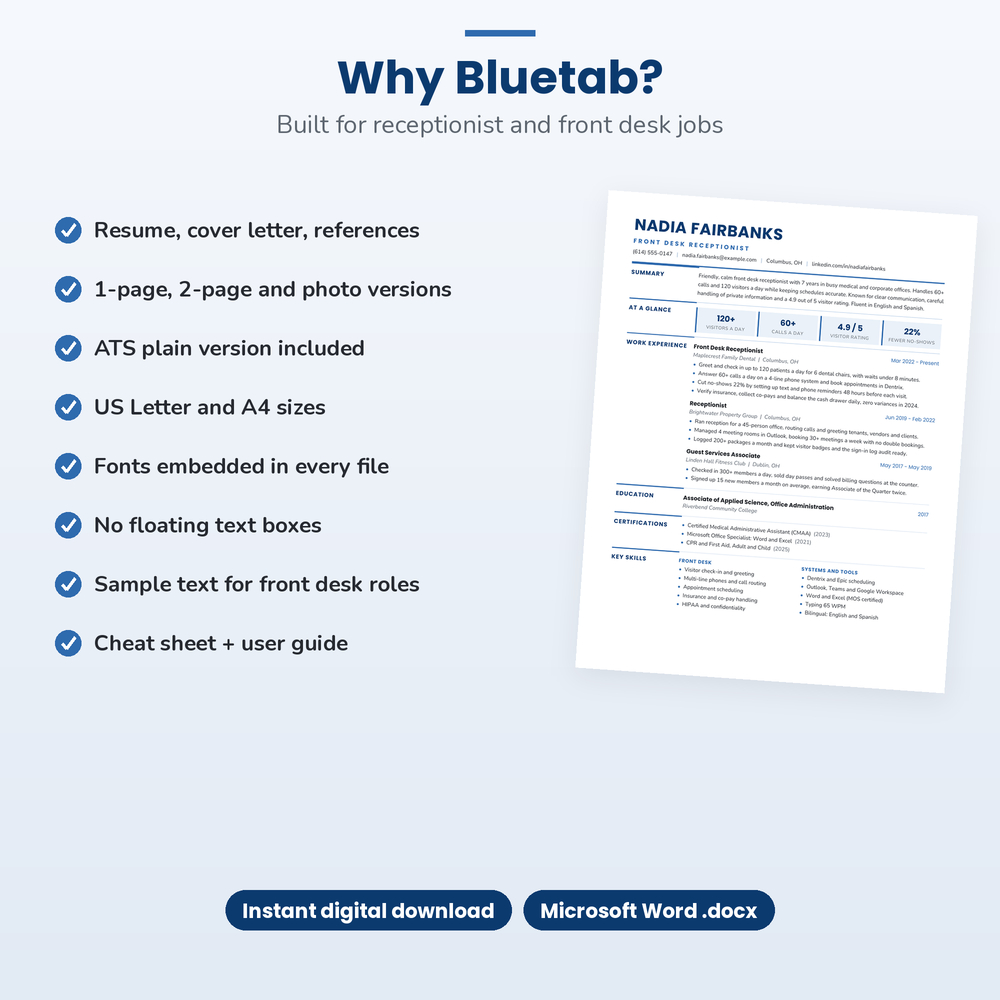
You get a full front desk resume kit, not a single page. There’s a 1-page resume, a 2-page resume, an optional photo version, a matching cover letter, a references page and a plain ATS version, each in US Letter and A4. Every file is a real .docx with the fonts embedded, so it opens looking right on any computer with Word.
What’s Included in the Receptionist Resume Kit
- Resume, 1 page: the main photo-free design, with Summary, At a Glance numbers, Work Experience, Education, Certifications and two-column Key Skills.
- Resume, 1 page with photo: the same layout with a round photo in the header, for employers that ask for one.
- Resume, 2 pages: room for earlier jobs, projects, training, awards and volunteering, with a running header on page 2.
- Cover letter: laid out on the same blue label grid (Date, To, Re, Letter) so your application looks like one set.
- References page: four reference blocks with role, company, phone, email and relationship.
- ATS resume: a plain single-column version with no tables, for strict online application portals.
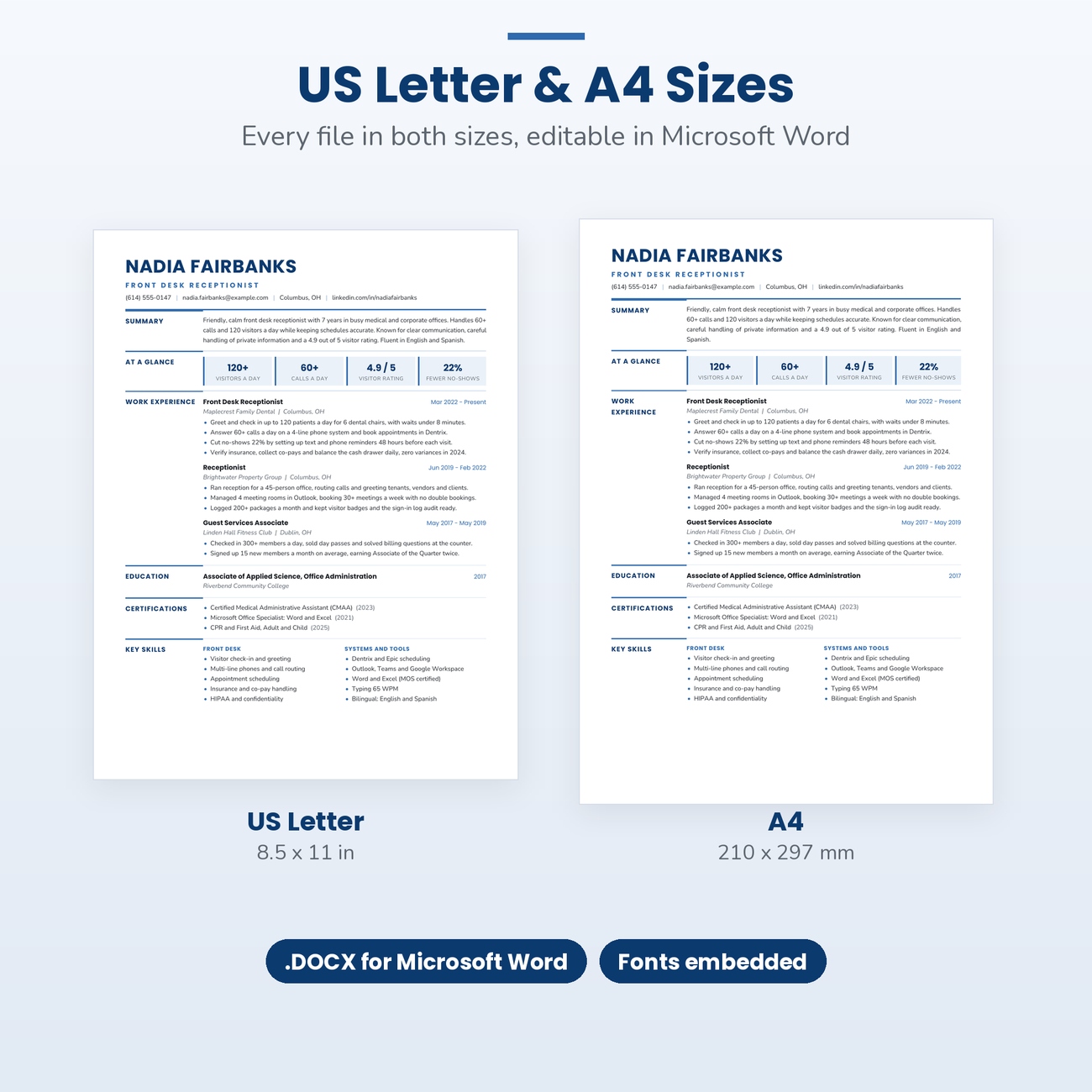
- US Letter and A4: 12 Word files in total, sorted into two folders.
- Fonts folder: Poppins and Nunito with their SIL Open Font License files, as a backup install.
- User guide (DOCX): a 6-page guide with editing steps and a receptionist resume cheat sheet.
Why This Front Desk Resume Template Is Easier to Use
Most Word resume templates fall apart the moment you start typing. Text boxes drift, fonts swap and one extra line pushes everything onto a second page. Bluetab was built to avoid each of those problems.
No floating text boxes
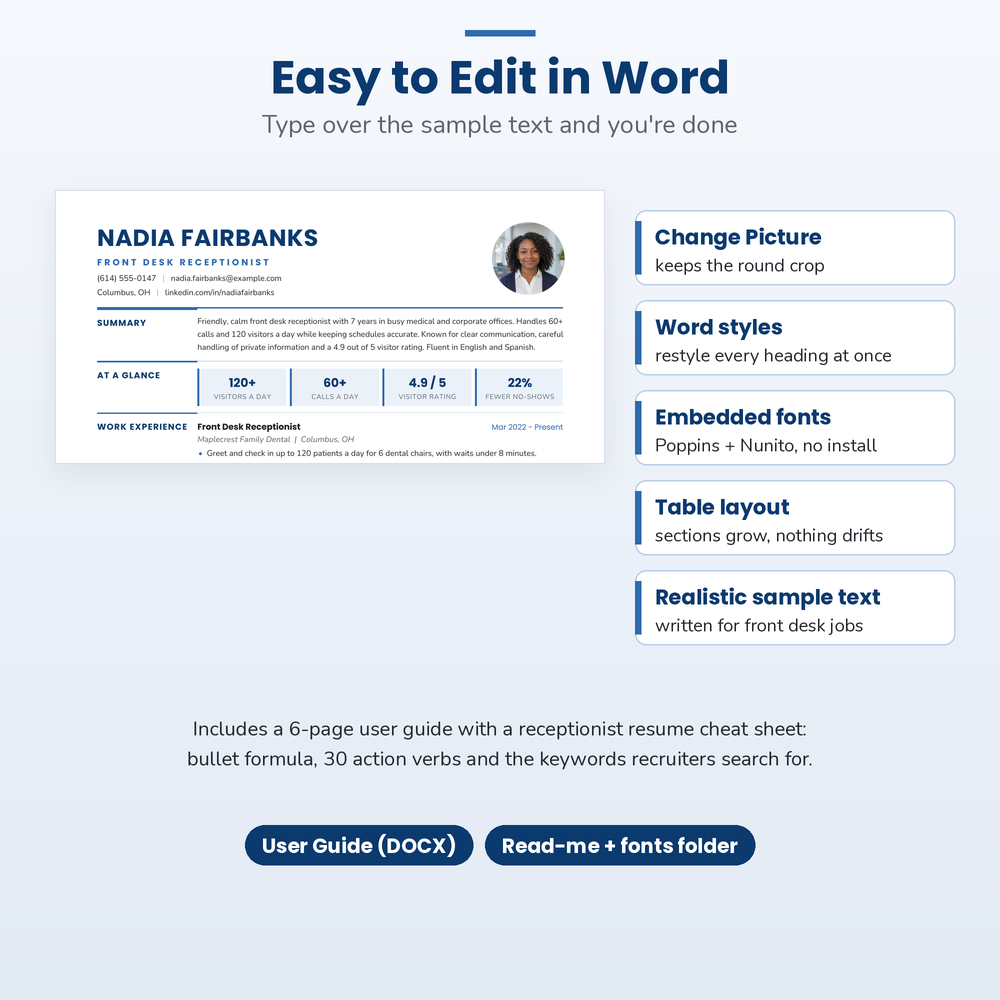
Every section is a simple two-column table with hidden borders. The blue label sits on the left and your content on the right. Add a bullet and everything below moves down neatly. Applicant tracking systems read the text top to bottom, label first, because nothing sits in a floating box.
Fonts embedded in every file
Poppins and Nunito are built into each .docx. You don’t have to install anything for the receptionist resume to look the way it does in the photos. If an older copy of Word ignores embedded fonts, the Fonts folder fixes it in a minute.
One page that stays one page
We tested the 1-page resume with three extra bullets and a long two-line job title, then with a 31-character name that wraps to two lines. It still fit on one page in both US Letter and A4.
Real sample text for receptionist jobs
No lorem ipsum. The sample resume belongs to a fictional front desk receptionist at a family dental office, with bullets like “Answer 60+ calls a day on a 4-line phone system and book appointments in Dentrix.” Swap in your own numbers and you have a strong first draft.
Design Details
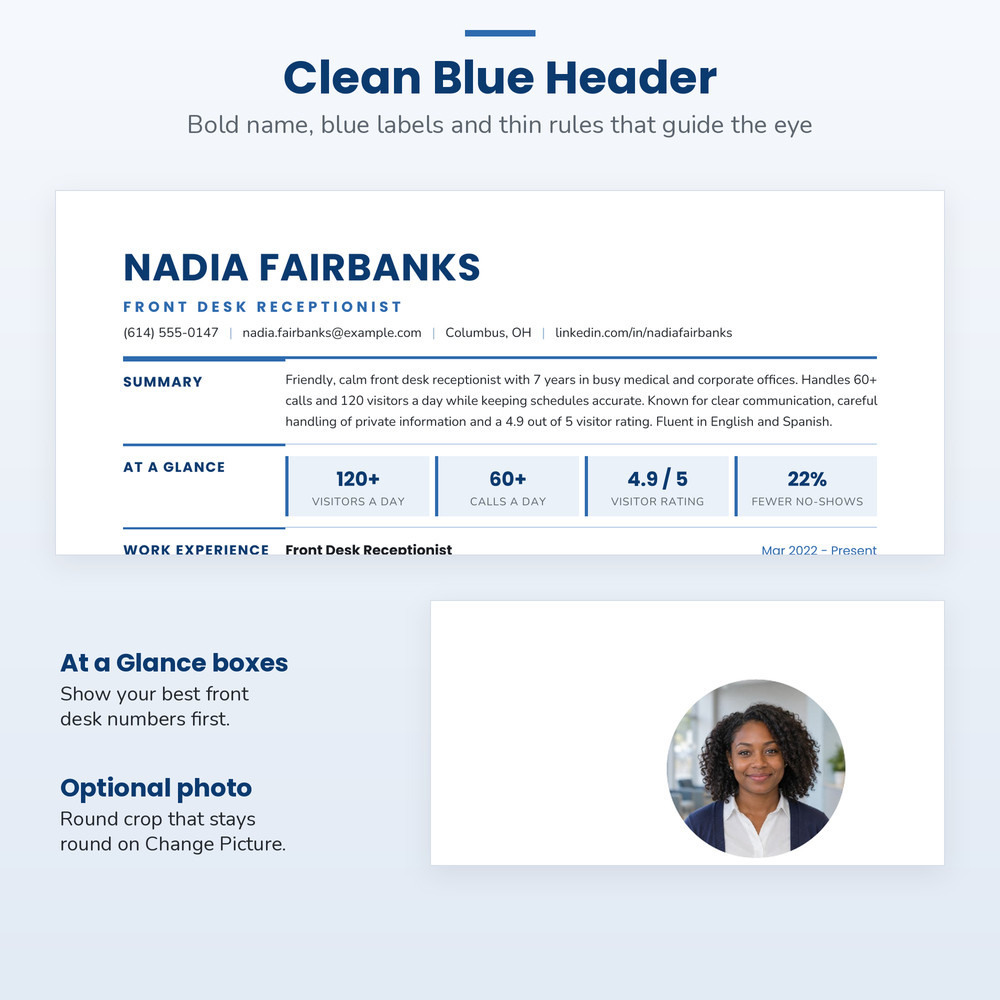
- Deep navy name in Poppins Bold with a blue job title line and a one-line contact bar.
- A short blue “tab” over every section label and a thin light blue rule across the content.
- At a Glance boxes for four headline numbers such as visitors a day, calls a day and visitor rating.
- Two-column skills split into Front Desk and Systems and Tools, so a recruiter can spot the software they use.
- Real Word styles (Title, Subtitle, Heading 1, Heading 2, List Bullet) so you can restyle everything from the Styles pane.
- Content at least 0.4 inches from the edge, so home printers don’t cut anything off.
Who This Receptionist Resume Template Is For
It suits medical and dental receptionists, front desk coordinators, office receptionists, hotel front desk agents, salon and spa coordinators, gym guest services staff and anyone moving into reception from retail or hospitality. First-time job seekers can use the 1-page version with a short history. Experienced office staff can switch to the 2-page resume to show training, awards and volunteer work.
How It Works
- Download the zip and the user guide right after checkout.
- Open the 1-page resume in Microsoft Word, in US Letter or A4.
- Type over the sample text. Press Enter at the end of a bullet to add another one.
- Using the photo version? Right-click the photo, choose Change Picture, and the round crop stays.
- Save as PDF and send it. Use the ATS version for big company application portals.
Receptionist Resume Cheat Sheet in the Guide
The user guide includes a writing cheat sheet made for front desk roles: a bullet formula (action + task + result with a number), weak vs strong bullet examples, 30 action verbs, the keywords recruiters search for (HIPAA, multi-line phone system, appointment scheduling, insurance verification and more), what to put in each section and a sample summary you can adapt.
File Formats and Software
- Format: Microsoft Word .docx (12 files) plus a DOCX user guide.
- Software: Microsoft Word 2013 or newer for Windows or Mac, and Microsoft 365.
- The files also open in Google Docs and Apple Pages with minor layout differences. For the cleanest PDF, export from Word.
- Paper sizes: US Letter (8.5 x 11 in) and A4 (210 x 297 mm).
Digital Download
This is a digital product. Nothing ships. You’ll get the receptionist resume kit zip and the user guide as instant downloads, with no limit on how many times you download them. The sample person, companies and schools are fictional, and the sample headshot is AI-generated. License: personal use for your own job applications. Please don’t resell or share the files.
FAQ
Is this receptionist resume template ATS-friendly?
Yes. The main design keeps all text in the normal flow with no text boxes, and the kit adds a plain single-column ATS version with no tables at all.
Does it work in Google Docs?
It opens in Google Docs with minor layout differences. Edit in Microsoft Word if you can, and export your final PDF from Word.
Can I use it without a photo?
Yes. The main 1-page and 2-page resumes have no photo. The photo version is an optional extra.
Can I change the blue?
Yes. Change the color of the Title and Heading 1 styles, and the rules and boxes through Table Design. The guide walks you through it.
Will it fit my experience on one page?
Most front desk resumes fit with 2 to 4 bullets per job. If you have more, the 2-page version is ready to go.
Is there a cover letter for receptionist jobs?
Yes. The matching cover letter comes with sample wording for a front desk receptionist role that you can edit.
Reviews
There are no reviews yet.