A bank reconciliation proves the bank statement and the cash book agree, once timing differences are explained.
For a bank reconciliation between a bank statement and a cash book, match the transactions that appear in both records, update the cash book for missing or incorrect entries, and account for payments and deposits that haven’t yet cleared. At month-end, the adjusted statement balance should equal the corrected cash book balance, with evidence for every item that remains open.
The distinction that keeps the process straight: a £460 payment already recorded in the cash book but not yet on the statement is a timing difference. A £35 bank fee on the statement but missing from the cash book is a book adjustment in the bank reconciliation. Posting the £460 again would duplicate the payment; leaving out the £35 would overstate cash.
Bank reconciliation: statement to cash book in six steps
Set the cut-off and confirm the opening position. For the bank reconciliation, use the statement that covers the last day of the month, or the bank’s posted balance and complete posted transaction history through that date. Don’t use the available balance from a banking app: it can include pending authorisations or reflect funds that aren’t yet available. Check that the opening cash book balance agrees with the previous month’s approved closing cash book balance. Bring forward the uncleared items from the last bank reconciliation separately so that a deposit recorded in April can be matched to its May bank entry without being recorded again.
Set up the statement, cash book and bank reconciliation tabs. Keep the original statement export unchanged and work from a copy. Use positive amounts for money into the account and negative amounts for money out on both working tabs, even if the bank export uses separate debit and credit columns. Keep the transaction date, amount, reference, match ID and status on each row. On the bank reconciliation tab, reserve separate lines for the statement closing balance, outstanding deposits, outstanding payments, corrected cash book balance and final difference.
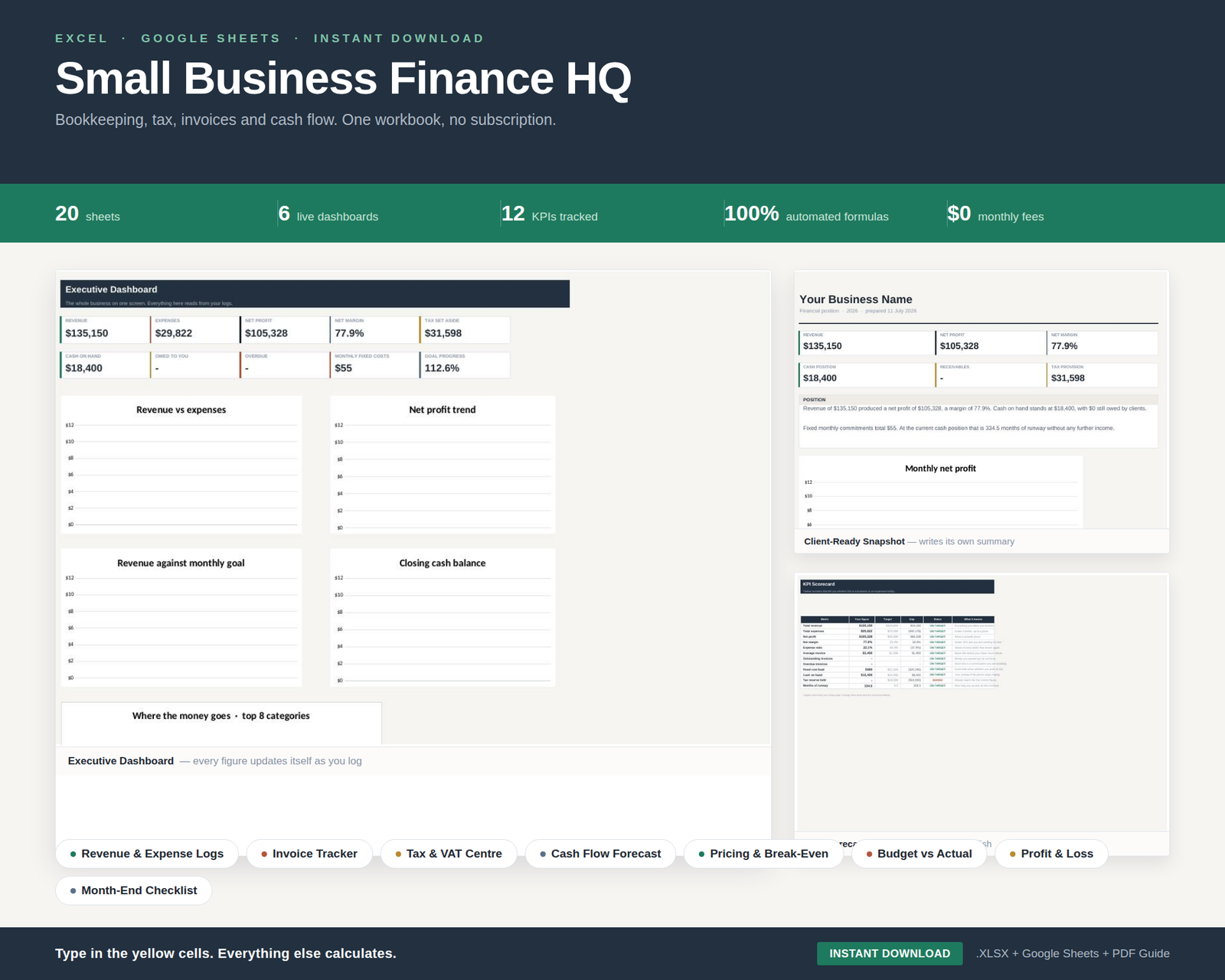
If the business still needs a cash book, the Small Business Finance HQ bookkeeping spreadsheet provides an income and expense log in Excel and Google Sheets. Keep the bank reconciliation as a separate control so a change to a dashboard doesn’t replace the evidence behind the month’s figures.
Match cleared transactions and investigate unequal amounts. Start with exact amounts and reliable references, then check the date and payee before assigning the same match ID to both rows. If two suppliers received £240 on the same day, the amount alone won’t tell you which row cleared. Where a bank entry represents several cash book entries, give the group one match ID and compare the totals without deleting the individual rows. A bank credit net of fees and refunds needs a payment processor payout breakdown, not a balancing entry typed into the cash book.
Classify everything left unmatched. For an item already recorded in the cash book, check whether it was genuinely sent or deposited before the cut-off. A supplier payment approved on 31 May but not released until 3 June is not automatically a May outstanding payment. For an item on the statement but absent from the books, confirm what it is before posting it. If the bank has confirmed an error on its side, document it separately on the bank reconciliation and track the bank’s correction; don’t record it as a business expense simply to make the two balances agree.
Post verified book corrections and calculate both sides. Record missing fees, interest and other verified transactions in the accounting records, then refresh the cash book export or link. If the bank reconciliation tab uses signed amounts, calculate
Adjusted bank = Statement closing balance + SUM(Signed timing items). A deposit in transit is positive; an outstanding payment is negative. CalculateDifference = Adjusted bank - Corrected cash book. The target is zero at the currency’s normal precision. Don’t both post a fee to the cash book and deduct it again on the bank side.Save the evidence and hand off the open items. Keep the statement, final cash book extract, adjustment references and outstanding item schedule together for the month. Record who prepared and reviewed the file, and give unresolved exceptions an owner and a follow-up date. For a team closing several client accounts, the Tieout Month-End Close Checklist & Bookkeeper Client Close Tracker gives the reviewer a place to distinguish a completed bank reconciliation from one still waiting for a statement or an answer from the client.
Worked May example: two closing balances, one reconciled figure
Bring forward April’s open items
In this illustrative example, the 30 April bank statement ended at £10,300. The April reconciliation showed a £500 deposit in transit and an £800 outstanding supplier payment. The adjusted bank balance was £10,300 + £500 − £800 = £10,000, which agreed with the April cash book.
The £500 deposit appears on the statement on 1 May. The £800 supplier payment clears on 2 May. Match both to their April entries and remove them from the open item list. Neither transaction is new May cash book activity.
Match May activity and calculate the uncorrected balances
The May statement and cash book show the following activity. Totals for ordinary receipts and payments are grouped here for readability; in the workbook, each transaction keeps its own row and reference.
| Activity | May bank statement | May cash book before corrections |
|---|---|---|
| Opening balance | £10,300 | £10,000 |
| April deposit cleared | +£500 | Already recorded in April |
| April supplier payment cleared | −£800 | Already recorded in April |
| May receipts cleared by 31 May | +£8,400 | +£8,400 |
| May payments cleared by 31 May | −£6,250 | −£6,220 |
| Bank fee | −£35 | Not recorded |
| Bank interest | +£15 | Not recorded |
| 31 May deposit not yet credited | Not on statement | +£1,200 |
| 31 May supplier payment not yet cleared | Not on statement | −£460 |
| Closing balance | £12,130 | £12,920 |
The £30 difference in the cleared payment totals comes from a single supplier payment. The payment confirmation and bank statement both show £270, but the cash book shows £240. Keep that item flagged until the correction has been posted. Marking it as a clean match would hide the reason the totals differ.
The £1,200 deposit has a dated deposit receipt, and the £460 payment has a release confirmation dated 31 May. The June statement shows the deposit clearing on 2 June and the payment clearing on 3 June. Those dates support the May timing classification; they don’t move the June bank entries into May.
Correct the book and reconcile the statement
Post the £35 fee as a reduction in cash and the £15 interest as an increase. For the supplier payment, correct the existing entry from £240 to £270 or post a linked £30 correction, depending on how the ledger preserves its audit trail. Don’t add a second £270 payment. If the original entry was applied to a supplier account, check the supplier allocation as well as the bank balance.
| Bank statement reconciliation | Amount |
|---|---|
| Statement closing balance at 31 May | £12,130 |
| Add deposit in transit | +£1,200 |
| Deduct outstanding supplier payment | −£460 |
| Adjusted bank balance | £12,870 |
| Cash book correction | Amount |
|---|---|
| Cash book balance before corrections | £12,920 |
| Record bank fee | −£35 |
| Record bank interest | +£15 |
| Correct supplier payment | −£30 |
| Corrected cash book balance | £12,870 |
The difference cell reads £0.00. Save £12,870 as May’s corrected closing cash book balance and June’s opening cash book balance. The June bank statement opens at £12,130, so the two opening figures won’t be identical. Carry the £1,200 and £460 into the June matching list using their original dates and references. This is how to carry outstanding payments and deposits into the next reconciliation without duplicating them.
Fix the discrepancies that hold up sign-off
A timing item has the wrong sign
In the example, the £460 outstanding payment belongs on the bank side as minus £460. Entering it as plus £460 makes the adjusted bank balance £920 too high. If the variance is twice the value of a single open item, test the sign before searching through every transaction. Also check that an unsigned payment total isn’t being added to a range of signed amounts.
The difference equals one transaction or won’t go away
A £35 difference in May points straight to the fee. Check whether it’s missing from the ledger, already posted but absent from a stale export, or applied twice in the reconciliation formula. If you can’t tie the difference to a single line, compare running totals in date order to find the first point where the bank and book stop agreeing after timing items are removed. Use the nonzero reconciliation difference checks before posting anything to a suspense account.
The difference is zero but the matches are wrong
Two unrelated £240 transactions can cancel each other in the totals. Check that each match ID ties to the right payee or source document, and that a statement row hasn’t been used in two groups. For a grouped match, total the bank rows and cash book rows independently. A zero difference on the control tab doesn’t excuse a difference inside a match group.
An outstanding payment stays open into another close
A payment that remains outstanding at the next month-end needs a follow-up, not a fresh date. Check the release confirmation, search for the actual amount in the next statement period and confirm whether the payment failed, was cancelled or is still in progress. If it needs reversing, use the supported reversal date and reference. Keep the history visible rather than deleting the old row from the schedule.

Print and assemble planner inserts for the close file
A paper close file can hold a monthly divider, a sign-off sheet and an exception list, while the spreadsheet remains the source for amounts and matching. The Rosefold Small Business Bookkeeping Printable is a 59-page fillable PDF in US Letter, A4 and A5. Use its finance pages for supporting notes or expense tracking, and use the reconciliation workbook for the statement-to-book calculation.
Print a single test sheet at actual size before running the full pack. Check that the punch clears the leftmost figures and that the reverse is upright before printing double-sided. Assemble the divider, sign-off and open item list in that order. If the binder sits in a shared office, use a file reference on the cover rather than printing full bank account details there.
For preprinted inserts, match the binding first: US Letter 11-disc monthly refill, US Letter 7/3-hole monthly refill, Forvencer A5 six-hole monthly refill, A5 six-hole project planning refill, or Beautiful six-ring monthly inserts. Use dated pages for deadlines or review dates, not for recording the same bank transactions a second time.
US Letter monthly dividers
The 2027–2028 11-disc monthly refill has 18 monthly calendars at 8.5 × 11 inches. It suits a discbound close file where the review calendar sits in front of the printed sign-off sheets.

The 2027–2028 7/3-hole monthly refill also has 18 monthly calendars at 8.5 × 11 inches. Check its hole pattern against the binder before assembling it with your own printouts.

A5 and six-ring inserts for review notes
The Forvencer 2027 A5 six-hole monthly refill fits an A5 six-hole workflow. Use the dated pages to hold review appointments and leave transaction-level notes in the workbook.

The A5 six-hole project planning refill has 100 double-sided sheets, or 200 pages. Its task and deadline fields suit exceptions that need a named owner and more than one follow-up.

The Beautiful 2027–2028 monthly inserts are for six-ring binders. Check the sheet dimensions and ring spacing against the binder in use rather than assuming every six-ring insert is A5.

Before signing off the month, open the saved workbook and pick one outstanding item. The reviewer should be able to find its original cash book entry, see why it hadn’t cleared at the cut-off and know who will check it next. If that takes a separate email trail, put the reference on the reconciliation before filing it.