Bookkeeping for freelancers has a reputation it doesn’t deserve. People picture ledgers, debits and credits, and an accountant sighing. In reality, most freelancers need to do four things well: record money in, record money out, know who owes them, and put tax money aside. That’s it.
The reason it feels hard is timing. Freelance income is lumpy. You get paid 4,000 in one week and nothing for the next five. Expenses trickle out on three cards. And every year, around tax time, there’s a weekend of digging through emails for a receipt from a coworking day in February.
Here’s a simple system that fixes that, built around a 20-minute weekly habit.
Step 1: open a separate account for the business
Before any spreadsheet, do this. Even as a sole trader, a second bank account just for client payments and business costs cuts your bookkeeping time in half. You stop asking “was that Amazon order for work?” because if it came out of the business account, it was.
It doesn’t need to be a fancy business account. A free second current account works for most people starting out.
Step 2: decide your expense categories once
Too many categories and you’ll hesitate over every entry. Too few and the numbers tell you nothing. For most freelancers, 10 to 15 is the sweet spot:
- Software and subscriptions
- Equipment
- Phone and internet
- Travel
- Meals with clients (check local rules)
- Coworking or home office
- Professional fees (accountant, legal)
- Marketing and advertising
- Training and courses
- Insurance
- Bank and payment fees
- Subcontractors
Match them roughly to what your tax return asks for, and year-end becomes a copy-and-paste job.
Step 3: log income when it lands, not when you invoice
Keep invoices and income separate. An invoice is a promise. Income is money in your account. Mixing them is how freelancers think they had a 9,000 month when they had a 5,500 month and 3,500 still owed.
So you want two lists: an invoice log (what you’ve billed and its status) and an income log (what actually arrived). When a client pays, mark the invoice paid and add the income row.
Step 4: put tax aside every single time you’re paid
This is the habit that separates calm freelancers from panicked ones. Every time money comes in, move a fixed percentage into a separate savings account for tax. Many freelancers use somewhere between 20 and 30 percent, depending on their country and income level. Your accountant can give you a better figure after the first year.
Say a client pays you 2,000. You move 500 straight across. It’s not your money. When the tax bill arrives, it’s sitting there waiting.
A tax estimate tab in your spreadsheet helps here: it shows what you’ve earned so far, what you’ve set aside, and whether those two are keeping pace.
Step 5: the 20-minute weekly routine
Pick a slot. Friday at 4pm is mine; the week’s done and my brain isn’t good for much else.
- 5 minutes: download or open your business bank feed and log every income and expense line since last week, with a category.
- 5 minutes: snap or forward any receipts to one folder, named by date and supplier.
- 5 minutes: check the invoice log. Anything overdue gets a reminder today.
- 5 minutes: glance at the dashboard. Income this month, expenses, profit, tax set-aside. Any surprises?
Weekly is the magic frequency. Daily is too much for most people. Monthly means 60 transactions at once and a lot of “what was this?”.
Step 6: a monthly look at the bigger picture
Once a month, spend 15 more minutes on a profit and loss summary. Which months were strong? Which categories are creeping up? Are subscriptions quietly adding up to 180 a month for tools you open twice?
Freelancers especially benefit from a cash flow view, because of that lumpy income. If you can see that the last three months averaged 4,200 in and 1,100 out, you know what a “normal” month looks like, and you can plan quieter months without panic.
Picking a spreadsheet for bookkeeping for freelancers
You don’t need accounting software when you’re a one-person business. A good spreadsheet covers everything above. Look for one that has income and expense logs, an invoice log, monthly profit and loss, a cash flow view, and somewhere to estimate tax.
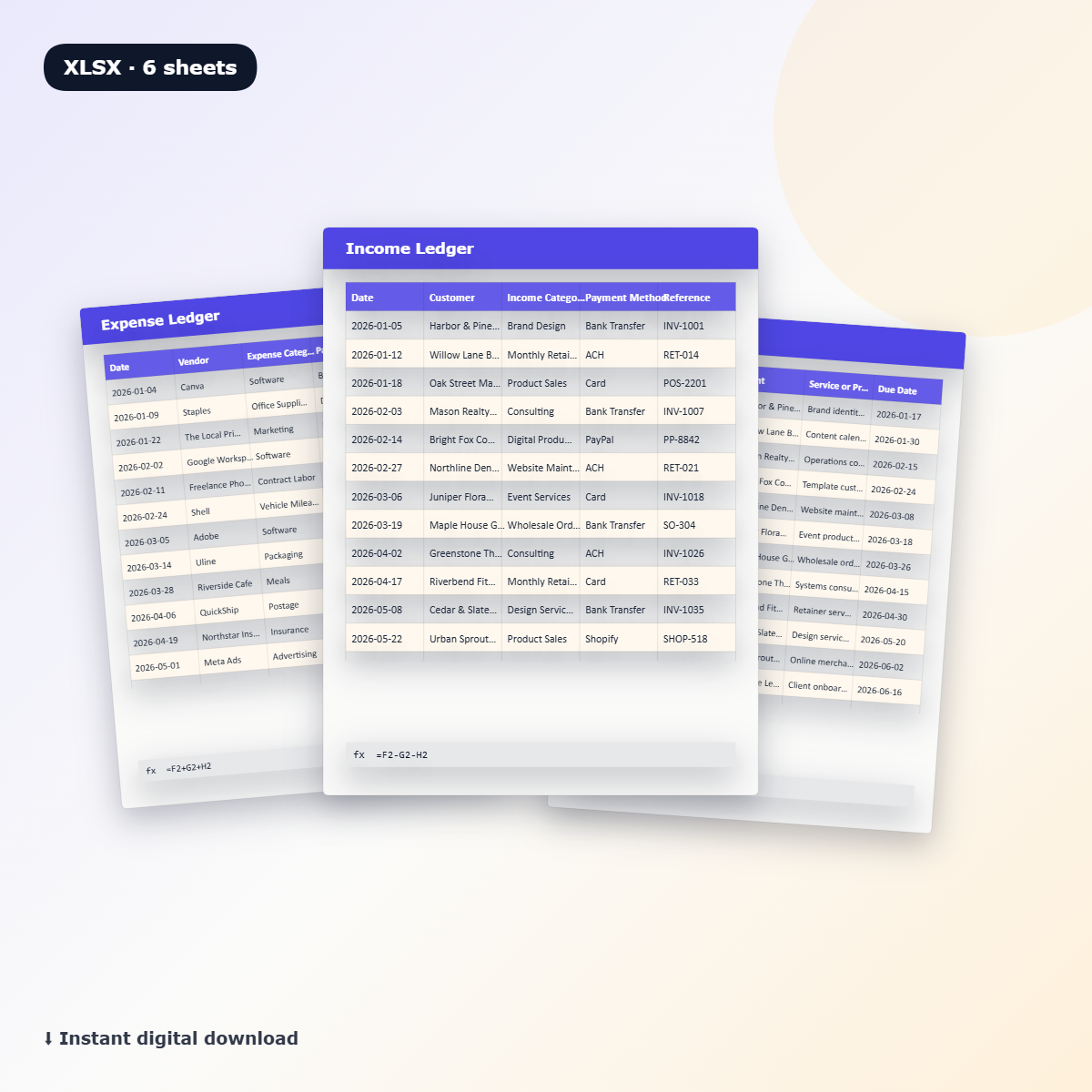
The Bookkeeping Spreadsheet Dashboard Bundle is built for exactly that kind of user: freelancers, consultants, creatives, virtual assistants and service providers. It has an income tracker, an expense tracker, monthly profit and loss summaries, a cash flow dashboard, an invoice log, a bill tracker for recurring obligations, tax estimate tabs and setup instructions. It’s an .xlsx file that works in Excel and in Google Sheets after upload. The bill tracker is handy for freelancers, since software renewals and insurance payments are easy to forget.
If you’d like a bit more automation, Clarity Books Easy Bookkeeping adds a mileage log with deduction tracking, live bank and cash balances, invoices with automatic Paid, Unpaid and Overdue status, and an automatic Profit & Loss, Balance Sheet, Cash Flow and Tax Summary with quarterly estimates. It works in any currency and lets you start in any month.
FAQ
Do freelancers need an accountant?
Not to keep the books. Plenty of freelancers do their own bookkeeping and pay an accountant once a year to file the return. That split keeps costs down and means your accountant gets tidy records.
How long should I keep receipts?
It depends on your country. Many tax authorities expect five to seven years. Keep digital copies in a dated folder so you’re covered either way.
Can I use one spreadsheet for several clients?
Yes. Add a client column to your income and invoice logs and you can filter by client at any time. That also shows you which clients bring in most of your money.
What’s the most common mistake in bookkeeping for freelancers?
Mixing personal and business money in one account. It turns every bank statement into a puzzle. Separate accounts fix it on day one.