Best Grocery List: Templates and Planners Compared
If you want the best grocery list, choose one that builds itself from your weekly meal plan, sorts items by aisle and leaves out what's already in your cupboards. Plate & Pantry (spreadsheet) and Supperwise (browser app) do all three. Tablet users with GoodNotes will prefer Supperwell or Thymewise.
Grocery lists can feel like a small job that somehow becomes a weekly chore, with scribbled notes, forgotten items and a second trip for the one thing you needed. A good template removes most of that, and we'll show you how to pick one that suits the way you shop.
- A grocery list is only as good as the plan feeding it, so look for tools where a planned meal adds its ingredients automatically.
- Aisle sorting and a pantry check are the two features that save the most walking and the most duplicate buying.
- Spreadsheets run in Excel and Google Sheets, apps open in a browser, and PDF planners need a tablet app such as GoodNotes, Notability or another PDF app.
- Several tools here need no account and no subscription, including Supperwise, Kinnest and Fernhaven.
- Browse all 21 options below once you know which format suits you.
Table of Contents Toggle
- What should you look for in the best grocery list?
- How do the best grocery list options compare?
- Which grocery list suits which shopper?
- How do you get the most from a grocery list template?
- What mistakes should you avoid?
- What affects the price of a grocery list template?
- How do you decide on the best grocery list for you?
- Common questions
 Weight Loss Tracker Spreadsheet | LeanGrove Calorie, Macro & Body Measurement Tracker with Dashboard for Excel & Google Sheets
 Weight Loss Tracker Spreadsheet | Sveltra Calorie & Macro Tracker, Meal Planner, Workout & Habit Tracker for Excel & Google Sheets
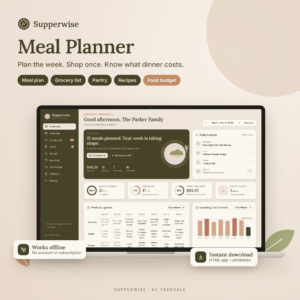 Digital Meal Planner & Grocery List App | Weekly Meal Plan, Recipes, Pantry & Food Budget | Supperwise
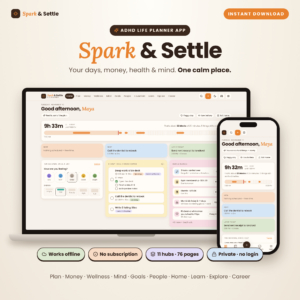 ADHD Life Planner App | Spark & Settle All-in-One Digital Planner with Daily, Weekly & Monthly Planner, Budget Tracker, Habit & Meal Tracker, Brain Dump & Focus Timer | Works Offline
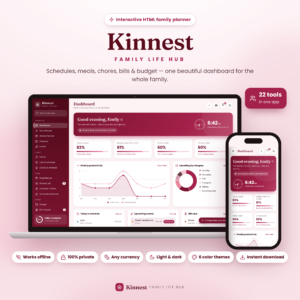 Family Planner Dashboard | Kinnest Interactive Mom Life Organizer with Budget, Bills, Meal Planner, Grocery List & Chore Chart | Offline HTML App
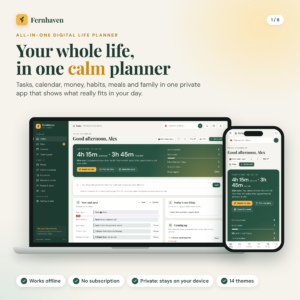 All in One Digital Life Planner | Fernhaven Offline HTML Planner App with Budget, Habit Tracker, Calendar, Meal Planner & Debt Payoff
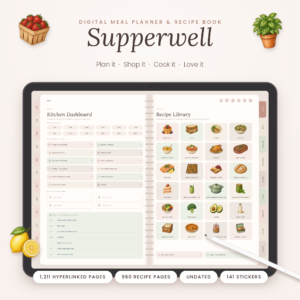 Supperwell Digital Meal Planner & Recipe Book | Undated GoodNotes iPad Meal Planner with Grocery List, Meal Prep Planner & 960 Recipe Pages
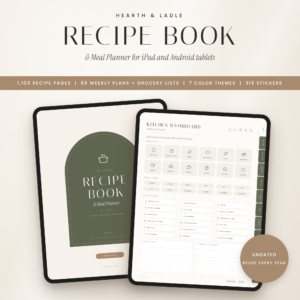 Hearth & Ladle Digital Recipe Book & Meal Planner | 1,100 Hyperlinked Recipe Pages, Weekly Meal Plans & Grocery Lists | iPad & Android Tablet PDF
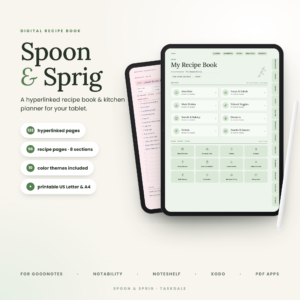 Digital Recipe Book for GoodNotes & iPad | Spoon & Sprig Hyperlinked Recipe Book, Meal Planner & Grocery List | 10 Colors + Printable
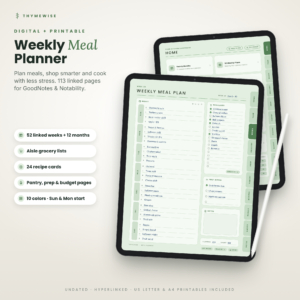 Thymewise Digital Meal Planner with Grocery List | Undated GoodNotes Weekly Meal Plan, Recipe Cards, Pantry Inventory and Budget Tracker + Printable
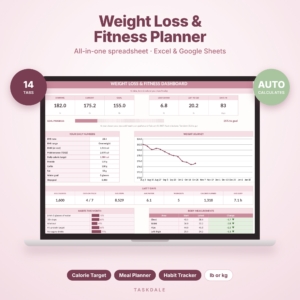 SlimBloom Weight Loss & Fitness Planner Spreadsheet | Calorie, Macro, Meal, Workout & Habit Tracker | Excel Template
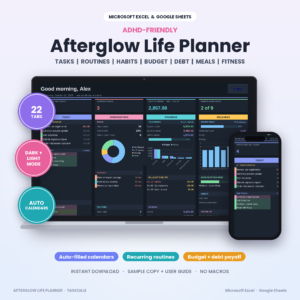 ADHD Life Planner Spreadsheet for Excel & Google Sheets | Afterglow Dark Mode Planner with Budget Tracker, Habit Tracker, Routine Tracker, Meal Planner & Debt Payoff
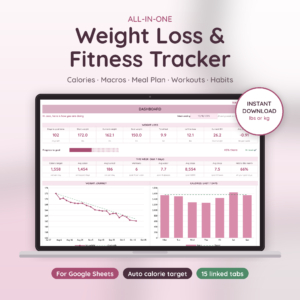 Glow Goals Weight Loss & Fitness Tracker | Weight Loss Tracker Spreadsheet for Google Sheets with Calorie & Macro Tracker, Meal Planner, Grocery List, Workout Log & Habit Tracker
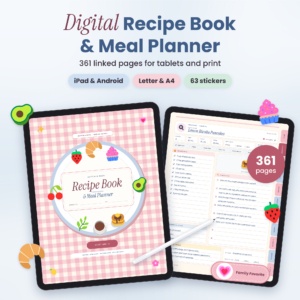 Butter & Basil Digital Recipe Book & Meal Planner: Hyperlinked GoodNotes Recipe Organizer with Grocery Lists, Pantry Inventory & Printable PDF
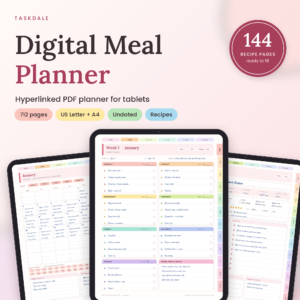 Basil & Birch Digital Meal Planner, Undated Hyperlinked PDF for Tablets (US Letter + A4)
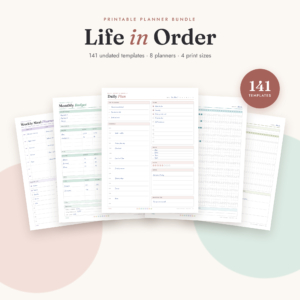 Life in Order Planner Bundle: 141 Printable Undated Pages for Daily, Weekly, Budget, Fitness, Meal & Habit Planning (Letter, A4, A5, Half Letter)
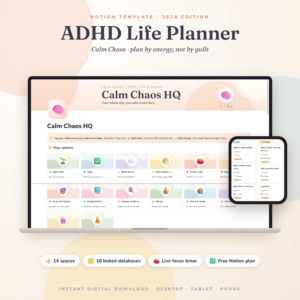 ADHD Notion Template 2026 | Calm Chaos ADHD Life Planner & Notion Dashboard with Focus Timer, Habit Tracker, Budget, Brain Dump and Chore Chart
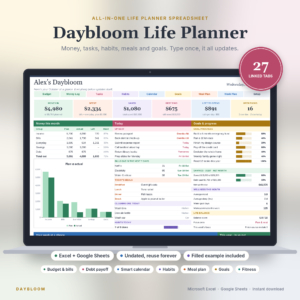 Daybloom Life Planner Spreadsheet | Excel & Google Sheets | Budget, Bills, Debt, Habit Tracker, Meal Planner, Goals & Digital Calendar
What should you look for in the best grocery list?
The best grocery list is a digital list that fills itself from your meal plan, groups items in the order you walk the shop and accounts for food you already own. A grocery list template is a ready-made file or app that does this without you building formulas or layouts yourself. Six factors separate the strong options from the average ones.
Does the list build itself from your meal plan?
A list that builds from your meals saves you from retyping every ingredient each week. Supperwise adds a meal's ingredients to your list the moment you plan it. Kinnest goes from meal plan to grocery list in one click. Hearth & Ladle links each of its 60 weekly meal plans to its own grocery list.
Typed-in lists, which most blank PDF planners offer, still work. They just need more effort from you.
Does it sort items by aisle?
Aisle sorting means the list groups items by where they sit in the shop, so you walk once rather than doubling back. Plate & Pantry (spreadsheet), Supperwise, Supperwell and Thymewise all sort this way. If you shop in the same supermarket each week, this feature alone can shorten a trip noticeably.
Does it check what's in your pantry?
A pantry check stops you buying a fourth tin of tomatoes. Supperwise skips anything already in your pantry. Plate & Pantry (spreadsheet) checks your pantry too, and Thymewise and Spoon & Sprig include pantry and freezer inventories. A pantry feature only helps if you keep it updated, so be honest about whether you will.
Which format fits the device you actually use?
Format decides whether you'll open the thing at all. Spreadsheets such as Plate & Pantry, Linden Life Organiser and Glow Goals work in Excel or Google Sheets (Glow Goals is a Google Sheets file). Supperwise and Kinnest open in a web browser. Supperwell, Thymewise, Hearth & Ladle and Butter & Basil are hyperlinked PDFs for an iPad or Android tablet running a PDF app.
If you shop with a phone in hand, check that the format opens comfortably on it before you commit.
Can it track what you spend?
Budget tracking turns a list into a way to keep the weekly shop in check. Plate & Pantry (spreadsheet) prices the list against your weekly budget and rounds up to real pack sizes. Supperwise lets you log what you paid and see what each meal really costs. Spoon & Sprig includes a cost-per-serving calculator.
Does it keep your data private and free of subscriptions?
Offline tools keep your household's information on your own device. Supperwise, Kinnest and Fernhaven state that they need no account and no subscription. For many over-50 shoppers who prefer to pay once and avoid sign-ups, this matters as much as any feature.
How do the best grocery list options compare?
The options split into three groups: spreadsheets, browser apps and tablet PDF planners. The table below compares eight of the strongest, using only what each listing states.
| Product | Format | How the grocery list works | Suits |
|---|---|---|---|
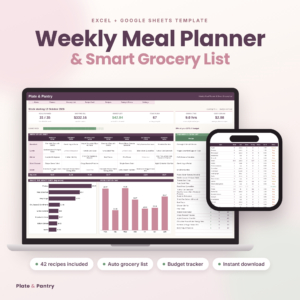 Plate & Pantry: Weekly Meal Planner Spreadsheet with Automatic Grocery List | Excel & Google Sheets | Budget, Pantry & Recipe Book | Spreadsheet | Merges repeat ingredients, sorts by aisle, rounds to pack sizes, checks pantry, prices against budget | Budget-minded planners who like spreadsheets |
| Digital Meal Planner & Grocery List App | Weekly Meal Plan, Recipes, Pantry & Food Budget | Supperwise | Offline browser app | Meal ingredients land on the list by aisle, pantry items skipped | Anyone wanting the simplest automatic list |
| Family Planner Dashboard | Kinnest Interactive Mum Life Organiser with Budget, Bills, Meal Planner, Grocery List & Chore Chart | Offline HTML App | Offline browser app | Meal plan to grocery list in one click | Households running chores, bills and meals together |
| Supperwell Digital Meal Planner & Recipe Book | Undated GoodNotes iPad Meal Planner with Grocery List, Meal Prep Planner & 960 Recipe Pages | Tablet PDF | Aisle-sorted grocery lists across 60 weeks | Tablet users who want a large recipe book |
| Thymewise Digital Meal Planner with Grocery List | Undated GoodNotes Weekly Meal Plan, Recipe Cards, Pantry Inventory and Budget Tracker + Printable | Tablet PDF | Aisle grocery list with pantry and freezer pages | Tablet users wanting a lighter, simpler planner |
| Hearth & Ladle Digital Recipe Book & Meal Planner | 1,100 Hyperlinked Recipe Pages, Weekly Meal Plans & Grocery Lists | iPad & Android Tablet PDF | Tablet PDF | Each of 60 weekly plans links to its own list | Keen cooks building a recipe collection |
| Glow Goals Weight Loss & Fitness Tracker | Weight Loss Tracker Spreadsheet for Google Sheets with Calorie & Macro Tracker, Meal Planner, Grocery List, Workout Log & Habit Tracker | Google Sheets | Meal plan builds the grocery list | People tracking calories alongside shopping |
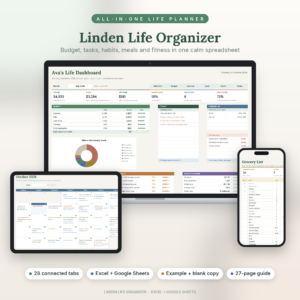
| Linden Life Organiser | Life Planner Spreadsheet for Excel and Google Sheets | Budget Tracker, Habit Tracker, Smart Calendar, Meal Planner, Workout Tracker | Spreadsheet | Meal planner with an automatic grocery list | People wanting one file for money, meals and routines |
Which grocery list suits which shopper?
The right choice depends mostly on whether you want a single-purpose list or a wider planner, and on which device you reach for first.
You want the simplest automatic list. Supperwise does one job clearly: plan meals, get an aisle-sorted list, tick items off. It includes 6 printable pages and a 22-page guide, so you can still carry paper.
You watch the weekly budget closely. Plate & Pantry (spreadsheet) is built around this. It promises a week of meals planned in about 10 minutes, comes with 42 starter recipes and printable recipe cards, and checks the list against your budget.
You run a busy family home. Kinnest combines the grocery list with schedules, chores, bills and a kids' chore chart with rewards. It's more than a list, which is the point for a household of several people.
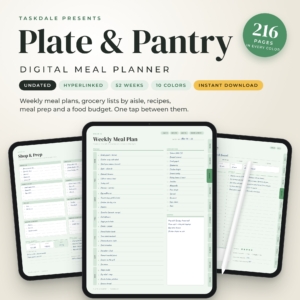
You prefer writing on a tablet. Supperwell, Thymewise, Hearth & Ladle, Butter & Basil, Basil & Birch and the Plate & Pantry digital planner all suit stylus users. Butter & Basil pairs a grocery list with every one of its 60 weekly plans. Thymewise is the lighter option at 113 pages.
You're tracking weight and food together. Glow Goals, Sveltra and SlimBloom each include a grocery list alongside calorie and macro tracking. They suit someone whose shopping follows a nutrition target. LeanGrove is a tracker without a stated grocery list.
You want one file for everything. Linden Life Organiser and Fernhaven cover budgets, habits and meals together. Linden has a meal planner with an automatic grocery list.
How do you get the most from a grocery list template?
A grocery list template works best when you set it up once and then follow a short weekly routine. These steps suit any of the options above.
- Add your usual pantry staples first, so the list only asks for what you're missing.
- Choose three to five dinners for the week, favouring ingredients that overlap.
- Add each meal to the plan and let the list fill, or type items in if your planner is manual.
- Check the list against your fridge and cupboards before you leave.
- Tick items off as you shop, and note any substitutions.
- Spend two minutes afterwards updating the pantry and, if your tool allows it, logging what you spent.
Undated planners such as Supperwell, Thymewise and Basil & Birch can be reused, so a tidy routine pays back over many weeks.
What mistakes should you avoid when choosing a grocery list?
The most common mistake is picking a tool for its page count rather than for how it handles the list. Here are the ones we see most.
- Buying a huge planner you'll never open. Supperwell has 1,211 pages, which suits a dedicated cook but may overwhelm someone who only wants a shopping list.
- Ignoring your device. A hyperlinked PDF needs a tablet app. If you only have a laptop, a spreadsheet or browser app is the safer choice.
- Skipping the pantry step. An aisle-sorted list that ignores your cupboards still leads to duplicate purchases.
- Assuming every listing includes a grocery list. Some life planners focus on budgets and habits, so check that grocery lists are mentioned before buying.
- Forgetting the guide. Most listings here include a user guide, from 16 to 35 pages. Read it before you build your first week.
What affects the price of a grocery list template?
The price of a grocery list template depends on how much else it does, how many pages it includes and what format it comes in. You'll see the exact prices on the product cards, so here is what moves them in words.
A single-purpose meal planner usually costs less than a life organiser with 27 or 28 linked tabs for budgets, bills and habits. Large recipe books with hundreds or over a thousand pages reflect extra content. Printable bundles, stickers and covers add to the package. Tools with no subscription cost more up front but nothing later, which suits many shoppers better than a monthly fee.
How do you decide on the best grocery list for you?
Pick by device first, then by the one feature you'd miss most. If you use a browser, start with Supperwise. If you love spreadsheets and budgets, start with Plate & Pantry (spreadsheet). If you write on a tablet, start with Supperwell or Thymewise. Then compare the shortlist on pantry checks and budget tracking.
Common questions
Do I need an account to use these grocery lists?
Not for several of them. Supperwise, Kinnest, Fernhaven and the Spark & Settle planner all say they work offline with no account and no subscription. Spreadsheets run in Excel or Google Sheets, and Google Sheets files need a Google account.
Can I print a grocery list instead of using a screen?
Yes. Supperwise includes 6 printable pages, Supperwell has 52 printable pages in US Letter and A4, and Plate & Pantry (spreadsheet) offers printable recipe cards. Check each listing for page sizes before you buy.
Are undated planners reusable?
Yes. Undated means the pages carry no fixed year, so you can start any week. Supperwell covers 60 weeks and Thymewise offers 52 linked weekly plans. Hearth & Ladle describes its monthly and weekly planners as reusable every year.
Can a weight loss tracker also give me a grocery list?
Some can. Sveltra builds an automatic grocery list, Glow Goals lets your meal plan build one, and SlimBloom includes a grocery list tab. They suit shoppers following calorie or macro targets, though a dedicated meal planner is simpler if you only need a list.
Which format is easiest for a first-time user?
Browser apps are the gentlest start, because you open the file and begin. Supperwise and Kinnest work this way. If you already know spreadsheets, Plate & Pantry (spreadsheet) is just as friendly. Choose whichever format you already use daily.