Web Design Skill for Codex: Codex Web Design Skill
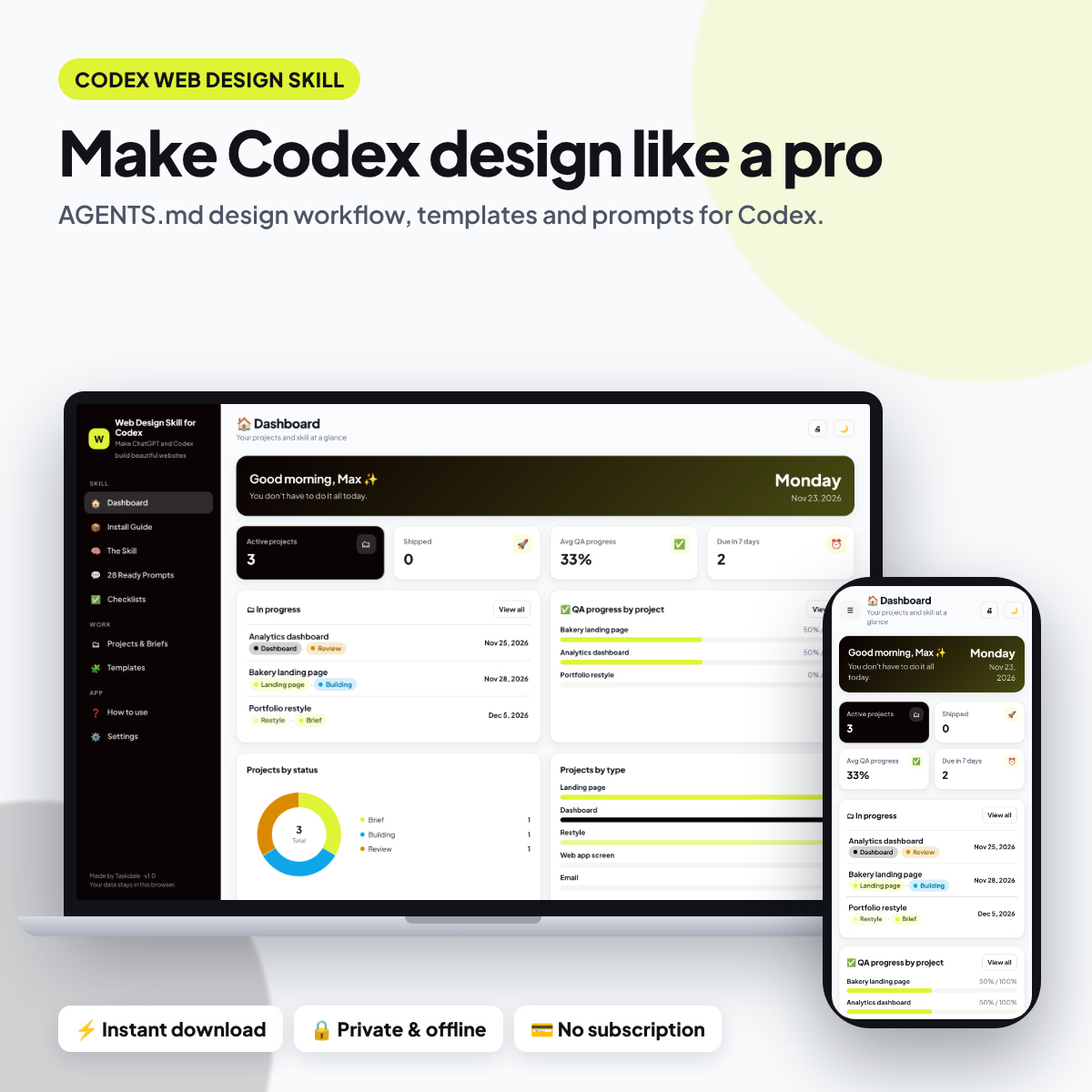
Web Design Skill for Codex is a Codex web design skill that gives ChatGPT and Codex a professional, repeatable design process. Drop the AGENTS.md into your repository, or use the SKILL.md folder, and Codex follows a clear workflow from brief to QA.
Rules for hierarchy, color, spacing, accessibility and performance, plus starter tokens and templates, help Codex produce pages that look intentional. The companion app holds prompts, checklists and project briefs.
Who this Codex web design skill is for
- Developers using Codex or ChatGPT
- Freelancers building client sites with AI
- Founders making their own pages
- Students learning web design
Main benefits
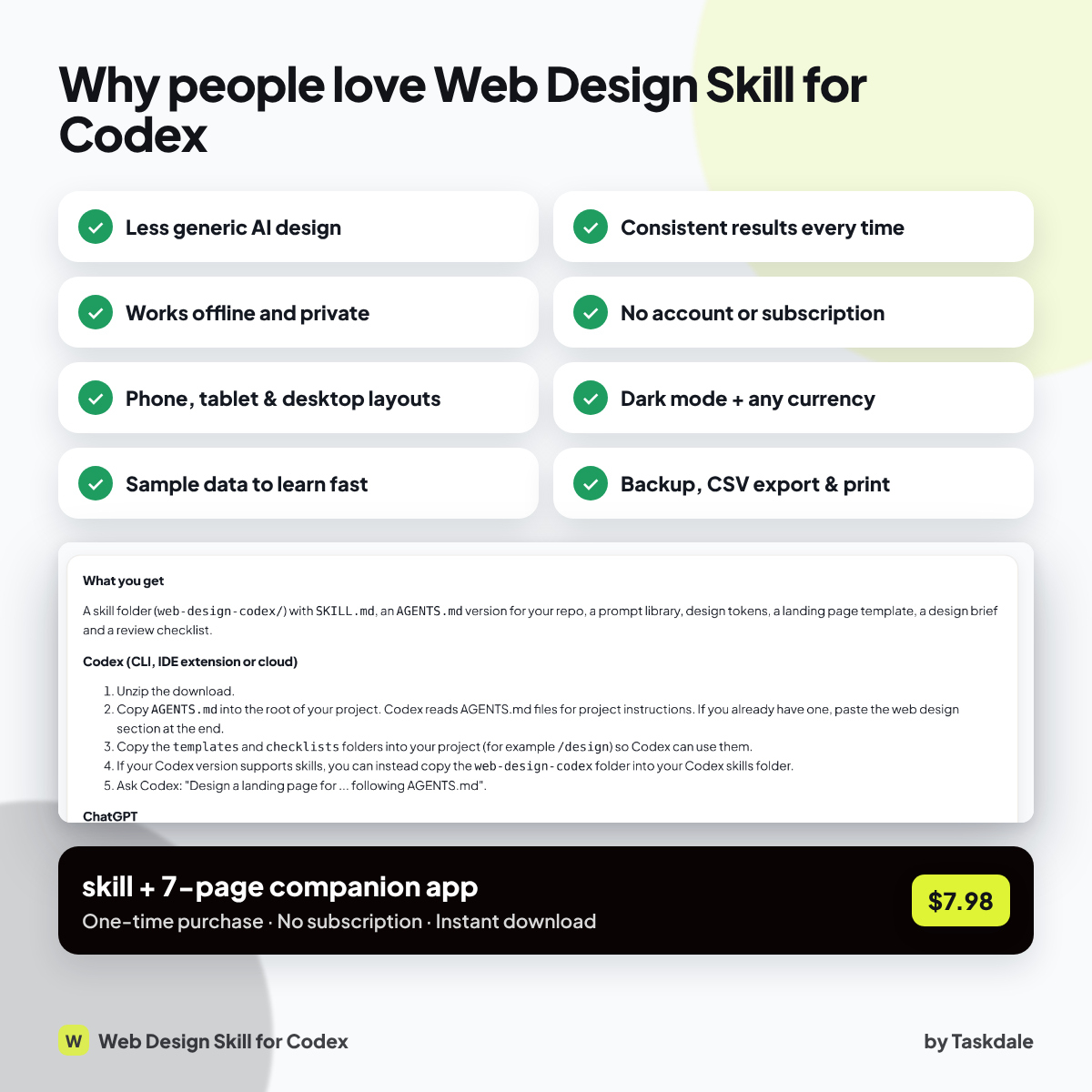
- Less generic AI design
- Consistent results every time
- Works offline and private
- No account or subscription
- Phone, tablet & desktop layouts
- Dark mode + any currency
- Sample data to learn fast
- Backup, CSV export & print
Features of the Codex web design skill
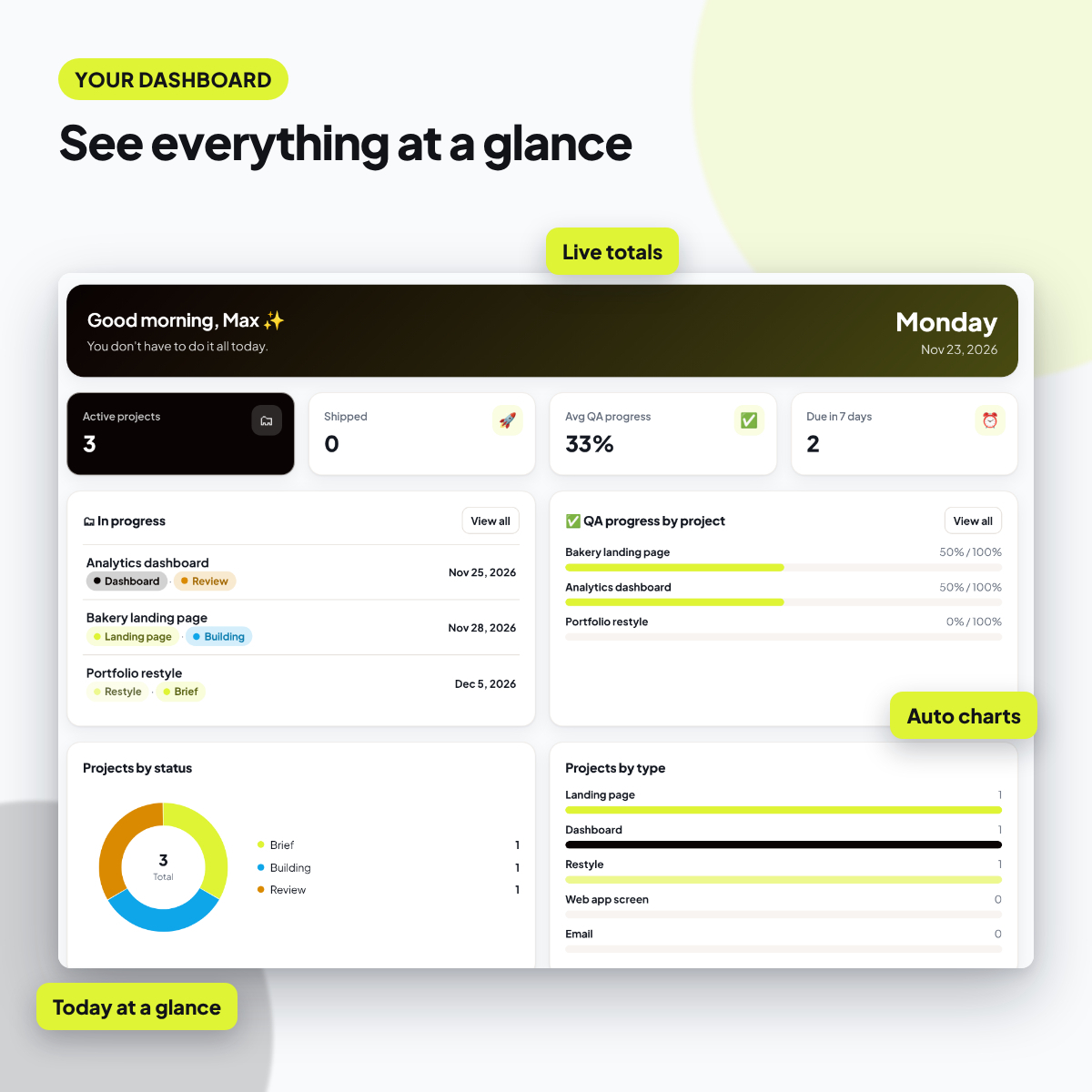
- Dashboard: Overview of your AI projects, QA progress and what is due.
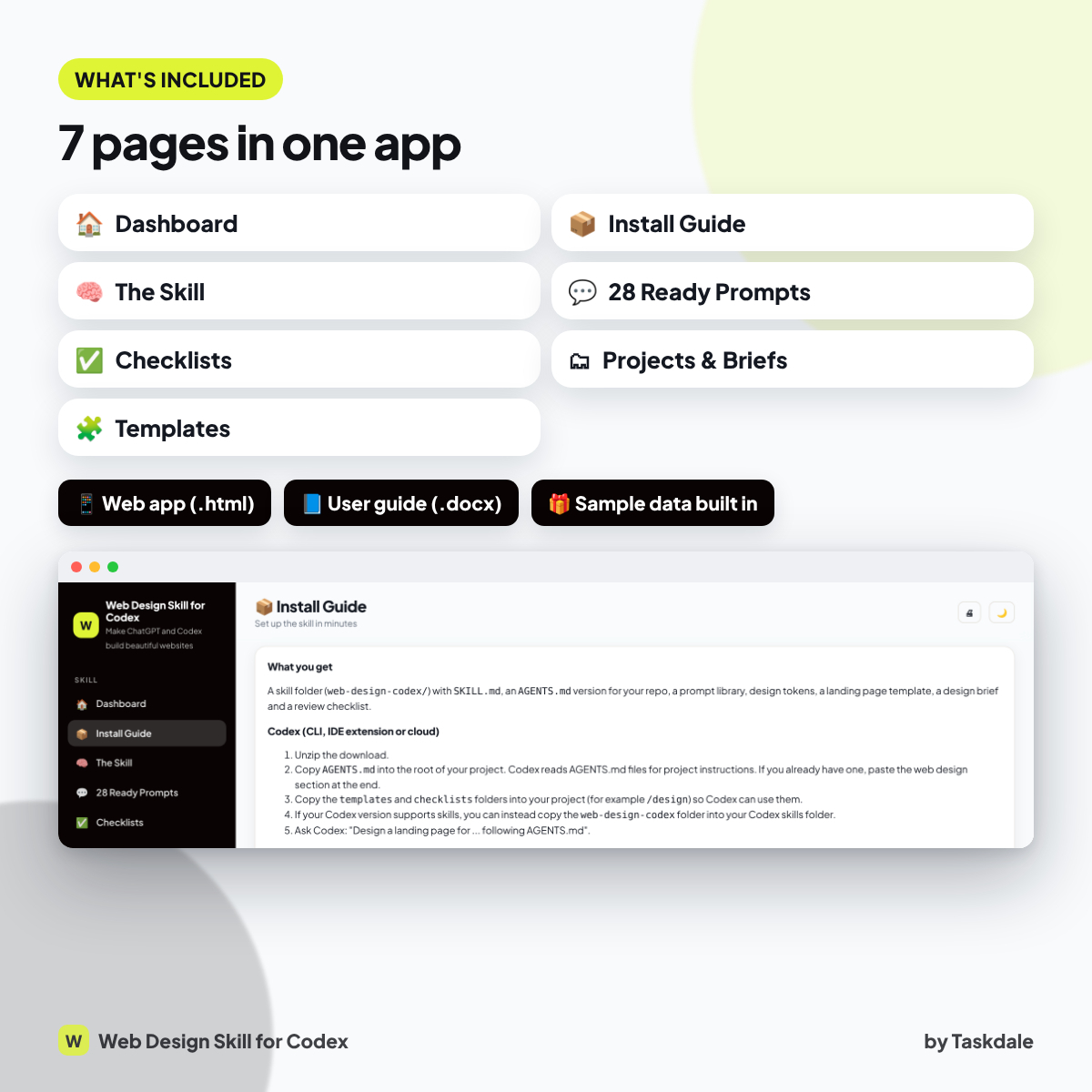
- Install Guide: Step-by-step setup for your AI tool.
- The Skill: Read the complete skill file.
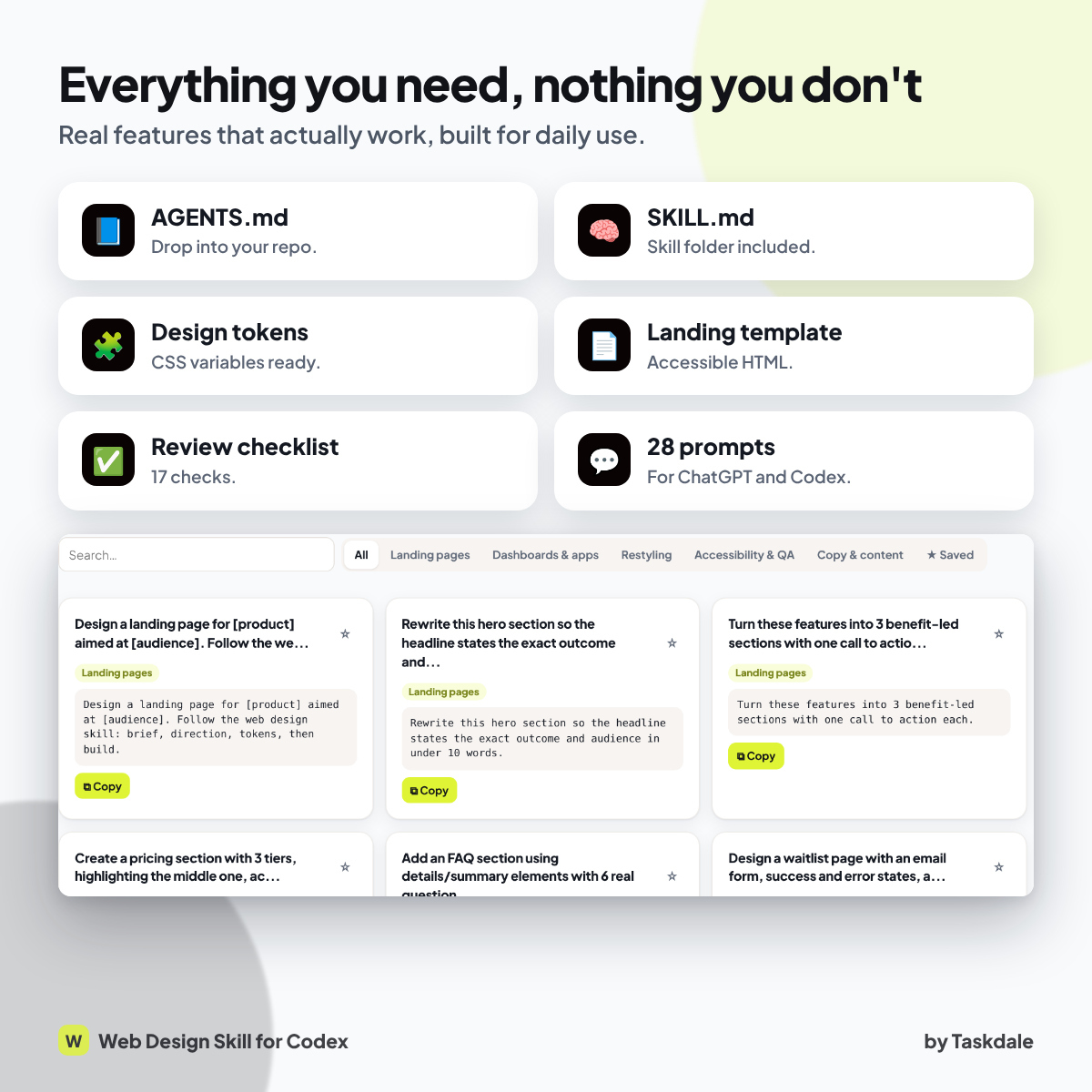
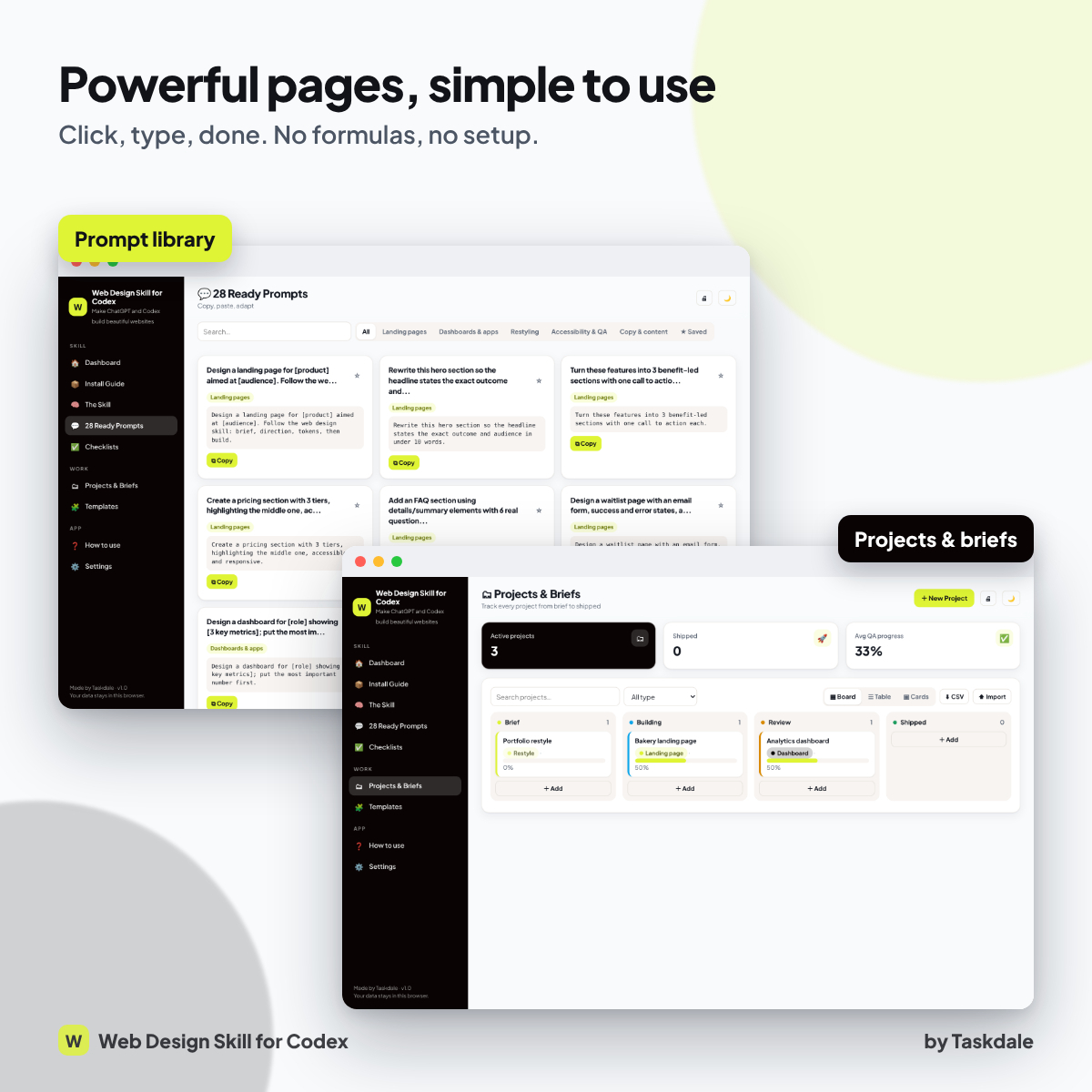
- 28 Ready Prompts: 28 tested prompt templates grouped by task. Search, favorite and copy.
- Checklists: Every checklist item, searchable and copyable.
- Projects & Briefs: Projects with type, goal, direction or stack, status, QA checklist with progress, due date and assumptions.
- Templates: Preview of the starter templates.
Built-in extras
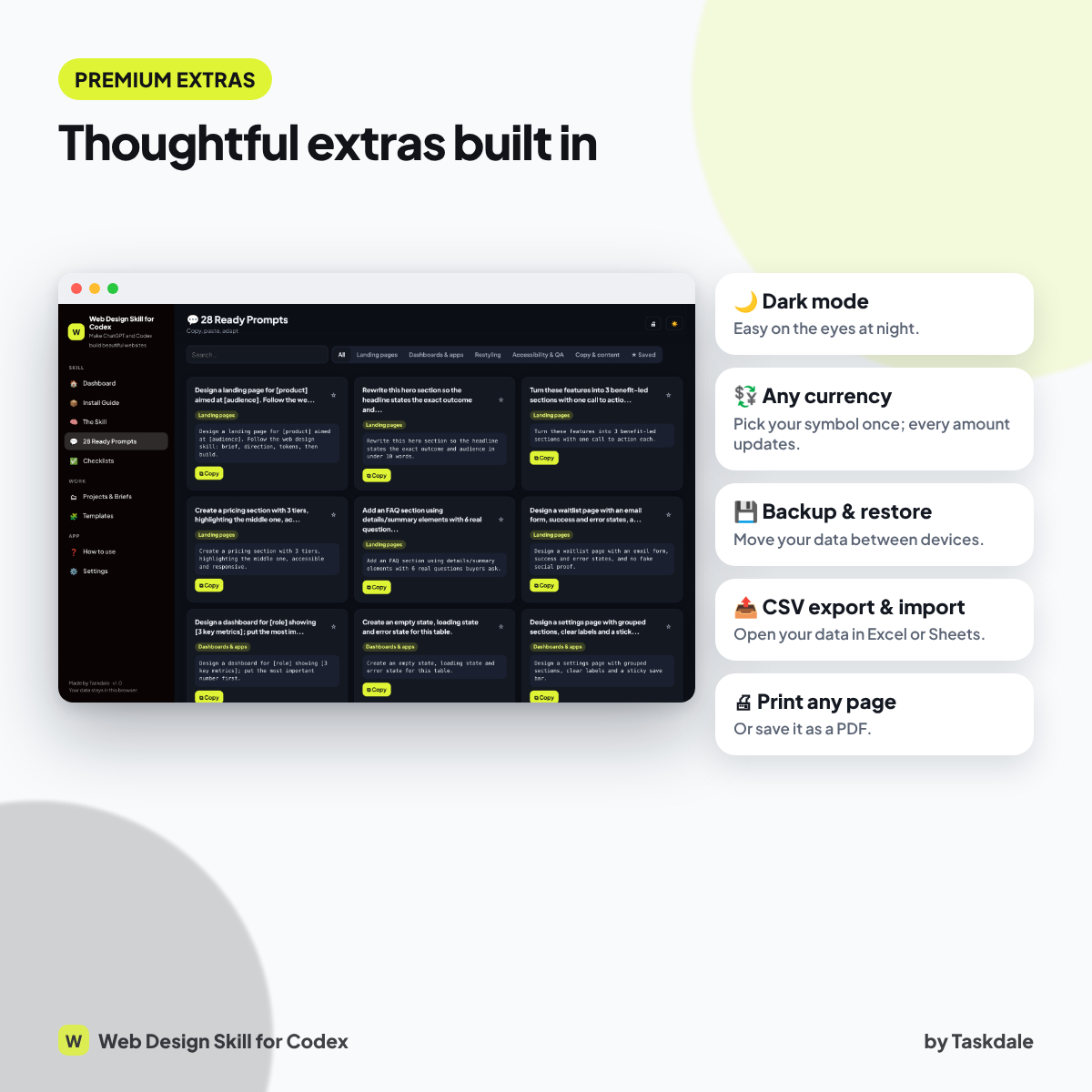
- Dark mode: Switch between light and dark themes.
- Any currency: One currency setting that every money value reads from ($ by default).
- Backup and restore: Export all your data to a file and restore it on any device.
- CSV export and import: Open your tables in Excel or Google Sheets, or bring data in.
- Print-ready pages: Print any page or save it as a PDF.
- Sample data: explore a fully filled-in example, then clear it with one click.
Why an app instead of a spreadsheet or PDF?
- Nothing to break: there are no formulas to copy or cells to protect. Totals, charts and progress bars calculate themselves.
- Faster to use: add an entry with a simple form, search and filter in one click, and switch between table, board and calendar views.
- Private by design: Web Design Skill for Codex runs in your own browser and never uploads your data.
What’s included
- Web Design Skill for Codex web app (one .html file, 7 pages)
- Web Design Skill for Codex User Guide (.docx) with setup steps, feature walkthroughs, tips, troubleshooting and FAQ
- Built-in sample data and quick start page
How it works
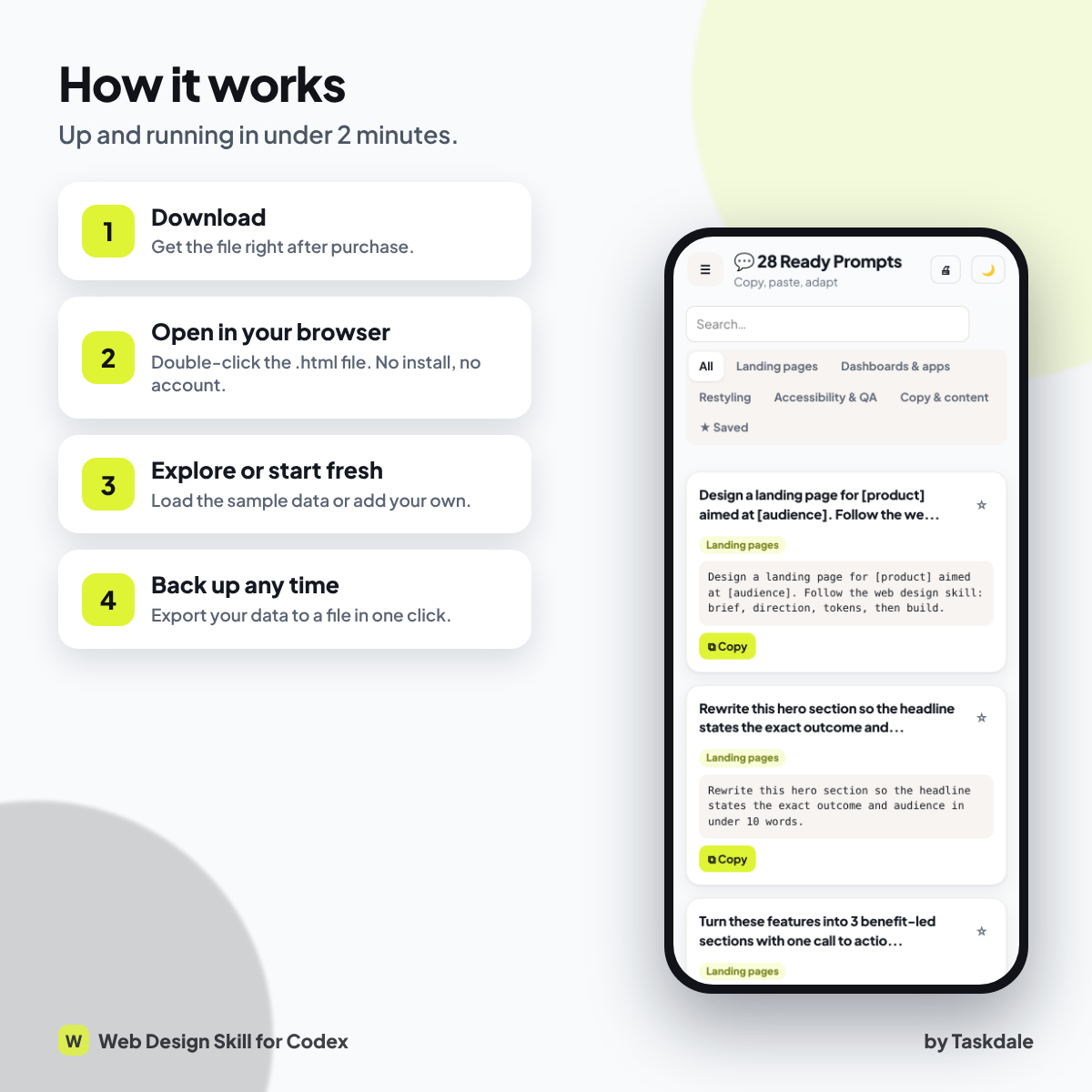
- Download the ZIP file after purchase and unzip it.
- Double-click the .html file. It opens in your web browser like an app, with no install.
- Click Explore sample data to see it filled in, or start adding your own entries.
- Set your name and currency in Settings, and export a backup now and then.
File format and software requirements
- Format: one HTML web app file (.html) plus a Word user guide (.docx), delivered in a ZIP.
- Tested in Google Chrome on desktop and on phone-sized screens. It uses standard HTML, CSS and JavaScript with no plugins.
- No internet connection, account or subscription needed after download.
- Your data is stored locally in your browser. It does not sync between devices automatically; use the backup file to move it.
Customization
- Add, rename and delete your own entries, categories and lists
- Choose your currency symbol and add your name for a personal greeting
- Switch between light and dark mode
Digital download
This is a digital product. No physical item will be shipped. Your files are available to download right after checkout.
Use cases
- Add AGENTS.md to your repo once.
- Each project: fill the design brief.
- Before shipping: run the checklist.
FAQ
Is this made by OpenAI?
No. It is an independent Taskdale product.
Do I need Codex?
No. You can paste the skill into ChatGPT Projects or custom GPT instructions too.
Do I need internet or an account?
No. The app is a single file that runs in your web browser. After download it works offline, with no sign-up and no subscription.
Where is my data saved?
Privately in your browser on your device. Nothing is uploaded anywhere. Use Settings → Export backup to keep a copy or move your data to another device.
Can I use it on my phone or tablet?
The layout adapts to phone and tablet screens. We test it in Google Chrome on desktop and on phone-sized screens. Data is stored per device and browser, so use the backup file to move it between devices.
Can I change the currency?
Yes. Choose any currency symbol in Settings and every money value in the app updates. The default is $.
Is there a free version?
Yes, a free version with a few pages is available on our blog so you can try it first. This listing is the complete app.
Can I print or export my data?
Yes. Every page has a print button (print or save as PDF), and every table can be exported to CSV for Excel or Google Sheets.
Licence: personal use only. You may not resell, share or redistribute the files. © Taskdale.
Reviews
There are no reviews yet.