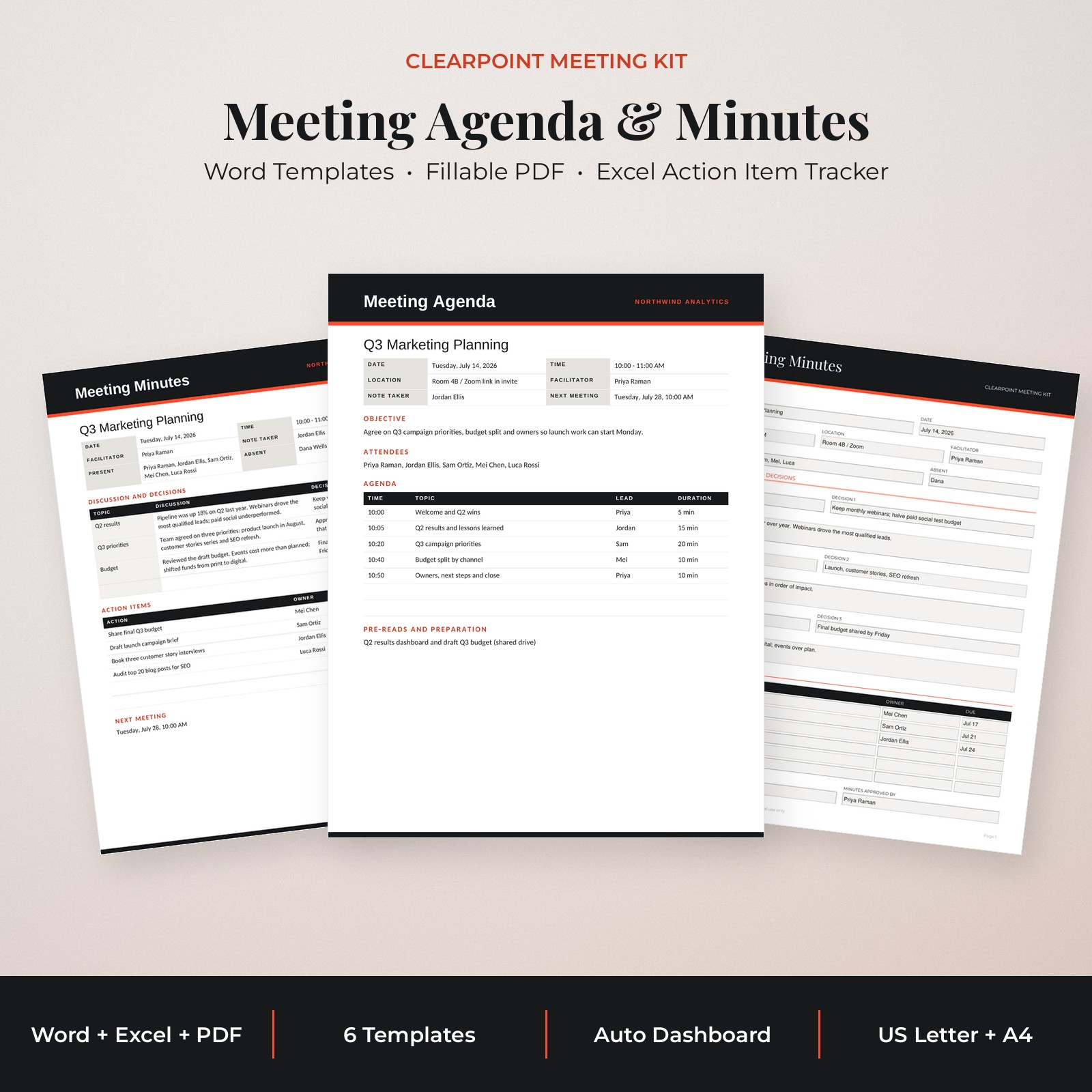

The Clearpoint Meeting Kit is a complete meeting minutes template and agenda system for teams, boards and clubs. A crisp black and vermilion design keeps every page clear and professional, from the agenda you send beforehand to the action items you follow up on afterward.
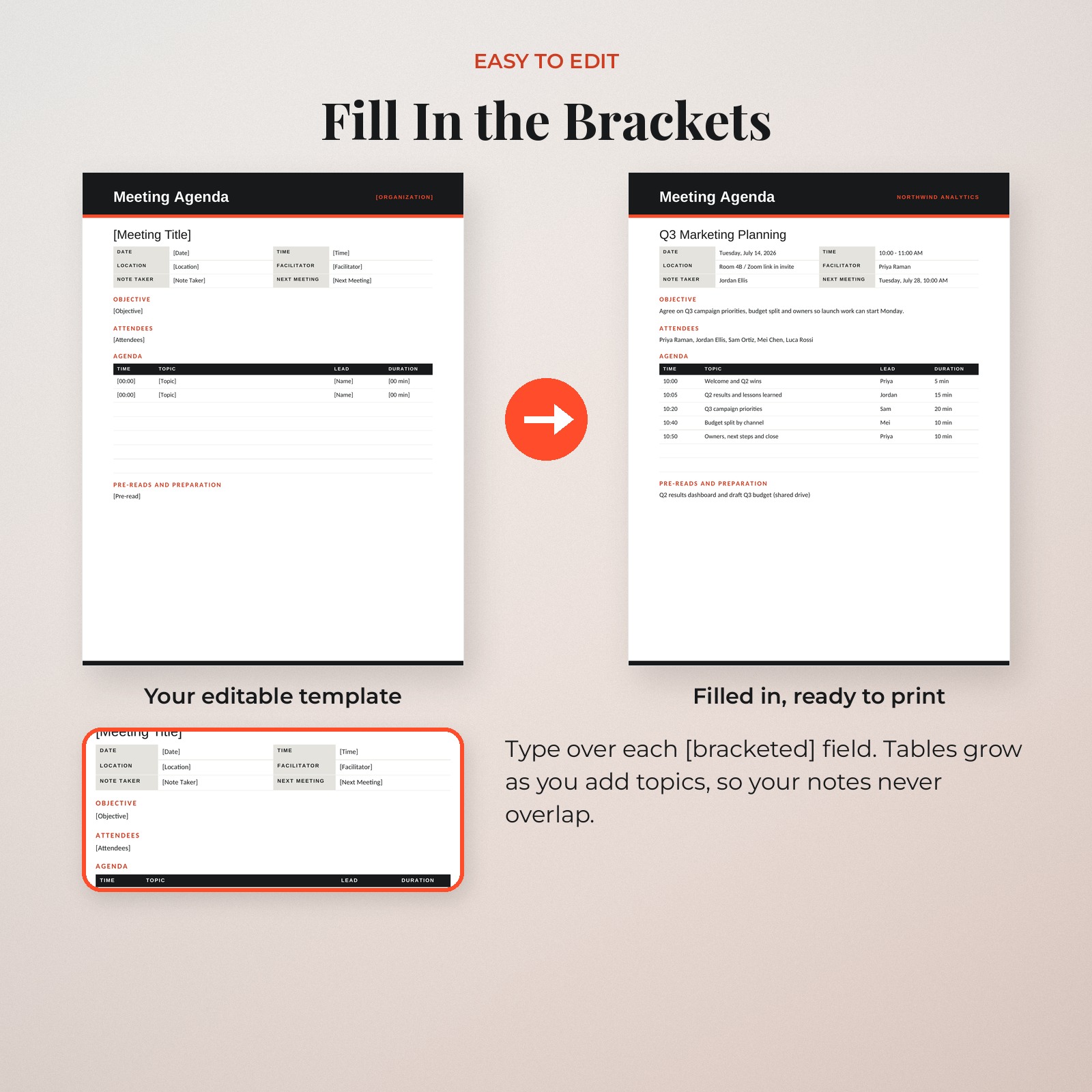
Choose your format: Microsoft Word compatible .docx templates with [bracketed] placeholders, a fillable PDF you complete in a free PDF reader, and an Excel workbook that tracks every action item with dropdowns, overdue highlighting and a dashboard.
Why Choose the Clearpoint Meeting Kit Meeting Minutes Template
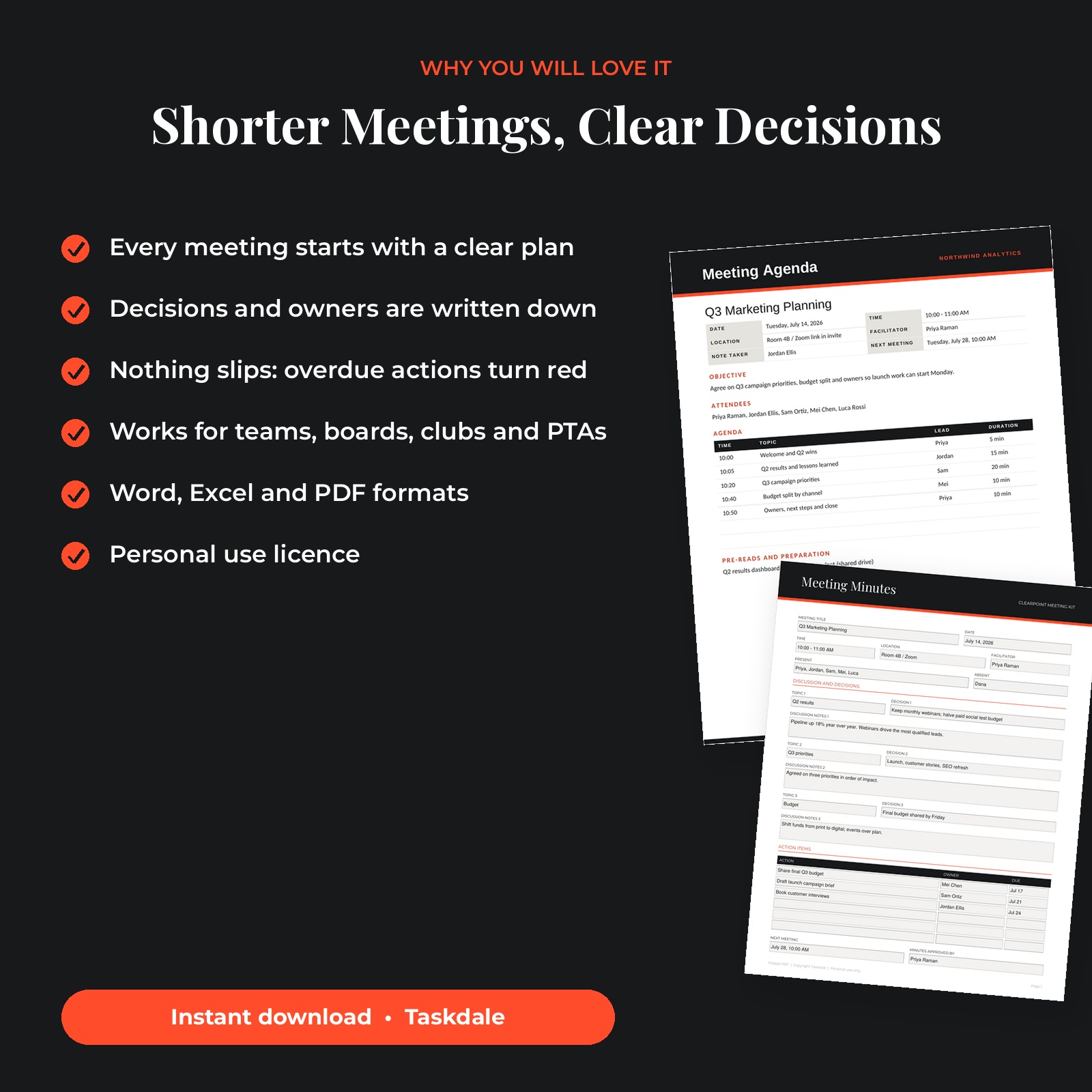
- One kit covers planning, note taking and follow-up
- Decisions and owners are always written down
- Excel tracker flags overdue items automatically
- Fillable PDF for anyone without Word
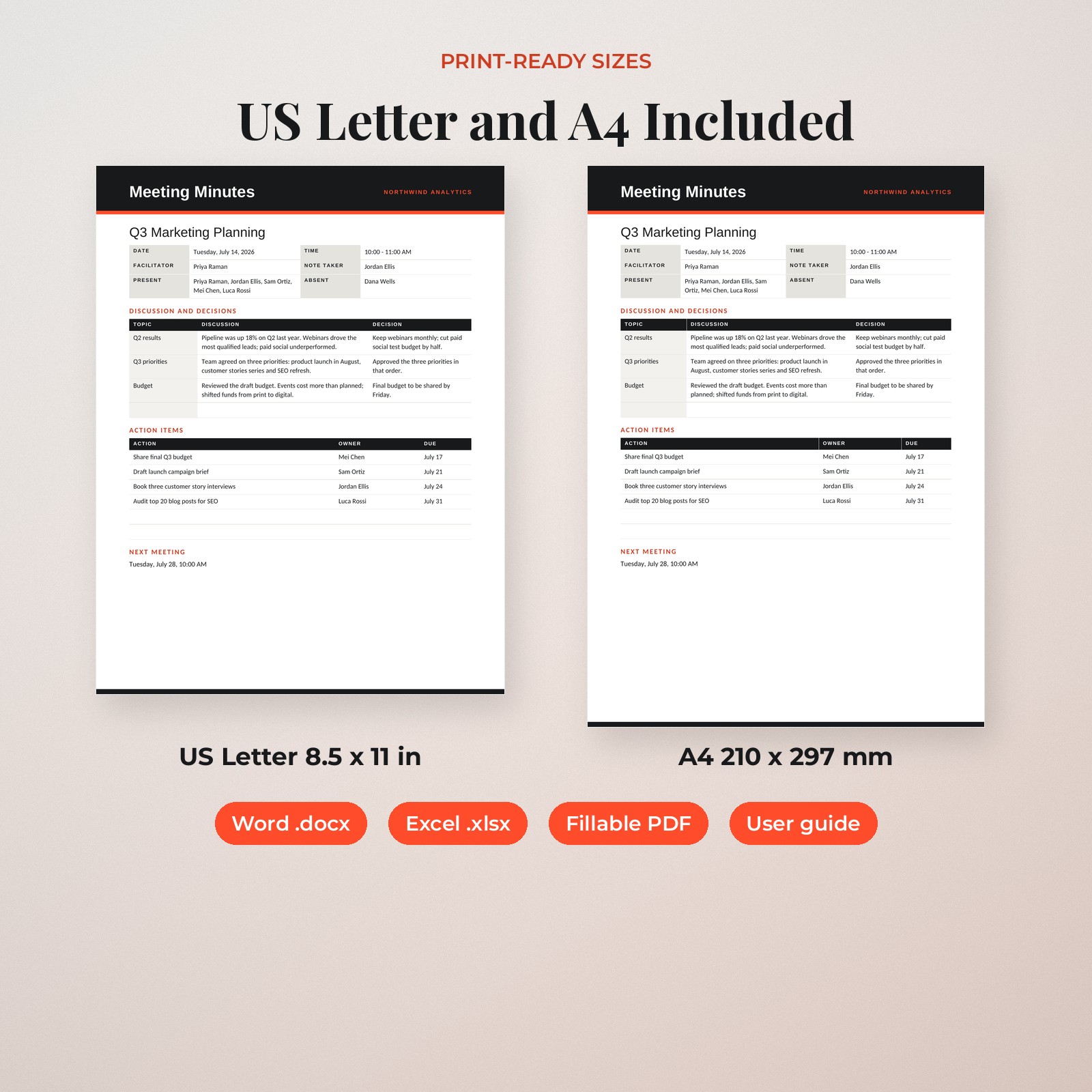
- Clean layouts that print well in US Letter and A4
- Tables grow as you type, so long notes never overlap
Who It Is For
- Team leads, project managers and executive assistants
- Nonprofit boards, HOAs, PTAs and club secretaries
- Managers running weekly one-on-ones
- Small business owners and startups
Features
Meeting Agenda Template
Meeting details, objective, attendees and a timed agenda table with topic, lead and duration, plus pre-reads.
Meeting Minutes Template
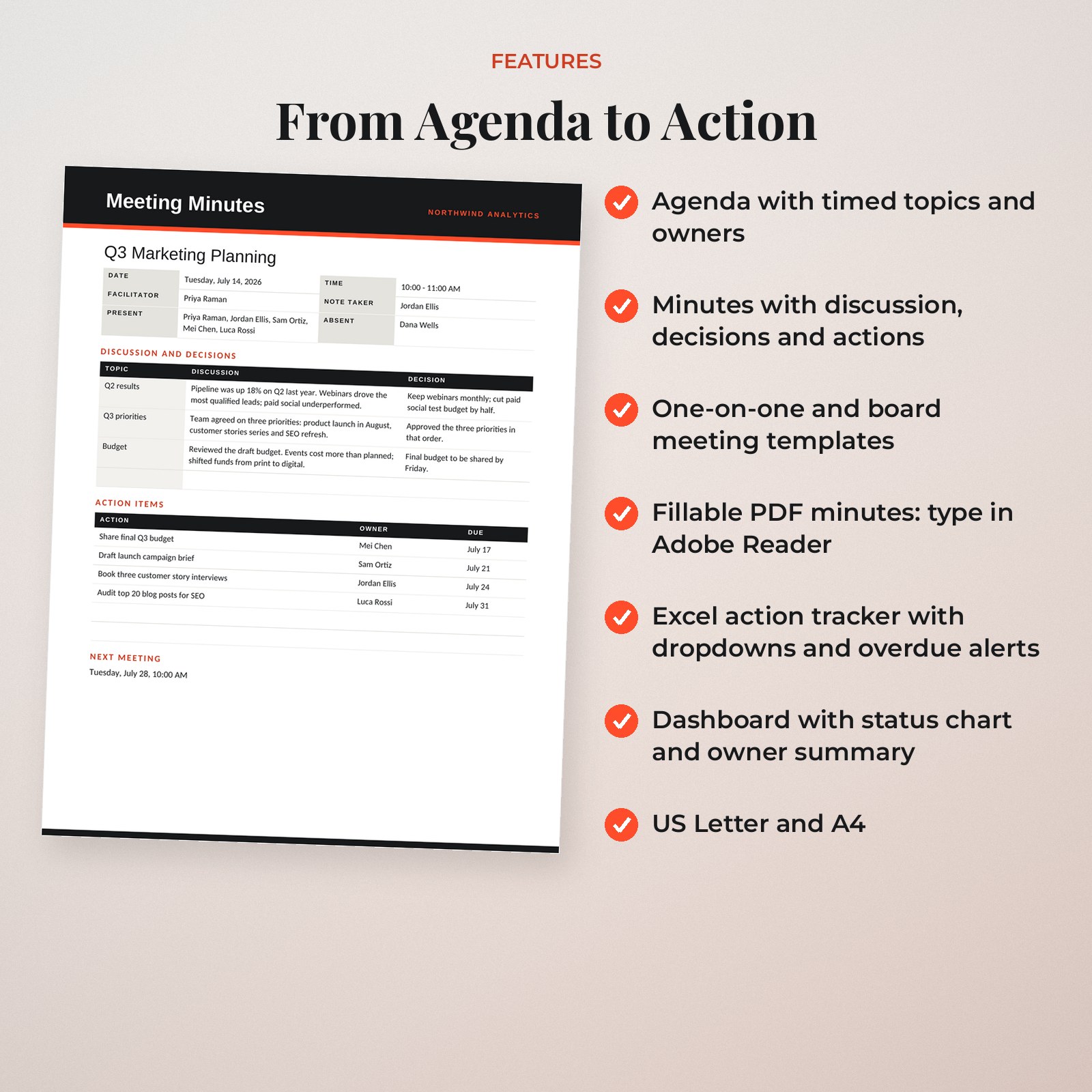
Attendance, a topic, discussion and decision table, action items with owners and due dates, and the next meeting.
One-on-One and Board Minutes
A coaching-friendly one-on-one with five prompts, and formal board minutes with quorum, reports, motions and votes.
Fillable PDF Meeting Minutes
Thirty-plus form fields in US Letter and A4. Type in a free PDF reader, save and share.
Excel Action Item Tracker with Dashboard
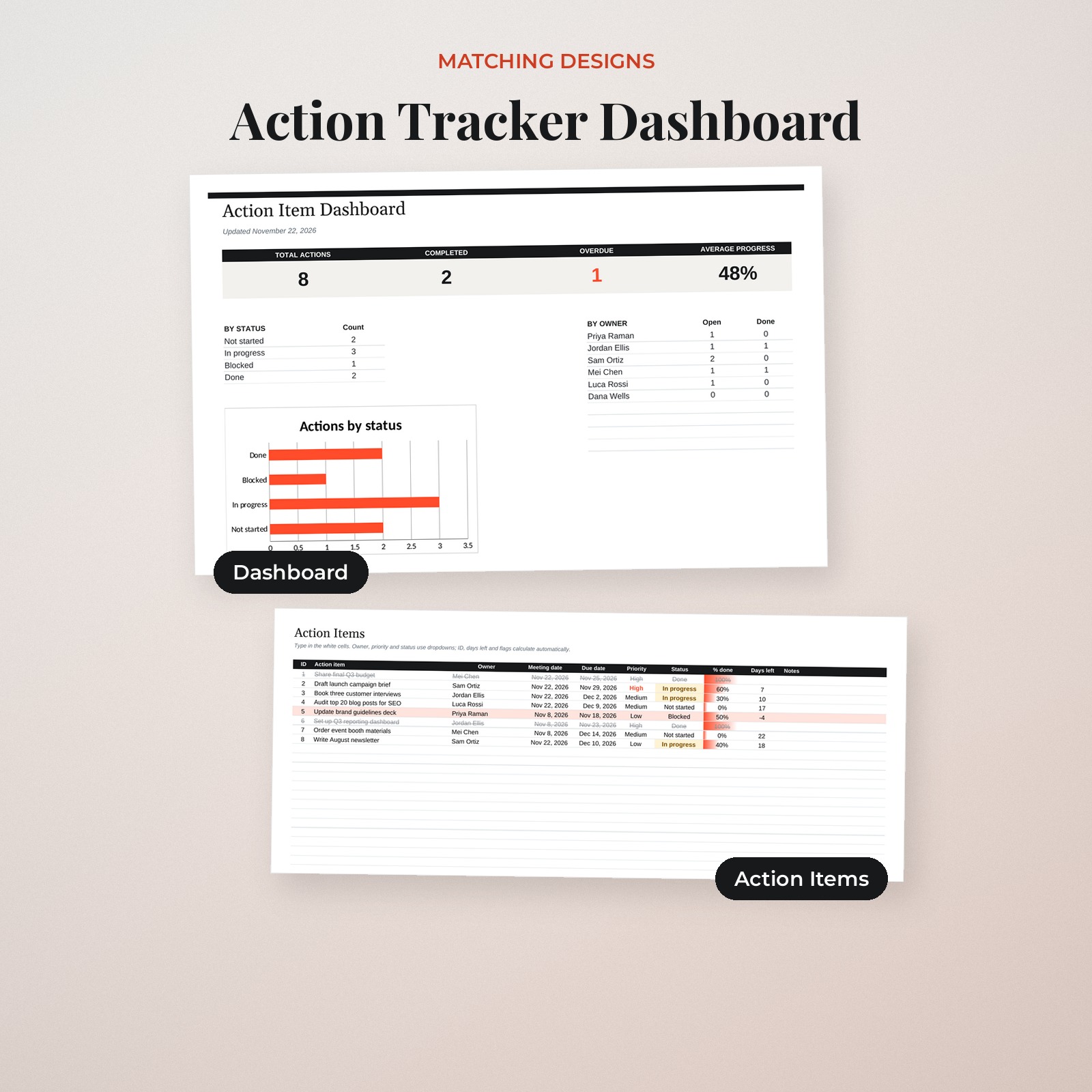
Owner, priority and status dropdowns, % done data bars, automatic days left, overdue highlighting and a dashboard with totals, status chart and per-owner summary.
What’s Included
- Meeting agenda (US Letter and A4, .docx)
- Meeting minutes (US Letter and A4, .docx)
- One-on-one meeting template (US Letter and A4, .docx)
- Board meeting minutes (US Letter and A4, .docx)
- Fillable PDF meeting minutes (US Letter and A4)
- Excel action item tracker with dashboard (.xlsx)
- User guide (.docx)
How It Works
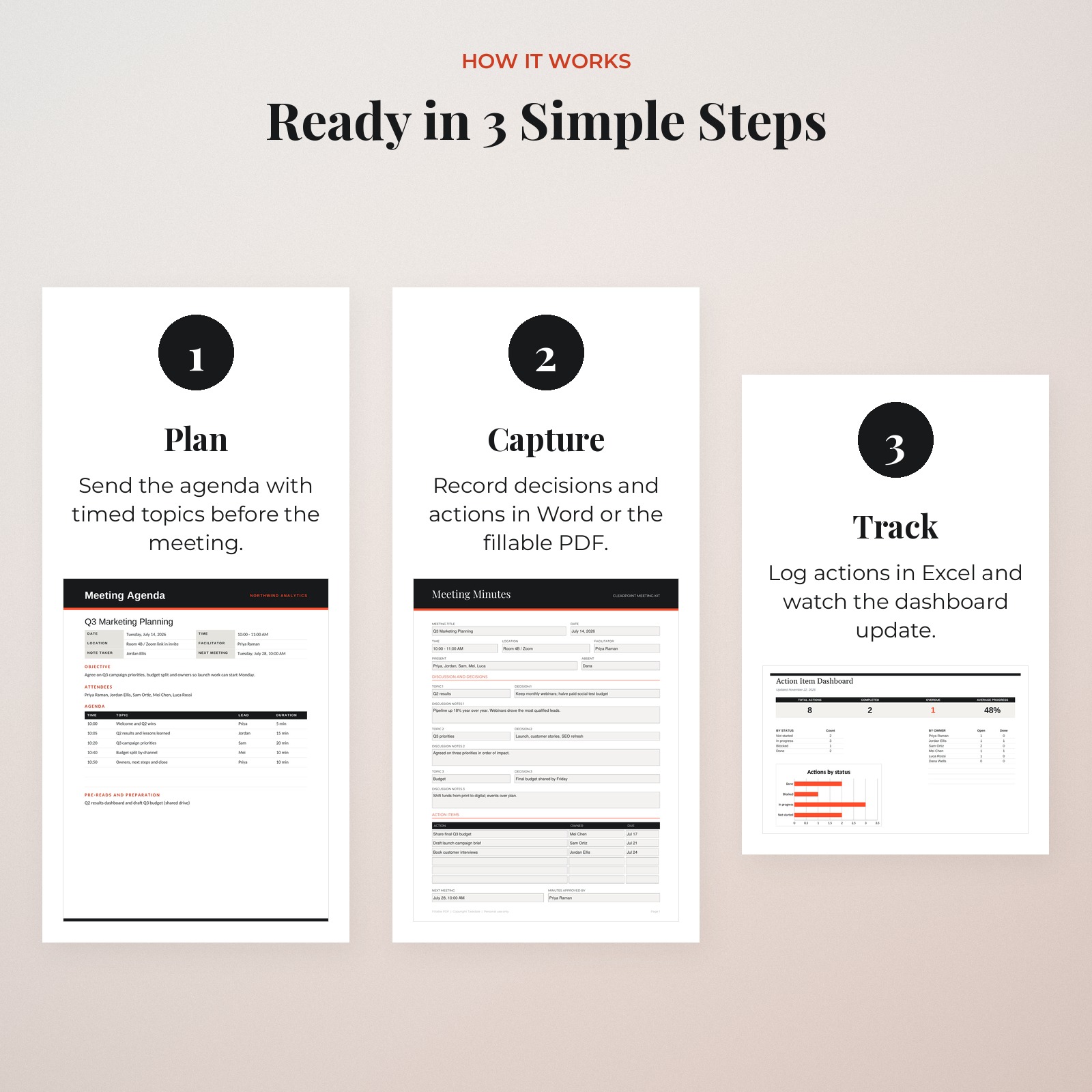
- Download the ZIP and user guide after checkout.
- Send the Word agenda before your meeting.
- Take minutes in Word or the fillable PDF.
- Log action items in the Excel tracker and review the dashboard each week.
File Formats and Software Requirements
- 8 Microsoft Word compatible .docx files
- 2 fillable PDF forms (US Letter and A4)
- 1 Excel workbook (.xlsx)
- User guide (.docx)
Word templates need Microsoft Word or another app that opens .docx files. The PDF forms work in Adobe Acrobat Reader and other PDF readers that support form fields. The tracker is built for Microsoft Excel. Files were tested by rendering the documents and recalculating the workbook in LibreOffice, and by filling the PDF form fields programmatically.
Customizing Your Meeting Minutes Template
Rename headings, add agenda rows, change colors and fonts in Word, and add team members, statuses notes or extra columns in Excel (unprotect the sheet first, no password). The PDF form is fixed-layout, so use Word if you need to change its structure.
Real-Life Ways to Use It
- Weekly team meetings: Agenda before, minutes after, actions in the tracker.
- Board and HOA meetings: Record motions, votes and quorum in formal minutes.
- Manager check-ins: Use the one-on-one template every week.
- Project stand-ups: Keep a single action list for the whole team.
Tips for Better Meetings
Share the agenda at least a day ahead and give each topic an owner and a time box. Start minutes with decisions, not a transcript, and write every action as a verb with one owner and a due date.
Review the action tracker at the start of the next meeting. The dashboard shows what is overdue and who needs support, so follow-up takes minutes instead of a long email thread.
Digital Download Information
This is a digital product. No physical item will be shipped. Your files are available to download right after checkout from your order confirmation and your Taskdale account. Colors may look slightly different on screen and in print depending on your monitor and printer.
Licence: personal use only. You may edit and print the templates for yourself or your own single business. Reselling, sharing or redistributing the files, edited or unedited, is not allowed.
Meeting Minutes Template FAQ
Is this meeting minutes template editable?
Yes. The Word templates are fully editable; the PDF has fillable fields; the Excel tracker has input cells and dropdowns.
Do I need Microsoft Word?
For the .docx templates, yes (or another app that opens .docx). The fillable PDF works in free PDF readers.
Does the Excel tracker calculate automatically?
Yes. IDs, days left, overdue highlights and all dashboard numbers and charts update as you type.
Can I use it for board meetings?
Yes. The board meeting minutes template includes quorum, motions, mover, seconder and vote results.
Will it work in Google Sheets?
The workbook is built for Excel and tested in LibreOffice Calc. Google Sheets may handle protection and charts differently.
What paper sizes are included?
US Letter and A4 for the Word and PDF templates.
Is it a physical product?
No. It is an instant digital download.


Reviews
There are no reviews yet.