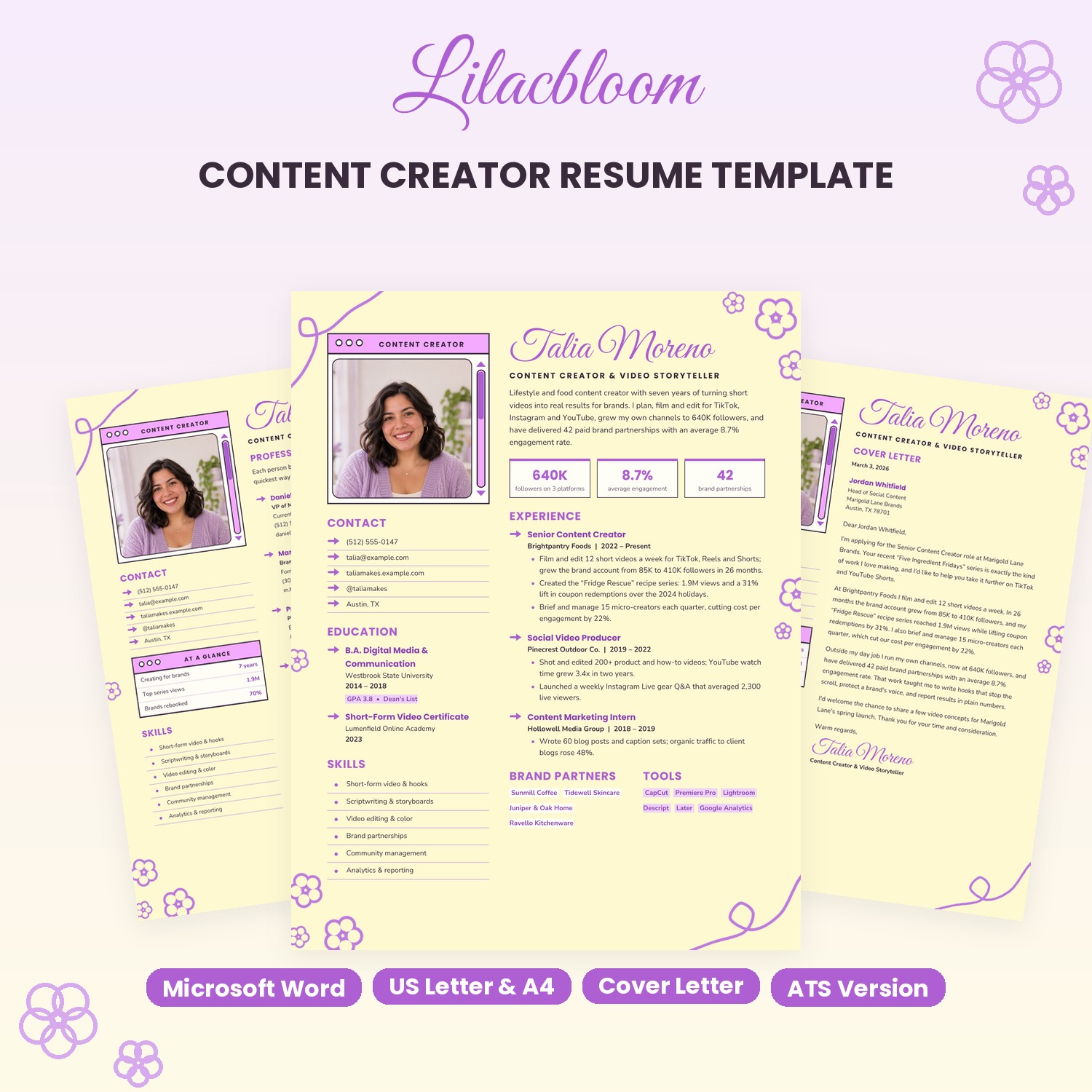
This content creator resume template for Word is a ready-to-edit resume kit for creators, UGC producers, social video makers and influencers who want a resume that looks as fresh as their feed. Lilacbloom pairs a soft butter-yellow page with lilac flower doodles, a playful browser-window photo frame and your name in a flowing purple script. Open it in Microsoft Word, type over the sample text, and save your PDF the same afternoon.
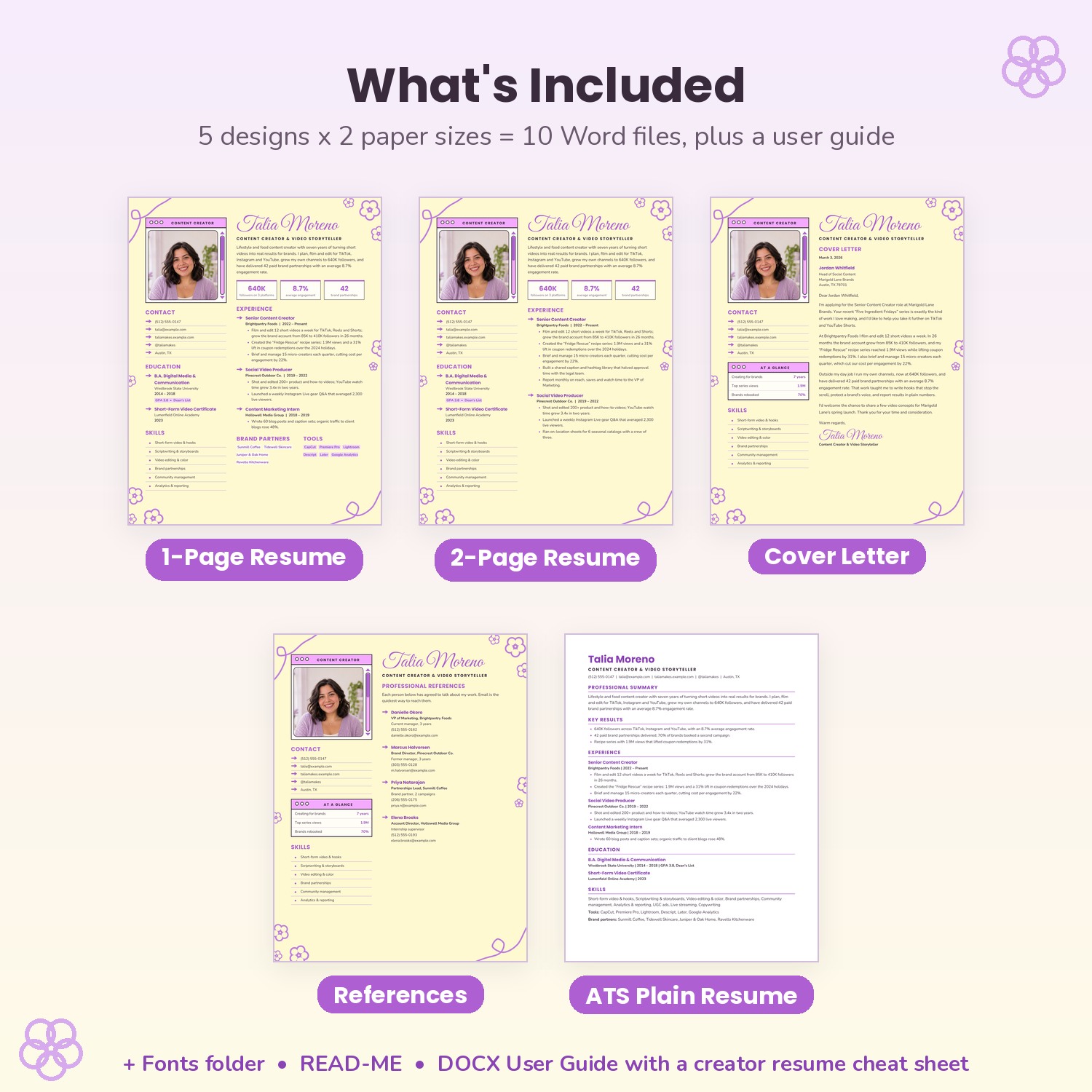
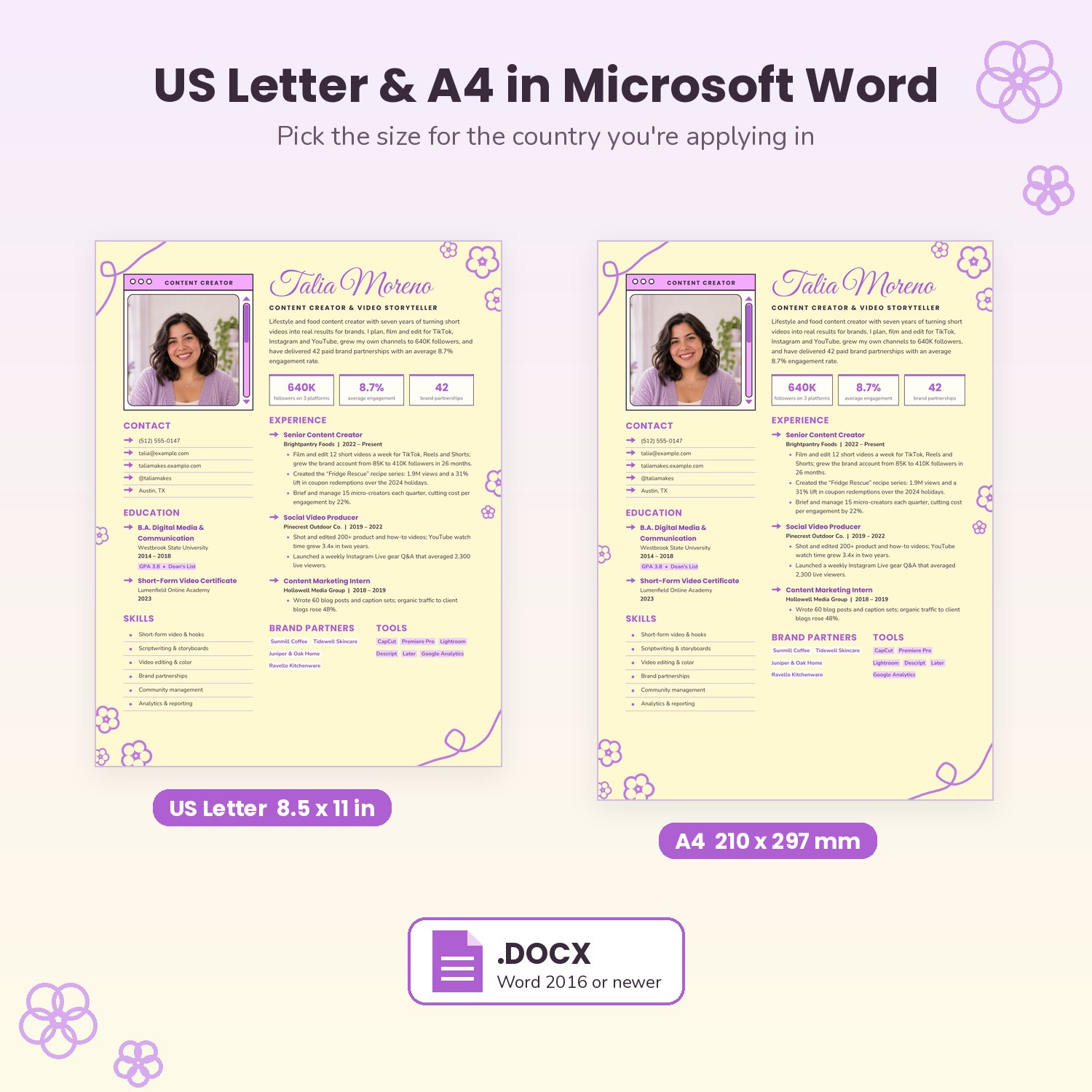
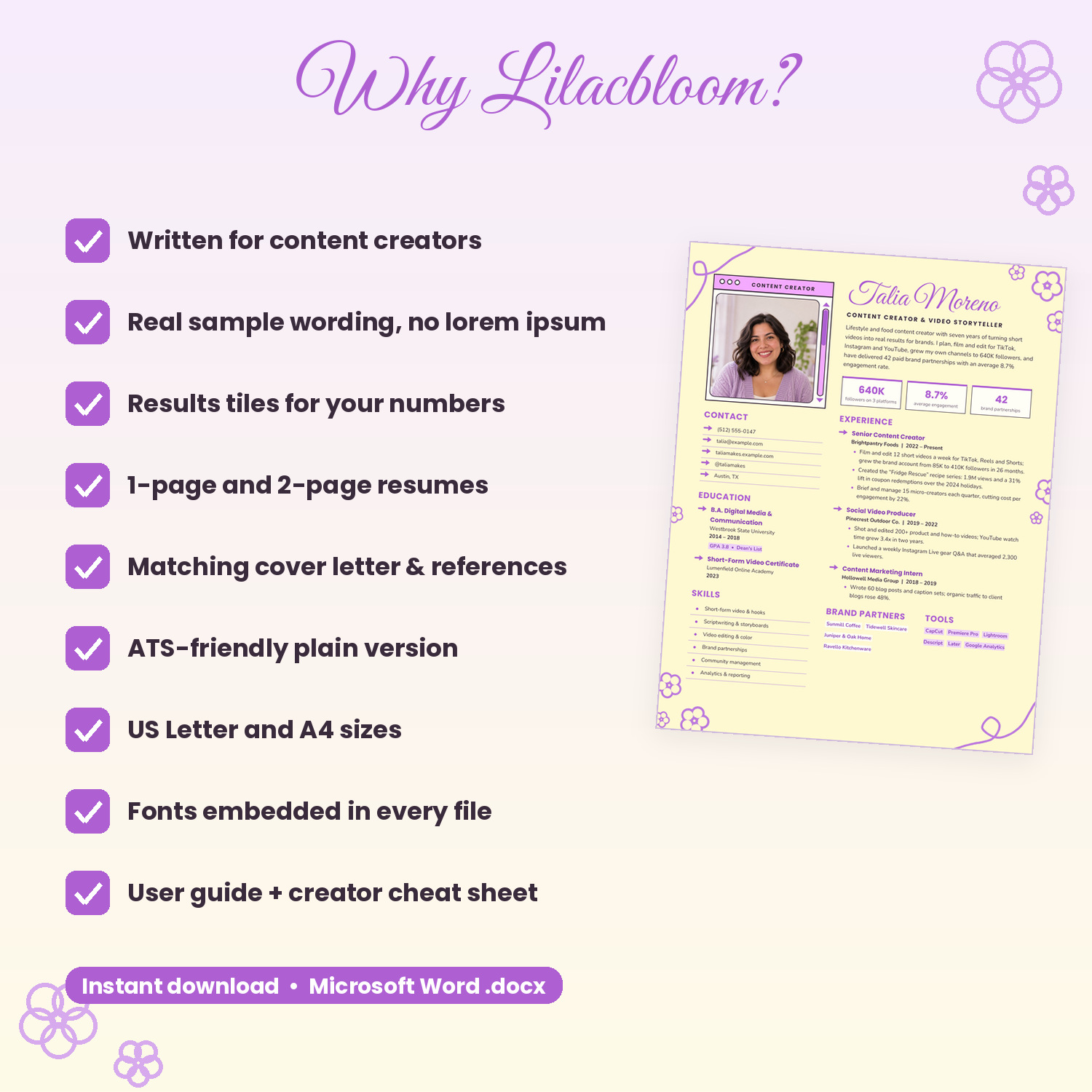
The kit includes a 1-page resume, a 2-page resume, a matching cover letter, a references page and an ATS-friendly plain version. Every file comes in US Letter and A4, so you can apply in the US, Canada, the UK, Europe or Australia with the right paper size.
Why This Content Creator Resume Template Works
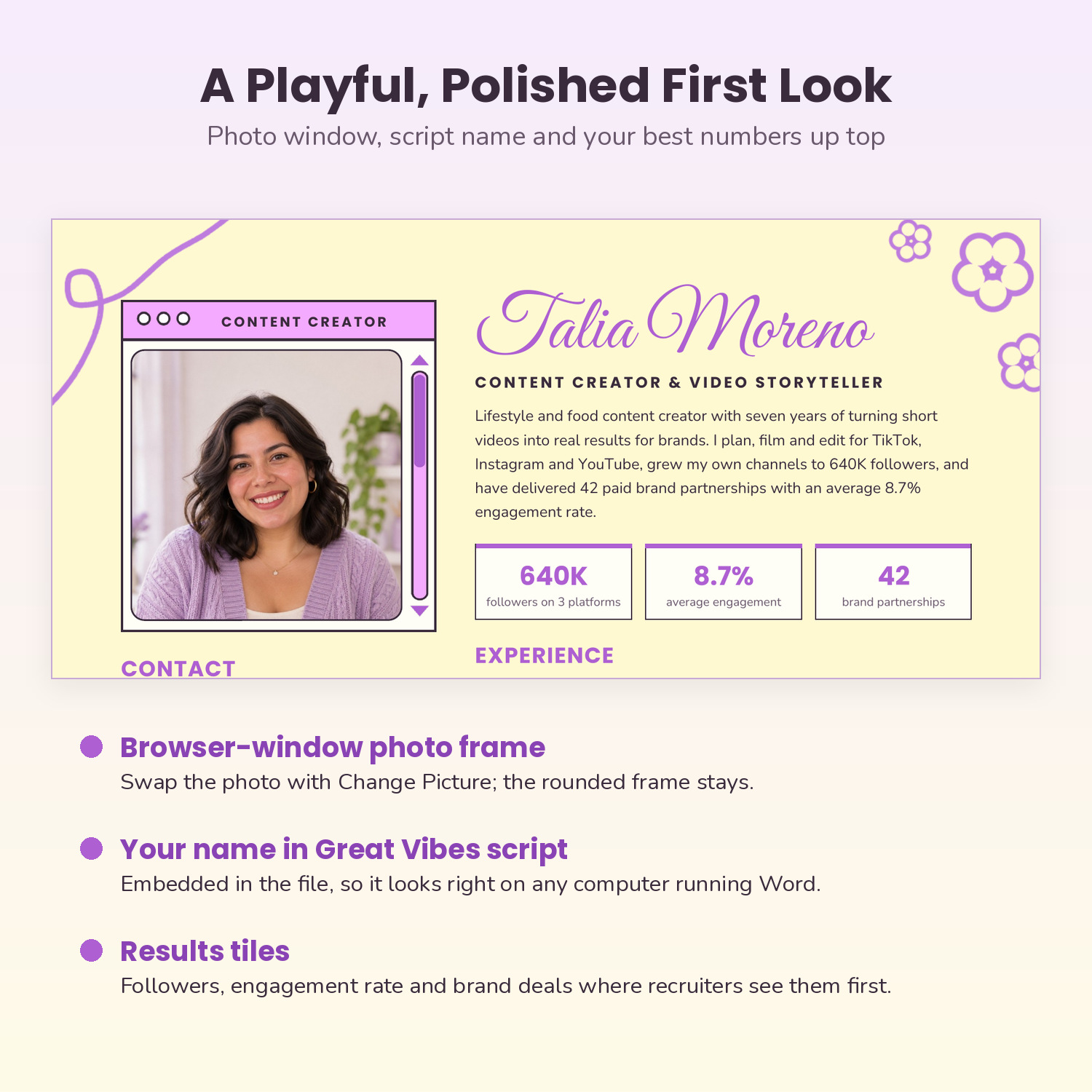
Brands and agencies hiring creators want proof that your content performs. Lilacbloom puts three results tiles right under your name, so your follower count, engagement rate and number of brand deals are the first numbers a recruiter reads.
The sample content is written for the job, not filled with lorem ipsum. You get a believable creator summary, achievement bullets with real-looking numbers (for example, growing a brand account from 85K to 410K followers in 26 months) and a skills list that covers short-form video, scriptwriting, editing, brand partnerships and analytics. Swap in your own wins and you have a strong first draft.
What’s Included
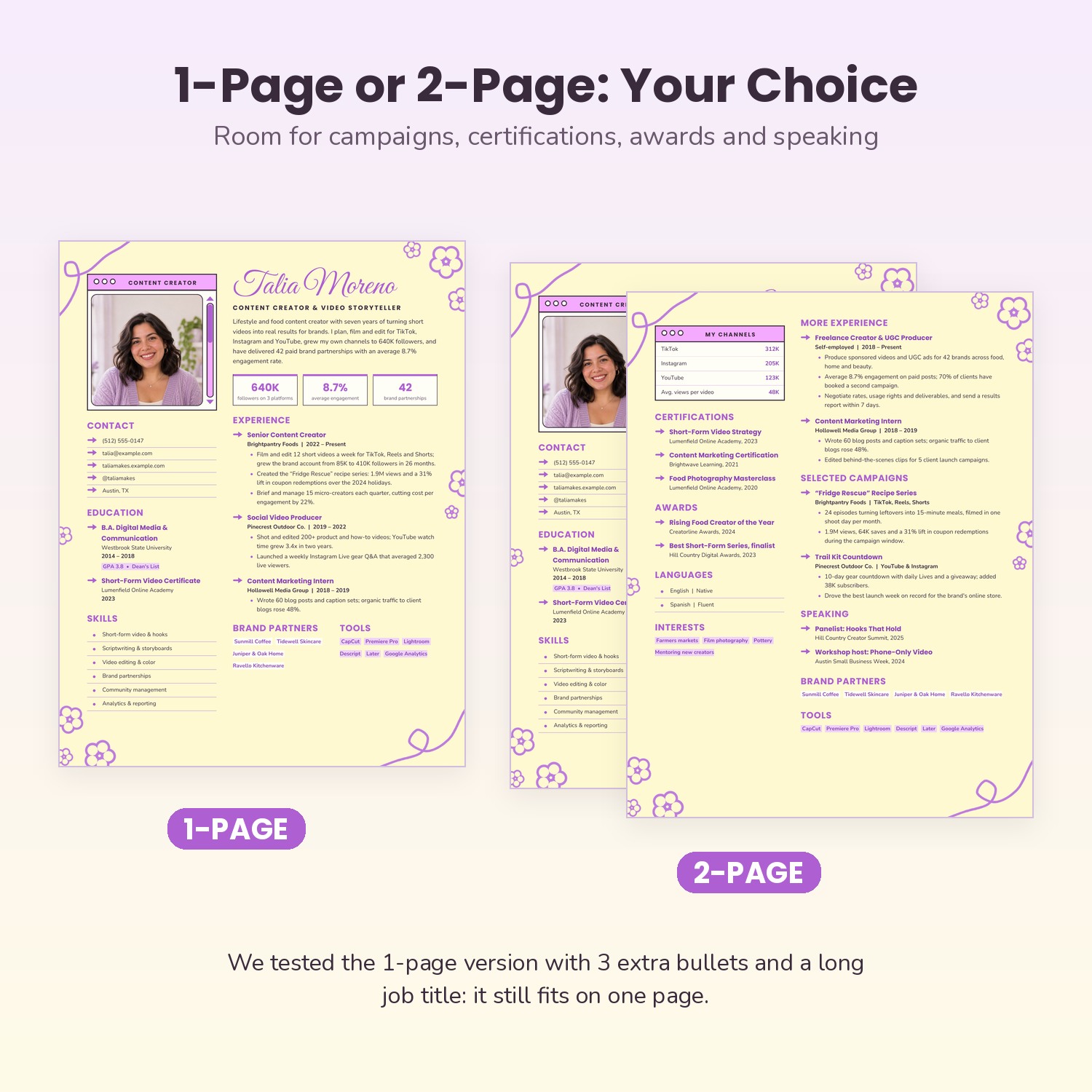
- Resume, 1 page: browser-window photo frame, contact list, education, skills, results tiles, experience, brand partners and tools.
- Resume, 2 page: adds a My Channels panel, freelance work, campaign case studies, certifications, awards, speaking, languages and interests.
- Cover letter: the same photo window and contact details, an At a Glance panel and a full sample letter you can adapt.
- References page: matching layout with room for four references.
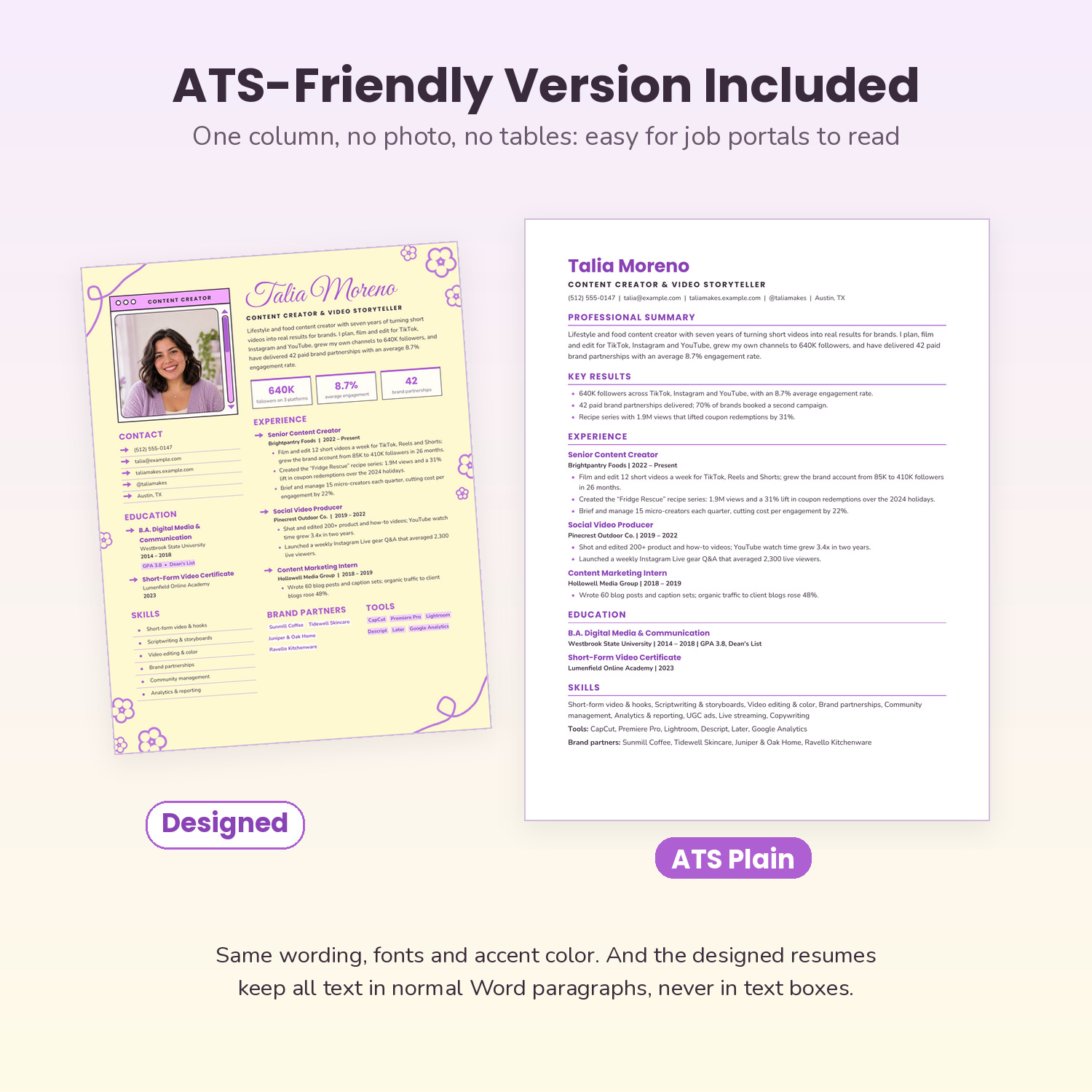
- ATS plain version: one column, no photo and no tables, for job portals that scan resumes with software.
- US Letter and A4: all five designs in both sizes, 10 .docx files in total.
- Fonts folder: Great Vibes, Poppins and Nunito, all free under the SIL Open Font License.
- User guide (DOCX): step-by-step editing help plus a resume writing cheat sheet for content creators.
Features That Make Editing Easy
Fonts embedded in every file
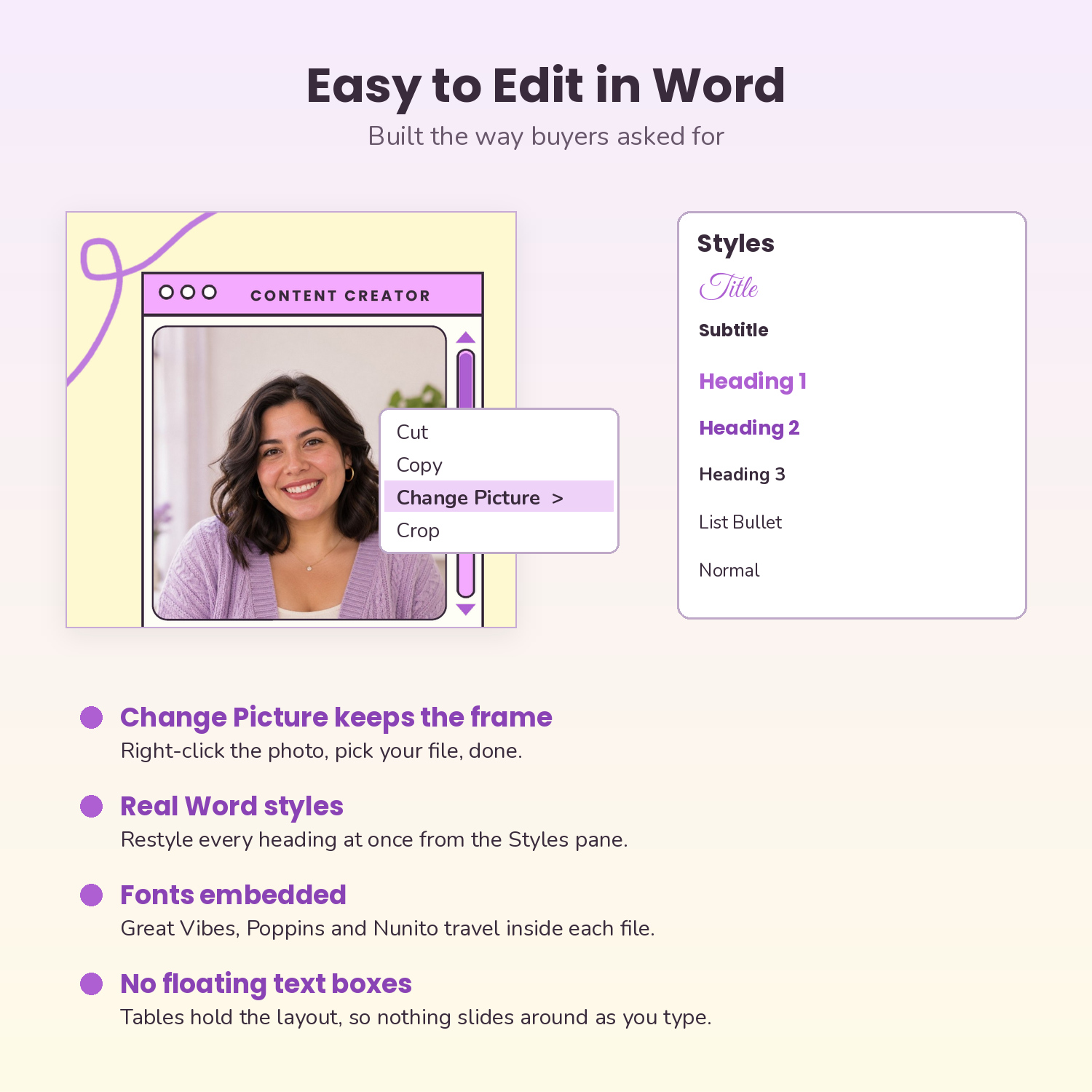
A common complaint with Word resume templates is missing fonts: Word swaps them and the layout shifts. Lilacbloom embeds Great Vibes, Poppins and Nunito inside each .docx, so the script name and headings show up correctly on any computer that opens the file in Word.
No floating text boxes
The layout is built from Word tables and real paragraphs, not text boxes. Text stays where you put it while you edit, and applicant tracking software can read every line.
Photo swap in two clicks
Right-click the sample photo, choose Change Picture and pick your own. The rounded corners, outline and size stay put inside the browser-window frame. Don’t want a photo? Delete it, or send the ATS version.
Real Word styles
Name, job title, section headings, job titles, company lines and bullets each use a named Word style. Change Heading 1 once in the Styles pane and every section heading updates across the page.
Colors you can change
The butter-yellow page is a Word shape you can refill, and the window title bars and results tiles are shaded table cells. The flower doodles are a picture in the header, so you can keep them or delete them for a plain page.
Room to grow
We tested the 1-page resume with three extra bullets and a long two-line job title, and it still fits on one page. Need more space? Move to the 2-page version.
Who It’s For
- Content creators and lifestyle, food, beauty or travel creators applying for in-house roles
- UGC creators and social video producers pitching brands and agencies
- Social media content creators, video editors and influencer marketing coordinators
- Creators moving from freelance work into a full-time marketing team
How It Works
- Download the zip and unzip it.
- Open the US-Letter or A4 folder and open a file in Microsoft Word.
- Type over the sample text and replace the photo with Change Picture.
- Save as PDF and send it with your application.
File Formats and Software
- Microsoft Word .docx files (Word 2016 or newer, Word for Microsoft 365, Word for Mac)
- US Letter (8.5 x 11 in) and A4 (210 x 297 mm)
- Opens in Google Docs and Apple Pages with minor layout differences. For the cleanest result, edit in Word and export your PDF from Word.
Use Cases
- Applying for a content creator or social video job at a consumer brand
- Sending a resume alongside your media kit when pitching an agency
- Uploading the ATS version to a large company’s job portal
- Printing copies for a creator meetup or career fair
Digital Download
This is a digital product. You get instant access to the resume kit zip and the DOCX user guide after checkout, with unlimited downloads. No physical item will be shipped. The sample person in the photo is AI-generated, and every name, company and school in the samples is fictional.
License: personal use only. Use the files for your own job applications. You may not resell, share or redistribute the files.
FAQ
Is this content creator resume template made for Word?
Yes. Every file is a Microsoft Word .docx. It is not a Canva template.
Do I need to install fonts?
No. The fonts are embedded in each file. A Fonts folder is included as a backup.
Is the resume ATS friendly?
All text sits in normal Word paragraphs with no text boxes, and the kit includes a one-column ATS plain version for strict job portals.
Can I use it as an influencer resume template?
Yes. Change the job title line and the window label, then list your platforms, audience size and brand partnerships.
Can I edit it in Google Docs?
You can open it in Google Docs, but spacing and the header graphics may shift slightly. Word gives the best result.
Can I change the colors?
Yes. The page color, window bars, tiles and text colors can all be changed in Word. The user guide shows how.
Does it work on a Mac?
Yes, in Word for Mac 2016 or newer.
Reviews
There are no reviews yet.