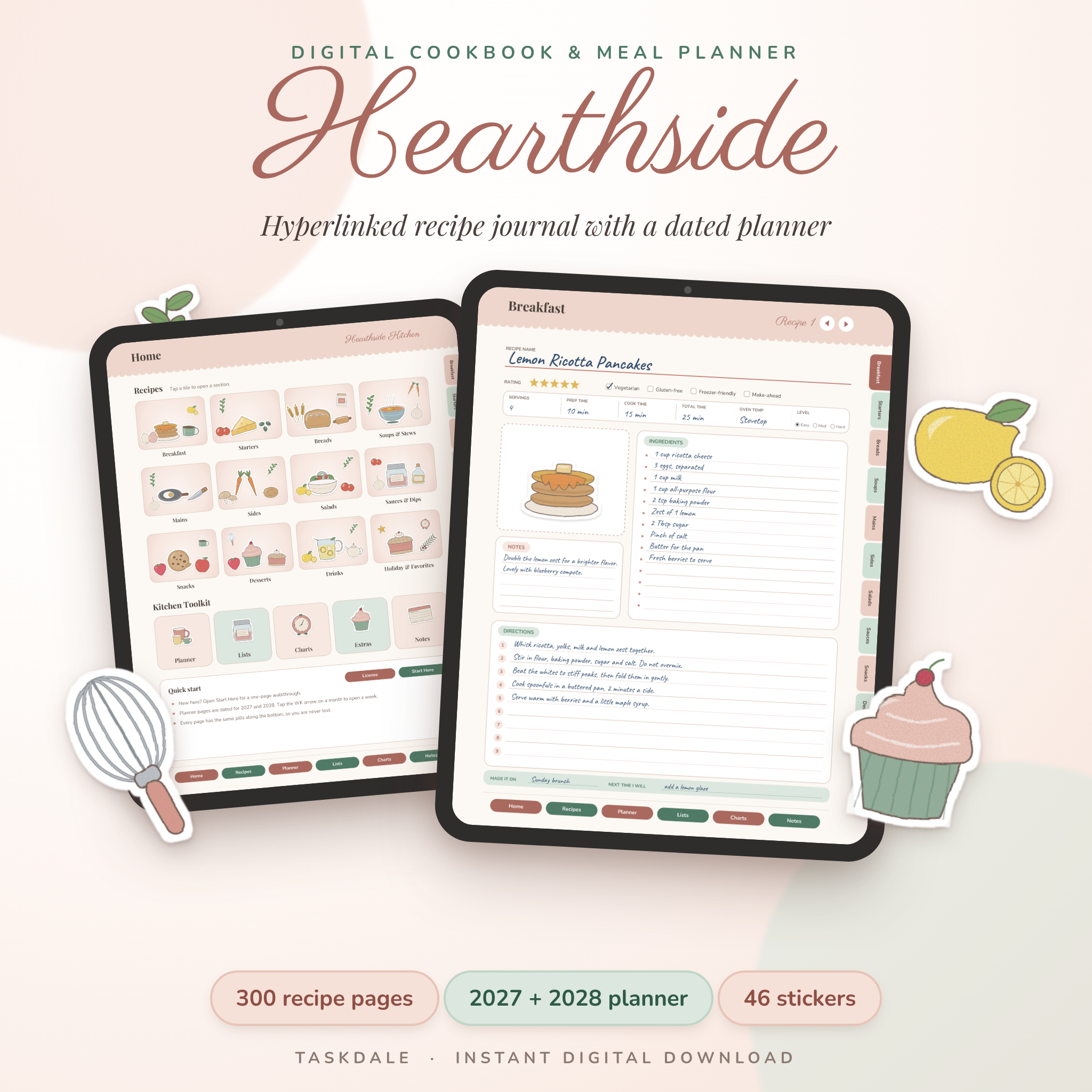
Hearthside Digital Recipe Book and Meal Planner
Your recipes are scattered. A few are screenshots, some are bookmarks, and the best ones are on a stained index card in a drawer. Hearthside gathers them into one digital recipe book that you tap through like an app.
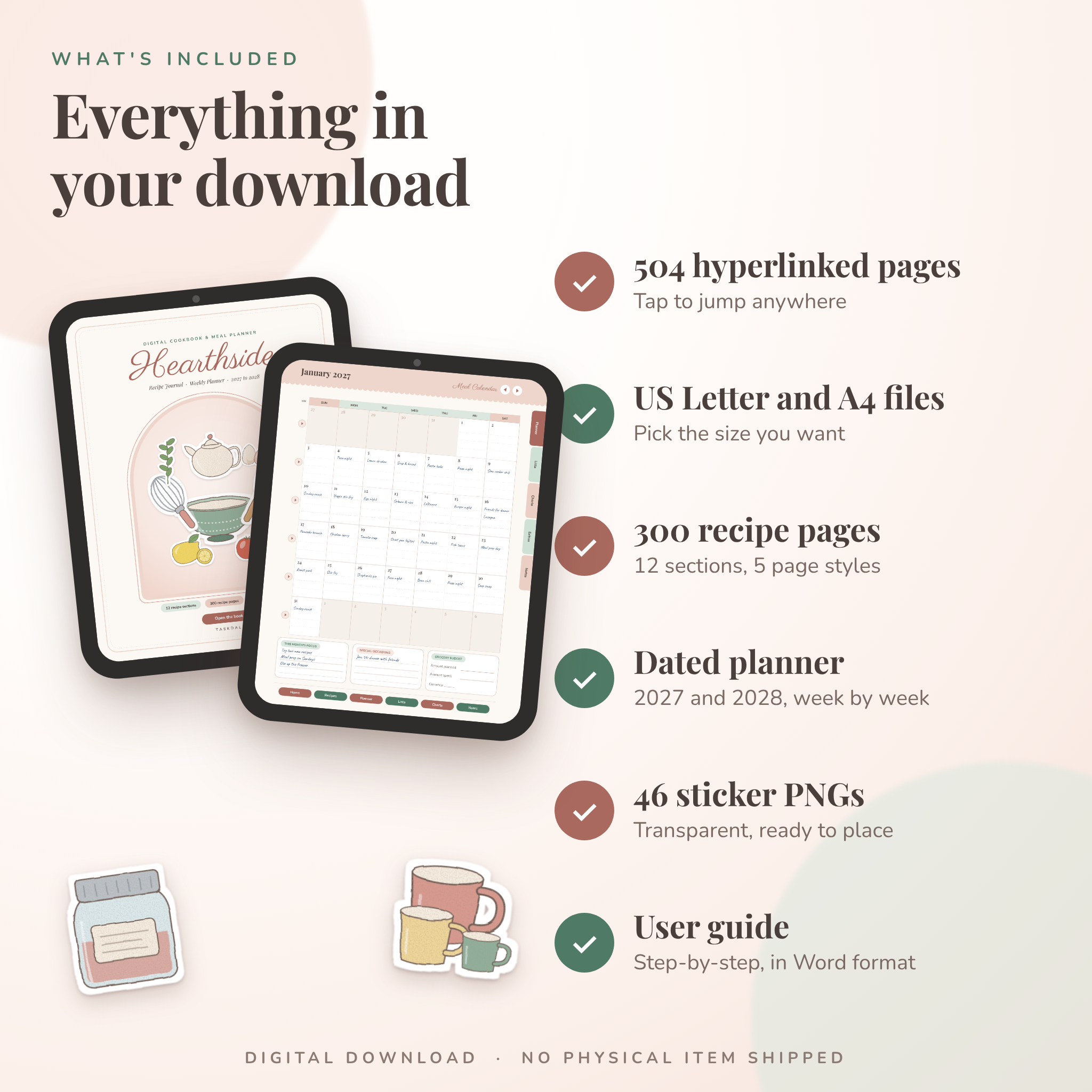
The whole thing is a PDF with 504 pages. Tabs run down the side, buttons sit along the bottom, and every page has a quick way back home. Fill it in on a tablet, type on a laptop, or print the pages you want and write by hand.
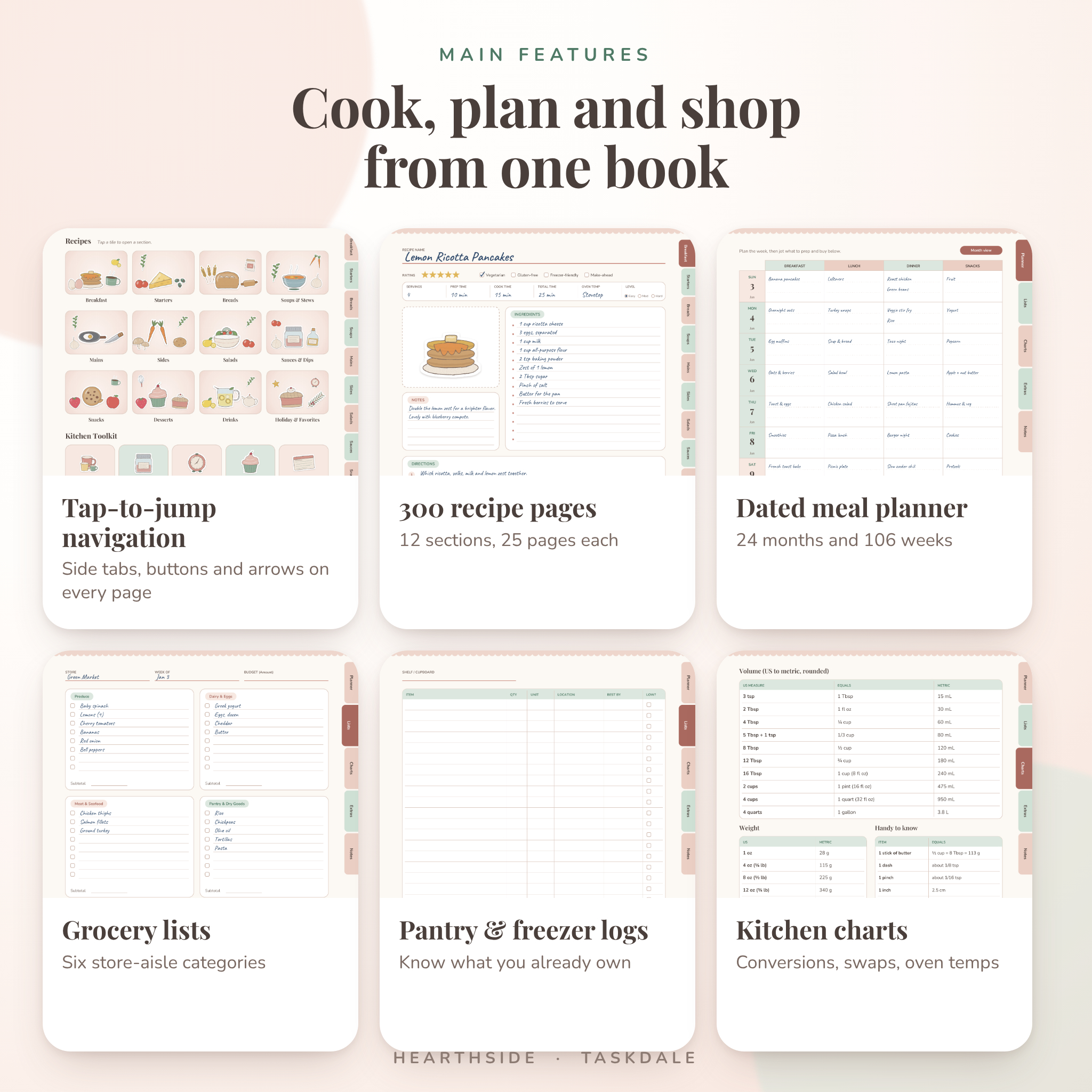
Note: the pictures in this listing show sample entries so you can see how pages look. Your copy arrives blank and ready for your own recipes and plans.
What You Get
- Two PDF files with the same 504 pages: US Letter and A4
- A step-by-step user guide in Word format, with screenshots
- 46 transparent PNG stickers in two ZIP packs: Kitchen Tools and Food and Ingredients
This is an instant digital download. Nothing ships to your door.
Inside the Recipe Book
12 sections and 300 recipe pages
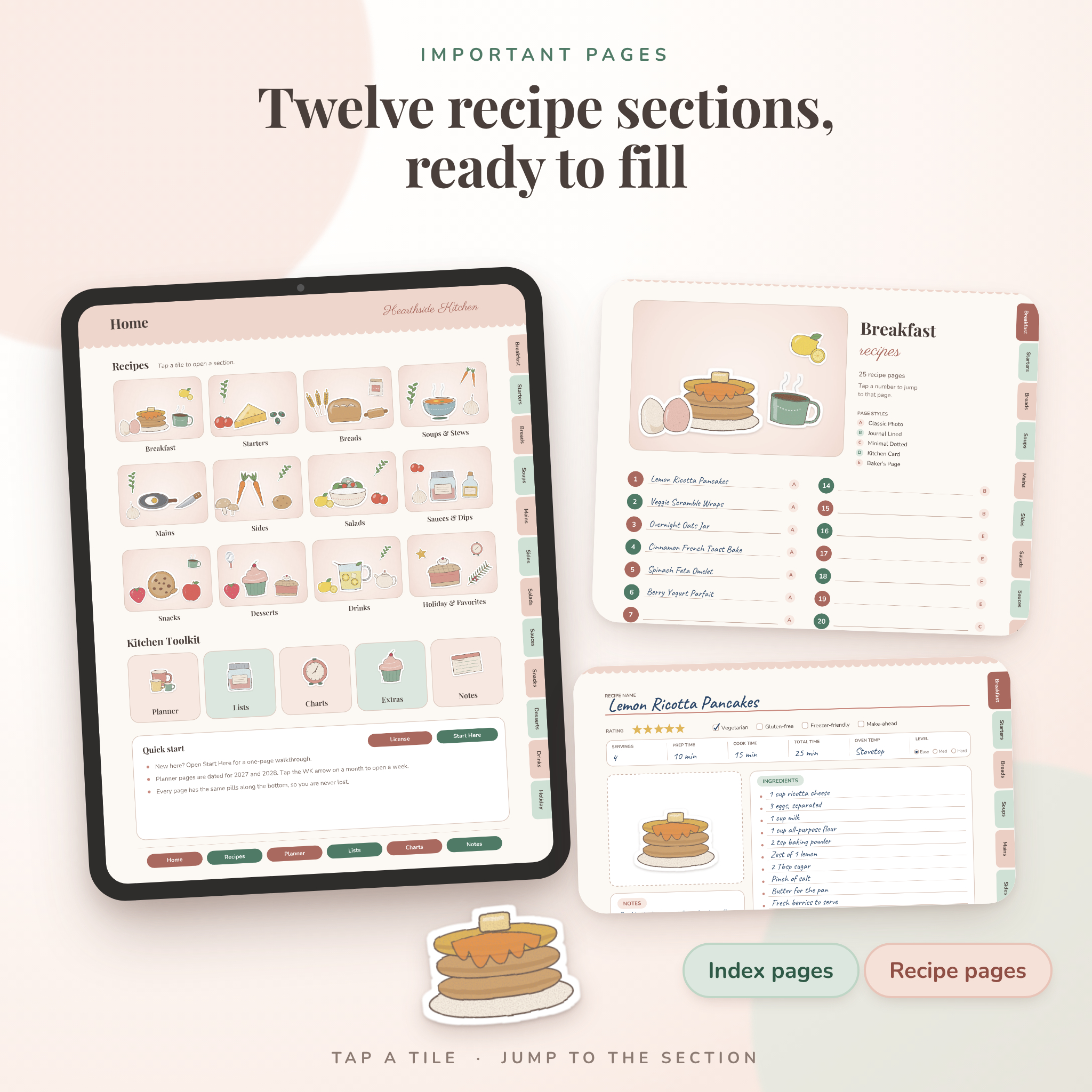
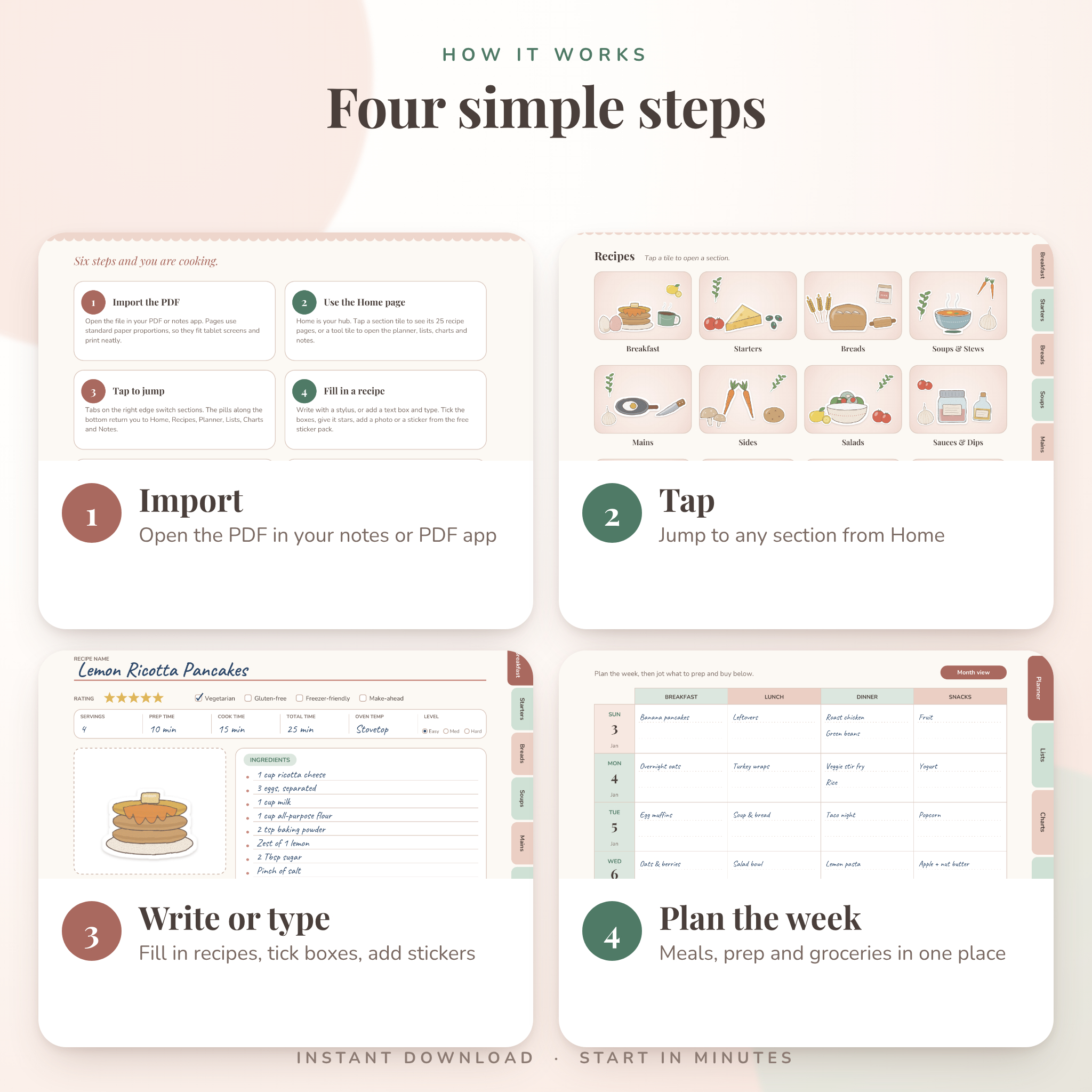
Breakfast, Starters, Breads, Soups and Stews, Mains, Sides, Salads, Sauces and Dips, Snacks, Desserts, Drinks, and Holiday and Favorites. Each section opens with an index page that lists 25 recipe slots. Tap a number and you land on that page.
Five page styles
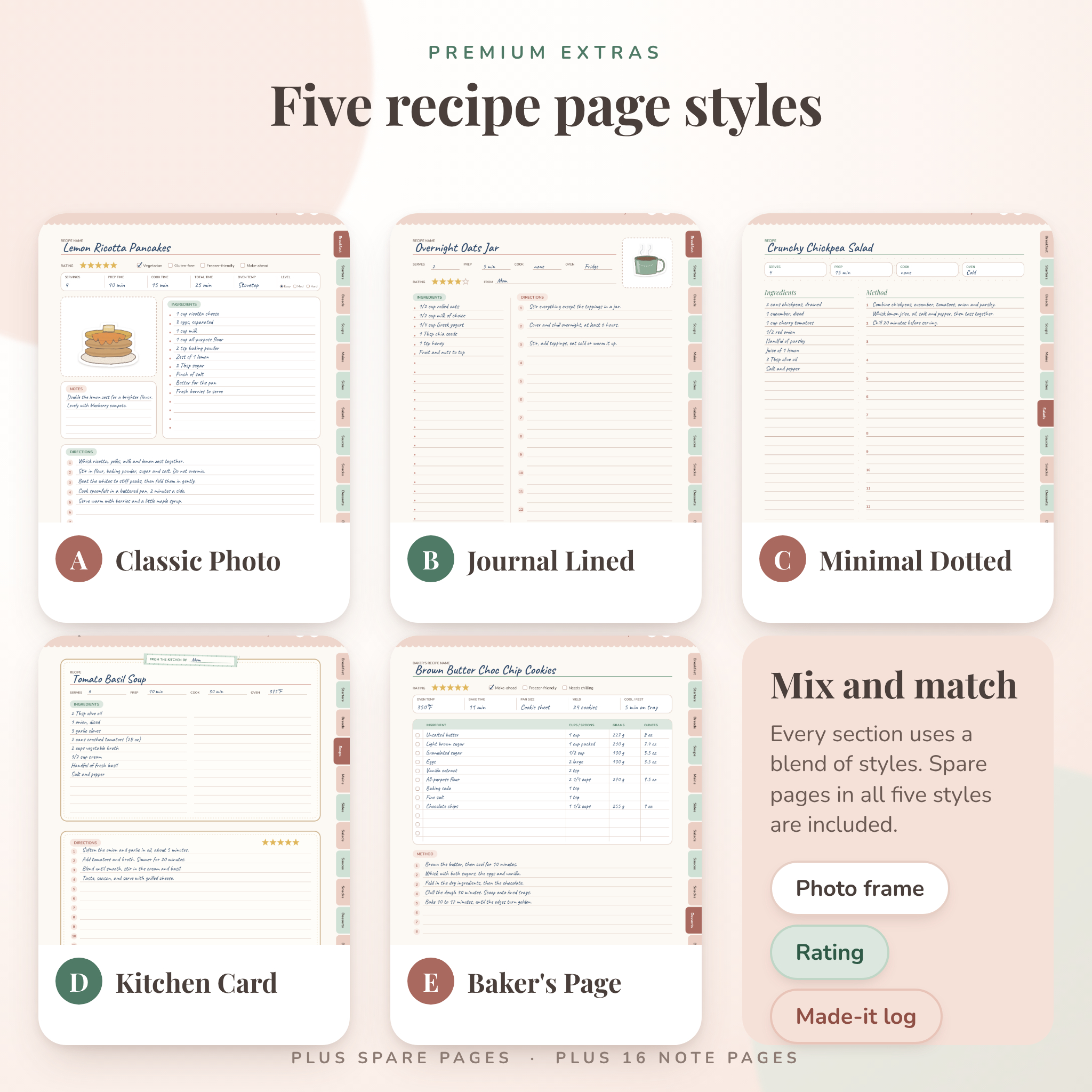
Classic Photo, Journal Lined, Minimal Dotted, Kitchen Card and Baker’s Page. Every section mixes them, so you can pick the layout that suits the dish. Recipe pages include a star rating, diet checkboxes for vegetarian, gluten-free, freezer-friendly and make-ahead, prep and cook times, a photo frame and a notes box. The Baker’s Page adds cups, grams and ounces columns for people who weigh their flour.
A Dated Meal Planner for 2027 and 2028
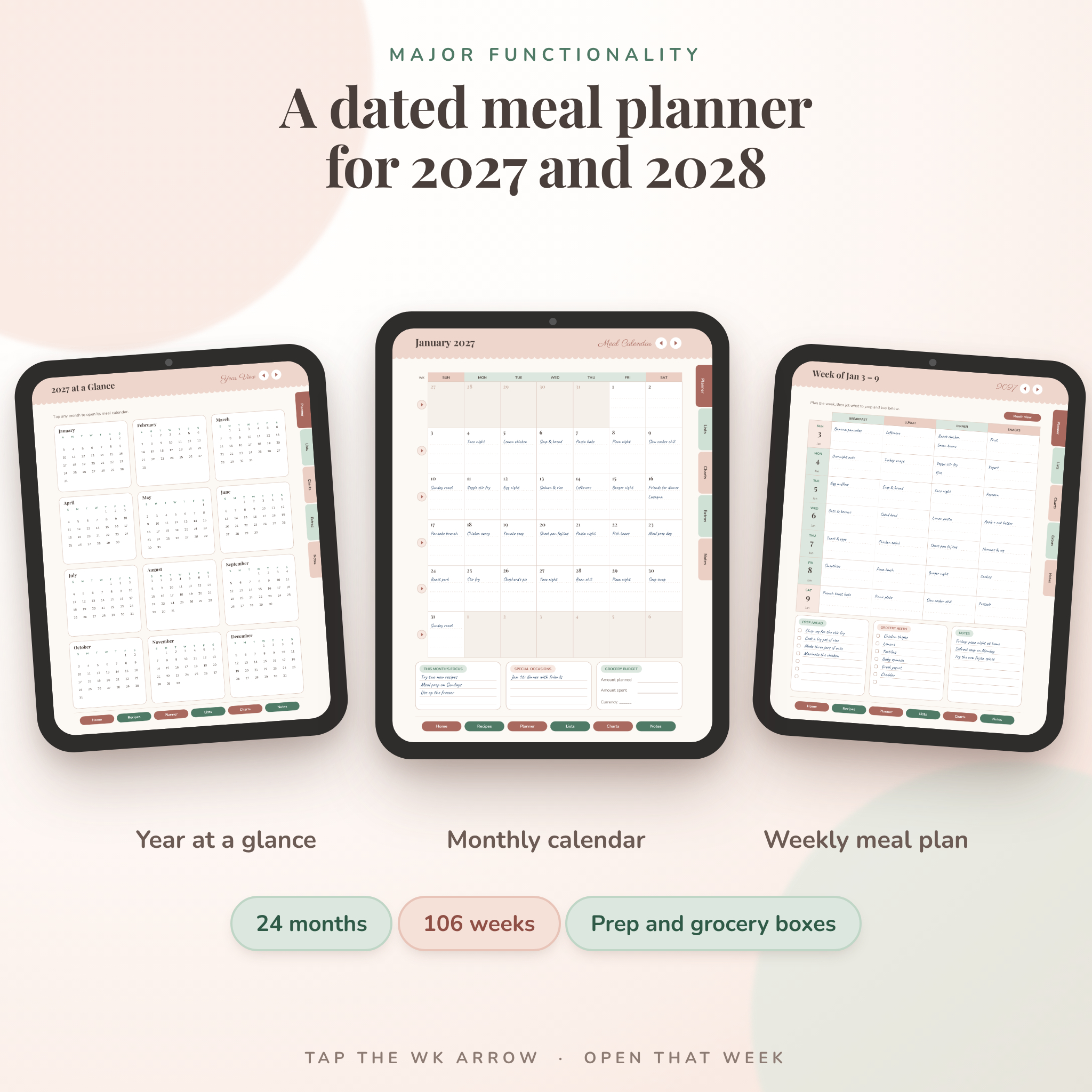
The planner is built on real dates. You get two year-at-a-glance pages, 24 monthly calendars and 106 weekly pages. Weeks start on Sunday, beginning December 27, 2026.
Each week has a meal grid for breakfast, lunch, dinner and snacks, plus boxes for prep ahead, grocery needs and notes. Tap the week arrow on any month and you jump straight to that week.
Lists, Charts and Extras
Kitchen lists
Six grocery list pages sorted by store aisle, two spending trackers, three pantry pages and two freezer pages. Know what you own before you shop.
Quick-reference charts
Measurement conversions, oven temperatures and food safety, two ingredient substitution pages, and a cups-to-grams and pan size chart. Handy at 6 p.m. when the butter is somehow gone.
Extras
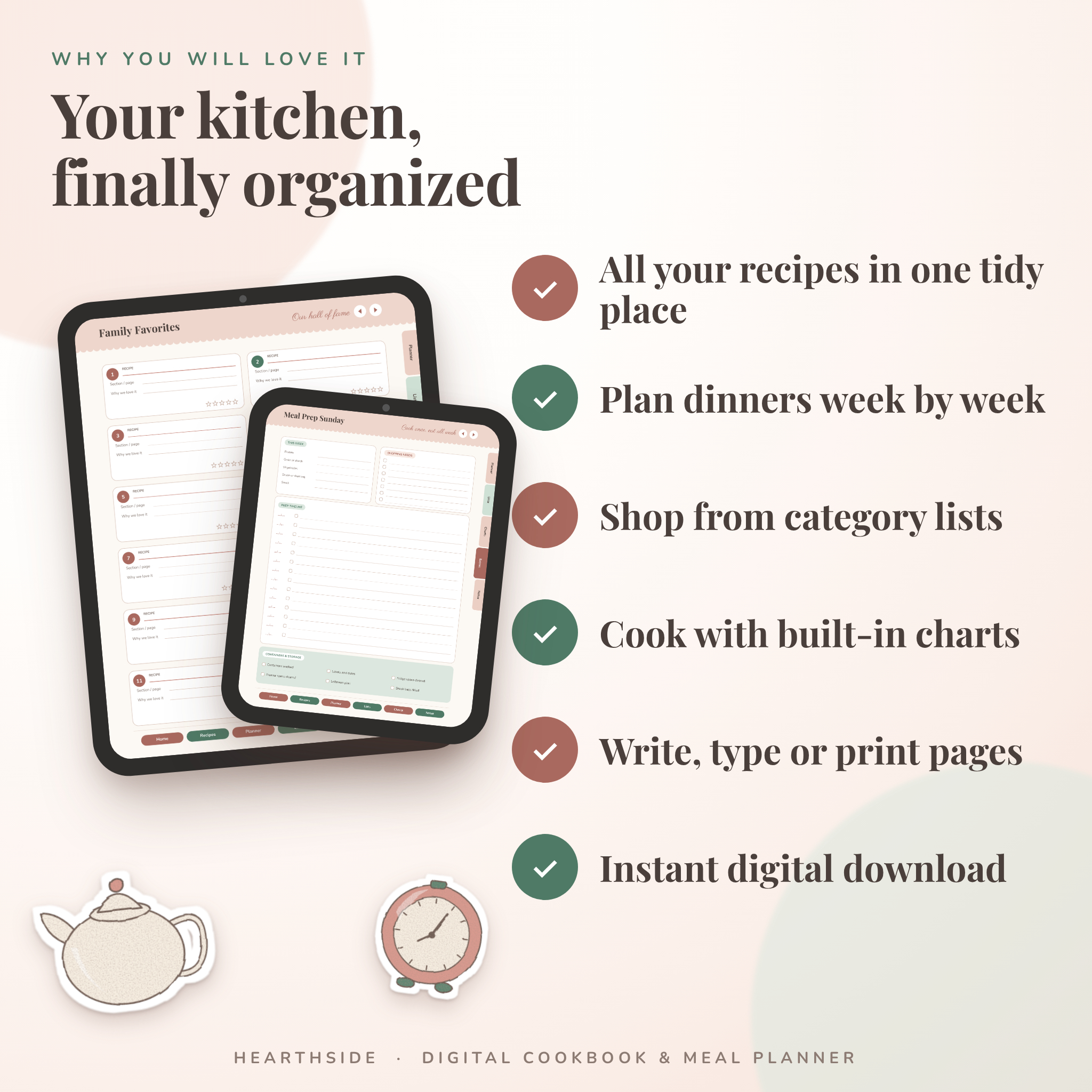
A family favorites page, to-try lists, a recipe log, holiday pages, a meal prep page, dinner ideas, a rotation page, spare pages in every style, and 16 note pages in lined, dotted, grid and checklist layouts.
46 Original Stickers
Teapots, whisks, lemons, cupcakes and more. Each is a 700 pixel PNG with a transparent background, so you can drop it onto any page in your notes app. The sticker packs come as two ZIP files.
How to Use It
Download the files after checkout. Pick US Letter or A4, whichever matches your screen or printer. Import the PDF into your PDF reader or note-taking app, tap the sections to move around, then type, write or add stickers. The guide walks through it all.
Hearthside works in PDF apps that support internal links and annotation. Link behavior differs from app to app, so try a few taps after you import the file. The guide explains what to do if your app handles links differently.
Who It Is For
Home cooks with a growing pile of favorites. Families who plan dinners a week ahead. Bakers who care about grams. Meal preppers, students cooking for one, and anyone who wants a gift-worthy cookbook to fill with a parent’s or grandparent’s recipes.
License
Personal use only. You may use and print Hearthside for yourself and your household. Please do not resell, share, give away, or redistribute the files or stickers, and do not upload them anywhere as your own. Fonts and graphics are original or openly licensed for this use. The full terms are inside the PDF and the guide.
Frequently Asked Questions
What files do I get?
Two PDFs (US Letter and A4), one Word user guide, and two ZIP files of PNG stickers.
Is the book already filled with recipes?
No. Pages are blank templates. The sample entries you see in the listing images are only there to show how pages look.
Which app do I need?
Any PDF reader or note-taking app that can open PDFs, follow internal links and let you type or draw. Try a few taps in your app after importing.
Can I print it?
Yes, for yourself. The tabs and header bands run to the page edge, so some home printers may trim them. The guide has printing tips.
Does the planner work for other years?
The dated planner covers 2027 and 2028. Recipe pages, lists, charts and notes work any year.
Can I use the stickers elsewhere?
Yes, in your own personal planners and notes. Selling or sharing the stickers is not allowed.
Will anything be mailed to me?
No. This is a digital download only.
What if something is wrong with a file?
Email info@allquill.co.uk with your order number and we will sort it out.
Keywords: digital recipe book, meal planner, recipe journal, hyperlinked PDF, cookbook template, recipe binder, kitchen planner, grocery list, 2027 planner, 2028 planner.
Reviews
There are no reviews yet.