

Renting a room and running your own classes is freeing, but only if the numbers work. Posebook is a yoga class pricing calculator that shows how many students each class needs to cover the room and how many it takes to pay you properly for your time, including prep and travel.
Compare drop-in, class packs and memberships by price per class and discount. When you are ready for a retreat, list every cost as fixed or per guest, set guest numbers and ticket price, and see total cost before you commit to a deposit.
What is inside this yoga class pricing calculator
Posebook is organized into clear sheets that talk to each other, so you enter information once and see it everywhere it matters.
Dashboard
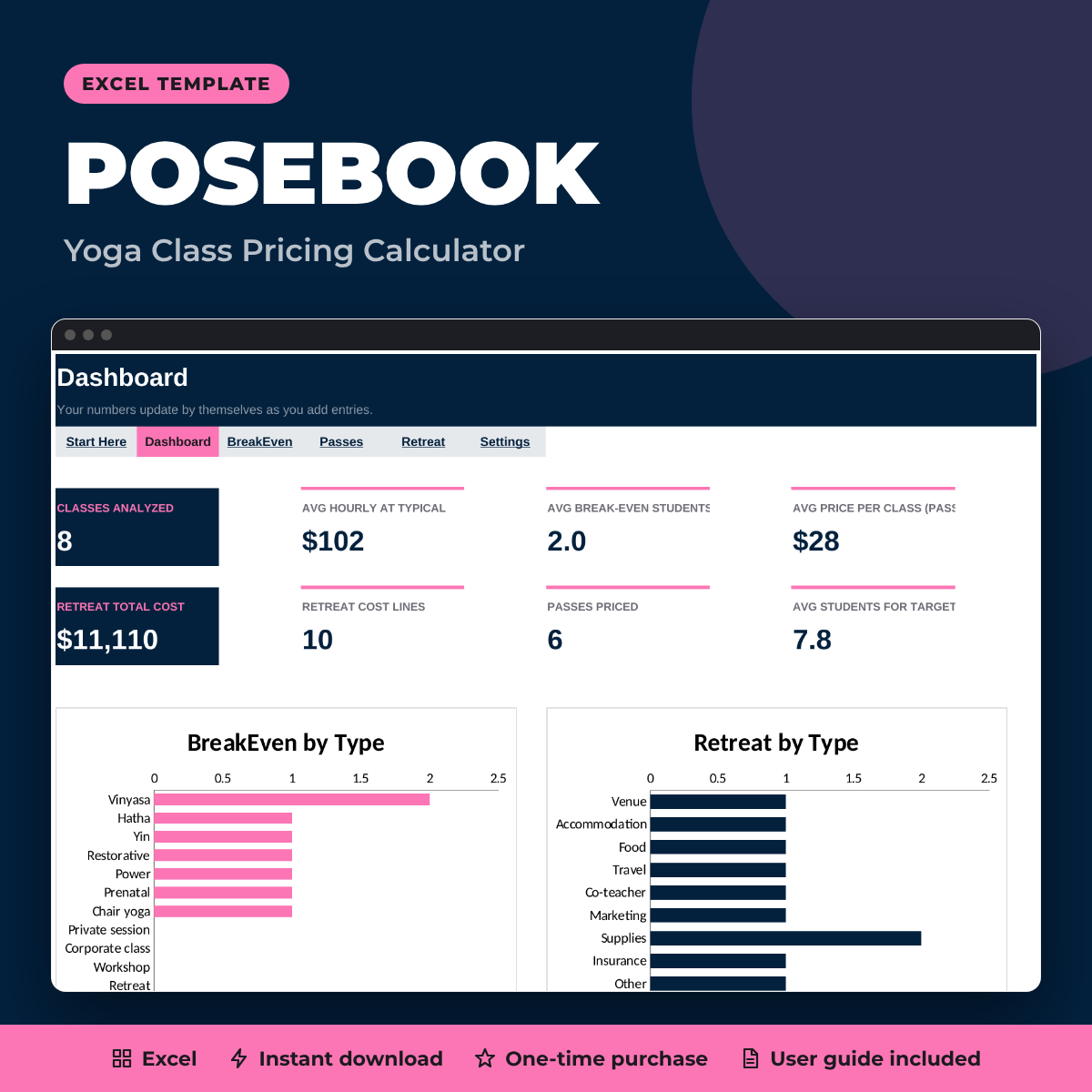
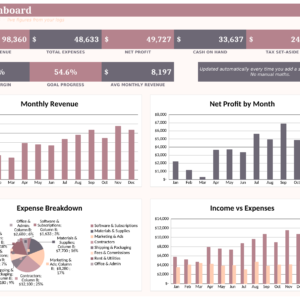
Your headline numbers in one view: classes analyzed, avg hourly at typical, avg break-even students, avg price per class (passes), retreat total cost, retreat cost lines. Breakdown charts show where your work and money come from.
Class Break-Even Calculator
For each class you run yourself, enter room cost, length, prep and travel time and your price per student. The sheet shows how many students you need to break even and to hit your hourly target. Break-Even Students, Students for Target, Hourly at Typical are worked out automatically. Columns: Class, Type, Room Cost, Class Min, Prep Min, Travel Min, Price / Student, Typical Attendance, Break-Even Students, Students for Target, Hourly at Typical.
Pass & Package Pricing
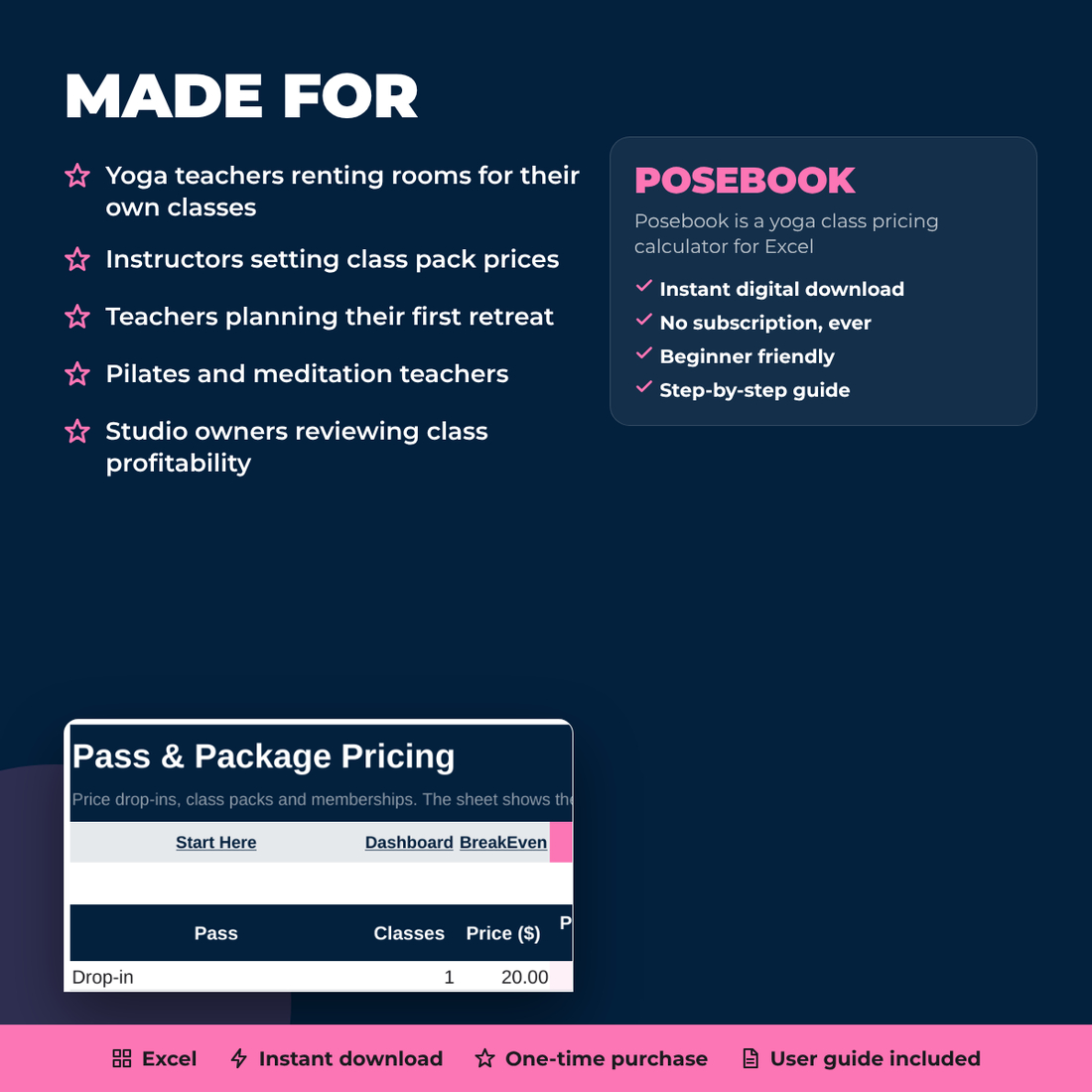
Price drop-ins, class packs and memberships. The sheet shows the price per class for each and the discount compared with a drop-in. Per Class, Discount vs Drop-in are worked out automatically. Columns: Pass, Classes, Price, Per Class, Discount vs Drop-in.
Retreat Budget Planner
List every retreat cost as a fixed amount or per guest. Enter the number of guests and ticket price on the dashboard list and see total cost, cost per guest and profit. Total for Guests is worked out automatically. Columns: Cost Item, Type, Fixed Cost, Per Guest, Total for Guests.
Settings
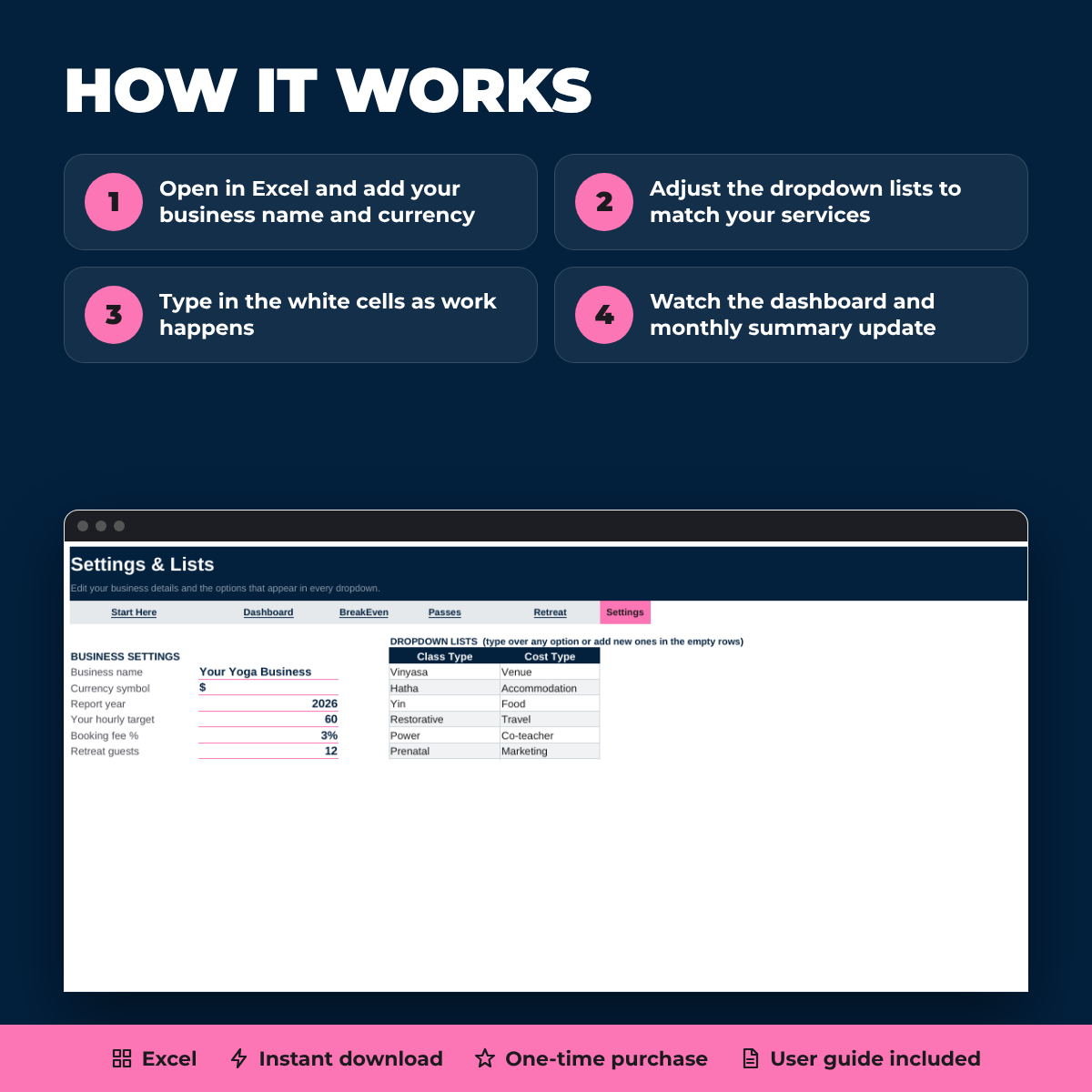
Your business name, currency symbol, report year and every dropdown list live here, so the whole workbook fits the way you work.
Key features
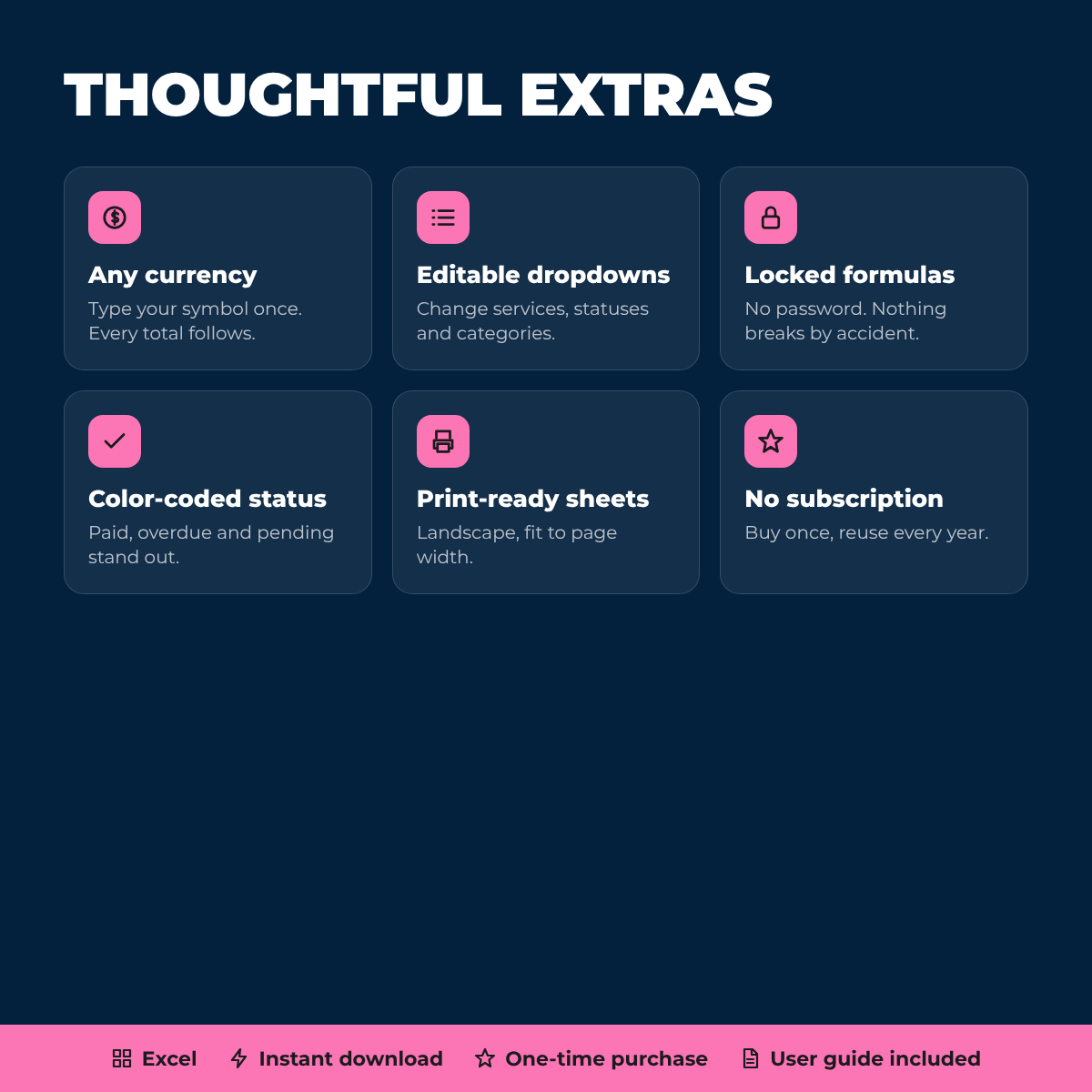
- Automatic dashboard with KPI cards and charts
- Dropdown lists you can edit without touching a formula
- Formula cells locked with no password, so nothing breaks by accident
- One currency setting that every money heading and total reads from
- Color-coded statuses so overdue and pending items jump out
- Print-ready landscape layout on every sheet
- 300 ready-to-use rows on every data sheet
- Clickable navigation between sheets
Who this yoga class pricing calculator is for
- Yoga teachers renting rooms for their own classes
- Instructors setting class pack prices
- Teachers planning their first retreat
- Pilates and meditation teachers
- Studio owners reviewing class profitability
How it works
- Download the file and open it in Microsoft Excel.
- Type your business name and currency symbol on the settings sheet, and adjust the dropdown lists.
- Enter information in the white cells as work happens. Shaded cells calculate themselves.
- Open the dashboard any time to see where things stand.
Real-world use cases
- Learning a Tuesday Yin class needs 2 students to break even and 6 to hit your target.
- Pricing a 10-class pack at a fair 20% discount.
- Budgeting a 12-guest weekend retreat before paying the venue deposit.
- Seeing that online classes pay best per hour because there is no travel.
- Comparing a monthly membership with class packs.
File format and requirements
You receive Posebook.xlsx, an Excel workbook built and tested in Microsoft Excel 2016 or newer and Microsoft 365 for Windows and Mac. You also get an illustrated user guide in Word format (.docx). No macros, no add-ins and no internet connection are needed.
Customization
Rename any dropdown option, add your own services or categories, and type your currency symbol once. Colors, fonts and column widths can be changed with normal Excel tools after you unprotect a sheet (there is no password).
Instant digital download
This is a digital product. Nothing is shipped. Your files are ready to download straight after checkout and stay in your Taskdale account so you can download them again whenever you need them.
Frequently asked questions
How is break-even calculated?
Room cost divided by the price per student after booking fees, rounded up.
What does students for target mean?
How many students you need to cover the room and pay your hourly target for class, prep and travel time.
Can I plan a retreat with it?
Yes. List costs as fixed or per guest, then set guests and ticket price on the Settings sheet.
Does it work in Google Sheets?
It is built and tested in Microsoft Excel 2016 or newer and Microsoft 365 on Windows and Mac. We only promise Excel because that is what we tested.
Can I use my own currency?
Yes. Type your currency symbol once in the settings and every money heading and dashboard figure uses it.
Will I break the formulas by accident?
Formula cells are locked without a password, so you only type in the input cells. You can unprotect a sheet in one click if you want to change something.
Is it a subscription?
No. It is a one-time digital download that you keep and can reuse every year by changing the report year.
License: for personal use and use within your own business. Please do not resell, share or redistribute the files. © Taskdale.
Reviews
There are no reviews yet.