Best Small Business Bookkeeping: Spreadsheets and Apps
The best small business bookkeeping option for most sole traders is a spreadsheet that records income and expenses once, then builds your profit and loss, tax estimate and mileage log for you. Pick Google Sheets or Excel by where you work. Choose the Ledgerwick accounting app only if you need payroll or bank reconciliation.
Bookkeeping can feel like a job for an accountant, and the choice of tools can feel bigger than the task itself. It isn't. Most small businesses need a tidy record of money in, money out and what's set aside for tax, and we'll walk through how to choose one. Browse all 20 options below once you know what you need.
Key facts at a glance
- A bookkeeping spreadsheet is a pre-built workbook where you type each sale and expense once and the totals, reports and dashboards update automatically.
- The tabs on this page range from 10 (ProfitPetal) to 20 sheets (Small Business Finance HQ), and more tabs means more features but a longer setup.
- Ledgerwick is the only offline app here, and it is bought once with no subscription.
- Schedule C features follow US IRS rules, so UK and other readers should look for VAT, GST or sales tax handling instead.
- Spreadsheets with a sample file, such as Sorbet Books and Ledgerwick, let you see the system working before you enter real figures.
Table of Contents
Toggle
- What should you look for?
- How do the options compare?
- Which suits which owner?
- How do you set one up?
- Mistakes to avoid
- What affects the price?
- Final decision rule
- Common questions
 Reseller Inventory & Profit Tracker Spreadsheet | Tagtally Excel Tracker for eBay, Poshmark, Mercari, Depop & Whatnot with Fees, Mileage & Tax Summary
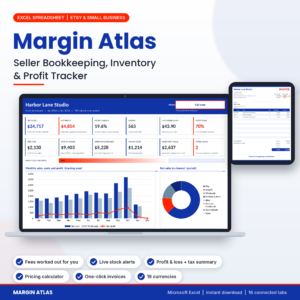 Etsy Seller Bookkeeping Spreadsheet | Margin Atlas Excel Inventory & Profit Tracker with Dashboard, Fee Calculator, Pricing Calculator, Profit & Loss & Tax Summary
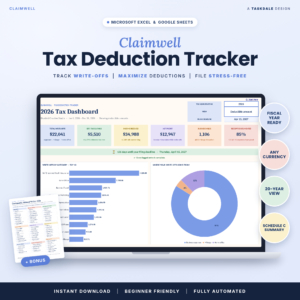 Tax Deduction Tracker Spreadsheet | Claimwell Write-Off Tracker for Excel & Google Sheets with Tax Dashboard, Schedule C Summary, Mileage Log, Quarterly Tax Planner & Home Office Calculator
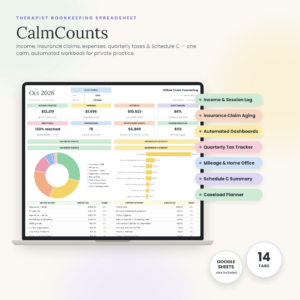 Therapist Bookkeeping Spreadsheet | CalmCounts Private Practice Finance Tracker with Insurance Claims, Quarterly Tax Tracker, Mileage & Schedule C | Google Sheets
 Small Business Accounting App | Ledgerwick Bookkeeping Software with Invoices, Payroll, Bank Reconciliation, P&L & Tax Center | Works Offline
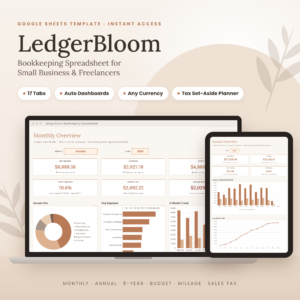 Bookkeeping Spreadsheet Google Sheets | LedgerBloom Small Business Income & Expense Tracker with Profit Dashboard, Budget, Tax Set-Aside & Mileage Log
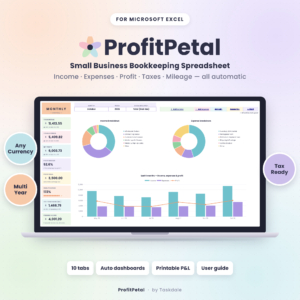 Small Business Bookkeeping Spreadsheet for Excel – Income & Expense Tracker, Profit and Loss, Tax Planner & Mileage Log | ProfitPetal
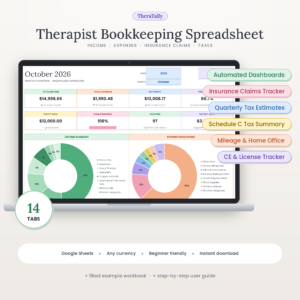 Therapist Bookkeeping Spreadsheet for Google Sheets | TheraTally Private Practice Income & Expense Tracker with Insurance Claims, Mileage, Quarterly Tax & Schedule C Summary
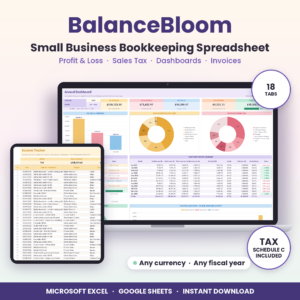 Small Business Bookkeeping Spreadsheet for Excel & Google Sheets | BalanceBloom Profit and Loss, Sales Tax & Income Expense Tracker
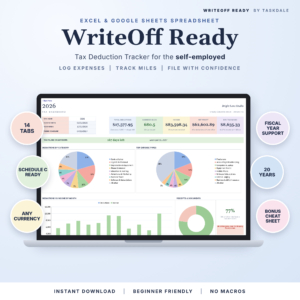 Tax Deduction Tracker Spreadsheet for Excel & Google Sheets | WriteOff Ready Self-Employed Expense, Mileage & Schedule C Tracker
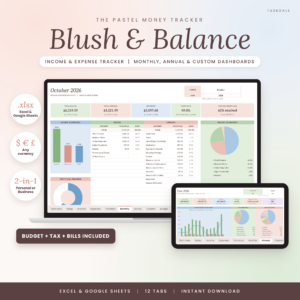 Income and Expense Tracker Spreadsheet for Excel & Google Sheets | Blush & Balance Small Business Bookkeeping, Budget, Profit & Loss and Tax Tracker
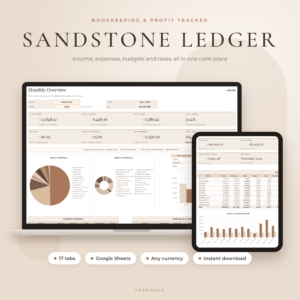 Bookkeeping Spreadsheet for Google Sheets | Sandstone Ledger Small Business Income & Expense Tracker, Budget, Profit & Loss, Sales Tax & Mileage Log
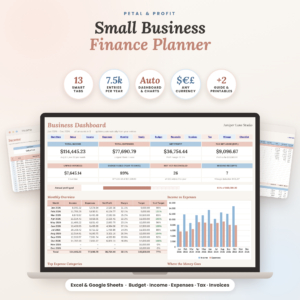 Small Business Finance Planner Spreadsheet for Excel & Google Sheets | Petal & Profit Bookkeeping, Budget, Income & Expense Tracker and Tax Planner
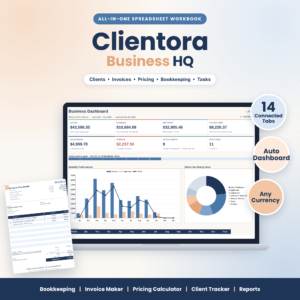 Small Business Spreadsheet Template – Bookkeeping, Invoice Maker, Pricing Calculator & Client Tracker | Clientora Business HQ (.xlsx)
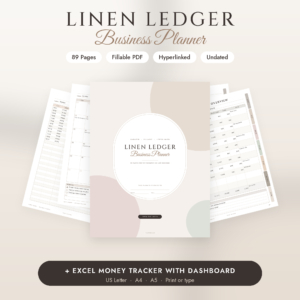 Small Business Planner Printable & Fillable PDF | Social Media & Content Planner, Inventory, Sales & Budget Tracker + Excel | Linen Ledger Undated Business Planner
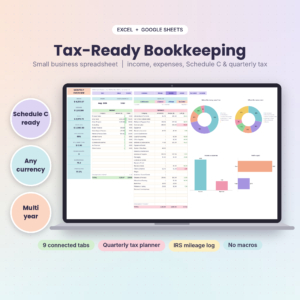 Tax-Ready Bookkeeping Spreadsheet for Self-Employed | TallyBloom Income and Expense Tracker for Excel and Google Sheets | Schedule C, Quarterly Tax Planner, Mileage Log
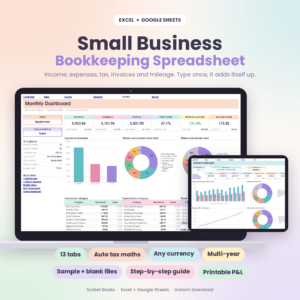 Small Business Bookkeeping Spreadsheet | Sorbet Books Income and Expense Tracker for Excel and Google Sheets | Profit and Loss, Budget, Invoice and Tax Template
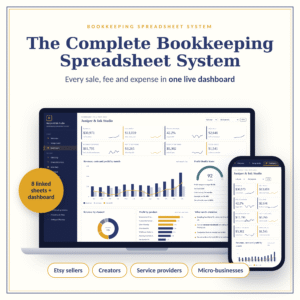 Bookkeeping Spreadsheet System for Small Business | Interactive Finance Dashboard, Etsy Seller Profit Tracker, Cash Flow, Inventory & Tax Prep
What should you look for in small business bookkeeping?
Look for a system that matches how you already work, produces the reports you will actually read, and handles the tax rules where you live. Everything else is extra. Here are the five factors that separate the options on this page.
Excel, Google Sheets or an offline app?
Your software decides where your records live and who can see them. Google Sheets works in a browser and can be shared with a bookkeeper, which suits Sandstone Ledger and LedgerBloom. Excel suits people who prefer a file on their own computer, such as ProfitPetal. BalanceBloom, Sorbet Books and WriteOff Ready work in both.
Ledgerwick sits apart. It is an offline app with no cloud and no Excel, which appeals if you dislike online accounts.
Profit and loss and dashboards
A profit and loss statement is a summary of income minus expenses over a period, and it is the one report every owner should be able to read. Most spreadsheets here print one. Sorbet Books and Sandstone Ledger offer print-ready versions, and Sorbet Books adds a 5-year comparison.
Dashboards are the charts that sit on top. They're helpful, but a clean profit and loss matters more than a dozen charts.
Tax features that match your country
Schedule C is the US form on which sole traders report business profit. ProfitPetal, BalanceBloom, WriteOff Ready and TallyBloom all sort costs onto Schedule C-style lines. If you're outside the US, that feature won't help you directly.
Sorbet Books is the clearest fit for non-US readers, as it handles VAT, GST or sales tax and any year start month. Quarterly set-aside planners, found in several of the options, help whatever your tax system.
Invoices, sales tax and VAT
Some owners need to send invoices from the same file. BalanceBloom includes an invoice maker, Clientora Business HQ creates invoices and quotes and handles up to two sales taxes, and Sandstone Ledger flags unpaid invoices. Ledgerwick goes further with branded invoices, late-payment chasing and receipt photos.
If you only get paid through a marketplace or card reader, you may not need any of this.
Setup help and sample data
A sample file is a filled-in copy of the workbook that shows how finished entries look. It's the quickest way to learn a new system. Sorbet Books includes a sample file, a blank file and a 23-page guide. Petal & Profit comes with an 18-page guide. Sandstone Ledger says setup takes about 10 minutes.
How do the best small business bookkeeping options compare?
The options differ mainly by format, size and the kind of owner they are built for. This table covers eight representative choices, and the product grid shows the rest.
| Product | Works in | Size and standout feature | Best for |
|---|---|---|---|
| Small Business Bookkeeping Spreadsheet for Excel – Income & Expense Tracker, Profit and Loss, Tax Planner & Mileage Log | ProfitPetal | Excel | 10 tabs, sales tax/VAT summary, tax set-aside planner | Excel users wanting a lean system |
| Bookkeeping Spreadsheet for Google Sheets | Sandstone Ledger Small Business Income & Expense Tracker, Budget, Profit & Loss, Sales Tax & Mileage Log | Google Sheets | 17 tabs, unpaid invoice alerts, about 10 minutes to set up | Freelancers who share a sheet online |
| Small Business Bookkeeping Spreadsheet for Excel & Google Sheets | BalanceBloom Profit and Loss, Sales Tax & Income Expense Tracker | Excel and Google Sheets | 18 tabs, invoice maker, 20 account balances | Owners wanting one file with the widest reporting |
| Small Business Accounting App | Ledgerwick Bookkeeping Software with Invoices, Payroll, Bank Reconciliation, P&L & Tax Centre | Works Offline | Offline app | 29 connected tools, payroll, bank import | Businesses with staff or many bank lines |
| Tax Deduction Tracker Spreadsheet for Excel & Google Sheets | WriteOff Ready Self-Employed Expense, Mileage & Schedule C Tracker | Excel and Google Sheets | 14 tabs, missing receipts list, accountant report | US self-employed focused on deductions |
| Etsy Seller Bookkeeping Spreadsheet | Margin Atlas Excel Inventory & Profit Tracker with Dashboard, Fee Calculator, Pricing Calculator, Profit & Loss & Tax Summary | Excel | 16 tabs, 8 sales channels, 18 currencies, stock alerts | Etsy and product sellers |
| Therapist Bookkeeping Spreadsheet for Google Sheets | TheraTally Private Practise Income & Expense Tracker with Insurance Claims, Mileage, Quarterly Tax & Schedule C Summary | Google Sheets | 14 tabs, insurance claims ageing, CE and licence tracker | Private practise therapists |
| Small Business Spreadsheet Template – Bookkeeping, Invoice Maker, Pricing Calculator & Client Tracker | Clientora Business HQ (.xlsx) | Excel (.xlsx) | Invoices, quotes, hourly rate calculator, client and task tracking | Service businesses billing by the hour |
Which small business bookkeeping option suits which owner?
Each option suits a different working pattern, so match yours before comparing features.
- Simple sole trader on Excel: ProfitPetal keeps the tab count low, so there is less to learn.
- Freelancer who shares figures with a bookkeeper: Sandstone Ledger or LedgerBloom, both built for Google Sheets.
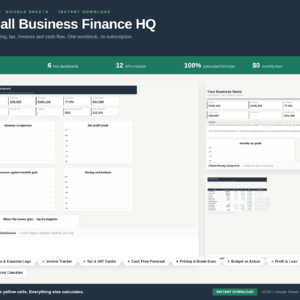
- Owner who wants everything in one place: BalanceBloom or Small Business Finance HQ, the latter with 20 sheets, six dashboards and a cash flow forecast.
- Business with employees: Ledgerwick, because it runs payroll and reconciles your bank.
- Marketplace seller: Margin Atlas for Etsy, or the Tagtally tracker if you resell on eBay, Poshmark, Mercari, Depop or Whatnot.
- Therapist: TheraTally or CalmCounts, both of which track insurance claims by payer.
- Hourly service business: Clientora Business HQ, which prices your time as well as logging it.
How do you set up and keep a bookkeeping spreadsheet going?
Set up a bookkeeping spreadsheet by choosing your currency and year start, then entering every transaction in one place. The routine below takes roughly a quarter of an hour a week once running.
- Open the sample file first and read the user guide's setup page.
- Set your currency, tax type and financial year start month in the settings tab.
- Enter your opening bank balances so the totals begin correctly.
- Log each sale and expense within a week, using the dropdowns for categories.
- Add mileage as you travel, not at year end.
- Check the monthly dashboard and compare it against your bank balance.
- Move your tax set-aside to a separate account each quarter.
Keep a blank copy saved, and back up the working file monthly. Several of these workbooks have protected formulas, which stops accidental overwriting, so type only in the entry cells.
What mistakes should you avoid with small business bookkeeping?
The most common mistakes are leaving entries to the year end, mixing personal and business spending, and picking a system too big to maintain.
- Choosing the biggest workbook. A 29-tool app or 24-tab template is only useful if you'll fill it in. A smaller sheet used weekly beats a larger one used twice a year.
- Ignoring your tax system. Schedule C lines mean little outside the US. Check for VAT or GST support if that applies.
- Skipping reconciliation. Compare the sheet's balance with your bank statement monthly, so errors surface while you can still trace them.
- Losing receipts. WriteOff Ready includes a missing receipts list, and Ledgerwick lets you attach receipt photos.
- Treating the tax figure as advice. Tax summaries in these products are informational. Confirm figures with an accountant before filing.
What affects the price of small business bookkeeping?
Price depends on scope, format and how specialised the product is. A single-purpose tracker costs less than a 20-sheet system, and the Ledgerwick app costs more up front than a spreadsheet, though it carries no subscription.
Niche builds such as therapist insurance tracking or marketplace fee calculators can cost more than general templates because they hold specialised logic. Compare the live prices on the product cards, and weigh them against the cost of an ongoing accounting subscription.
Which small business bookkeeping option should you pick?
Pick by answering three questions in order. First, do you have employees or need bank reconciliation? If so, choose Ledgerwick. Second, is your trade specialised (Etsy, reselling, therapy)? If so, choose the matching tailored sheet. Third, otherwise choose the general spreadsheet in the format you already use: ProfitPetal for Excel, Sandstone Ledger for Google Sheets, BalanceBloom for either.
If you're still undecided, start with the one that has a sample file and the shortest setup. You can always move your records later.
Common questions
Is a spreadsheet enough for small business bookkeeping?
For many sole traders and small firms, yes. A good template records income, expenses, mileage and tax set-aside, and produces a profit and loss. You need an accounting app only when payroll, bank imports or several staff make manual entry slow.
Do these spreadsheets work outside the US?
Many do. Sorbet Books supports VAT, GST and sales tax, and ProfitPetal offers a sales tax/VAT summary. Schedule C features follow US IRS forms, so readers elsewhere should ignore those tabs and rely on the profit and loss.
Can I use Excel files in Google Sheets?
Products listed for both, such as BalanceBloom, Sorbet Books and WriteOff Ready, work in either. An Excel-only product like ProfitPetal or Margin Atlas is designed for Excel, so check the format before buying.
Will a spreadsheet file my tax return for me?
No. The tax tabs, such as Schedule C summaries and quarterly planners, organise your figures and estimate what to set aside. You still file through your tax authority or accountant, who should check the numbers.
What is the difference between bookkeeping and accounting?
Bookkeeping is the day-to-day recording of sales and expenses. Accounting uses those records to produce reports, tax figures and advice. The products here cover bookkeeping and basic reports, and an accountant can take your records from there.