When you level a schedule, you decide which job waits so one person isn’t booked twice. When two tasks need the same person, move the task that can wait without delaying the finish, then check what that move does to every task that follows it. For printing and assembling planner inserts, that might mean keeping a duplex print run at 09:30 and moving cover preparation to 10:30, so the trimming station gets its pages on time. Microsoft Project’s resource levelling guide covers the automatic version.
This is resource levelling: changing the schedule so the work fits the people and equipment available. A dependency tells you what must happen first, such as approving a proof before printing the full batch. A resource limit tells you what can’t happen at the same time, such as one operator feeding the printer and cutting covers. Keep those two reasons separate so you can level a schedule again if another operator becomes available.
Level a schedule for planner inserts in six steps
Record the production steps and their actual hand-offs.
Break the job into tasks that have a clear output: approve a duplex proof, print the inserts, trim and punch the pages, prepare the covers, check the covers, and assemble and count the sets. Record the output that releases each successor. For trimming, that could be one complete stack in page order, rather than a message that the printer has started.
Use a finish-to-start dependency when the next task really has to wait for the previous one to finish. If trimming can start after the first complete stack, schedule separate print and trim tasks for that stack instead of linking all trimming to the end of the full run. A predecessor table with finish-to-start dependencies and lag gives you a place to record those links and any real waiting time, such as a drying interval required for the chosen stock and print process.
Mark the time each person and machine is actually occupied.
Use start and finish times for a job that runs within a shift. A one-day bar can hide a clash between a 30-minute cover task and the first 30 minutes of a print run. On each task record the operator, the equipment and any limit on when they can be used, such as a guillotine booked for another job at 11:00.
Separate elapsed time from hands-on time only when the production method supports it. A one-hour run might need the operator for loading, an early page check and unloading, with a continuous unattended block in between. If the stock needs regular feeding or the duplex output needs monitoring throughout, reserve the operator for the full run. Two free 15-minute gaps don’t make room for a 30-minute task that can’t be interrupted.
For a single shift, the FlowBlock weekly hourly planner can serve as a printed or fillable time-block sheet beside the dependency plan. Use it to mark the agreed operator bookings after the dates have been checked, rather than to calculate which task can move.
Calculate float before choosing which task moves.
Before you level a schedule, calculate the dependency-only version. The forward pass gives each task its earliest start and finish. Then work backwards from the planned finish to find each task’s latest start and finish without moving that target. If the numbers aren’t already in the plan, use this method to calculate the critical path with a forward and backward pass. Treat the result as a baseline for decisions, not as permission to book the same operator twice.
Total float is how far a task can slip without delaying the finish used in that calculation. Free float is how far it can slip without delaying the earliest start of any immediate successor. If a cover task has 75 minutes of total float and no free float, a 60-minute move can protect the project finish, but the cover check has to move too. The distinction matters if the person doing that check has a fixed booking. Here’s how to calculate total float and free float for a delayed task.
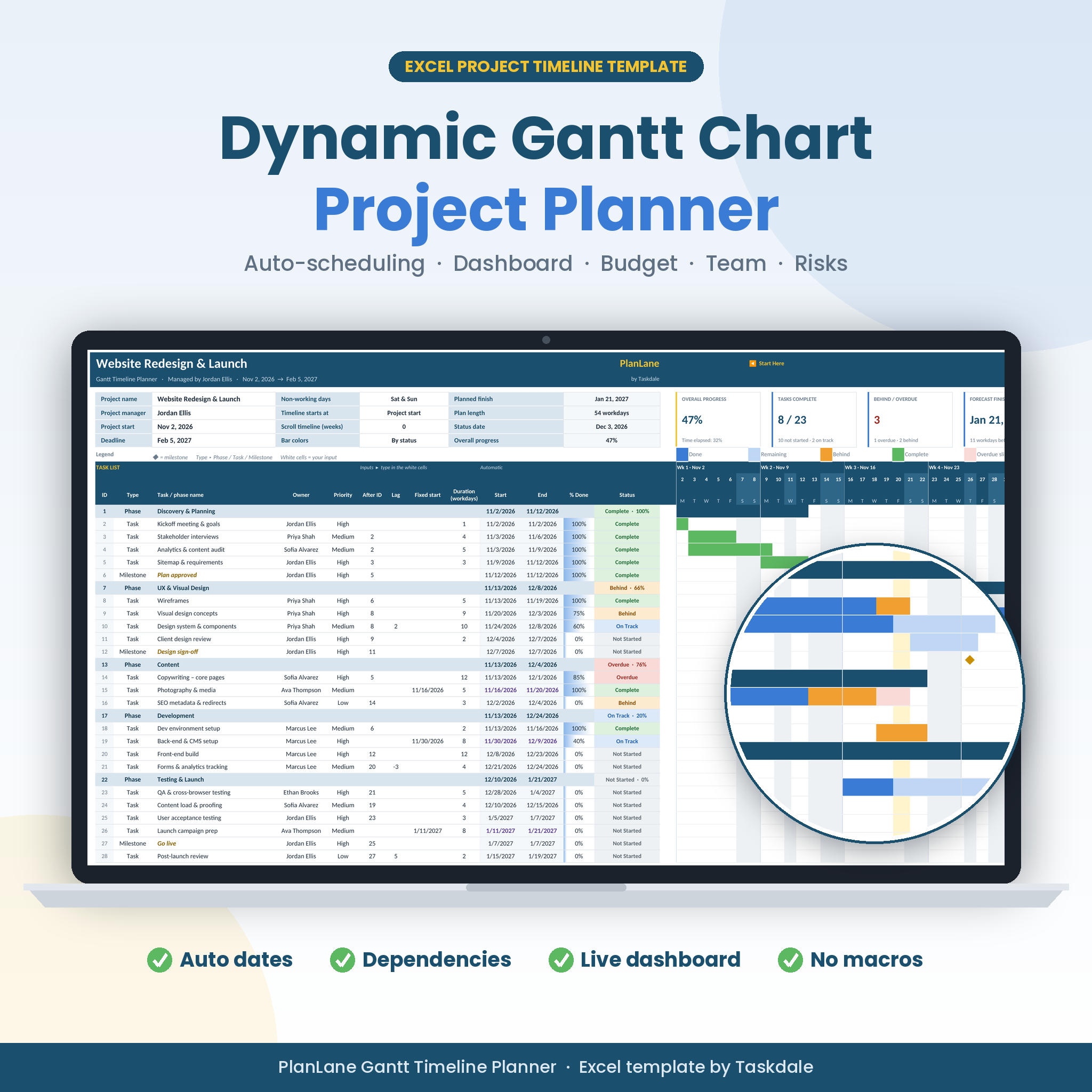
On a multi-day print project, the PlanLane Excel Gantt chart template can lay out the dependency schedule from task durations and links, skipping weekends and holidays. To level a schedule when the conflict is measured in minutes rather than days, keep a separate shift-level booking record.
When you level a schedule, test both task orders against the time actually available.
Start by giving the slot to the task with less usable float, then test the other order. Compare the finish times and check for any missed equipment or review booking. Don’t move a task by the length of the visible overlap alone. If a 30-minute cover task and a 60-minute print task both start at 09:30, putting printing first moves covers by 60 minutes, even though the original overlap was only 30 minutes.
If neither order fits, test a named alternative: a trained colleague can take the covers at 09:30, or the printer can release complete batches for trimming at agreed times. Include the setup and hand-off costs in the duration. A 10-minute briefing plus a second proof check can erase the gain from handing over a short task.
Apply the new order and recalculate the affected work.
Move the task and its affected successors, then check each new start against predecessor finishes, staff availability and machine bookings. Record the basis for the move: “Cover preparation follows the print run because both need Maya.” If a scheduling tool needs a link to preserve that order, mark it as a resource-sequence link, not a production dependency. Cover preparation doesn’t physically require printed inserts.
The Projectory interactive Gantt chart planner is useful when a move affects several linked tasks. Its draggable timeline reschedules linked work and includes a critical path view, but if you level a schedule there, the revised bookings still need checking against the operator’s actual shift.
Publish the revised hand-offs and keep the deadline separate.
Give each person a start time, an input and a completion check. “Lee starts trimming at 10:30 once the full stack is counted and in page order” is actionable. “Trimming after printing” doesn’t tell Lee when to reserve the cutter or what to do if a page is missing.
When you level a schedule, keep the original plan alongside the revised one. If the planned finish is 12:00 and courier collection is at 12:15, record both. The 15 minutes before collection are a separate deadline margin, not time that every task owner can spend. Also recalculate from the latest known progress if the proof or first run takes longer than planned.

Worked example: one operator, two jobs at 09:30
A small production team is printing and assembling 40 half-letter planner insert sets. Maya operates the printer and prepares the covers. Lee trims and punches the inserts, then assembles and counts the sets. Jo checks the prepared covers. All three are available for the slots shown, and the printer needs Maya throughout the run. The target finish is noon, with collection at 12:15.
The proof approves the insert layout and confirms the cover dimensions. Both the print run and cover preparation can follow that approval. Printing needs to finish before Lee starts trimming because this job is being collated as one batch. Final assembly needs both the trimmed inserts and the checked covers.
| Task | Owner | Duration | Predecessor | Dependency-only slot | Levelled slot |
|---|---|---|---|---|---|
| Approve duplex proof | Maya | 30 min | None | 09:00 to 09:30 | 09:00 to 09:30 |
| Print and collate inserts | Maya | 60 min | Approve proof | 09:30 to 10:30 | 09:30 to 10:30 |
| Prepare covers | Maya | 30 min | Approve proof | 09:30 to 10:00 | 10:30 to 11:00 |
| Check covers | Jo | 15 min | Prepare covers | 10:00 to 10:15 | 11:00 to 11:15 |
| Trim and punch inserts | Lee | 60 min | Print and collate | 10:30 to 11:30 | 10:30 to 11:30 |
| Assemble and count sets | Lee | 30 min | Check covers; trim and punch | 11:30 to 12:00 | 11:30 to 12:00 |
The forward pass puts both of Maya’s jobs at 09:30. Lee’s trimming finishes at 11:30; Jo’s cover check finishes at 10:15. Assembly waits for the later of the two, so its earliest start is 11:30 and the dependency-only finish is noon. The path through proof, print, trim and assembly takes 180 minutes.
The backward pass starts at noon. Assembly must start by 11:30, so Jo’s 15-minute check can start as late as 11:15. That puts the latest start for cover preparation at 10:45. Compared with its original 09:30 start, cover preparation has 75 minutes of total float. It has zero free float because Jo’s check originally starts the moment the covers are ready.
Print first, and Maya can start the covers at 10:30. That’s a 60-minute move, so Jo’s check also moves 60 minutes and now ends at 11:15. Assembly can still start at 11:30. The new schedule has 15 minutes of margin on the cover branch, measured from the revised end of the cover check to the planned start of assembly.
Test the reverse order. Covers run from 09:30 to 10:00, so printing cannot finish until 11:00. Lee then trims until noon and assembles until 12:30. That order misses the internal target by 30 minutes and the courier by 15 minutes. Moving covers is the better decision because it protects the hand-off that sets the finish.
At 10:30, Maya releases the collated inserts to Lee and begins cover preparation. If printing is still running at 10:45, don’t assume the cover branch’s remaining 15 minutes will save the finish. A print overrun also delays Lee’s trimming, which already has no float against noon. To level a schedule after a delay, update both branches from the new print finish before deciding whether to use the collection margin.
Fixes when you level a schedule and it still won’t run
The task has float, but its reviewer isn’t available
If Jo is only available until 11:00, the moved check at 11:00 no longer fits. Add the review window to the schedule, then test a different reviewer, an earlier qualified hand-off for the covers, or a later check that still finishes by 11:30. The 75 minutes from the backward pass came from the task network. It didn’t reserve Jo’s time.
Both tasks have zero float against the target
If both branches genuinely need the same 09:30 slot to meet noon, moving a bar won’t recover the time. Change the capacity, change the sequence of real hand-offs, or change the target. Another way to level a schedule: assign cover preparation to a second trained operator, or split the insert run into two complete stacks so Lee can trim the first while Maya prints the second. Check that the cutter can take over earlier and that the stacks can be kept in order. If neither change is possible, agree a revised finish before promising collection.
Small print steps keep disappearing from the plan
A 60-minute print task that ends at the last sheet leaves no time for checking sheet count, clearing a jam or reprinting an incomplete set. Define the finish as the moment the usable stack reaches Lee, and size the task using a representative run on the same printer and stock. Test pagination, duplex orientation and trim alignment on the proof before releasing the batch. Discovering an upside-down reverse side at the punch station sends completed work back to print and creates a new call on Maya’s time.
The workbook shows the right dates but hides the clash
A Gantt bar can show two tasks on Tuesday without showing that the same person is booked for both at 09:30. For projects spanning several days, the Waypost Gantt chart Excel template can hold the working-day durations and predecessor links, with separate task, Gantt and milestone views. Pair the workbook with a timed operator schedule for the production day rather than treating distinct rows as proof that simultaneous work is possible.
Once you level a schedule, check each hand-off at the minute it occurs before releasing it. If Maya can’t deliver a counted stack at 10:30 and start covers at 10:30 without unrecorded set-down or setup time, put those minutes in the plan and rerun it. That’s the difference between a clash that has moved on paper and one the team can work around.