


Administrative Assistant Resume Template for Word, Built to Stay Neat When You Edit It
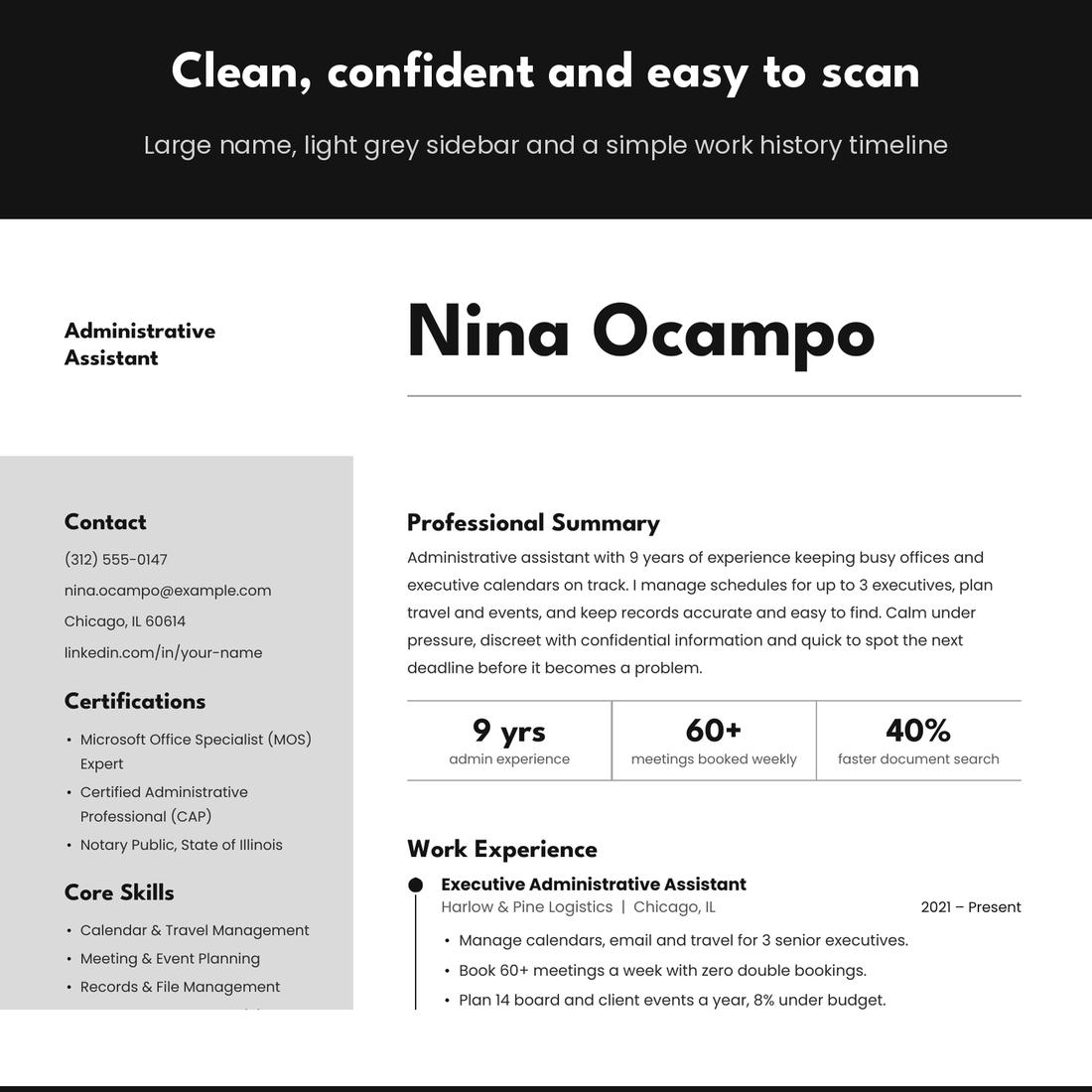
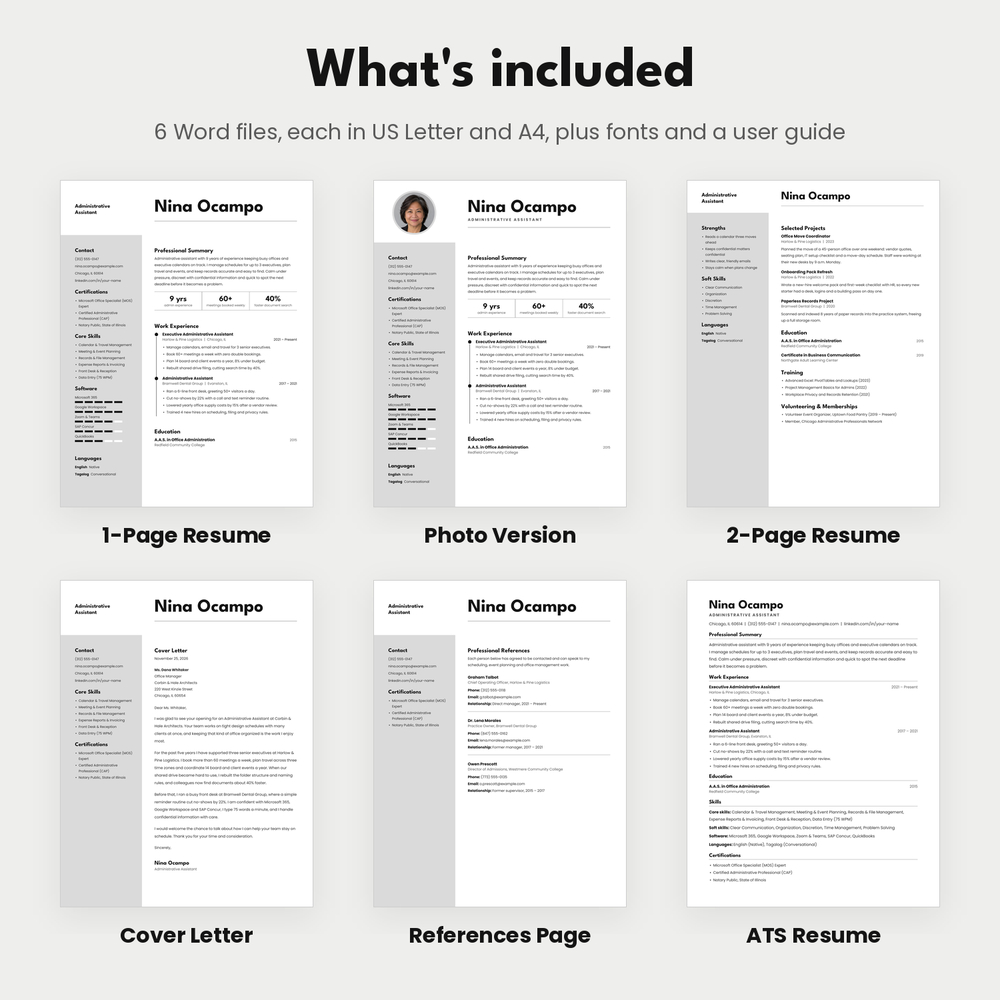
Ashgrove is an administrative assistant resume template for Microsoft Word with a calm, modern look: a large bold name, a light grey sidebar for your contact details and skills, and a simple timeline that walks a recruiter through your work history. You get a matching cover letter, a references page, a 2-page version, an optional photo resume and a plain ATS resume, all in US Letter and A4.
Office managers read dozens of resumes for every admin opening. This layout puts what they look for first: your summary, three career highlights in big numbers, and short achievement bullets with real results such as meetings booked, events planned and hours saved.
What’s Included in the Kit
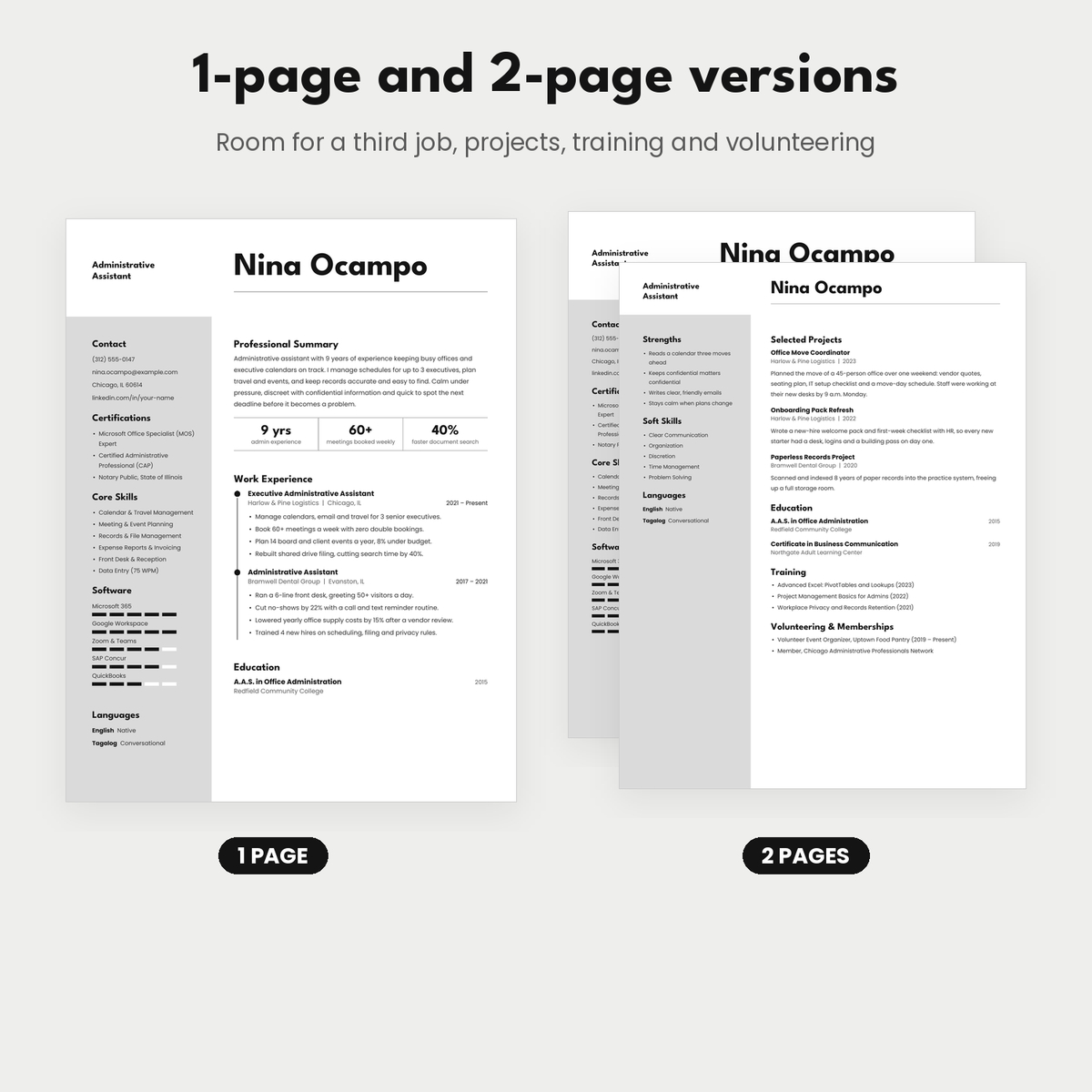
- 1-page resume in the clean photo-free design (the main template)
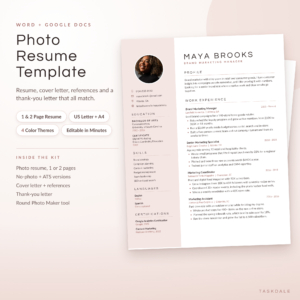
- 1-page resume with photo, a round photo version that keeps its circle when you swap the picture
- 2-page resume with room for a third job, selected projects, extra education, training and volunteering
- Matching cover letter with a ready-to-edit four-paragraph letter written for admin roles
- References page with name, title, phone, email and relationship for three references
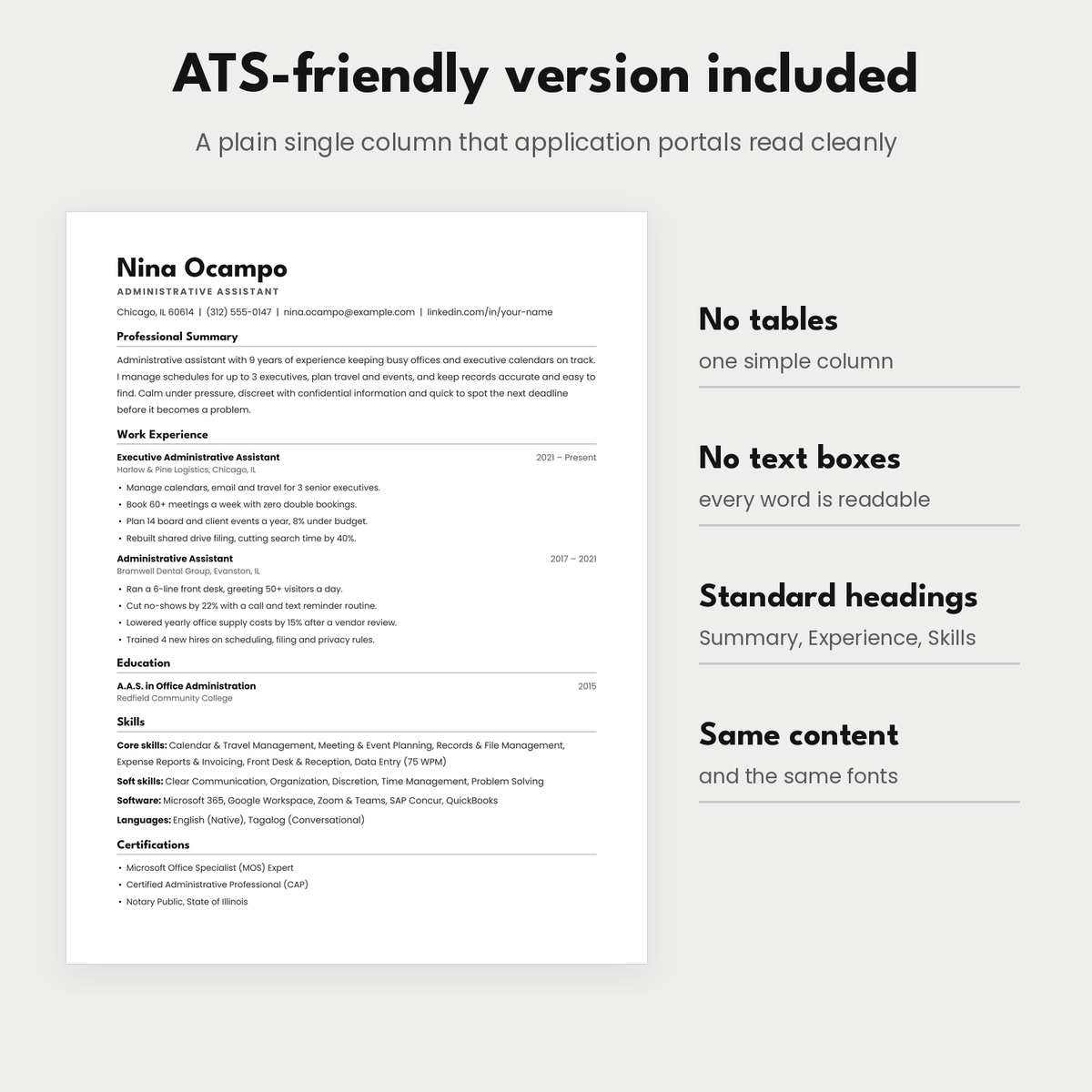
- ATS resume, a single-column version for online application portals
- Every file in US Letter and A4: 12 editable .docx files in total
- Fonts folder with League Spartan and Poppins (free SIL Open Font License)
- User guide (DOCX) with step-by-step editing help and an administrative assistant writing cheat sheet
Why This Administrative Assistant Resume Template Is Easier to Use
Fonts embedded in every file
A common complaint about Word resume templates is that the fonts are missing and the layout shifts. Ashgrove embeds League Spartan and Poppins inside each .docx, so the design shows correctly in Microsoft Word without installing anything. The font files are also included as a backup.
No floating text boxes
The layout is built from Word tables and styles, so text stays in the normal flow. Adding a bullet or a longer job title will not knock pieces of the page out of place, and applicant tracking systems can read every word. We tested the 1-page resume with three extra bullets, a 60-character job title and a long two-line name, and it still fits on one page.
Real Word styles
Every heading and paragraph uses a named style (Title, Heading 1, Heading 2, List Bullet, Sidebar Text and more). Change one style and the whole document updates. The grey sidebar is a plain Word shape, so you can recolor it with Shape Fill in a few clicks.
Sample wording written for admin jobs
There is no lorem ipsum. The sample resume belongs to a fictional executive administrative assistant, with bullets like “Book 60+ meetings a week with zero double bookings” and a skills list that matches what recruiters search for: calendar and travel management, records management, expense reports, Microsoft 365, Google Workspace and SAP Concur. Swap in your own details and the structure does the rest.
Features at a Glance
- Bold name header with your job title on the left
- Career highlights strip for three numbers that prove your value
- Work experience timeline with dots and a vertical line, made from table borders
- Software skill bars made of shaded cells you can change in seconds
- Certifications, core skills and languages sections in the sidebar
- Safe print margins for text, with the grey sidebar running to the page edge for a polished PDF
- Black, white and light grey color scheme that prints well in color or grayscale
How It Works
- Download the zip and the user guide after checkout.
- Open the US Letter or A4 folder and pick a file, such as the 1-page resume.
- Click any line and type over it with your own details.
- Optional: right-click the photo in the photo version and choose Change Picture.
- Save, then export a PDF from Word to send to employers.
Most people finish their resume, cover letter and references in about 30 minutes using the guide.
File Formats and Software Requirements
All templates are Microsoft Word .docx files. Use Word 2016 or newer, Word for Microsoft 365 or Word for Mac. The files also open in Google Docs and Apple Pages with minor layout differences, so for the best result edit and export your PDF in Word. This is not a Canva template.
Customization
Change fonts, sizes and colors from the Styles pane. Recolor the sidebar with Shape Fill. Add or remove jobs by copying the two table rows that make up a job. Move sections around, rename them, or delete the ones you don’t need. The guide walks through each of these in plain, numbered steps.
Who It’s For
- Administrative assistants and executive assistants applying for a new job or a promotion
- Office assistants, receptionists, front desk coordinators and office managers
- Career changers moving into office support from retail, hospitality or customer service
- Recent graduates of office administration programs who want a professional first resume
Instant Digital Download
This is a digital product. No physical item is shipped. You can download the files right after purchase from your order confirmation and your account, as many times as you need.
License: personal use only. You may edit and use the files for your own job applications. Reselling, sharing or giving away the files is not allowed. The sample person, companies and contact details are fictional, and the sample headshot is AI-generated.
Frequently Asked Questions
Is this administrative assistant resume template editable in Word?
Yes. Every file is a fully editable Microsoft Word .docx. You type over the sample text like any Word document.
Will it work with applicant tracking systems (ATS)?
The designed resume keeps all text in normal Word flow with no text boxes, and the kit also includes a plain single-column ATS version for online portals.
Do I need to install the fonts?
Usually not. The fonts are embedded in each file. If your version of Word ignores embedded fonts, install the two included fonts and reopen the file.
Can I use it in Google Docs?
Yes, it opens in Google Docs, but spacing may shift slightly. For a pixel-perfect PDF, export from Microsoft Word.
Does it include a photo?
The main design has no photo, which most US employers prefer. A round photo version is included for countries and roles where photos are common.
Can I use it for receptionist or office manager jobs?
Yes. Change the job title and bullets. The layout works for any office support role.
What paper sizes are included?
US Letter (8.5 x 11 in) and A4 (210 x 297 mm) for every file.
Reviews
There are no reviews yet.