A digital budget planner you will actually open
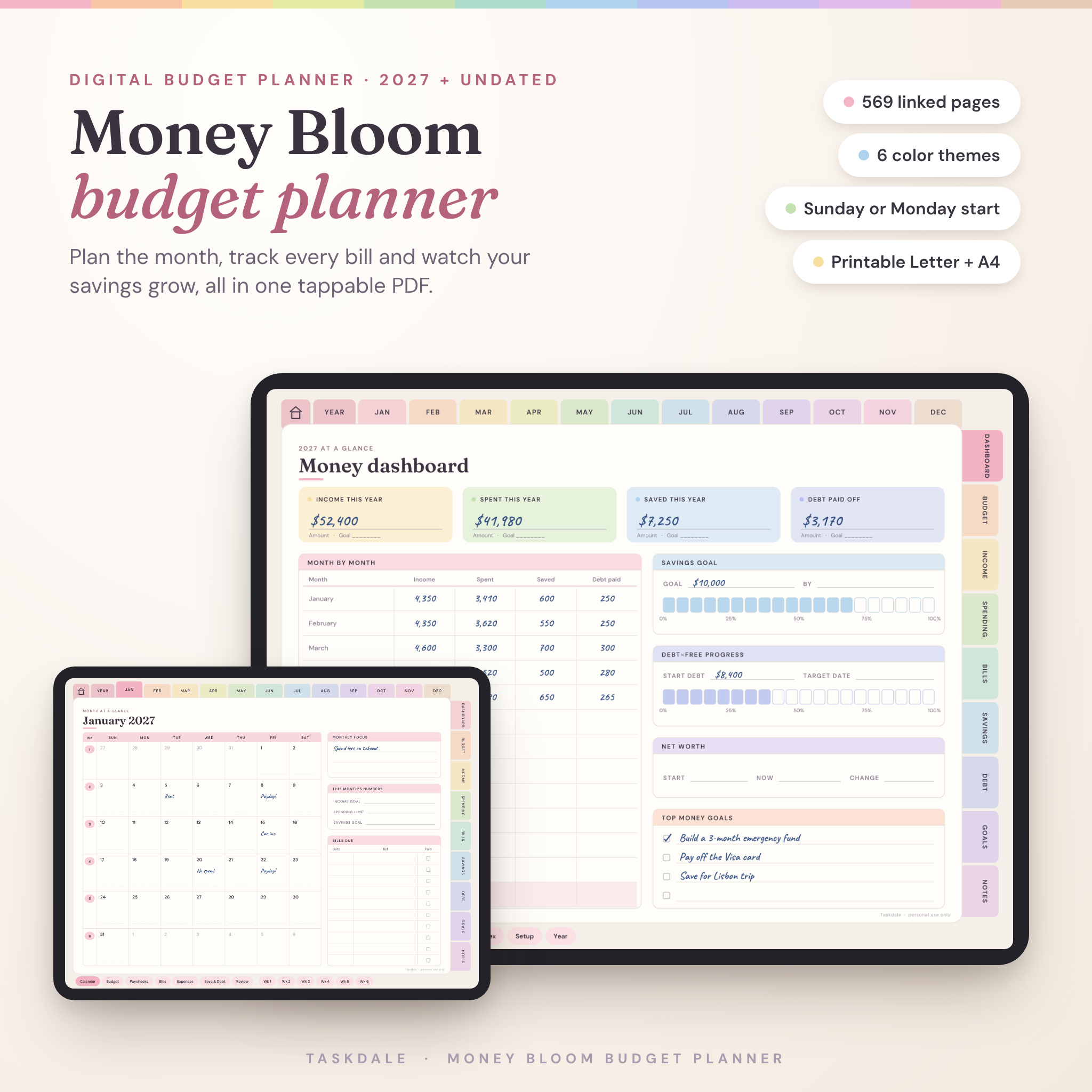
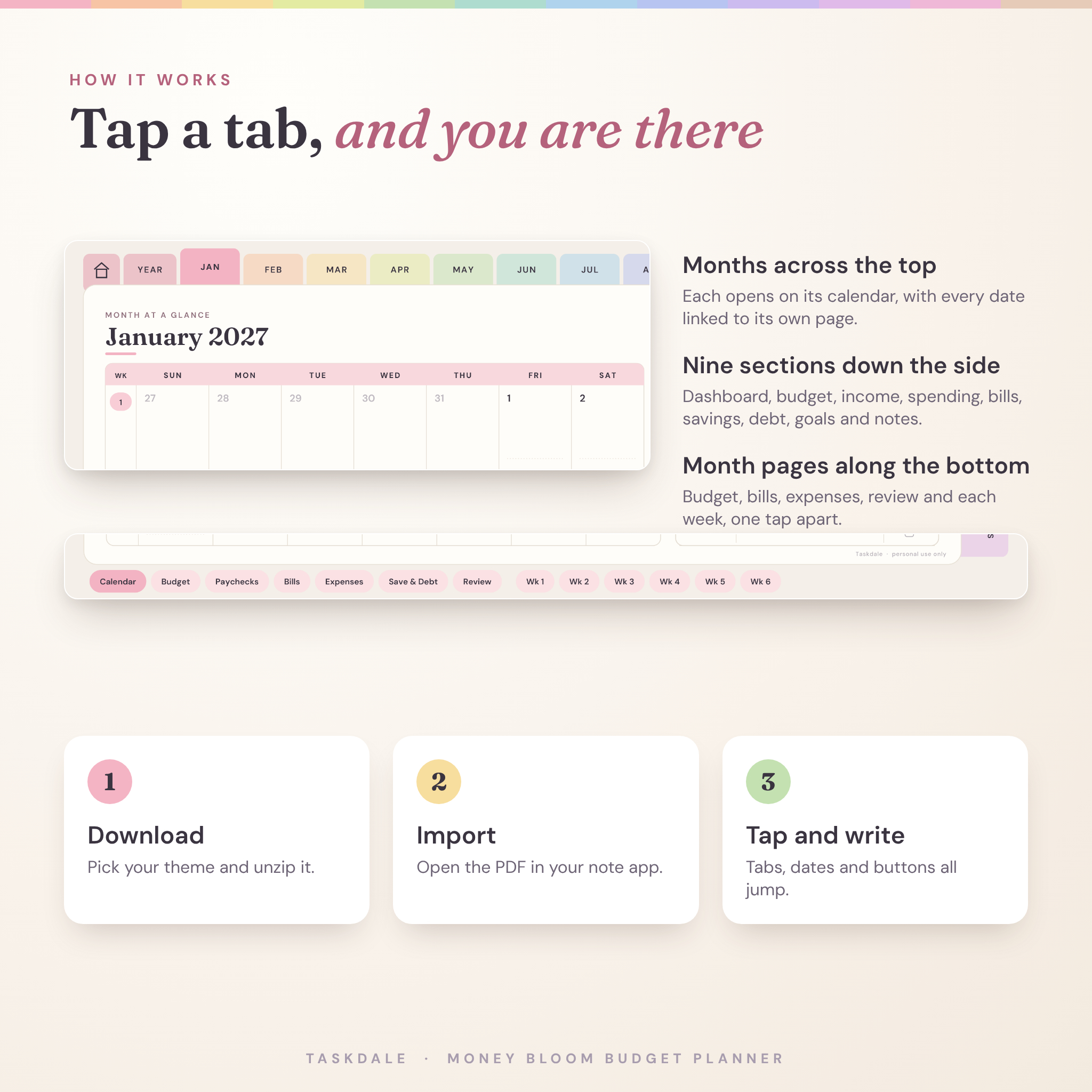
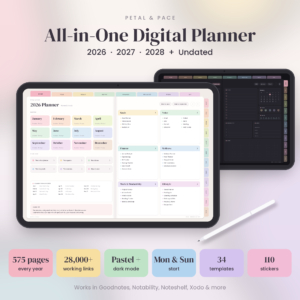
Money Bloom is a digital budget planner built as one hyperlinked PDF. Open it in your note app, tap a month along the top or a section down the side, and you are there. It covers the full loop: plan the month, track what happens, then look back and adjust.
The 2027 version has all 365 days, 53 weeks and 12 months dated for you. Prefer to start mid-year or reuse it later? The undated copy works for any year.
What you get
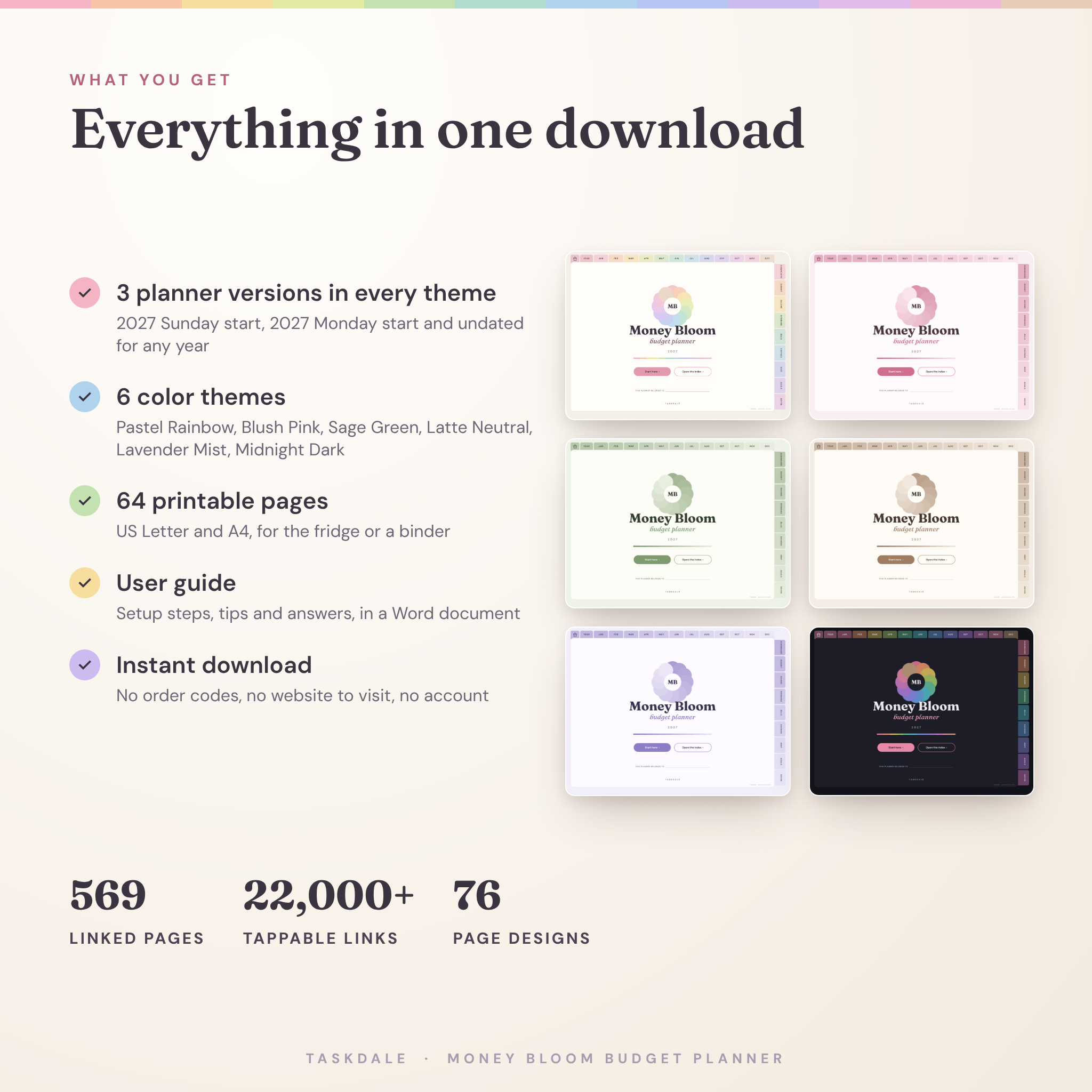
- 2027 dated planner, Sunday start (569 pages)
- 2027 dated planner, Monday start (569 pages)
- Undated planner for any year (211 pages)
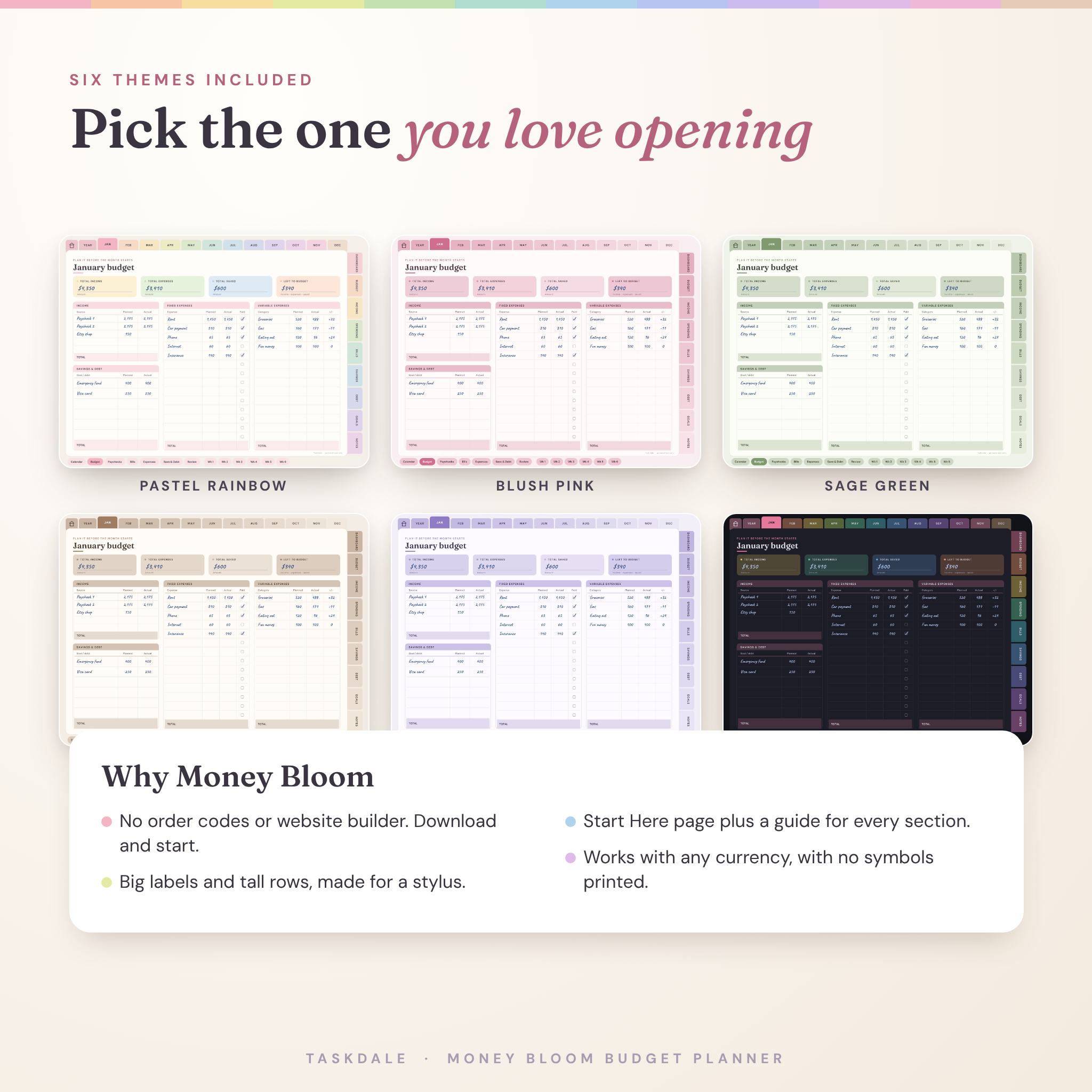
- All three in six themes: Pastel Rainbow, Blush Pink, Sage Green, Latte Neutral, Lavender Mist and Midnight Dark
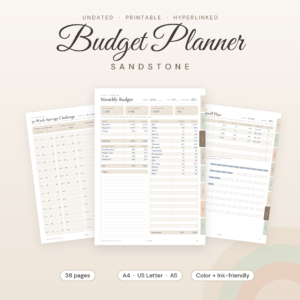
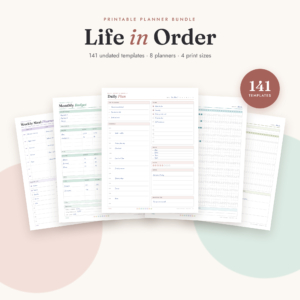
- 64 printable pages in US Letter and A4
- A user guide (Word document) with setup steps, tips and answers to common questions
Inside the planner
Monthly pages, twelve times over
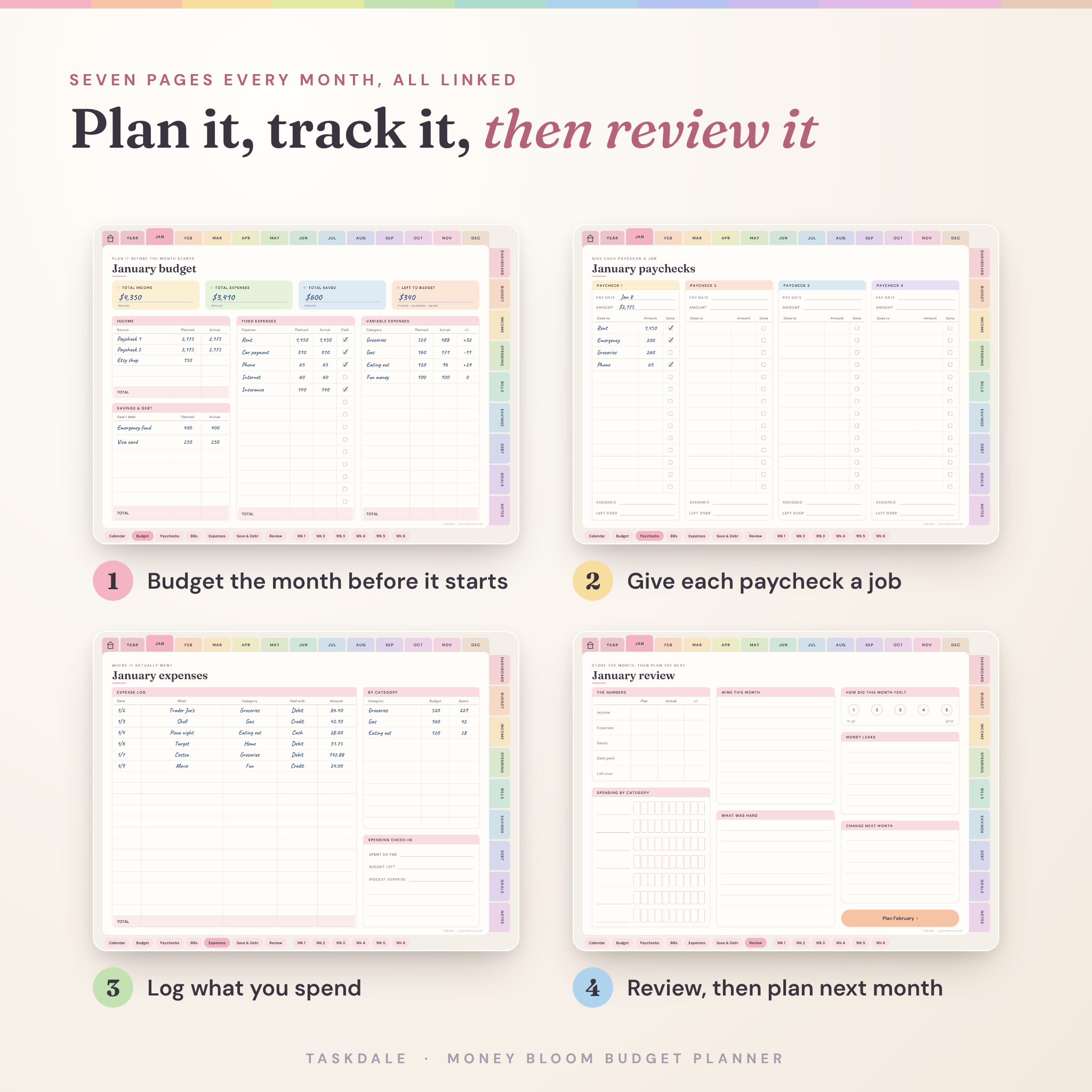
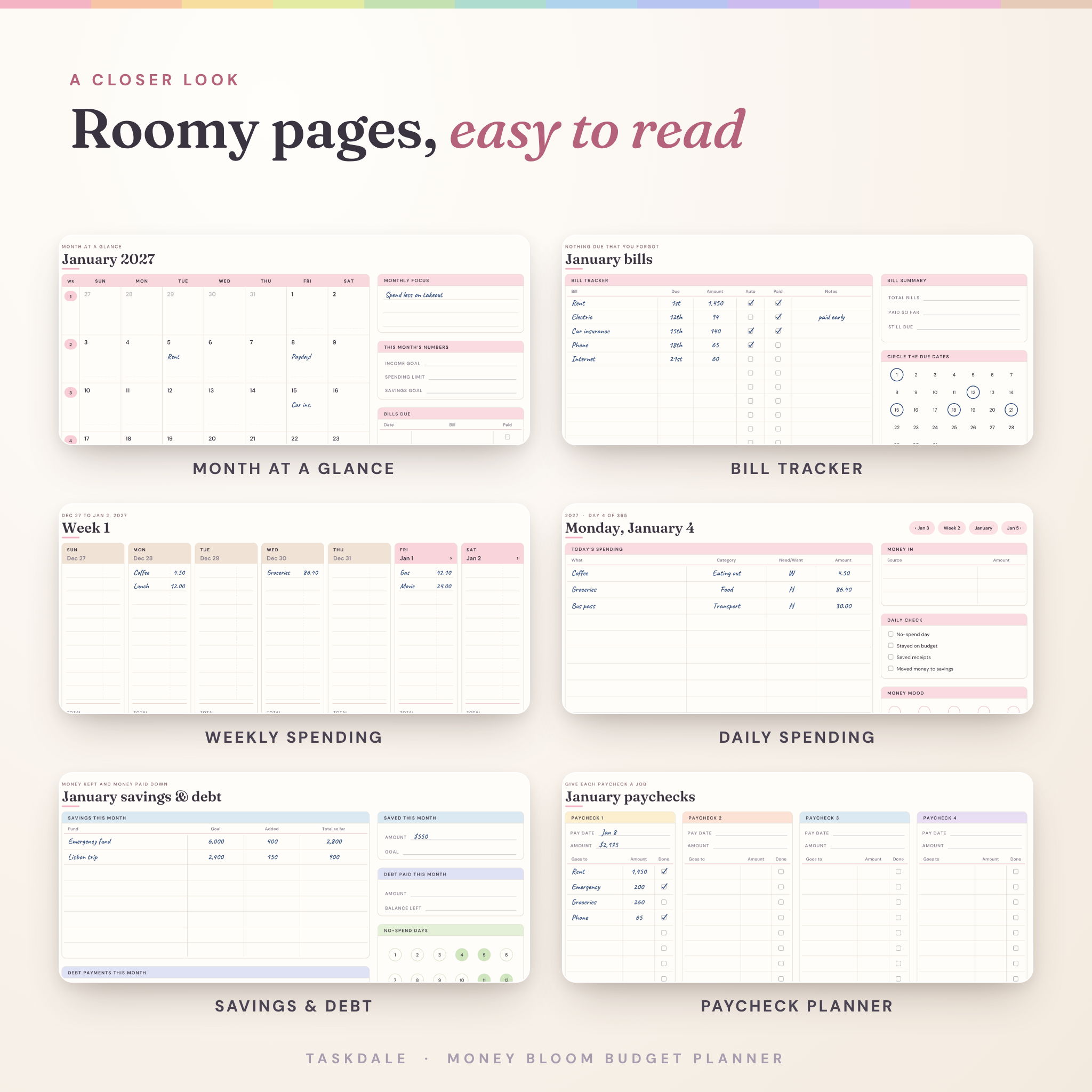
Each month has seven pages that link to each other: a calendar, a budget, a paycheck planner (up to four checks), a bill tracker, an expense log, a savings and debt page, and a review. The review ends with a button that opens next month’s budget, so you never lose the thread.
Weekly and daily spending
The weekly pages give each day its own column for small spends, plus a weekly budget box and no-spend check-offs. Daily pages hold a spending table with a need-or-want column, a short daily check and a money mood tracker. Days link back to their week and month.
Nine money sections
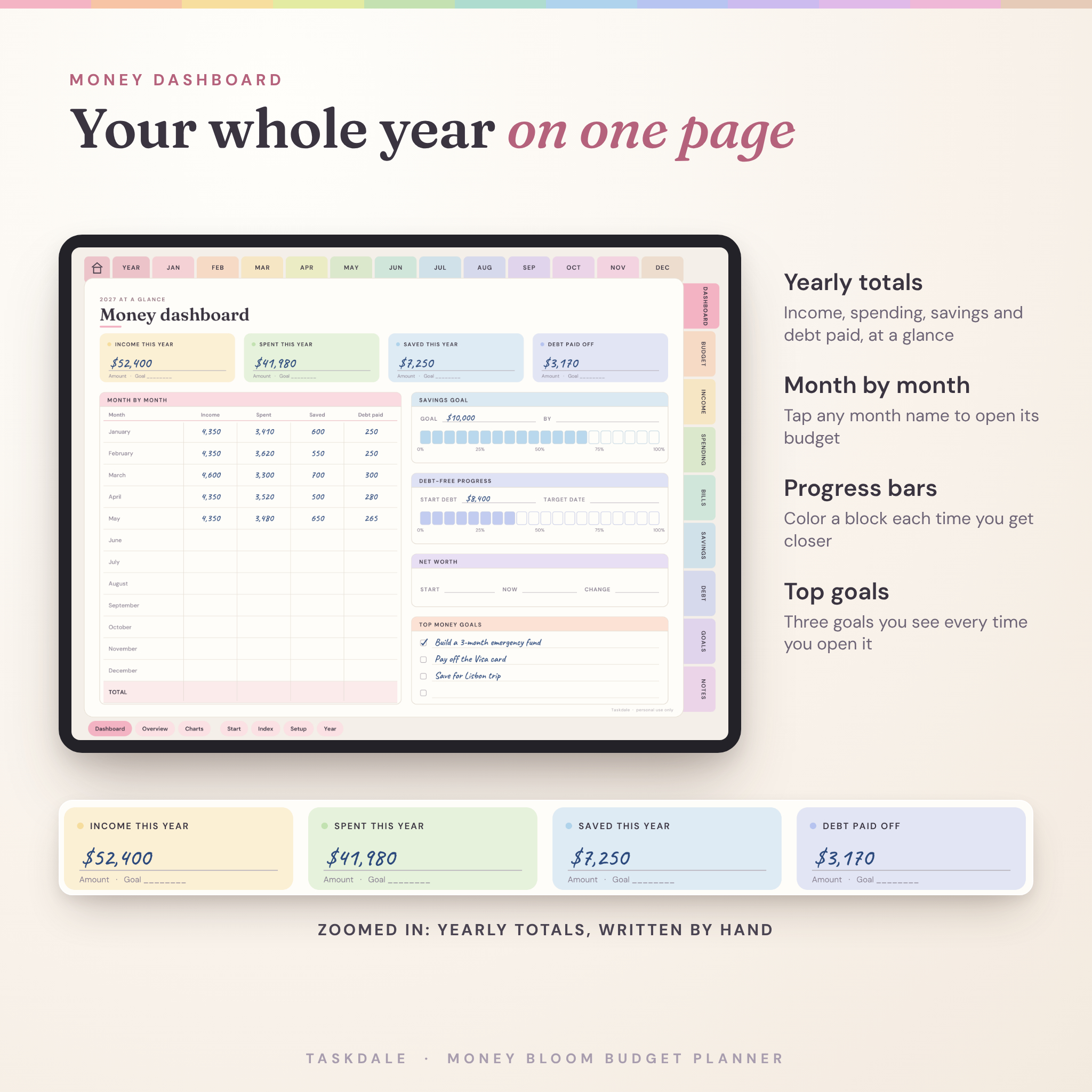
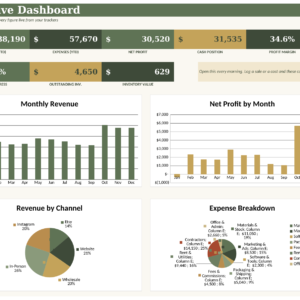
- Dashboard: yearly totals, a month-by-month table, savings and debt progress bars, and color-in bar charts.
- Budget: category list, 50/30/20 planner, zero-based budget, six cash envelopes and a weekly budget.
- Income: income tracker, a 26-payday pay log, side income, an irregular income plan and a tax set-aside log.
- Spending: fixed and variable costs, 12-month category totals, shopping budget, price comparison, wish list, no-spend challenge, holiday gifts and a vacation budget.
- Bills: a yearly bill calendar with tick boxes, subscriptions, free trials, auto payments, utilities and renewals.
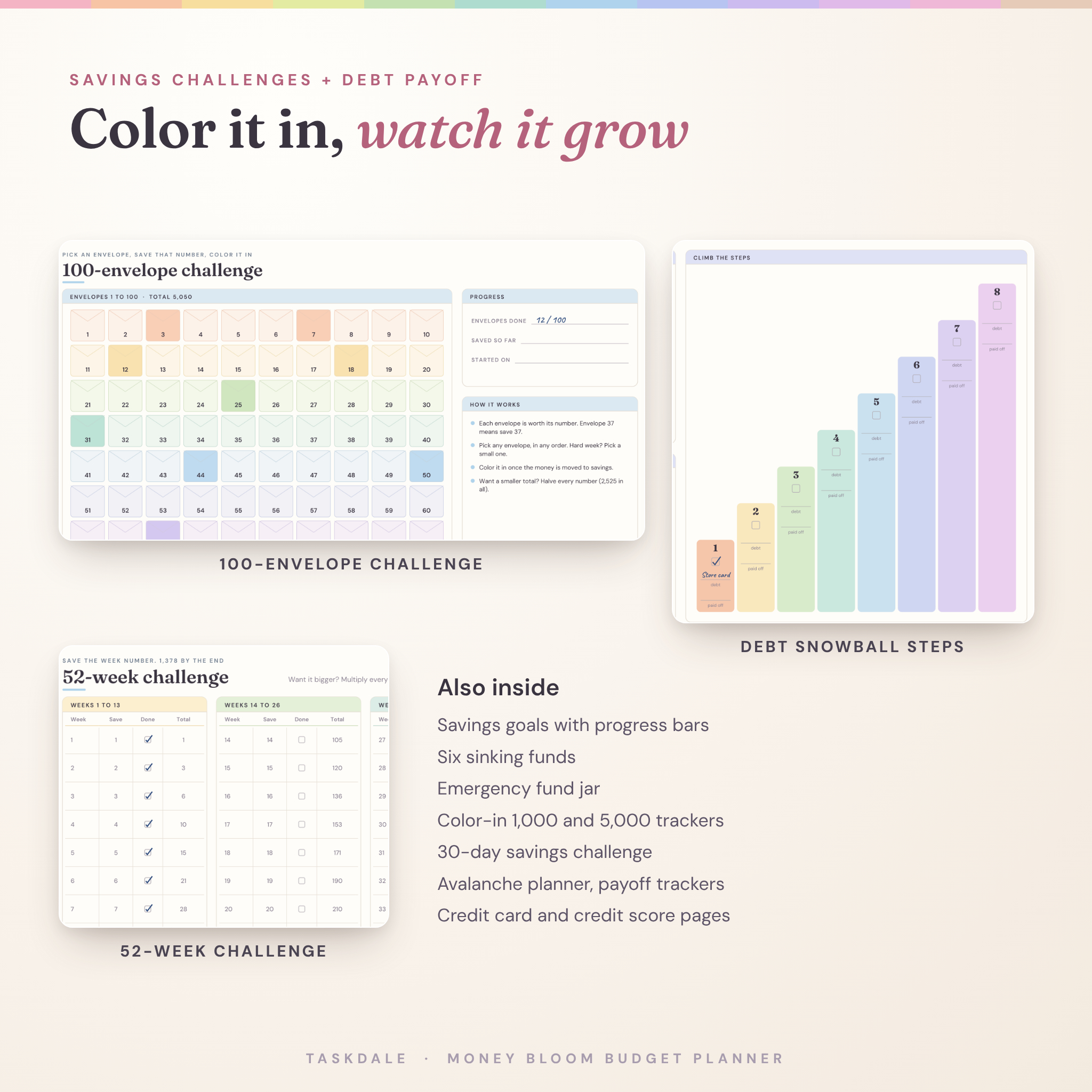
- Savings: savings goals, sinking funds, an emergency fund jar, a 52-week challenge with the numbers already filled in, a 100-envelope challenge, color-in trackers and a 30-day challenge.
- Debt: debt overview, snowball steps, avalanche plan, four payoff trackers, credit cards, loans and a credit score chart.
- Goals: net worth by quarter, a goal planner, money vision page, contribution log, documents checklist and a year-end review.
- Notes: lined, dot grid, grid, blank, Cornell, two-column and three-column paper.
Why this one is easier to use
Many digital planners look great in photos but leave you guessing on day one. Money Bloom starts with a Start Here page and a Money Setup page, and each section opens on a hub that explains what every page is for. Totals tell you the sum to do, like income minus expenses minus savings, so you are never stuck on the math.
The labels are big enough to read on an iPad without zooming. Writing rows are tall enough for a stylus. And there is no order number to type or website to visit after you buy. You download the files and start.
How it works
- Buy and download the files.
- Unzip the theme you like. Each zip holds the Sunday start, Monday start and undated versions.
- Import the PDF into your note app. In GoodNotes, tap the plus button, choose Import, then pick the file.
- Write with your stylus and tap tabs to move around. Use your app’s page duplicate option when you need extra copies of a page.
Files and software
The planner is a standard hyperlinked PDF sized 1024 x 768 points, landscape, which suits iPad and most Android tablets. It is made for PDF note apps with tappable links, like GoodNotes, Notability, Noteshelf and Xodo. Those apps are made by other companies and are not included. You can also view it in any PDF reader on a computer. The printable pages work with any home printer.
Make it yours
Pick any of the six themes, or keep a few and switch when you feel like a change. Money boxes say Amount rather than showing a currency sign, so it works with dollars, pounds, euros or rand. Write your currency once on the Money Setup page. Add stickers to the vision board, rename the sinking funds and color the challenges with your favorite highlighter.
Real ways people use it
- Paid every two weeks? Use the paycheck page to split each check before it lands.
- Paying off a credit card? List it on the snowball steps and color one block each time you pay.
- Saving for a trip? Set it as a goal, plan the costs on the vacation page and track it in a sinking fund.
- Freelancer with uneven income? Build a bare-bones budget from your lowest month and log tax savings as you go.
- Prefer paper for some things? Print the bill tracker or the 100-envelope challenge and stick it on the fridge.
FAQ
Does this digital budget planner work with GoodNotes?
Yes. It is a standard hyperlinked PDF, which GoodNotes imports like any other PDF. If a tap draws a line instead of jumping, switch to read-only mode, tap the tab, then switch back.
Can I use it on Android or Samsung tablets?
Yes, in apps that support PDF links, such as Xodo or Noteshelf.
Is it dated?
You get both. The 2027 copies have every date filled in. The undated copy works for any year.
Can I print it?
The printable pages come in US Letter and A4. You can also print any page of the digital planner from your PDF app.
Which currency does it use?
Any currency. Money fields say Amount, and you write your currency once on the setup page.
Will I get a physical item?
No, this is a digital download. Nothing is shipped.
Can I share or sell it?
It is for personal use only. Please do not share, resell or give away the files.
License
For personal use only. Not for resale, sharing or redistribution. Fonts used are under the SIL Open Font License, and all artwork was made in-house by Taskdale.
Reviews
There are no reviews yet.